ZUS Siden Technologies Inc
Use this command to install ZUS:
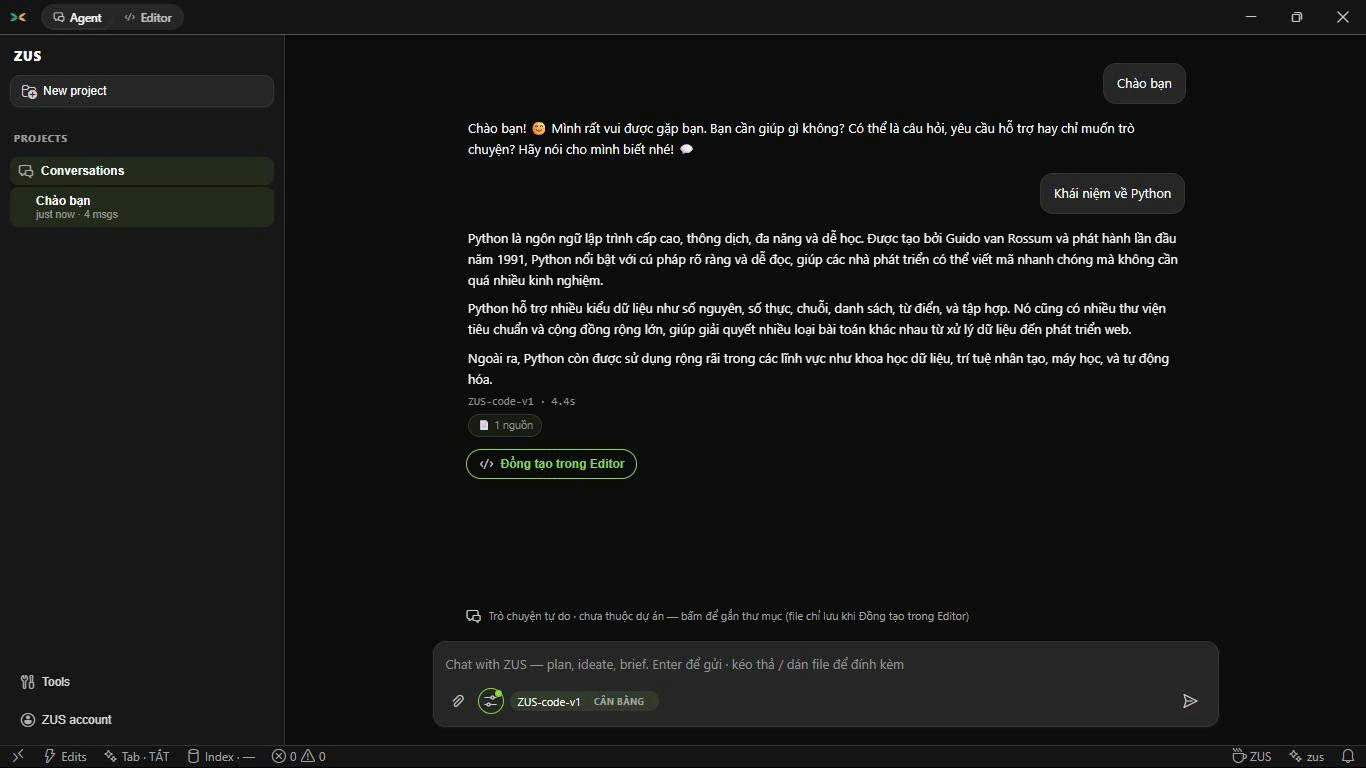
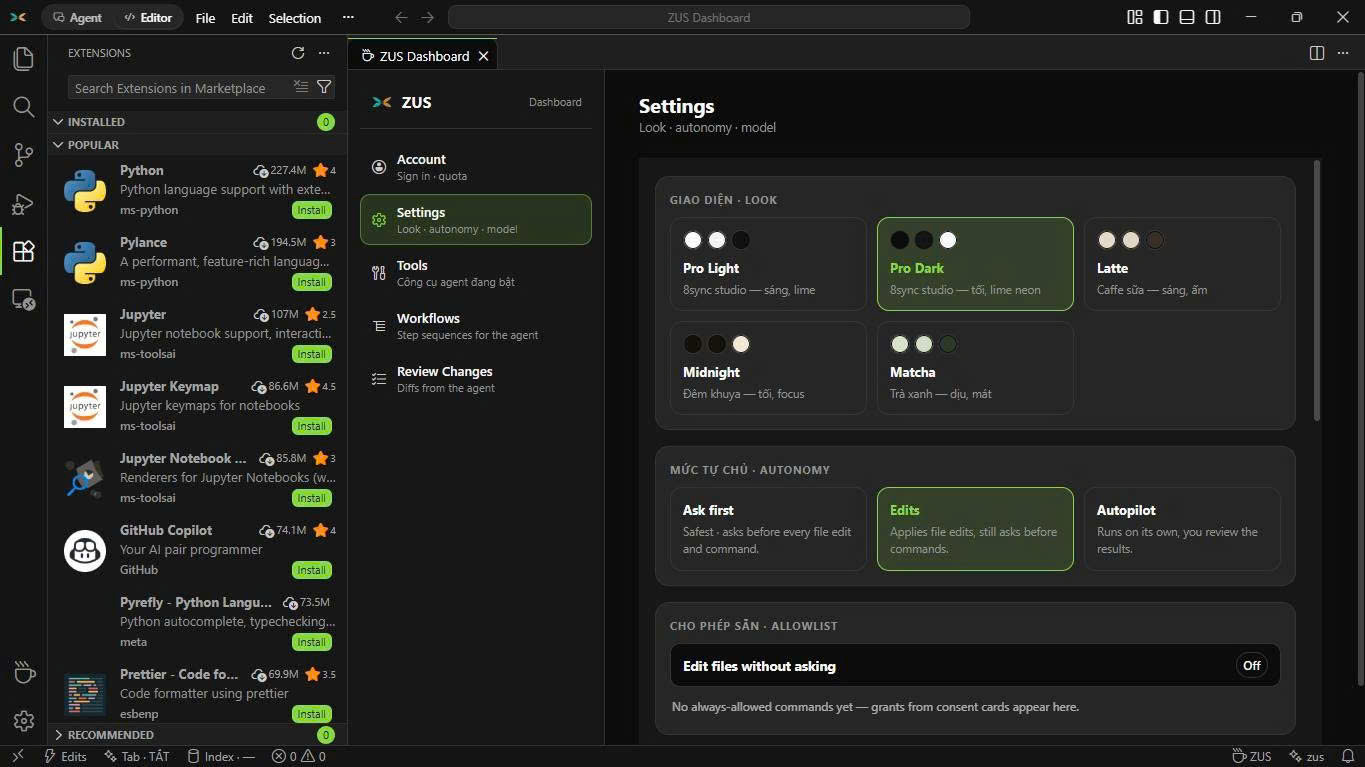
winget install --id=8syncdev.ZUS -e ZUS is a fast, lightweight AI IDE built for developers. VS Code-compatible workbench on Tauri 2 with an integrated AI agent.
winget install --id=8syncdev.ZUS -e ZUS is a fast, lightweight AI IDE built for developers. VS Code-compatible workbench on Tauri 2 with an integrated AI agent.

A fast, lightweight AI IDE — the full VS Code workbench with a built-in AI agent, in a ~22 MB installer.


by 8 Sync Dev — sync is a loop: two systems, one link.
English below · Tiếng Việt bên dưới
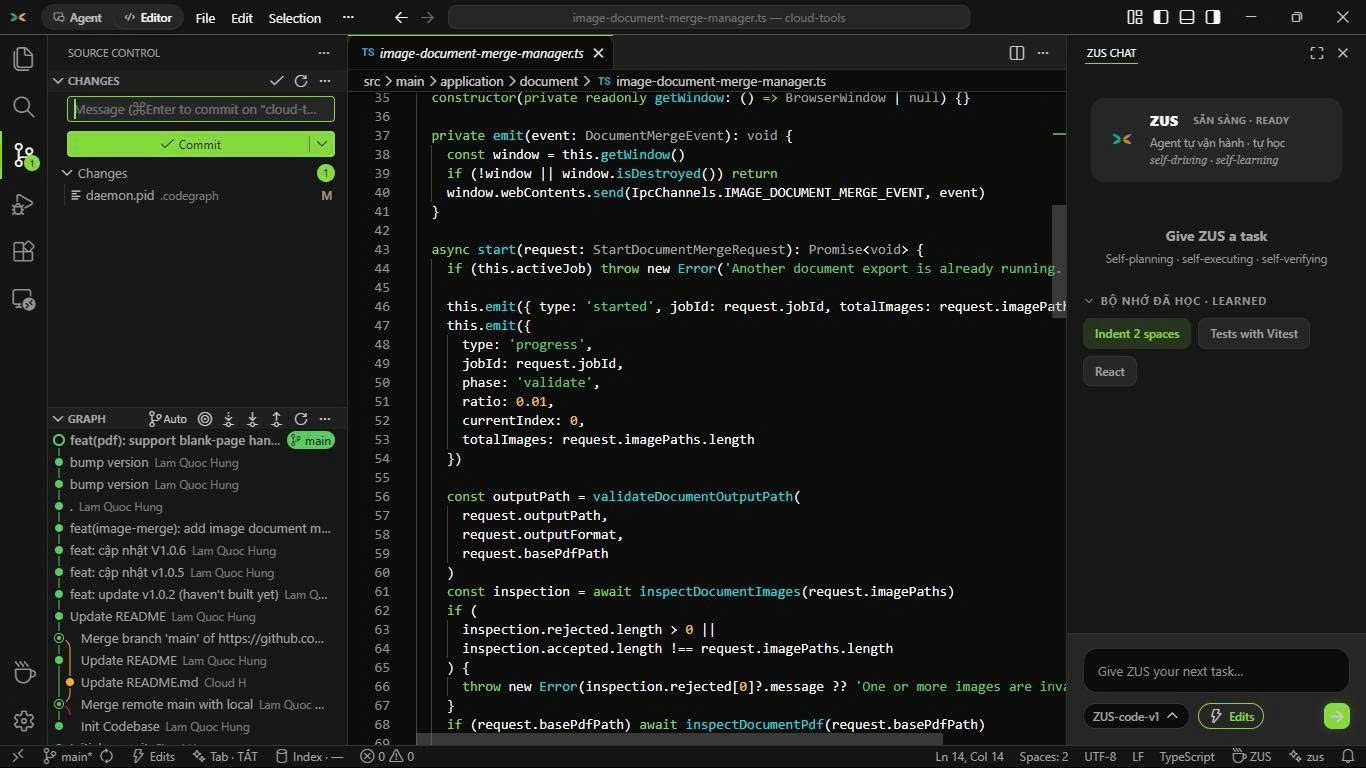
This repository is the official distribution hub for ZUS by 8 Sync Dev (@8syncdev): release binaries, checksums, and the auto-update manifest. Source code is developed in a private repository — every public build lands here.
winget install 8syncdev.ZUS
scoop bucket add zus https://github.com/8syncdev/scoop-zus
scoop install zus
Or download ZUS_x.y.z_x64-setup.exe from the latest release.
> SmartScreen note: installers are not yet code-signed. Installing via winget or scoop avoids the prompt. For a manually downloaded .exe, verify it against SHA256SUMS.txt (below), then click More info → Run anyway.
Download ZUS_x.y.z_aarch64.dmg. The app is unsigned — on first open: right-click the app → Open → Open, or run:
xattr -dr com.apple.quarantine /Applications/ZUS.app
| Distro | Command |
|---|---|
| Debian / Ubuntu | sudo apt install ./ZUS_x.y.z_amd64.deb |
| Fedora / RHEL | sudo dnf install ./ZUS-x.y.z-1.x86_64.rpm |
| Any | chmod +x ZUS_x.y.z_amd64.AppImage && ./ZUS_x.y.z_amd64.AppImage |
sha256sum -c --ignore-missing SHA256SUMS.txt
SHA256SUMS.txt ships with every release. Update artifacts (.sig, latest.json) are signed with the ZUS updater key (minisign); the app verifies signatures automatically before installing anything.
Install once — the app checks latest.json in the latest release here on startup and updates itself in place. Every update is signature-verified before install. Works for all channels (winget, scoop, direct download); scoop users can also run scoop update zus.
Đây là kênh phát hành chính thức của ZUS: binary, checksum và manifest auto-update. Mã nguồn phát triển ở repo private — mọi bản build công khai đều đưa về đây.
Windows — copy 1 lệnh vào PowerShell (không dính cảnh báo SmartScreen):
winget install 8syncdev.ZUS
hoặc qua Scoop:
scoop bucket add zus https://github.com/8syncdev/scoop-zus
scoop install zus
Hoặc tải ZUS_x.y.z_x64-setup.exe từ bản mới nhất. File tải tay chưa ký cert nên SmartScreen sẽ hỏi — verify SHA256SUMS.txt trước, rồi More info → Run anyway.
macOS (Apple Silicon) — tải .dmg, lần đầu mở: chuột phải app → Open → Open.
Linux — .deb / .rpm / .AppImage như bảng tiếng Anh phía trên.
Cài 1 lần là xong — app tự kiểm tra latest.json ở release mới nhất tại đây mỗi lần mở, tự tải và tự cài bản mới. Mọi bản update đều được xác thực chữ ký số (minisign) trước khi cài — không sợ giả mạo. Cài qua winget/scoop/tải tay đều auto-update như nhau.

8 Sync Dev — Nguyễn Phương Anh Tú (Alex Dev / Kevin Nguyễn) · 8syncdev.com · atus@8syncdev.com Sync is a loop — two systems, one link.
