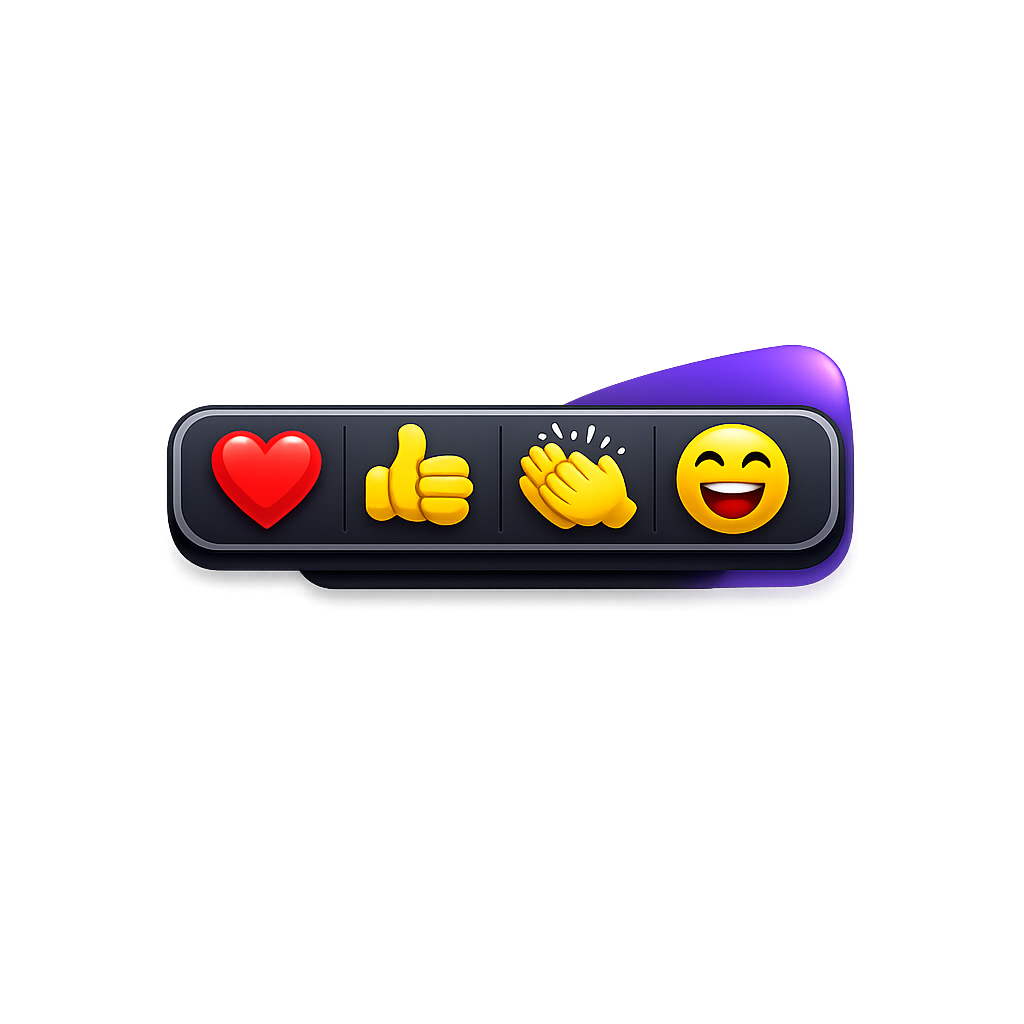
Heart It is a Windows desktop application designed to enhance Microsoft Teams meetings by enabling quick reactions through global hotkeys. The app runs in the system tray, allowing users to send predefined reactions such as Like, Love, Applause, Laugh, or Surprised using keyboard shortcuts like Ctrl+Alt+1-5.
Key Features include seamless integration with Teams via Windows UI Automation, support for multiple reaction types, and the ability to interact without switching focus from other tasks. The application also provides system tray access for easy management.
Ideal for remote workers and active participants in virtual meetings, Heart It streamlines communication by adding a quick and intuitive way to express reactions. This tool helps increase engagement and efficiency during collaborative sessions in Microsoft Teams. Installation is available via winget, making it easy to deploy on compatible systems.
README
HeartIt
A Windows desktop application that enables quick reactions in Microsoft Teams using global keyboard shortcuts.
Features
Global Hotkeys: Send Teams reactions from anywhere on your system without switching windows
Multiple Reactions: Support for Like, Love, Applause, Laugh, and Surprised reactions
System Tray Integration: Runs quietly in the background with easy access from the system tray
Automatic Teams Detection: Automatically finds and interacts with your Microsoft Teams window
Light & Dark Theme: Automatically follows your Windows theme with a colorful, fun look in both modes — and updates live when you change the system theme
This triggers the GitHub Actions workflow that builds MSIX packages for x64 and ARM64 and creates an .msixbundle.
Usage
Once the application is running, use the following keyboard shortcuts while in a Teams meeting:
Ctrl+Alt+1: Like 👍
Ctrl+Alt+2: Love ❤️
Ctrl+Alt+3: Applause 👏
Ctrl+Alt+4: Laugh 😂
Ctrl+Alt+5: Surprised 😮
The application runs in the system tray. Right-click the tray icon to exit.
Theming
HeartIt automatically detects your Windows light/dark mode setting and applies a matching theme to the toolbar. Each reaction button has its own colored badge so the emoji glyphs stay readable on either background. If you switch your Windows theme while the app is running, the toolbar updates immediately — no restart required.
Theming is built on:
The WPF Fluent theme (ThemeMode="System") introduced in .NET 9, which styles built-in chrome and controls.
A pair of custom resource dictionaries (HeartIt/Themes/Light.xaml and HeartIt/Themes/Dark.xaml) that supply the panel gradient, border, text, and per-emoji badge colors. App.xaml.cs listens for SystemEvents.UserPreferenceChanged and swaps the active dictionary when the OS theme changes.
How It Works
HeartIt uses Windows UI Automation to interact with the Microsoft Teams application. When you press a hotkey, the app: