Papercut SMTP is a versatile tool designed to simplify email testing and development by combining an email viewer with a built-in SMTP server (designed to receive messages only). It enables developers to view and analyze every aspect of an email—body, HTML, headers, attachments, and raw encoded data—without enforcing any restrictions on how emails are prepared. Papercut SMTP can be configured to run on startup and operate in the background, minimizing to the system tray and notifying users when new messages arrive.
Key Features:
Rich Email Viewing: Displays all email components, including raw MIME sections and attachments.
Instant Feedback: Notifies users when new emails are received, providing real-time updates.
Startup Configuration: Runs automatically at startup and operates quietly in the system tray.
Optional HTTP Service: Includes an HTTP server to receive emails even when the client is not running.
Audience & Benefit:
Ideal for developers and testers who need to validate email functionality during application or website development. Papercut SMTP streamlines testing by eliminating delays and reducing the risk of accidentally sending test emails to unintended recipients, ultimately speeding up the development cycle and improving efficiency. It can be installed via winget for easy setup on Windows systems.
README
The Simple Desktop Email Helper
The problem
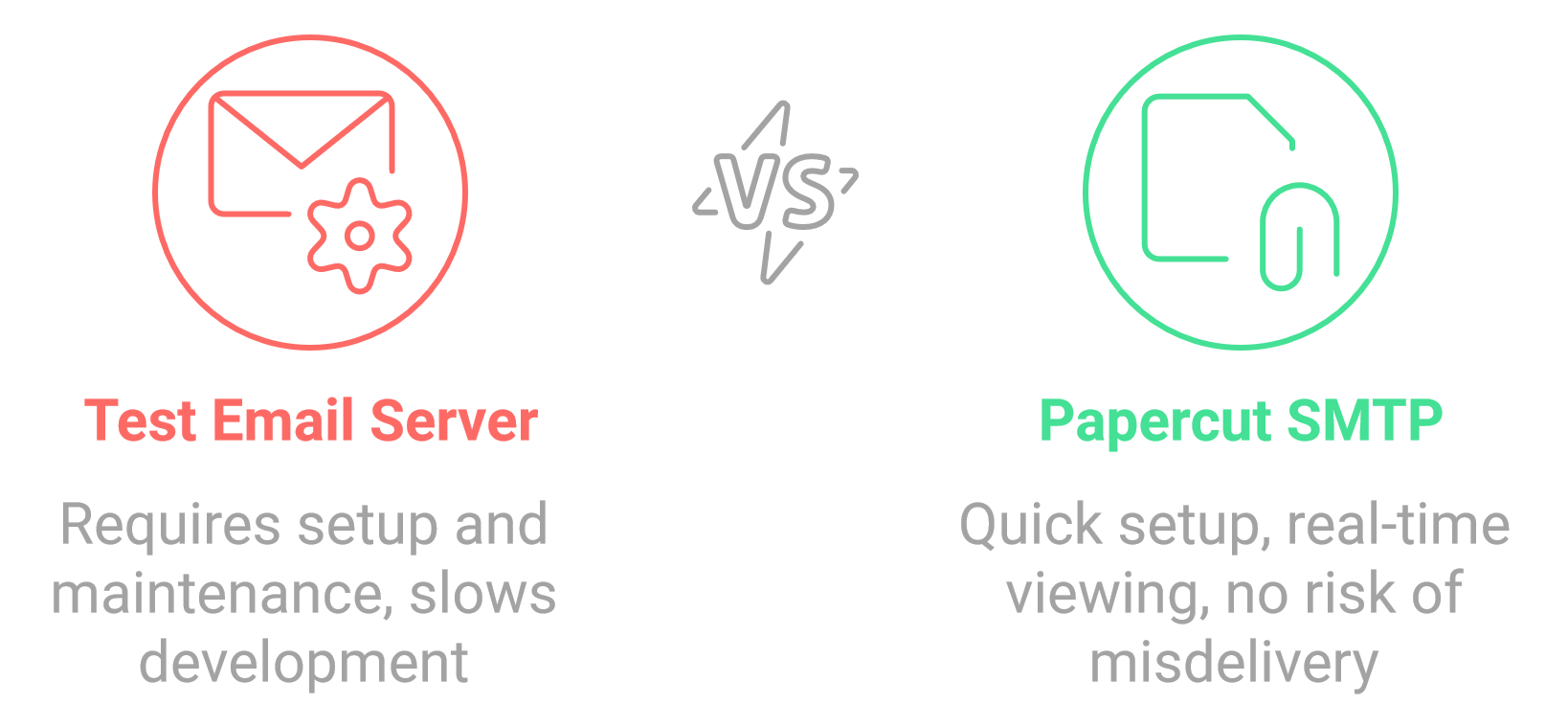
If you ever send emails from an application or website during development, you're familiar with the fear of an email being released into the wild. Are you positive none of the 'test' emails are addressed to colleagues or worse, customers? Of course, you can set up and maintain a test email server for development -- but that's a chore. Plus, the delay when waiting to view new test emails can radically slow your development cycle.
Papercut SMTP to the rescue!
Papercut SMTP is a 2-in-1 quick email viewer AND built-in SMTP server (designed to receive messages only). Papercut SMTP doesn't enforce any restrictions on how you prepare your email, but it allows you to view the whole email-chilada: body, HTML, headers, and attachment right down to the naughty raw encoded bits. Papercut can be configured to run on startup and sit quietly (minimized in the tray) only providing a notification when a new message has arrived.
For installation options, command-line parameters, and silent/unattended installation instructions, see the Installation Guide.
Requirements
Papercut SMTP UI Requires the "WebView2" Microsoft shared system component to be installed on your system. If you have any problems getting it running go to this site:
WebView2 Download and install it.
Features
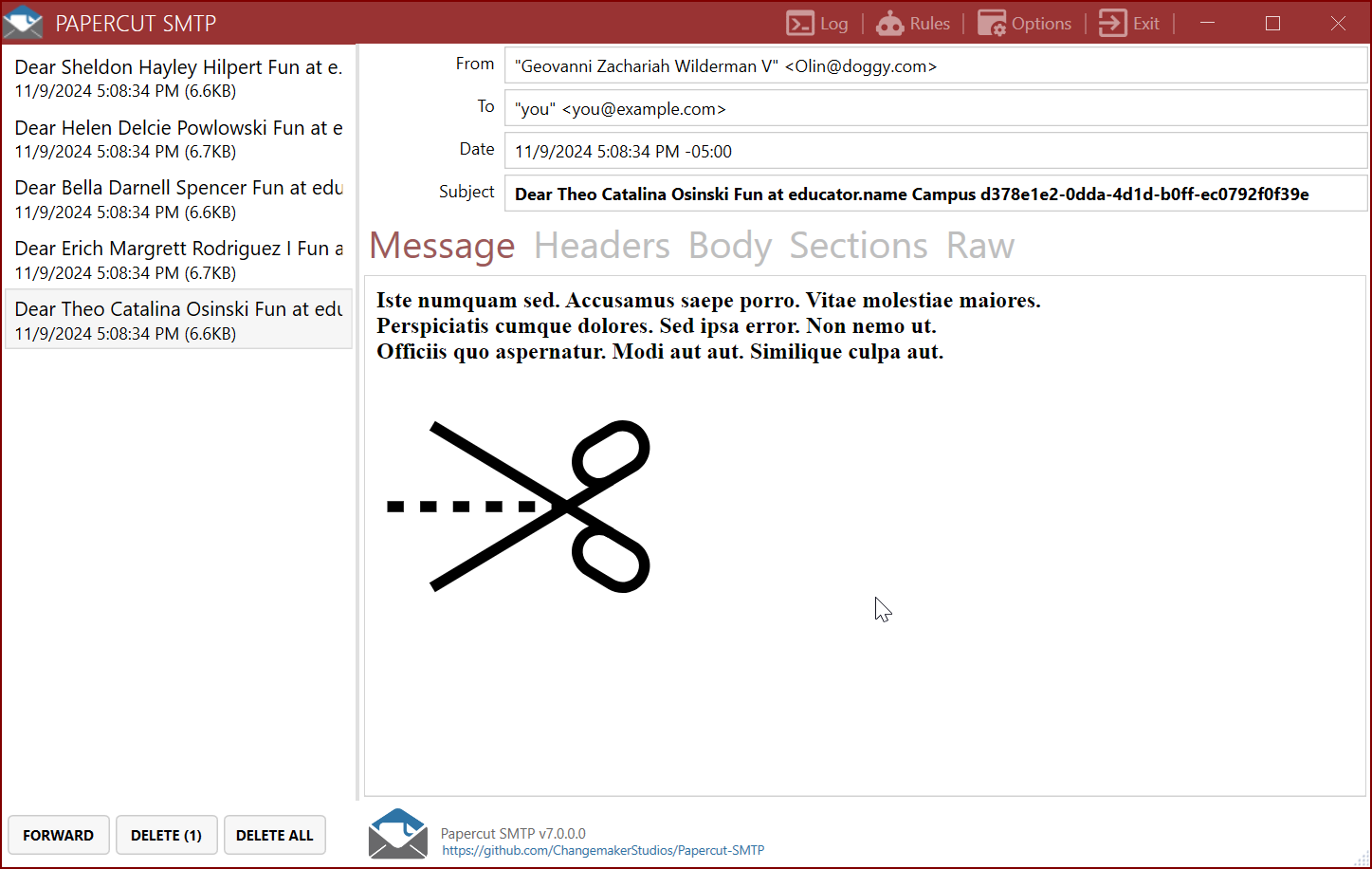
Instant Feedback When New Email Arrives
Rich and Detailed View of Received Email
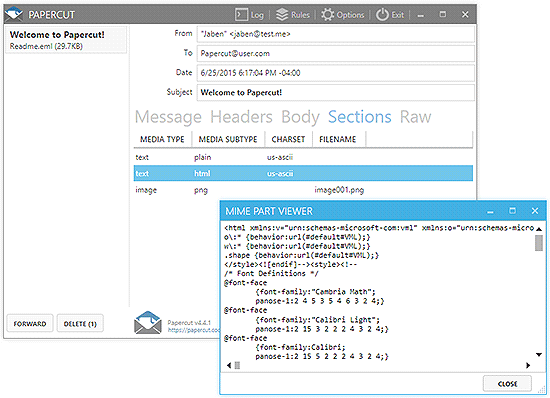
View and Download the Mime Sections of your Email
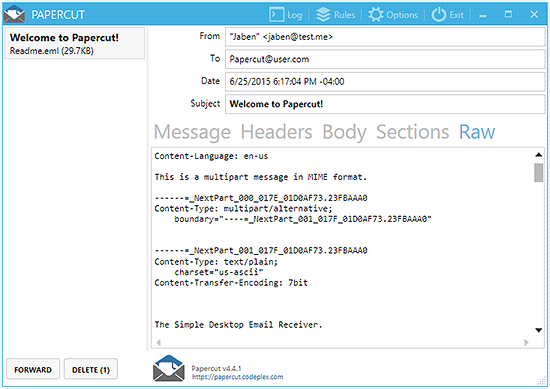
Raw View
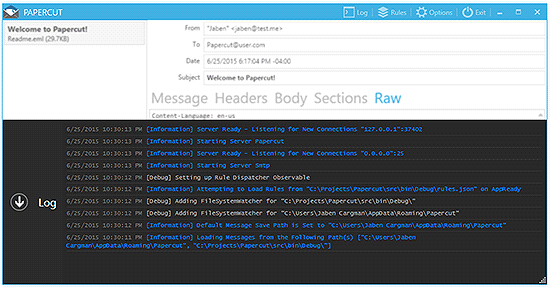
Logging View
(Optional) Download Papercut SMTP Service
Papercut SMTP has an optional HTTP server to receive emails even when the client is not running.
It can be run in an almost portable way by downloading Papercut.Smtp.Service.*.zip, unzipping, and installing as a Windows Service.
Papercut SMTP Web UI
The service includes a built-in web interface for viewing received emails in your browser (default: http://localhost:8080):
> Note: Docker uses non-privileged ports by default (SMTP: 2525, HTTP: 8080). See the Service README for configuration options, Docker Compose examples, and troubleshooting.
Aspire Integration
Papercut SMTP can be used for local email testing with Aspire projects. The integration exposes a connection string with the format endpoint=smtp://: which can be used to configure the SMTP client.
Setup
Install the package CommunityToolkit.Aspire.Hosting.PapercutSmtp from NuGet and then configure the integration in your App Host as follows:
var builder = DistributedApplication.CreateBuilder(args);

var papercut = builder.AddPapercutSmtp("papercut");

builder.AddProject()
    .WithReference(papercut)
    .WaitFor(papercut);
After running, the ports for both the Papercut UI and the SMTP service are automatically assigned and accessible through the Aspire dashboard.
SMTP Authentication and TLS/STARTTLS Support
Papercut SMTP Server supports optional SMTP authentication and TLS/STARTTLS encryption for secure email testing.
 The Simple Desktop Email Helper