ToeRings ChrisLauinger77
Install ToeRings with WinGet
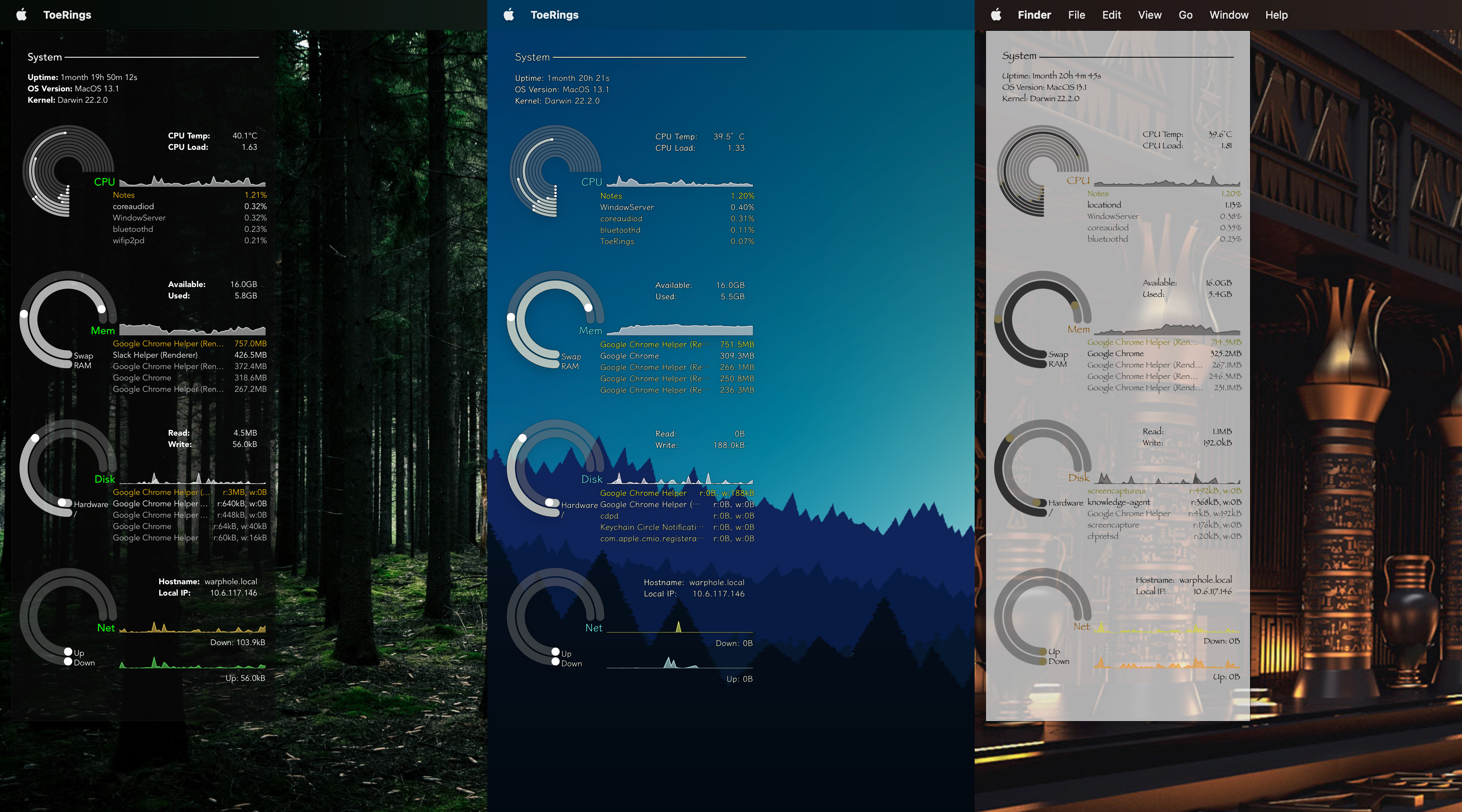
winget install --id=ChrisLauinger77.ToeRings -e ToeRings is a lightweight, themeable desktop system monitor built using Tauri, inspired by the Conky SeaMod theme. It provides real-time monitoring of key system metrics such as CPU usage, memory consumption, disk activity, network traffic, and battery status. The software is designed to be both visually appealing and functional, offering users a customizable interface that adapts to their preferences.
Key Features:
- Themeable Design: Supports various themes inspired by Conky's SeaMod, allowing users to customize the appearance according to their liking.
- Lightweight Performance: Optimized for minimal resource usage, ensuring smooth operation on systems of varying performance capabilities.
- Cross-Platform Compatibility: Available on Linux, macOS, and Windows, providing a consistent experience across different operating systems.
- Real-Time Monitoring: Displays up-to-date system statistics with low latency, enabling users to keep track of their system's health efficiently.
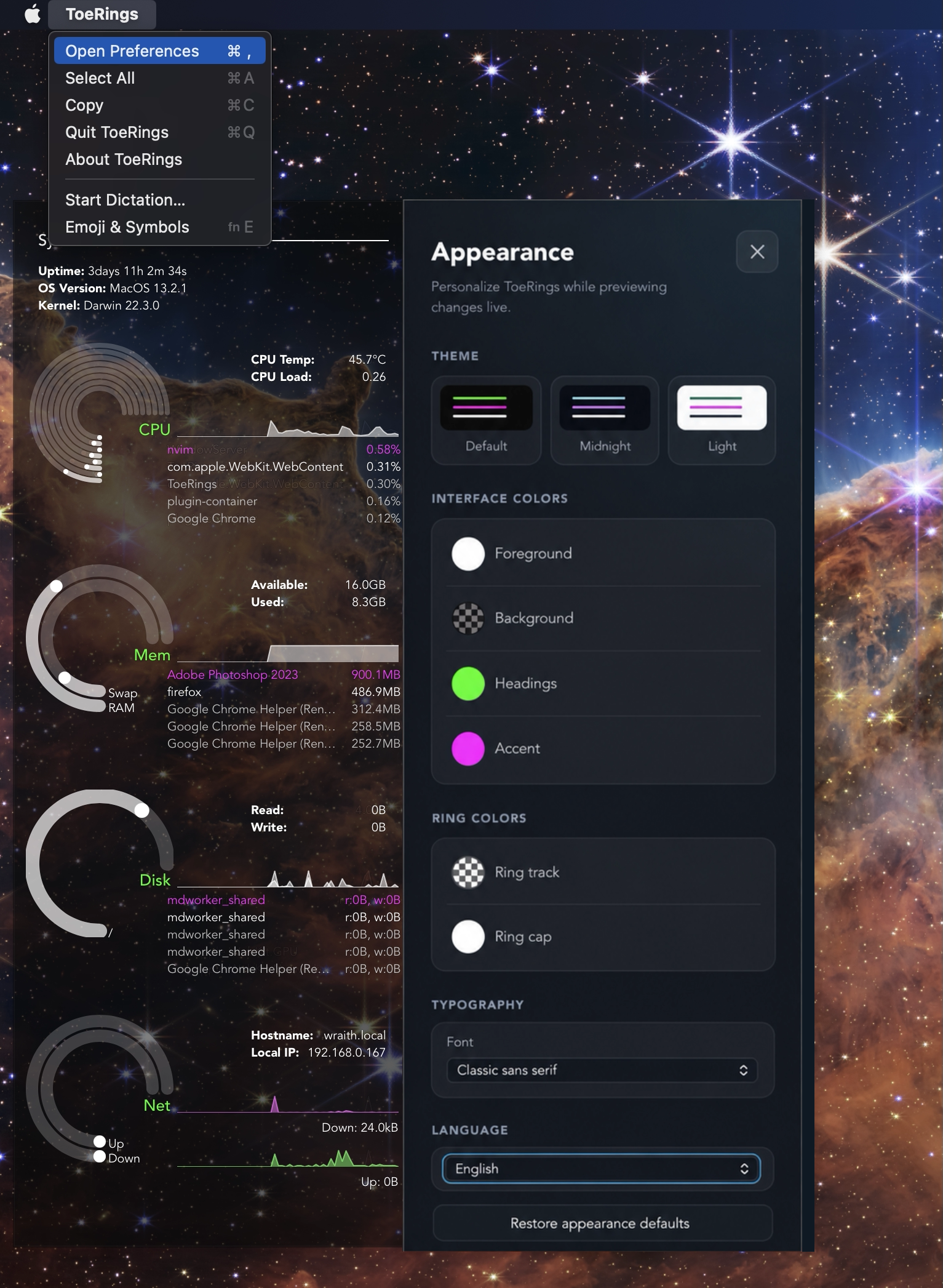
- Preferences Panel: An accessible settings interface within the app menu for easy configuration and customization.
Audience & Benefit: Ideal for Linux, macOS, and Windows users seeking a visually appealing and efficient system monitoring tool. ToeRings benefits those who want real-time insights into their system performance without the overhead of resource-intensive applications. Its themeable design and cross-platform support make it a versatile choice for users looking to monitor their systems seamlessly.
Installation on Windows can be done via winget, ensuring ease and convenience for users.