


Chrono is a self-hostable workspace for software engineering teams that unifies issue tracking, milestone roadmaps, and personal focus tools in one cohesive interface. Built with Next.js 15, TypeScript, Tailwind CSS, Reicon vector icons, and Supabase, Chrono delivers a keyboard-first workflow with real time state replication, offline resilience, and strict database level isolation across organizations.
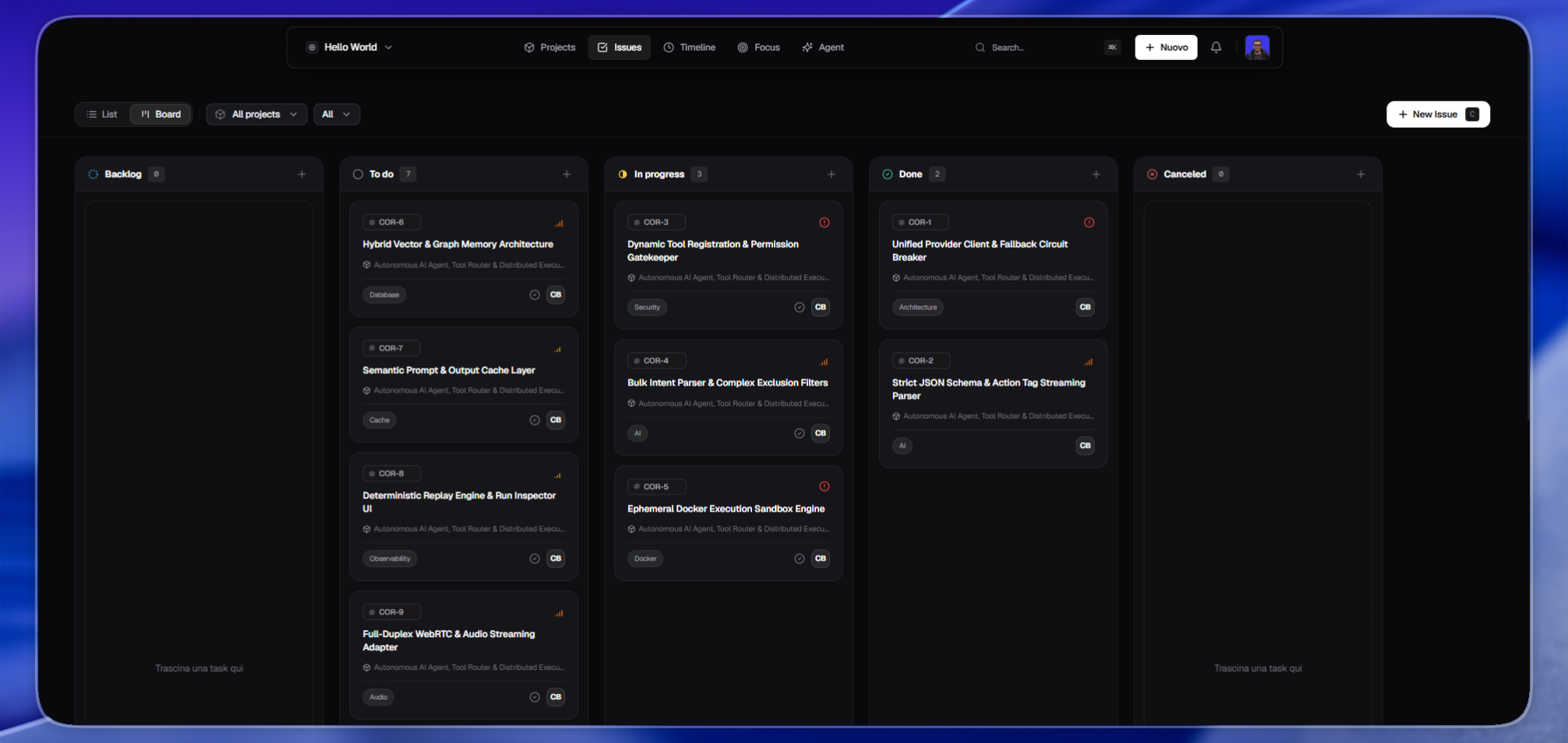
At its core, Chrono handles daily task planning through interactive Kanban boards and dense backlog views. Issues receive sequential alphanumeric identifiers, priority weights, point estimates, target deadlines, and full Markdown descriptions. An immutable activity log records property changes with author timestamps, while a slide out drawer lets developers modify tasks without losing their place on the board. Everything is navigable through a global command palette available via Cmd+K or Ctrl+K.
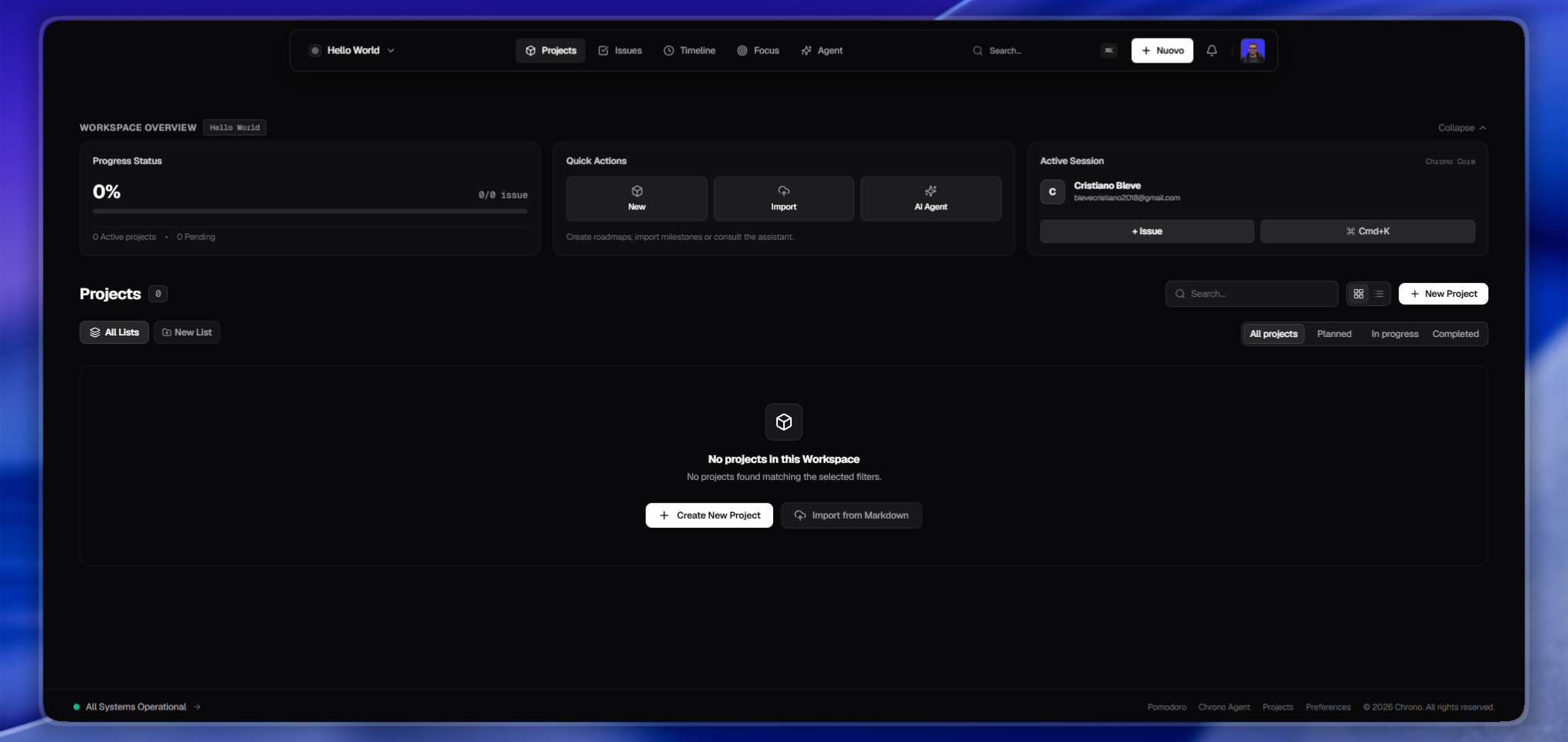
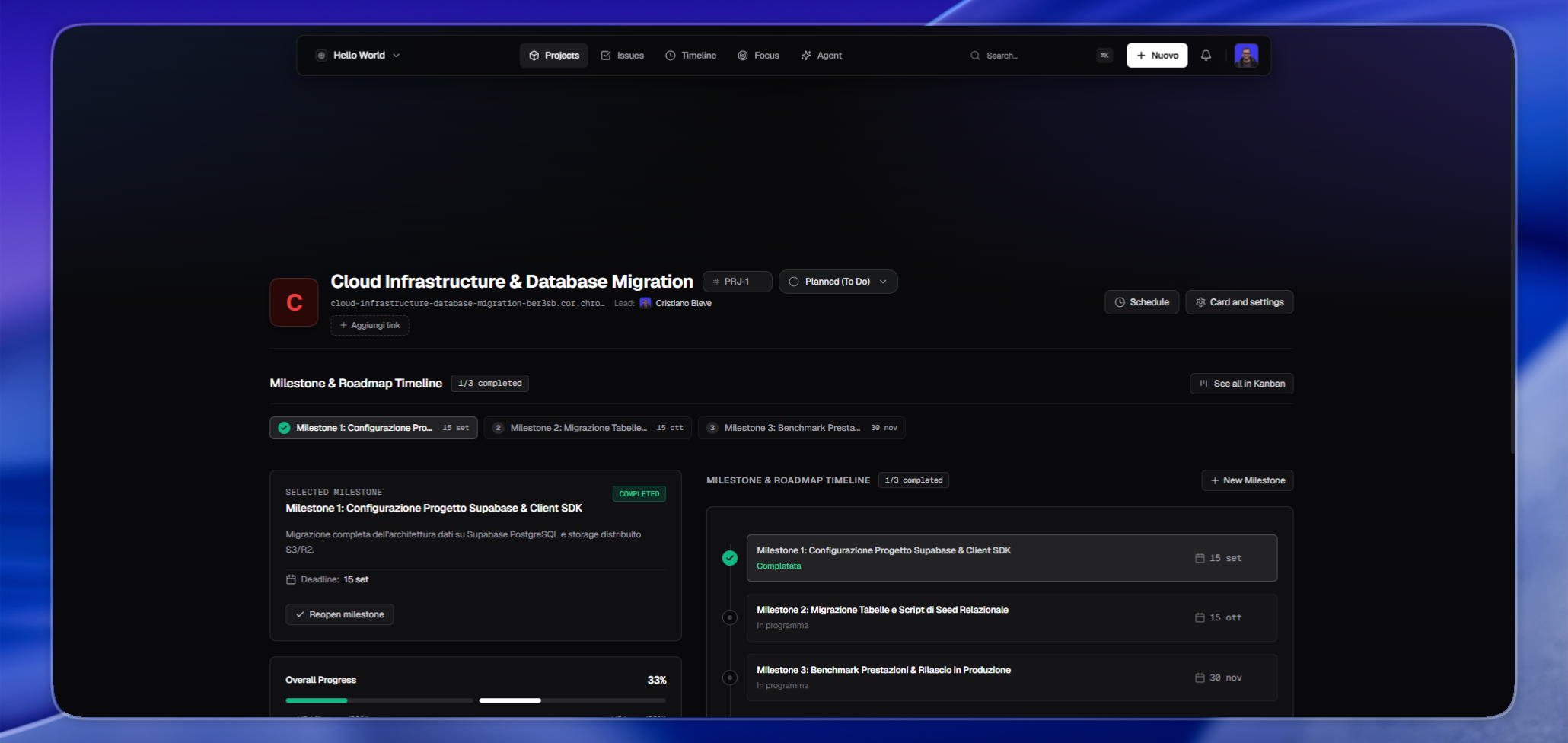
Beyond basic task management, the platform bridges high-level roadmaps with day-to-day execution. Engineering initiatives are broken down into milestones with automatic progress tracking calculated from resolved issues. For personal time management, Chrono incorporates a four quadrant Eisenhower matrix to separate urgent firefighting from long term goals, a weekly habit tracker to sustain routine engineering practices, and an integrated Pomodoro timer tied directly to active tickets.
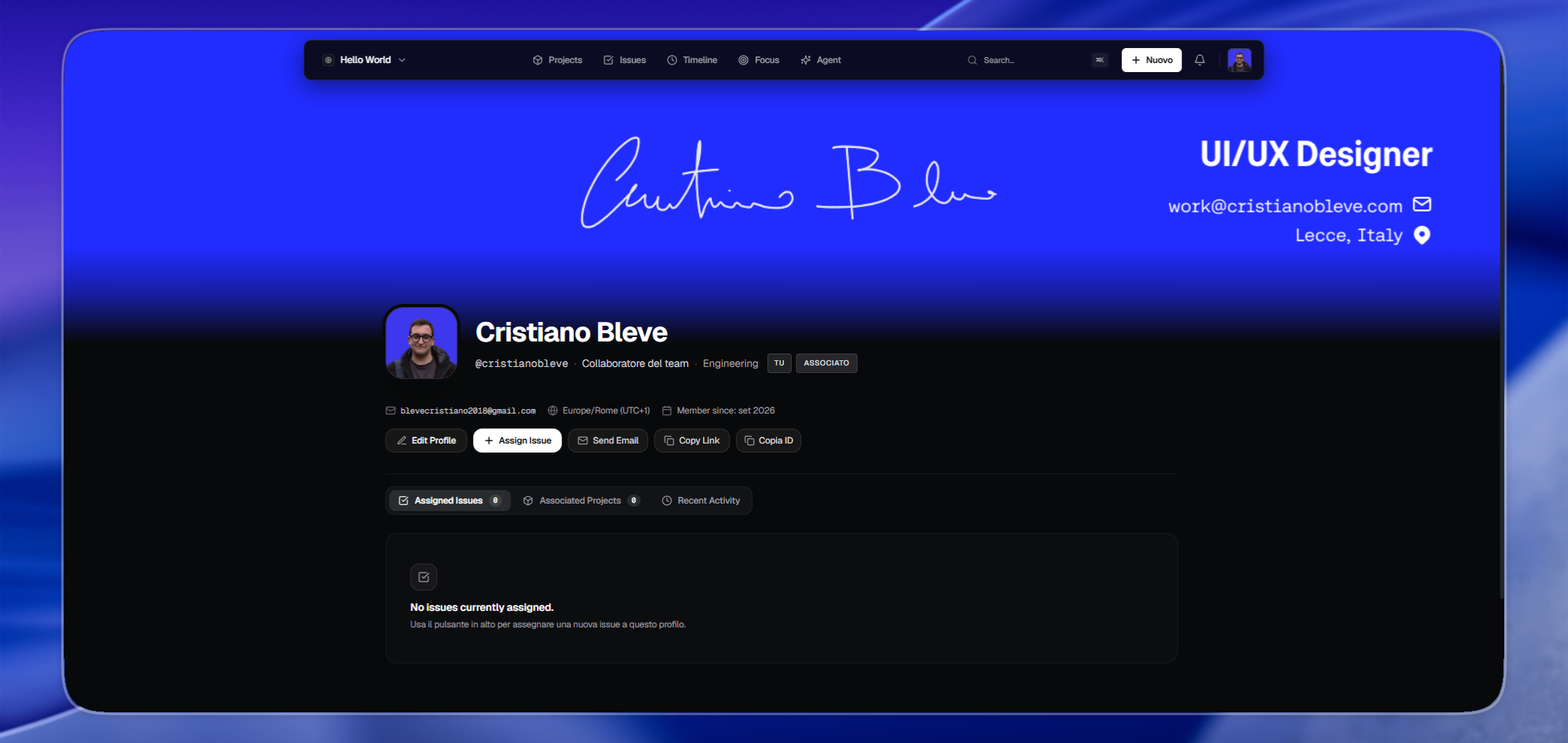
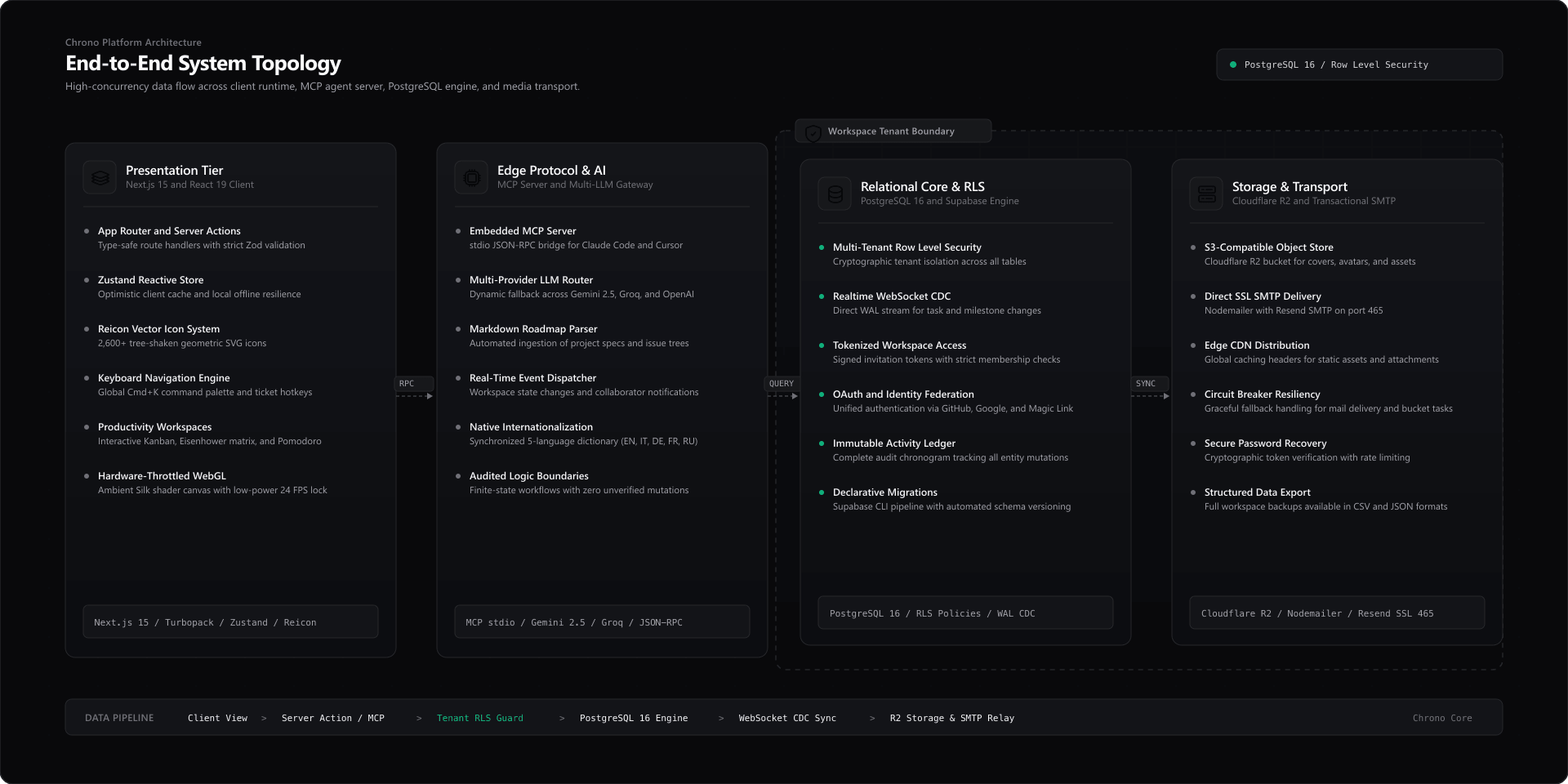
For external tooling, Chrono ships with an embedded Model Context Protocol server that exposes issues and workspace state to local AI agents such as Claude Desktop or Cursor. Teams can interact with conversational models like Google Gemini, OpenAI, or Groq for automated backlog triage, import complete multi-project roadmaps directly from structured Markdown documents, and switch between five built in languages covering English, Italian, German, French, and Russian. Profiles, banners, and member signatures can be customized directly to match team identity across shared workspaces.
 AI-Assisted Codebase and Security Audit
During early prototyping phases, parts of the codebase were generated with artificial intelligence assistance to explore component compositions and data structures quickly. Before releasing Chrono as open source, every schema definition, API endpoint, and state machine was manually reviewed, refactored, and audited by human engineers. All PostgreSQL tables are strictly guarded by Row Level Security policies, runtime inputs pass through Zod validation, and TypeScript runs in strict mode across the entire repository to prevent data leakage and logic defects.
 Architecture and Tenant Isolation
Chrono implements a strict multi-tenant model directly inside PostgreSQL on Supabase. Each workspace represents an isolated boundary. Memberships, projects, issue records, labels, notifications, and storage objects are verified at the database layer on every query. Users can never view or modify data outside their active workspace memberships.
 Getting Started
Running Chrono requires Node.js version 18.18 or higher, npm or pnpm, and an active Supabase project instance either on Supabase Cloud or through the local Supabase CLI.
First clone the repository and navigate into the project directory.
git clone https://github.com/cristianobleve/chrono.git
cd chrono
Install the dependencies.
npm install
Create your local environment file by copying the example configuration.
cp .env.example .env.local
 Environment Configuration
Configure your credentials and database connection details inside the .env.local file.
| Variable | Required | Description |
|---|
NEXT_PUBLIC_SUPABASE_URL | Yes | HTTPS endpoint of the Supabase project |
NEXT_PUBLIC_SUPABASE_ANON_KEY | Yes | Anonymous public key for client side Supabase requests |
SUPABASE_URL | Yes | Supabase endpoint used by server side route handlers |
SUPABASE_SECRET_KEY | Yes | Administrative service key for privileged backend operations |
DATABASE_URL | Optional | Direct PostgreSQL connection string or local fallback |
GEMINI_API_KEY | Optional | Google AI Studio API key used by the workspace agent |
OPENAI_API_KEY | Optional | OpenAI API key for alternative LLM providers |
GROQ_API_KEY | Optional | Groq API key for low latency model inference |
SMTP_HOST | Optional | SMTP server hostname for transactional email delivery |
SMTP_PORT | Optional | Secure SMTP port (465 for SSL or 587 for TLS) |
SMTP_USER | Optional | SMTP authentication username or API identifier |
SMTP_PASS | Optional | SMTP authentication password or secret API token |
SMTP_FROM | Optional | Sender identity in standard format: Name <email@domain.com> |
R2_BUCKET_NAME | Optional | S3 or Cloudflare R2 bucket name for file attachments |
R2_PUBLIC_DOMAIN | Optional | Public CDN domain for uploaded media assets |
 Email Delivery Setup
Chrono includes built in support for transactional emails using Nodemailer with secure SMTP transport. Transactional emails are used for workspace team invitations, account password resets, and welcome onboarding notices.
To enable email delivery, define the following variables inside your .env.local file using the credentials provided by your email service provider:
# Hostname of your SMTP relay provider (e.g. Resend, SendGrid, Amazon SES, Postmark, or private relay)
SMTP_HOST=""

# Secure port (port 465 for SSL or port 587 for TLS)
SMTP_PORT=""

# Authentication username or API key identifier specified by your provider
SMTP_USER=""

# Authentication password or secret API key
SMTP_PASS=""

# Sender name and verified domain address shown in recipient inboxes (e.g. Team Name )
SMTP_FROM=""
When SMTP_PASS is omitted, the application runs without attempting outbound email dispatch, and invitation links can be copied manually from the workspace settings panel.
Chrono also provides an interactive email preview route during development. Visit /email-preview to inspect visual layouts, switch between desktop and mobile viewports, inspect raw HTML output, or dispatch live test messages to verify your SMTP relay setup.
 Supabase Database Setup
All database tables, performance indexes, and access control policies live in the supabase/migrations/ directory.
To apply all migrations with the Supabase CLI, run the database push command.
npx supabase db push
Alternatively you can paste the migration files into the Supabase SQL Editor in numerical order, beginning with the base schema and proceeding through indexes, security policies, invitations, and notifications.
In the Supabase Authentication dashboard, enable the Email provider. Under URL Configuration, configure your primary domain in the Site URL field, such as http://localhost:3000 during local development. Add appropriate wildcards to the Redirect URLs list, including http://localhost:3000/** and your production URL. If you want GitHub or Google login, configure the OAuth keys in the respective provider settings.
 Available Scripts
| Script | Purpose |
|---|
npm run dev | Starts the local development server with fast refresh |
npm run build | Compiles the production application with strict type checking |
npm run start | Boots the compiled Next.js production build |
npm run lint | Executes static code analysis with ESLint |
 License
Chrono is open source software released under the MIT License.
 The Platform