ehmodpack Eh's Stuff
Install ehmodpack with WinGet
winget install --id=Eh.Modpack -e Does Nothing then create ModPacks for Modrinth by making it as a project
winget install --id=Eh.Modpack -e Does Nothing then create ModPacks for Modrinth by making it as a project
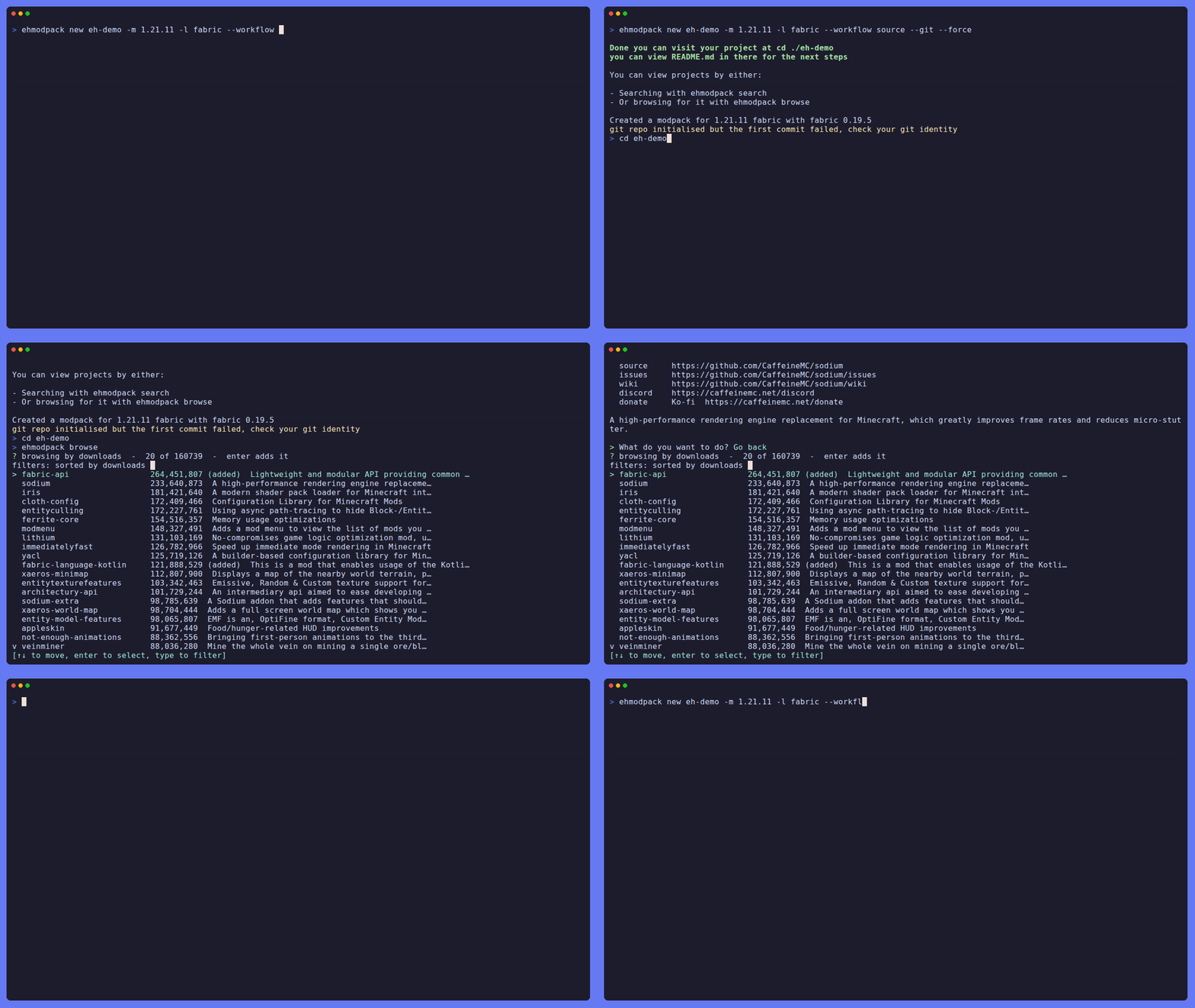


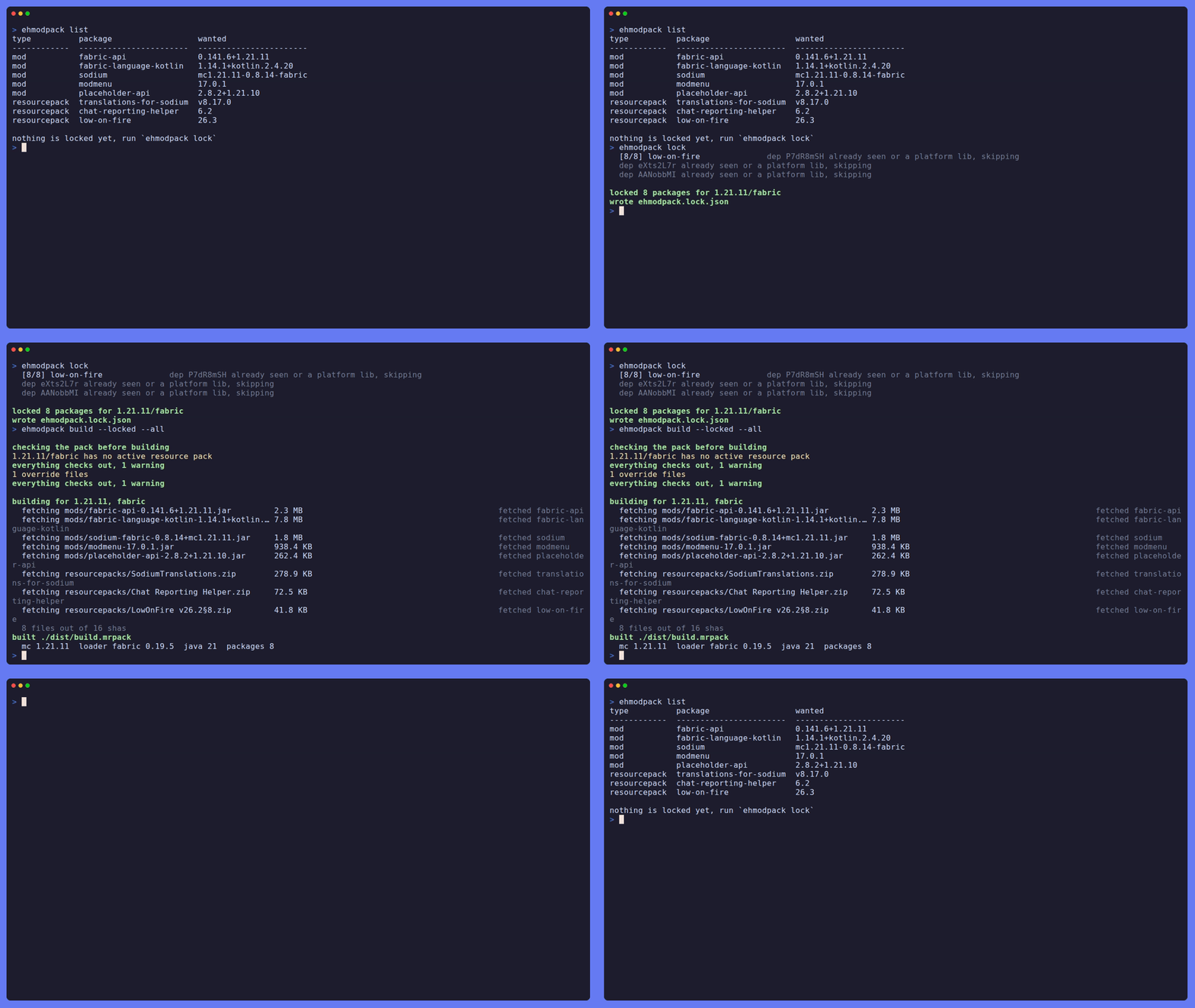
Does Nothing then create ModPacks for Modrinth by making it as a project, You can read more in the Wiki for anything that it has
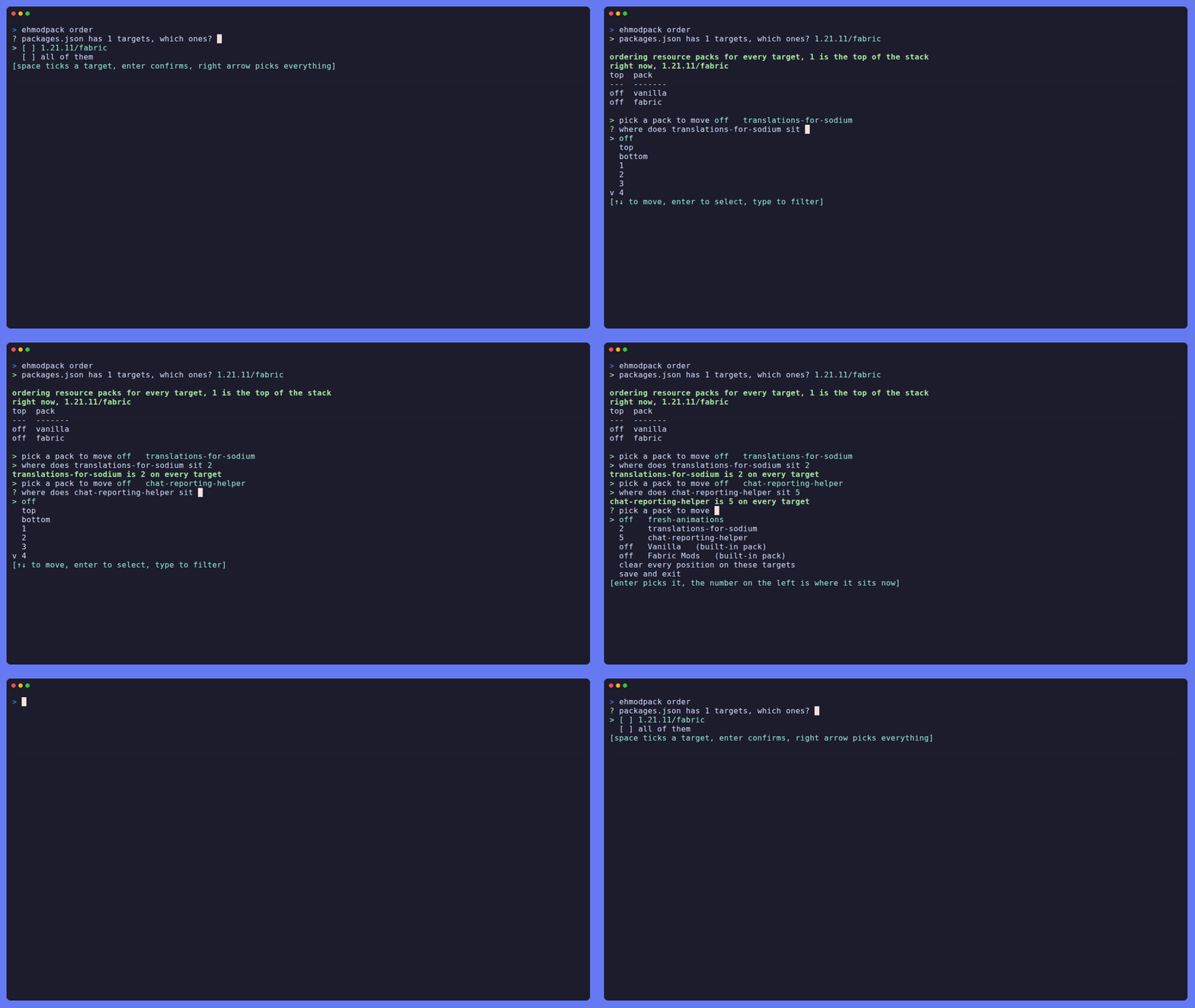
You can manage the order of the resource packs for your version(s) so it applies the right ones when building the pack!
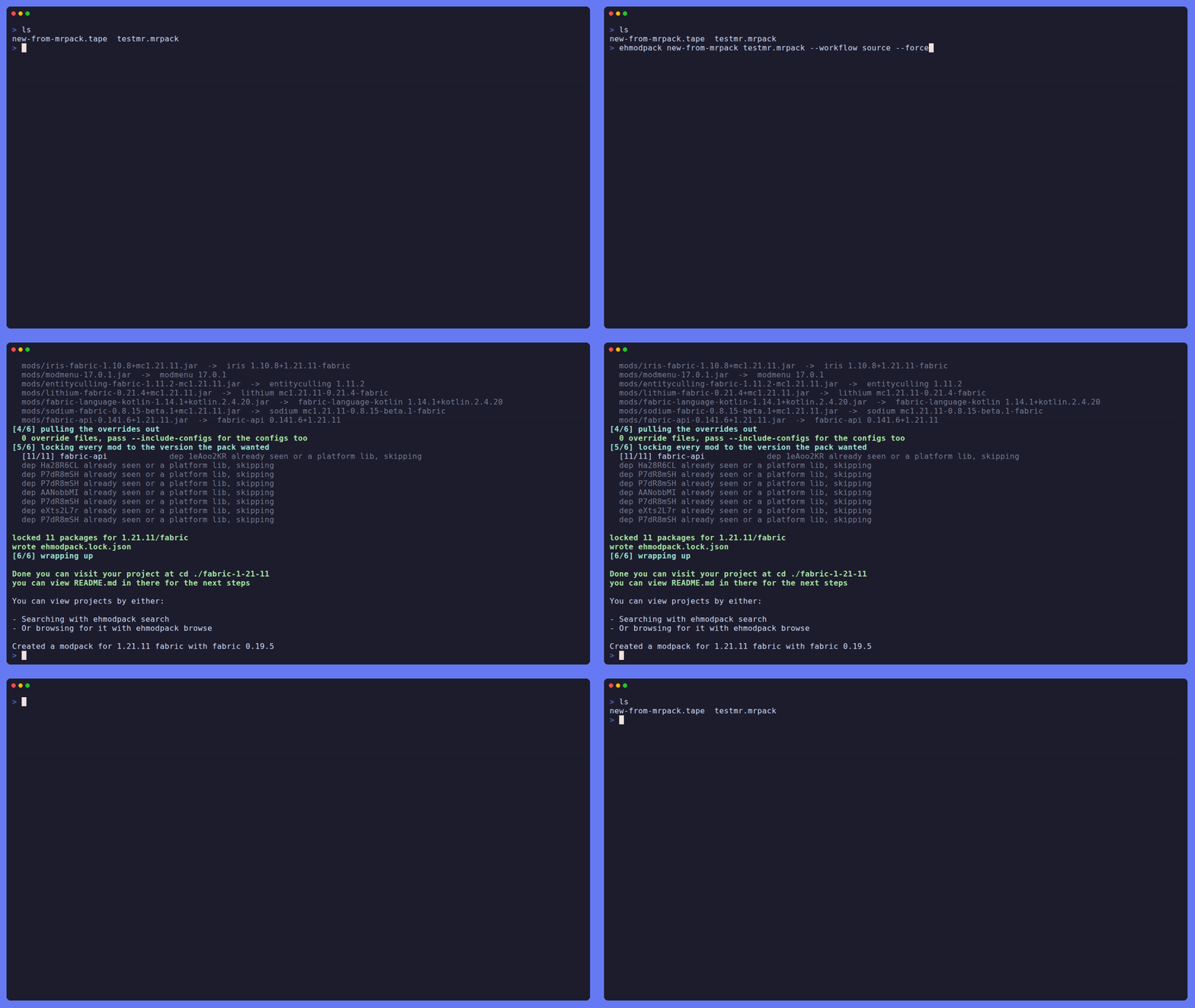
If you ever feel that you want to move the modpack you created to Eh's Modpacks you can! (including the configuration of your modpack with --include-configs)
(However obviously if this is NOT your project make sure to comply with the project licenses and Modrinth's Content Rules)
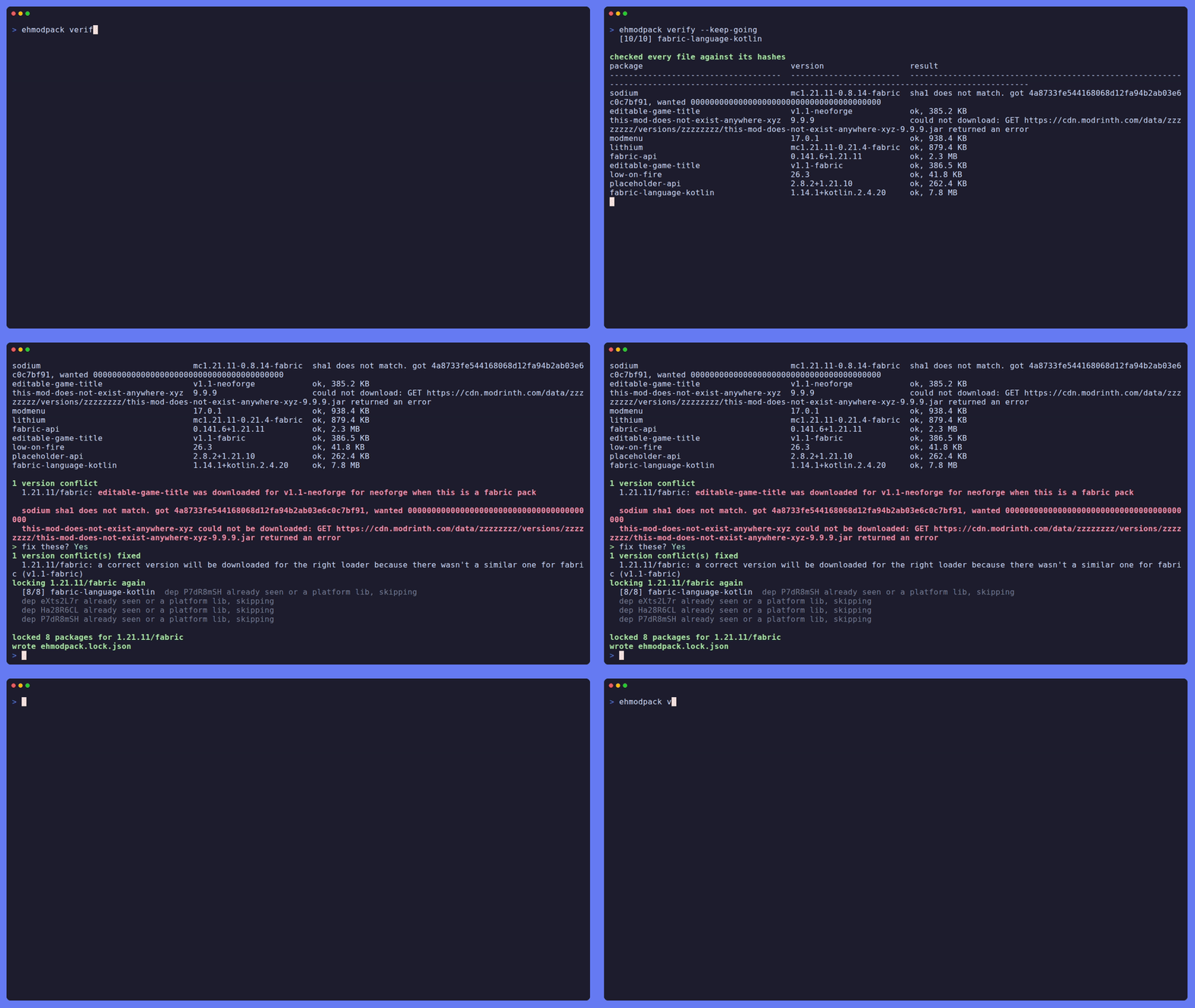
But not also verify, apply the right fixes!!!
When verify is ran it will look for any:
and more! including obviously builing the modpack
Running needs nothing, but it will most likely need libdbus to add the OS keychain when doing token saves, most builds will include it by default, but if it isn't run these in a terminal:
sudo apt install libdbus-1-2
sudo dnf install dbus-libs
sudo pacman -S dbus
sudo zypper install libdbus-1-3
sudo apk add dbus-libs
needs rust (1.85+) on your computer, on linux you need to install the keyring:
sudo apt install libdbus-1-dev pkg-config
sudo dnf install dbus-devel pkgconf-pkg-config
sudo pacman -S dbus pkgconf
sudo zypper install dbus-1-devel pkg-config
sudo apk add dbus-dev pkgconf