PuzzleTea
A terminal-based puzzle game collection built with Bubble Tea.
Fifteen puzzle games, Elo-backed difficulty presets, daily and weekly deterministic challenges, XP progression, 365 theme options, and an explicit built-in registry plus metadata catalog for adding new games.
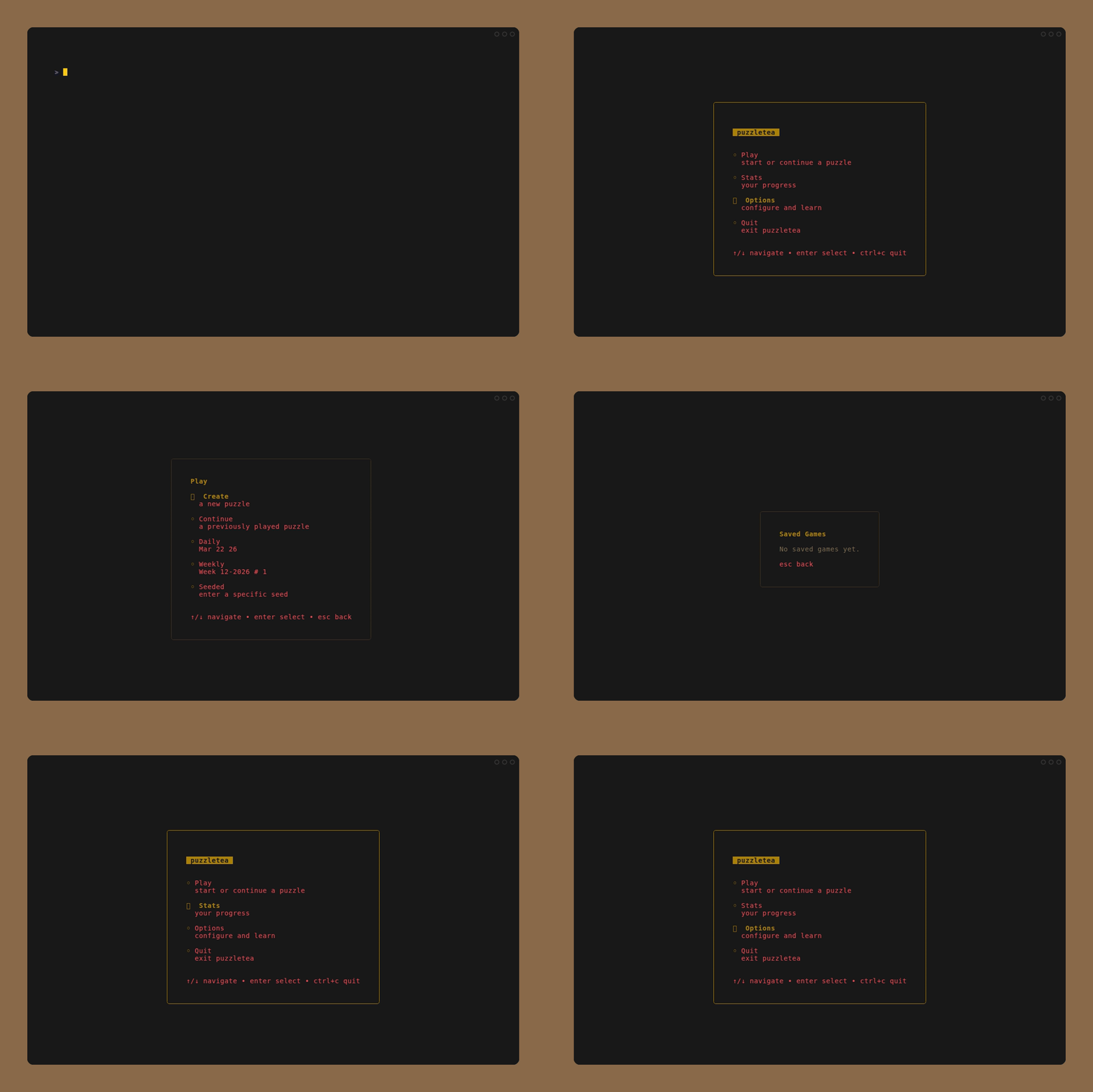
Features
- 15 puzzle games -- Fillomino, Netwalk, Nonogram, Nurikabe, Ripple Effect, Shikaku, Sudoku, Sudoku RGB, Spell Puzzle, Word Search, Hashiwokakero, Hitori, Lights Out, Takuzu, Takuzu+
- Daily puzzles -- A unique puzzle generated each day using deterministic seeding. Same date, same puzzle for everyone. Streak tracking rewards consecutive daily completions.
- Weekly gauntlet -- Each ISO calendar week has a shared 99-puzzle ladder. The current week unlocks sequentially from
#01 to #99; past weeks can be reviewed from completed saves only.
- XP and leveling -- Per-category levels based on victories. Elo-rated puzzles yield XP from their recorded difficulty. Daily puzzles grant 2x XP, and weekly puzzles add slot-based bonus XP.
- Stats dashboard -- Profile level, daily streak status, weekly completion progress, victory counts, and XP progress bars per category.
- 365 color themes -- Live-preview theme picker with WCAG-compliant contrast enforcement. Dark and light themes included.
- Mouse support -- Drag interactions in Nonogram, Nurikabe, Shikaku, Spell Puzzle, and Word Search; click-to-focus in Fillomino, Hashiwokakero, Hitori, Sudoku, Sudoku RGB, Takuzu, and Takuzu+; click-to-rotate in Netwalk; click-to-toggle in Lights Out.
- Elo difficulty -- Puzzle generation can target a
0..3000 Elo difficulty. Named modes remain friendly presets, and generated records store target/actual Elo when available.
- Seeded puzzles -- Share a seed string to generate identical puzzles across sessions and machines.
- Save/load persistence -- Games auto-save to SQLite. Resume any in-progress game by name.
Games
| Game | Description | Modes |
|---|
| Fillomino | Grow numbered regions to their exact sizes | Mini 5x5 through Expert 12x12 |
| Nonogram | Fill cells to match row and column hints | 10 named modes from 5x5 Mini to 20x20 Massive |
| Nurikabe | Build islands while keeping one connected sea | 5 modes from 5x5 to 12x12 |
| Ripple Effect | Place digits in cages without violating ripple distance | Mini 5x5 through Expert 9x9 |
| Shikaku | Divide grid into rectangles matching cell counts | Mini 5x5 through Expert 12x12 |
| Sudoku | Classic 9x9 grid | Beginner, Easy, Medium, Hard, Expert, Diabolical |
| Sudoku RGB | Fill a 9x9 grid with three symbols so each row, column, and box contains three of each | Beginner, Easy, Medium, Hard, Expert, Diabolical |
| Spell Puzzle | Connect letters to reveal crossword words and bonus anagrams | Beginner, Easy, Medium, Hard |
| Word Search | Find hidden words in a letter grid | Easy 10x10, Medium 15x15, Hard 20x20 |
| Hashiwokakero | Connect islands with bridges | 12 modes across 7x7 to 13x13 grids |
| Hitori | Shade cells to eliminate duplicates | 6 modes from 5x5 to 12x12 |
| Lights Out | Toggle lights to turn all off | Easy (3x3) to Extreme (9x9) |
| Netwalk | Rotate network tiles until every computer reaches the server | Mini 5x5 through Expert 13x13 |
| Takuzu | Fill grid with two symbols | 7 modes from 6x6 to 14x14 |
| Takuzu+ | Fill grid with symbols plus = and x relation clues | 7 modes from 6x6 to 14x14 |
Install
Homebrew (macOS / Linux)
brew install FelineStateMachine/homebrew-tap/puzzletea
AUR (Arch Linux)
yay -S puzzletea
WinGet (Windows)
winget install FelineStateMachine.puzzletea
From release binaries
Download the latest binary for your platform from the Releases page.
From source
Requires Go 1.24+.
go install github.com/FelineStateMachine/puzzletea@latest
Or clone and build:
git clone https://github.com/FelineStateMachine/puzzletea.git
cd puzzletea
just        # or: go build -o puzzletea
Usage
Launch the interactive menu:
puzzletea
The Play menu includes:
Create for a new puzzle from a checked pool of games/variants/board sizes, with a target Elo difficultyContinue for saved gamesDaily for the shared deterministic daily puzzleWeekly for the current or historical weekly gauntlet
Create replaces the old separate Seeded flow. Check one or more leaf nodes,
enter an Elo value from 0 to 3000, and generate one puzzle. If exactly one
leaf is checked, the seed field is enabled and a nonblank seed resumes the
matching deterministic save when one already exists. If multiple leaves are
checked, PuzzleTea picks one checked leaf uniformly at random and disables the
seed field because the selected game is intentionally random. The Create pool
and last Elo are saved in ~/.puzzletea/config.json.
Weekly gauntlets use the ISO week-year format shown in the menu, for example
Week 10-2026 # 7. The # value is the currently active weekly challenge for
that week. Current-week puzzles unlock one at a time; older weeks are review-only.
Start a new game directly:
puzzletea new nonogram classic
puzzletea new fillomino "Hard 10x10"
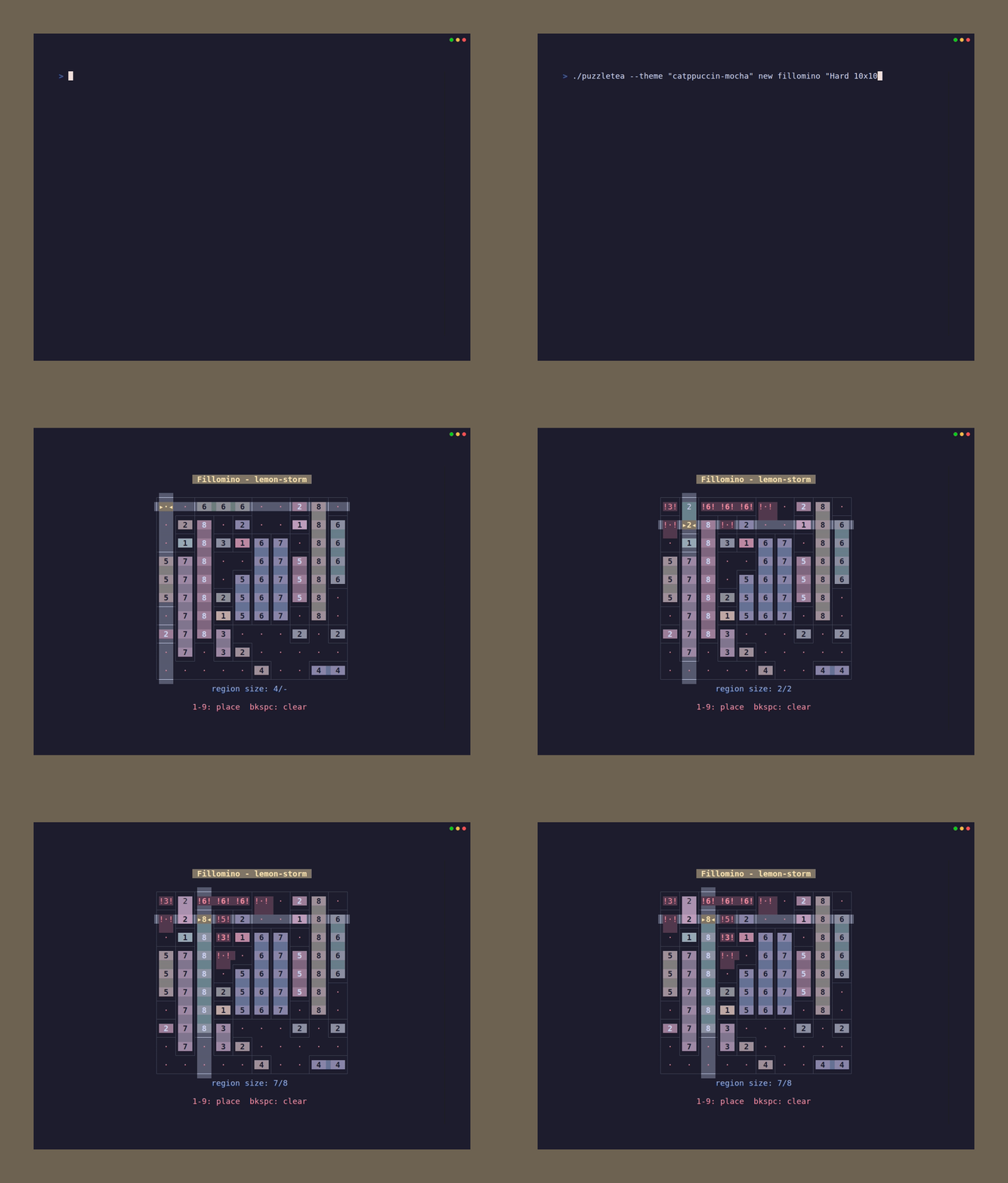
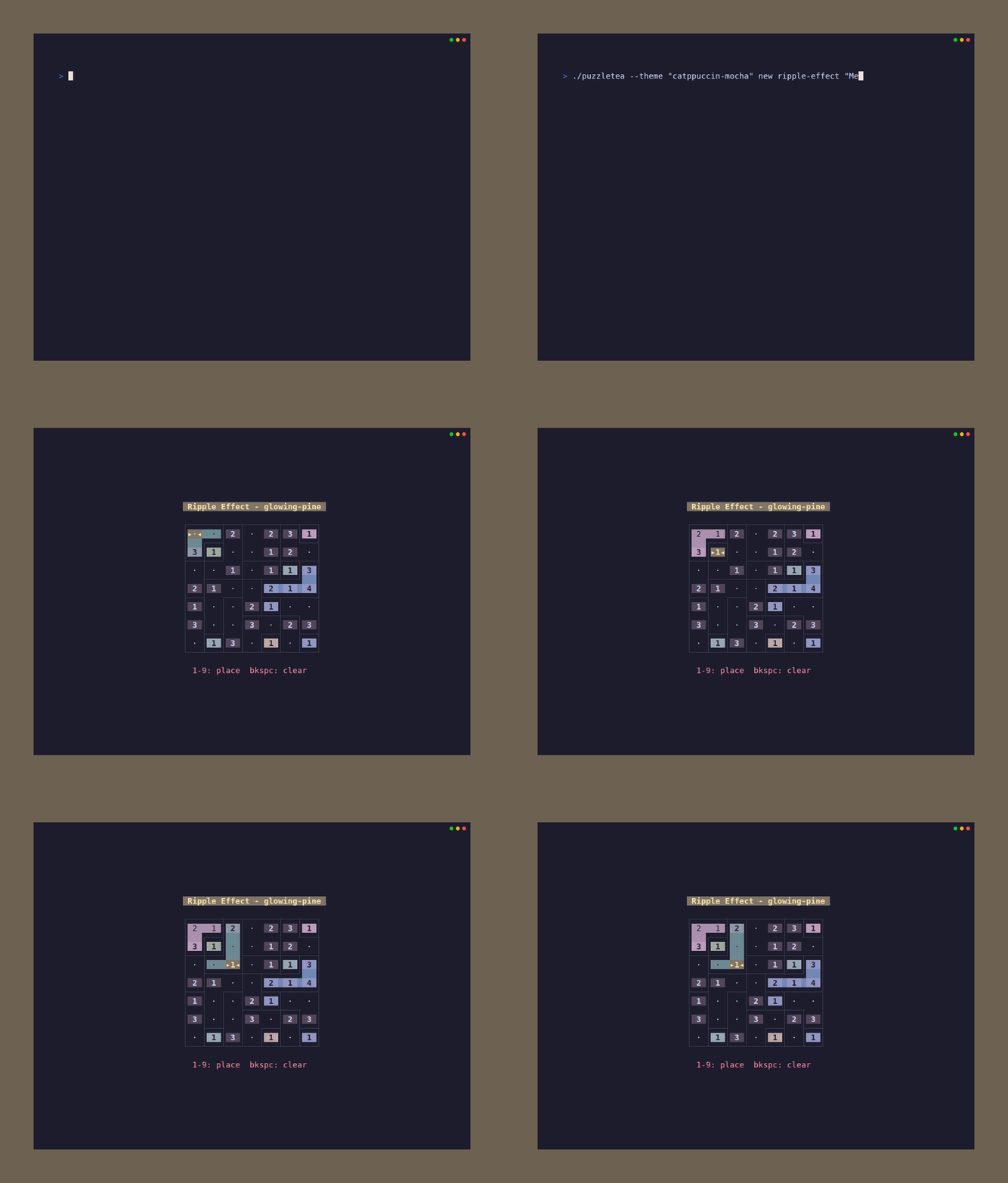
puzzletea new ripple-effect "Medium 7x7"
puzzletea new sudoku hard
puzzletea new ripeto expert
puzzletea new spell beginner
puzzletea new lights-out
puzzletea new netwalk "Easy 7x7"
puzzletea new hashi "Easy 7x7"
Mode names are matched case-insensitively after normalizing spaces, hyphens,
and underscores. Multi-word mode titles usually need quotes.
Target an explicit Elo difficulty for games and modes that support Elo-backed
generation:
puzzletea new sudoku --difficulty 1200
puzzletea new nonogram classic --difficulty 1800 --with-seed myseed
--difficulty accepts integers from 0 through 3000. When it is present,
PuzzleTea uses the mode's Elo spawner and records target_difficulty_elo,
actual_difficulty_elo, and difficulty_confidence in the save metadata.
Resume and manage saved games:
puzzletea list                     # show saved games
puzzletea list --all               # include abandoned games
puzzletea continue amber-falcon    # resume by name
Use seeds for deterministic puzzle generation:
# Deterministically selects game, mode, and puzzle from one seed.
puzzletea new --set-seed myseed

# Deterministically generates a puzzle within a chosen game/mode.
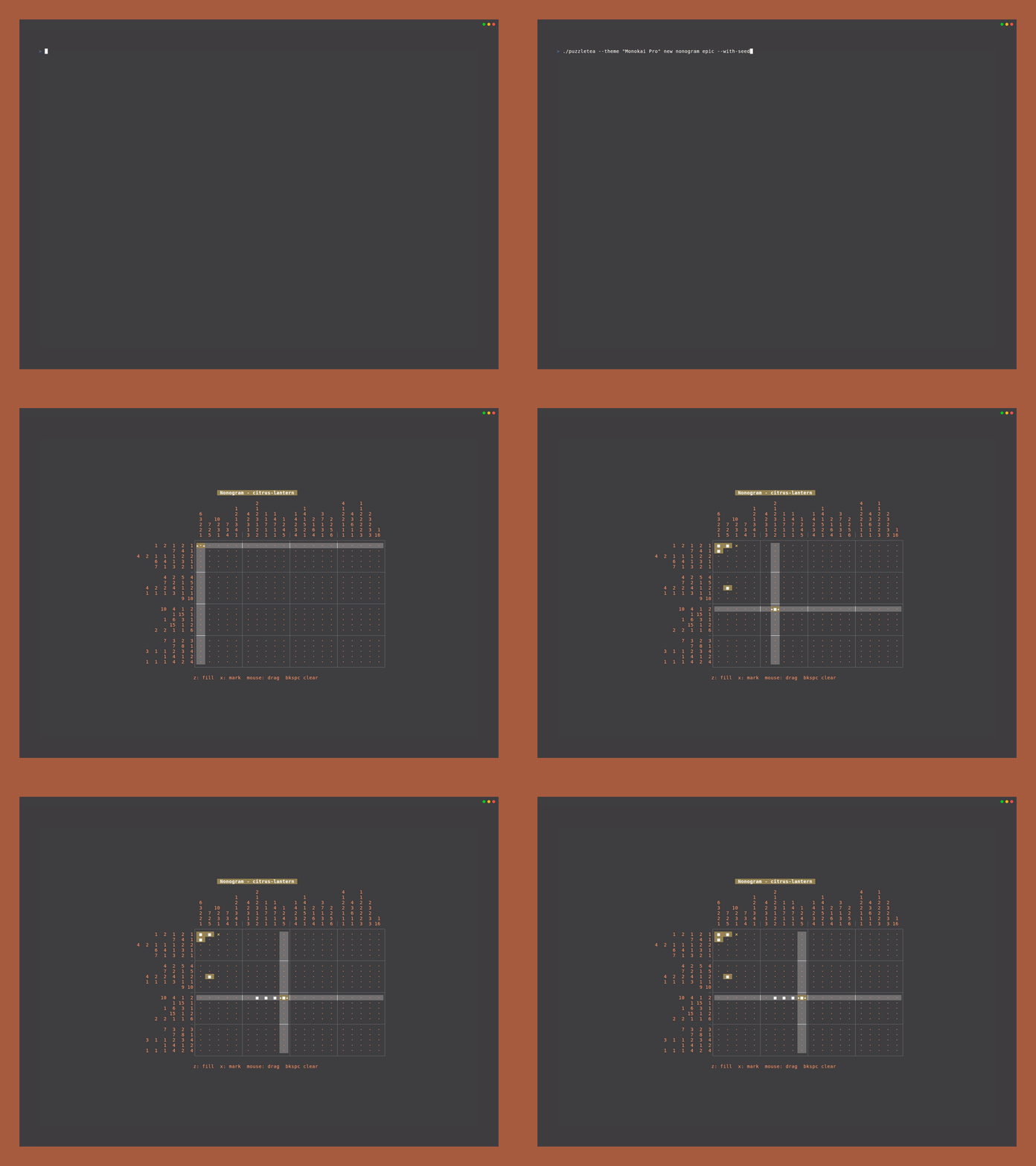
puzzletea new nonogram epic --with-seed myseed
For interactive seeded play, use Create, check exactly one leaf, and enter the
seed there. With multiple checked leaves, the Create seed field is intentionally
disabled.
Export printable puzzle sets to JSONL:
# Stream JSONL to stdout (redirect if desired)
puzzletea new nonogram mini --export 2 > nonogram-mini-set.jsonl

# Single mode export
puzzletea new nonogram mini -e 6 -o nonogram-mini-set.jsonl

# Mixed modes within a category (deterministic with --with-seed)
puzzletea new sudoku --export 10 -o sudoku-mixed.jsonl --with-seed zine-issue-01

# Elo-targeted export
puzzletea new sudoku --export 10 --difficulty 1500 -o sudoku-1500.jsonl
Render one or more JSONL packs into a print PDF:
puzzletea export-pdf nonogram-mini-set.jsonl -o issue-01.pdf --shuffle-seed issue-01 --volume 1 --title "Catacombs & Pines"
--title sets the pack subtitle (title page, and outside cover when enabled), and --volume sets the volume number.
half-letter renders a plain booklet interior with no cover block.
duplex-booklet automatically includes the 4-page black-ink cover block with blank inside covers, and the actual cover color comes from the physical stock you print on.
When duplex-booklet is enabled, the title page shifts to logical page 3 so the first two and last two pages stay on cover stock.
Page count is always auto-padded to a multiple of 4 for booklet printing.
Use --sheet-layout duplex-booklet to emit a landscape US Letter PDF with two portrait half-letter booklet pages per sheet side:
puzzletea export-pdf nonogram-mini-set.jsonl -o issue-01-duplex.pdf --shuffle-seed issue-01 --volume 1 --title "Catacombs & Pines" --sheet-layout duplex-booklet
duplex-booklet is meant for duplex printing without printer-side booklet mode. Print landscape on short edge.
Font license note (Atkinson Hyperlegible Next):
- Follow the SIL OFL 1.1 requirements in
export/pdf/fonts/AtkinsonHyperlegibleNext-OFL.txt.
- Do not sell the font files by themselves.
- If redistributing fonts with software, include the copyright notice and OFL text.
- Modified font versions must keep OFL terms, and modified names must respect Reserved Font Name rules.
JSONL exports include Elo metadata when generation produced a difficulty
report. PDF ordering and difficulty stars prefer actual Elo, then target Elo,
then legacy mode-order fallback.
Lights Out is currently excluded from export because it does not translate cleanly to paper workflows.
Override the color theme:
puzzletea --theme "Catppuccin Mocha"
Flag aliases on the root command also work:
puzzletea --new nonogram:classic
puzzletea --continue amber-falcon
CLI Aliases
Several shorthand names are accepted for games: polyomino/regions for Fillomino, hashi/bridges for Hashiwokakero, lights for Lights Out, network for Netwalk, islands/sea for Nurikabe, ripple for Ripple Effect, spell/spellpuzzle for Spell Puzzle, rgb sudoku/ripeto/sudoku ripeto for Sudoku RGB, binairo/binary for Takuzu, takuzu plus/binario+/binario plus for Takuzu+, words/wordsearch/ws for Word Search, and rectangles for Shikaku.
Controls
Global
| Key | Action |
|---|
Enter | Select |
Escape | Return to the menu or go back |
Ctrl+R | Reset puzzle |
Ctrl+H | Toggle full help |
Ctrl+C | Quit |
Navigation
Arrow keys, WASD, and Vim bindings (hjkl) are supported for grid movement across all games.
Mouse
Nonogram, Nurikabe, Shikaku, Spell Puzzle, and Word Search support drag interactions. Fillomino, Hashiwokakero, Hitori, Sudoku, Sudoku RGB, Takuzu, and Takuzu+ support mouse focus or click-to-cycle interactions. Netwalk supports click-to-rotate and right-click lock toggles. Lights Out supports click to toggle. See each game's help for details.
Game Persistence
Games are automatically saved to ~/.puzzletea/history.db (SQLite). Navigating away saves progress; quitting with Ctrl+C marks the game as abandoned. Completed games are preserved and can be revisited.
Daily and current-week weekly puzzles keep a single deterministic save per seed/week slot. Completed weekly puzzles from prior weeks reopen in review mode and are not modified when viewed again.
Previews
Fillomino
Grow numbered regions so each connected region reaches its exact size.
Game details and controls
Ripple Effect
Place digits in cages while keeping matching values outside each other’s ripple distance.
Game details and controls
Nonogram
Fill cells to match row and column hints.
Game details and controls
Nurikabe
Build islands from clues while keeping one connected sea.
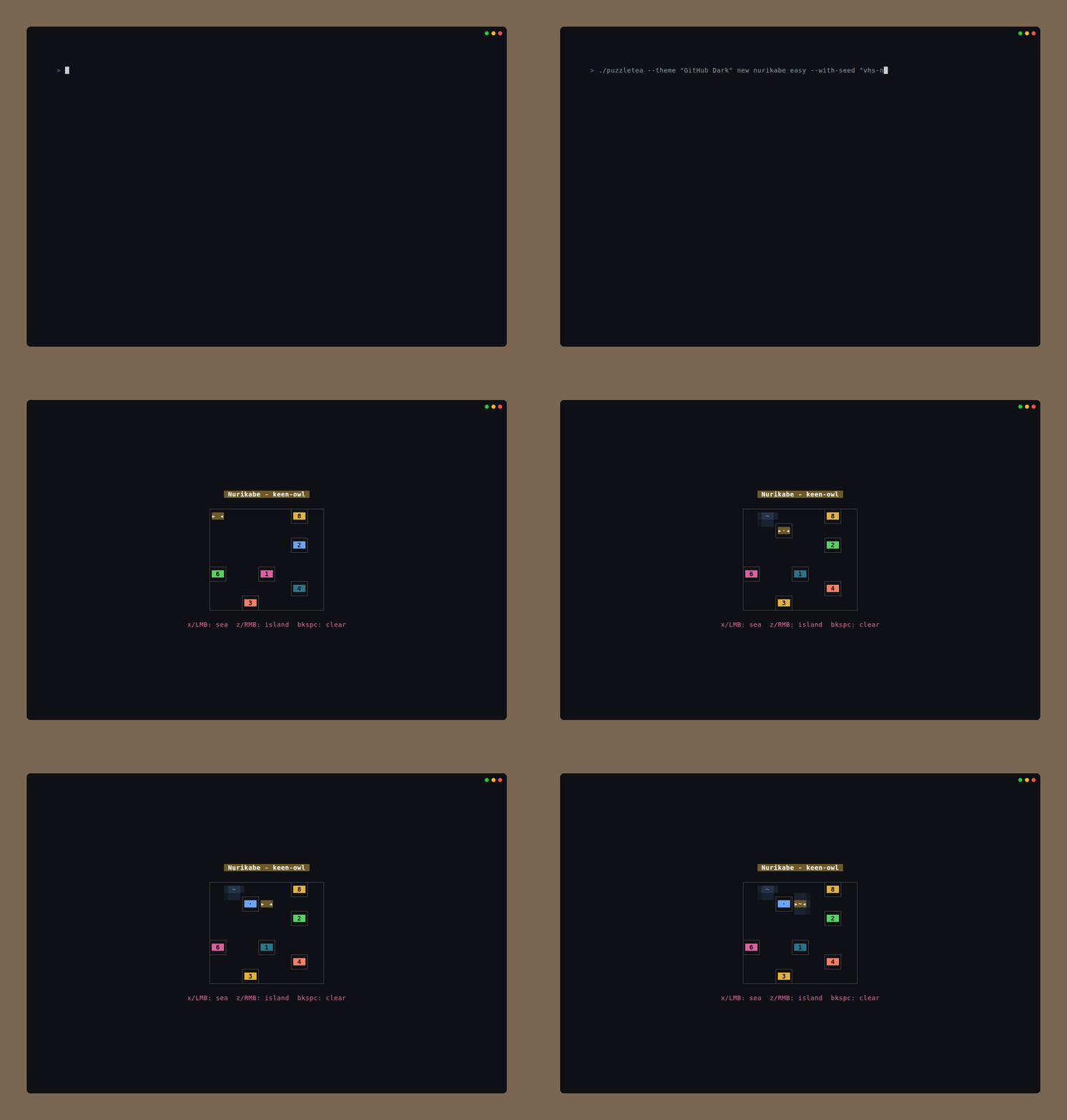
Game details and controls
Shikaku
Divide the grid into rectangles, where each rectangle contains exactly the number of cells shown in its clue.
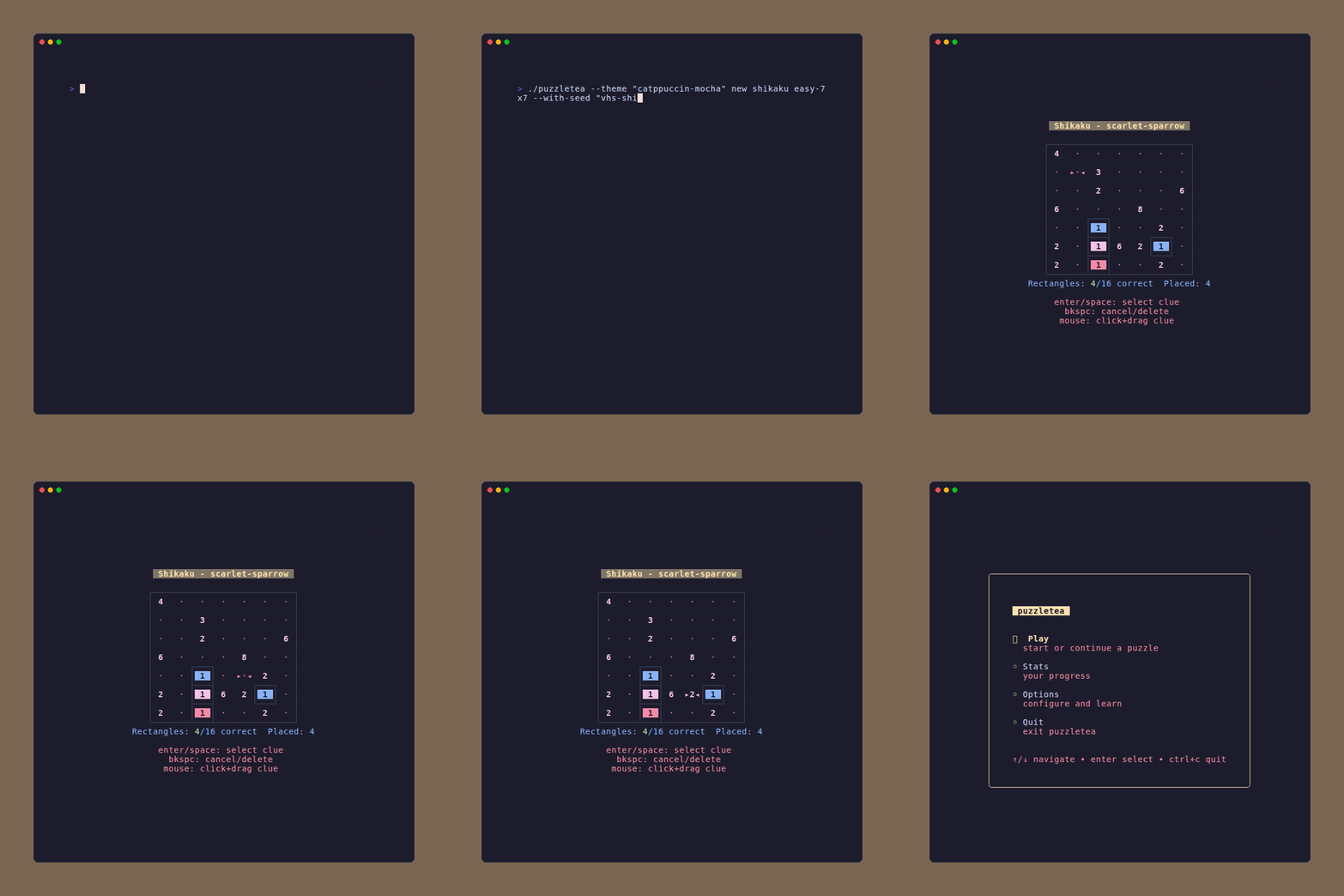
Game details and controls
Sudoku
Classic 9x9 number placement puzzle.
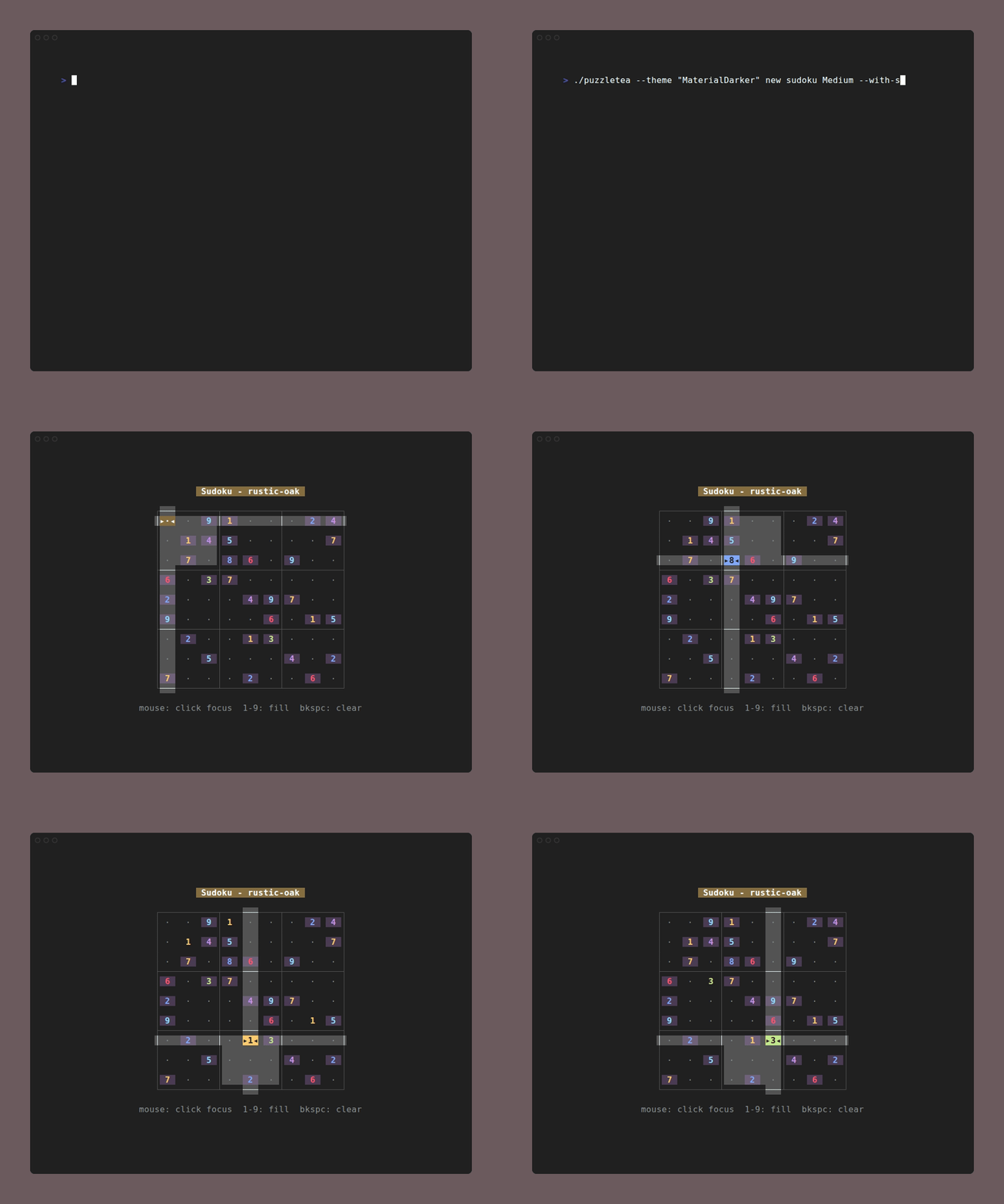
Game details and controls
Sudoku RGB
Fill the grid with three symbols so every row, column, and box contains {1,1,1,2,2,2,3,3,3}.
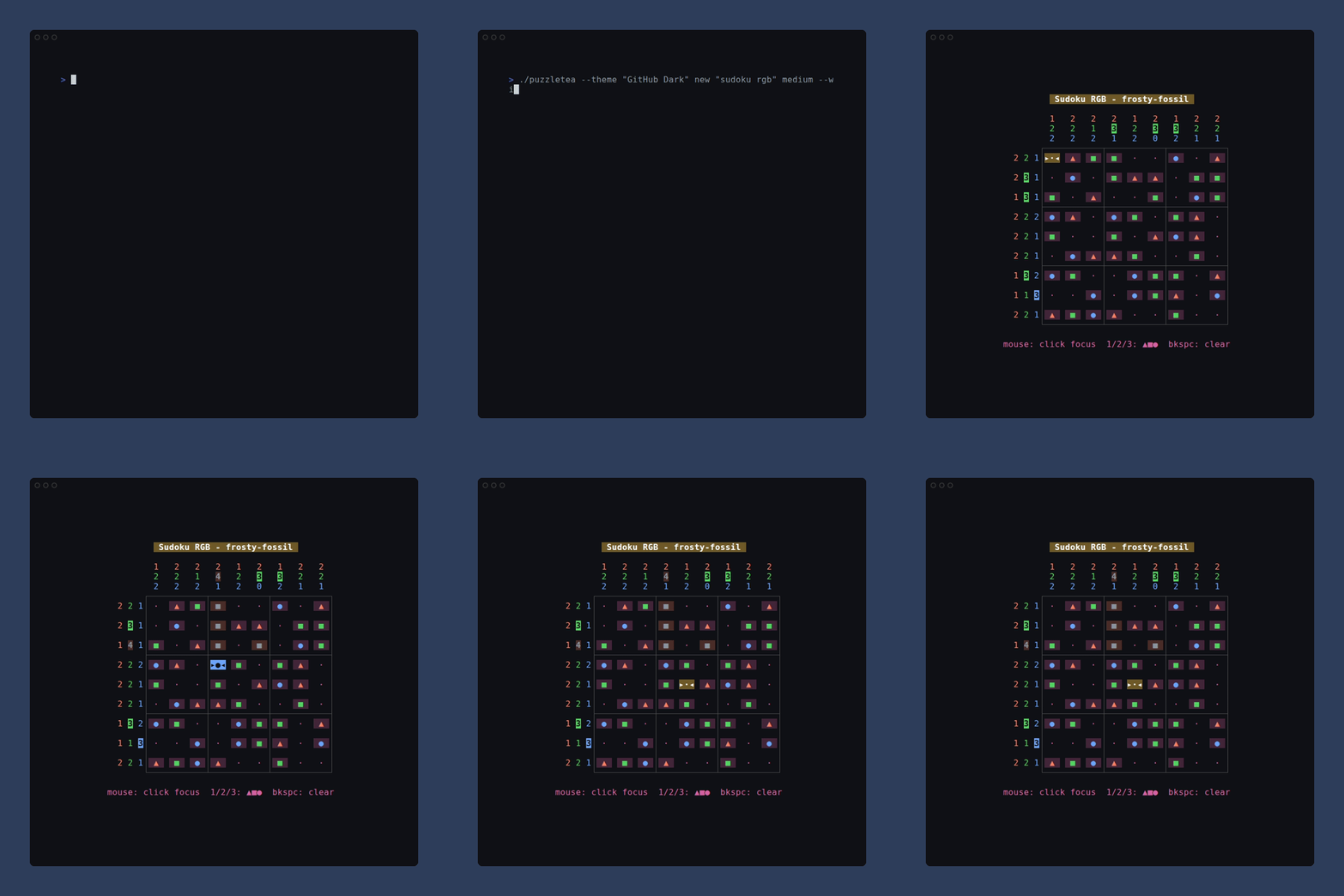
Game details and controls
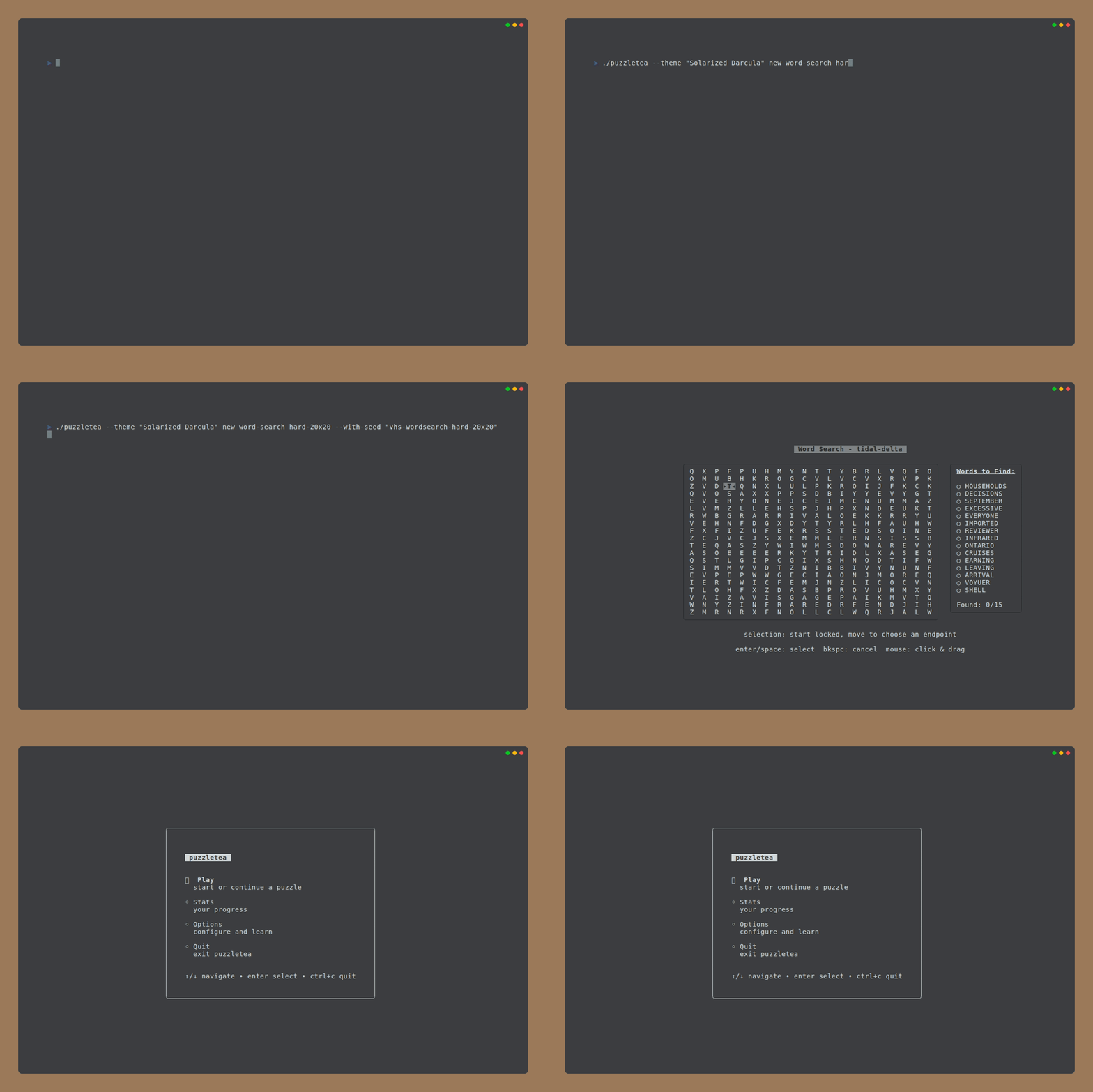
Word Search
Find hidden words in a letter grid.
Game details and controls
Spell Puzzle
Connect letters from a fixed bank to reveal a crossword and score bonus words.
Game details and controls
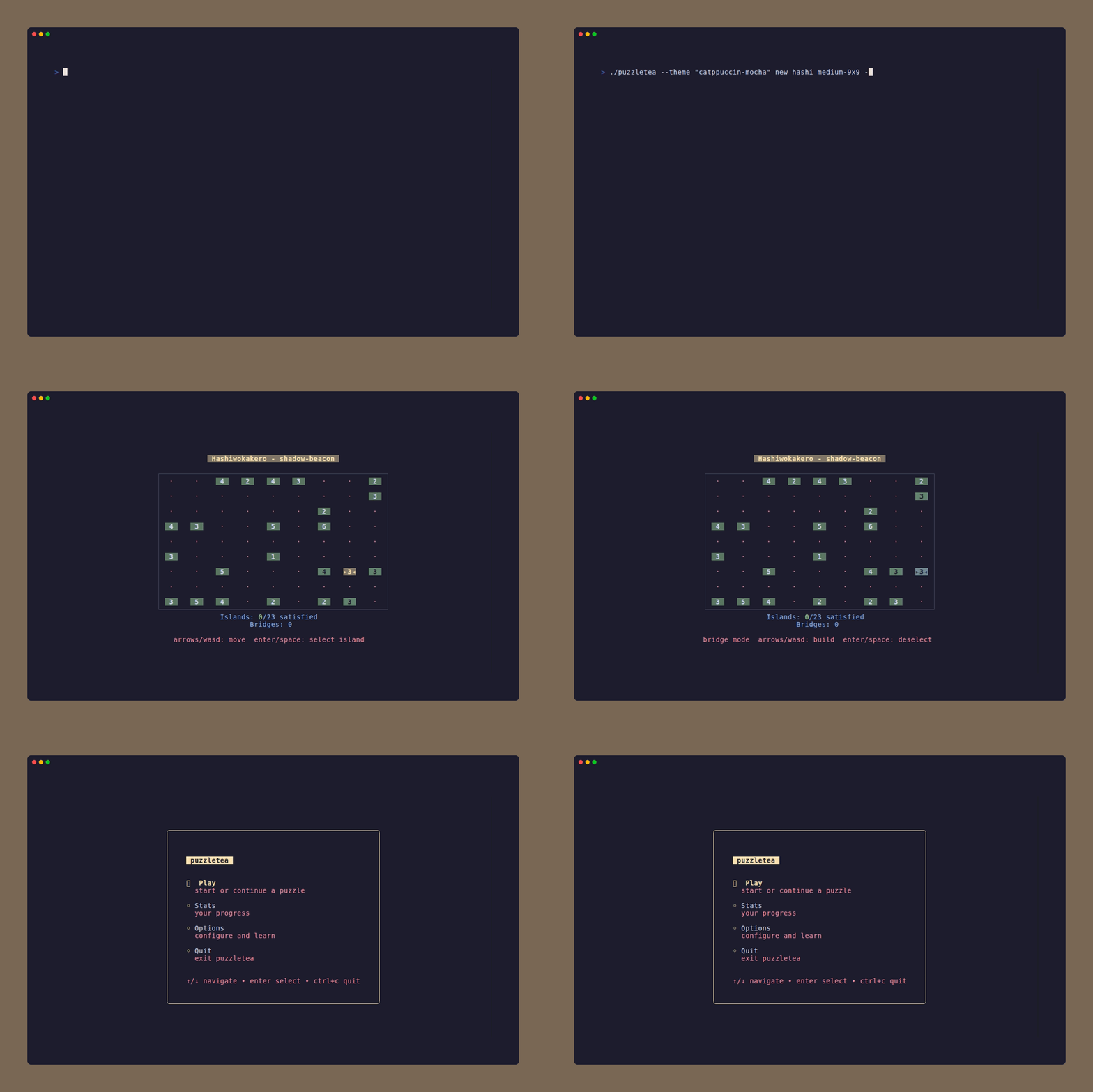
Hashiwokakero
Connect islands with bridges.
Game details and controls
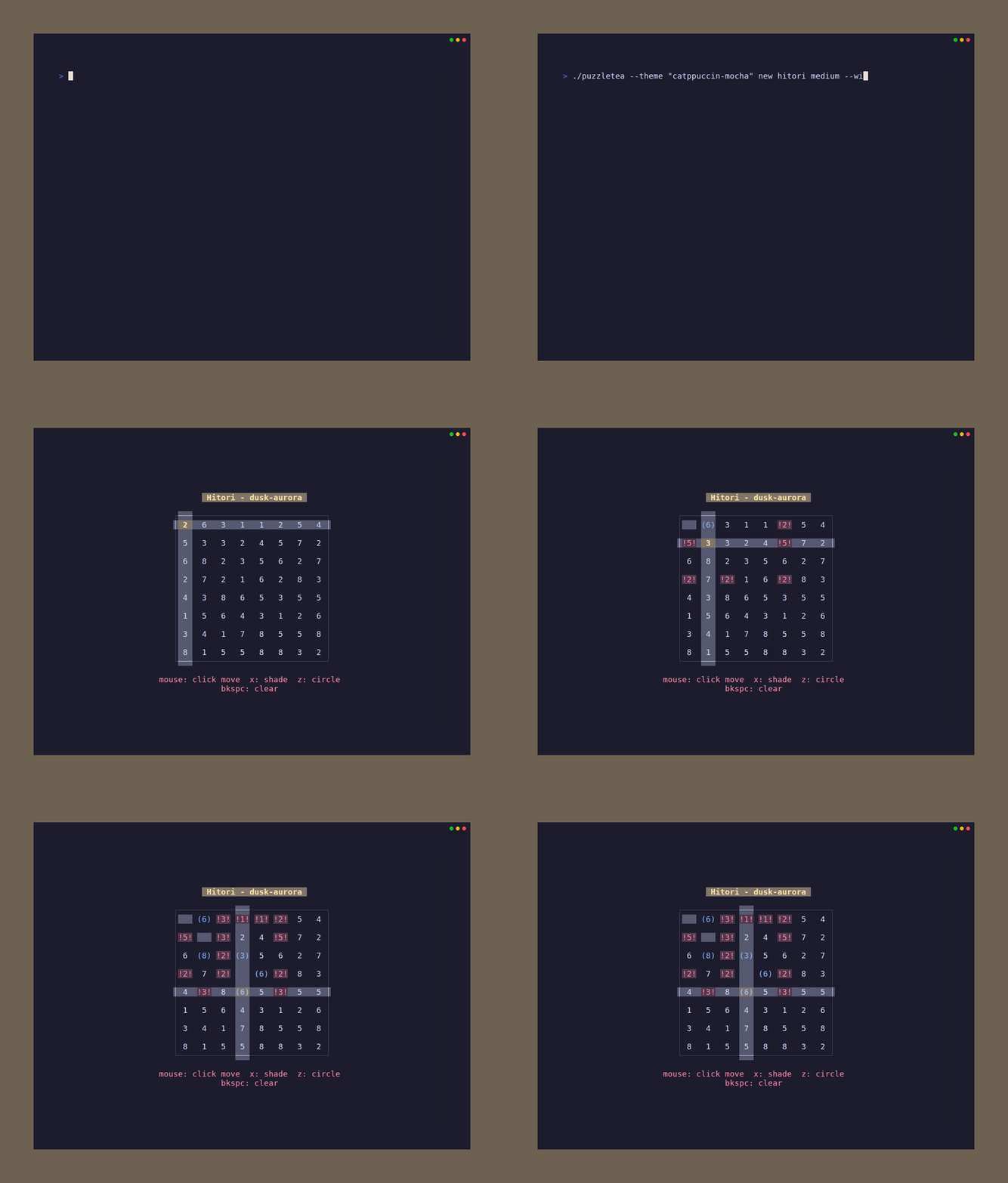
Hitori
Shade cells to eliminate duplicate numbers.
Game details and controls
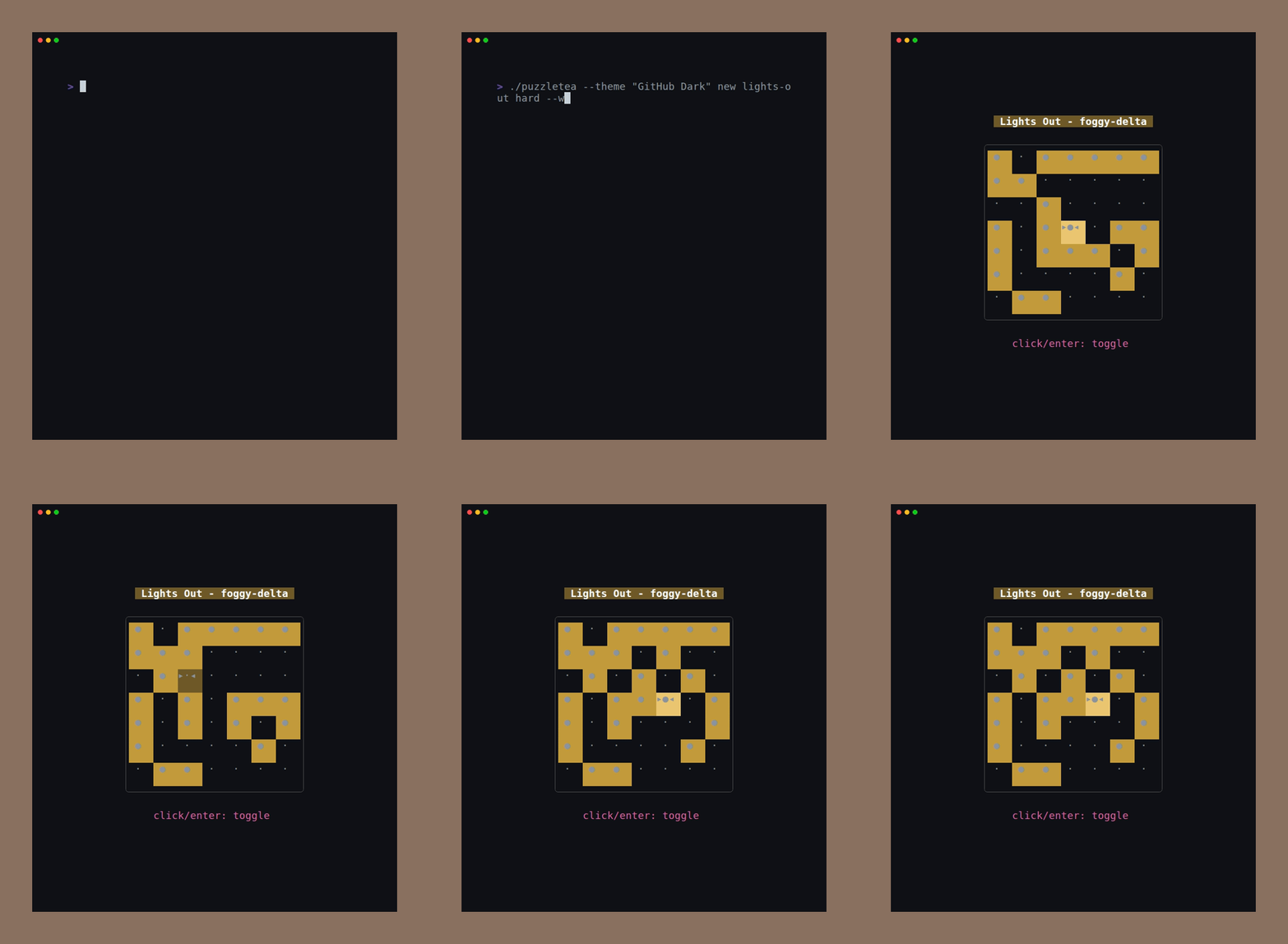
Lights Out
Toggle lights to turn all off.
Game details and controls
Netwalk
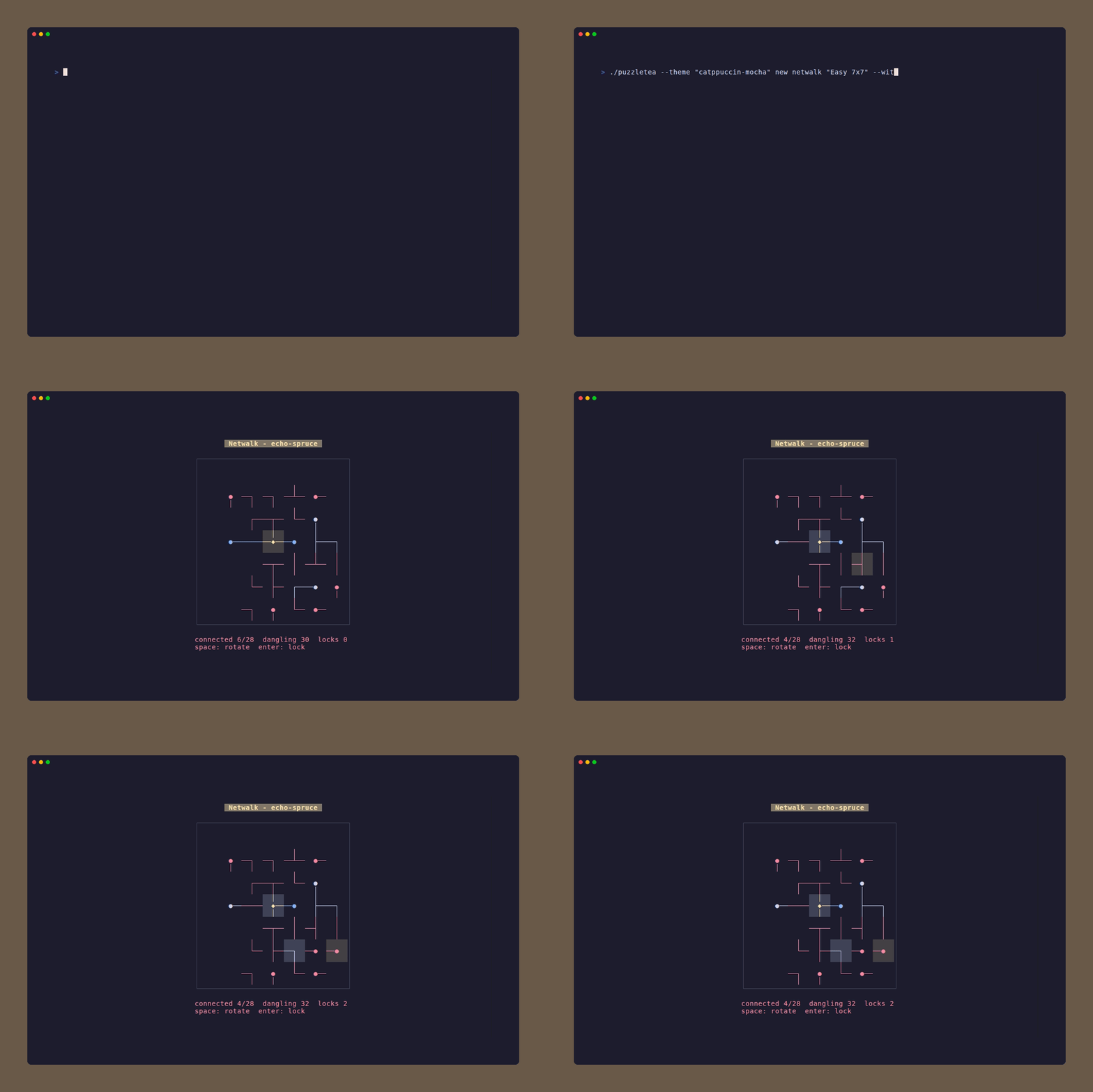
Rotate network tiles until every computer reaches the server in one loop-free tree.
Game details and controls
Takuzu
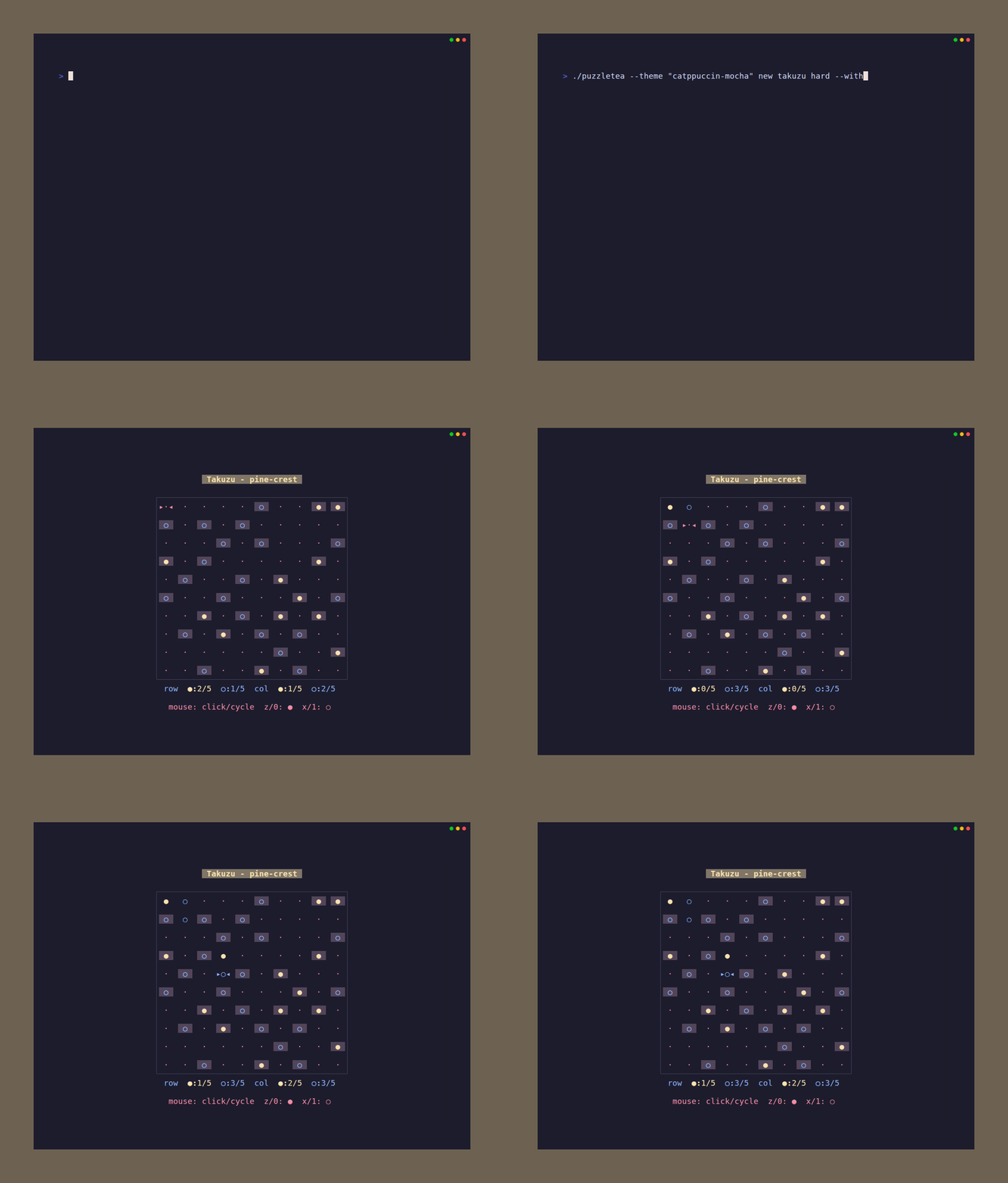
Fill the grid with two symbols following three simple rules.
Game details and controls
Takuzu+
Fill the grid with two symbols while obeying the normal Takuzu rules plus fixed relation clues.
Game details and controls
Building and Testing
just is used as the command runner:
just              # build
just run          # build and run
just test         # run tests (go test ./...)
just test-short   # run tests, skipping slow generator tests
just lint         # run golangci-lint
just fmt          # format with gofumpt
just tidy         # go mod tidy
just install      # install to $GOPATH/bin
just clean        # remove build artifacts
just vhs          # generate all VHS GIF previews
Run a single package's tests:
go test ./nonogram/
go test ./sudoku/ -run TestGenerateGrid
All code must pass gofumpt and golangci-lint before committing. CI runs both on every PR.
Adding a New Puzzle
PuzzleTea uses an explicit built-in registry plus a metadata catalog. To add a new puzzle type:
1. Create the game package
Create a directory (e.g., mypuzzle/) with these files:
| File | Purpose |
|---|
gamemode.go | Mode structs embedding game.BaseMode, Modes, ModeDefinitions, package-level Definition, and the built-in Entry |
model.go | Model struct implementing game.Gamer |
export.go | Save struct, GetSave(), ImportModel() for persistence |
keys.go | Game-specific KeyMap struct |
style.go | lipgloss styling and rendering helpers |
generator.go | Puzzle generation logic (if applicable) |
elo.go | Elo-targeted generation and difficulty.Report scoring |
grid.go | Grid type and serialization (for grid-based games) |
help.md | Embedded rules/help content wired into the runtime entry |
print_adapter.go | Optional printable export adapter for JSONL/PDF support |
mypuzzle_test.go | Tests (table-driven, save/load round-trip, generator validation) |
README.md | Game docs: rules, controls table, modes table, quick start examples |
Use gameentry.BuildModeDefs(Modes) and gameentry.NewEntry(...) so the
package exposes both metadata and its validated runtime wiring. If a mode has a
preset Elo, its runtime mode must implement game.EloSpawner.
2. Wire it into the built-in registry
Edit the built-in registry once:
registry/registry.go: Import the package and add its exported Entry to all (maintain alphabetical order).
The game package's Definition owns:
- canonical name
- description
- aliases
- menu modes
- preset Elo values for modes
- daily-eligible modes
- help content
- save/import function
The catalog package is built from the registered entries and remains the pure
metadata index for names, aliases, and daily-mode lookup.
3. Add a VHS preview
- Create
vhs/.tape following the format in existing tapes.
- Add the tape to the
vhs target in the justfile.
4. Verify
just fmt
just lint
just test-short
See any existing game package (e.g., nonogram/) for the full pattern, and AGENTS.md for detailed conventions.
License
MIT
Research References
Elo difficulty scoring and game-specific heuristics were informed by public
puzzle implementations and solver documentation, including Simon Tatham's
Portable Puzzle Collection
and source repository,
Copris puzzle solvers,
QQWing Sudoku, Jaap Scherphuis'
Lights Out notes, and public
Nikoli puzzle rules.
Built With