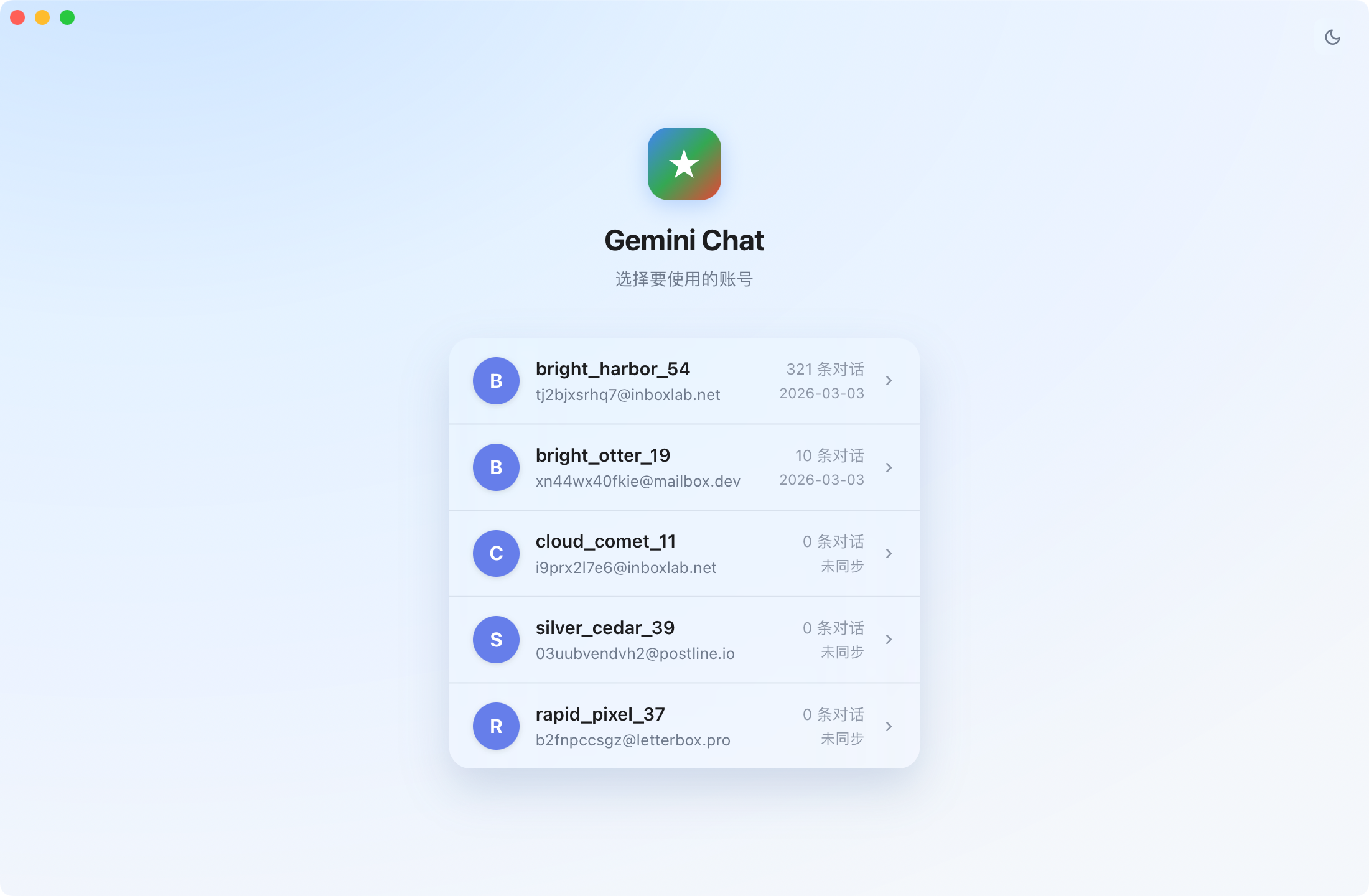
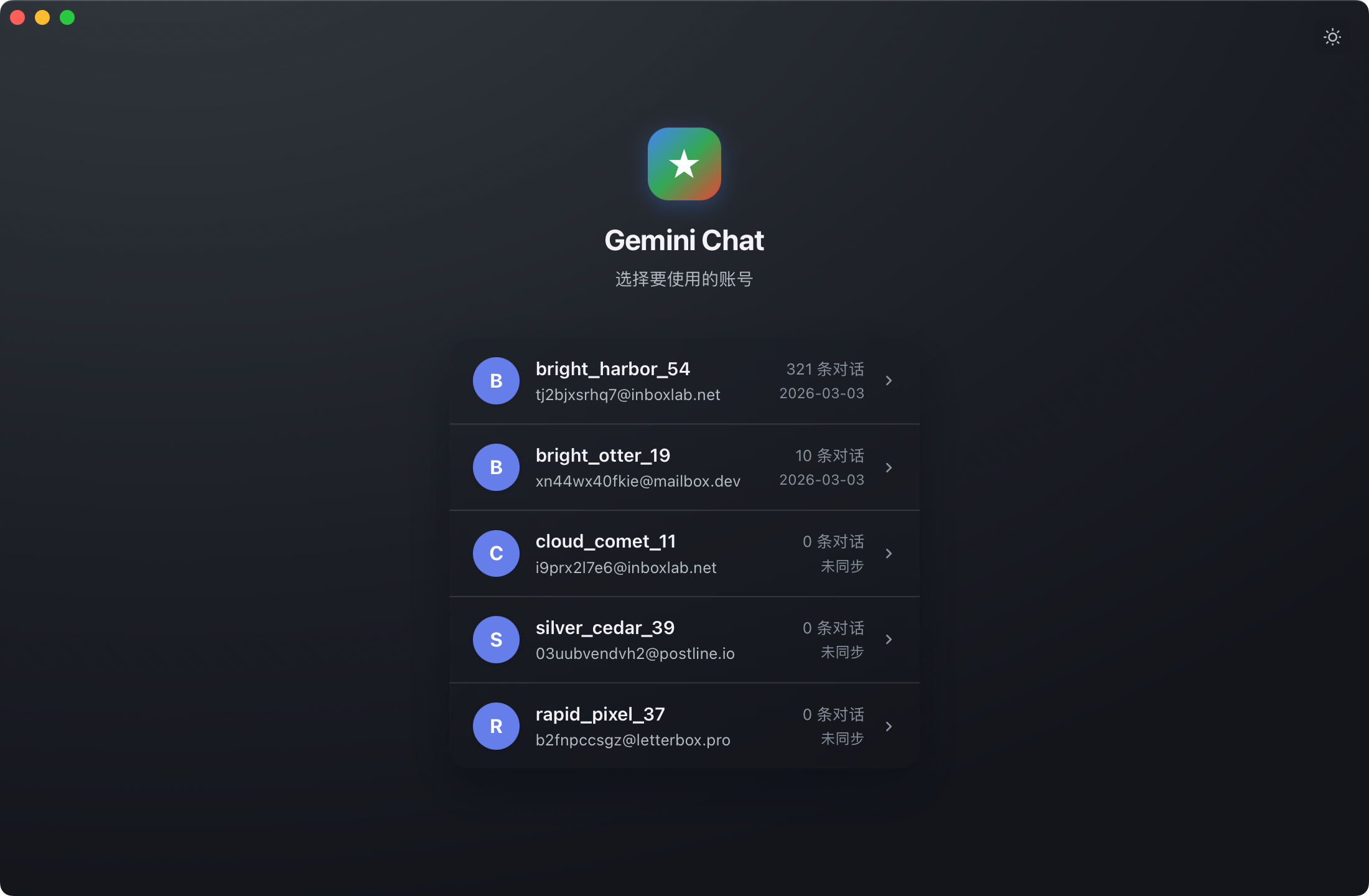
Gemini Collector is a desktop application designed to back up all your Google Gemini conversations and AI-generated media locally. This tool enables you to preserve chat records, images, music, videos, reports, and other content generated by the Gemini AI in a secure and private manner.
Key Features:
Zero-config sync: On macOS, the app automatically detects Gemini accounts signed into Chrome and syncs with one click. On Windows, it uses a built-in browser for sign-in and automatic syncing.
Multi-account support: Manage multiple Gemini accounts independently with incremental updates and resumable transfers.
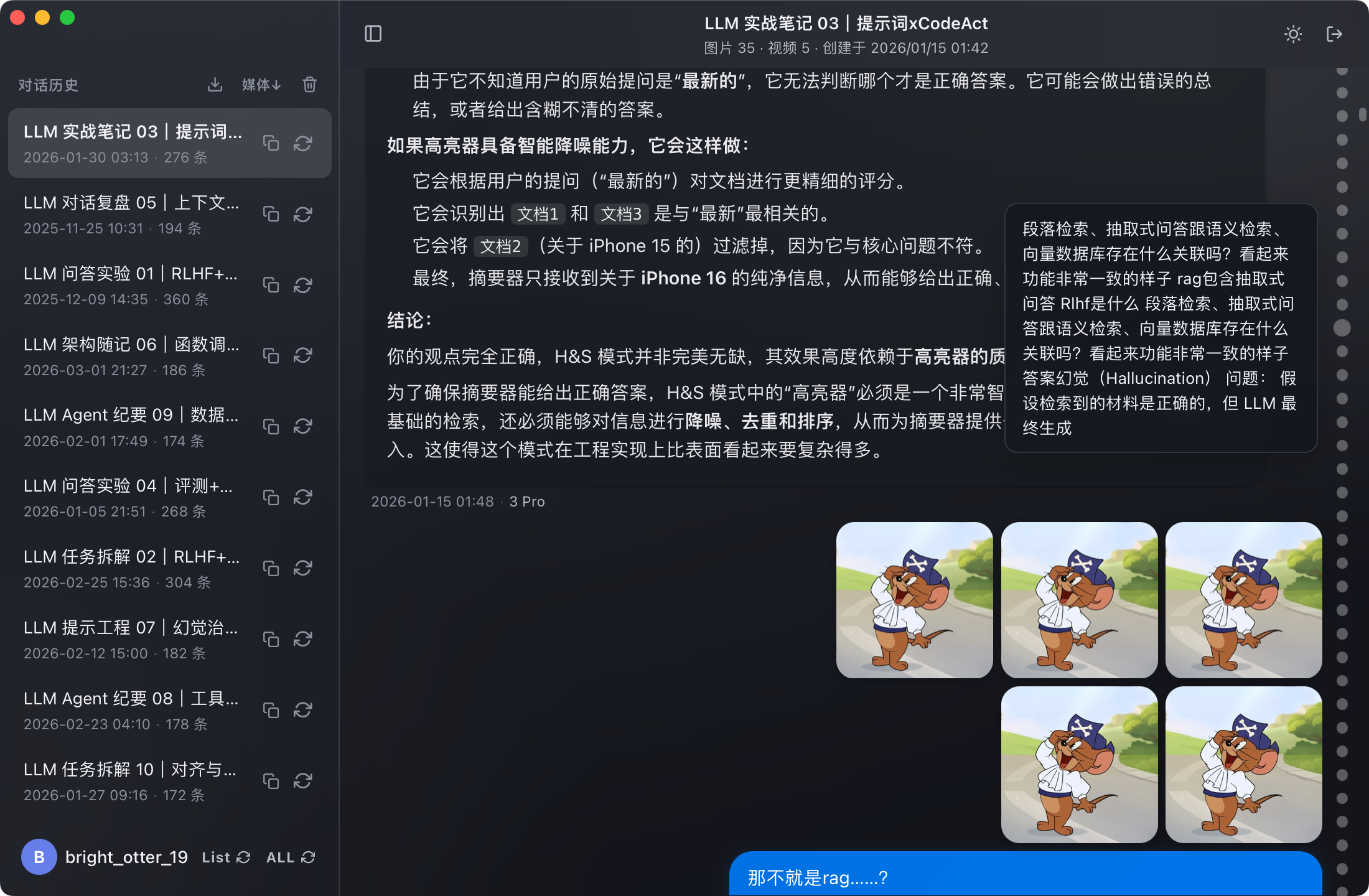
Full content archival: Save all conversation text, user-uploaded attachments, and AI-generated media in complete context.
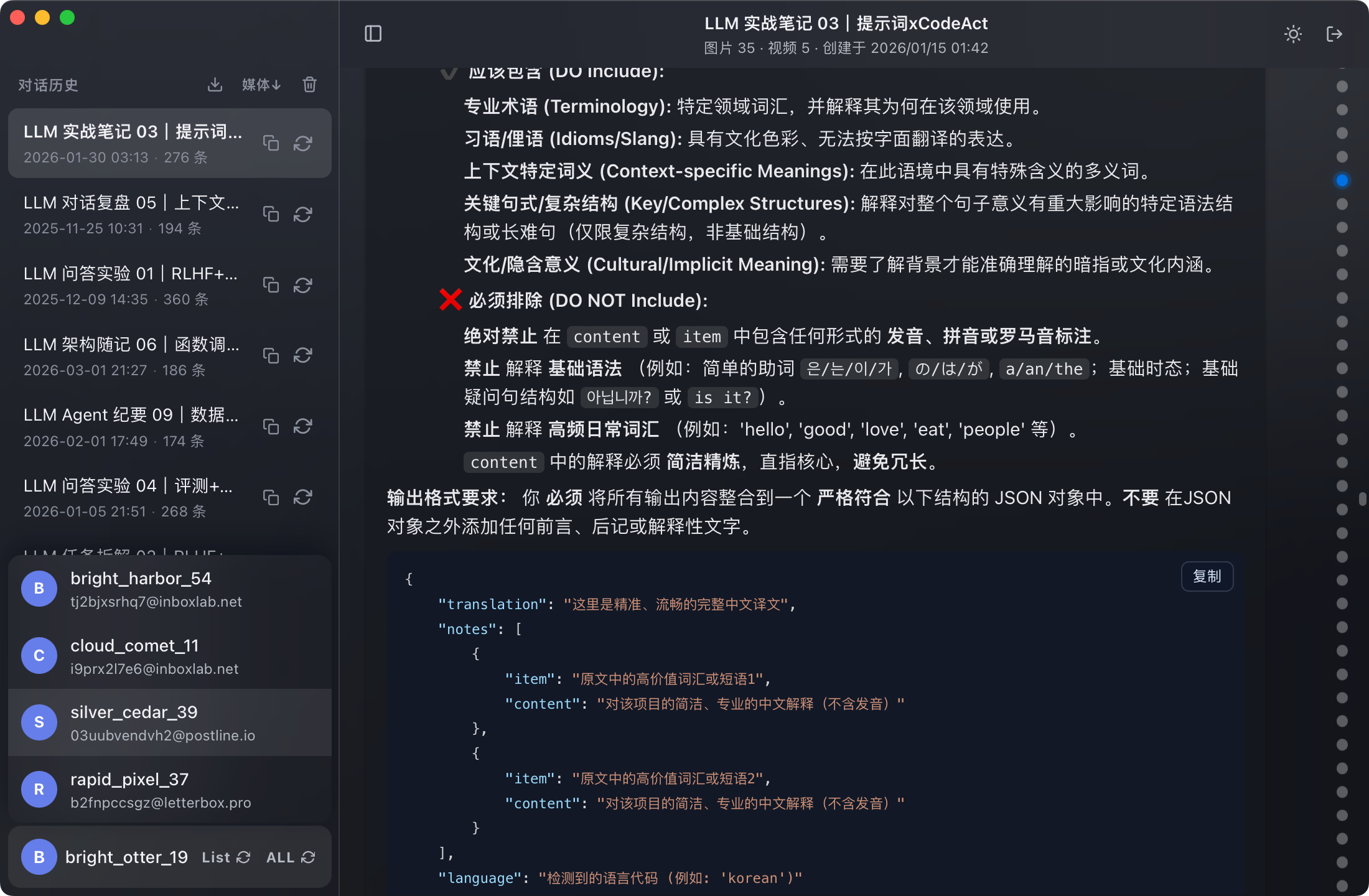
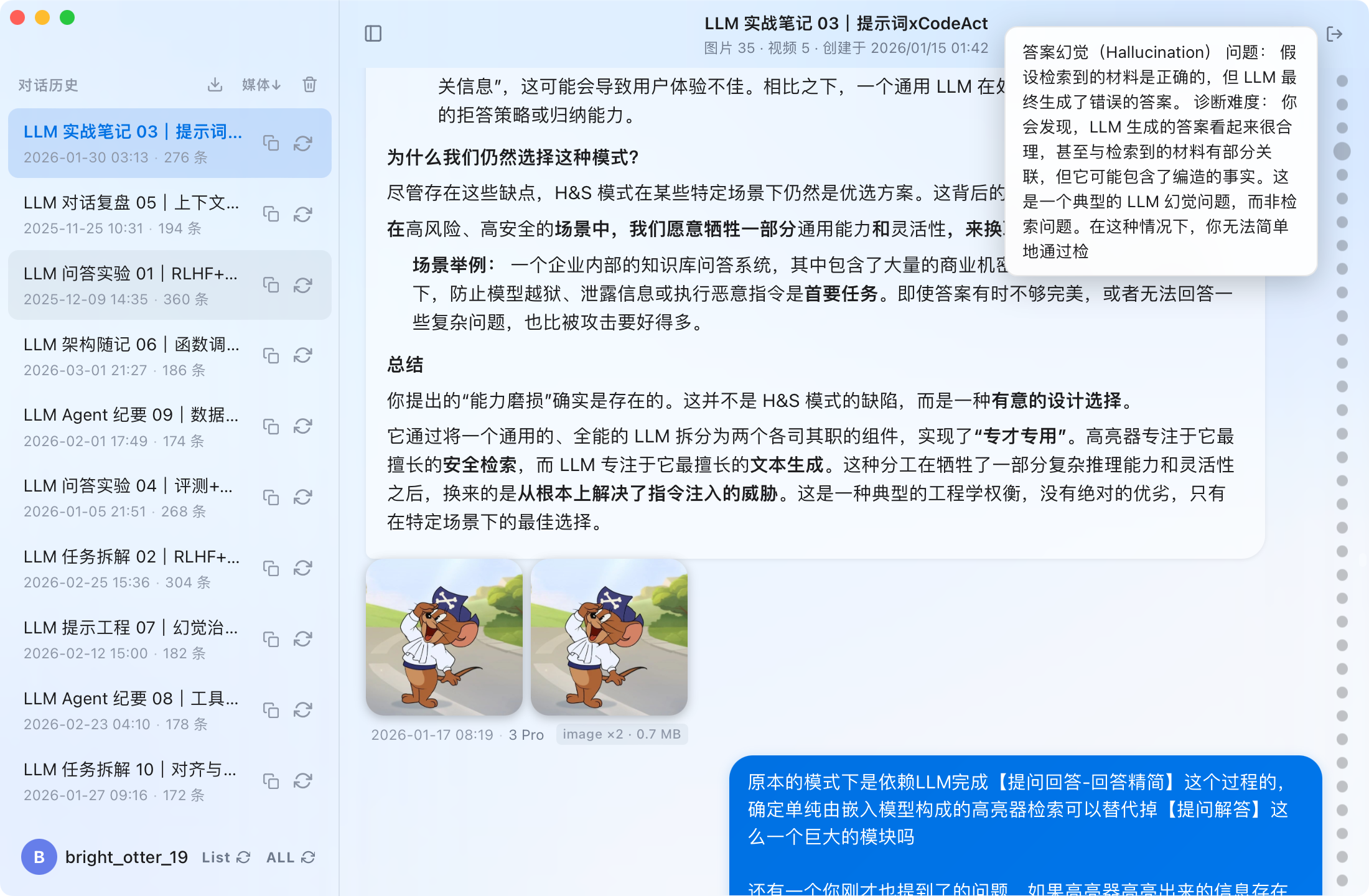
Native UI with light/dark theme: Enjoy a seamless experience with automatic theme switching and full rendering of Markdown, code, and LaTeX math.
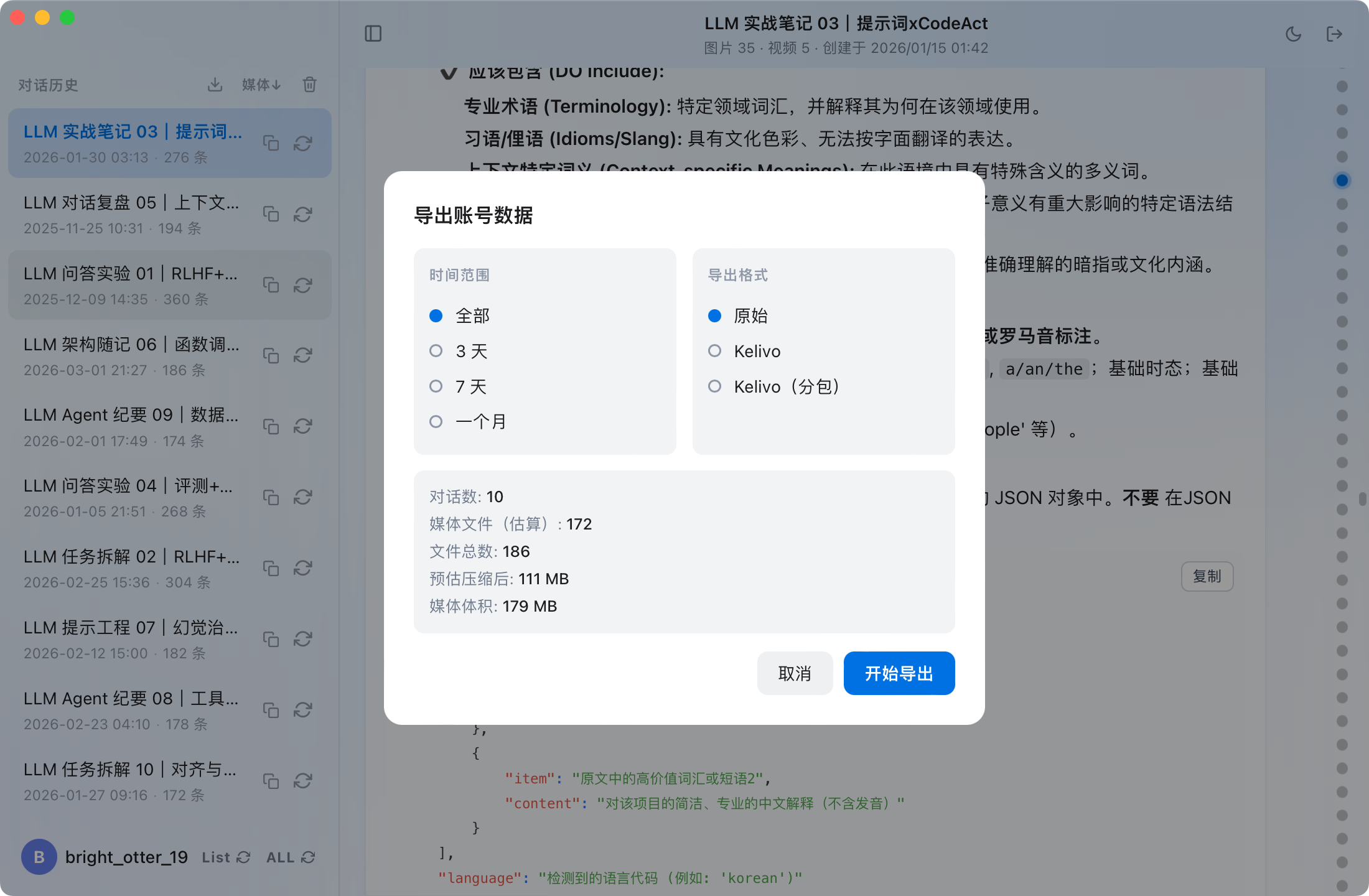
Export capabilities: Filter conversations by time range and export data in raw or Kelivo split formats for compatibility with iOS devices.
Audience & Benefit: Ideal for individuals and teams who rely on Gemini AI and want to maintain control over their data. By using Gemini Collector, users can ensure that their conversations and media are securely stored locally without third-party involvement.
Gemini Collector is available for macOS and Windows. For Windows, it can be installed via winget.
README
Gemini Collector
Back up all your Google Gemini conversations & AI-generated media locally
Native desktop app for macOS & Windows · Multi-account · Light / Dark theme
Gemini Collector turns your entire Gemini chat history into a local offline archive — every conversation, uploaded attachment, and AI-generated image, music track, video, and report is saved to your machine, ready to browse and export anytime. A one-click alternative to Google Takeout for backing up Gemini.
Screenshots
Light theme
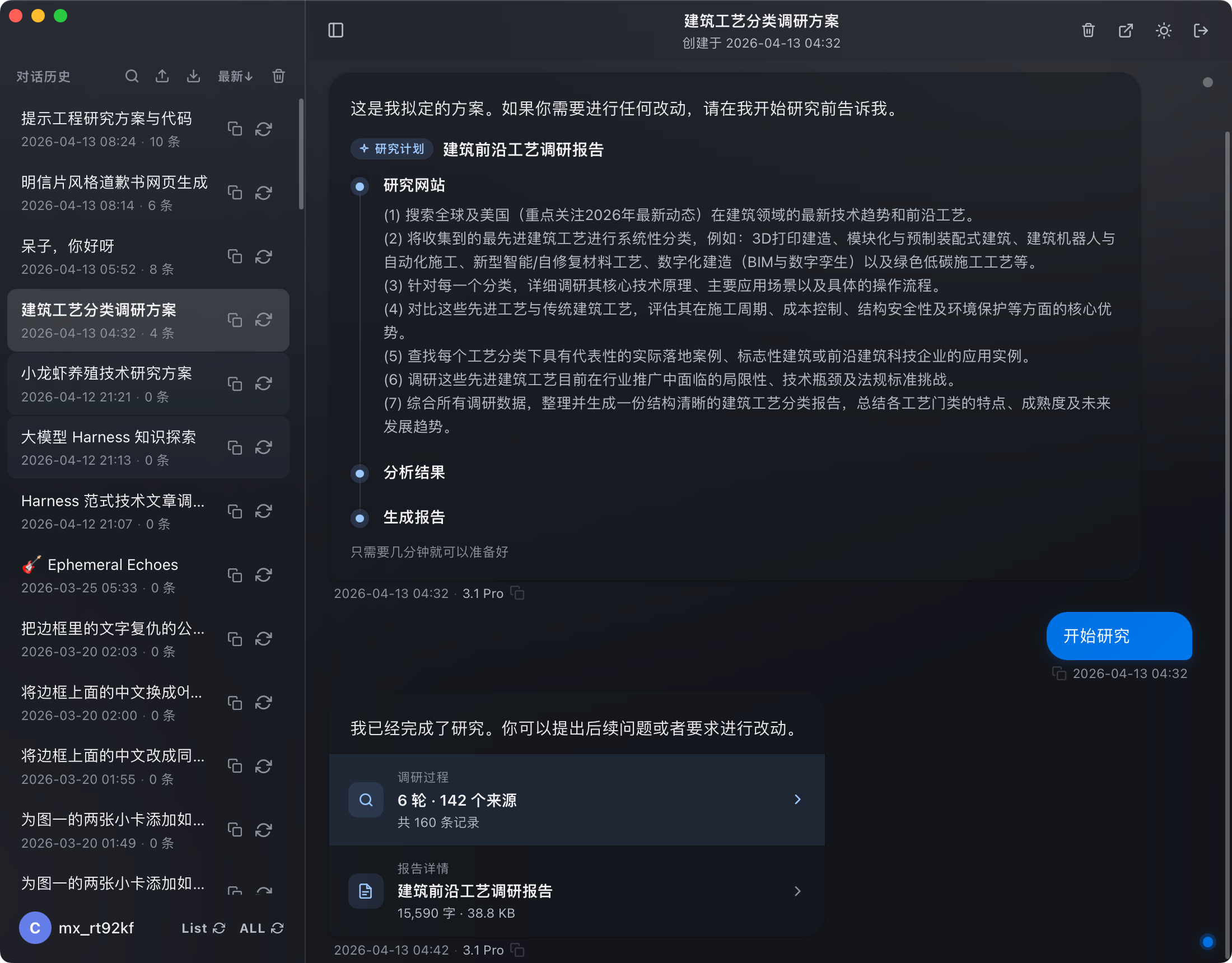
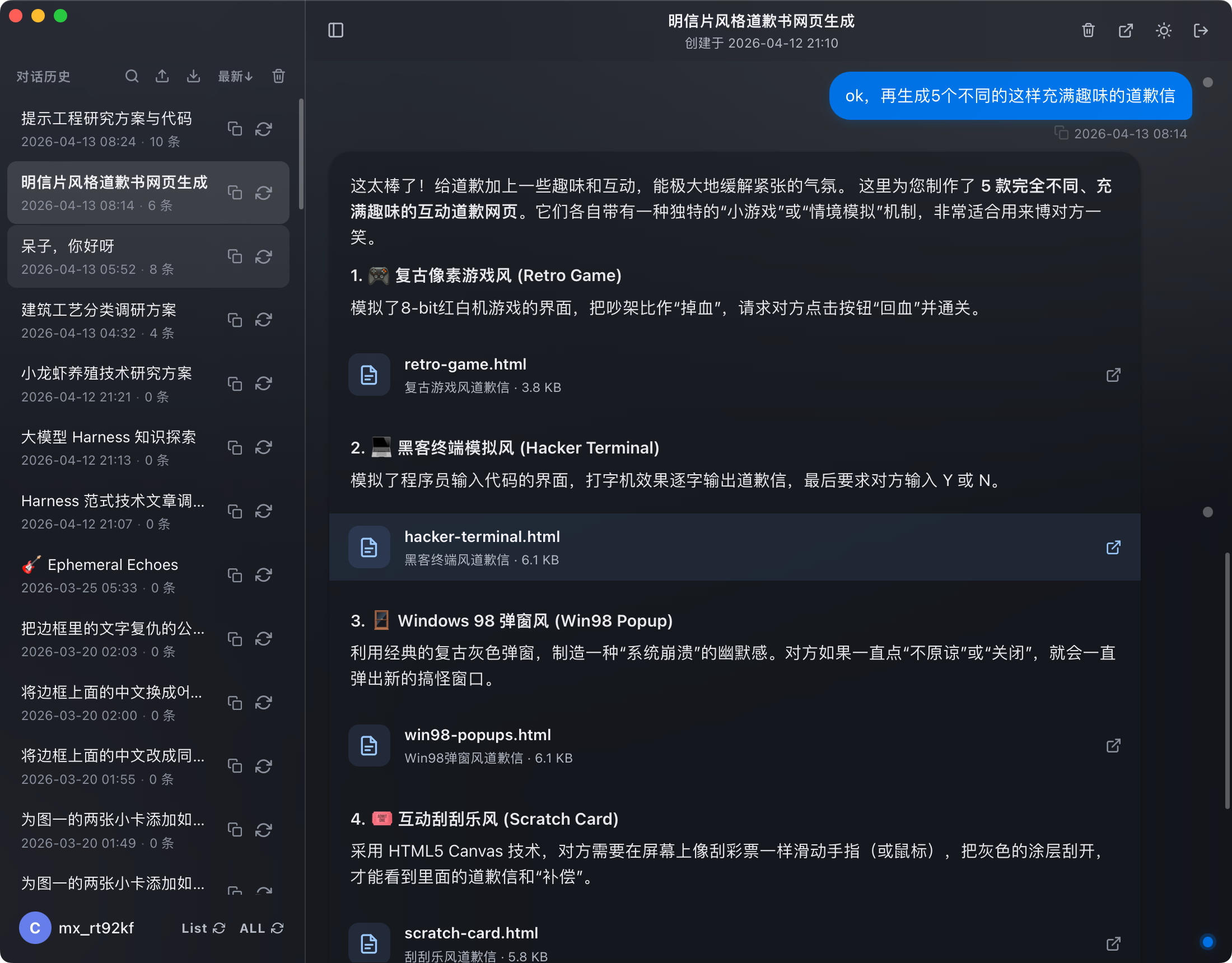
Dark theme
Chat view
Media messages
Conversation list
Export
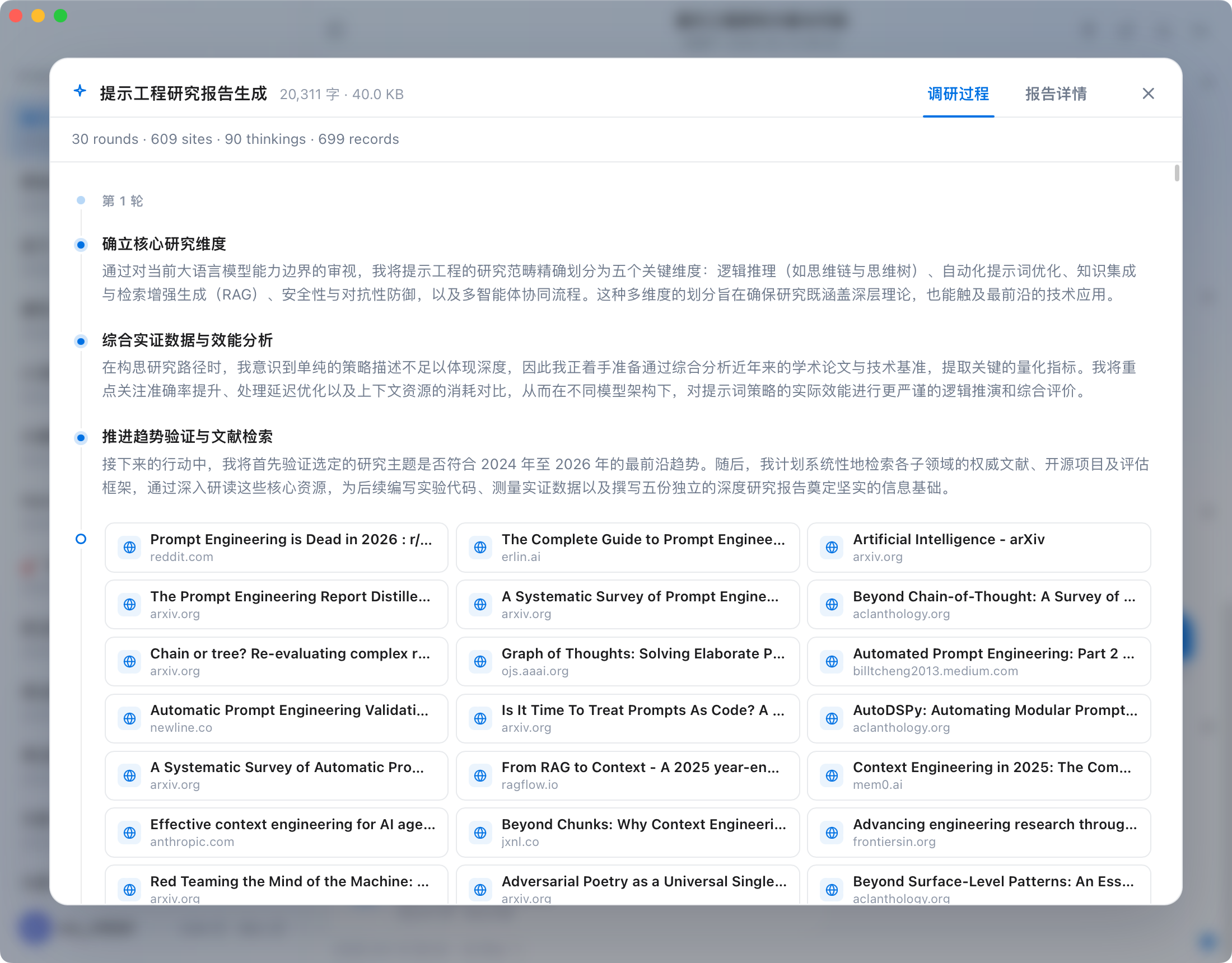
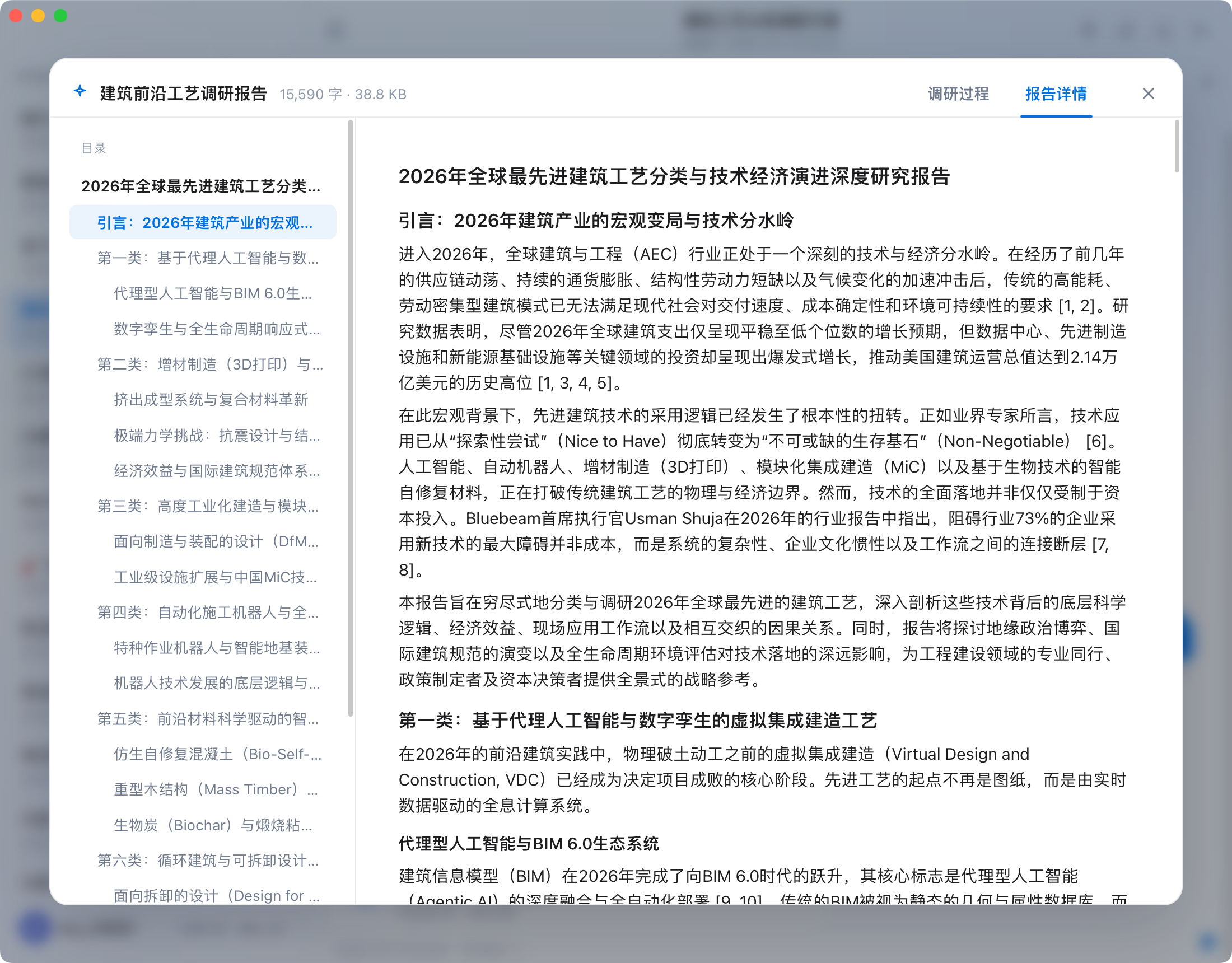
Deep Research
Canvas files
Research progress
Research report
Features
Zero-config sync
macOS: automatically detects all Gemini accounts signed in to Chrome — one-click sync, no setup needed
Windows: sign in via the built-in browser on first launch, then sync automatically
Multi-account support with independent management, incremental updates, and resumable transfers
Full content archival
Sync all conversation text with complete context
Download user-uploaded attachments
Save AI-generated images, music, videos, reports, and more — nothing is left behind
Reading experience
Native UI with automatic light / dark theme switching
Full rendering: Markdown, syntax-highlighted code, LaTeX math
Timeline navigation for instant access to thousands of conversations
Right-click to delete individual conversations
Export
Filter by time range (all / last 3 days / 7 days / 1 month)
Kelivo split packages (for iOS devices with limited single-import size)
Preview file count and size before exporting
Security & Privacy
Everything runs locally. No data is ever uploaded.
macOS: reads local Chrome cookies for Gemini authorization — no manual login required
Windows: Google sign-in via built-in WebView2 browser, cookies stored locally only
All synced content stays on your machine — no third-party servers involved
No account registration or extra authorization needed
Install
Platform
Status
Instructions
macOS
✅
Download the latest .dmg from Releases, drag to Applications
Windows
✅
Download the latest installer from Releases and run it
> macOS "unverified developer" warning: Go to System Settings → Privacy & Security and click "Open Anyway".
>
> macOS "damaged" warning: Run the following in Terminal, then reopen:
> bash > xattr -cr /Applications/gemini-collector.app >
Sign in to Google within the app on first use (Chrome not required)
License
GNU AGPL-3.0 — free to use, modify, and share. If you run a modified version as a network service, or distribute it, you must release the complete corresponding source code under the same license.
Dual licensing: a separate commercial license is available for proprietary/closed-source or hosted use that cannot comply with the AGPL.