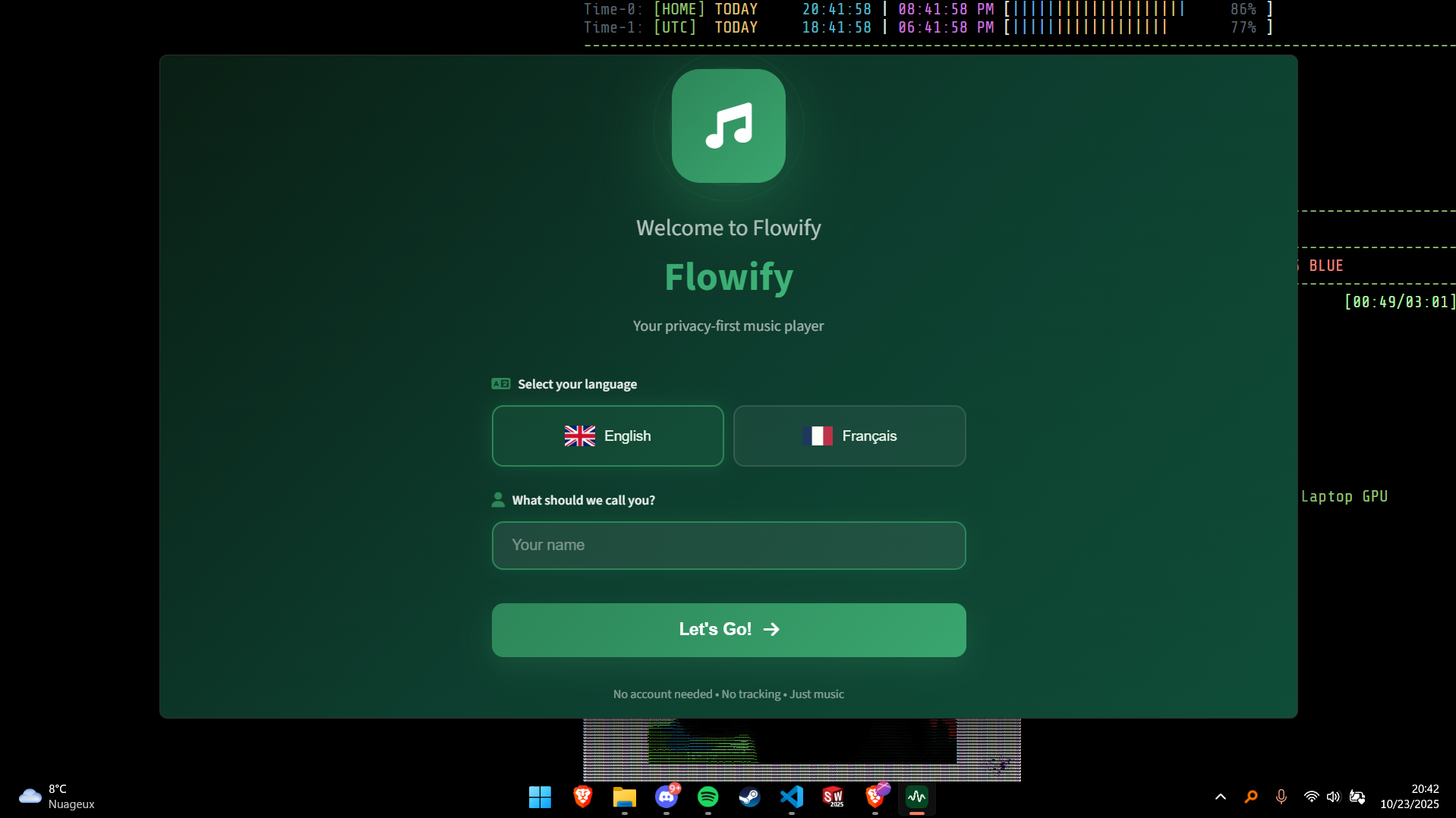
Flowify Music Player is a privacy-focused music player designed to provide a free, uninterrupted listening experience without requiring an account or tracking user activity. Built with Electron, it emphasizes user control and security while offering high-quality audio streaming.
Key Features:
High-Quality Streaming: Enjoy lossless FLAC/LOSSLESS playback for optimal sound quality.
Smart Search: Quickly find tracks, artists, or albums with instant search functionality.
Custom Playlists & Liked Songs: Organize your music library with personalized playlists and a favorites collection.
Offline Downloads: Save tracks for offline listening, ensuring access even without an internet connection.
Modern UI with Themes: Choose between dark and light themes, or customize the interface using CSS themes.
System Tray Integration: Minimize to the system tray for easy playback control while working on other tasks.
Audience & Benefit:
Ideal for privacy-conscious users and music enthusiasts seeking a distraction-free listening experience. Flowify offers tangible benefits such as uninterrupted audio enjoyment, complete control over data storage (all preferences and playlists are stored locally), and a clean interface free from ads or trackers. Additionally, seamless auto-updates via GitHub ensure the app stays current with minimal disruption.
Flowify can be installed using winget, making it easy to set up on supported platforms.
README
π΅ Flowify Music Player - Beta [DISCONTINUED]
A free, privacy-focused music player built with Electron
No account required β’ No tracking β’ No ads
> [!IMPORTANT]
> Flowify have been discountinued, the code is 100% free of use, do whatever you want with it! (Just mention you took my code as base if you were to publish any work with it).
> [!CAUTION]
> The app is in "Beta" meaning it is still unstable and you may experience issue. I suggest you make a backup of your profile (Settings -> Export profile) before an update.
> [!WARNING]
> Flowify is intended for educational and legal use only. You are solely responsible for the content you access.
Installation (Windows 10 / Windows 11)
> [!NOTE]
> If you don't understand this you can simply ignore it and head to release and download the .exe installer.
winget install Flowify.Flowify
π§ Core Functionality
100% FREE
High-Quality Streaming - Stream music in lossless quality (FLAC/LOSSLESS)
Smart Search - Find any track, artist, or album instantly
Custom Playlists - Create, edit, and manage your music collections
Liked Songs - Build your personal favorites library
Offline Downloads - Download tracks for offline listening
Artist Pages - Explore full artist discographies
Albums - Explore albums (COMING SOON)
π¨ User Experience
Modern UI - Clean, intuitive interface with smooth animations
Dark & Light Themes - Choose your preferred visual style
Main Process (main.js) - Electron main process, window management, IPC
Renderer Process (script.js) - UI logic, playback control
Preload Script (preload.js) - Secure IPC bridge
Local Storage - Persistent data (playlists, preferences)
π Auto-Update System
Flowify includes a seamless auto-update system:
Silent Check - App checks for updates on launch
Notification - Only notifies if an update is available
User Control - You decide when to download and install
Background Download - Updates download without interrupting playback
Install on Quit - Updates install when you close the app
> [!WARNING]
> Auto Updater currently doesn't work for Linux.
> [!IMPORTANT]
> If you wish to upgrade to future version go to: Settings -> Export profile -> Save. Install the newer version from this repo and import your profile from the onboarding or from: Settings -> Important profile. (For Linux user, ignore if you use Windows.)
π€ Contributing
Contributions are welcome! Here's how you can help: