Scrcpy GUI


A modern, cross-platform graphical user interface for scrcpy - the powerful Android screen mirroring and control tool.

🎯 Overview
Scrcpy GUI transforms the command-line scrcpy experience into an intuitive graphical interface, making Android device mirroring and control accessible to everyone. Built with Flutter, this application provides a seamless experience across Windows, macOS, and Linux platforms.
What is scrcpy?
scrcpy is an open-source tool that provides display and control of Android devices connected via USB or TCP/IP. It's lightweight, high-performance, and requires no root access.
What does Scrcpy GUI add?
- Visual Command Builder - Generate complex scrcpy commands without memorizing flags
- Multi-Device Management - Control multiple Android devices simultaneously
- Wireless Setup - One-click wireless connection configuration
- Process Monitoring - Track and manage all running scrcpy instances
- Command Favorites - Save and reuse your frequently used configurations
- Real-time Preview - See generated commands with syntax highlighting
- Cross-Platform - Native support for Windows, macOS, and Linux
🚀 Quick Start
Prerequisites
-
scrcpy - Install from official repository
- Windows:
scoop install scrcpy or choco install scrcpy
- macOS:
brew install scrcpy
- Linux:
sudo apt install scrcpy
-
ADB (Android Debug Bridge) - Usually included with scrcpy
-
Android Device - With USB debugging enabled
- Go to Settings → About Phone → Tap "Build Number" 7 times
- Go to Settings → Developer Options → Enable "USB Debugging"
Installation
Windows (winget) - the easiest way to install and stay up to date:
winget install GeorgeEnglezos.ScrcpyGUI
Manual download - grab the latest release for your platform from the Releases page:
- Windows:
scrcpy-gui-windows-vX.X.X.zip
- macOS:
scrcpy-gui-macos-vX.X.X.zip
- Linux:
scrcpy-gui-linux-vX.X.X.zip
Extract and run the executable for your platform.
First Use
- Connect your Android device via USB
- Accept the USB debugging authorization prompt on your device
- Launch Scrcpy GUI
- Your device should appear in the dropdown within 2 seconds
- Click Run to start mirroring
That's it! Your Android screen should now be mirroring on your computer.
✨ Key Features
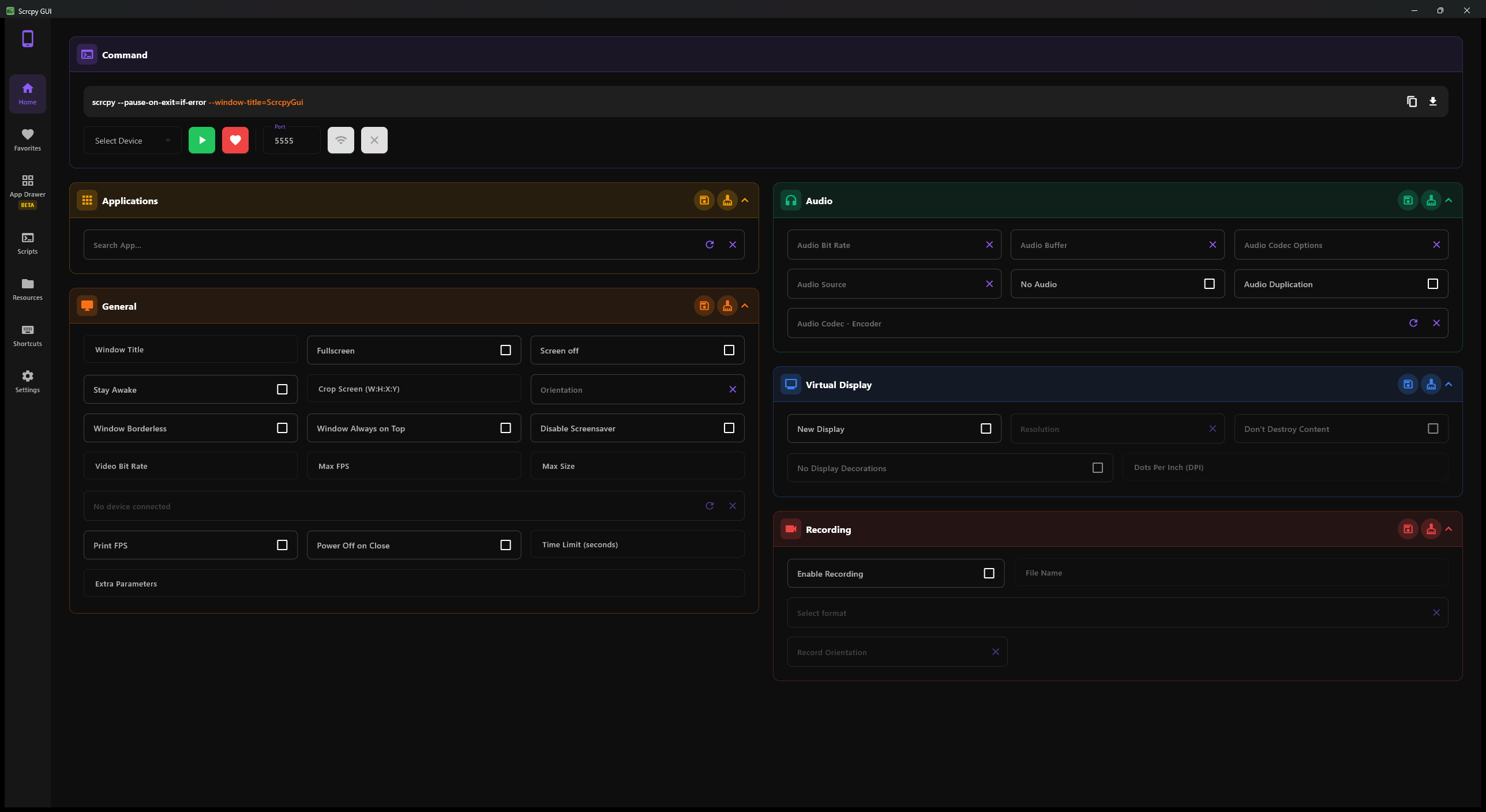
🎨 Visual Command Builder
Configure all scrcpy options through an intuitive interface organized into themed panels:
- Common Commands - Bitrate, resolution, FPS, orientation, window options
- Audio Commands - Audio quality, codec selection, source configuration
- Recording Commands - Screen recording with format and quality controls
- Camera Commands - Mirror device cameras instead of screen
- Virtual Display - Create and manage virtual displays
- Input Control - Keyboard and mouse configuration
- Network Connection - Wireless setup and SSH tunneling
- Advanced Options - Developer settings and debugging tools
📱 Device Management
- Automatic Detection - Devices discovered every 2 seconds
- USB and Wireless - Support for both connection types
- Multi-Device - Control multiple devices simultaneously
- Device Information - Cached codecs, packages, and capabilities
🔄 Wireless Connection
Set up wireless mirroring with a single click:
- Connect device via USB initially
- Click "Connect Wirelessly"
- Disconnect USB cable
- Continue mirroring over WiFi
No manual ADB commands required!
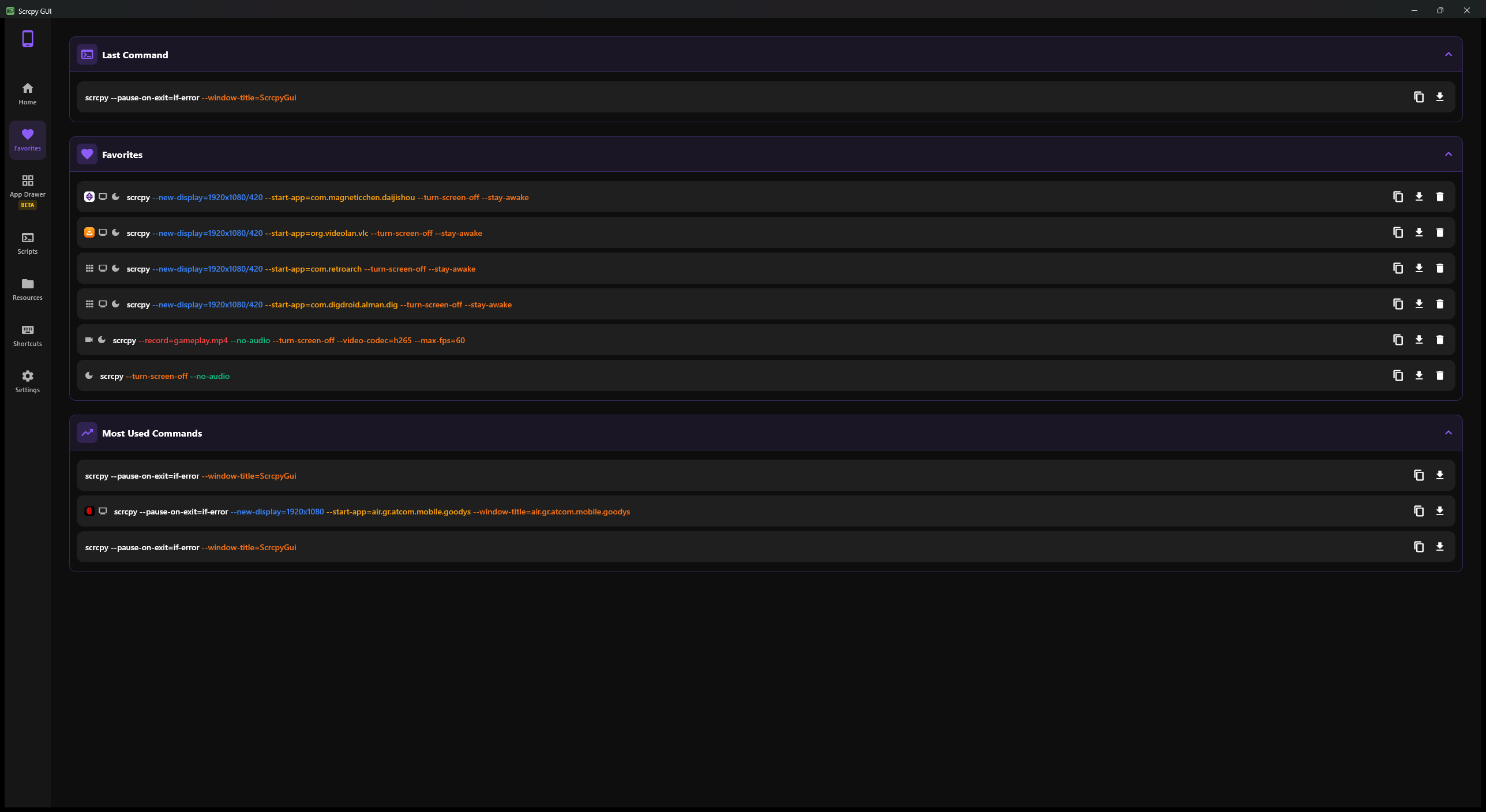
⭐ Favorites System
- Save unlimited command configurations
- Track execution frequency with a Most Used list
- Last Command recalled instantly
- Quick access from dedicated page
- Export as executable scripts
📖 Documentation
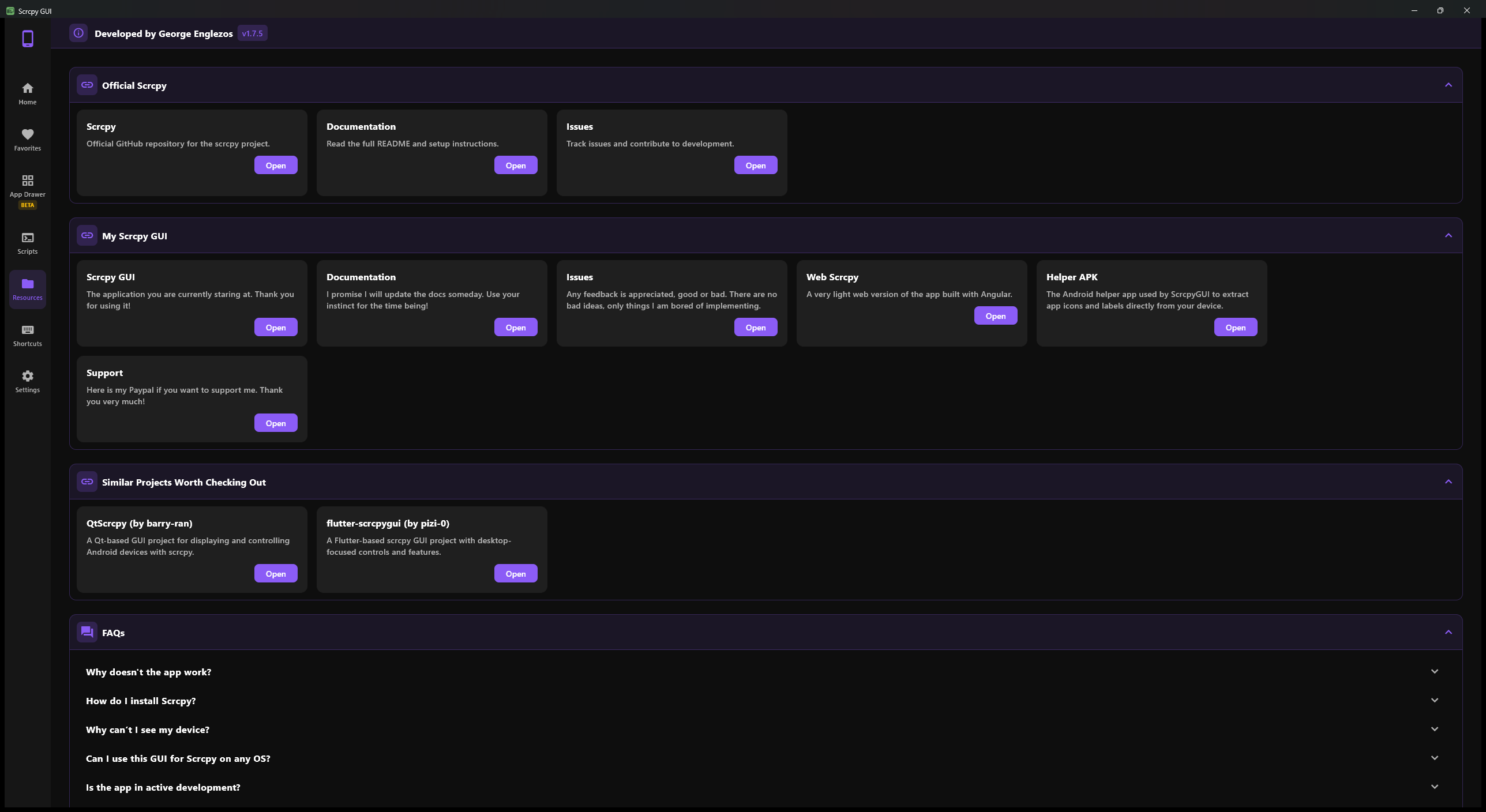
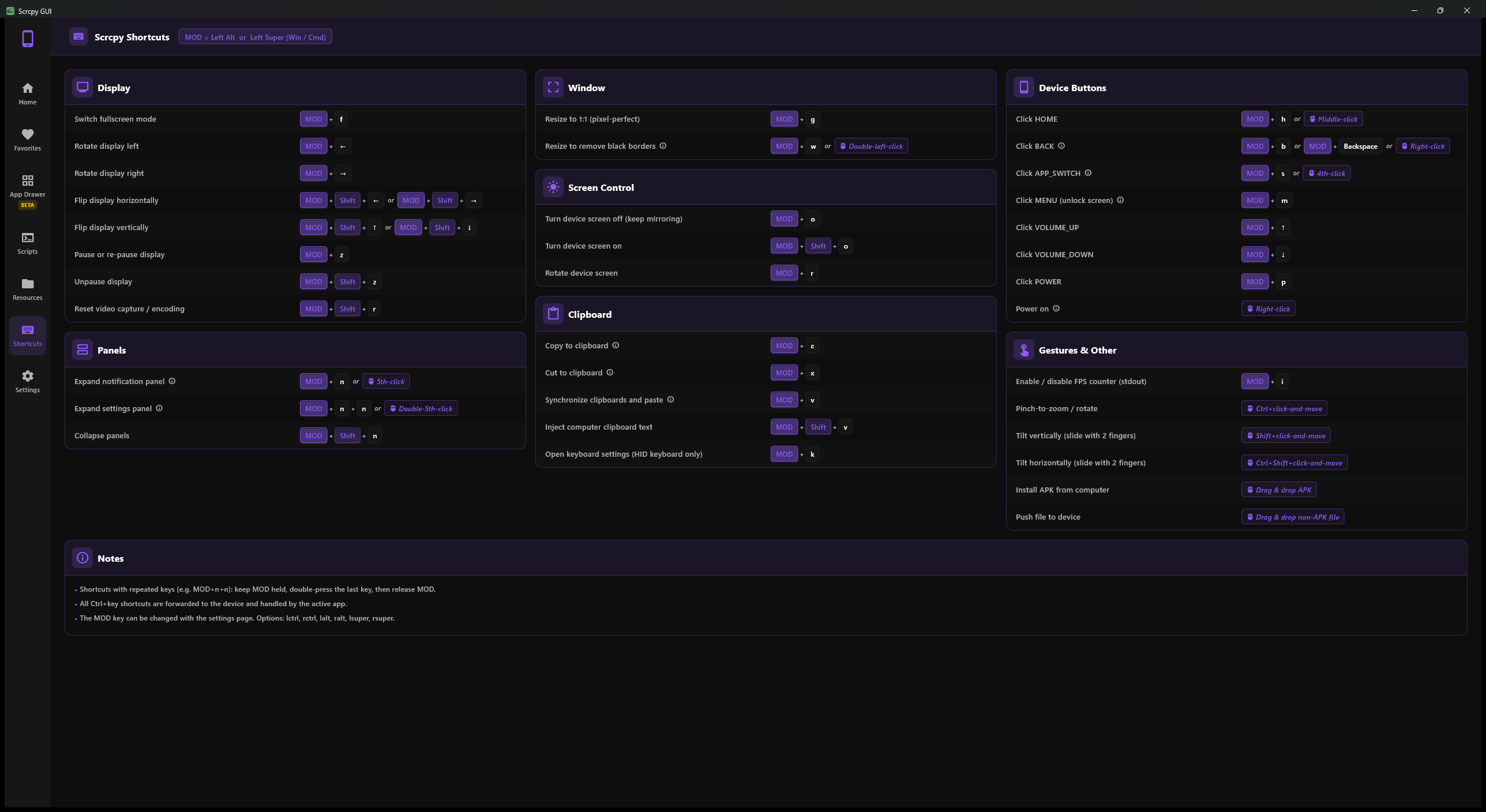
🖼️ Screenshots
🎬 In action
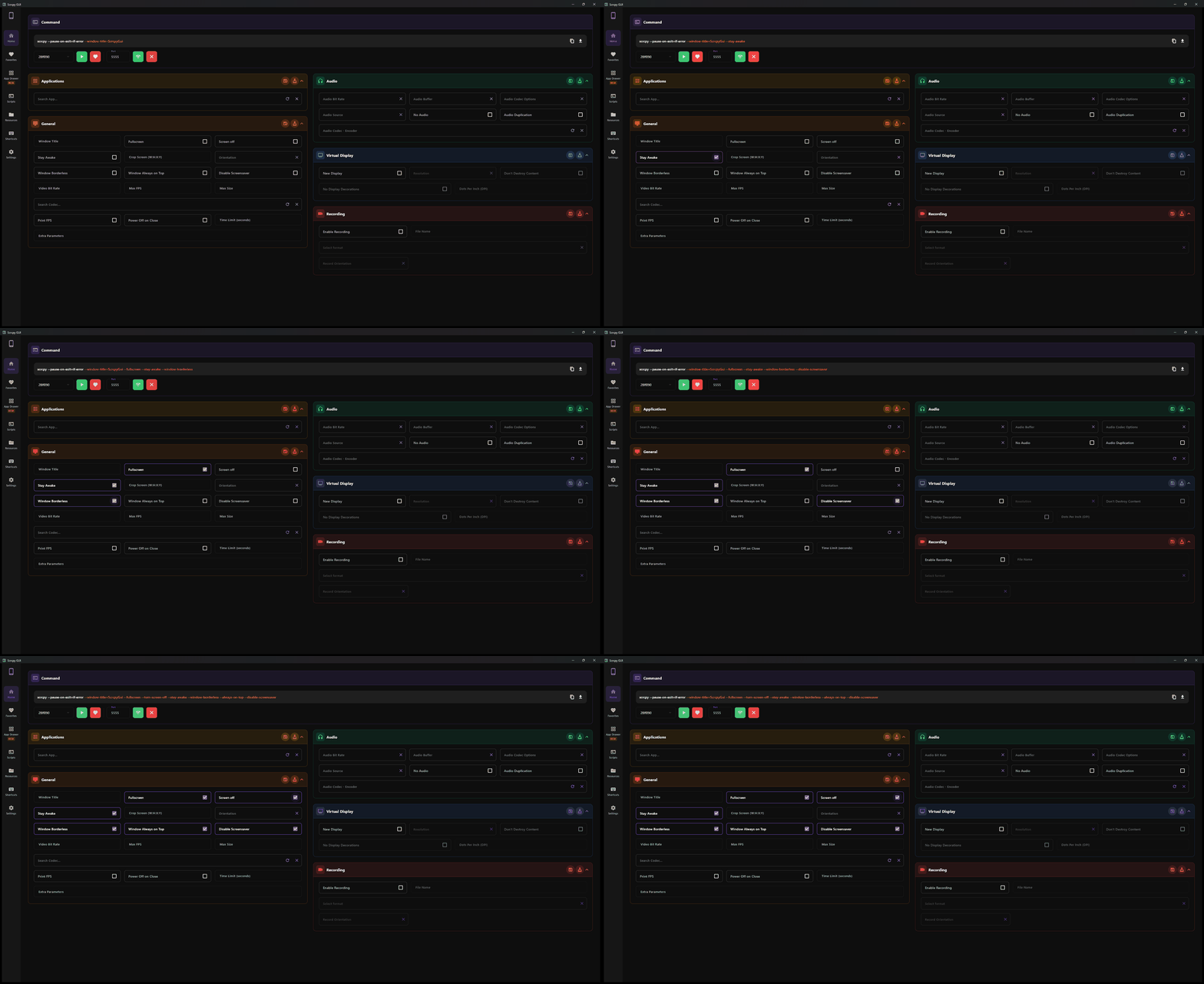 Toggle options and watch the scrcpy command build in real time
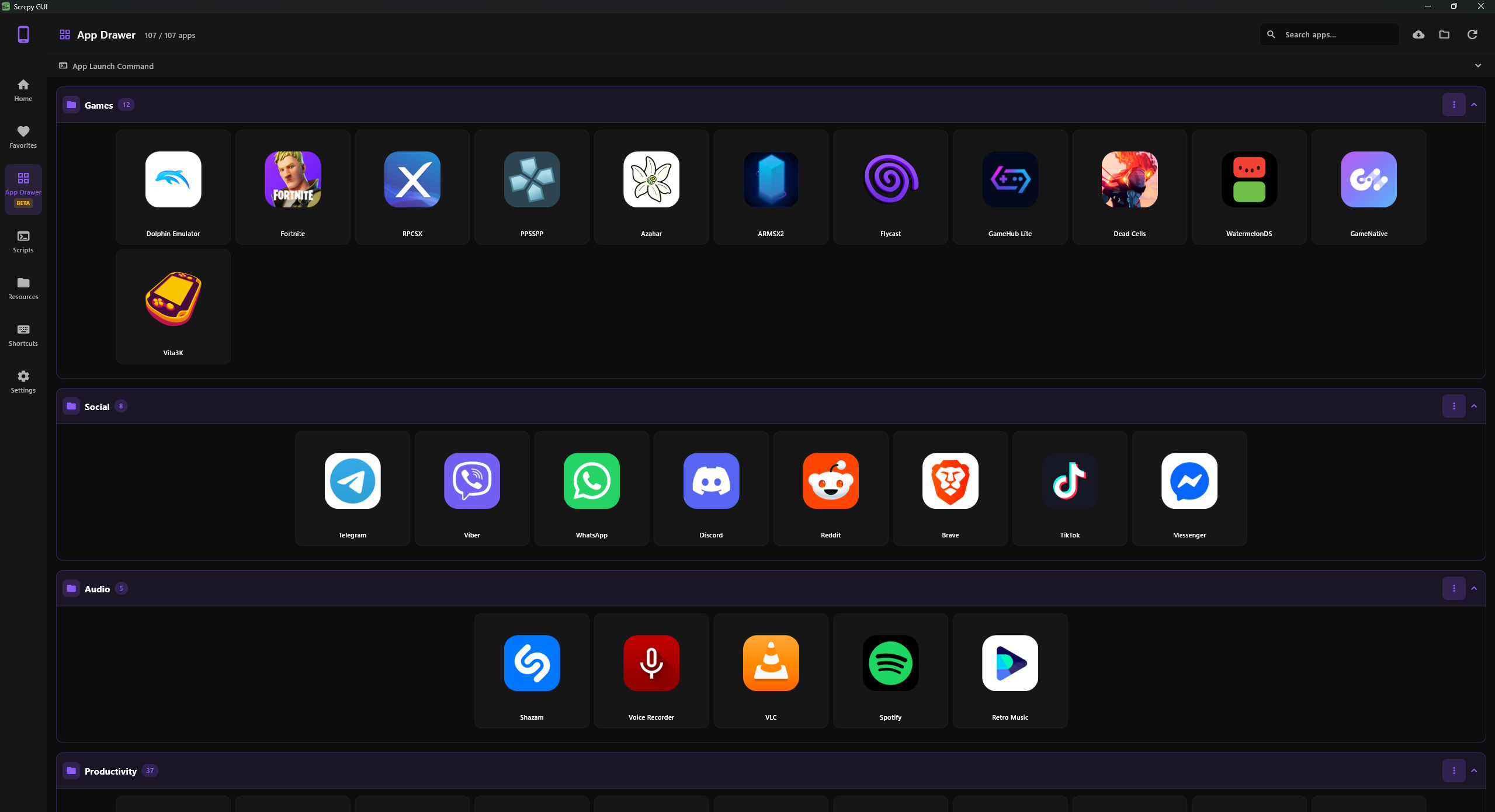
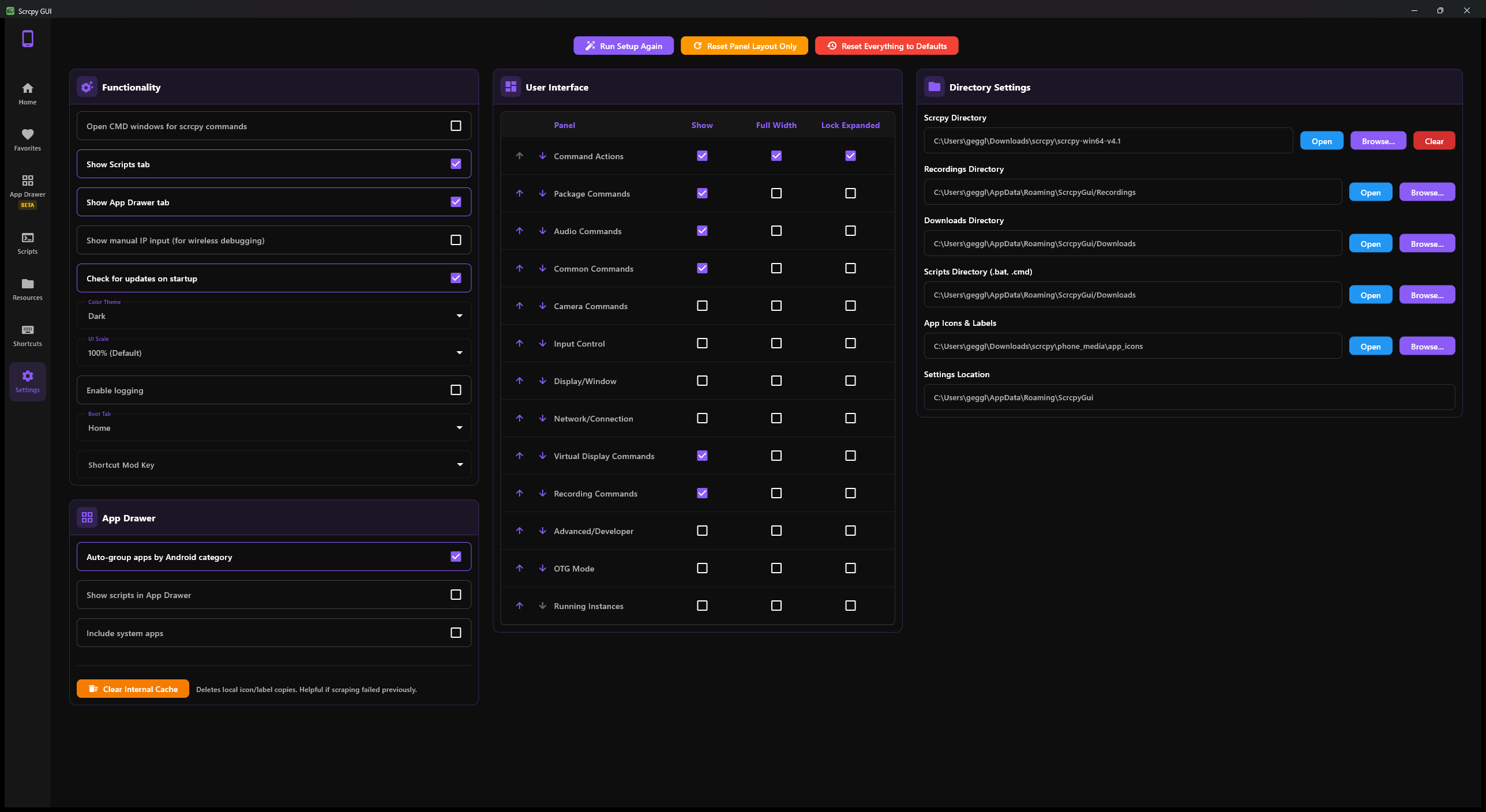
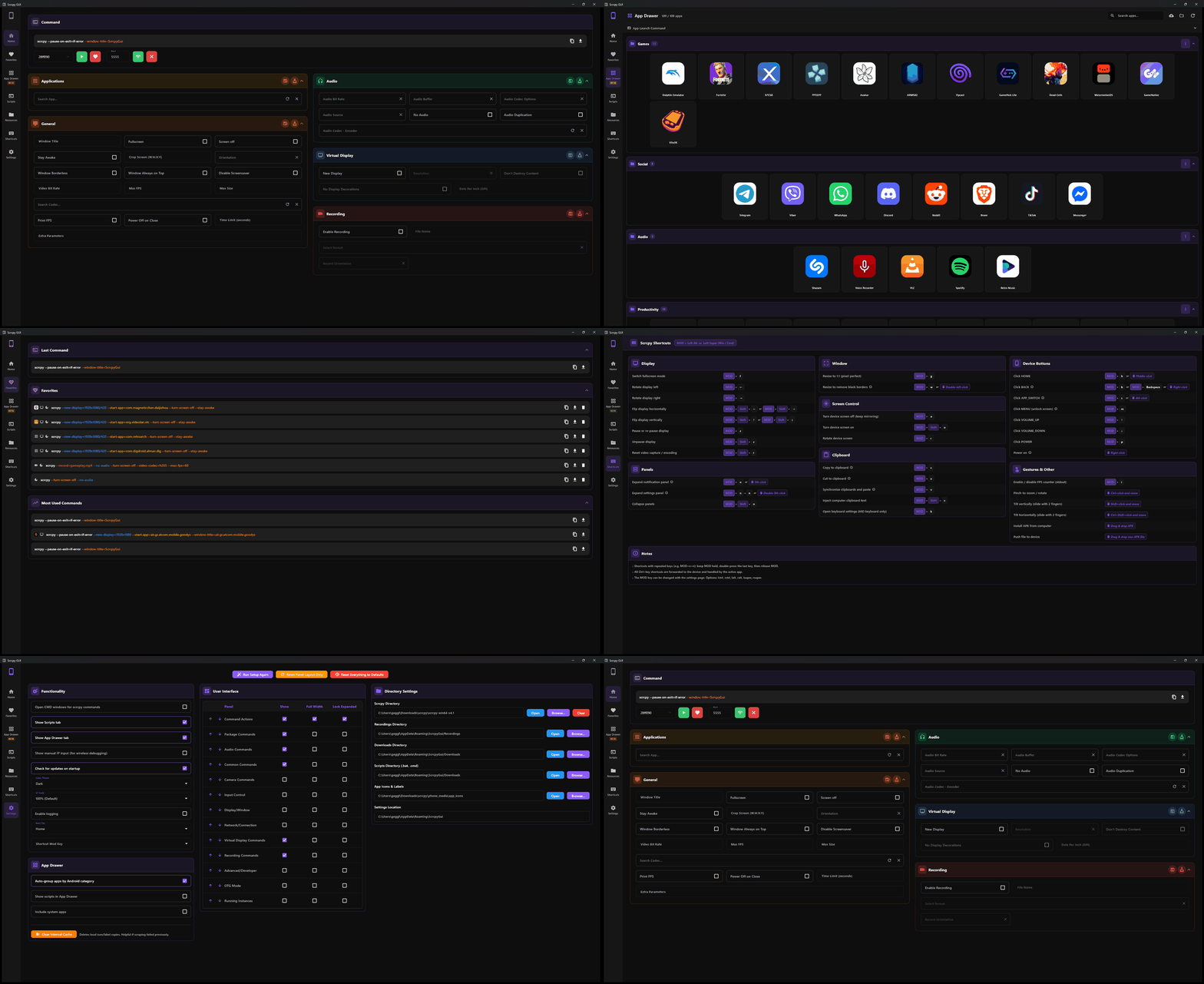 A quick tour through the tabs
| Platform | Status | Notes |
|---|
| Windows | ✅ Fully Supported | Windows 10/11 |
| macOS | ✅ Fully Supported | macOS 10.15+ (Intel & Apple Silicon) |
| Linux | ✅ Fully Supported | Ubuntu 20.04+, Debian, Fedora, Arch |
🌐 Web Version
Looking for a browser-based alternative? Check out the web companion app:
🔗 https://scrcpy-ui.web.app/
Web App Advantages
- ✅ No installation required
- ✅ Works on any operating system
- ✅ Faster and more accessible
- ✅ Package, codec, and encoder selection
🛠️ Building from Source
Requires the Flutter SDK (Dart ^3.9.2):
cd ScrcpyGui
flutter run -d windows    # or: -d macos / -d linux
flutter build windows     # release build
Developer docs: Codebase Reference
🤝 Contributing
Contributions are welcome! Here's how you can help:
- Report Bugs - Open an issue with detailed reproduction steps
- Suggest Features - Share your ideas in the discussions
- Improve Documentation - Help make the docs clearer
- Share - Tell others about the project
- Donation - Make a small donation in paypal
📞 Support
🗺️ Project History
This project began as a .NET MAUI experiment to make scrcpy more user-friendly on Windows. With version 1.6, it has been completely ported in Flutter to provide true cross-platform support for Windows, macOS, and Linux.
The original .NET MAUI version (v1.5.1) has been moved to its own repository: maui-scrcpy-gui. It is no longer maintained.