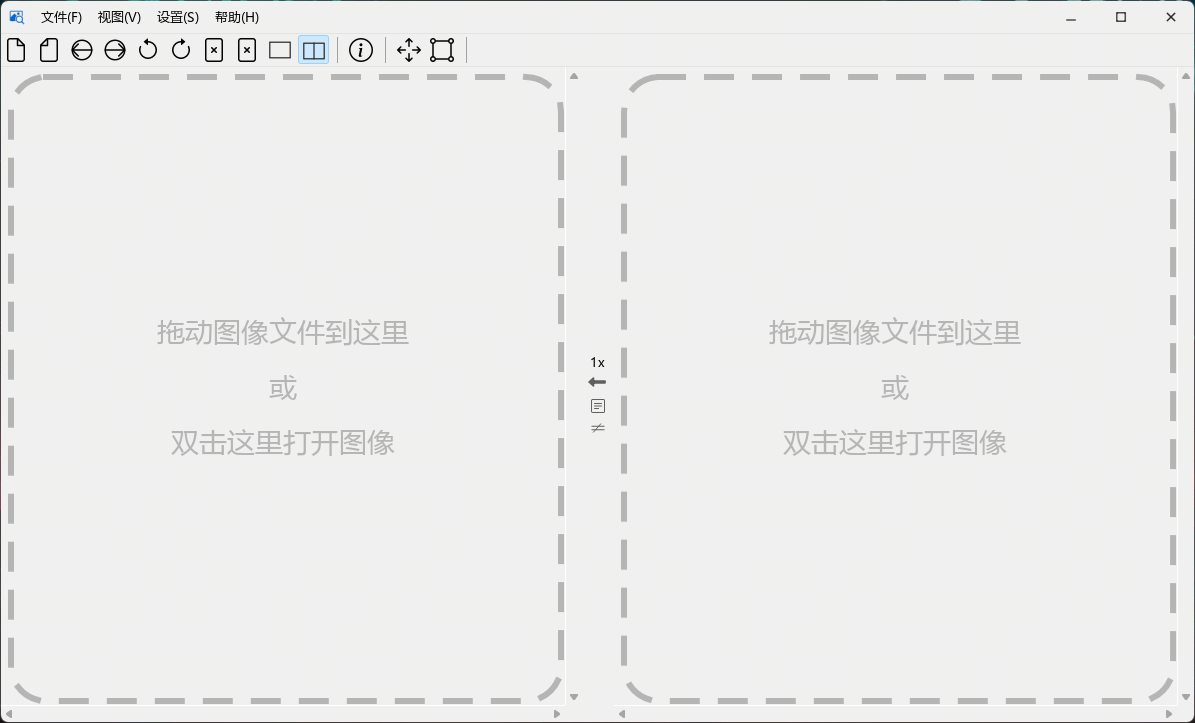
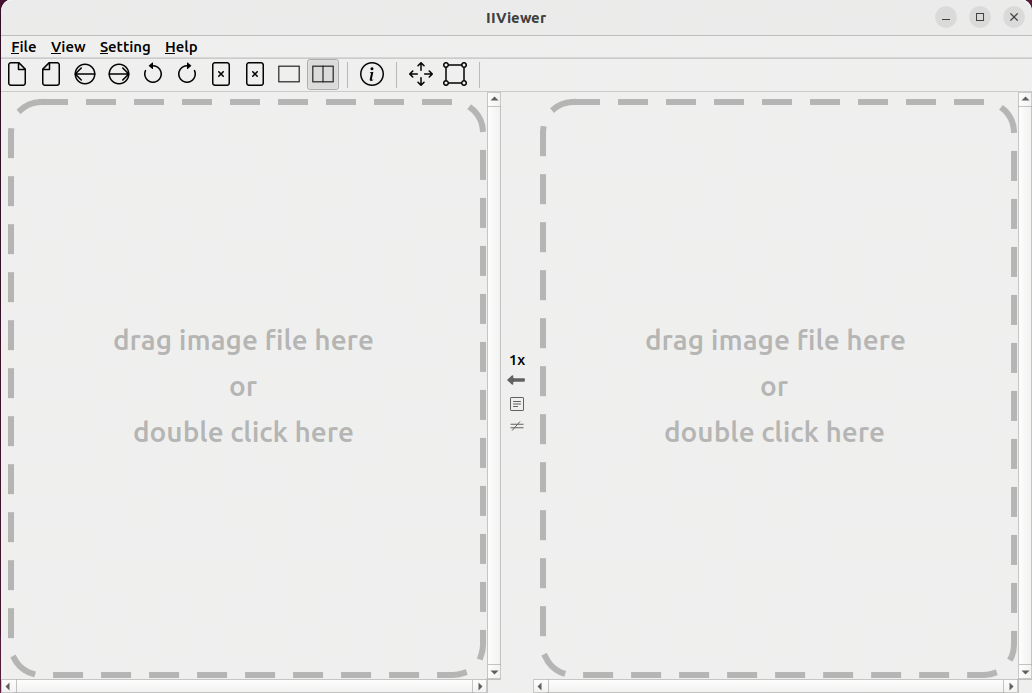
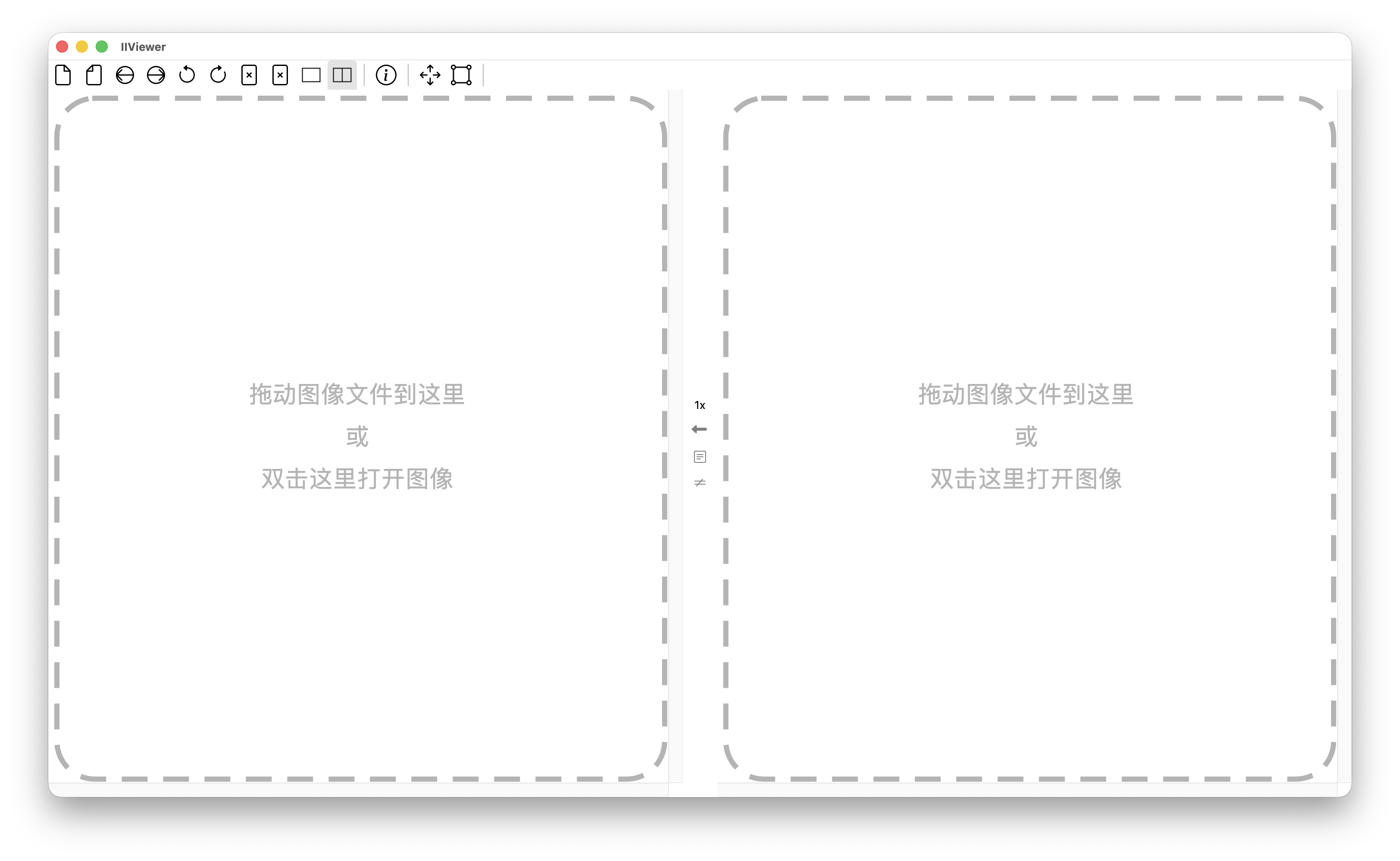
IIViewer is an image viewer designed for open, view, and compare ISP (Image Signal Processing) intermediate images. It supports various formats, including raw data, RGB, YUV, and DNG files, making it a versatile tool for developers working with image processing workflows.
Key Features:
Supports a wide range of image formats, including raw, RGB, YUV, and DNG files, catering to the needs of ISP development.
Enables easy drag-and-drop functionality for loading images directly into the viewer.
Includes zoom capabilities to inspect individual pixel values at high magnification levels.
Available via WinGet for seamless installation, making it convenient for Windows users to deploy using the winget command line.
Target Audience and Benefits:
Ideal for ISP engineers, image processing professionals, and researchers who need a reliable tool to analyze and compare intermediate images without additional setup or complexity.
README
IIViewer
A thoughtful tool which designed for image signal process developer
8/10/12/14/16 bit, 8bit stored in 1 byte, >8bit in 2 bytes (LSB aligned, little-endian)
heif
yuv420/422/444 8bit
Usage
Pre-compiled binaries are available on the release page:
OS
Architecture
Packages
Windows 10/11
x86_64
.exe installer, .msi, portable .zip
Ubuntu 22.04+
x86_64
.deb, .AppImage (with .zsync for delta updates)
Ubuntu 24.04+
arm64
.deb, .AppImage (with .zsync for delta updates)
macOS
arm64 (Apple Silicon)
.dmg
For windows 10/11 user, winget is the most convenient install method, just run command winget install JonahZeng.IIViewer.
Start the app and drag any supported image file onto the window:
Drag any supported format image to the dash rectangle, and it will display the image content. Zoom in to 96x by scrolling your mouse wheel to see every pixel's real value.
> Qt5 users: The qt5 branch contains the last Qt5-compatible version. Check the qt5 branch and qt5 releaseif you can't migrate.
Building
See CONTRIBUTING.md for build instructions and development setup.
HiDPI font render on Windows
If you use a 4K monitor with high DPI, you may see aliasing around text. To fix this, set the environment variable QT_QPA_PLATFORM to windows:fontengine=freetype and restart the application.