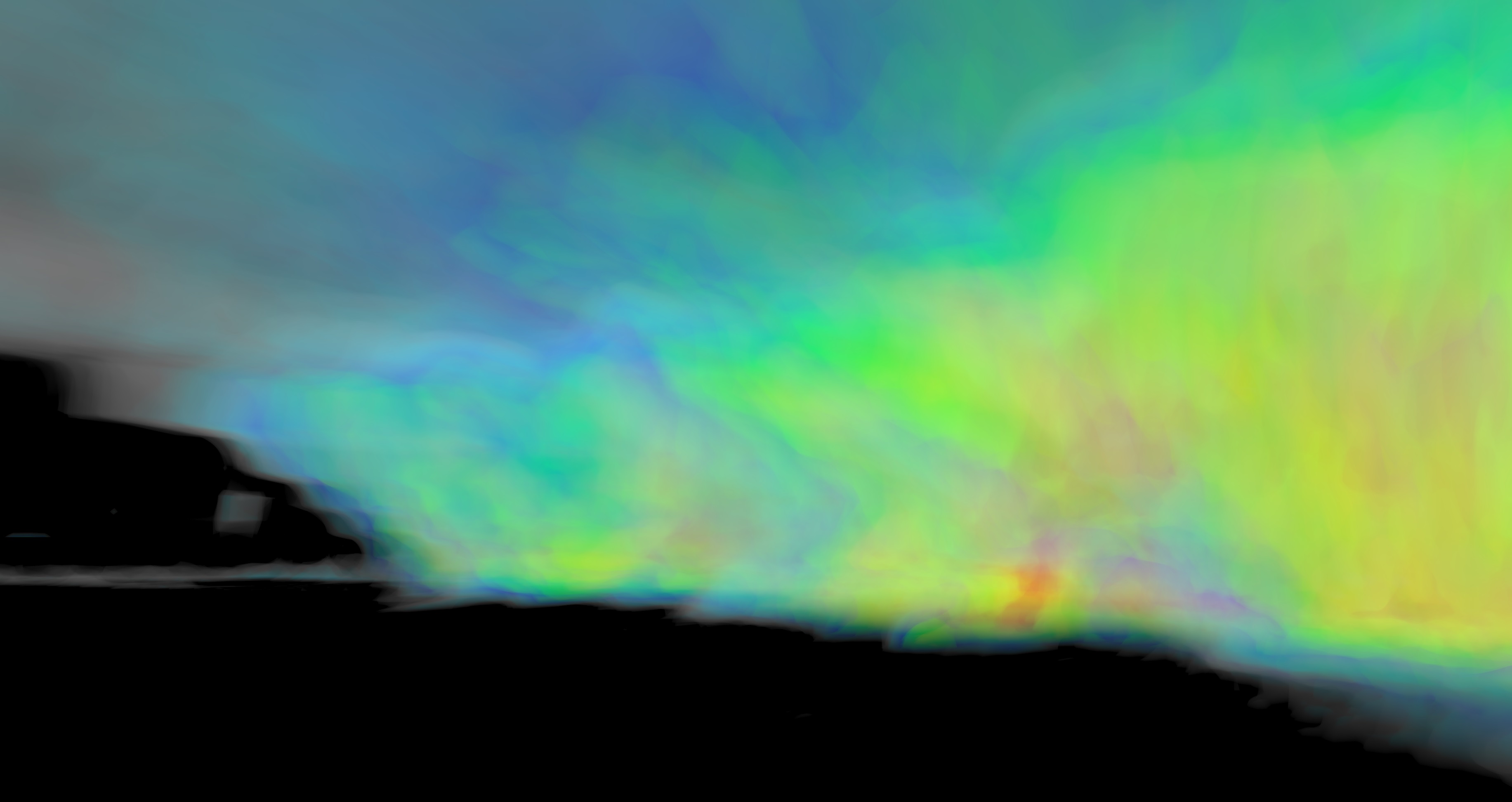
OpenStorm Radar is a 3D radar viewer designed to display weather data in an immersive environment using Unreal Engine 5. It supports both NEXRAD and ODIM H5 radar formats, offering a detailed visualization of weather patterns for researchers, educators, and enthusiasts.
Key Features:
Full 3D level 2 radar display with volumetric ray marching.
Real-time updates and support for multiple data formats.
VR headset compatibility for an immersive experience.
Integration with GIS boundaries, roads, and satellite imagery.
Cross-platform support for Linux and Windows.
Open-source ecosystem with community contributions.
Target Audience and Benefits:
Ideal for weather enthusiasts, researchers, and educators to analyze radar data in a dynamic 3D environment. Developers can benefit from the modular architecture, enabling integration into custom projects or tools.
Available via winget, OpenStorm Radar provides an accessible way to explore weather patterns and contribute to open-source innovation.
README
OpenStorm Radar
OpenStorm radar is a free and open source 3d radar viewer. It uses Unreal Engine 5 as the base. Using a custom volumetric ray marching shader, entire radar volumes can be displayed.
Install Unreal Engine 5.2 and its dependencies. Newer engine version should work if you don't intend to modify the scene or materials.
Clone the repo git clone https://github.com/JordanSchlick/OpenStorm.git
Get submodules git submodule update --init --recursive
Right click on the uproject file and generate visual studio project files
Open the visual studio solution file
Build the project in visual studio by hitting ctrl+shift+b
Open the project in unreal engine
To build a standalone build, select package project within the desired platform under the Platforms dropdown.
To pull the latest changes to an existing copy of the repo use git pull --recurse-submodules
Some of the larger data files are not included in the repository. They can be retrieved out of the latest release. The files can be found in the OpenStorm folder inside the release builds. Currently you can copy the entire Content/Data folder into the project to get the data. The files are in the following locations in this project.
Elevation data: Content/Data/Map/elevation.bin.gz
Satellite imagery: Content/Data/Map/Tiles/ImageryOnly.tar
GIS map data files: Content/Data/Map/GIS/
The demo radar files in: Content/Data/Demo/
The source code for reading HDF5 files and by extension european ODIM radar data is stored in a separate repository. It can be optionally installed by cloning https://github.com/JordanSchlick/hdf5 into OpenStorm/Source/OpenStorm/Radar/Deps with cd Source/OpenStorm/Radar/Deps and then git clone https://github.com/JordanSchlick/hdf5.git
It has around 375 c files that will increase compile time. Due to the significant increase in compile time and the chances for incompatibilities, it is completely optional.
Development
Using VS Code
Create a symlink to your Unreal Engine installation beside this repository to enable intellisense and building from vs code. The link should be placed one folder up from this readme.
Windows example(needs admin privileges): mklink /D UnrealEngine "C:\files\Epic\UE_5.2\"
Linux example: ln -s "/path/to/UnrealEngine" UnrealEngine
The linked folder should contain the Engine folder.
Coding Guidelines
In general just try to be consistent with existing code. The following guidelines should be followed. You may be asked to conform if your code significantly violates them.
The Radar source directory and everything under it must be self contained and can not have dependencies on Unreal Engine. It is meant to be a separable library that can be used outside of OpenStorm. There are currently node and python bindings available for it.
Indentation uses tabs.
Class functions are upper case while variables are lower case.
Try to keep as few includes as possible in .h files to reduce compile times.