AzPin KimDim
Use this command to install AzPin:
winget install --id=KimDim.AzPin -e Fast, pinnable access to Azure resources from the Windows tray.
winget install --id=KimDim.AzPin -e Fast, pinnable access to Azure resources from the Windows tray.

%22&replace=v%241&label=brew)



AzPin is a native macOS menubar app that reads your existing az CLI session and gives you fast, pinnable access to Azure resources. Open the menubar, see your pinned resource groups and their live resources, click to open in the portal, or start/stop/restart runnable resources without leaving the desktop.
There is also a WinUI 3 Windows port under src/windows/, distributed as a self-contained zip from GitHub Releases, and a native GTK4 GNOME Linux port under src/ubuntu/ distributed as a .deb package.
No Azure SDK. No App Store. No sandbox. Requires macOS 26 Tahoe, Windows 11, or GNOME Linux.
az loginbrew tap lfmundim/tap
brew install --cask azpin
Download the latest .dmg from Releases, drag AzPin.app to /Applications.
winget install KimDim.AzPin
Download the latest AzPin-Windows-*-Installer.msi from Releases and run it.
> Note: The installer is self-signed. Your browser and Windows SmartScreen may flag it as unrecognized. Click More info → Run anyway (SmartScreen) or keep the file if your browser warns. The app is safe to install. If there is enough demand, a recognized certificate may be obtained in the future.
No separate Windows App SDK runtime is required — the bundle is self-contained.
Download the latest AzPin-Ubuntu-*-v*.deb from Releases and install it:
sudo apt install ./AzPin-Ubuntu-x64-v1.0.0.deb
If you install via the Snap Store, you must manually grant AzPin permission to read your ~/.azure/ configuration folder so it can access your active az login session. Run this once after installation:
sudo snap install azpin
snap connect azpin:dot-azure
Pin an entire resource group — all current and future resources in that RG appear in the menubar on every open. New resources show up automatically.
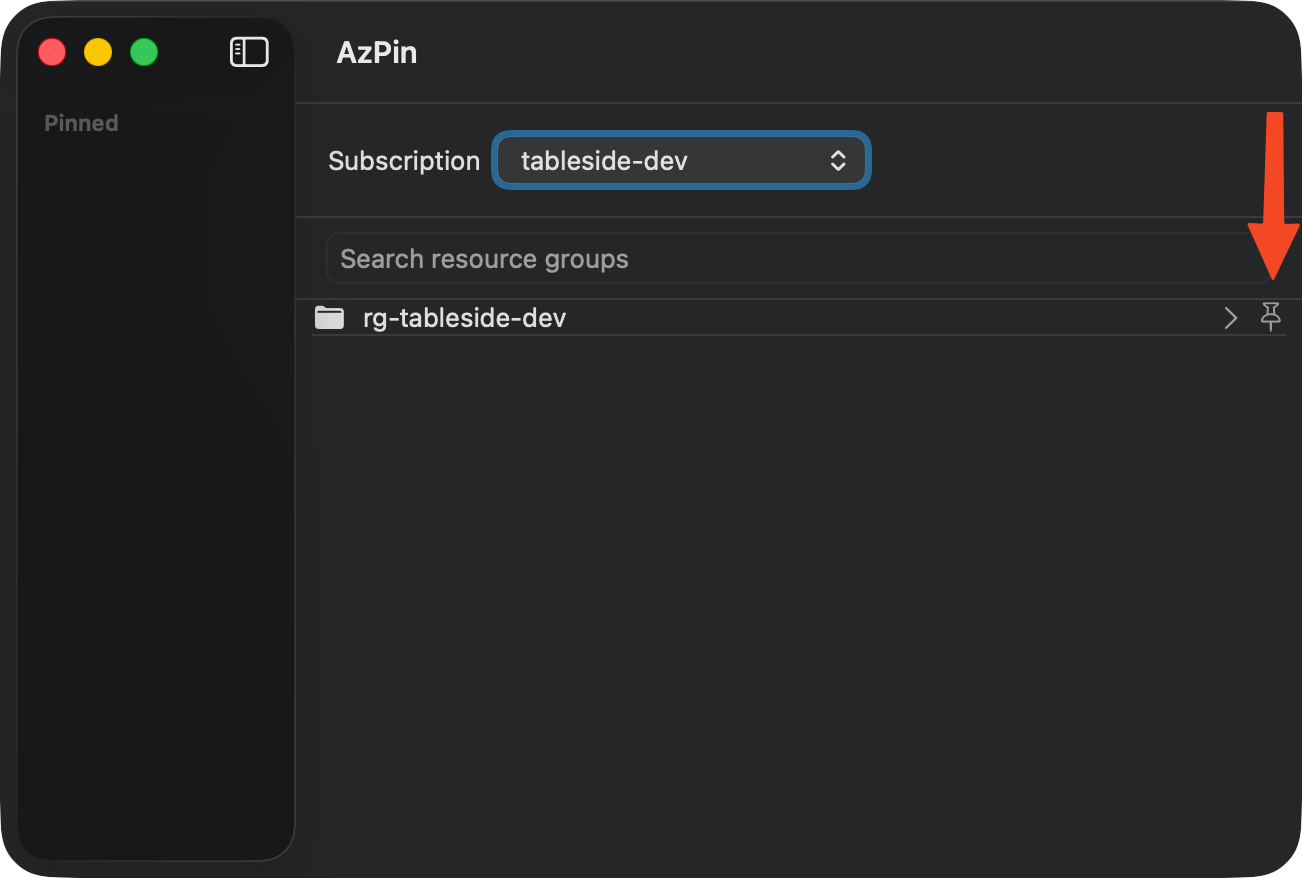
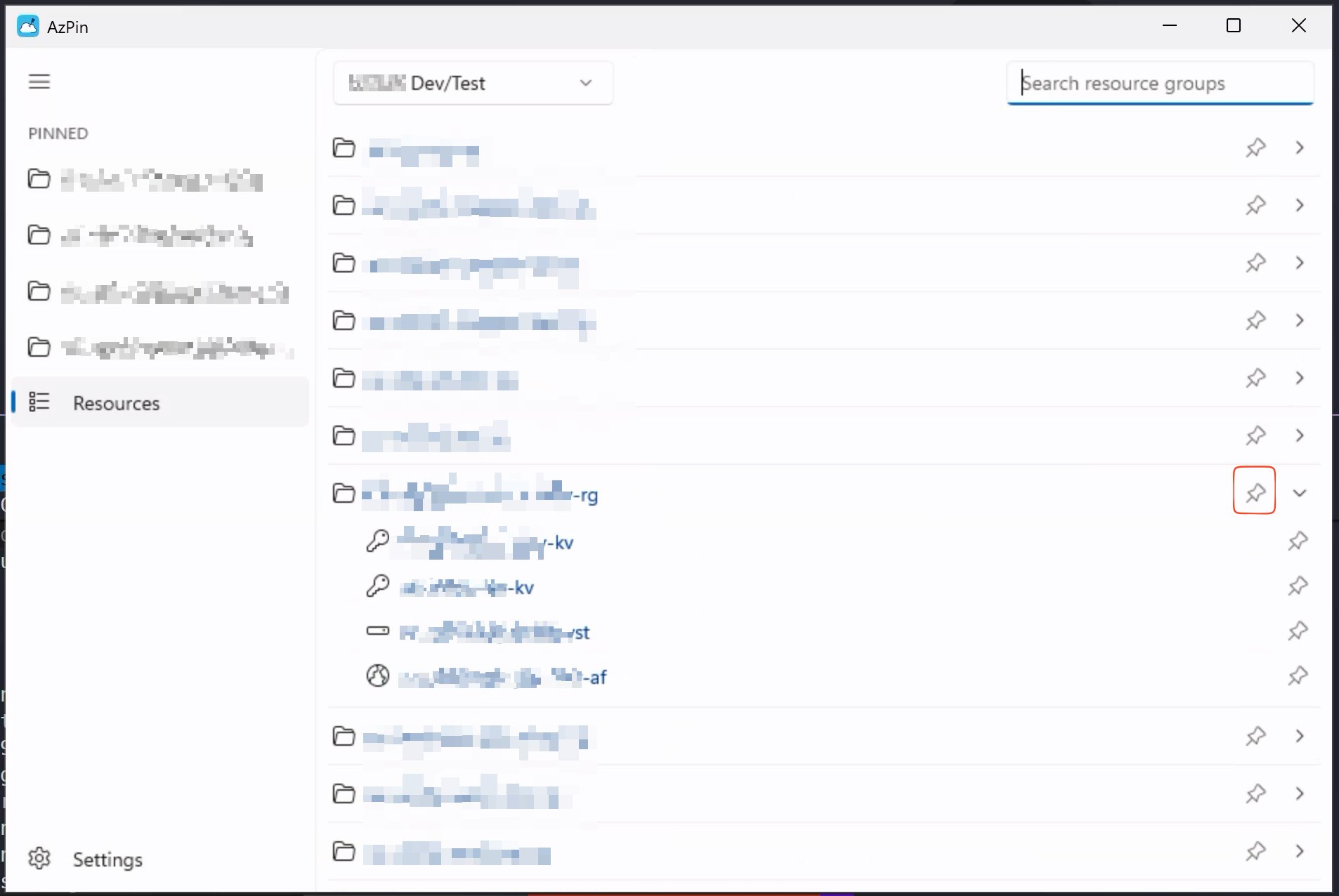
Pin individual resources — only those specific resources appear, even if their parent RG is not pinned.
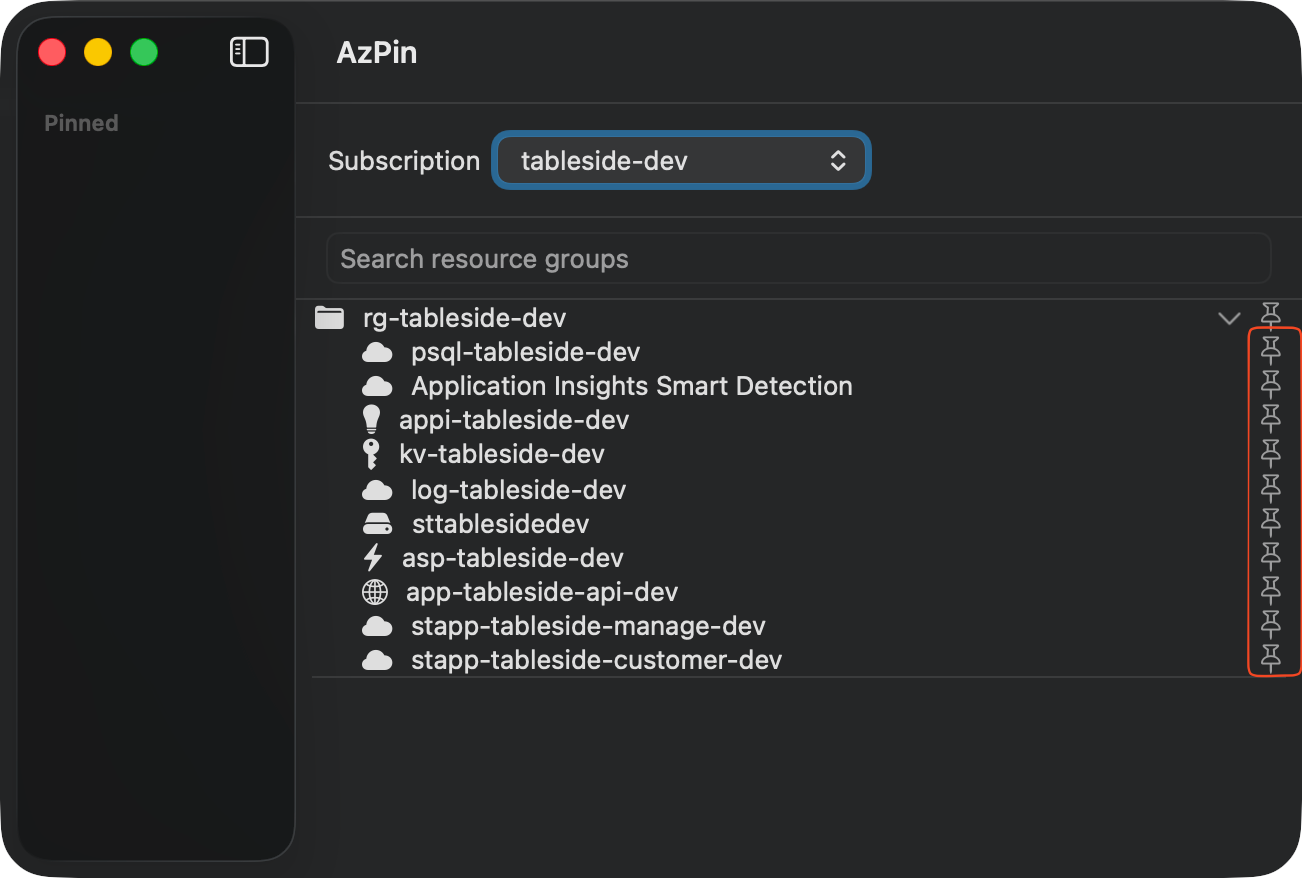
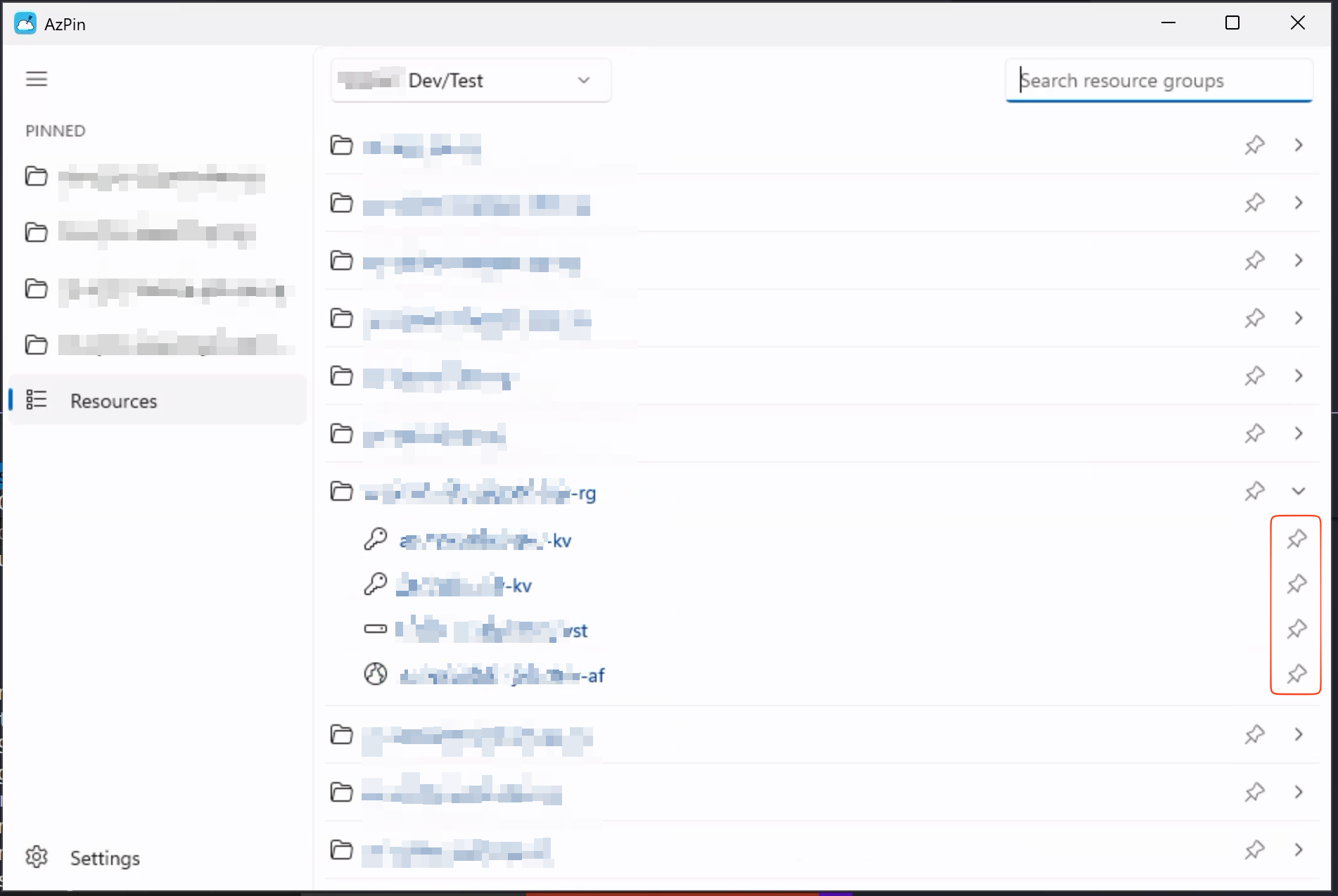
Both modes coexist. If a resource is individually pinned and its parent RG is also pinned, it appears once (deduplication by resource ID).
Click the ☁ icon in the menubar to see:
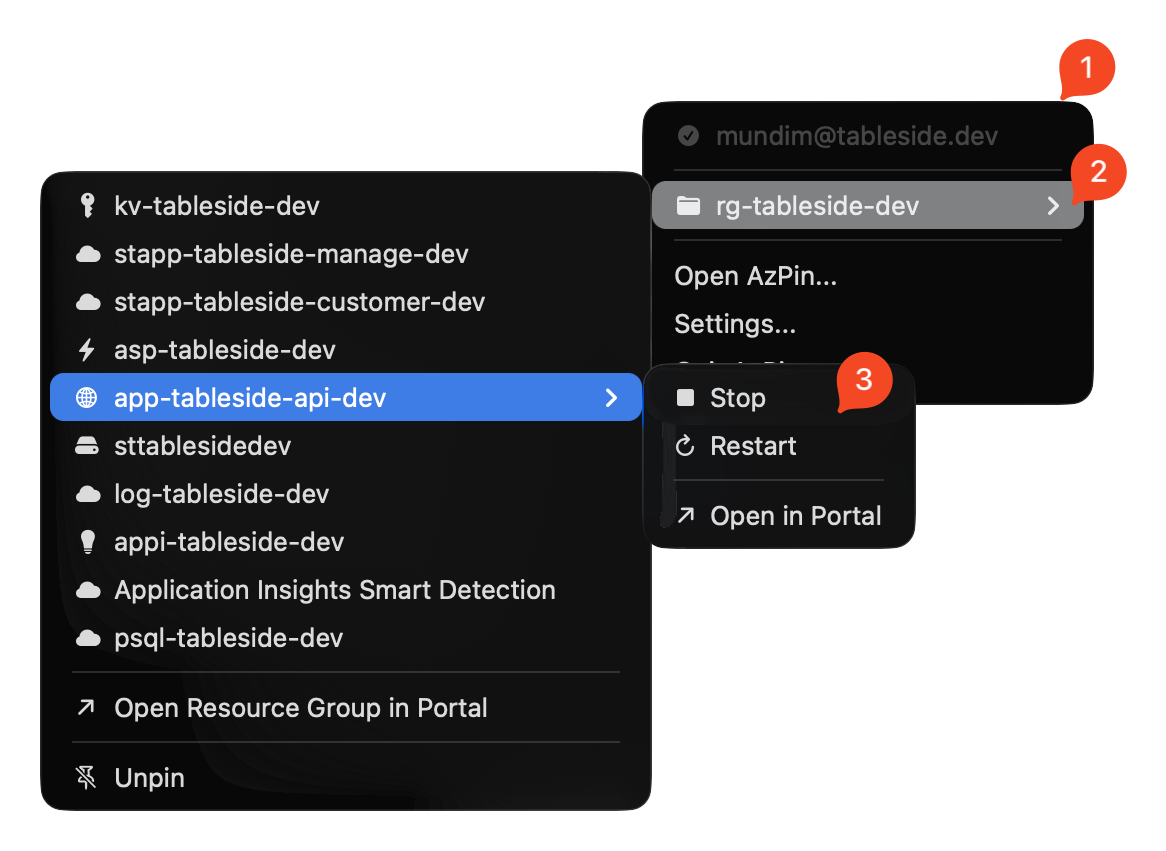
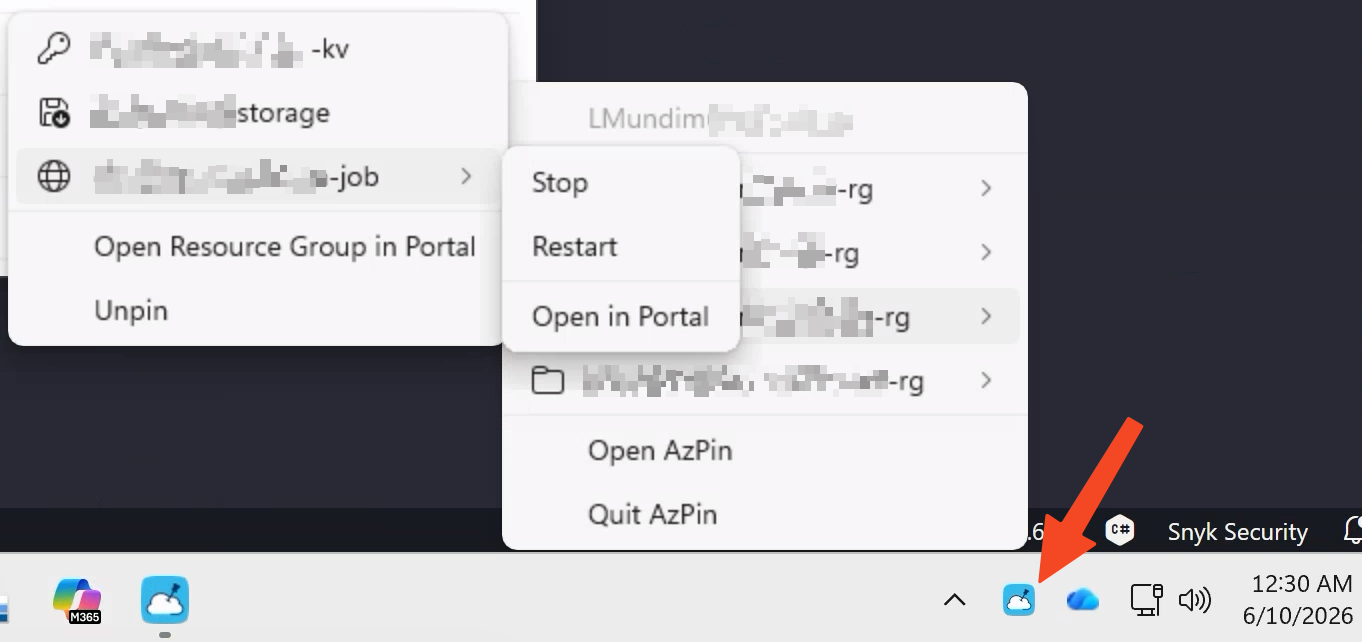
Open via Open AzPin... in the menubar or ⌘Space → AzPin.
Requires Xcode 26+ and the Xcode command-line tools.
# Debug build
xcodebuild -scheme AzPin -configuration Debug build | xcbeautify

# Run tests
xcodebuild -scheme AzPin -configuration Debug test | xcbeautify

# Release archive
xcodebuild -scheme AzPin -configuration Release \
  -archivePath build/AzPin.xcarchive archive | xcbeautify
Requires .NET 10 SDK and the Windows App SDK workload.
# Restore
dotnet restore src/windows/AzPin.Windows/AzPin.Windows.csproj -p:Platform=x64

# Debug build
dotnet build src/windows/AzPin.Windows/AzPin.Windows.csproj -c Debug -p:Platform=x64

# Run tests
dotnet test src/windows/AzPin.Windows.sln

# Self-contained release bundle
dotnet publish src/windows/AzPin.Windows/AzPin.Windows.csproj `
  -c Release -r win-x64 -p:Platform=x64 `
  -p:WindowsAppSDKSelfContained=true --self-contained true `
  -o build/publish/win-x64
Requires Rust and GTK4 development libraries.
# Install dependencies
sudo apt-get install libgtk-4-dev libadwaita-1-dev libayatana-appindicator3-dev

# Build and run
cd src/ubuntu/AzPin
cargo run

# Build DEB package
cargo install cargo-deb
cargo deb
main.CLAUDE.md — especially: no Azure SDK, no hardcoded colors, no paid dependencies, tests for every service method.main.| File | Purpose |
|---|---|
CLAUDE.md | Architecture rules and hard constraints |
AZPIN_SPEC.md | Full product specification |
AZURE.md | Every Azure interaction the app performs (audit reference) |
CHANGELOG.md | Release history |
ROADMAP.md | Planned future features |
RELEASE_PROCESS.md | How to cut a release |