WinPrint Kindel
Use this command to install WinPrint with WinGet:
winget install --id=Kindel.WinPrint -e WinPrint is a modern source code and text printing application designed to provide cross-platform terminal UI and Windows/macOS GUI capabilities. Its core function is to format and print source code, HTML, Markdown, and ANSI-encoded text with precision and style.
Key Features:
- Syntax Highlighting: Prints source code in hundreds of programming languages with syntax highlighting and line numbering.
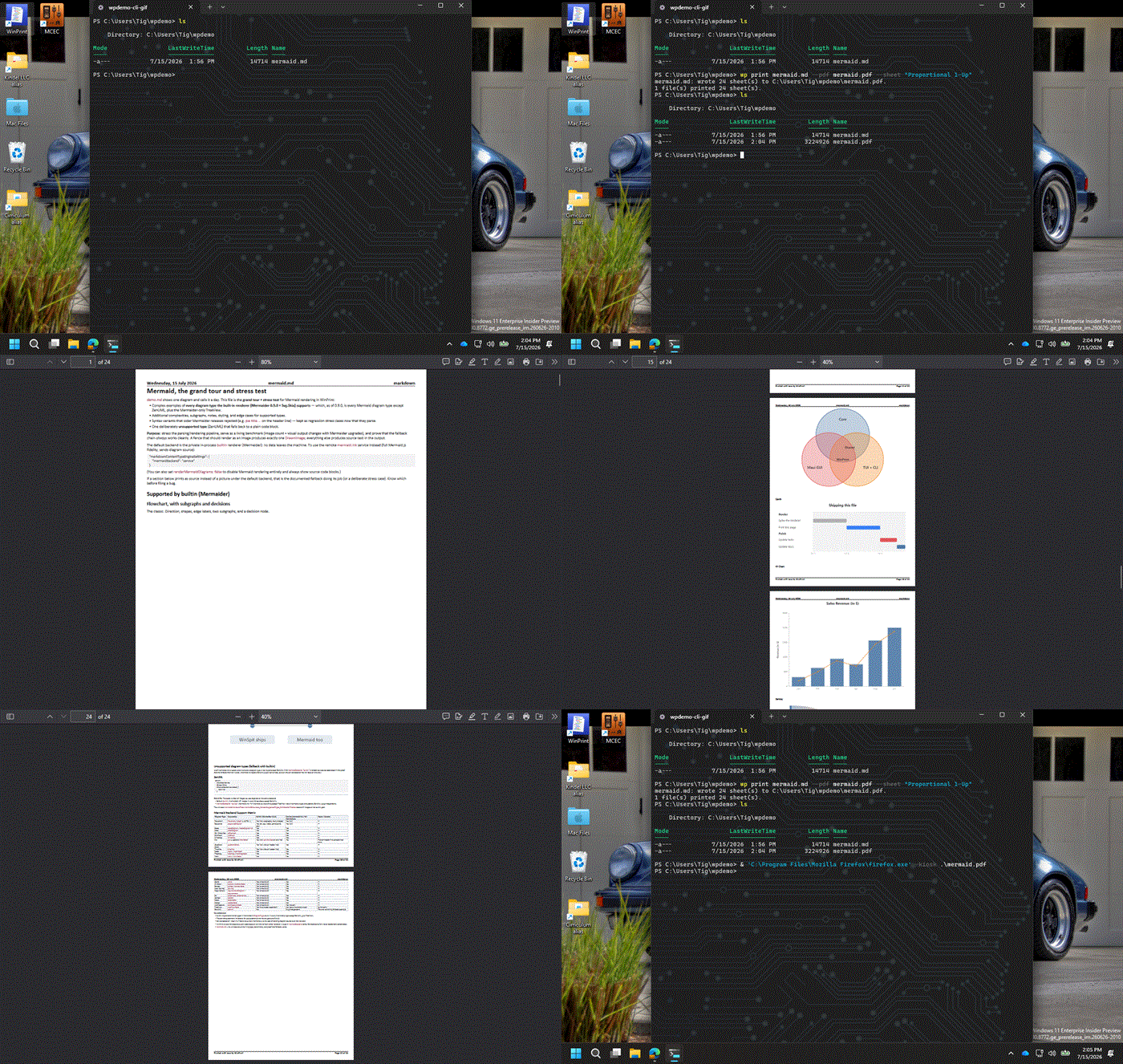
- Markdown Support: Converts Markdown files into formatted documents, including headings, lists, blockquotes, code blocks, and Mermaid diagrams (rendered via mermaid.ink or in-process).
- HTML Rendering: Displays HTML files as formatted documents with proper structure and styling.
- ANSI Decoding: Renders ANSI-encoded text and colorized console captures (.ans/.ansi) by decoding escape sequences.
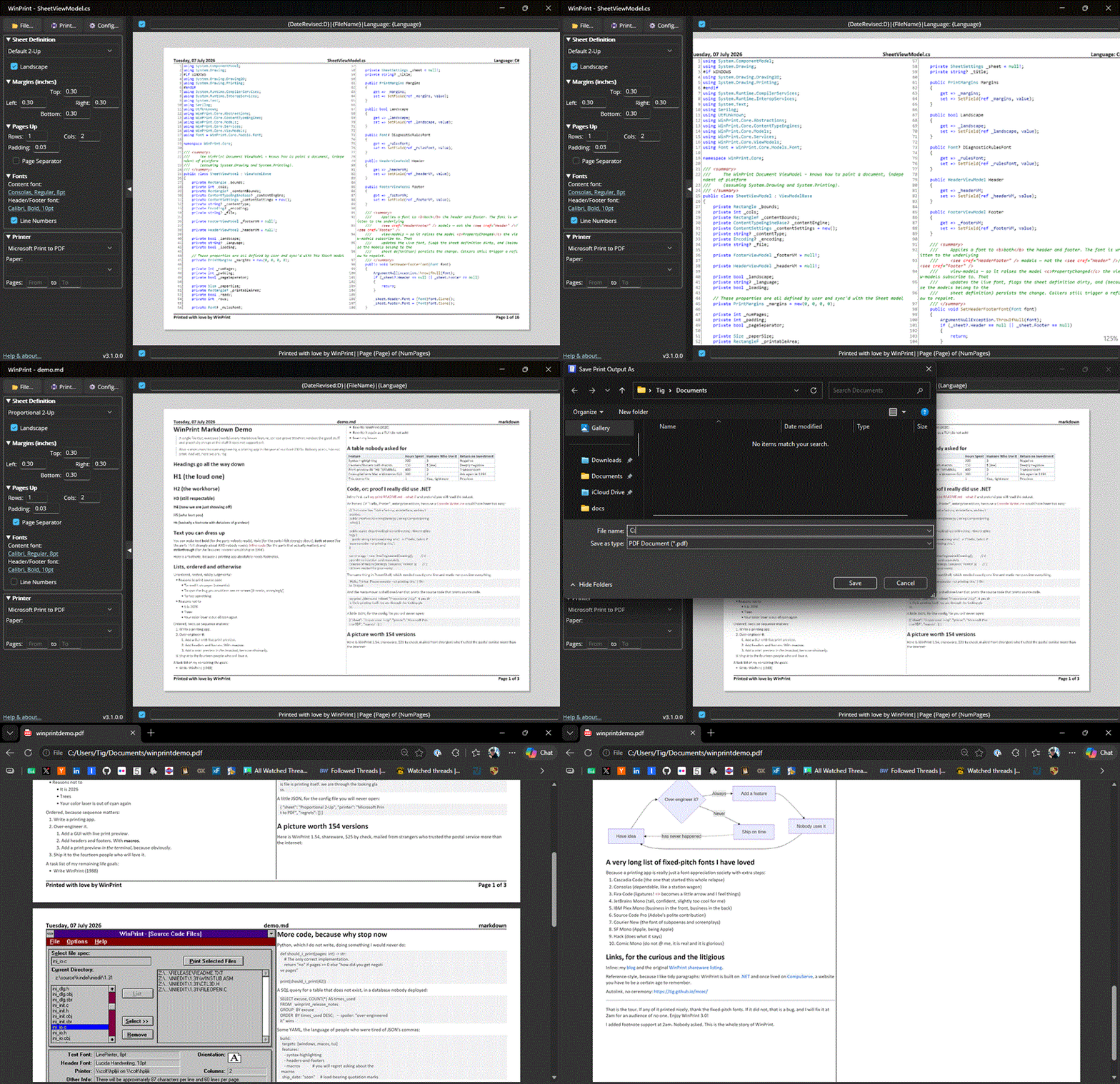
- Customizable Formatting: Offers complete control over page formatting, including headers, footers, margins, fonts, and orientation. Headers and Footers support detailed macros with rich date/time formatting.
- Sheet Definitions: Saves frequently used print job settings for easy reuse.
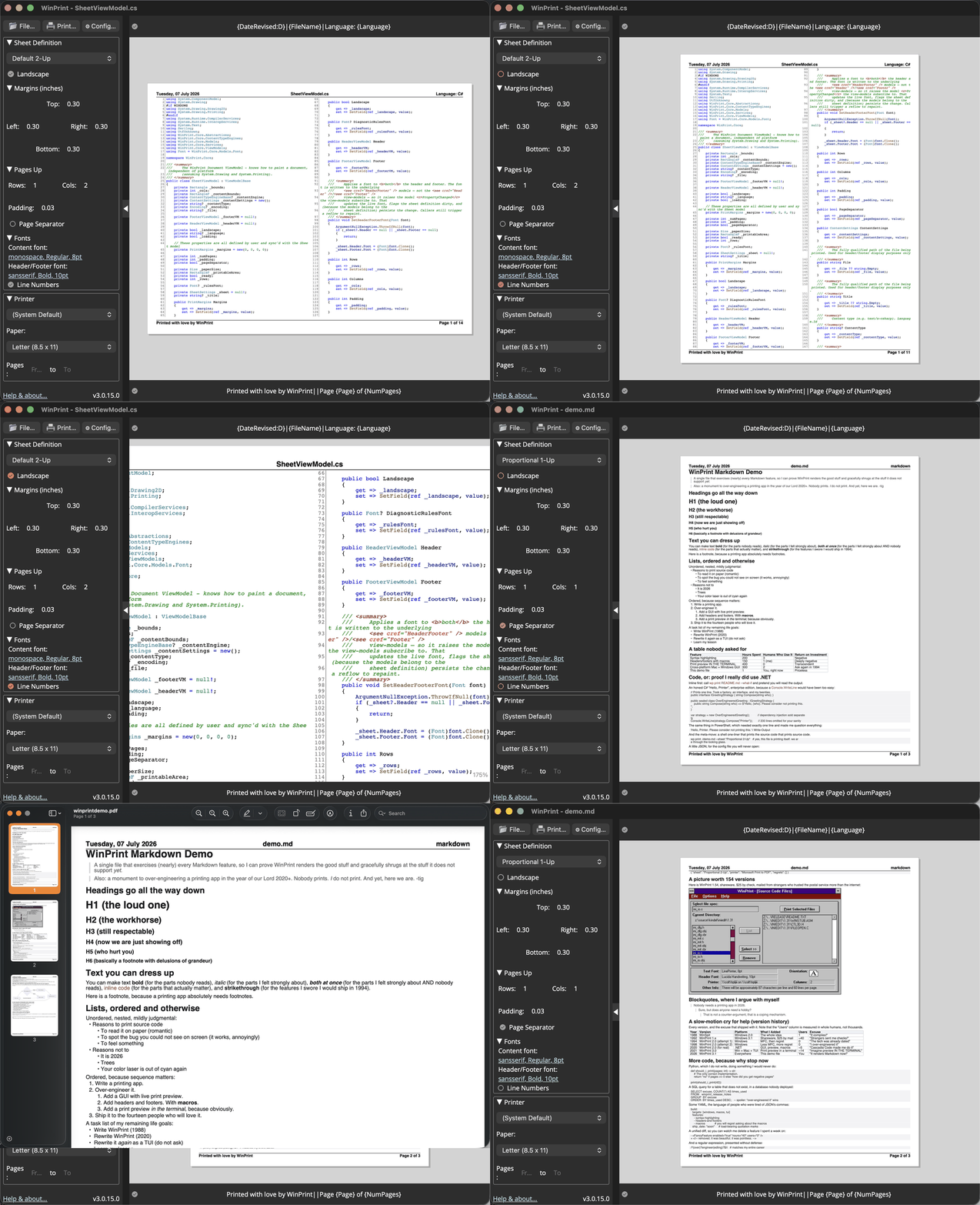
- Print Preview: Provides accurate print preview in both GUI and TUI interfaces.
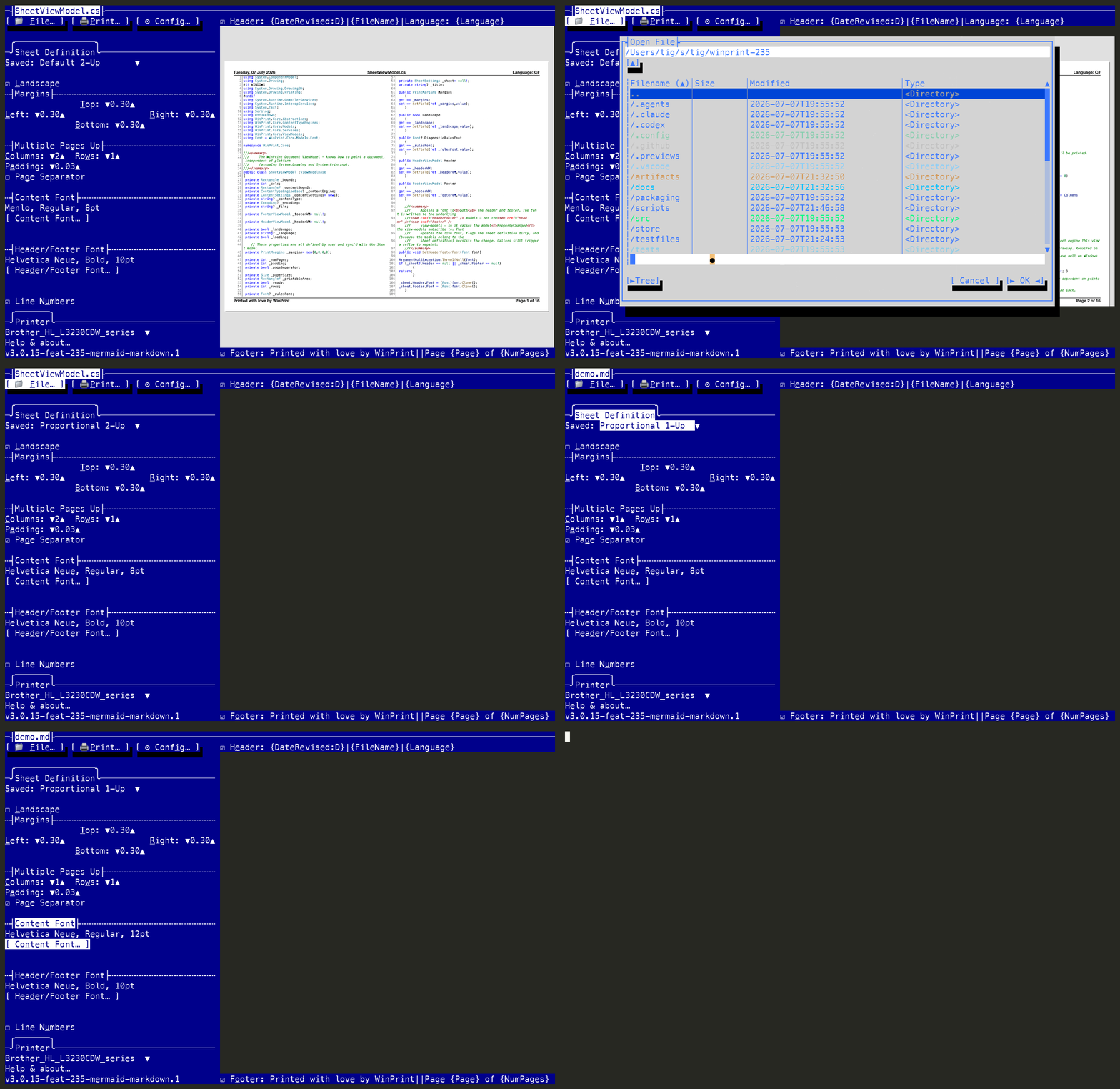
- Terminal UI (wp): Features a command-line interface that displays true print previews as sixel/kitty graphics, enabling users to page through documents, zoom, pan, and switch sheet definitions directly in the terminal.
- Cross-Platform Support: Available on Windows, macOS, and Linux. Installable via winget for Windows.
Audience & Benefit: Ideal for developers, technical writers, educators, and enterprises seeking a precise tool to format and print source code, web pages, and reports generated by legacy systems. WinPrint enables users to produce professional-looking documents with syntax highlighting, markdown support, multiple pages-up printing, headers/footers, and cross-platform compatibility.