NitTray NitTray
Install NitTray with WinGet
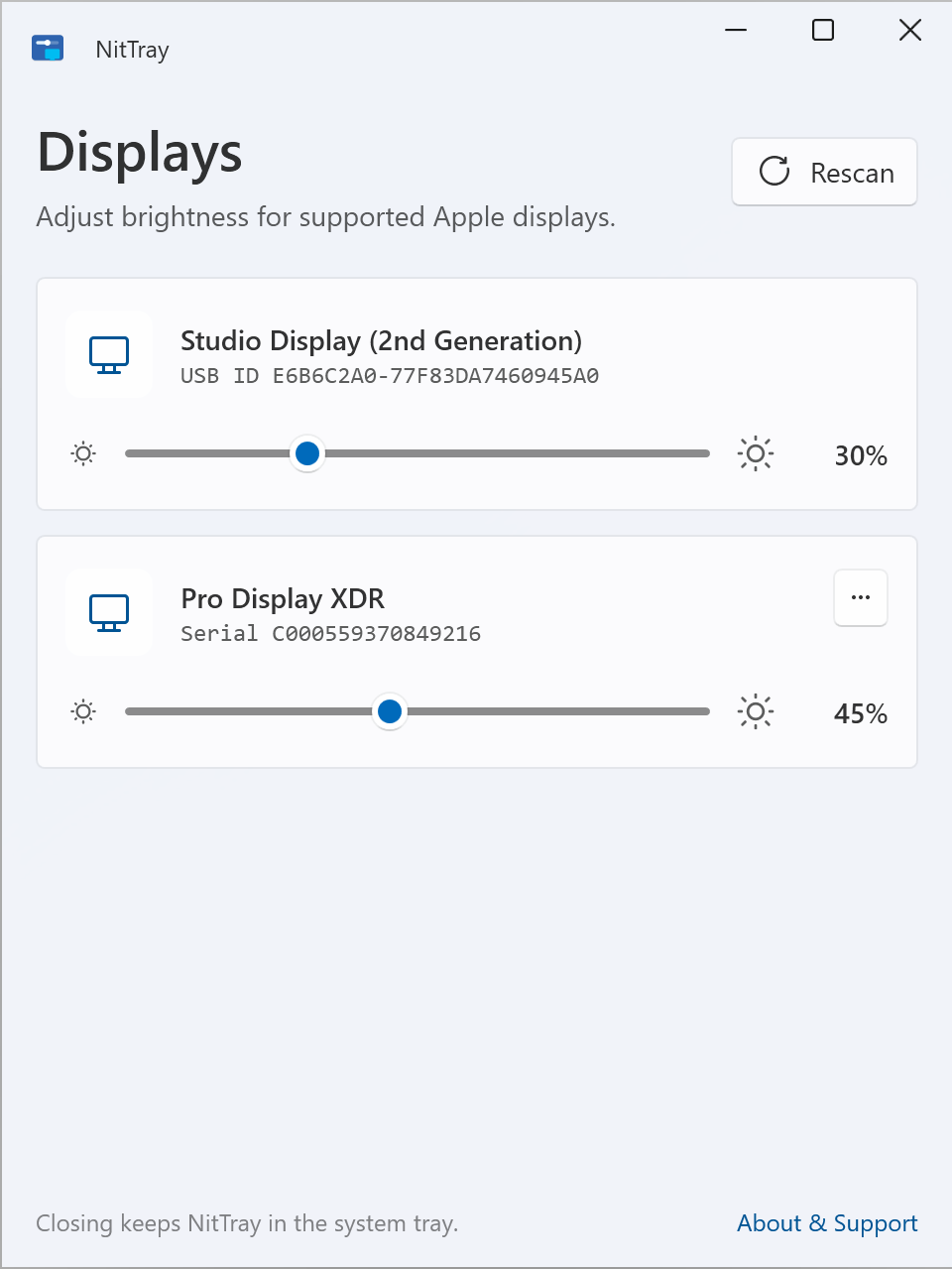
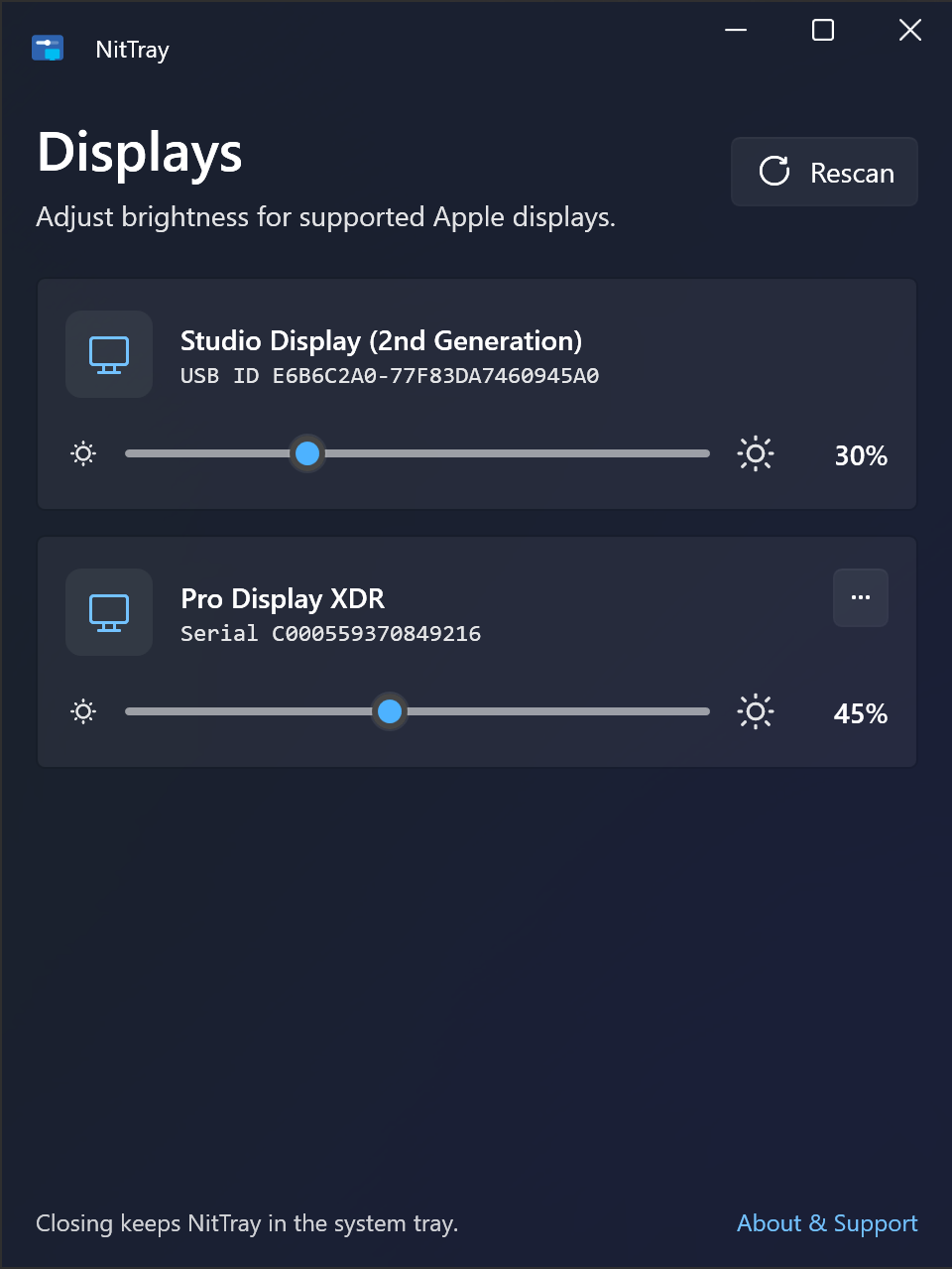
winget install --id=LinkaiQi.NitTray -e NitTray is a free, open-source Windows system-tray application designed to adjust the brightness of Apple Studio Display and Pro Display XDR monitors directly from your PC — no Mac required. It provides seamless control over connected Apple displays through USB or Thunderbolt connections, making it an essential tool for users looking to optimize their display settings on Windows 10 or 11.
Key Features:
- Apple Display Support: Works with Apple Studio Display (1st and 2nd generation) and Pro Display XDR models.
- Brightness Control via USB: Adjust brightness directly from your Windows PC without additional hardware.
- Multi-Display Management: Lists each connected display individually, allowing independent brightness adjustments for multiple devices.
- Windows Compatibility: Runs on both x64 and Arm64 architectures, supporting standard PCs and Windows-on-ARM devices like the Surface Pro X.
- Winget Deployment: Install NitTray effortlessly using the Windows Package Manager with a simple command line.
Target Audience and Benefits:
Ideal for Apple Studio Display or Pro Display XDR users who need precise brightness control on their Windows PC. NitTray helps save time by eliminating the need to switch devices or use external tools, ensuring optimal display settings for productivity, content creation, or general use. With its system-tray design, it stays out of your way while providing quick access when needed.
Install NitTray via winget to enjoy seamless integration and automatic updates, making it a hassle-free solution for managing Apple displays on Windows.