
MAUI Sherpa
Your guide to .NET MAUI development


MAUI Sherpa is a desktop application for macOS, Windows, and Linux that helps manage your .NET MAUI development environment. It provides a unified interface for Android SDK management, Apple Developer tools, environment diagnostics, DevFlow app inspection, and GitHub Copilot integration.
🌐 Visit the website →
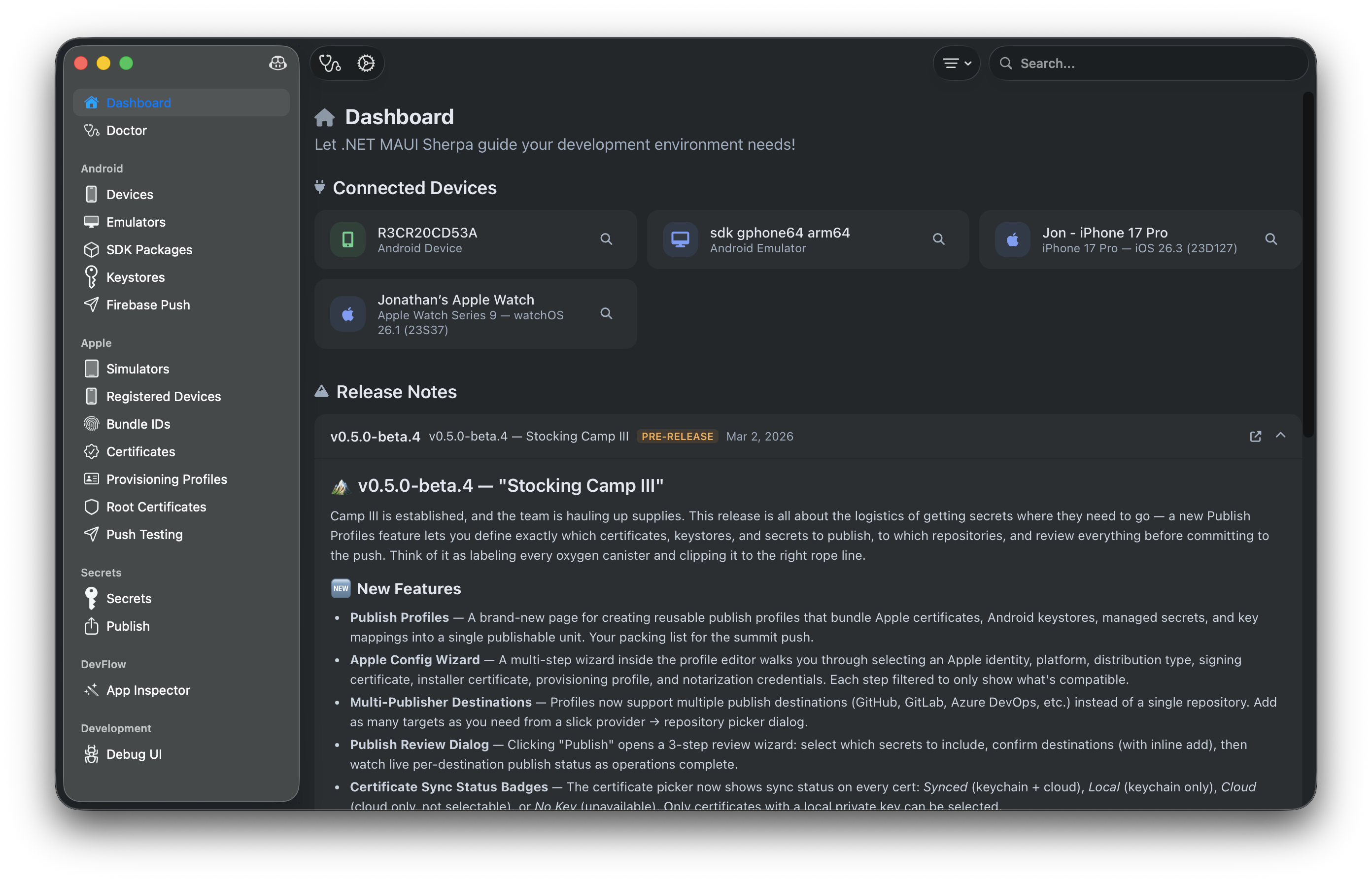
✨ Features
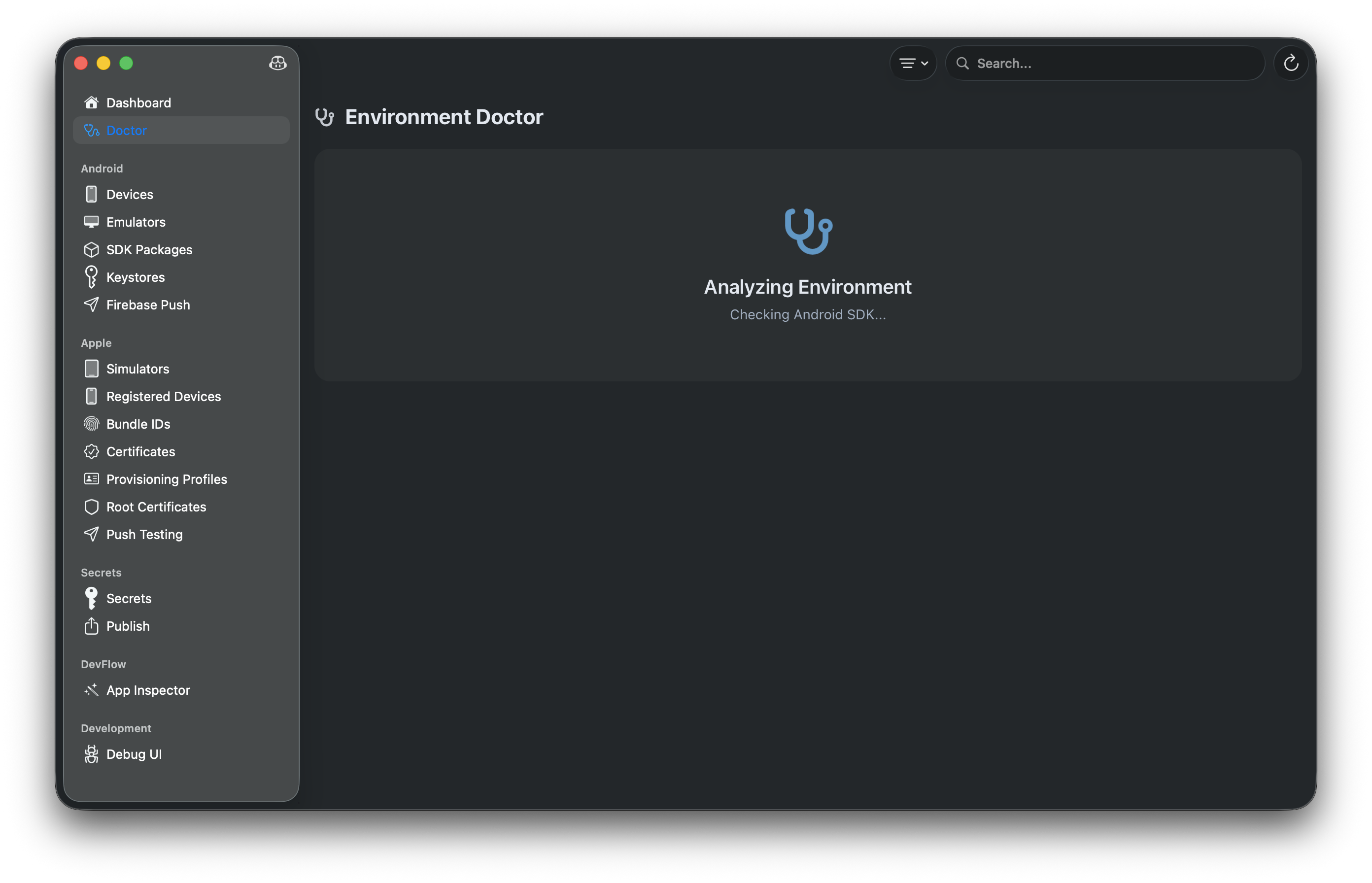
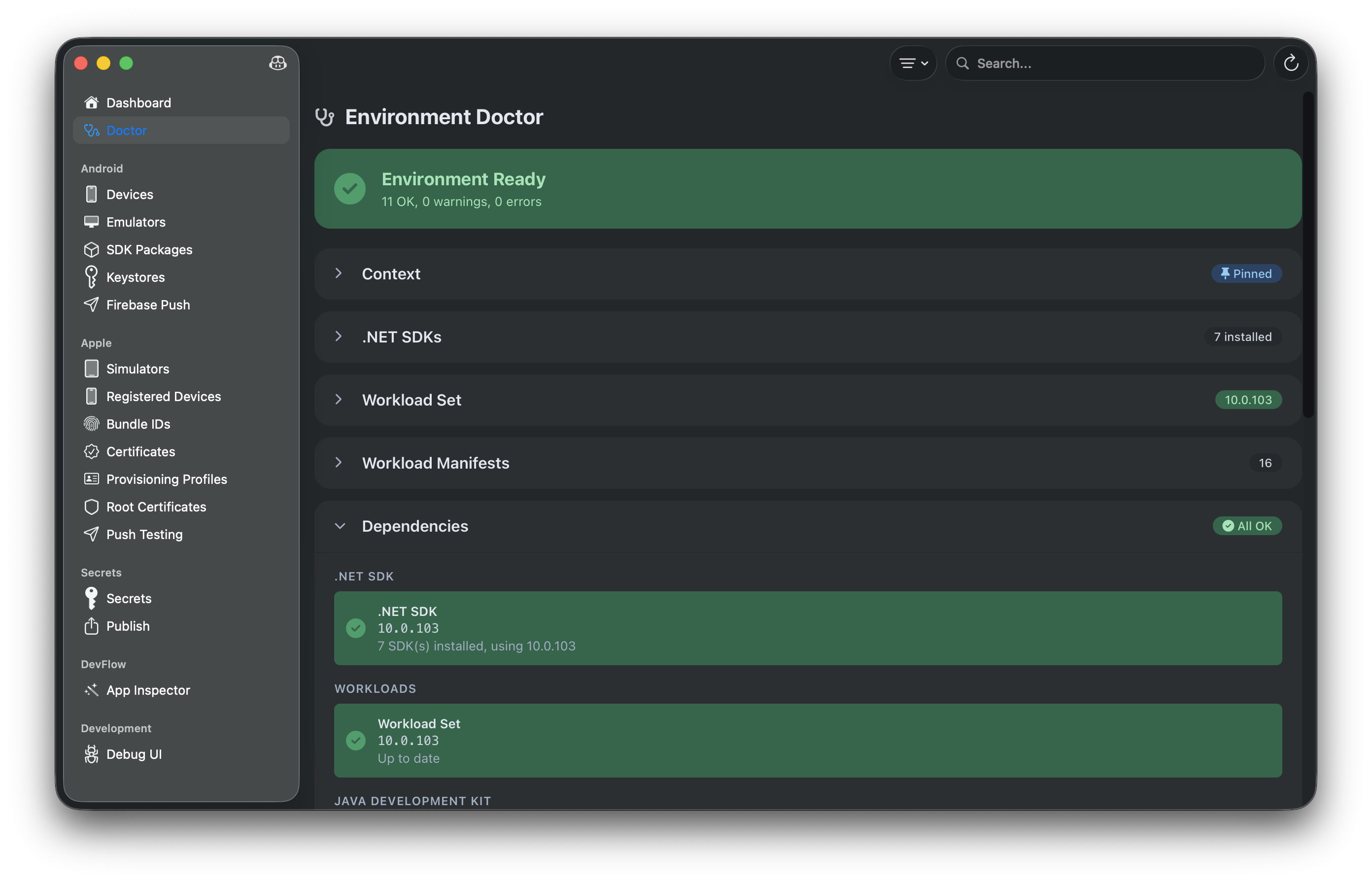
🩺 MAUI Doctor
- Check your development environment health
- Diagnose .NET SDK, workloads, and dependencies
- AI-powered fix suggestions via Copilot
- One-click environment repairs
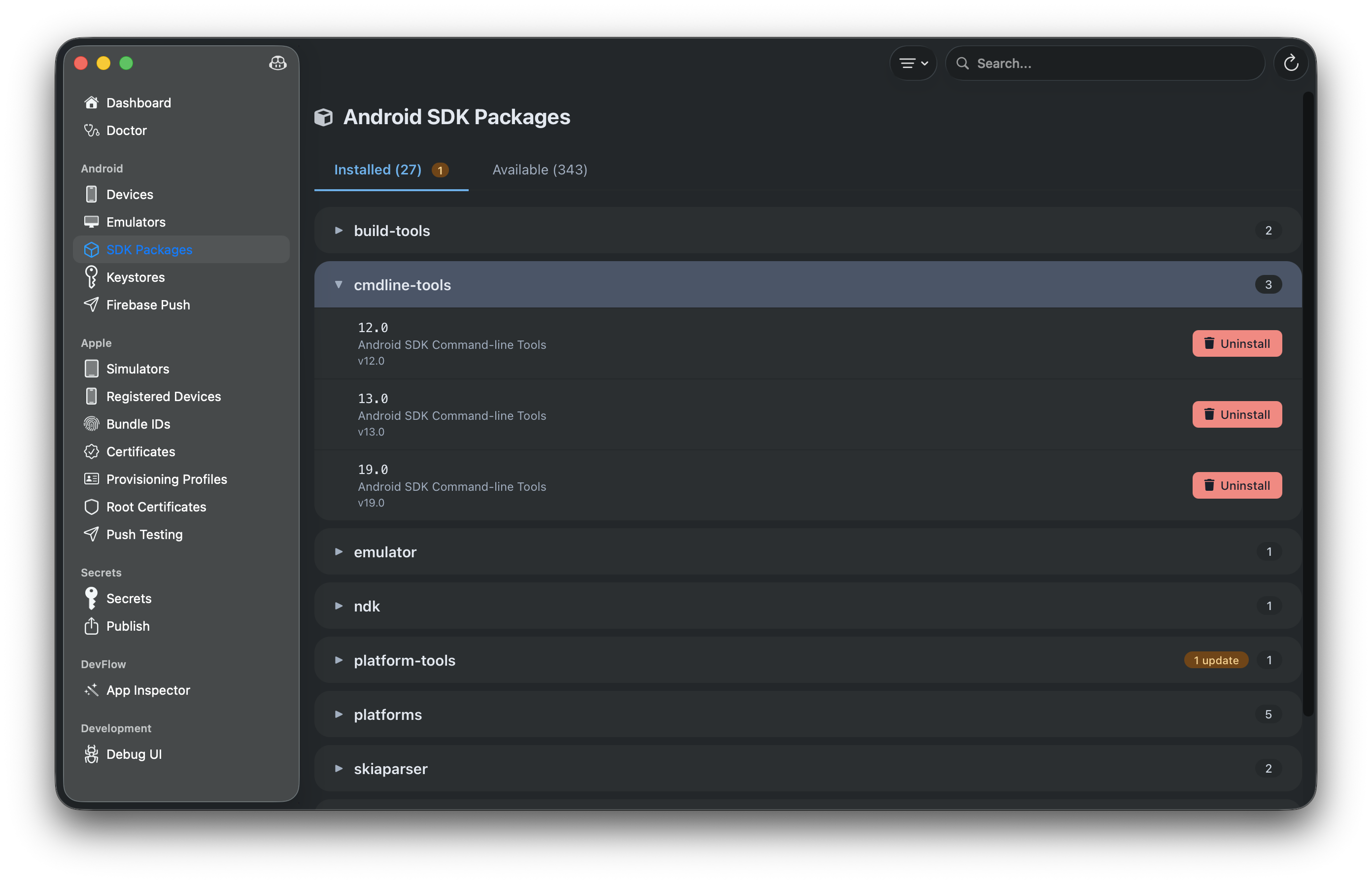
📦 Android SDK Management
- Browse and install SDK packages
- Manage platform tools, build tools, and system images
- Search and filter packages
- Track installed vs available packages
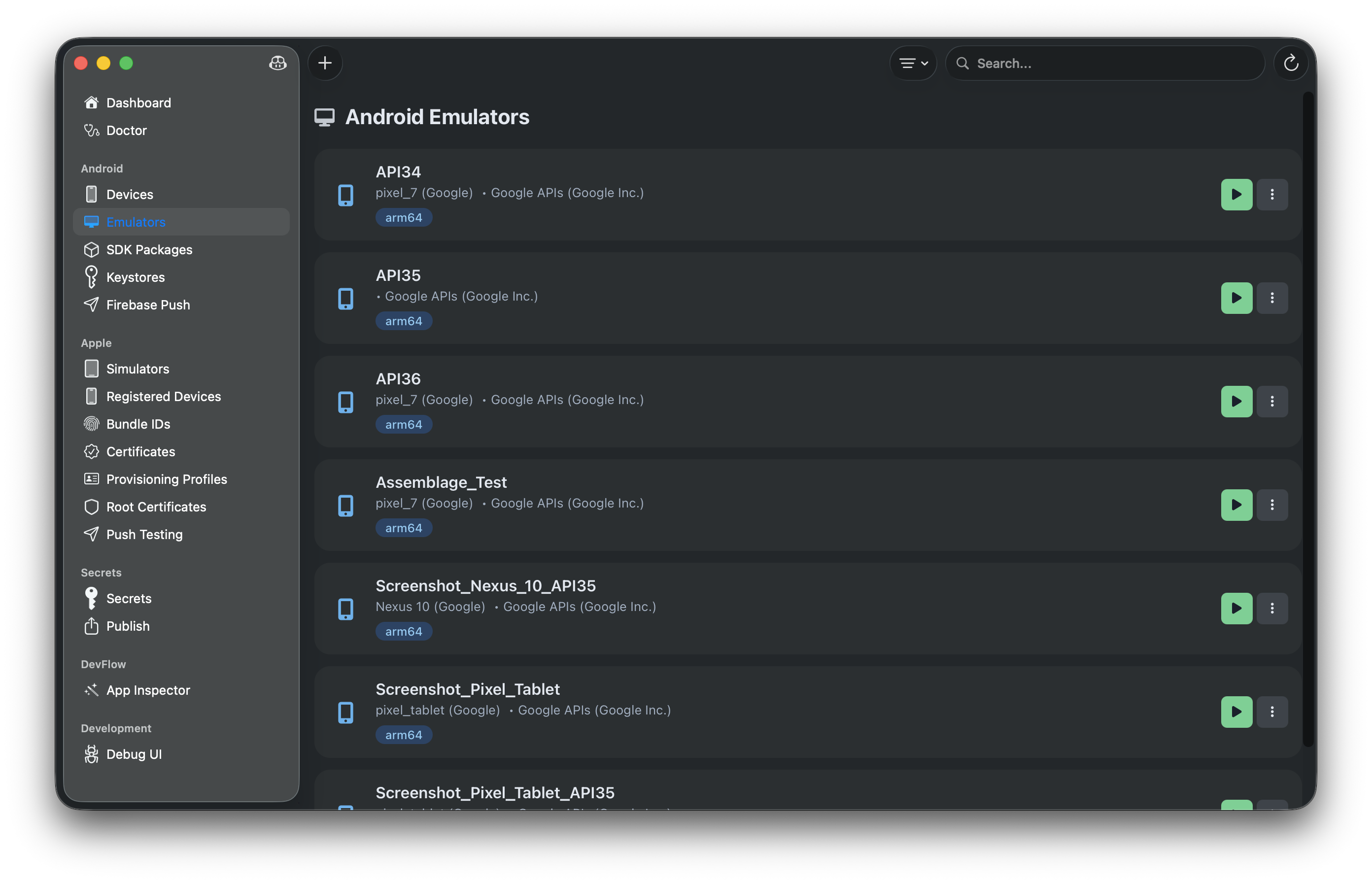
📱 Android Emulators
- Create, edit, and delete emulators
- Start and stop emulators
- Create snapshots for quick boot
- View emulator details and configuration
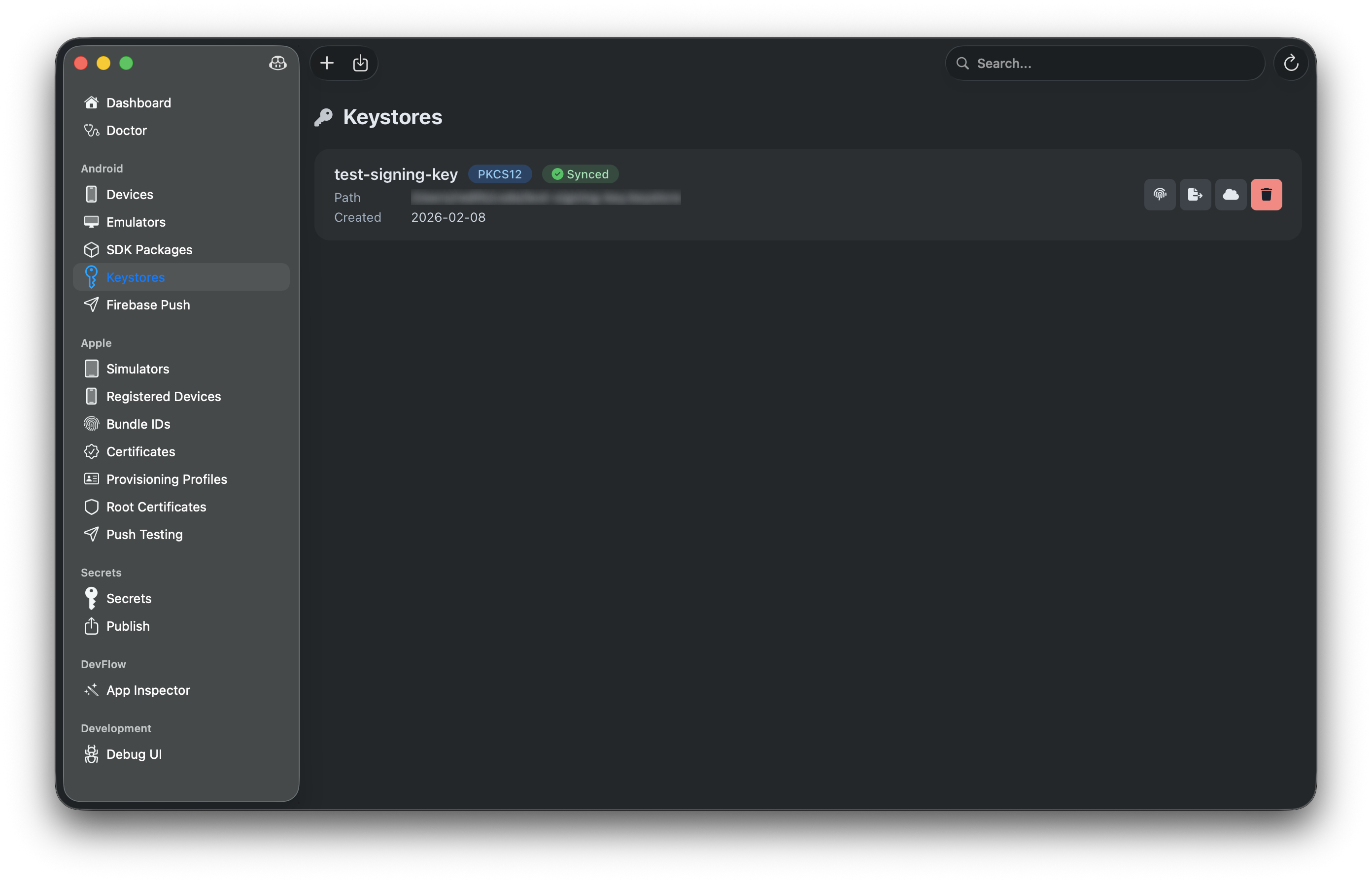
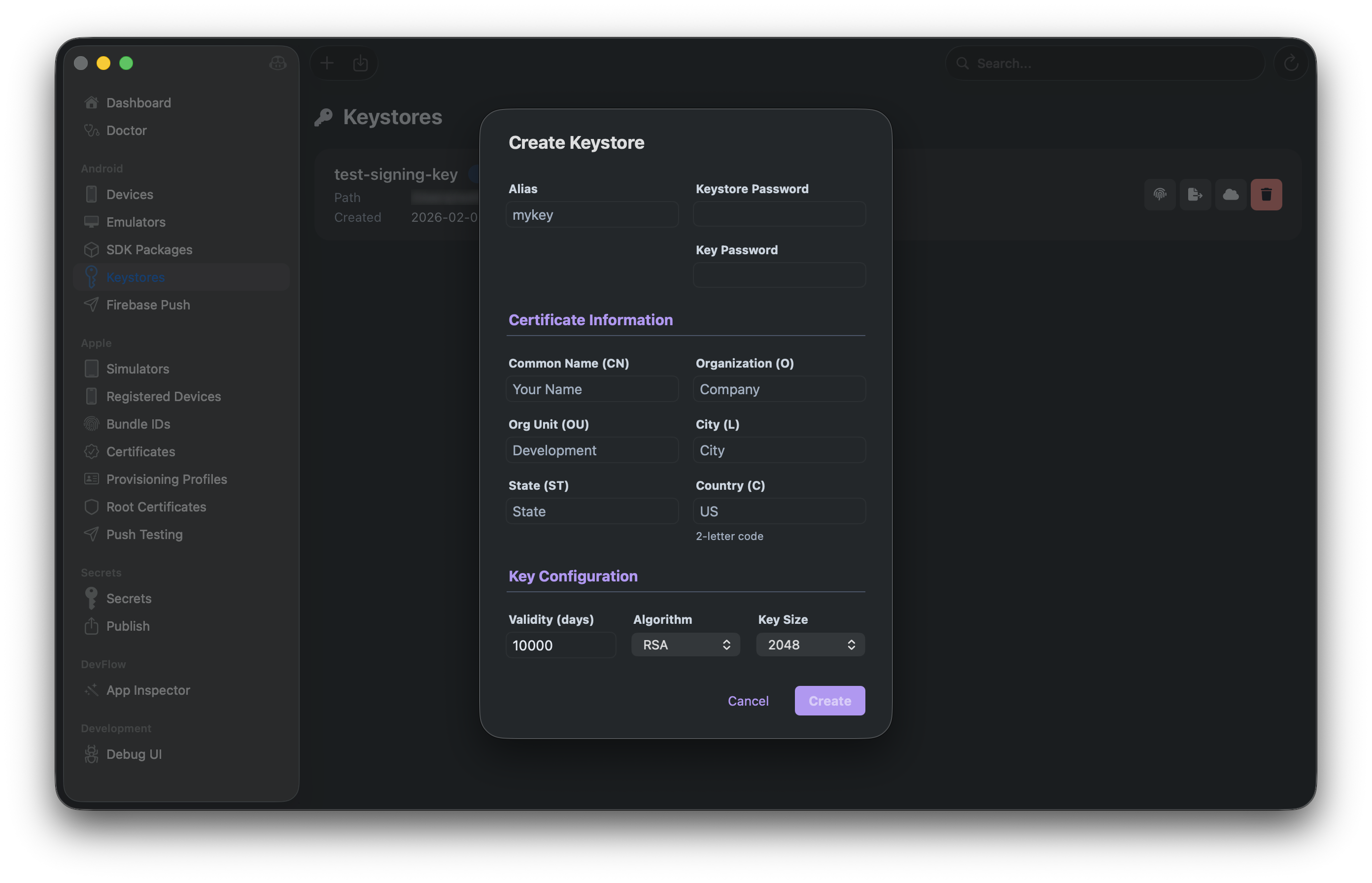
🔑 Android Keystores
- Create and manage Android signing keystores
- View certificate signatures and details
- Export PEPK keys for Google Play
- Cloud sync keystores across machines
🍎 Apple Developer Tools (macOS only)
- Xcode Management: Browse available Xcode versions, download directly from Apple with authenticated sign-in (SRP + 2FA), and install — all from within the app
- Simulators: Manage iOS/iPadOS/tvOS/watchOS simulators with built-in inspector
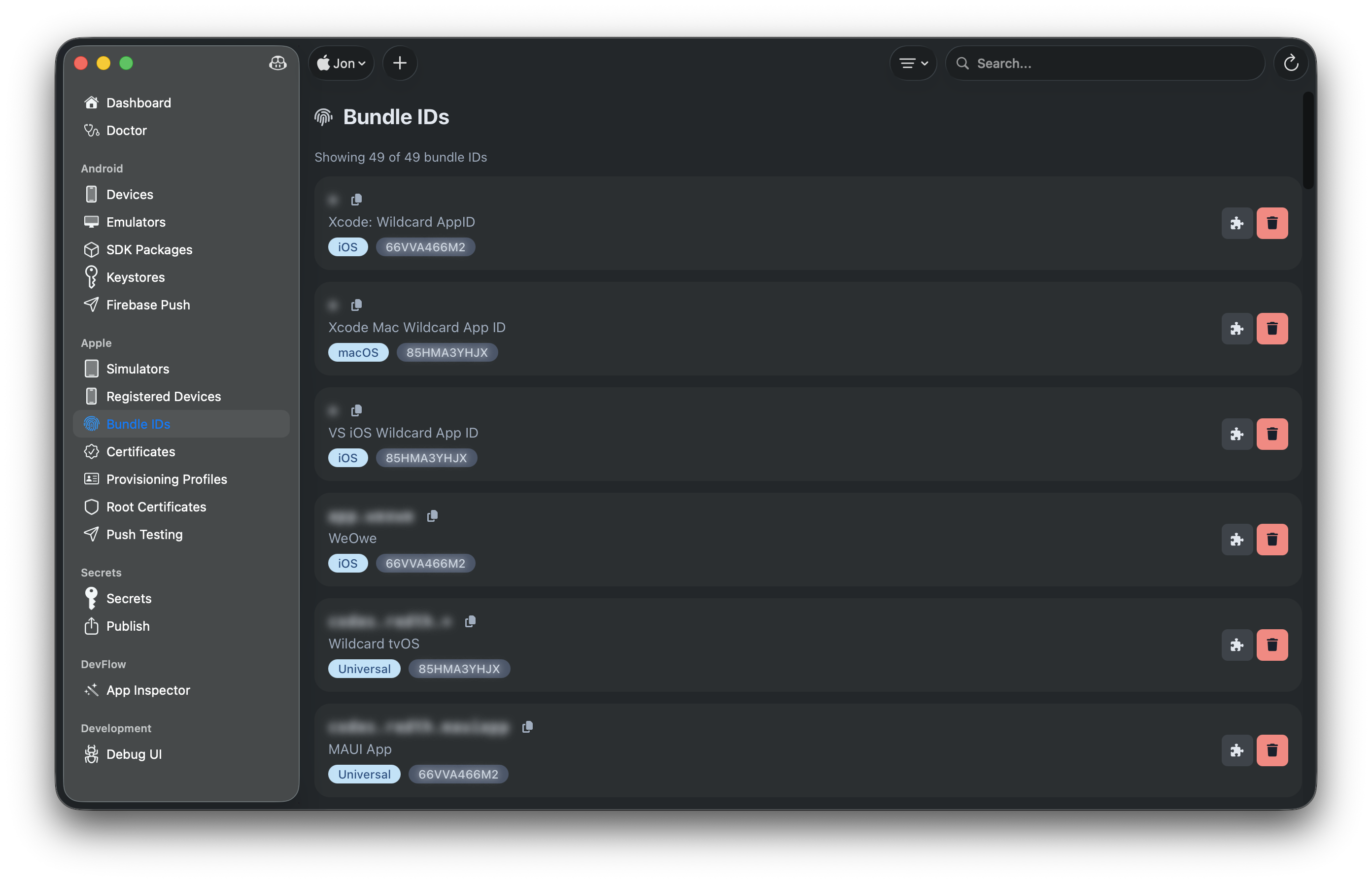
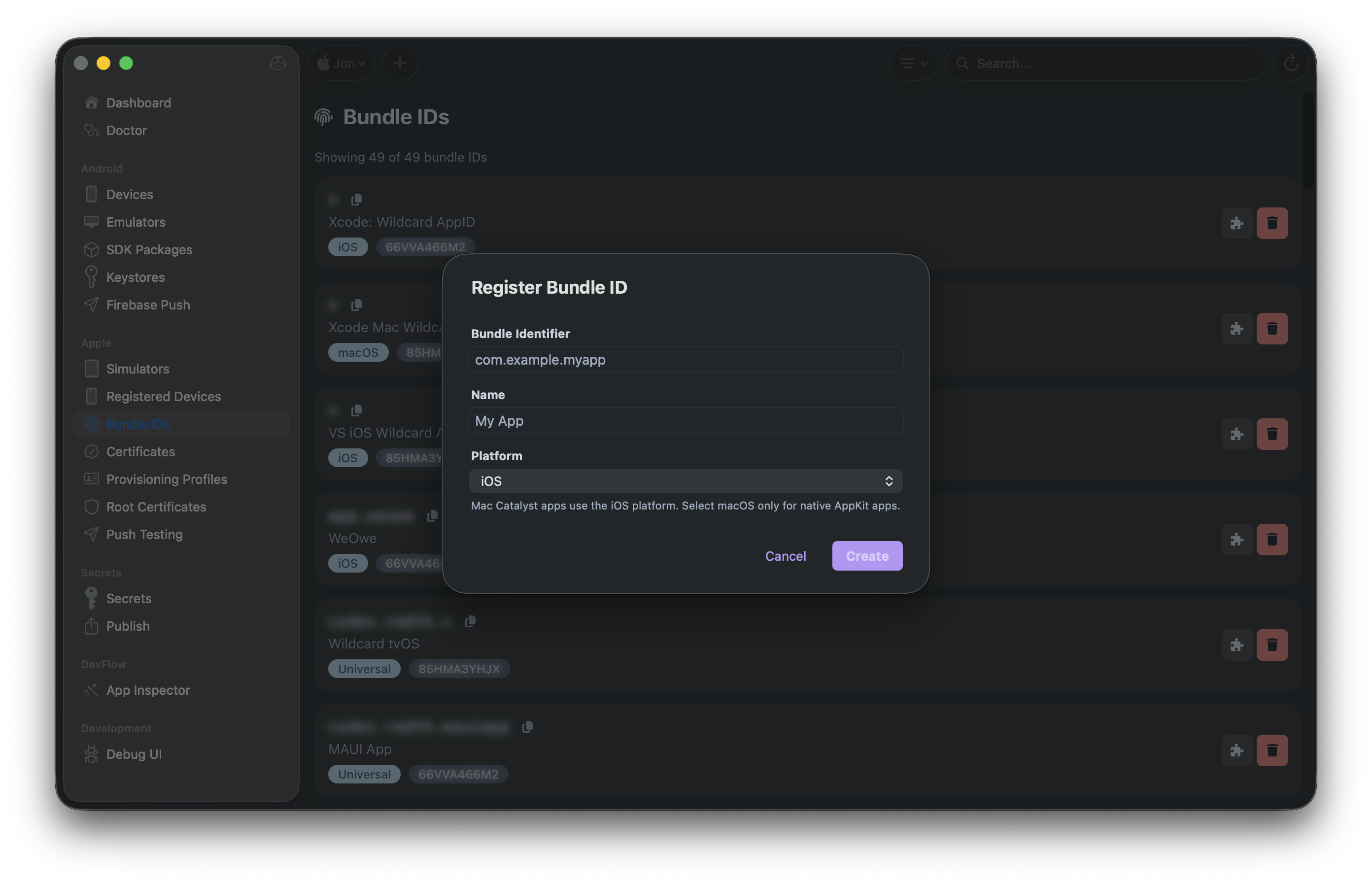
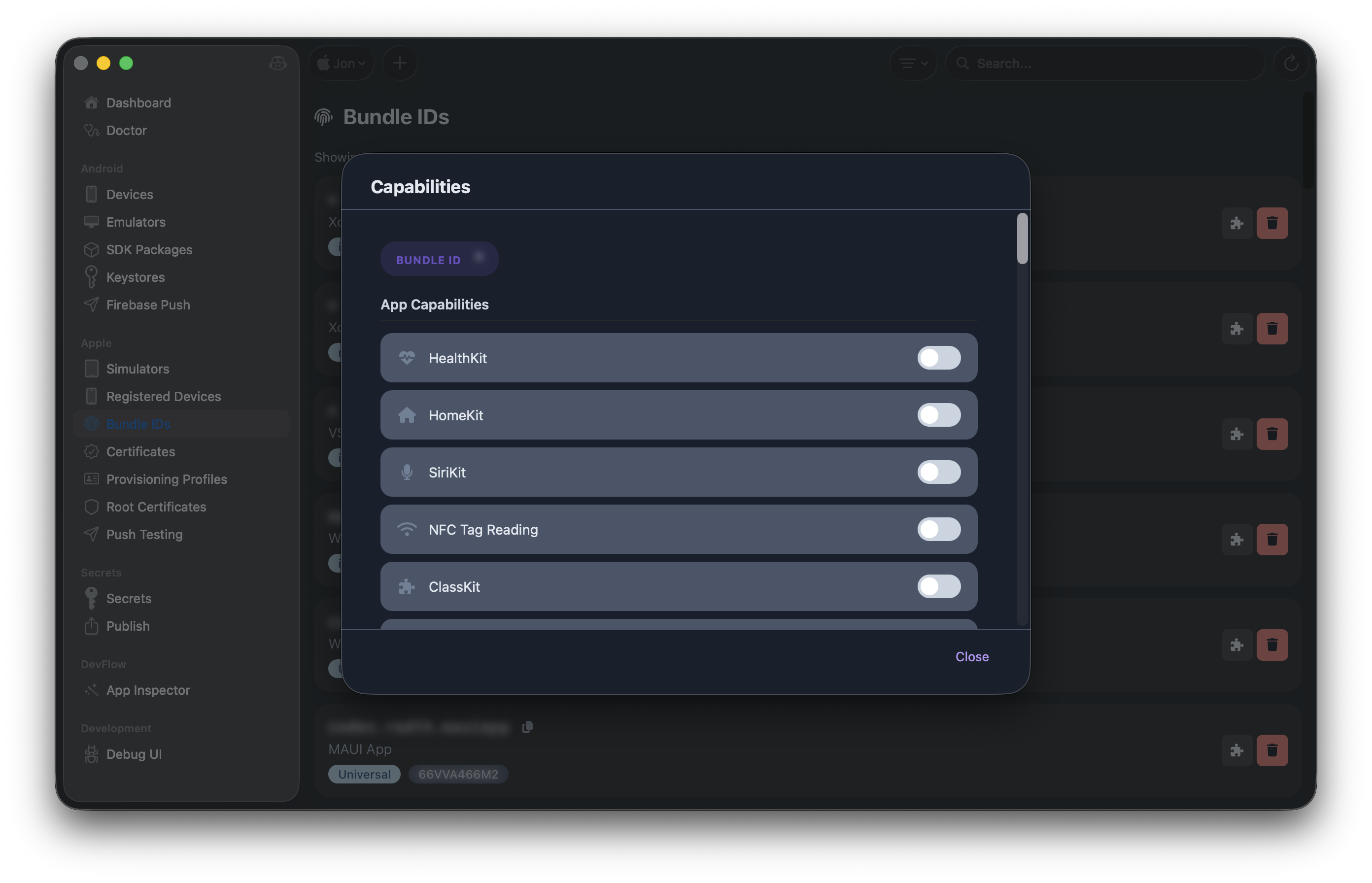
- Bundle IDs: Create and manage App IDs with capabilities editor
- Devices: Register devices for development and ad-hoc distribution
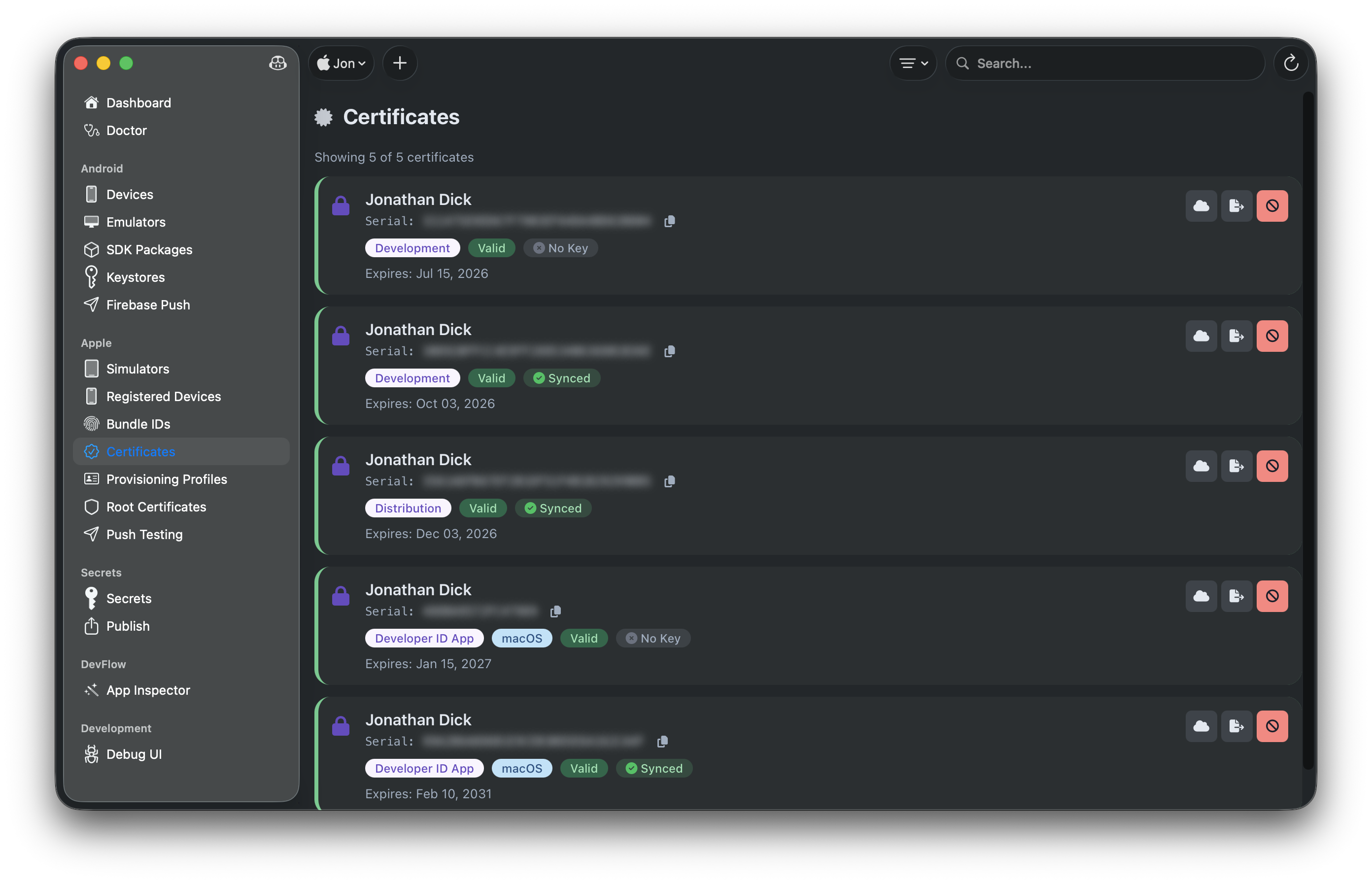
- Certificates: Create, download, export, and revoke signing certificates
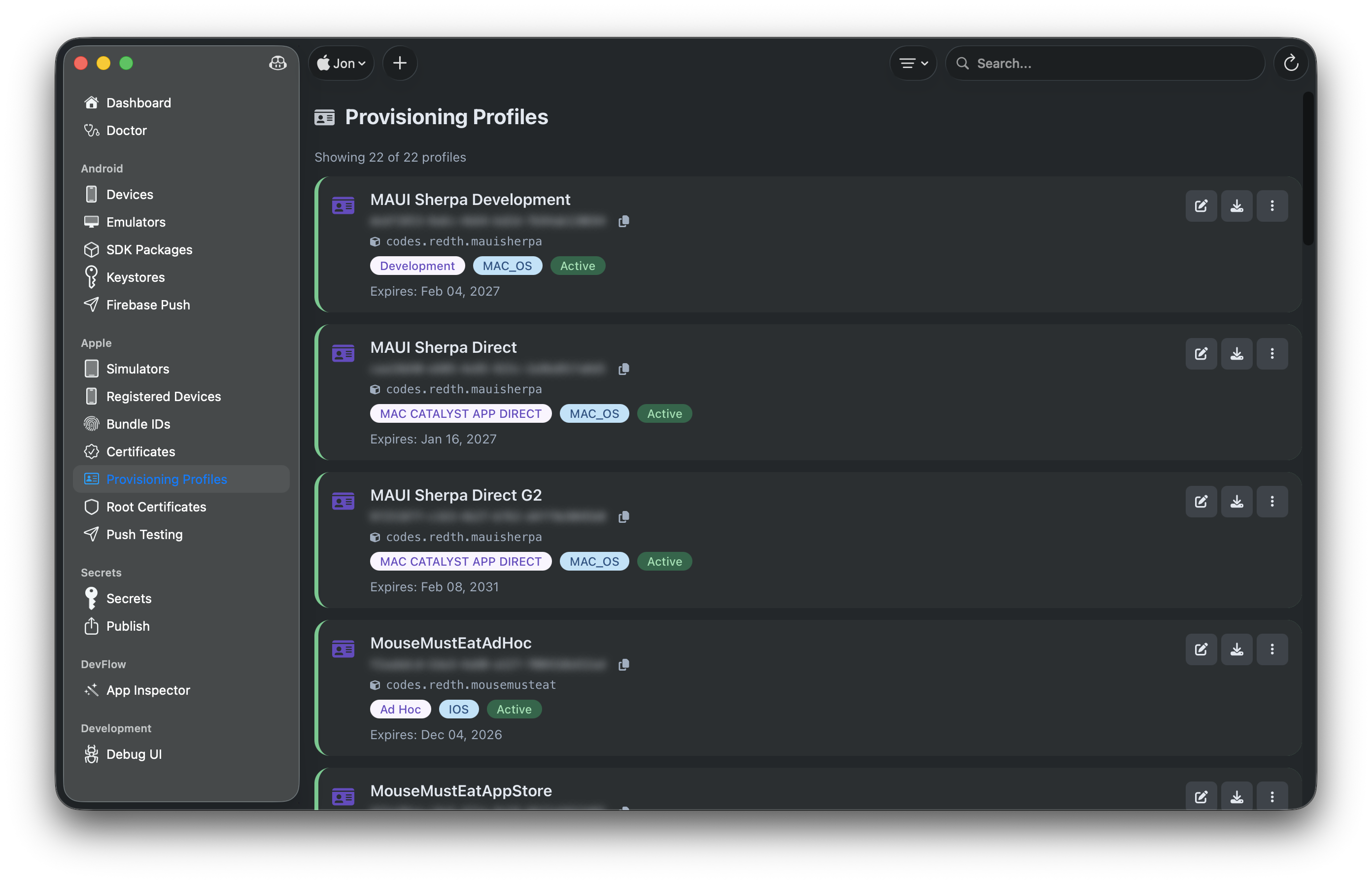
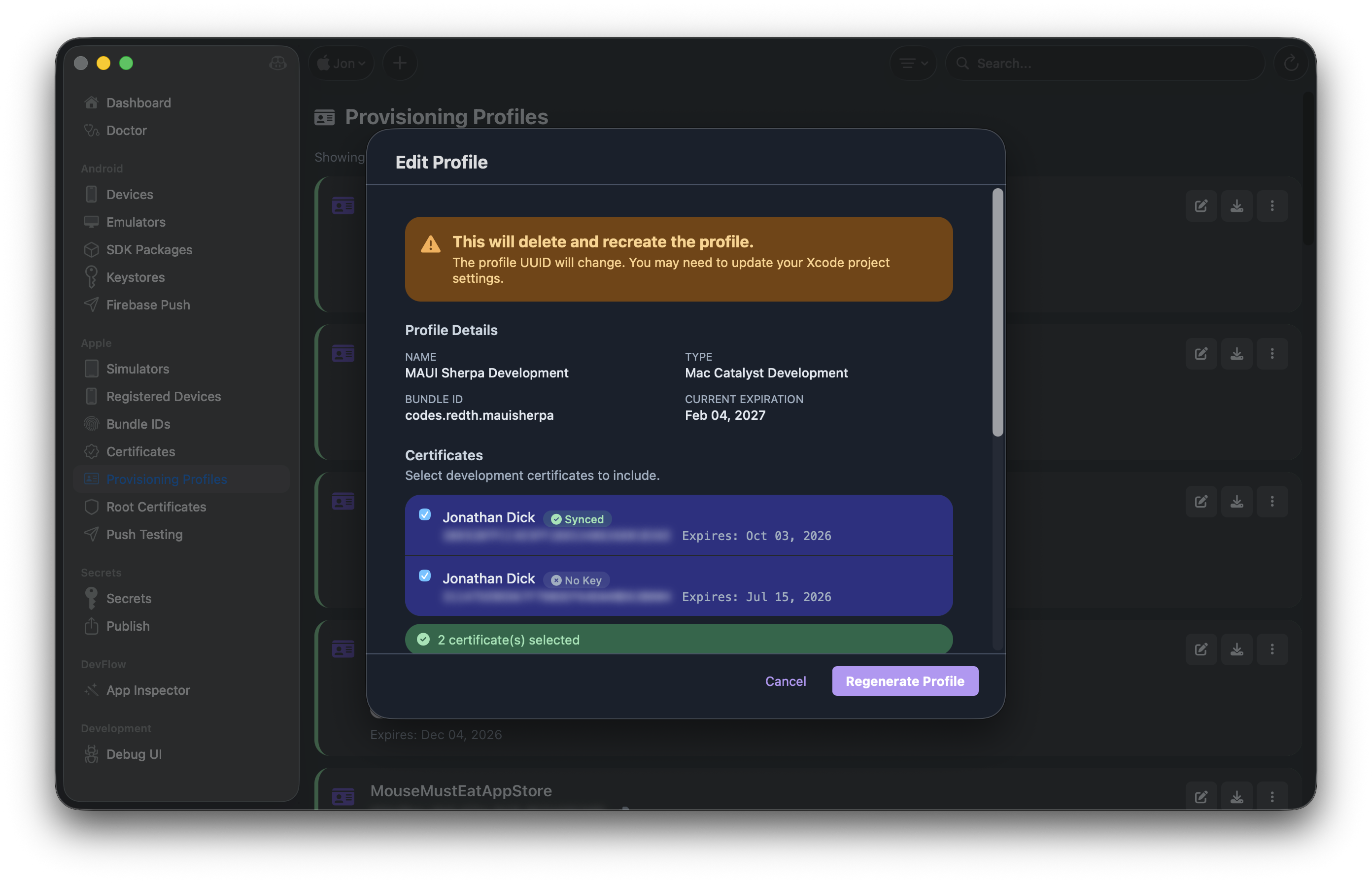
- Provisioning Profiles: Create, edit, and manage profiles with CI secrets export
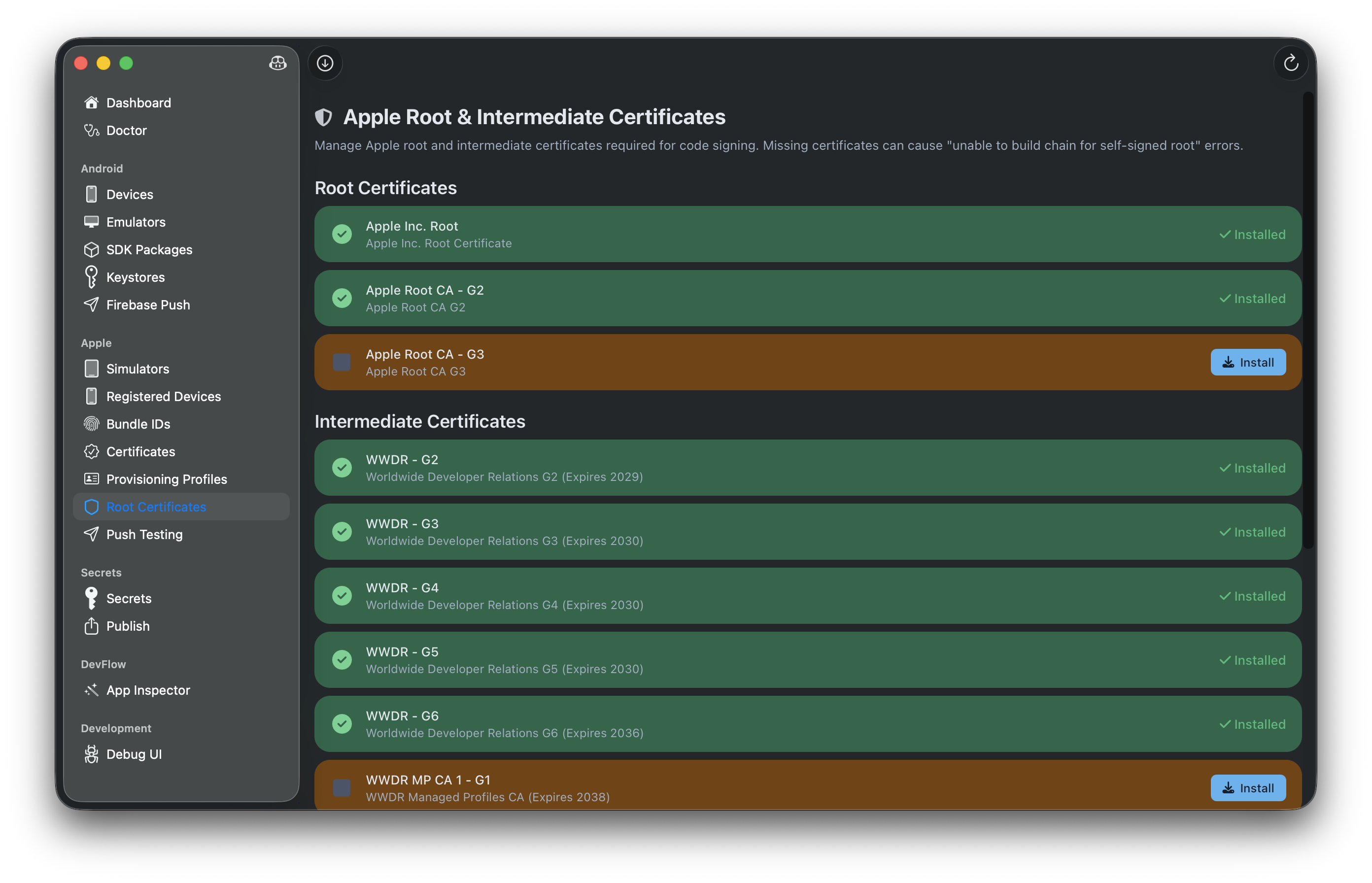
- Root Certificates: Install Apple root certificates for development
🔍 Device Inspectors
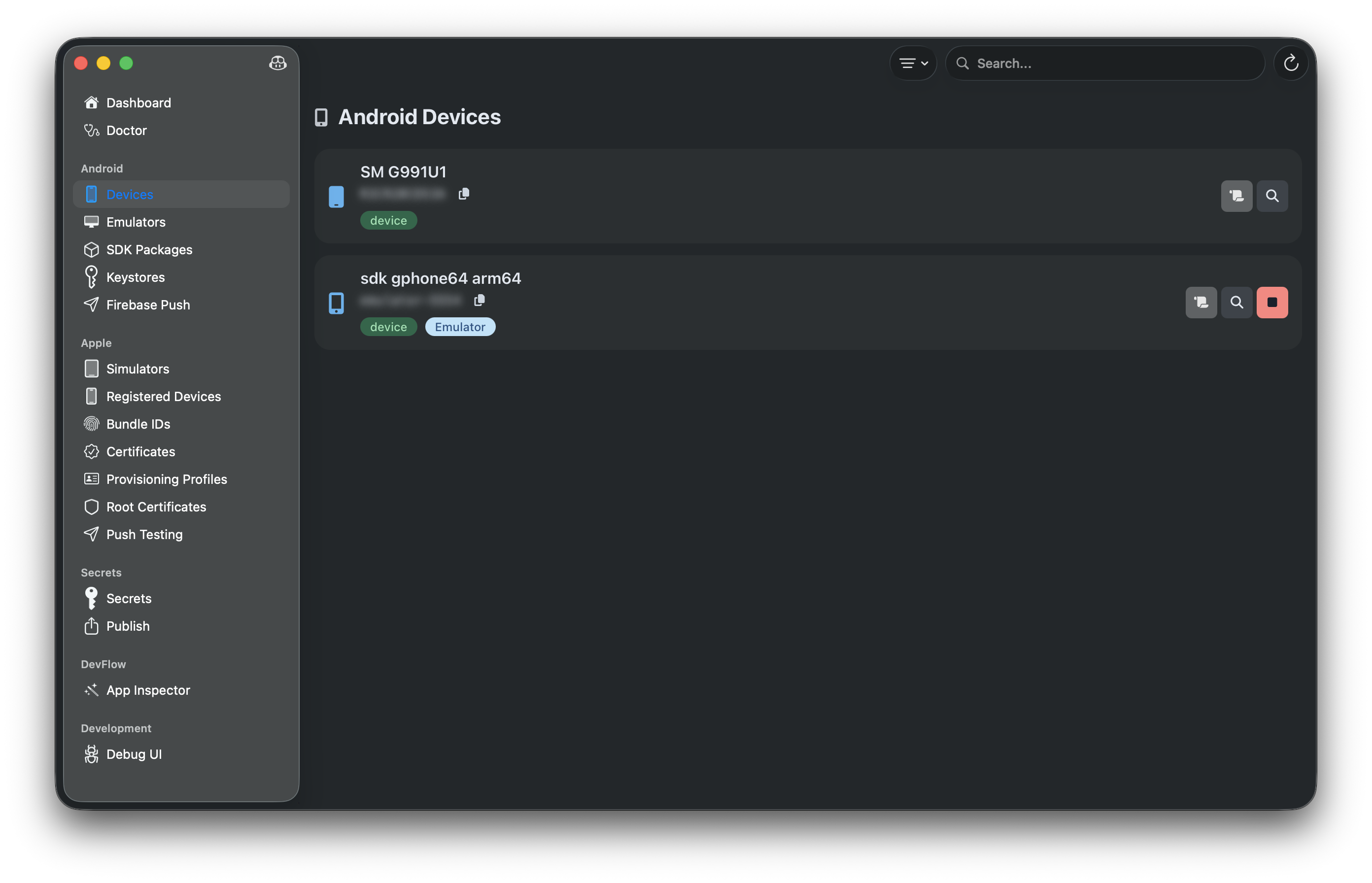
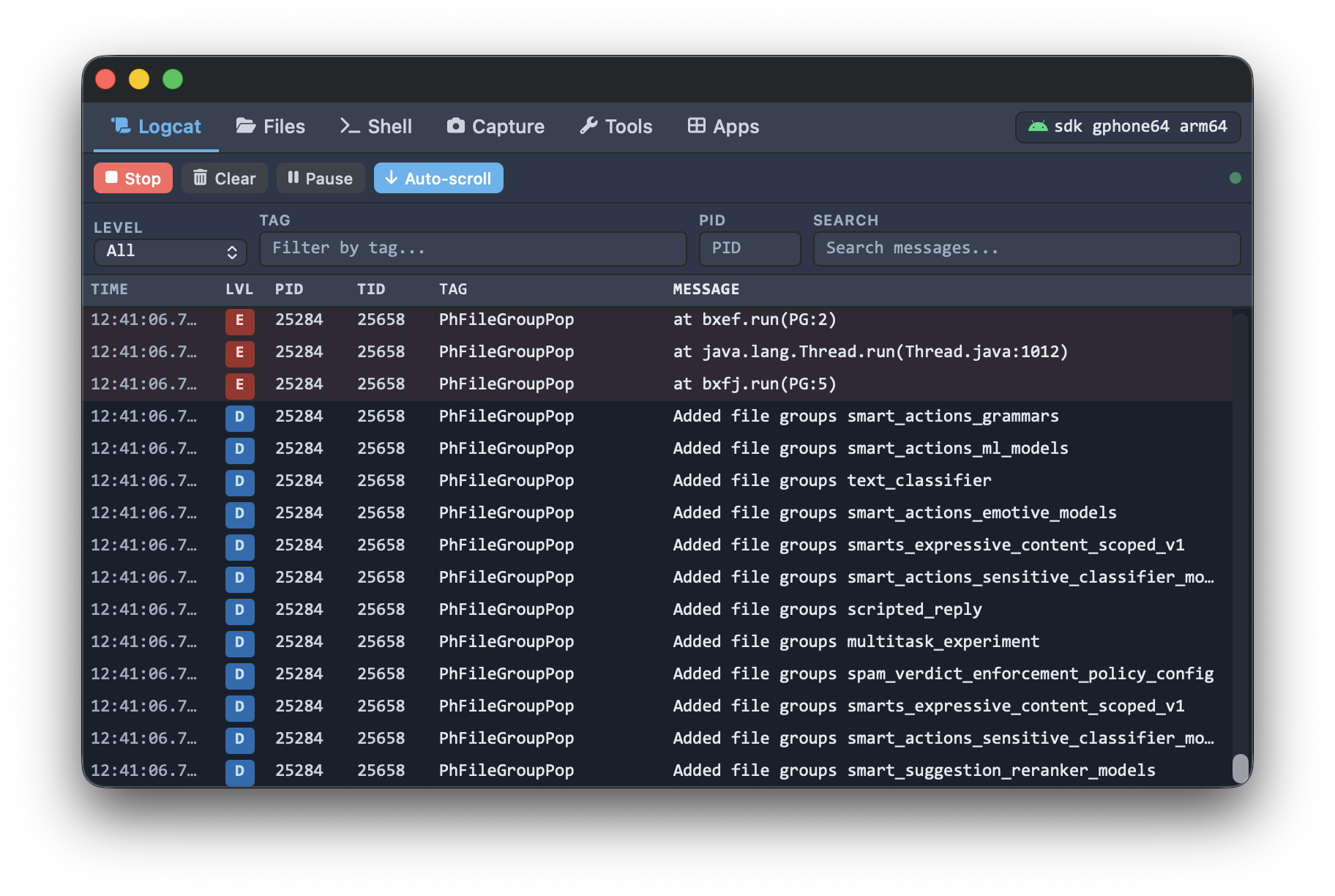
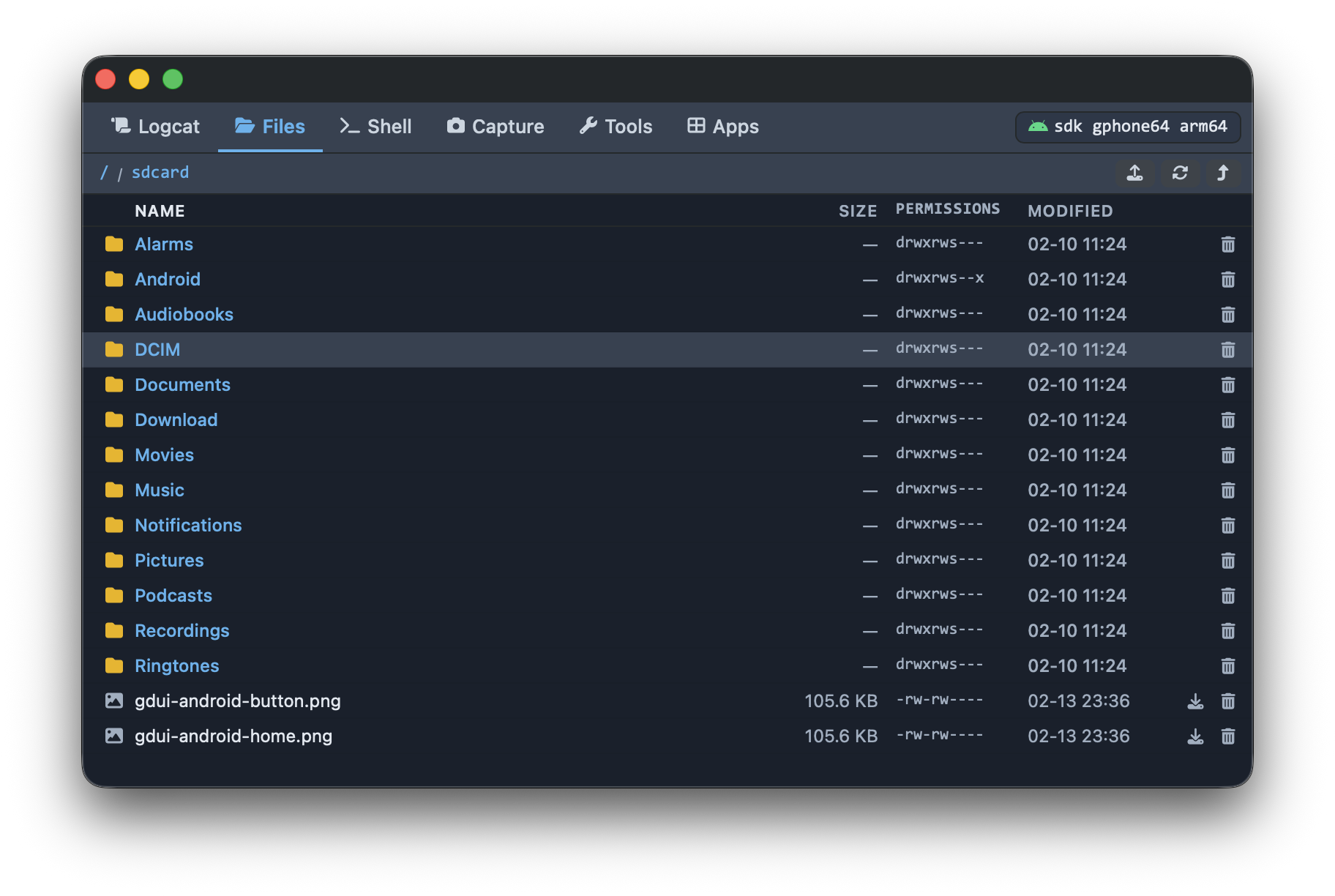
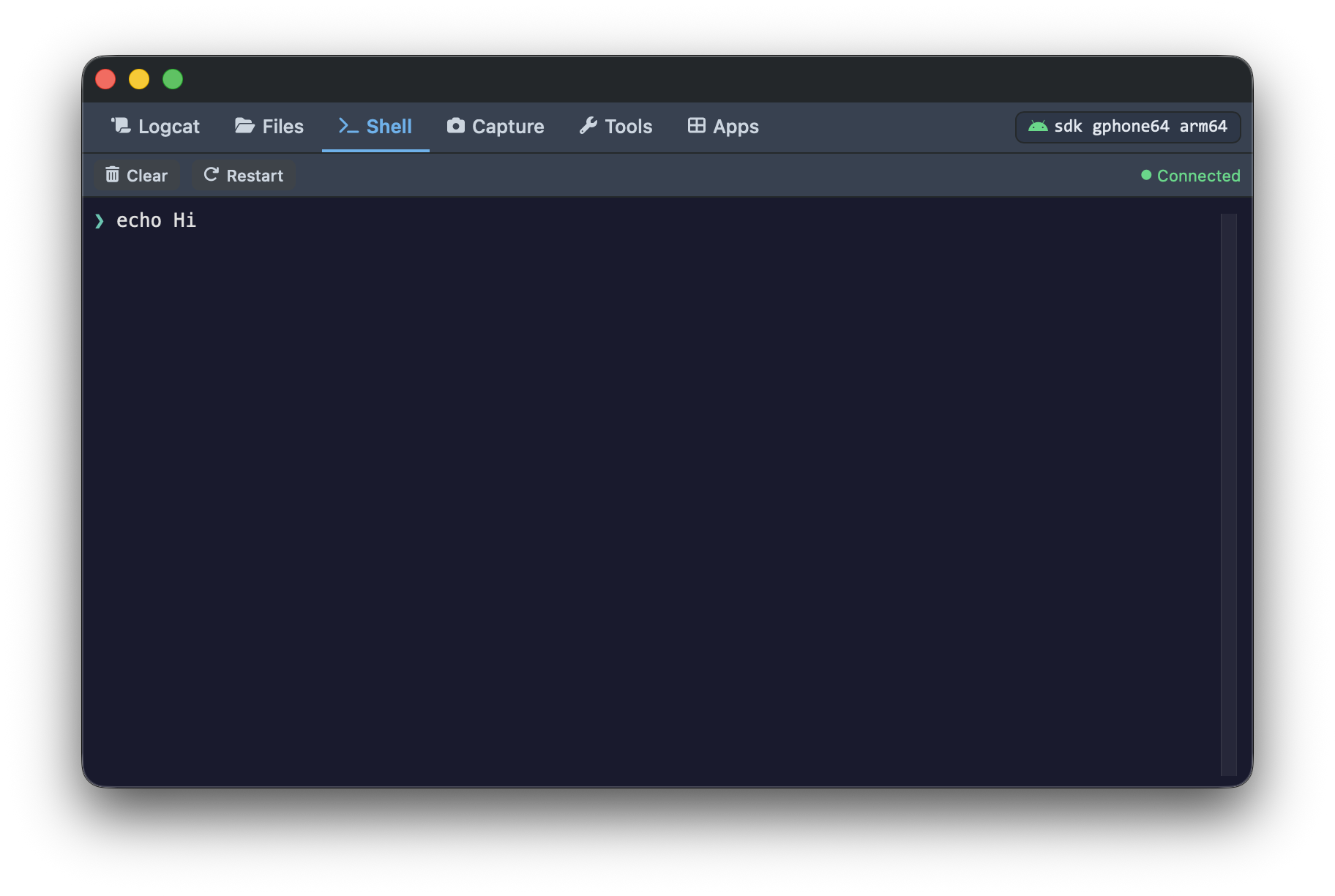
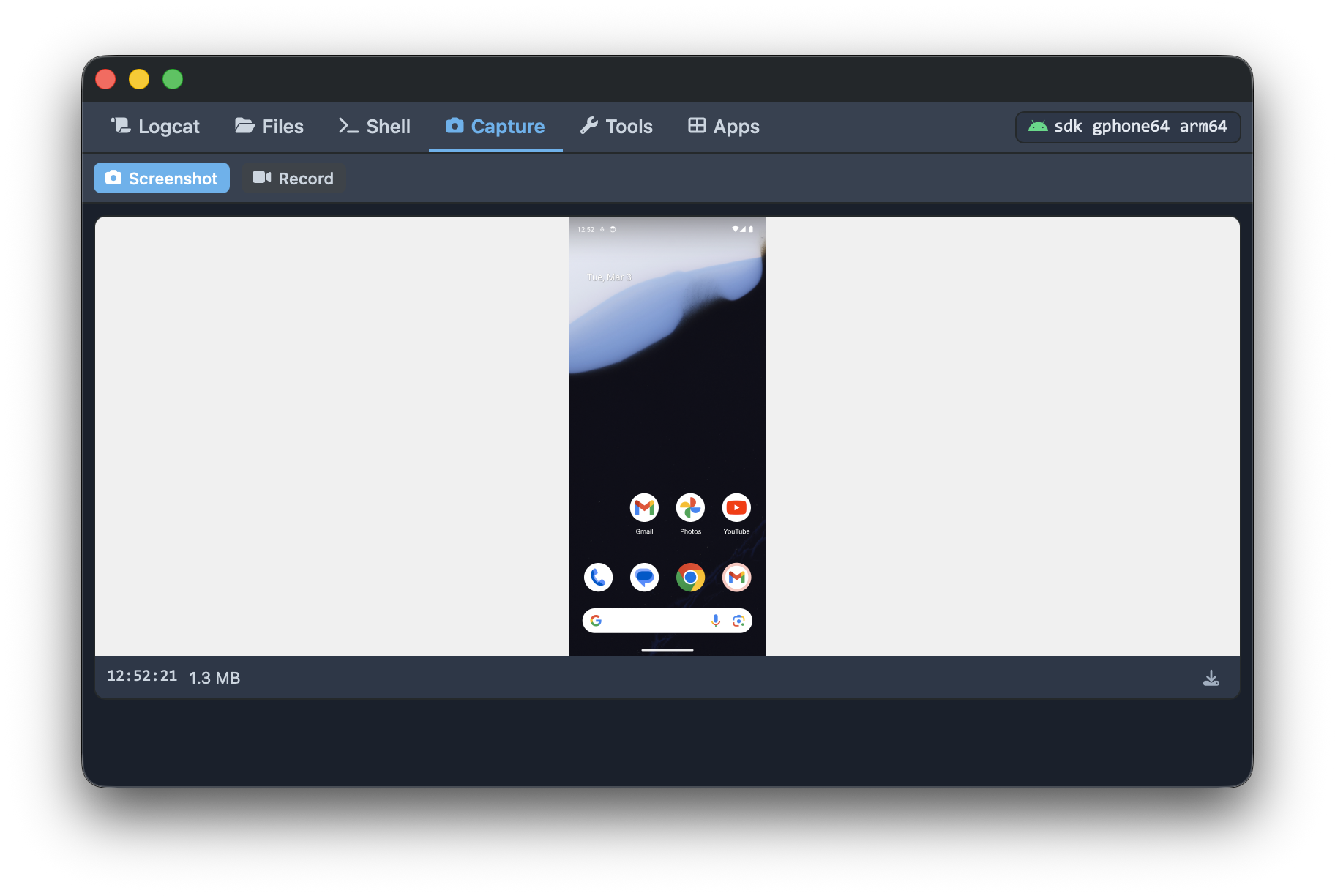
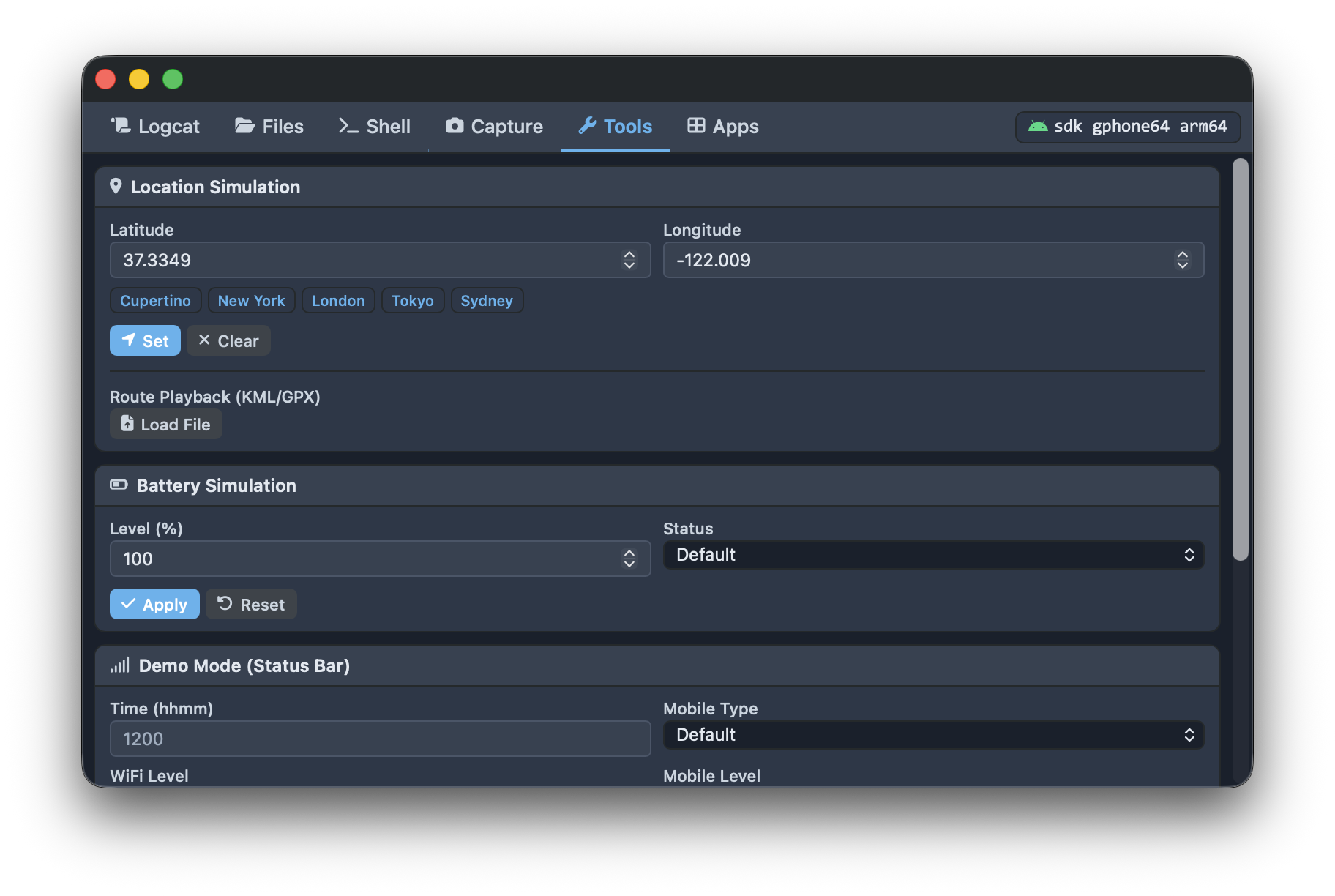
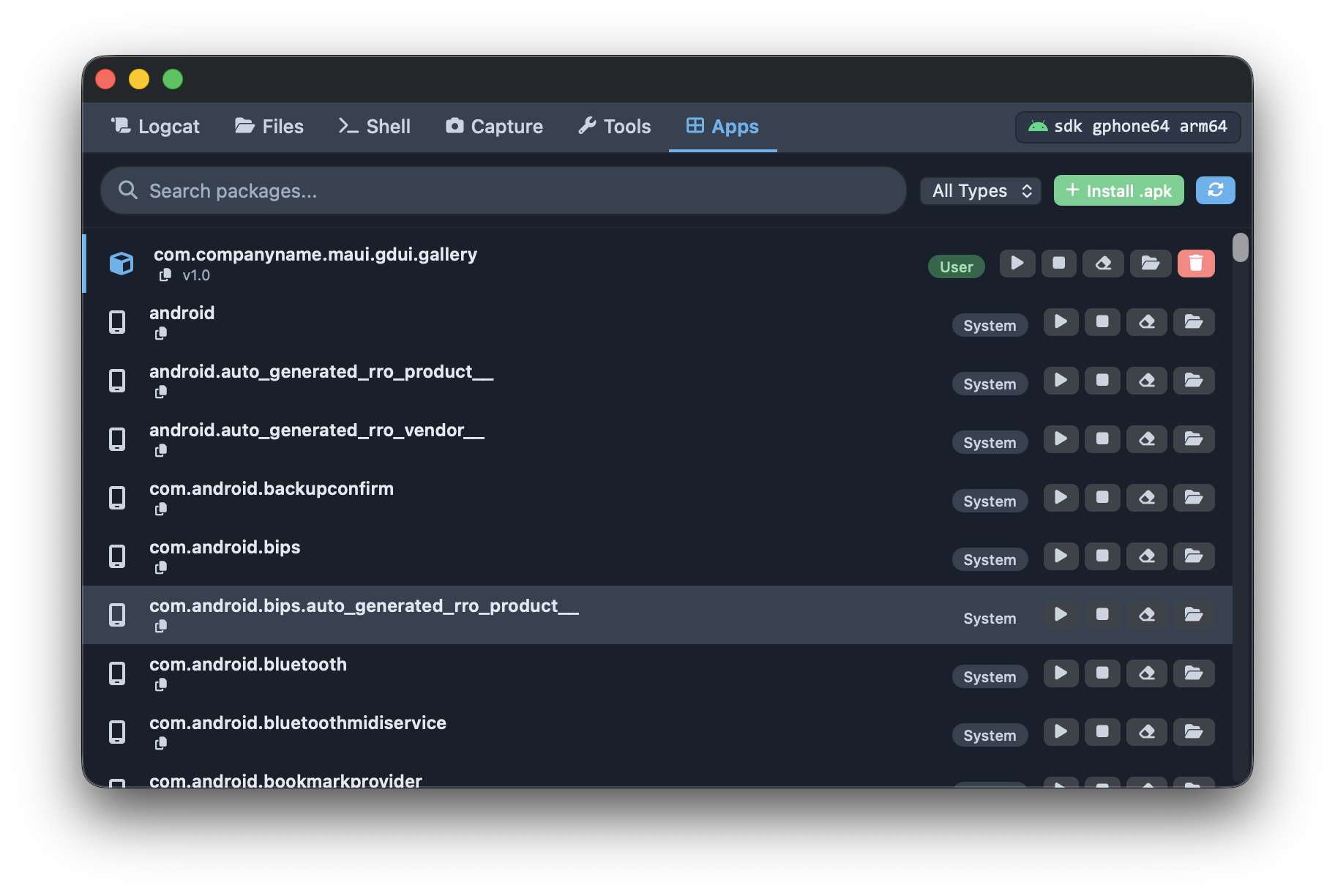
- Android: Logcat viewer, file browser, shell, screen capture, and device tools
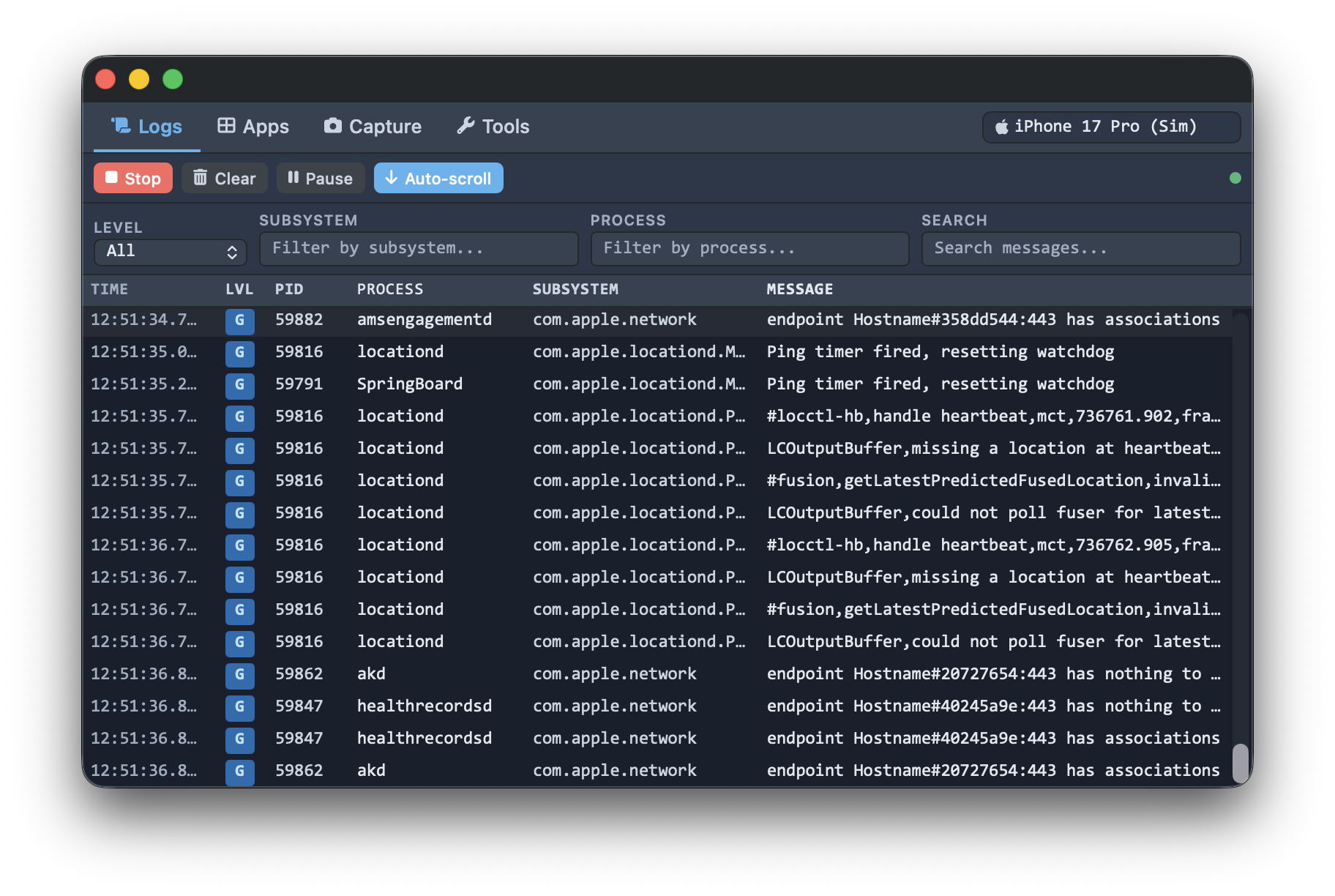
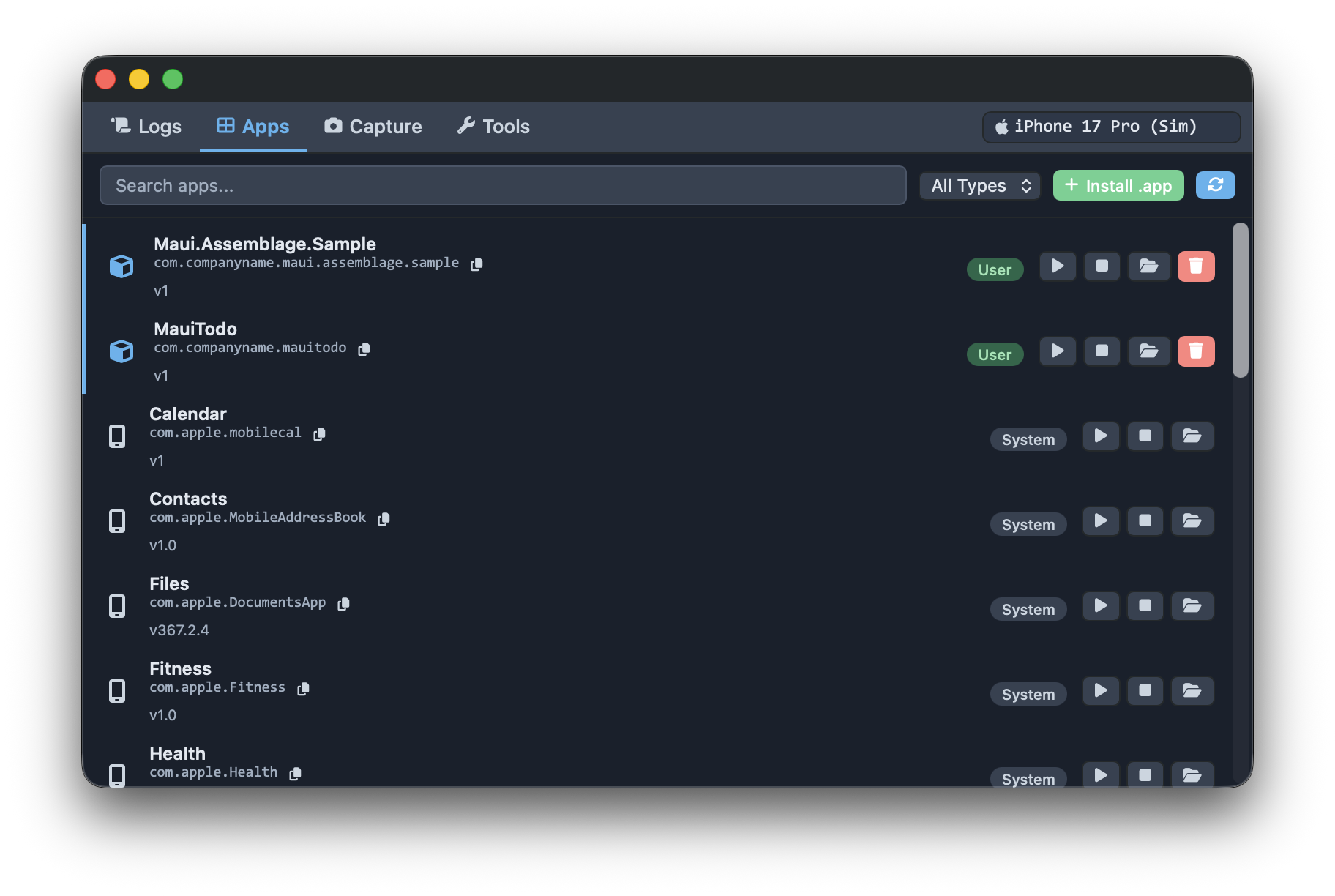
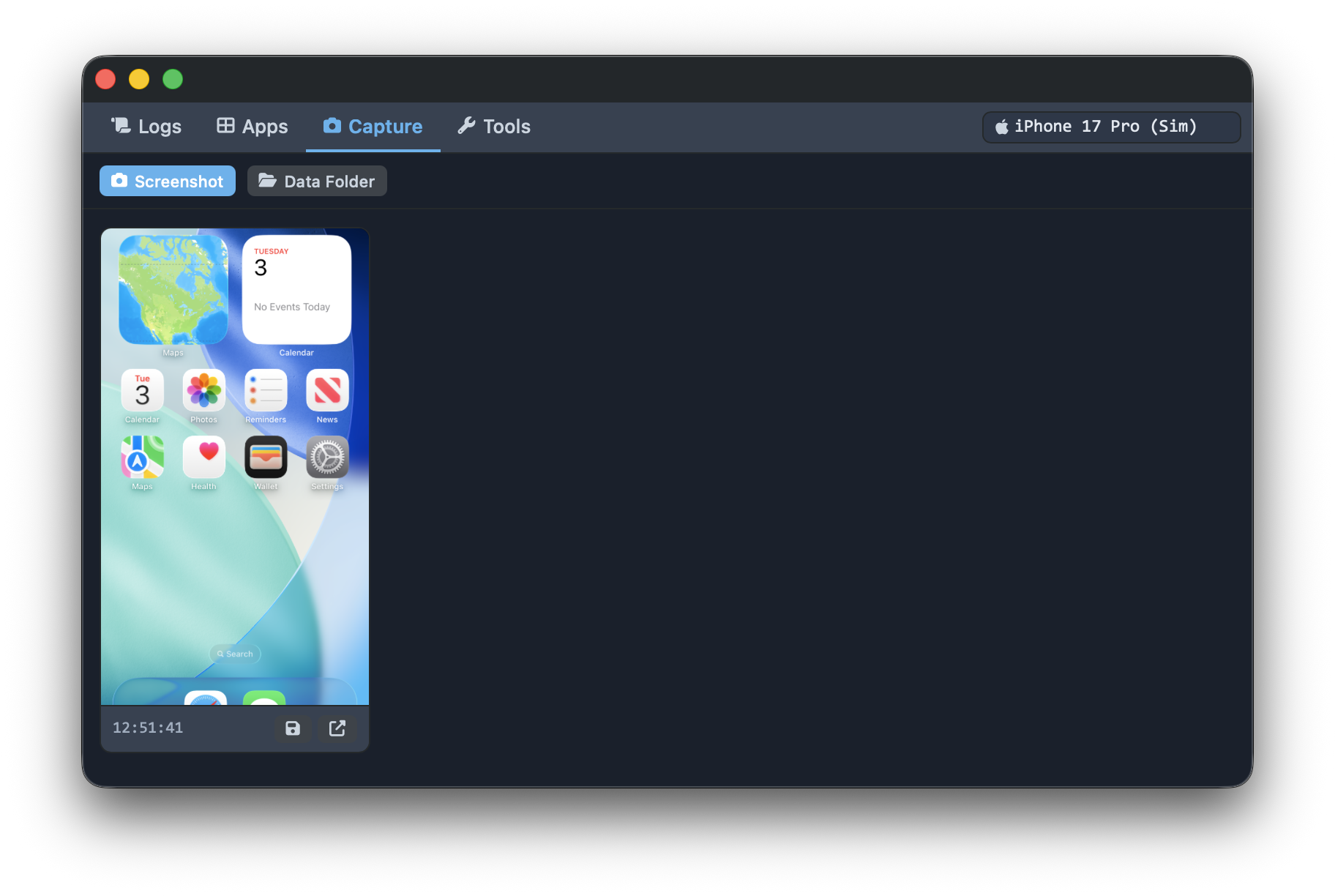
- iOS Simulator: Log viewer, app manager, screen capture, and simulator tools
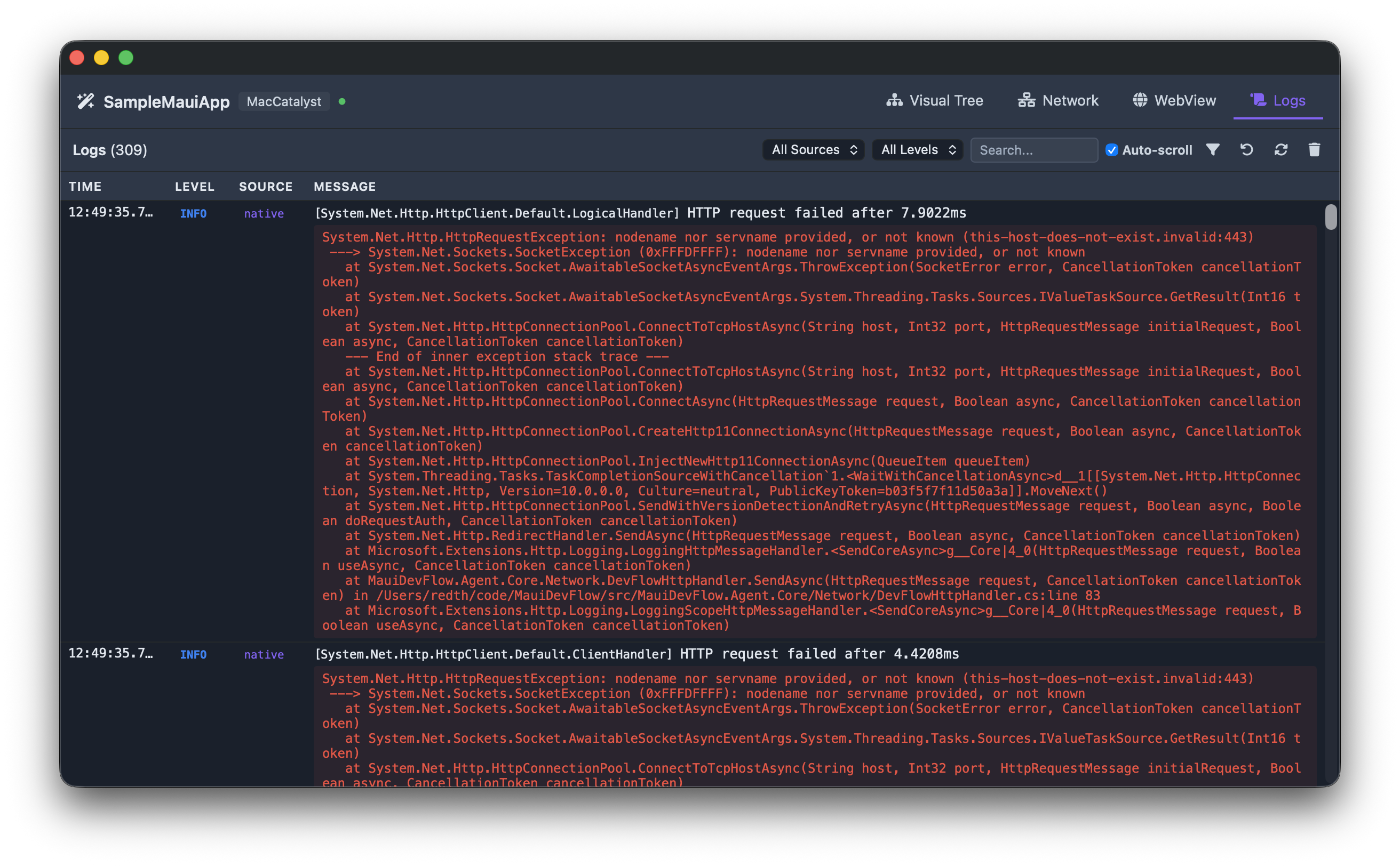
🔬 DevFlow App Inspector
- Remote visual tree inspection of running MAUI apps
- Interactive screenshot with element highlighting
- Network request monitoring with detailed views
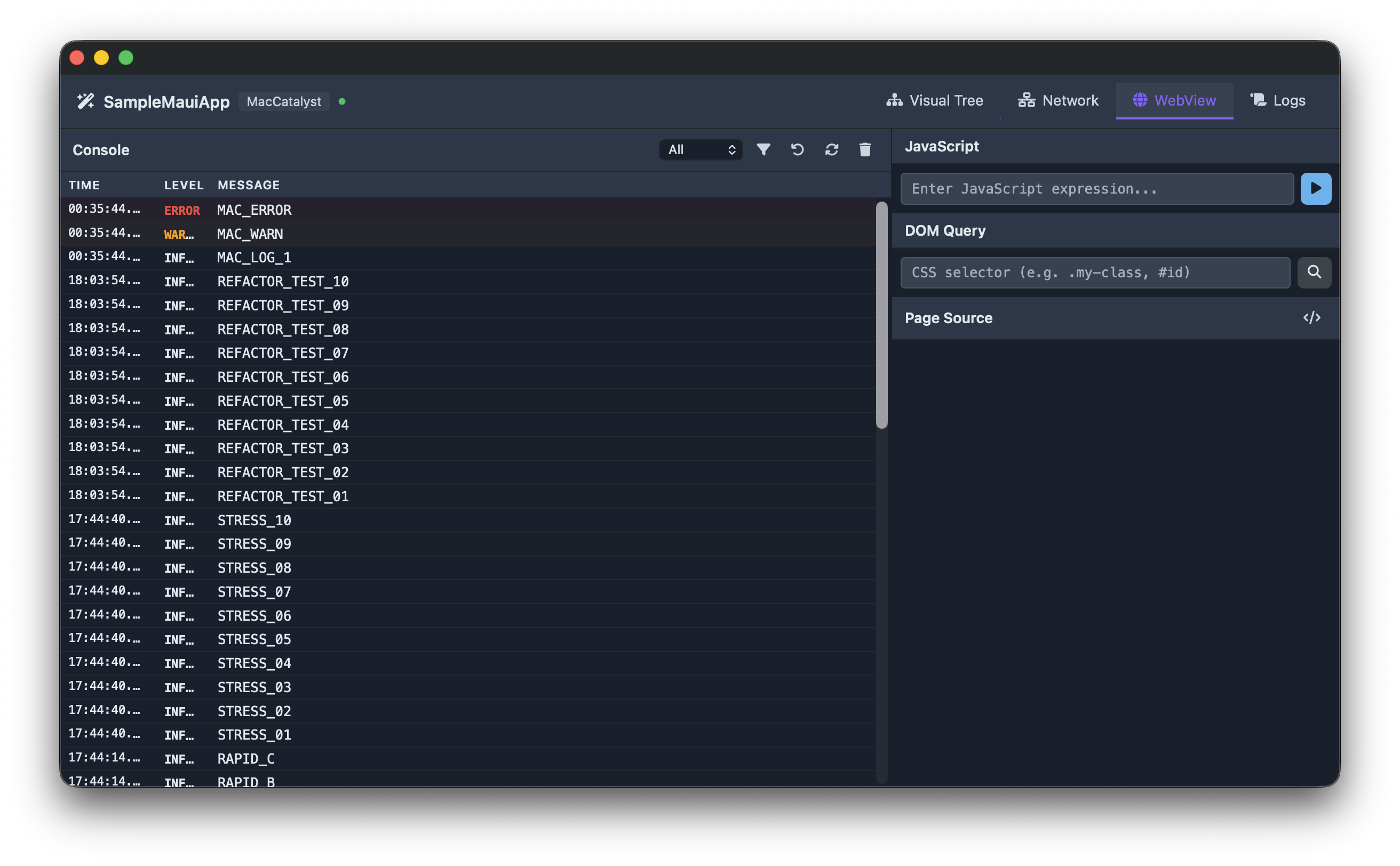
- Application log streaming (native + WebView)
- Blazor WebView DOM inspection via CDP
- Live property editing (colors, sizes, brushes)
sherpa-inspector dotnet tool package and self-contained executable for embedding the inspector in external WebViews (website, docs)
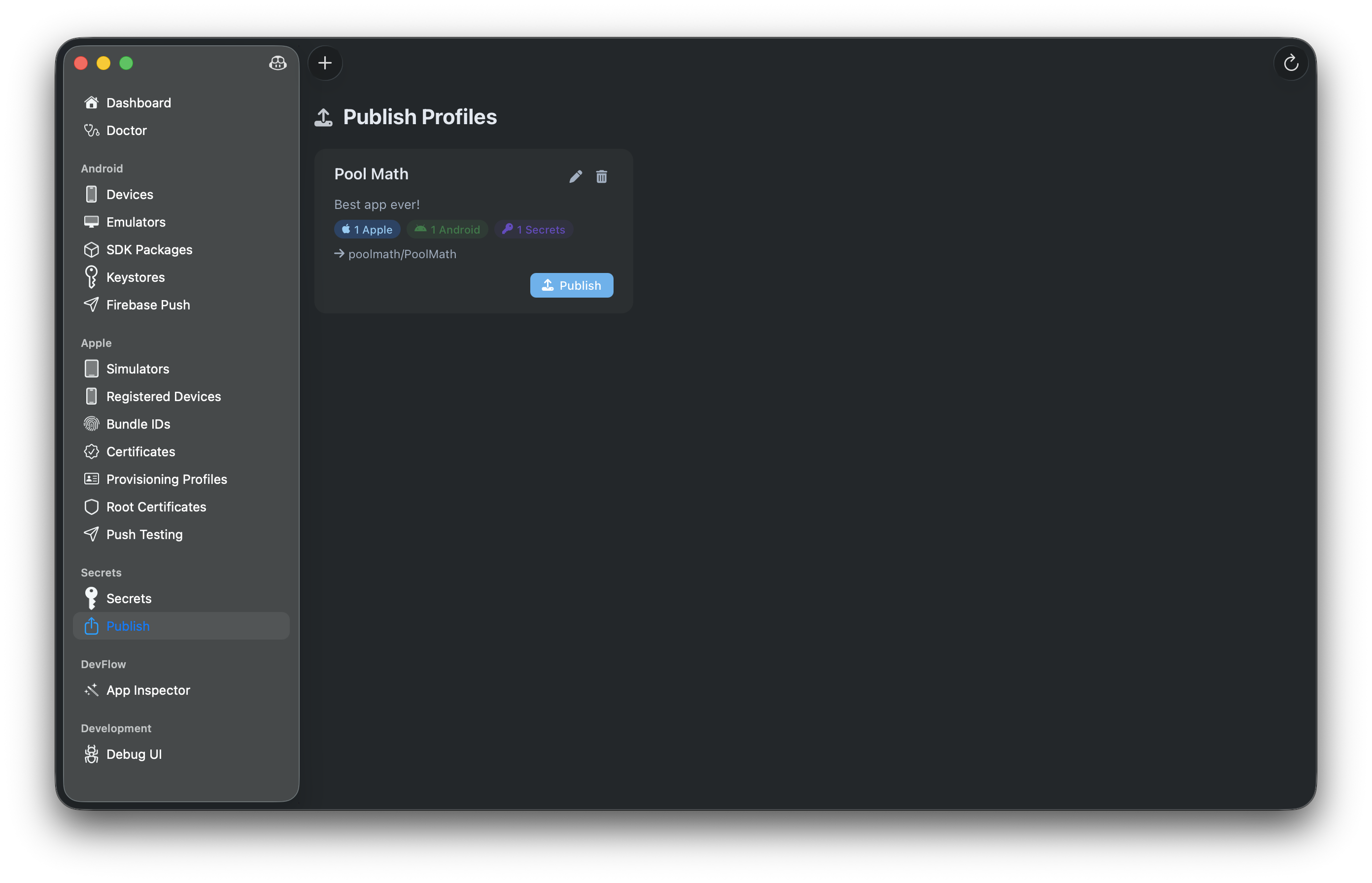
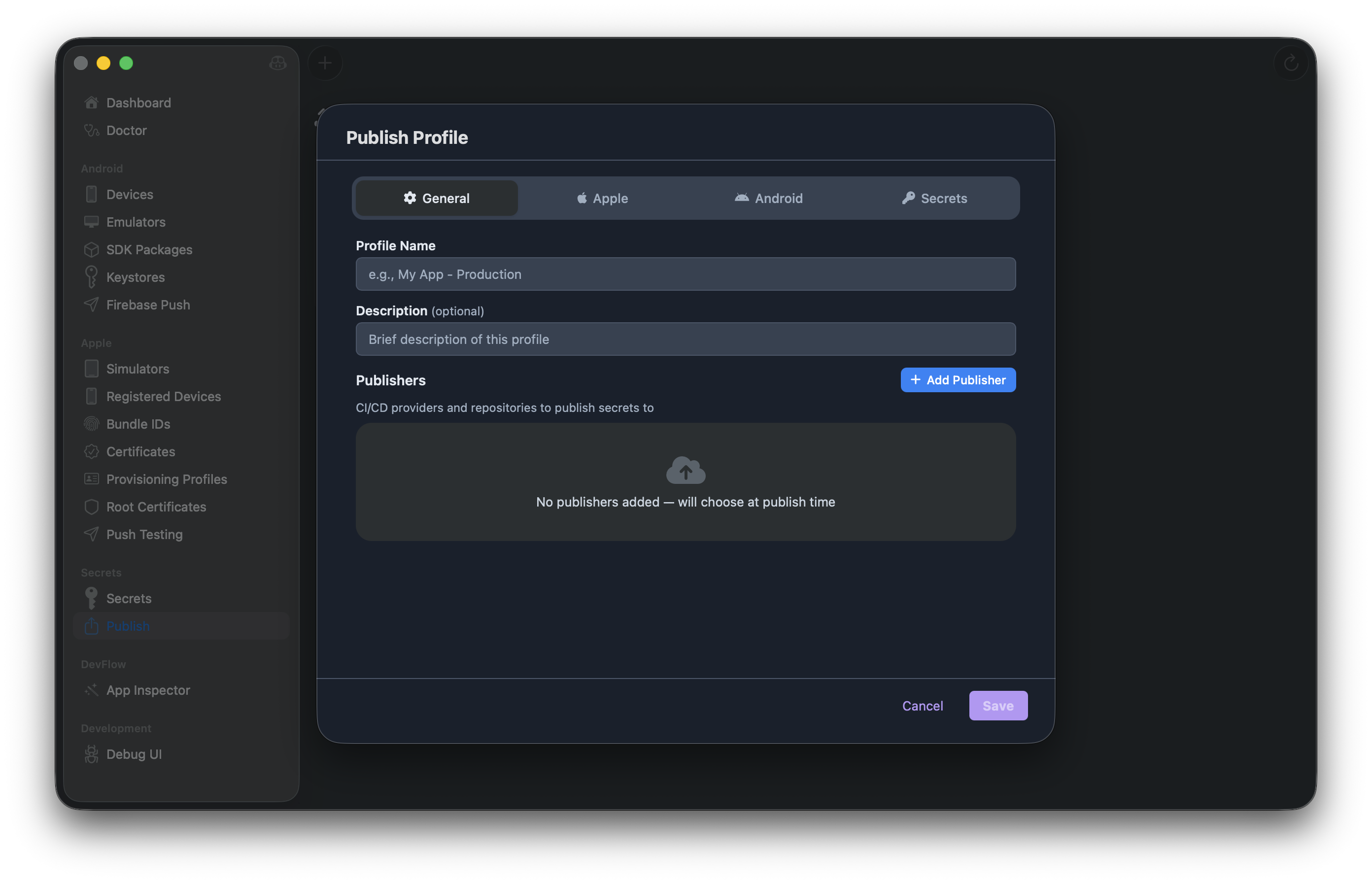
📋 Publish Profiles
- Bundle Apple + Android signing configs into reusable profiles
- Publish secrets to GitHub, GitLab, Azure DevOps repositories
- Multi-destination publishing with review workflow
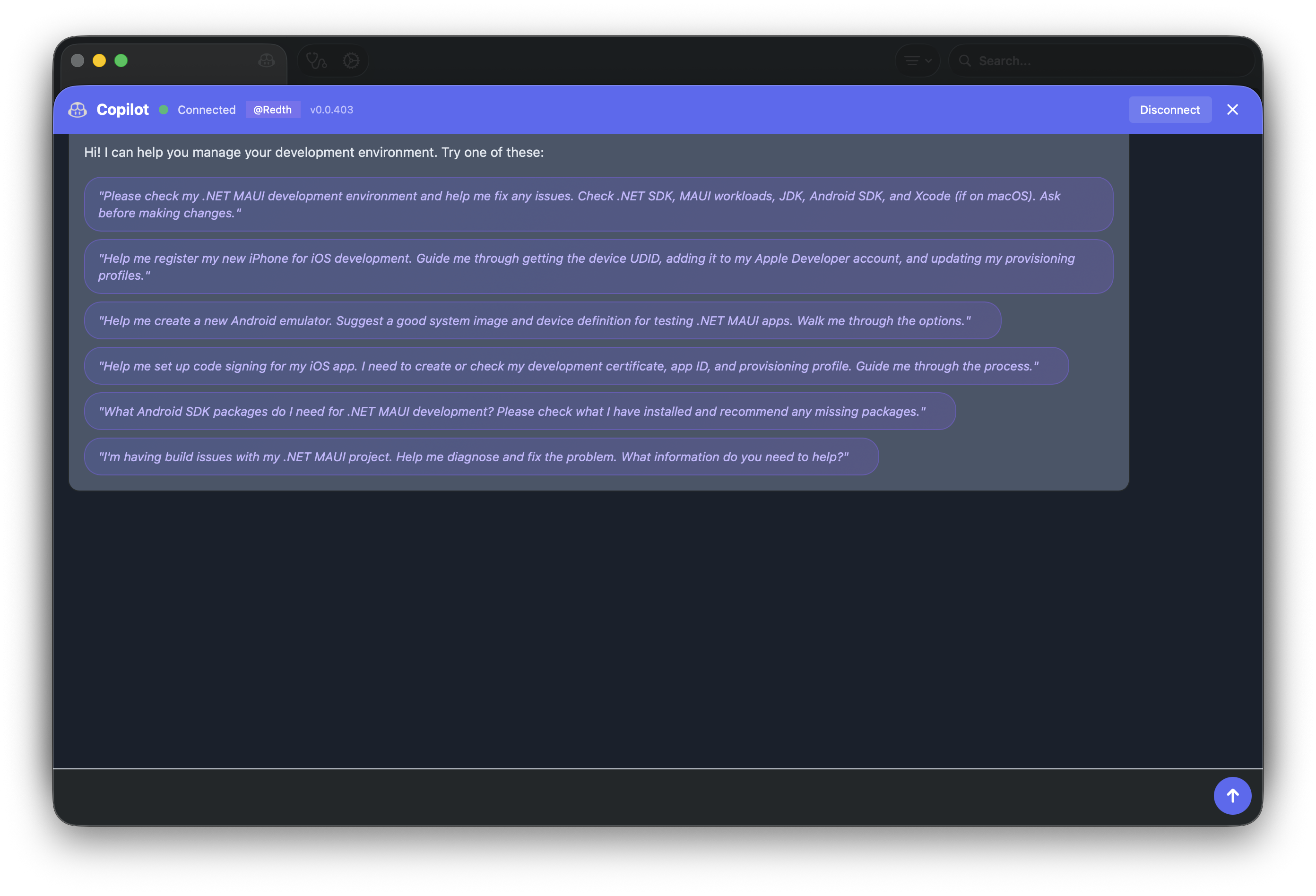
🤖 GitHub Copilot Integration
- Chat with Copilot directly in the app
- Get AI-assisted help with your development environment
- Suggested prompts for common tasks
📸 Screenshots
🩺 Doctor
📦 Android SDK Packages
📱 Android Emulators
📲 Android Devices
🔑 Android Keystores
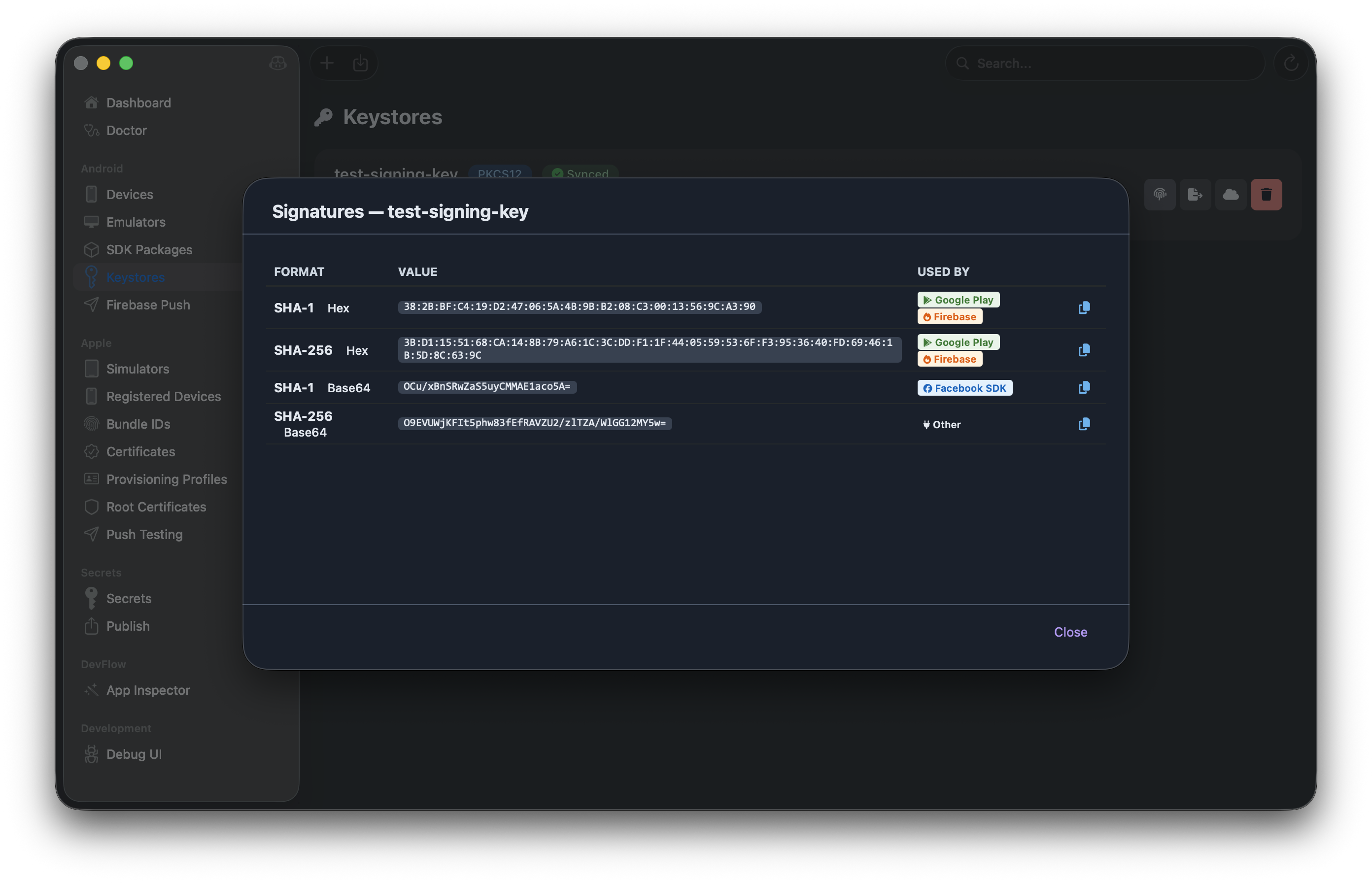
🍎 Apple Simulators
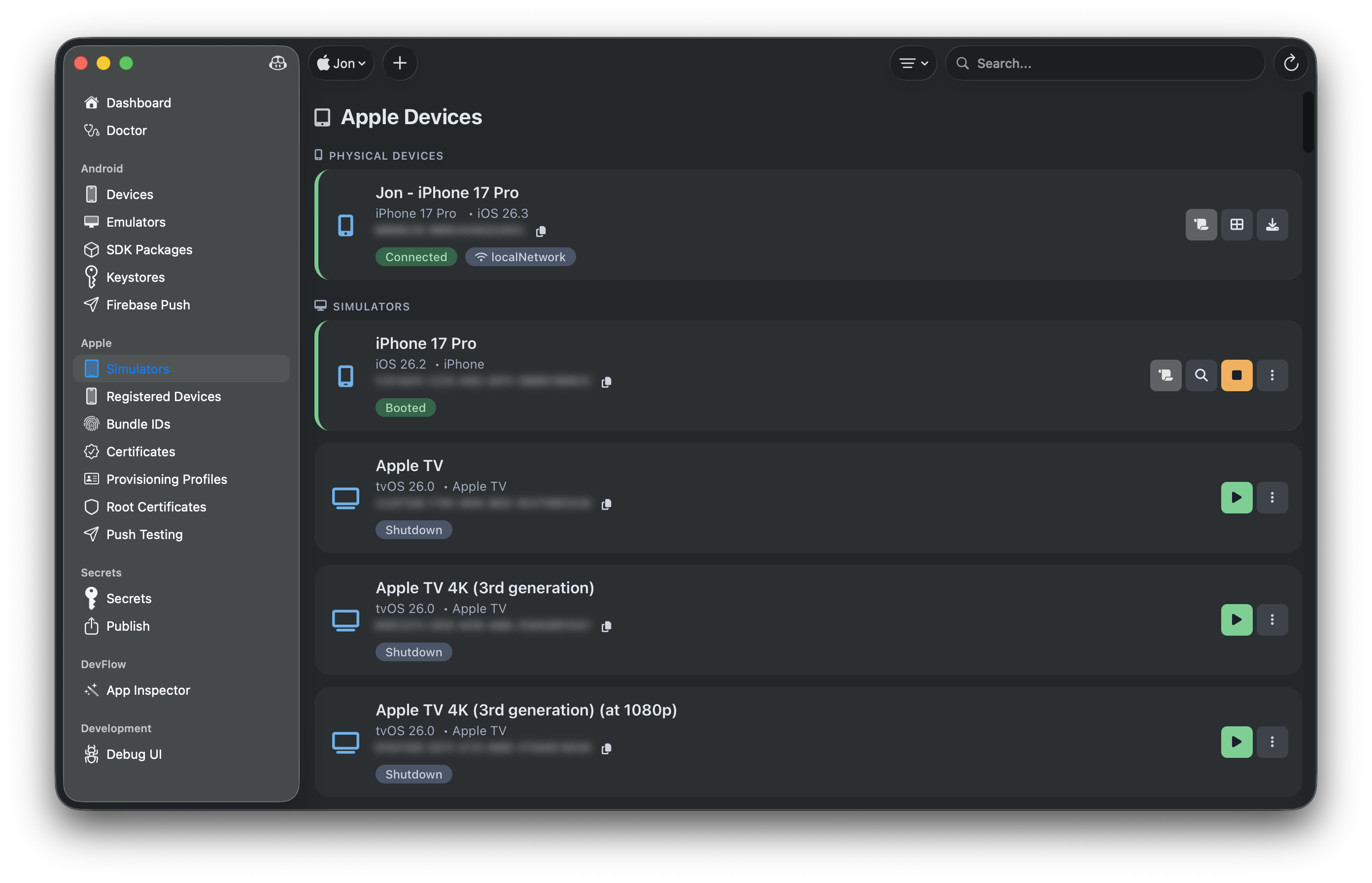
🍎 Apple Registered Devices
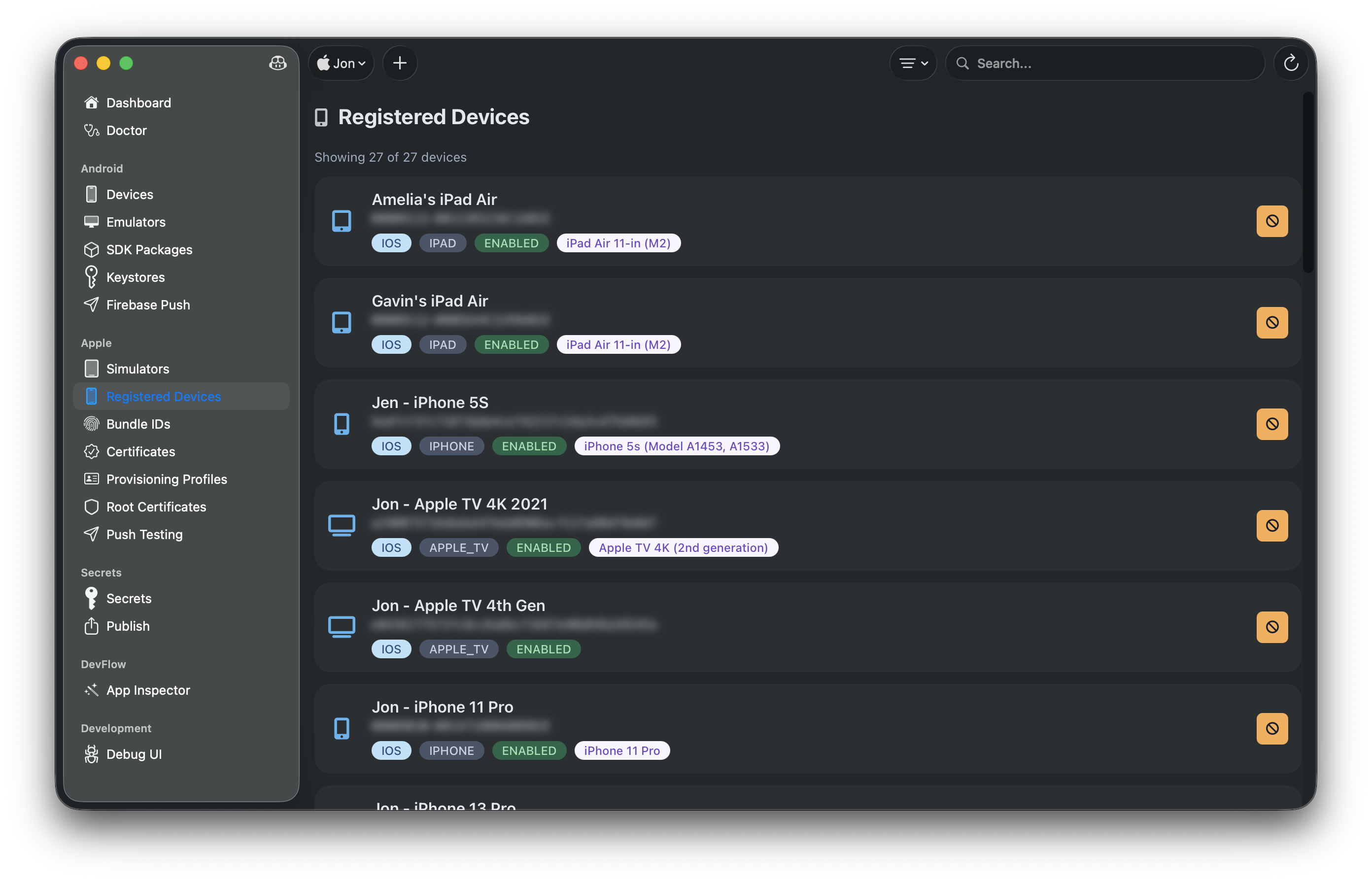
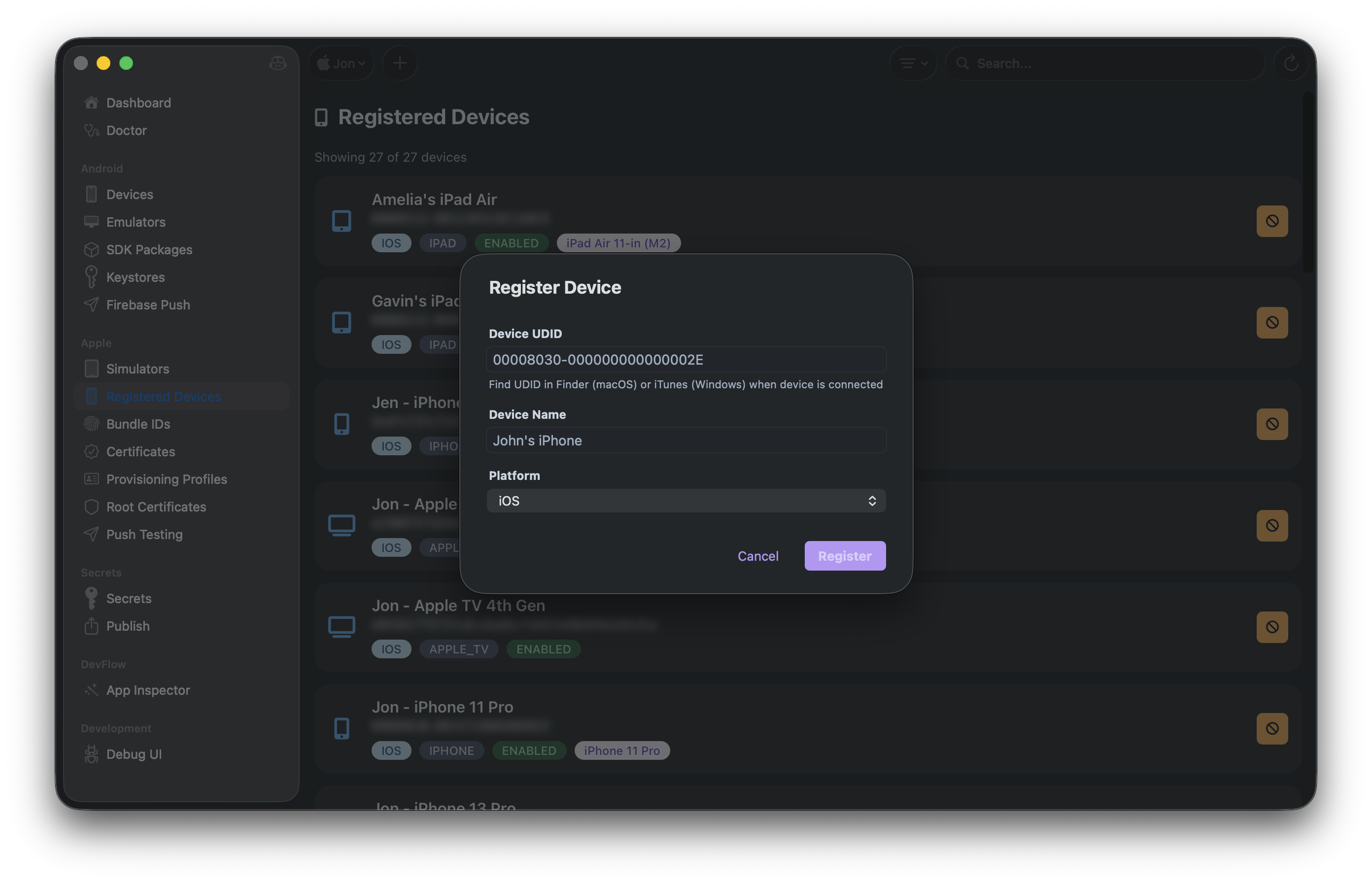
🍎 Apple Bundle IDs
🍎 Apple Certificates
🍎 Apple Provisioning Profiles
🍎 Root Certificates
🔍 Android Device Inspector
🔍 iOS Simulator Inspector
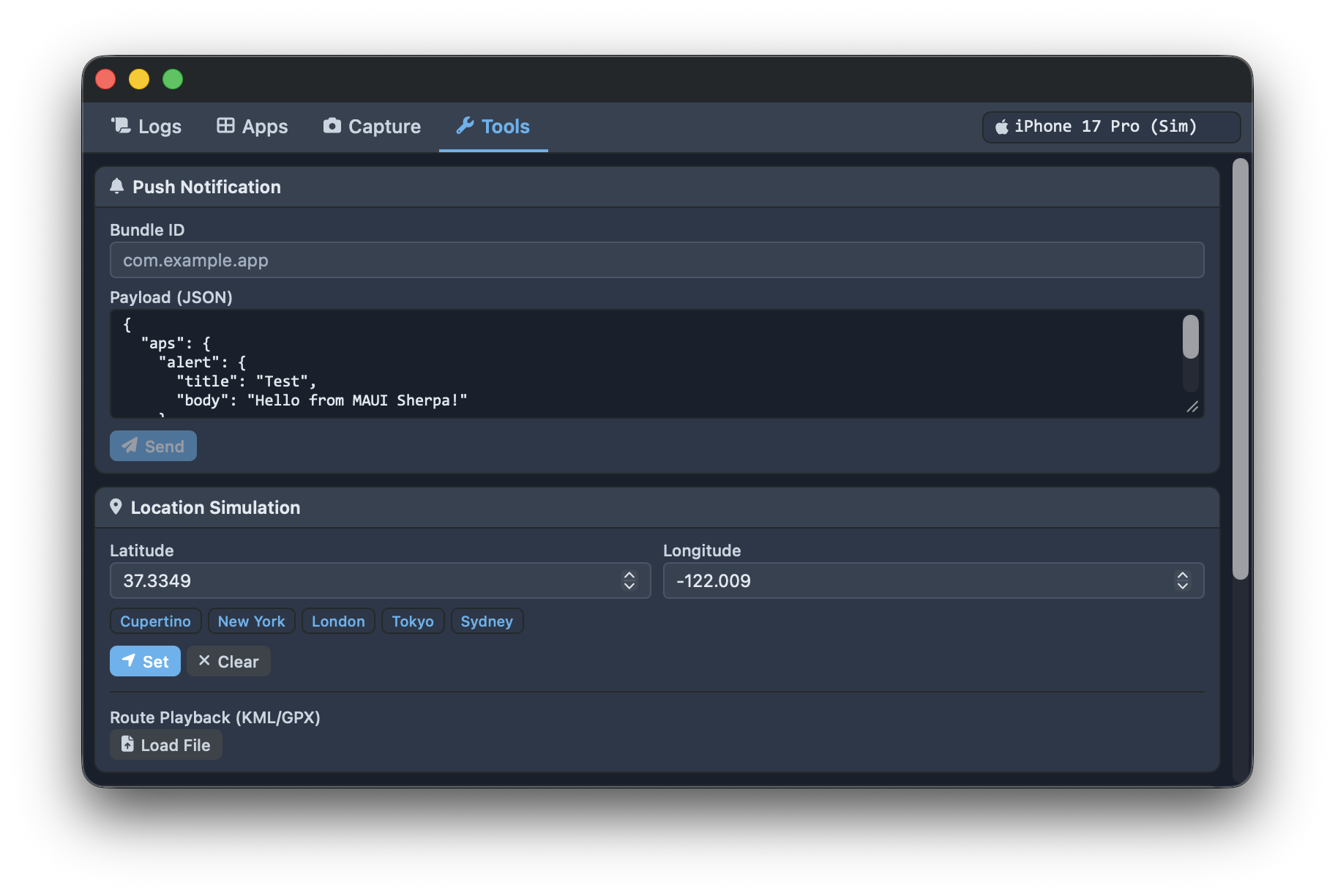
🔬 DevFlow App Inspector
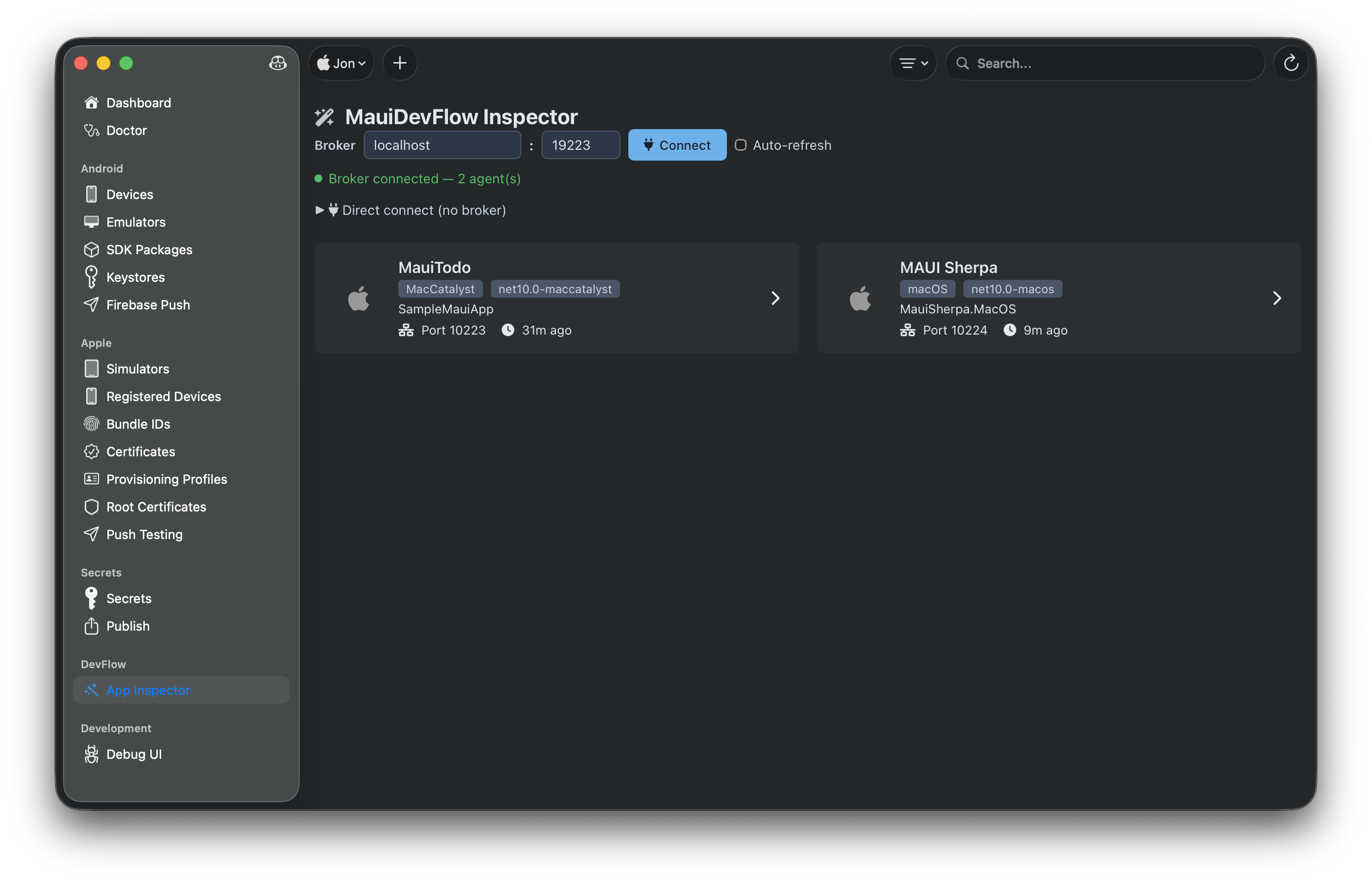
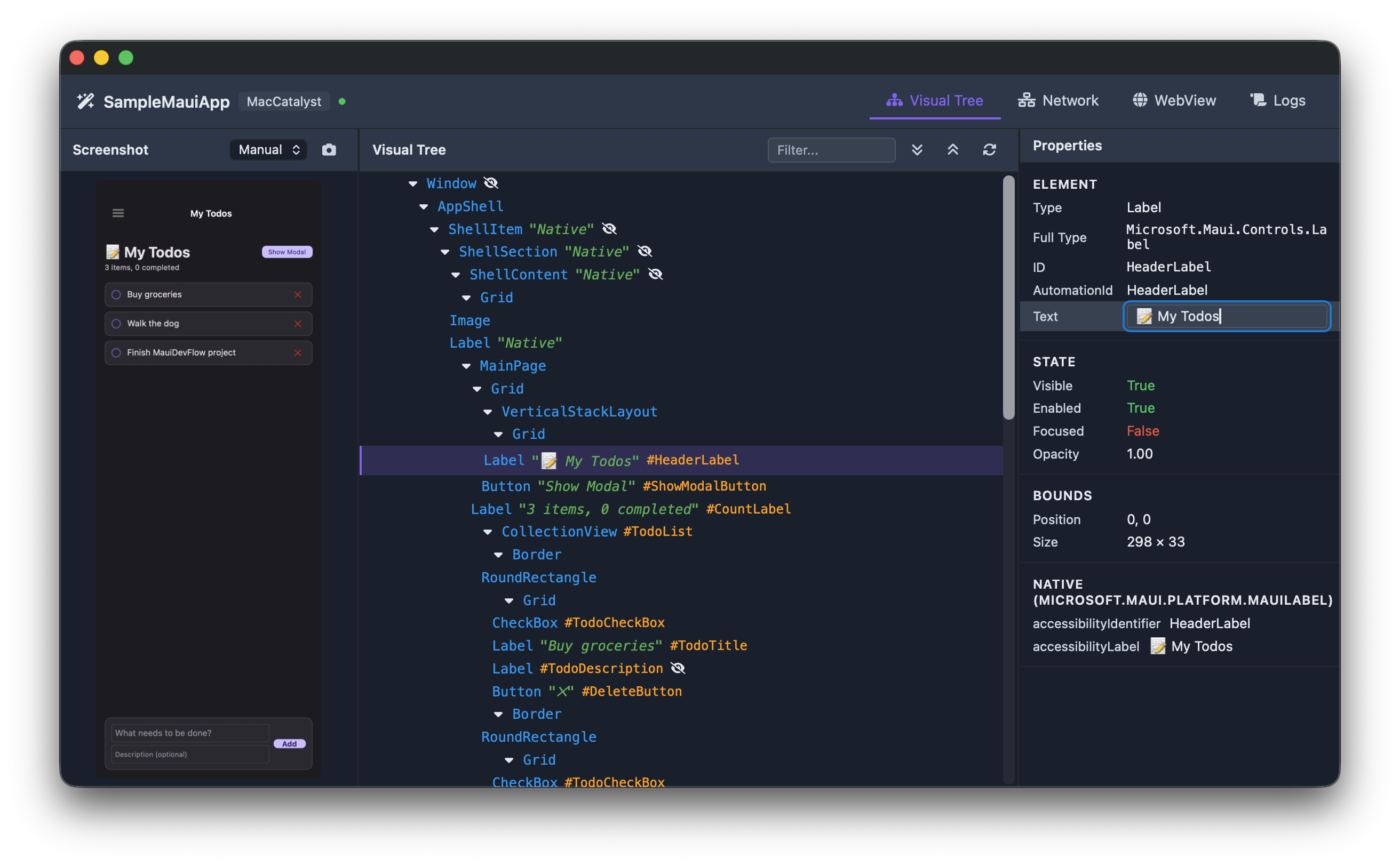
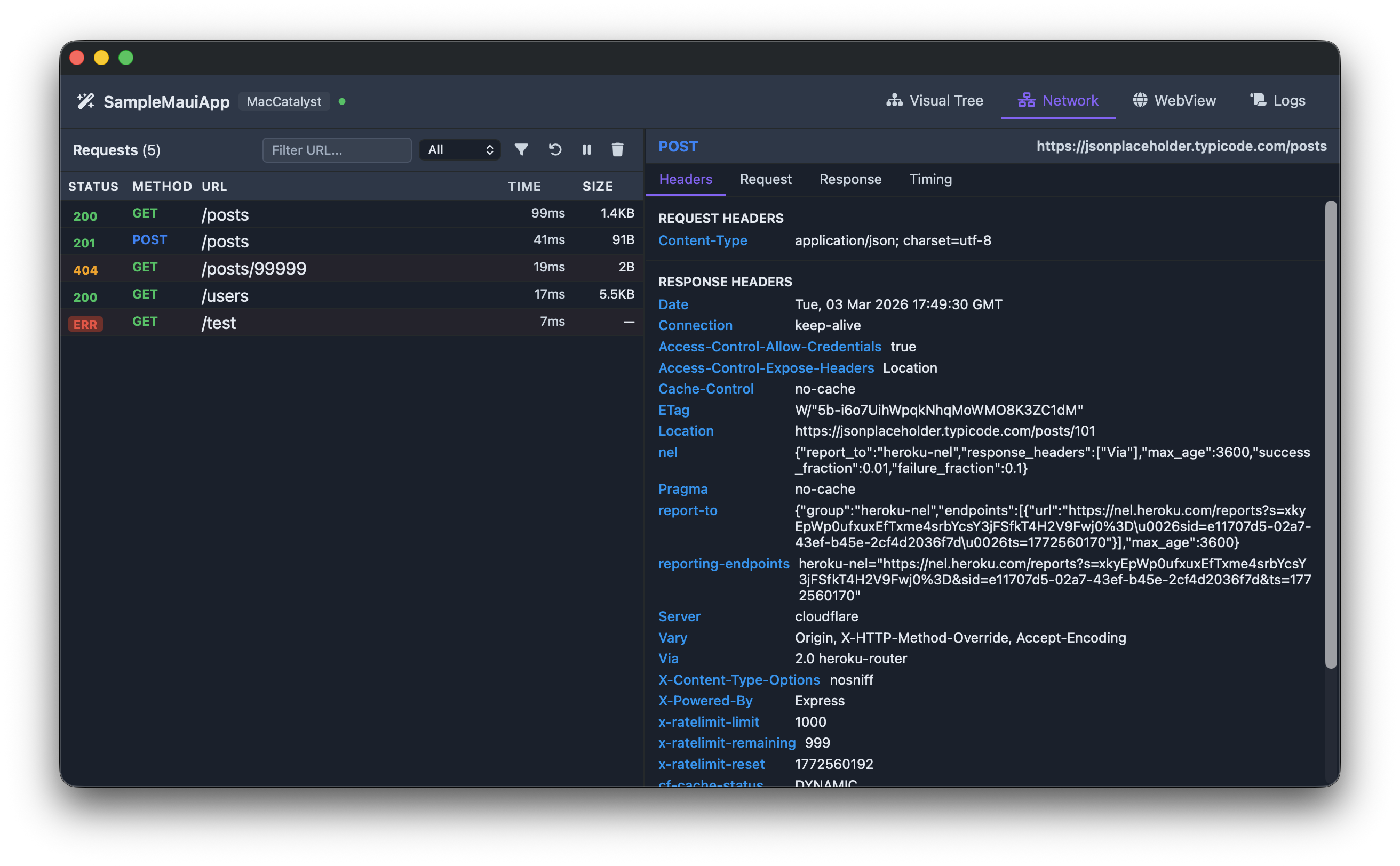
📋 Publish Profiles
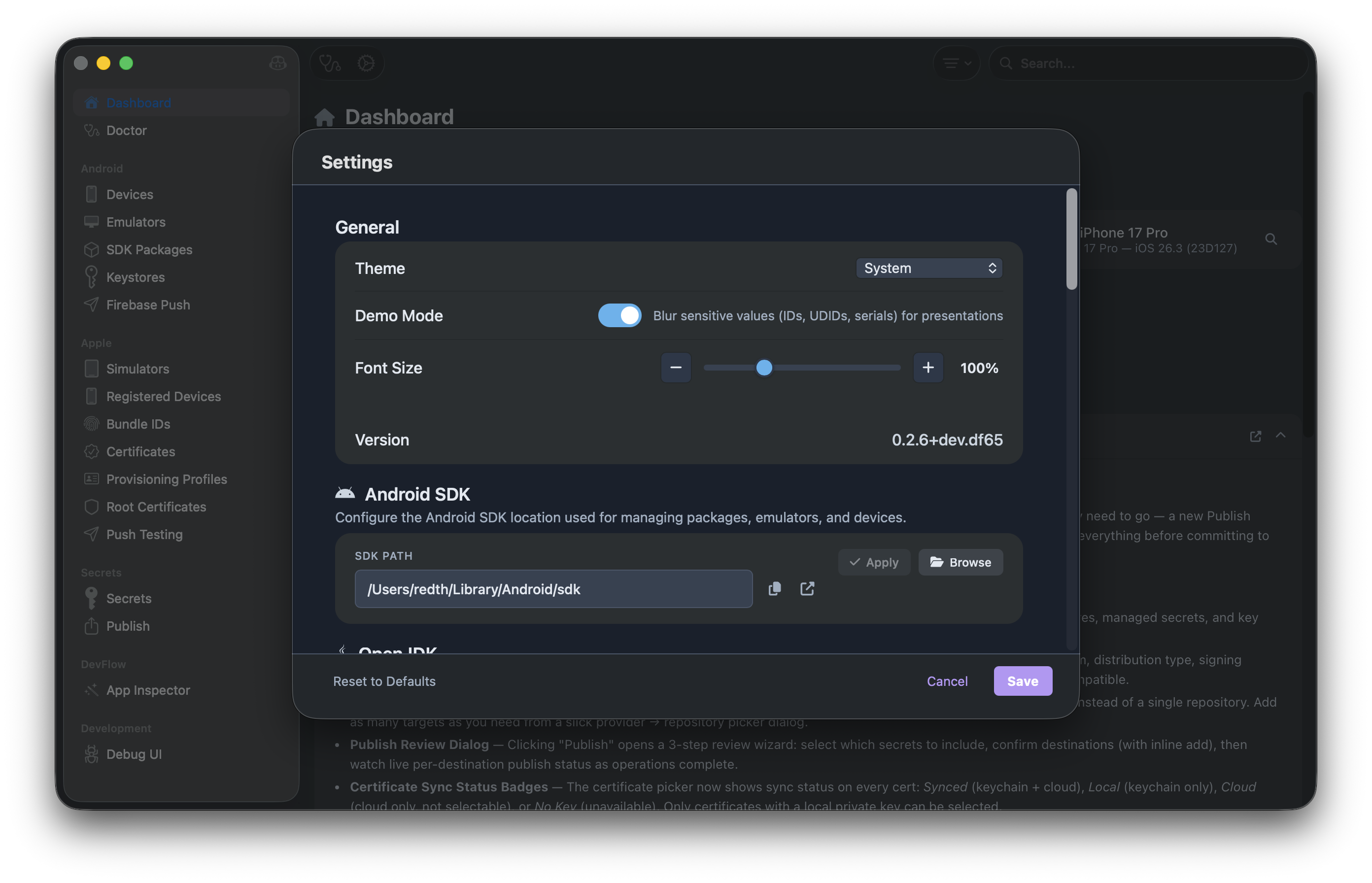
⚙️ Settings
🤖 GitHub Copilot
🚀 Getting Started
Installation
Download the latest release from the Releases page, or see the Getting Started guide for detailed instructions.
macOS (Homebrew)
brew install --cask redth/tap/maui-sherpa
macOS (Manual)
- Download
MAUI-Sherpa.macos.zip
- Extract and move
MAUI Sherpa.app to Applications
- Right-click and select "Open" on first launch (to bypass Gatekeeper)
Windows (Winget)
winget install Maui.Sherpa
This becomes available once the generated manifest is accepted into the upstream microsoft/winget-pkgs repository.
Windows (Manual)
- Download
MAUI-Sherpa.win-x64.zip or MAUI-Sherpa.win-arm64.zip
- Extract to your preferred location
- Run
MauiSherpa.exe
Linux
Download AppImage, .deb, or Flatpak from the releases page for your architecture (x64 or arm64).
Apple Developer Tools Setup
To use the Apple Developer tools, you'll need to configure your App Store Connect credentials:
- Go to App Store Connect → Users and Access → Integrations → Individual Keys
- Create a new API key with "Developer" access
- Download the
.p8 key file
- In MAUI Sherpa, click the identity picker and add your credentials:
- Issuer ID: Found on the Keys page
- Key ID: The ID of your API key
- Private Key: Contents of the
.p8 file
Your credentials are stored securely in the system keychain.
GitHub Copilot Setup
To use the Copilot integration:
- Install GitHub Copilot CLI
- Authenticate with
gh auth login
- MAUI Sherpa will automatically detect and connect to Copilot
🛠️ Building from Source
# Clone the repository
git clone https://github.com/Redth/MAUI.Sherpa.git
cd MAUI.Sherpa

# Restore dependencies
dotnet restore

# Build for macOS (AppKit)
dotnet build src/MauiSherpa.MacOS -f net10.0-macos

# Build for Mac Catalyst
dotnet build src/MauiSherpa -f net10.0-maccatalyst

# Build for Windows
dotnet build src/MauiSherpa -f net10.0-windows10.0.19041.0

# Run tests
dotnet test
🏗️ Project Structure
MAUI.Sherpa/
├── src/
│   ├── MauiSherpa/               # Main MAUI Blazor Hybrid app
│   │   ├── Components/           # Reusable Blazor components
│   │   ├── Pages/                # Blazor page components
│   │   ├── Services/             # Platform-specific services
│   │   └── Platforms/            # Platform code (MacCatalyst, Windows)
│   ├── MauiSherpa.MacOS/         # macOS AppKit app head
│   ├── MauiSherpa.LinuxGtk/      # Linux GTK4 app head
│   ├── MauiSherpa.Core/          # Business logic library
│   │   ├── Handlers/             # Mediator request handlers
│   │   ├── Requests/             # Request records
│   │   ├── Services/             # Service implementations
│   │   └── ViewModels/           # MVVM ViewModels
│   └── MauiSherpa.Workloads/     # .NET workload querying library
├── tests/
│   ├── MauiSherpa.Core.Tests/    # Core library tests
│   └── MauiSherpa.Workloads.Tests/ # Workloads library tests
├── website/                      # GitHub Pages website
└── docs/                         # Documentation
🧪 Running Tests
# Run all tests
dotnet test

# Run with coverage
dotnet test --collect:"XPlat Code Coverage"

# Run specific test project
dotnet test tests/MauiSherpa.Core.Tests
🤝 Contributing
Contributions are welcome! Please feel free to submit a Pull Request.
- Fork the repository
- Create your feature branch (
git checkout -b feature/amazing-feature)
- Commit your changes (
git commit -m 'Add some amazing feature')
- Push to the branch (
git push origin feature/amazing-feature)
- Open a Pull Request
📄 License
This project is licensed under the MIT License - see the LICENSE file for details.
🙏 Acknowledgments