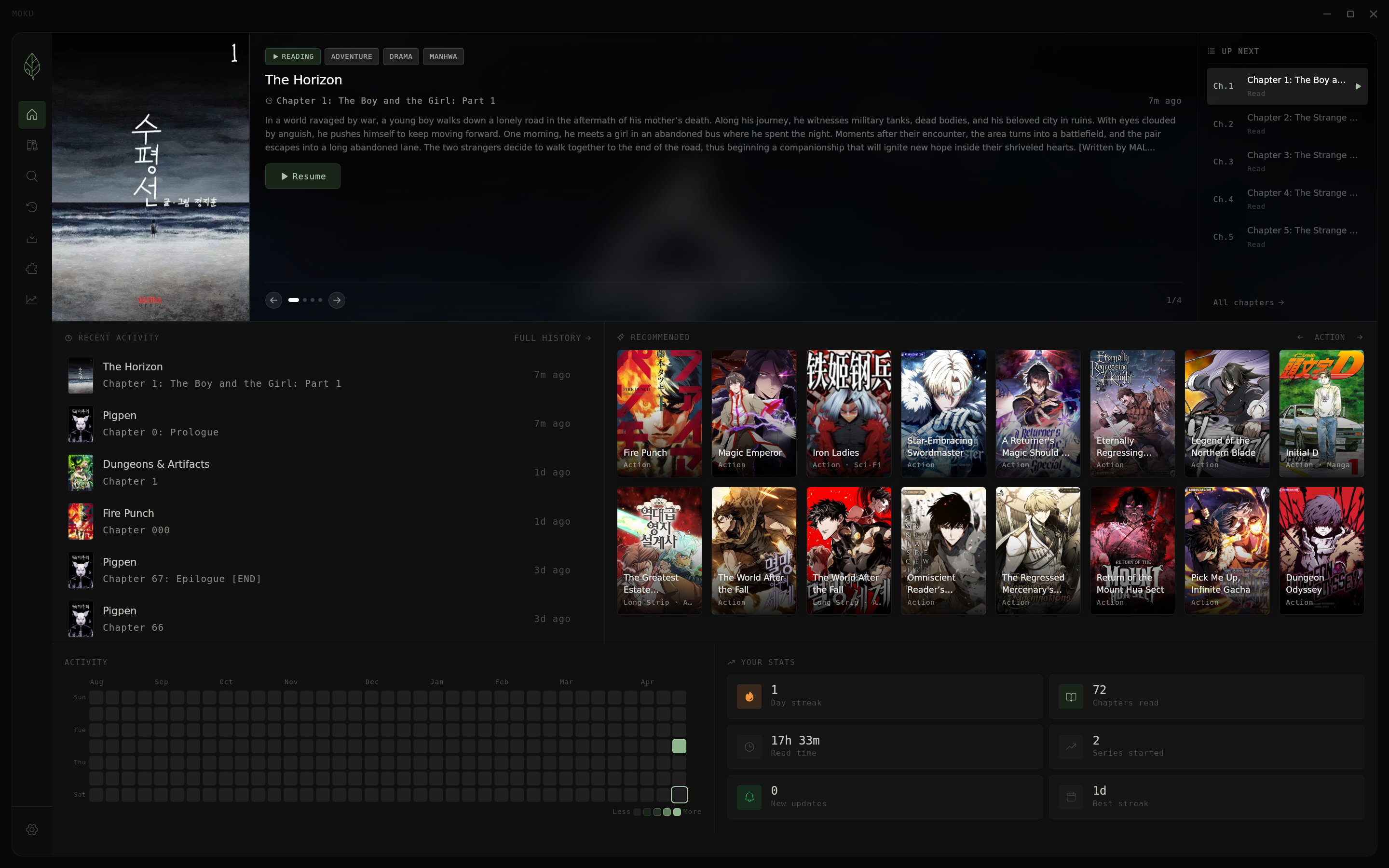
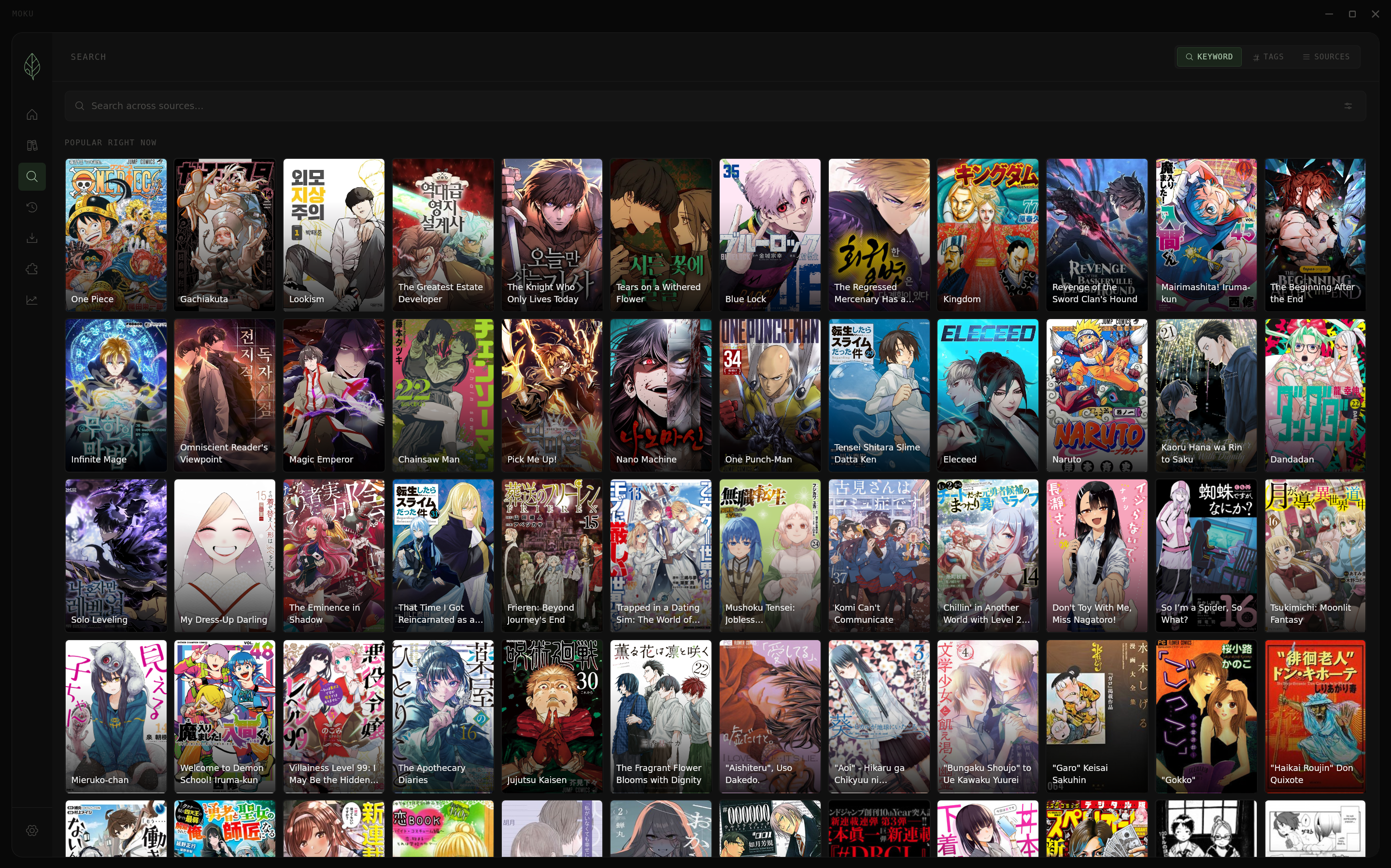
Moku is a fast, minimal manga reader frontend designed to enhance your experience with Suwayomi-Server. Built on Tauri, Moku offers a lightweight and efficient alternative to Electron-based apps, providing smooth performance while maintaining functionality.
Key Features:
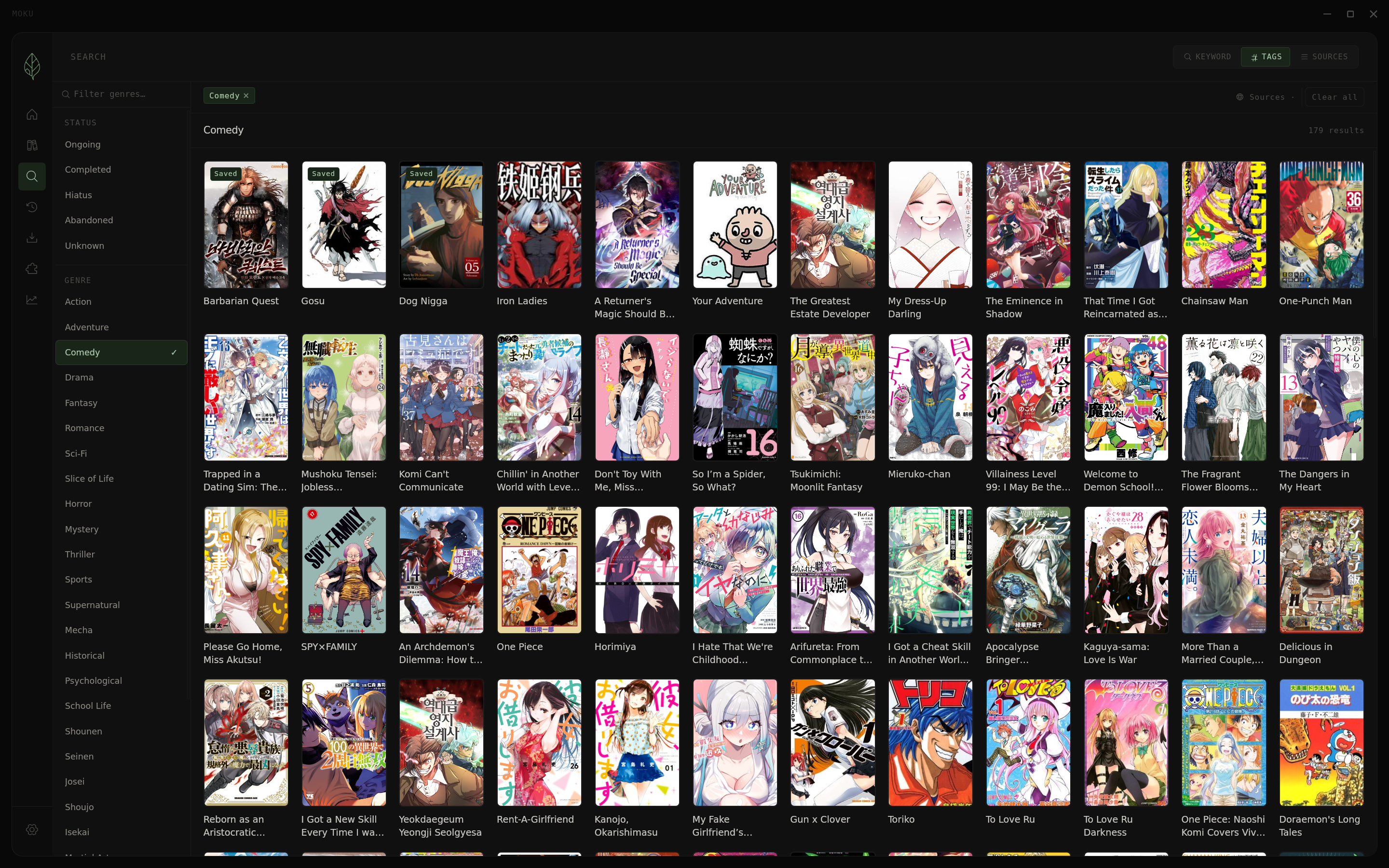
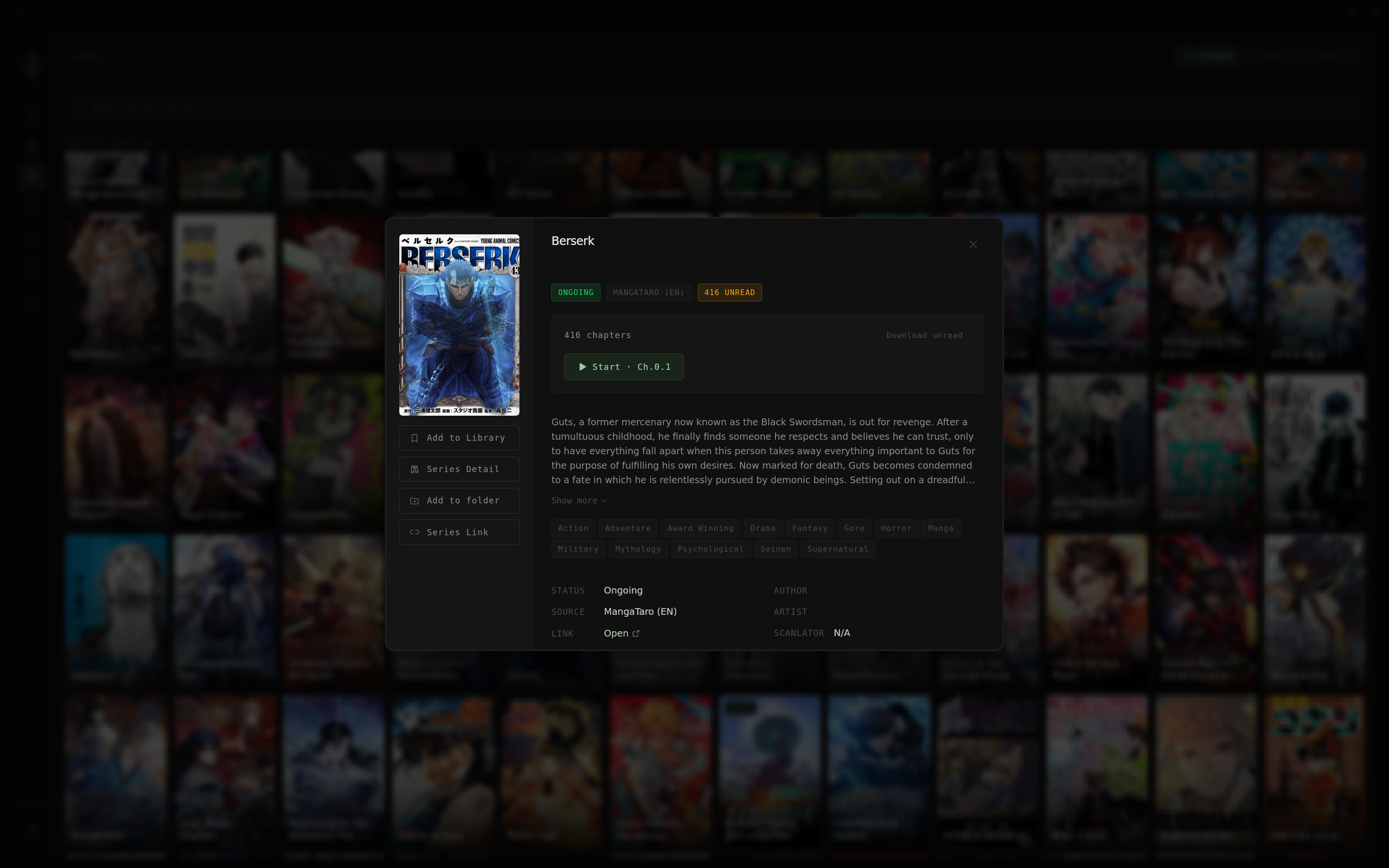
Library Management: Organize manga into folders, track unread counts, and filter by genre for easy navigation.
Per-Folder Customization: Apply independent sorting and filtering within each folder, including options like unread status, A–Z order, or publication status.
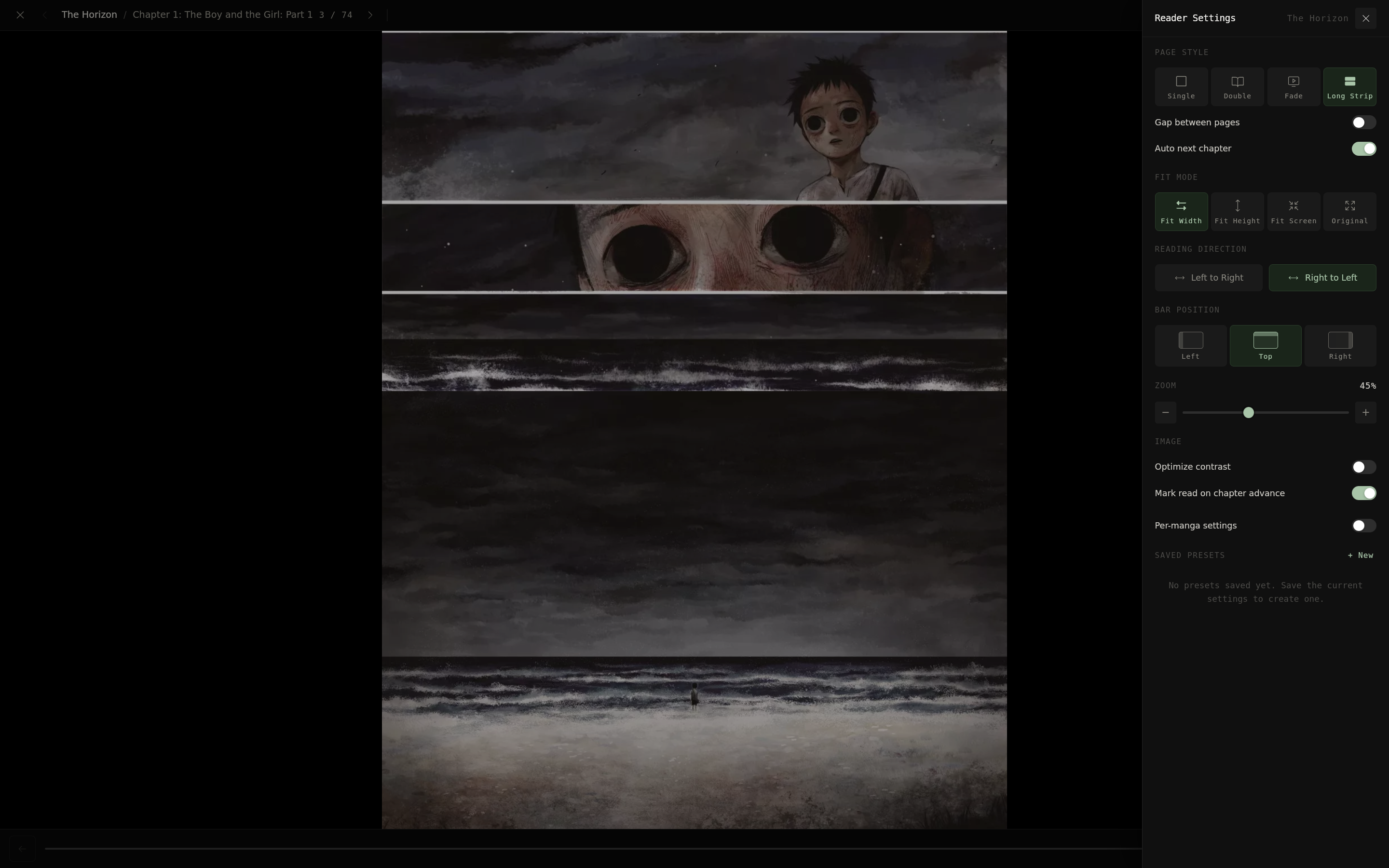
Built-in Reader: Enjoy a customizable reading experience with single-page, long-strip, and configurable fit modes, along with adjustable keybinds for comfort.
Markers: Pin color-coded notes to pages, allowing you to track important moments and quickly revisit them.
Extension Support: Install and manage Suwayomi extensions directly within the app.
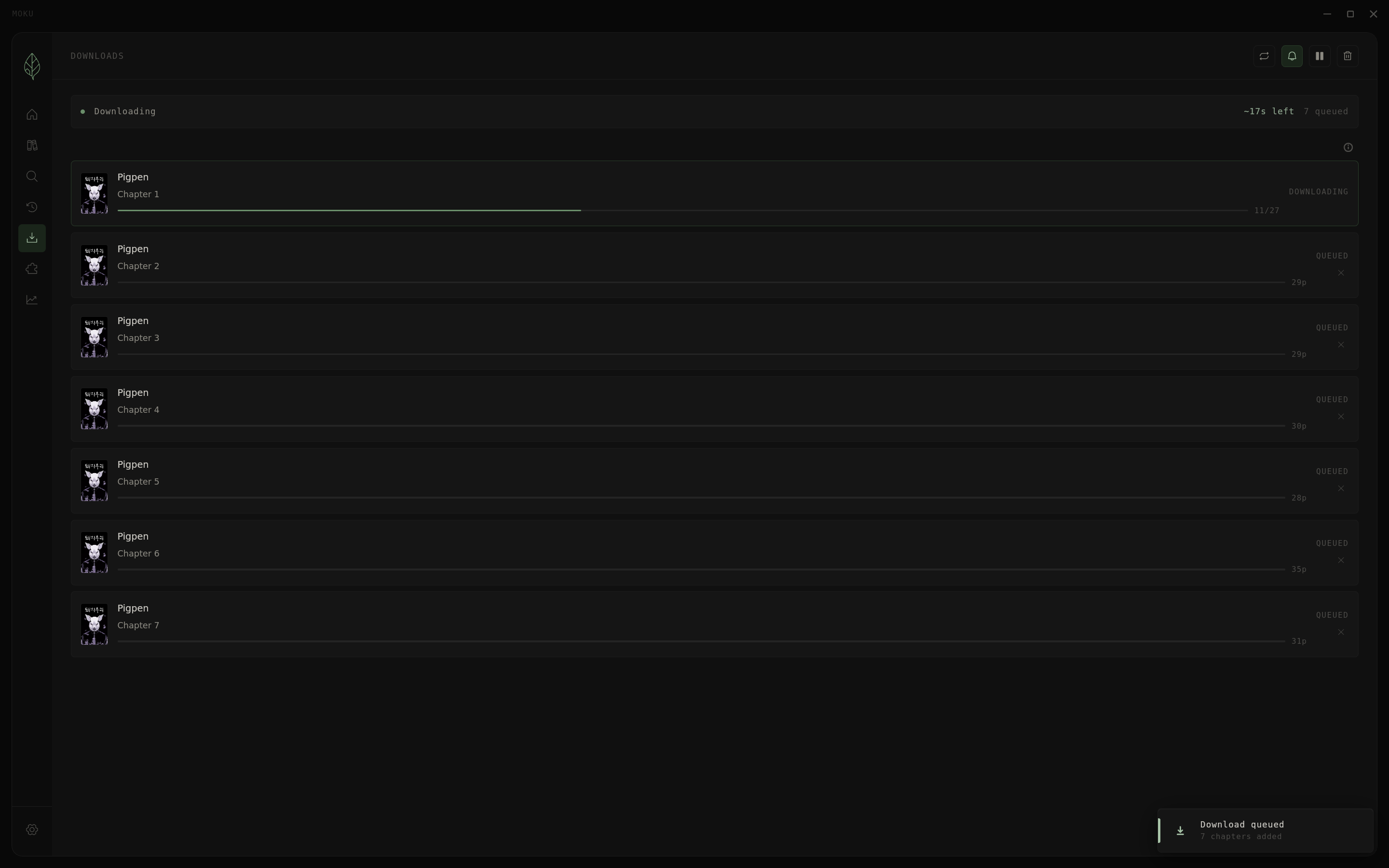
Download Management: Monitor chapter downloads with progress updates and queue new chapters effortlessly.
Audience & Benefit:
Ideal for manga enthusiasts who use Suwayomi-Server, Moku streamlines library management and reading experiences. Its intuitive interface, efficient performance, and customization options make it a valuable tool for organizing and enjoying your collection without unnecessary overhead.
Moku can be installed via winget, ensuring a seamless setup process.
README
Moku is a fast, minimal manga reader frontend for Suwayomi-Server. It wraps Suwayomi's GraphQL API in a lightweight Tauri app — no Electron overhead.
Library management — organize manga into folders, track unread counts, filter by genre
Per-folder sorting & filtering — each folder has its own independent sort (unread, A–Z, recently read, latest chapter, and more) and publication status filter (Ongoing, Completed, Hiatus, etc.)
Built-in reader — single page, long strip, configurable fit modes, customizable keybinds
Markers — pin color-coded notes to any page while reading; markers appear as dots on the progress bar and are browseable under Series Detail → Manage → Markers
Extension support — install and manage Suwayomi extensions directly from the app
Download management — queue and monitor chapter downloads with progress toasts
> Note: Builds are ad-hoc signed. On first launch you may need to run:
> bash > xattr -rd com.apple.quarantine /Applications/Moku.app >
Requirements
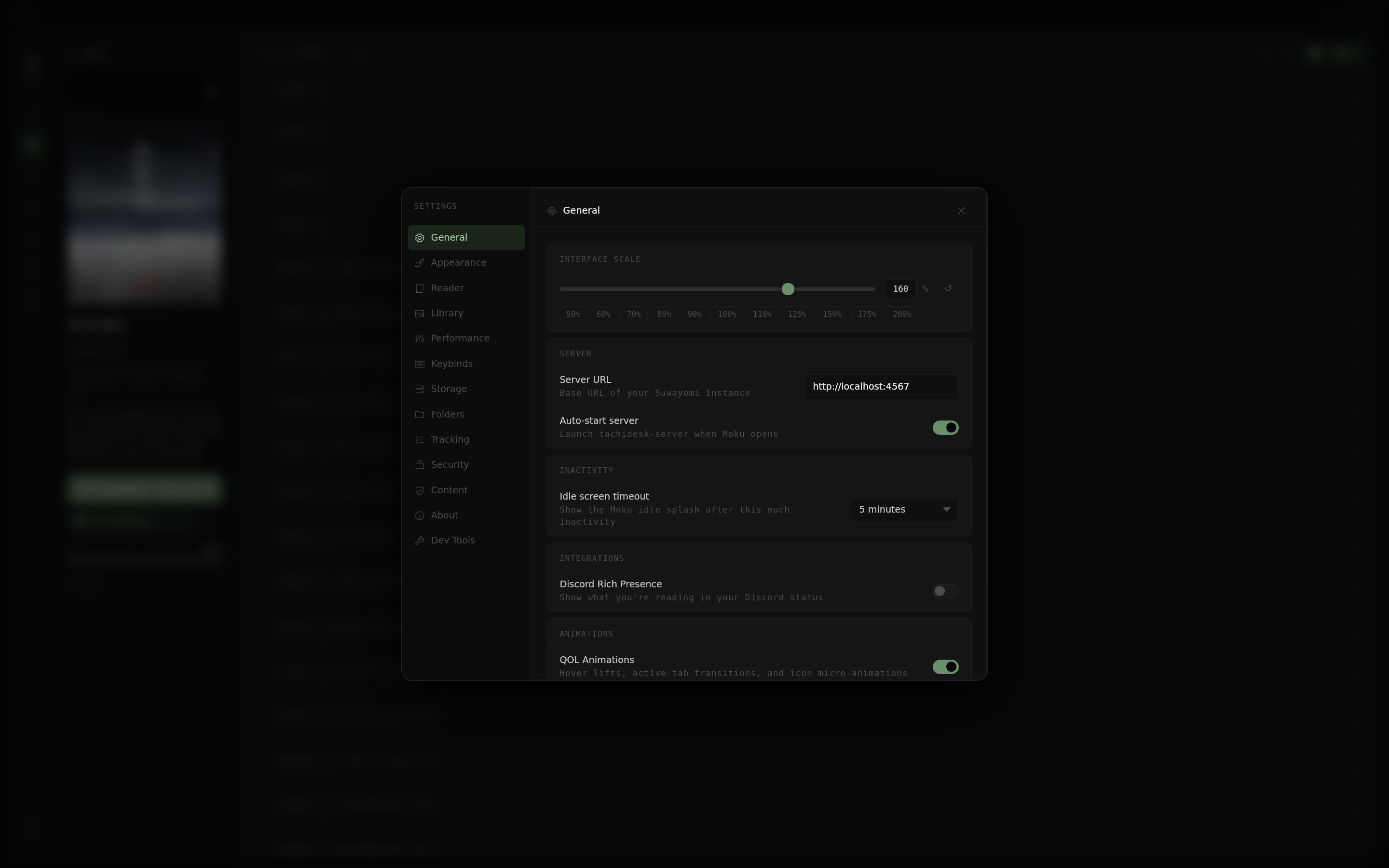
If you're not using the bundled Flatpak or Windows installer, Suwayomi-Server must be running separately. By default Moku connects to http://127.0.0.1:4567.
You can point Moku at any Suwayomi instance — local or remote — via Settings → General → Server URL.