Yalla Video
Download any video, playlist, or entire channel — straight to your desktop.
Up to 8K, any format, subtitles in 12 languages, no terminal required.
A polished desktop app built on yt-dlp that just works out of the box — free for 3 downloads a day, Premium for unlimited.
⬇ Windows ·
⬇ macOS ·
⬇ Linux ·
🌐 Website



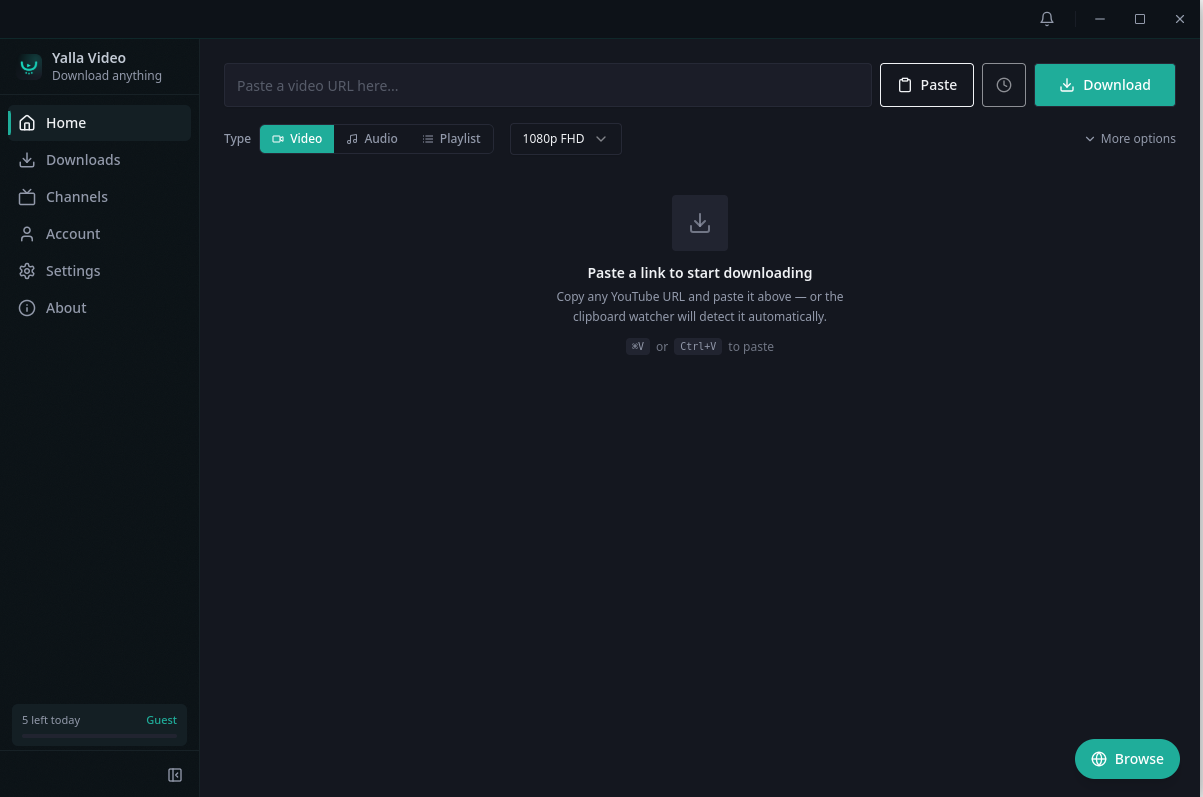
Paste a link, pick a quality, hit download. ▶ Click for a 20-second demo.
What is Yalla Video?
Yalla Video is a cross-platform desktop downloader for online video. Under the hood it runs yt-dlp and ffmpeg — the most capable video tools available — but wraps them in a clean, fast interface so you never touch a command line.
Paste a URL and Yalla Video does the rest: detects whether it's a single video, a playlist, or a whole channel, fetches the best available quality up to 8K, muxes audio and subtitles, and saves the file exactly where you want it. It's localized into 12 languages, themeable, privacy-respecting, and keeps its bundled tools up to date silently in the background.
Why people use it
| You want… | Yalla Video gives you… |
|---|
The power of yt-dlp, without a terminal | A real GUI — channels, playlists, 8K, subtitles, and proxies, all one click away. |
| Audio for podcasts or language learning | One-click video → MP3 / M4A / WAV. Batch an entire playlist. Schedule overnight. |
| Subtitles in your study language | SRT / VTT in multiple languages, embedded or as sidecar files. |
| A multilingual UI, including Arabic & RTL | 12 interface languages out of the box. |
| Privacy | Everything runs locally. No telemetry. No account required for the free tier. |
A quick tour
Paste a link to start
The home screen is the whole app in one view. Paste any URL, choose Video, Audio, or Playlist, pick a quality, and download. The clipboard watcher detects links automatically the moment you copy them — or just press Paste and go.
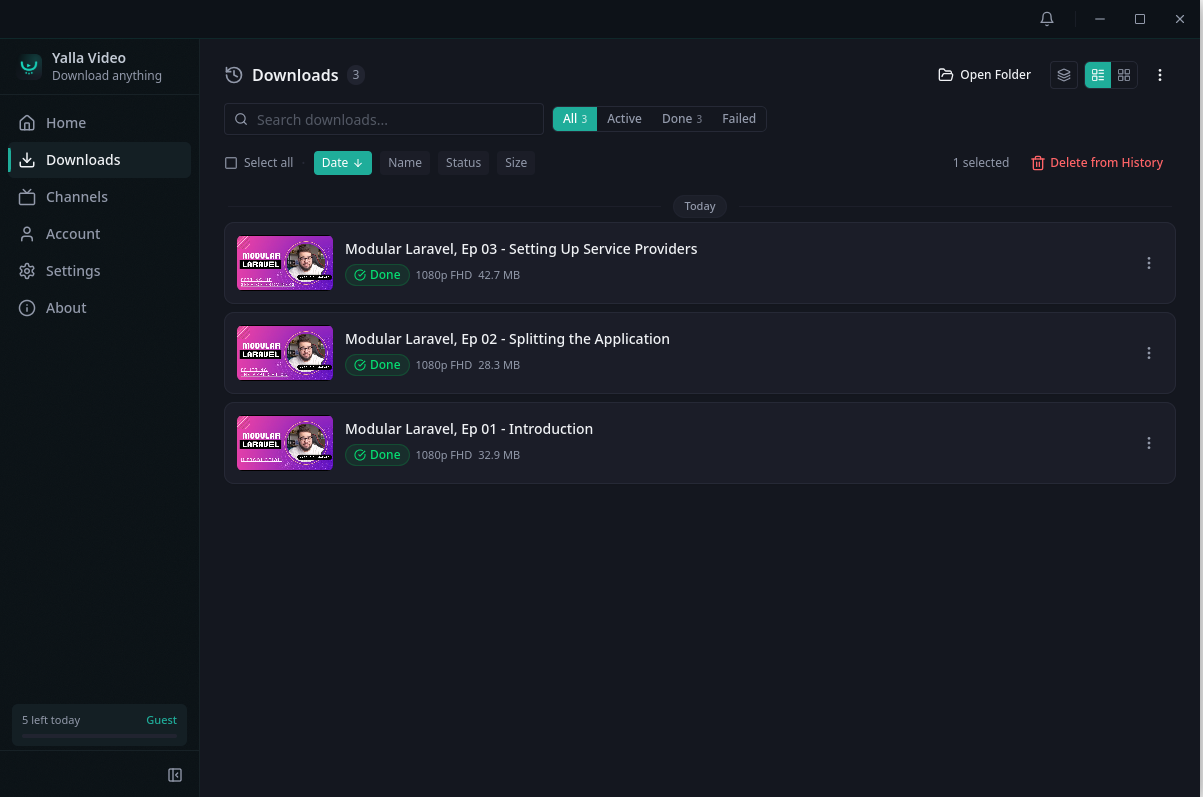
Manage every download in one place
A live queue with thumbnails, per-item status, search, and filters for Active / Done / Failed. Select multiple items, open the destination folder, sort by date, name, status, or size, and re-run or remove anything from history.
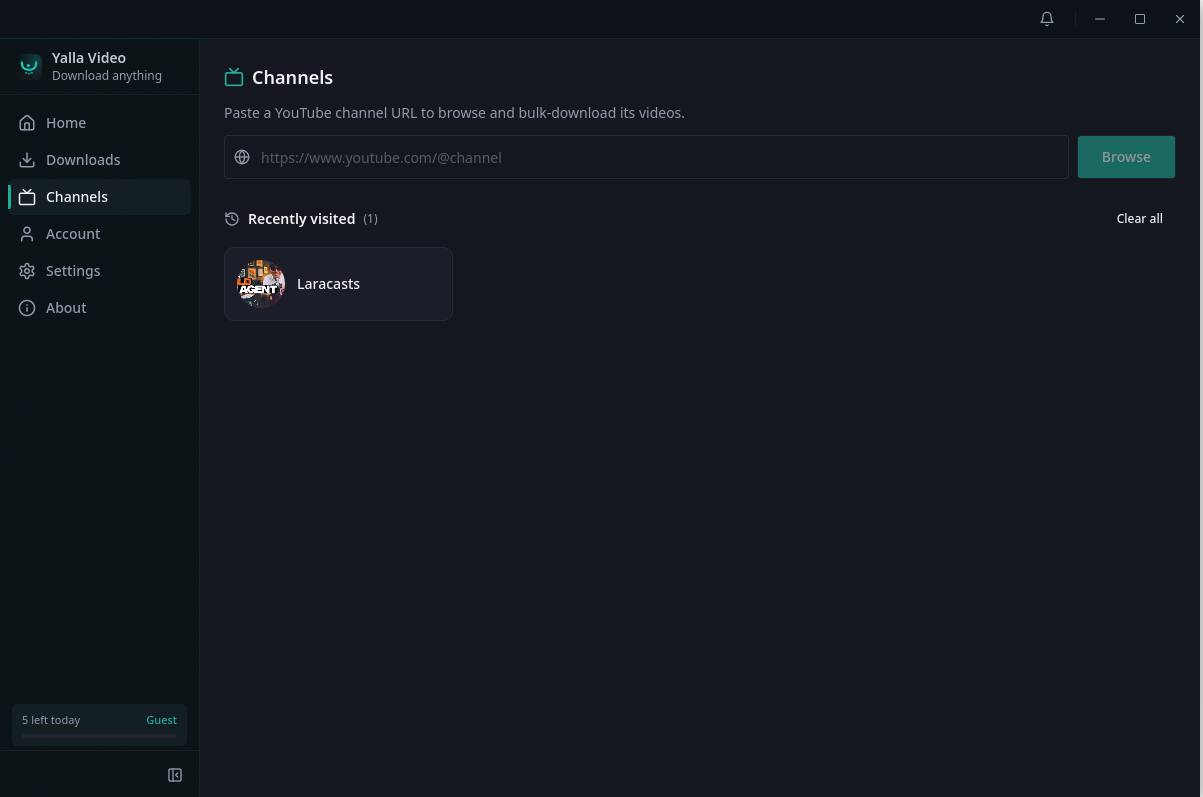
Grab a whole channel
Paste a channel URL to browse its catalog and bulk-download videos in one job. Recently visited channels are kept handy so you can come back and pick up new uploads.
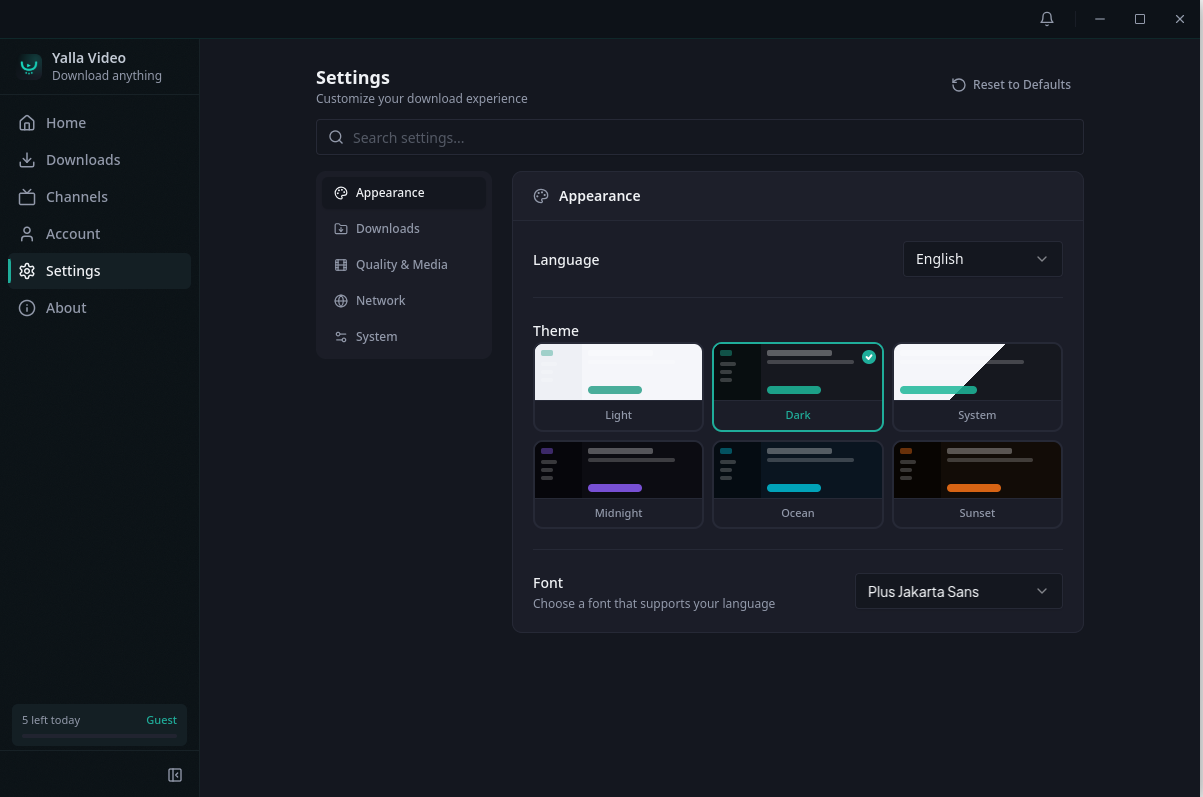
Make it yours
A full settings panel — searchable, with Appearance, Downloads, Quality & Media, Network, and System sections. Switch between 6 themes (Light, Dark, System, Midnight, Ocean, Sunset), pick your interface language, and choose a font that suits your script.
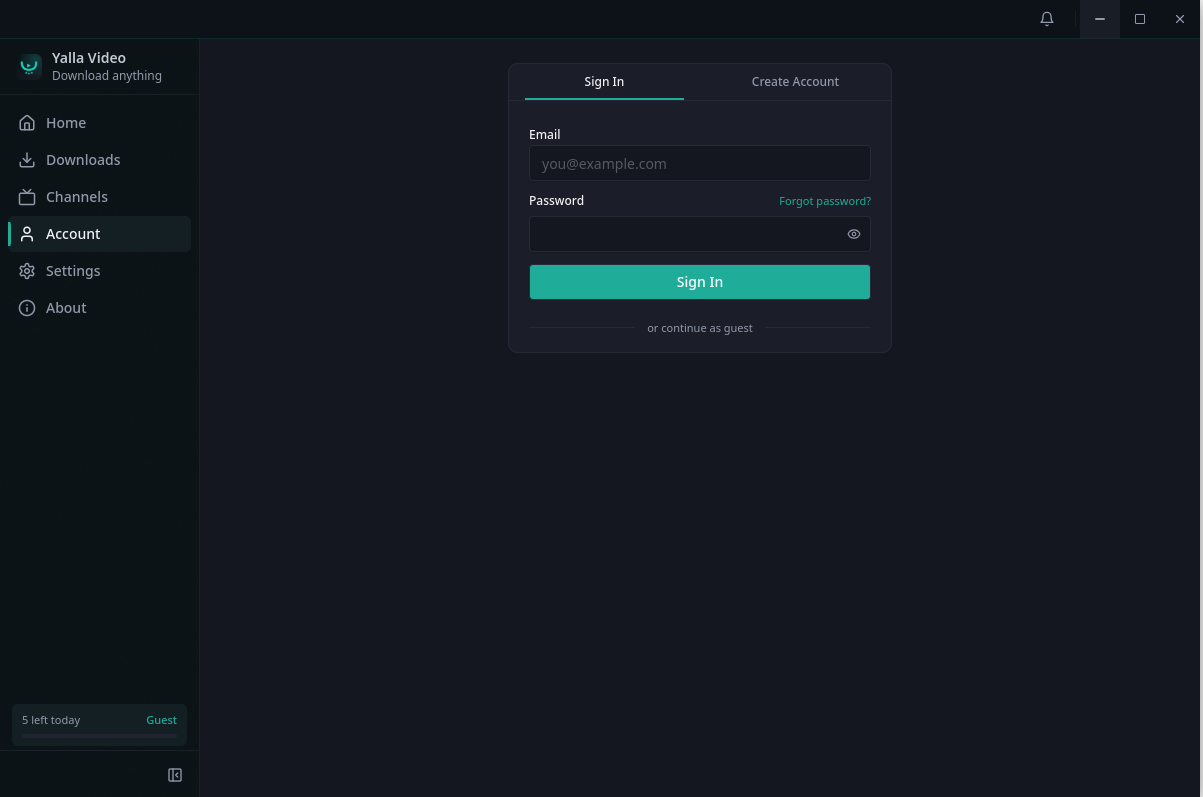
Free, verified, or Premium
Use it as a guest, sign in to claim bonus downloads, or go Premium for unlimited. No account is required to start downloading.
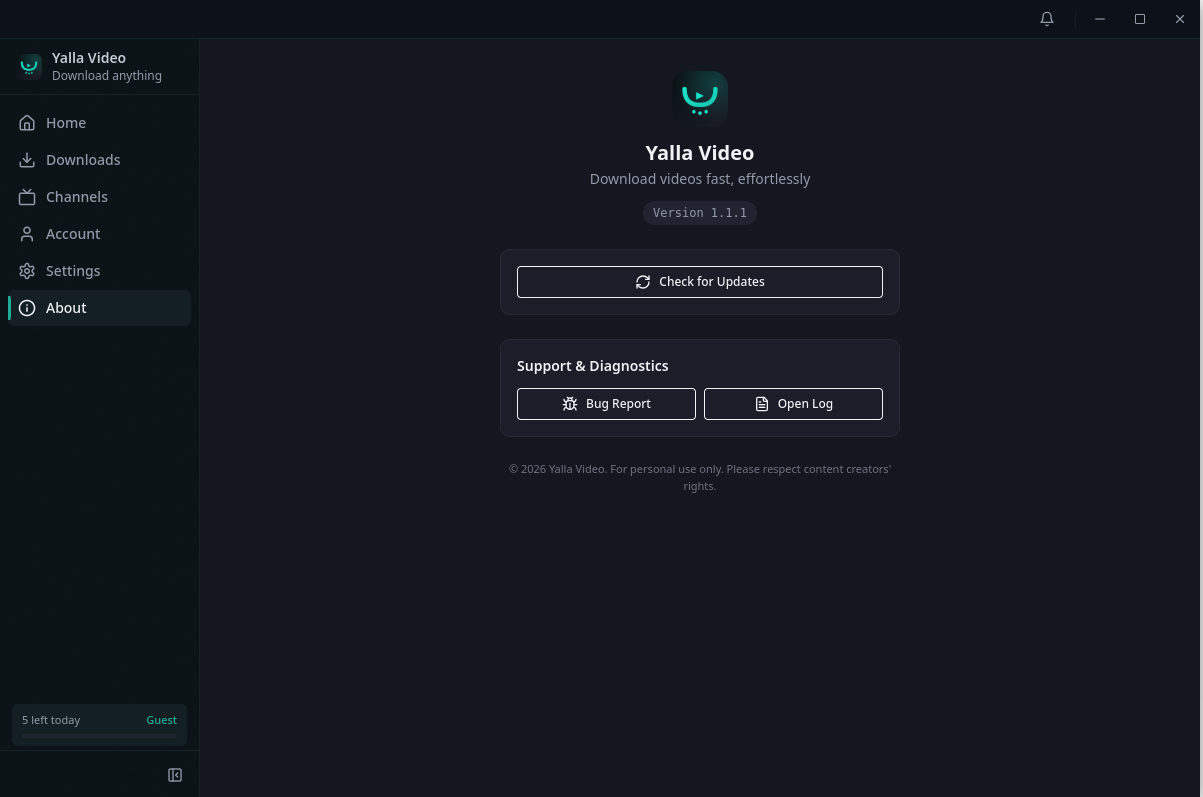
Always up to date
The bundled yt-dlp and ffmpeg update themselves silently. Check for app updates, file a bug report with system info attached, or open the log straight from the About screen.
Features at a glance
- One job, any scope — single video, full playlist, or an entire channel.
- Quality up to 8K — MP4, MKV, MP3, M4A, WAV, OGG, and more.
- Subtitles — embedded or sidecar SRT / VTT, multiple languages per video.
- Smart Mode picks the best format automatically; Manual Mode exposes codec, fps, and resolution.
- Parallel downloads with bandwidth limits and automatic retry.
- Schedule for later, pause / resume, and batch URL paste.
- Proxy / SOCKS support and browser cookie import (Chrome, Edge, Firefox, Brave).
- Clipboard-aware tray — copy a URL, download it with one click.
- 12 UI languages — English, العربية, Français, Español, Deutsch, Português, Русский, 日本語, 한국어, 中文, हिन्दी, Türkçe.
- 6 themes — Light, Dark, System, Midnight, Ocean, Sunset.
- Self-updating binaries —
yt-dlp and ffmpeg install and update themselves silently.
- Cross-platform — Windows, macOS, and Linux (deb, AppImage, snap).
- Auto-update via the in-app updater. No reinstalling.
Install
Windows
Download the latest Yalla Video Setup *.exe from Releases and run it. Or via winget (coming soon):
winget install YallaVideo
macOS
Download the .dmg from Releases, open it, and drag Yalla Video to Applications. Both Apple Silicon and Intel are supported.
Homebrew Cask (coming soon):
brew install --cask yalla-video
Linux
Snap (recommended):
sudo snap install yalla-video
Debian / Ubuntu (.deb):
sudo dpkg -i yalla-video_*_amd64.deb
sudo apt-get install -f
AppImage:
chmod +x "Yalla Video-*.AppImage"
./"Yalla Video-*.AppImage"
Flathub (submission pending).
Pricing
| Plan | Limit | Notes |
|---|
| Guest | 3 downloads / day | No account needed. |
| Free (verified) | 3 / day + bonus downloads | Verify your email to claim free bonus downloads. |
| Premium Monthly / Yearly | Unlimited | Cancel any time. 7-day refund policy. |
Pricing and signup at yallavideo.app.
Roadmap
- Flathub submission
- Microsoft Store (MSIX)
- Homebrew Cask
winget package- AUR
yalla-video-bin
- More UI languages on request — open a discussion with your locale.
Reporting issues & requesting sites
- Bug? Open an issue or use Report a bug inside the app (it attaches system info automatically).
- Site doesn't work? Most extraction problems are upstream
yt-dlp issues and resolve on the next silent update. If it persists, please open an issue.
- Feature request? Use Discussions.
Legal / use
Yalla Video is a general-purpose downloader for content you have the right to save: your own uploads, Creative-Commons material, fair-use research clips, language-learning material with available subtitles, and content explicitly offered for download. It is not a tool for bypassing DRM, paid platforms, or content licenses — please respect the terms of the sites you use it on.
License
MIT © Monzer Osman.
Yalla Video bundles yt-dlp and ffmpeg, each under their respective licenses.