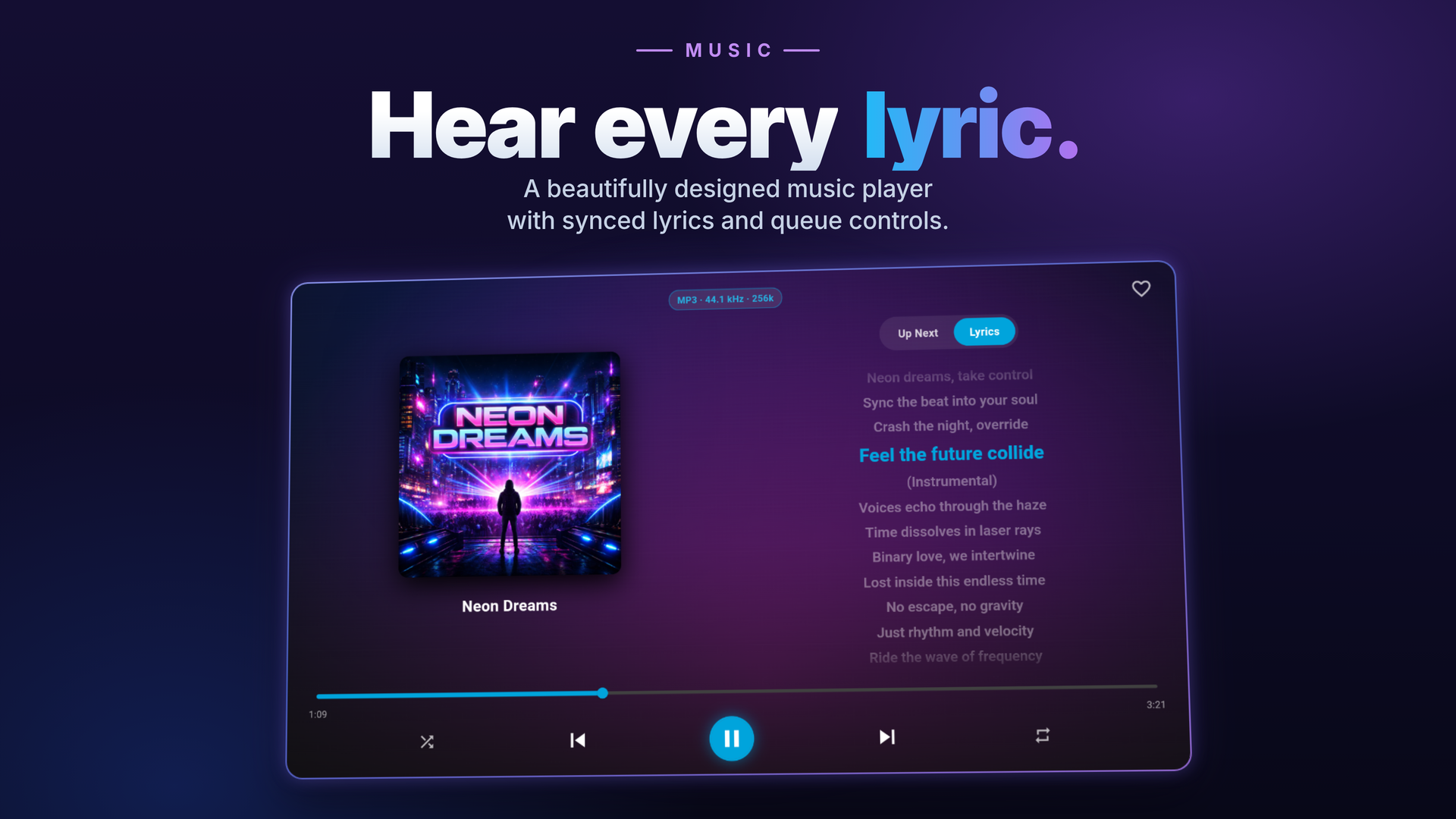
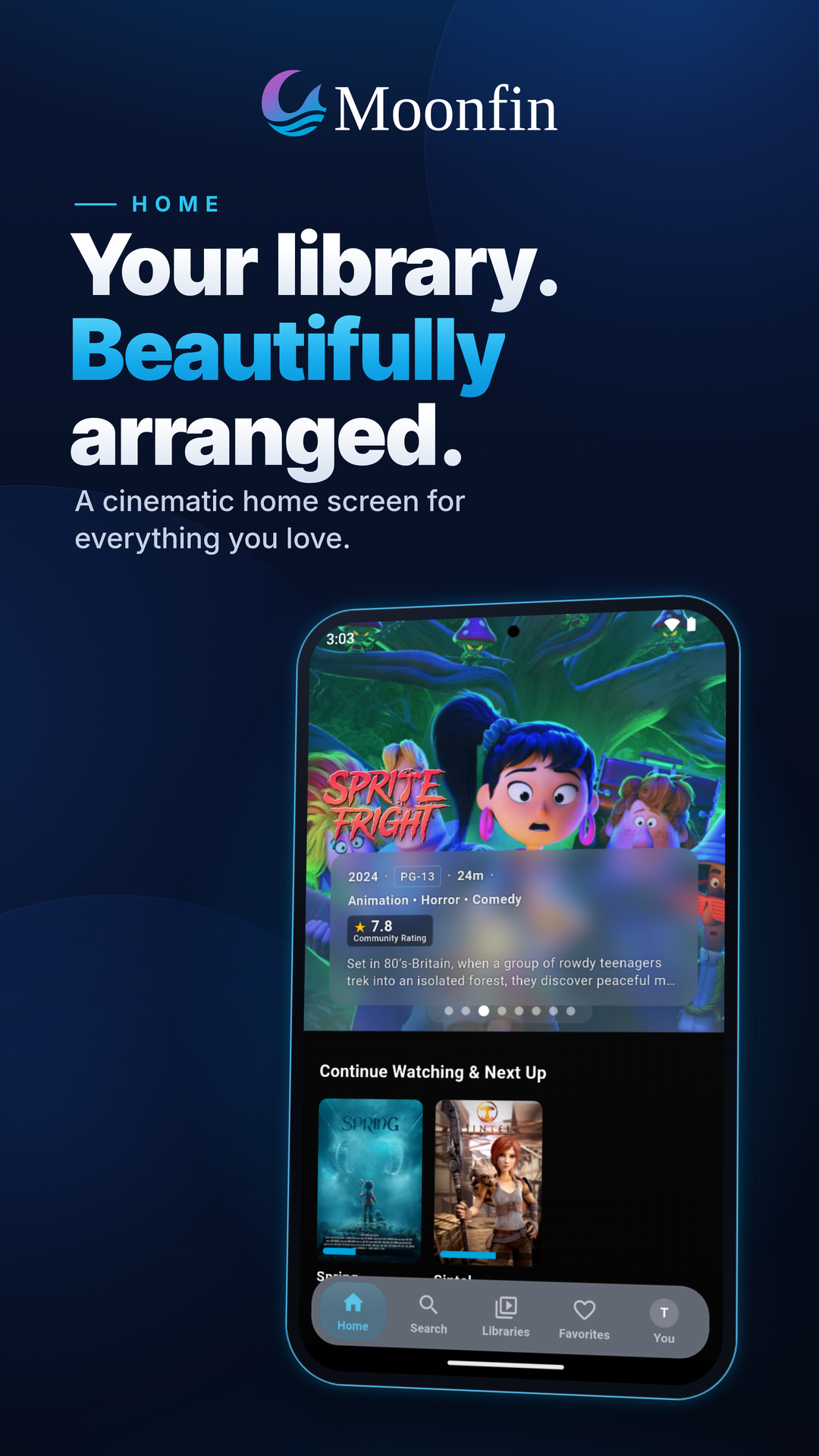
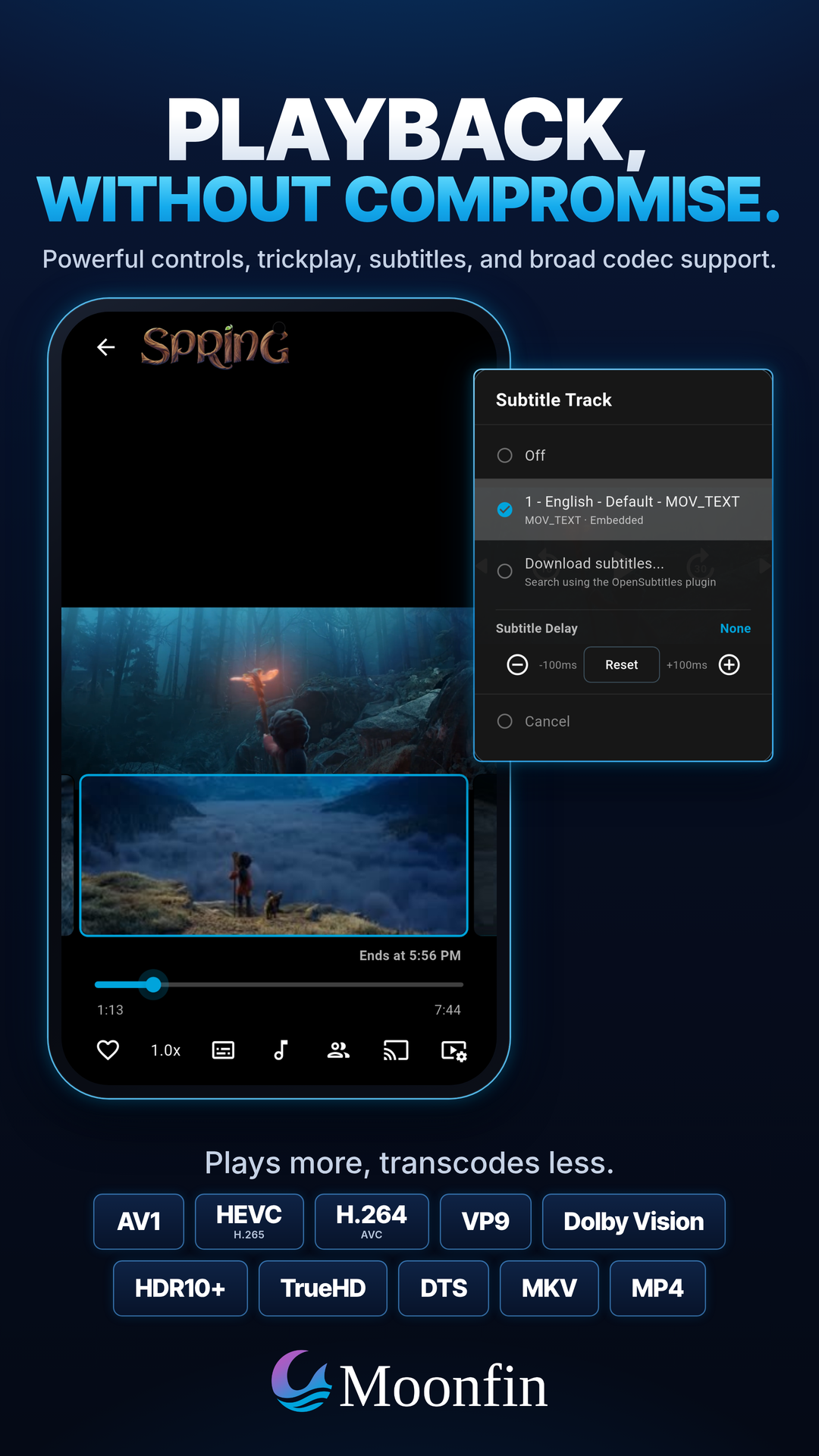
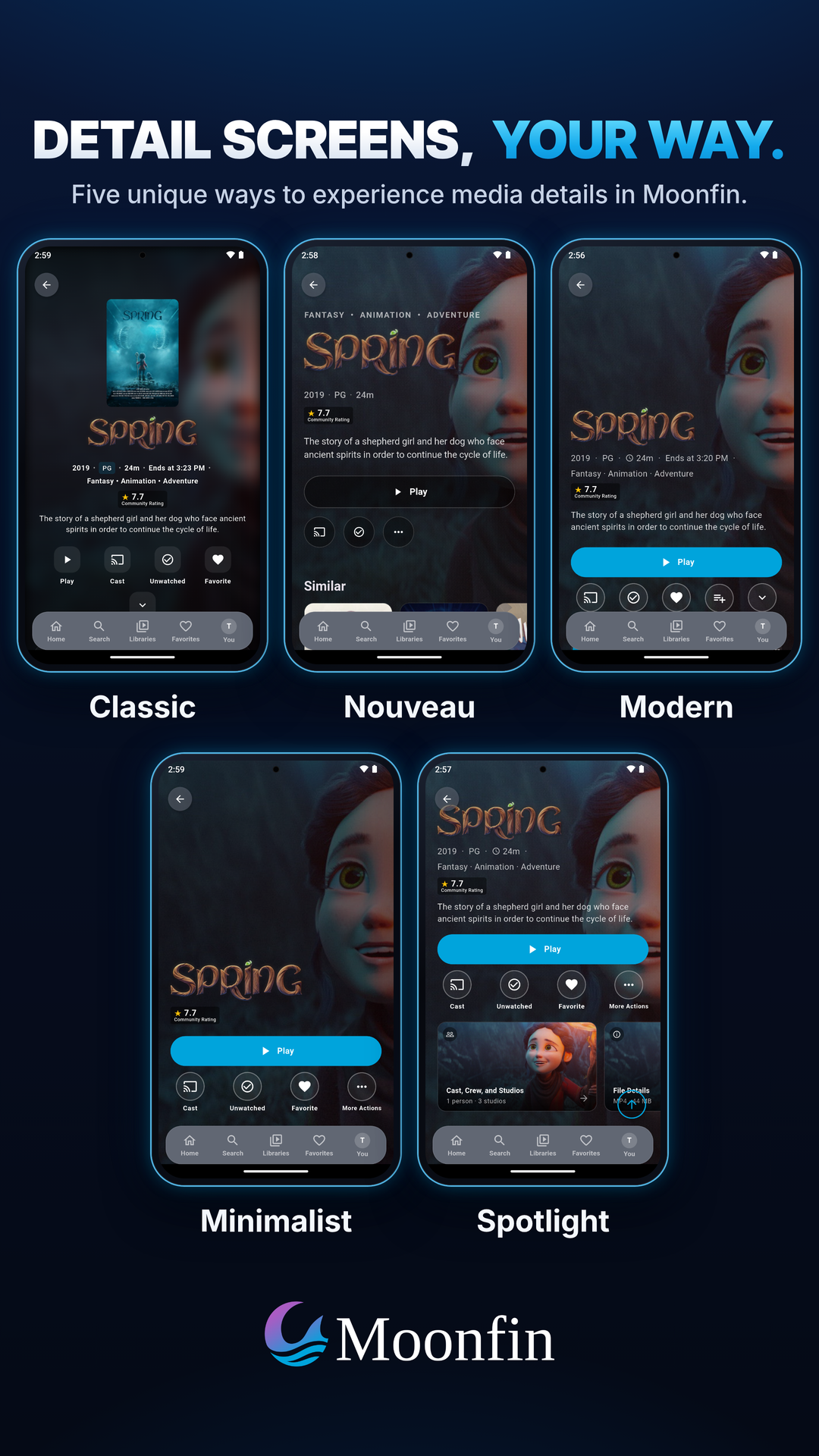
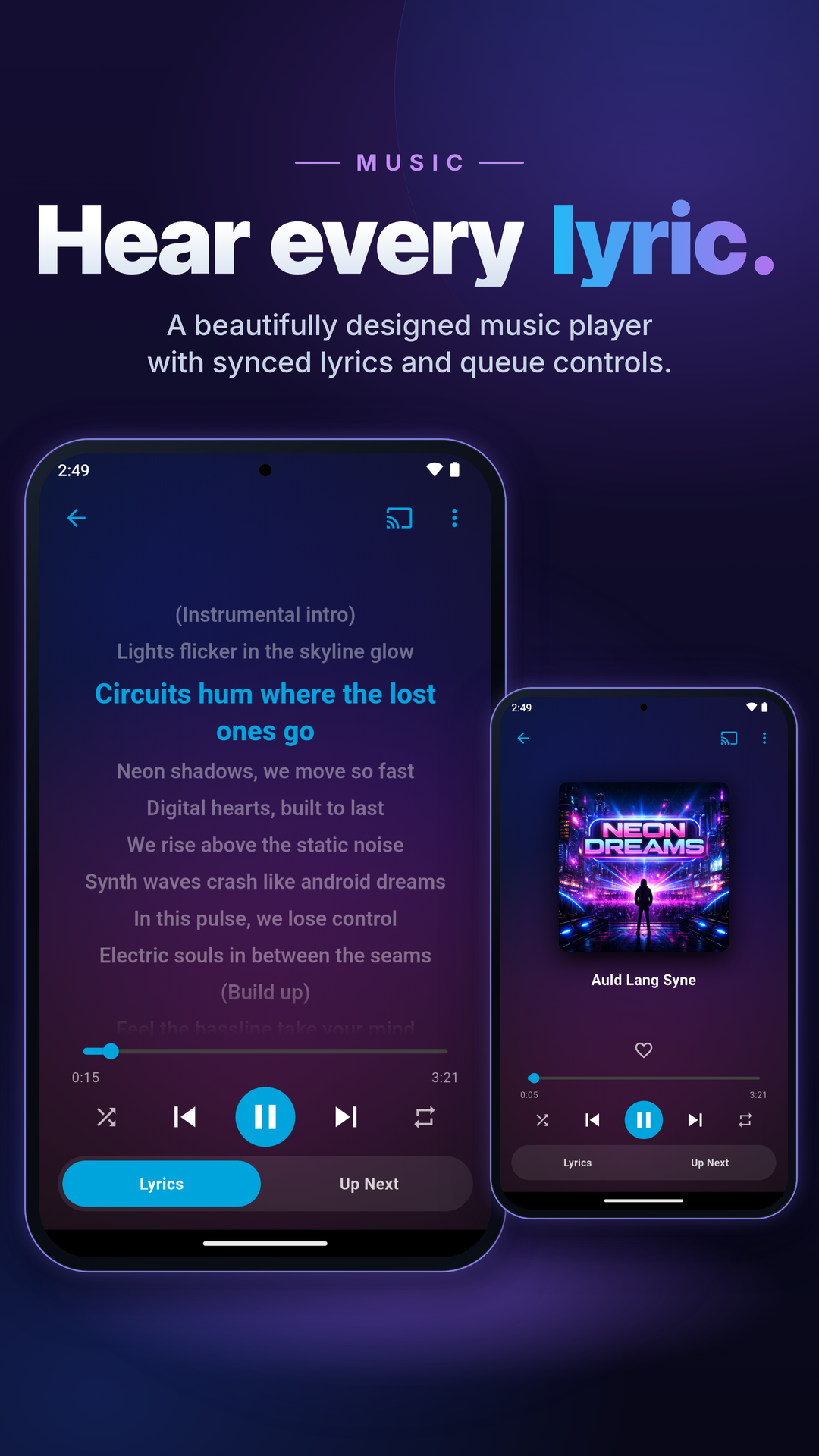
Moonfin is a premium cross-platform media client built with Flutter, designed to provide a modern, customizable experience for Jellyfin and Emby users across mobile, tablet, desktop, TV, and web platforms. It supports a wide range of devices, including Android, iOS, macOS, Windows, Linux, Android TV, Apple TV, and Tizen-based Samsung TV, offering a seamless media consumption experience.
Key Features:
Cross-Platform Support: Built with a single shared codebase, Moonfin delivers a consistent experience across mobile, tablet, desktop, TV, and web platforms.
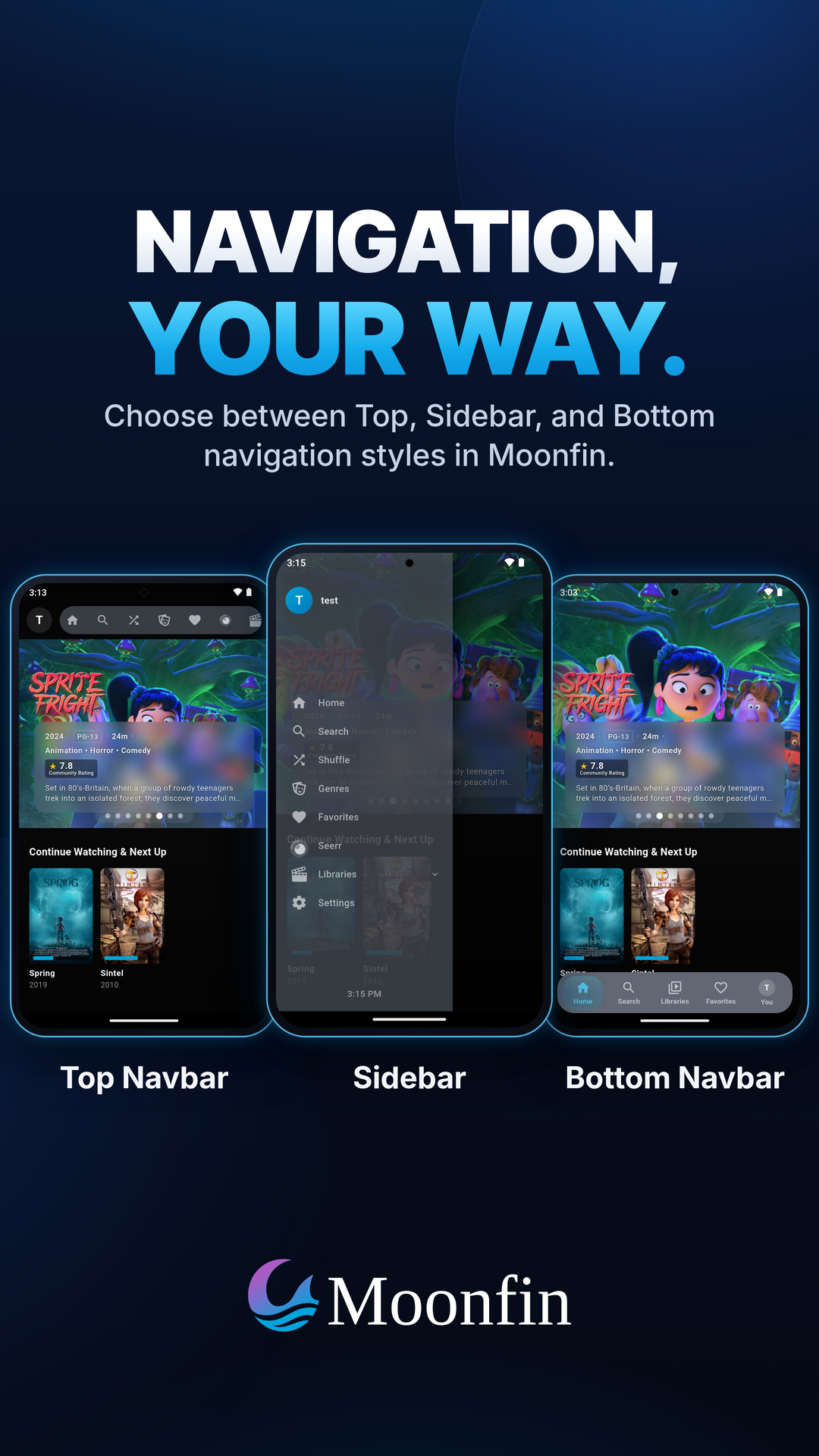
Modern UI/UX: Features a sleek, customizable interface with layouts optimized for touch, pointer, and remote navigation on various devices.
Offline Media Downloads: Supports offline downloads in original or server-transcoded quality, including automatic folder organization and offline subtitles.
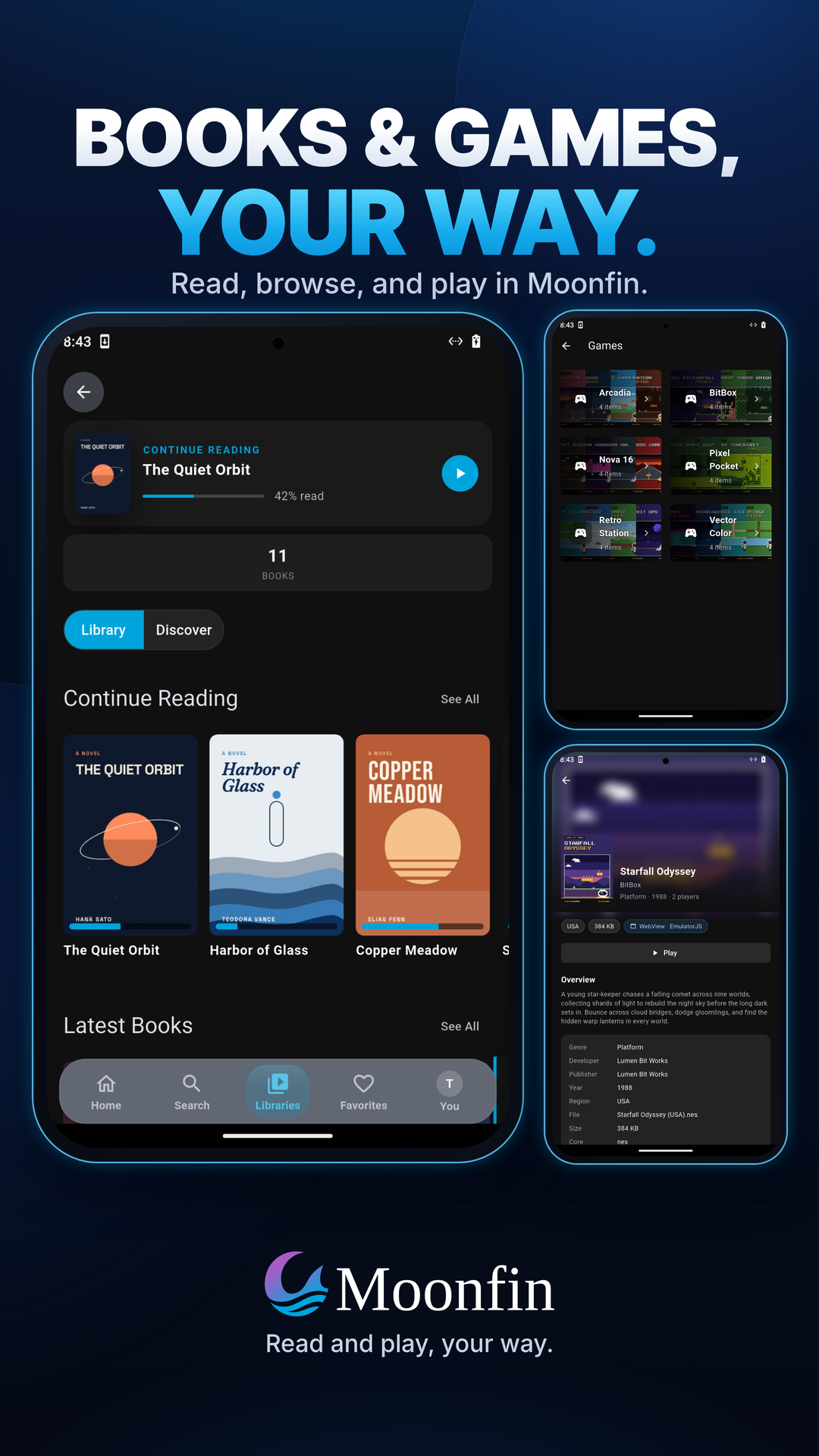
Retro Gaming Integration: Enables browsing and playing retro games directly within the app, with native libretro playback, gamepad support, and synced save states.
Multi-Server Library: Merges content from multiple Jellyfin and Emby servers into a unified library for easier browsing and searching.
Winget Installation: Available via Windows Package Manager, allowing users to easily install Moonfin using the winget command line.
Target Audience and Benefits:
Ideal for Jellyfin and Emby users who seek a modern, feature-rich media client that works seamlessly across multiple platforms. Moonfin provides tangible benefits such as offline content access, retro gaming integration, and unified multi-server library management, making it an excellent choice for media enthusiasts looking to enhance their viewing experience.
The application is optimized for search engines and designed with SEO best practices in mind.
README
Moonfin
Premium Jellyfin & Emby client for mobile, tablet, desktop, TV, and web
Moonfin is a media client for Jellyfin and Emby servers, built with Flutter. One shared codebase powers phones and tablets, Windows, macOS, and Linux, Android TV, Fire TV, and Apple TV, and the browser. It's made for people who want a modern, customizable experience on every screen they own.
Where to get it
Platform
Download
Android Mobile / TV
Fire TV
iOS
Linux
macOS
tvOS
Windows
or winget install Moonfin.Moonfin
Supported Servers
Server
Minimum Version
Status
Jellyfin
10.8.0+
Full support
Emby
4.8.0.0+
Full support
Platform Support
Platform
Minimum Version
Status
Android
7.0 (API 24)
Full support
Android TV / Google TV
Android 7.0 (API 24)
Full support
Fire TV
Fire OS 6
Full support
iOS
16.0
Full support
Apple TV (tvOS)
17.0
Full support
macOS
14.0 (Sonoma)
Full support
Windows
10 (x64 and ARM64)
Full support
Linux
GTK 3+, CMake 3.13+
Full support (Wayland only)
Web
Modern browsers (installable PWA)
Full support
> Android TV, Fire TV, and Apple TV ship from this same codebase with a TV-tuned interface and D-pad navigation. Fire TV runs the same native backend as Android TV. Web runs as an installable PWA through the Moonbase server plugin.
Features
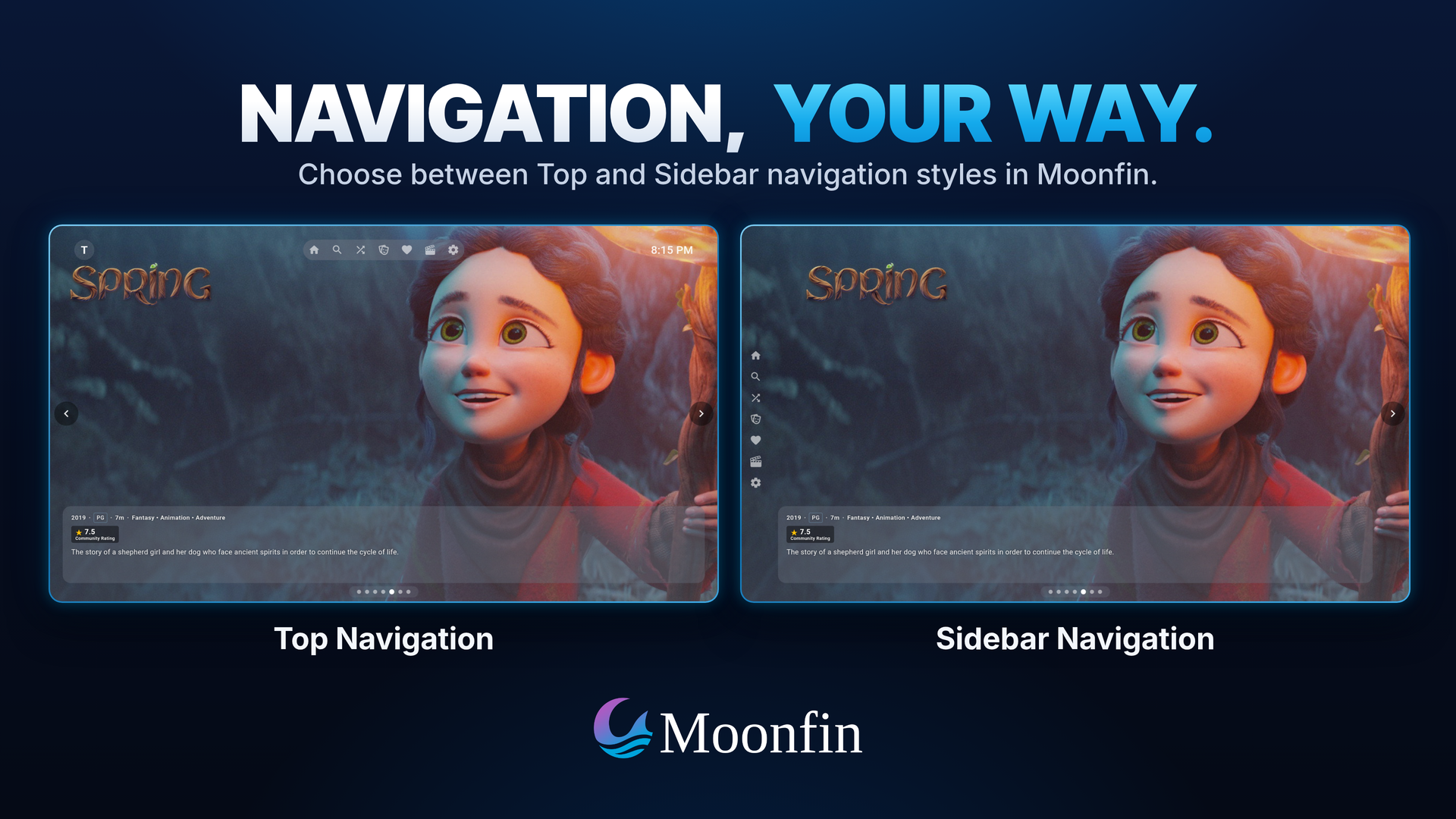
One codebase, every screen. Phones, tablets, desktop, Android TV, Apple TV, and web, with navigation tuned for touch, pointer, and remote.
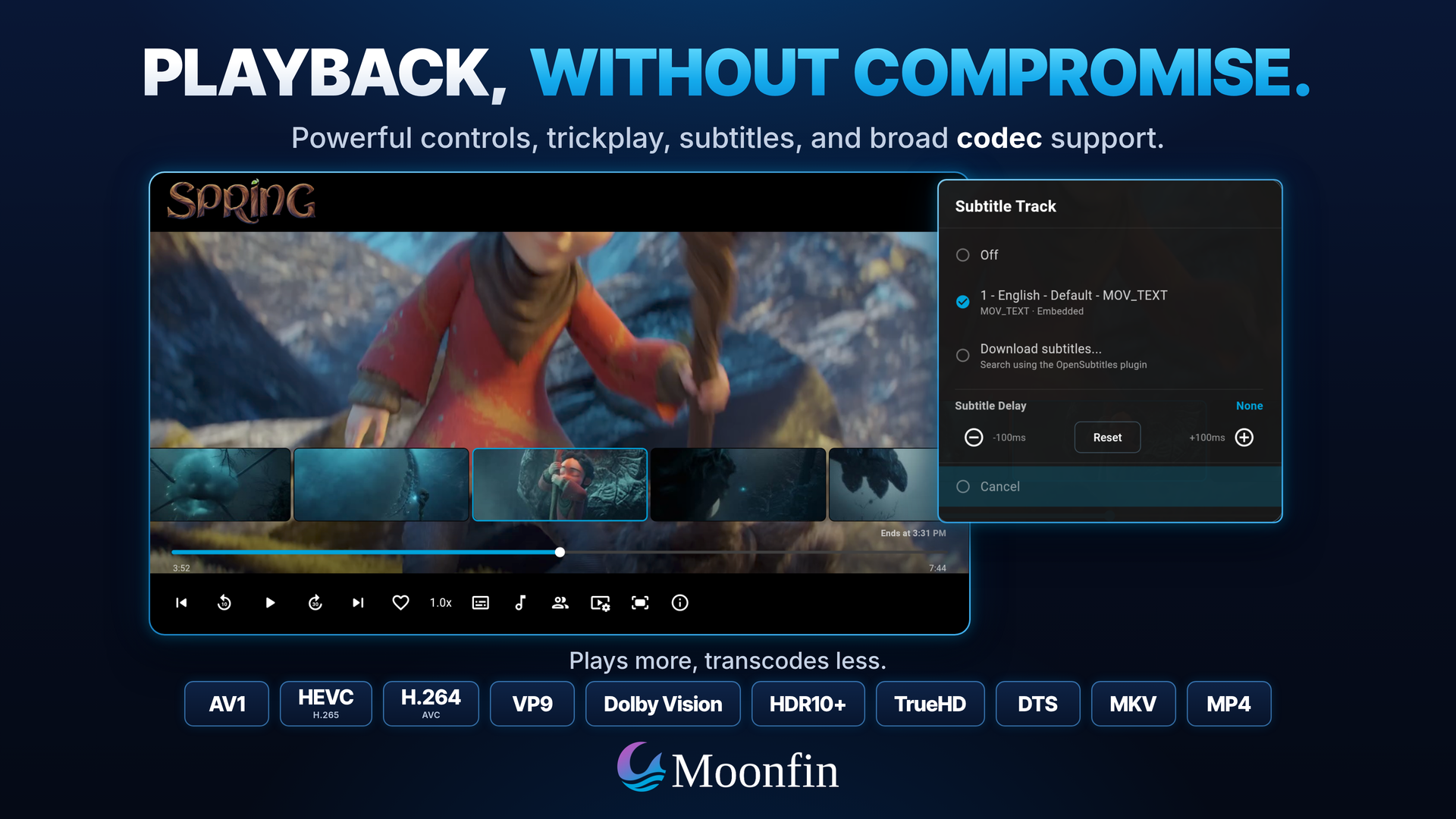
Playback that just works. Wide codec support including AV1, HEVC, Dolby Vision, Dolby Atmos, HDR10+, and audio passthrough. Dolby Vision Profile 7 direct plays on Apple and Android TV, converted in real time instead of transcoded, and Windows can send HDR to the display untouched. See Playback and Codecs.
Offline downloads in original or smaller server-transcoded quality, with automatic folder organization, offline subtitles, and automatic downloads of new episodes for the series you follow. See Downloads.
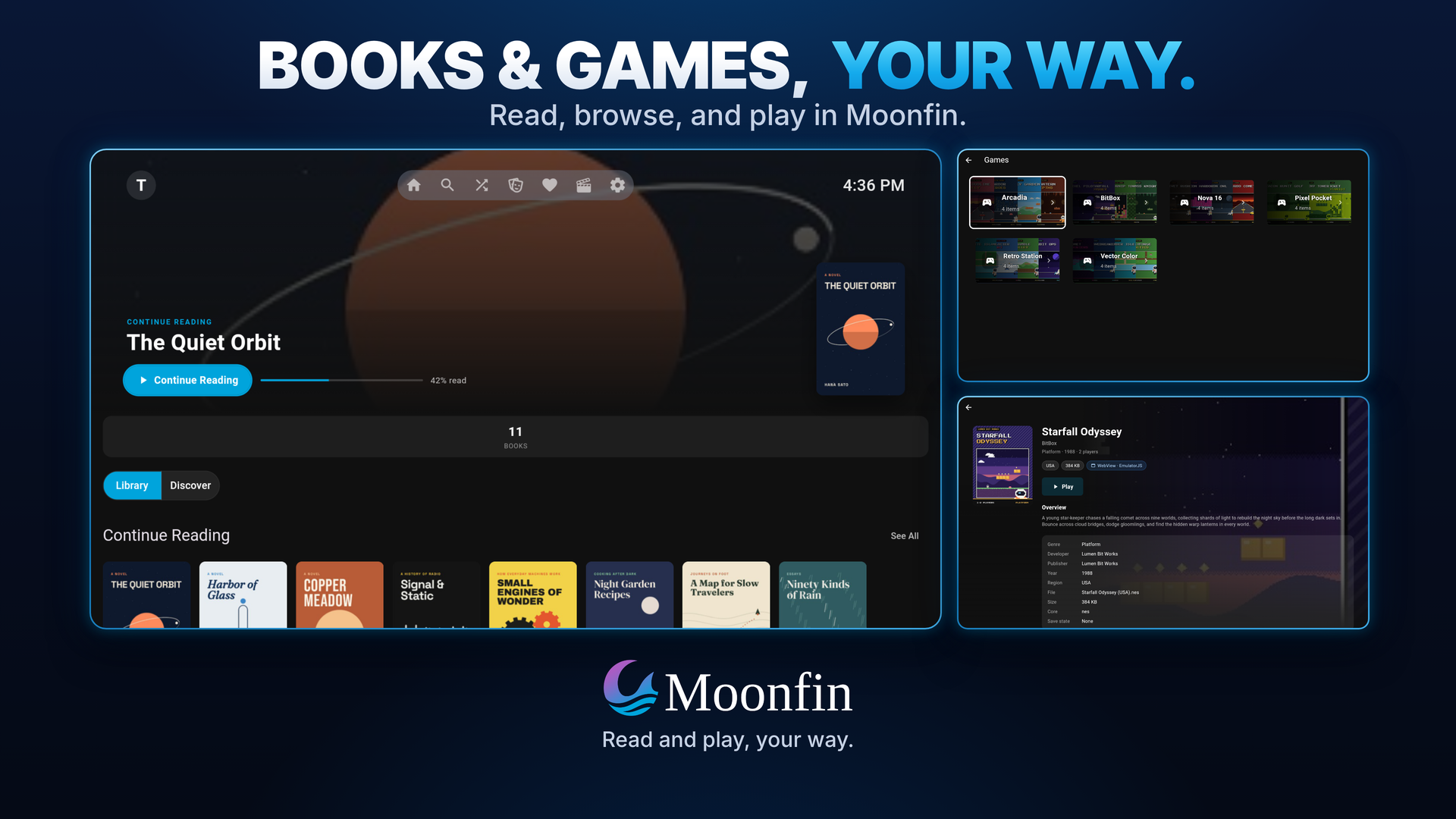
Ebooks and audiobooks. Read EPUB, MOBI, AZW/AZW3, PDF, and comic archives. Play M4B audiobooks with chapter navigation.
Retro games browsed and played in-app from a server game library, with gamepad support, save states that sync between devices, and hardware rendering on Android. See Retro Games.
Multi-server unified library that merges several Jellyfin and Emby servers into one browsable, searchable UI.
A setup wizard on first run that asks how you want the app to look, with live previews built from your own artwork.
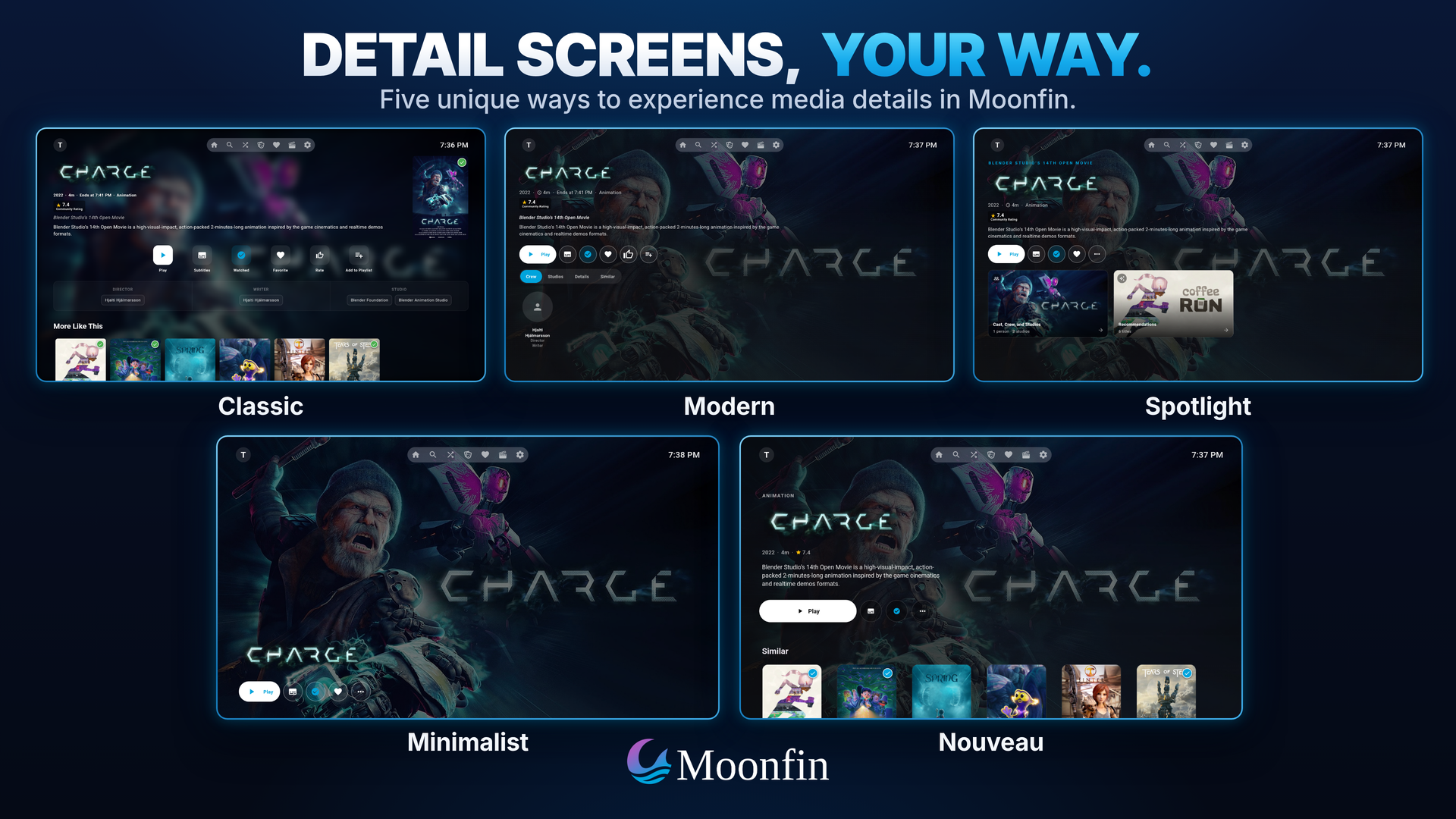
Five detail screen styles to pick from: Classic, Modern, Spotlight, Nouveau, and Minimalist.
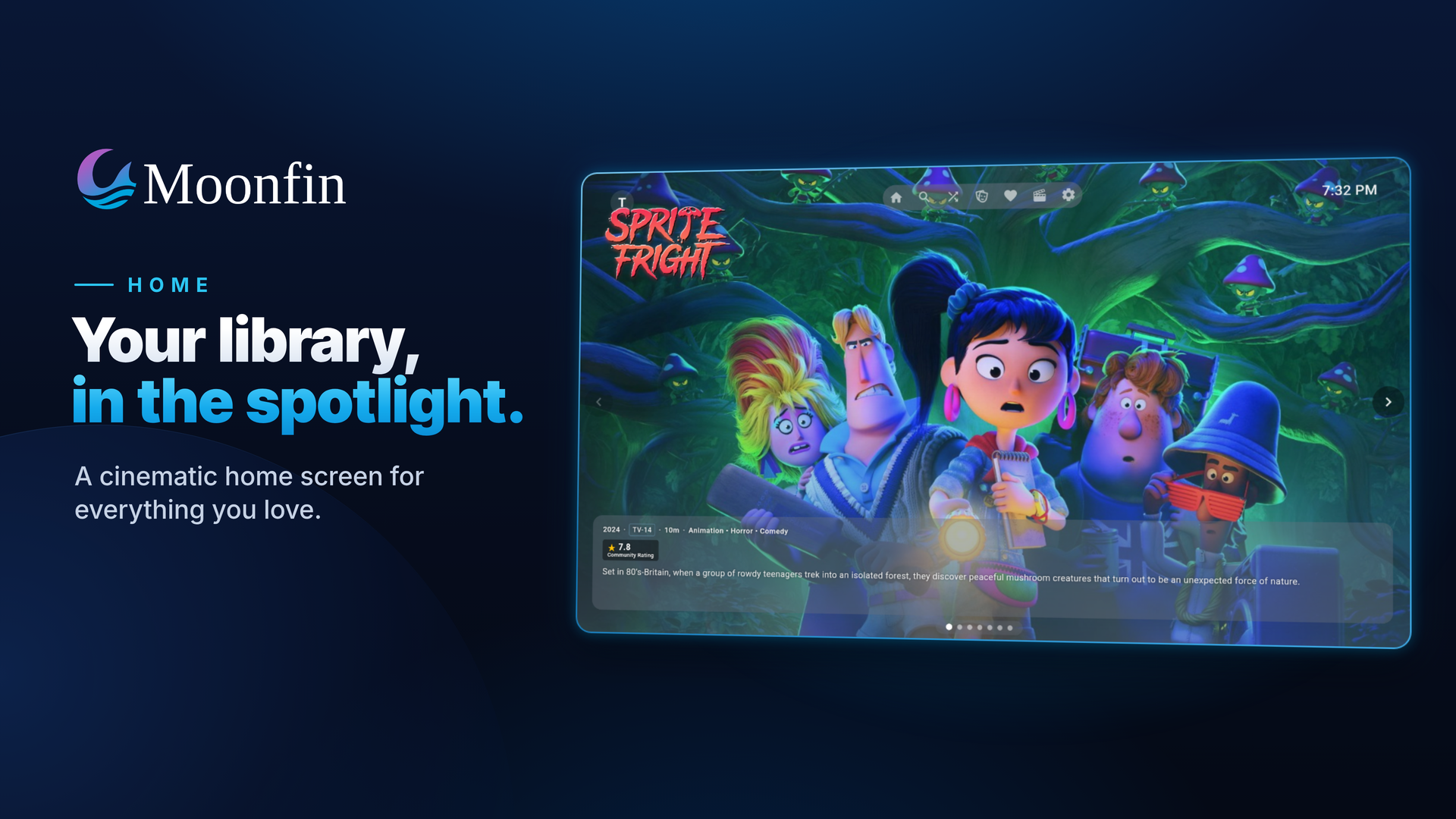
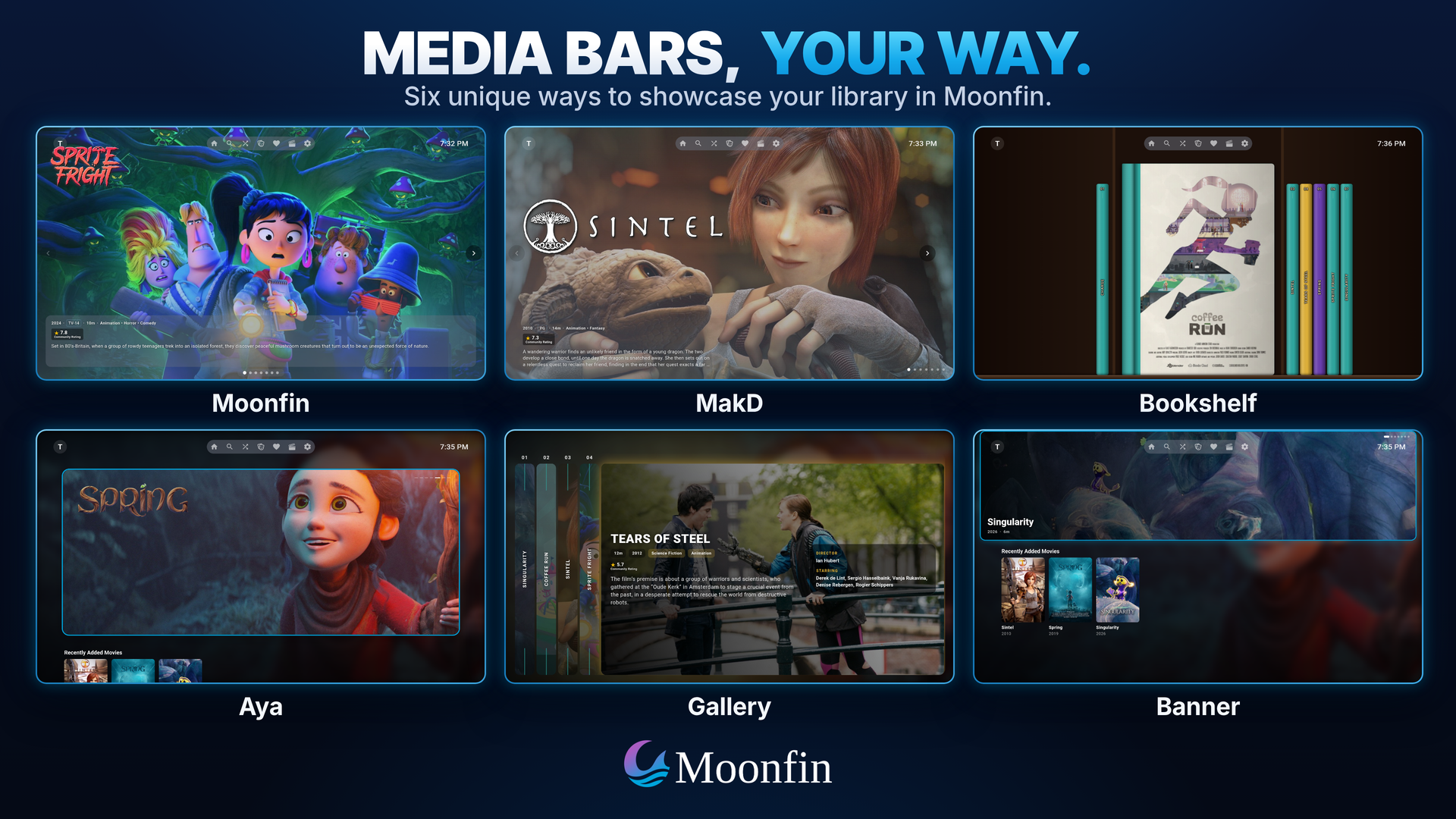
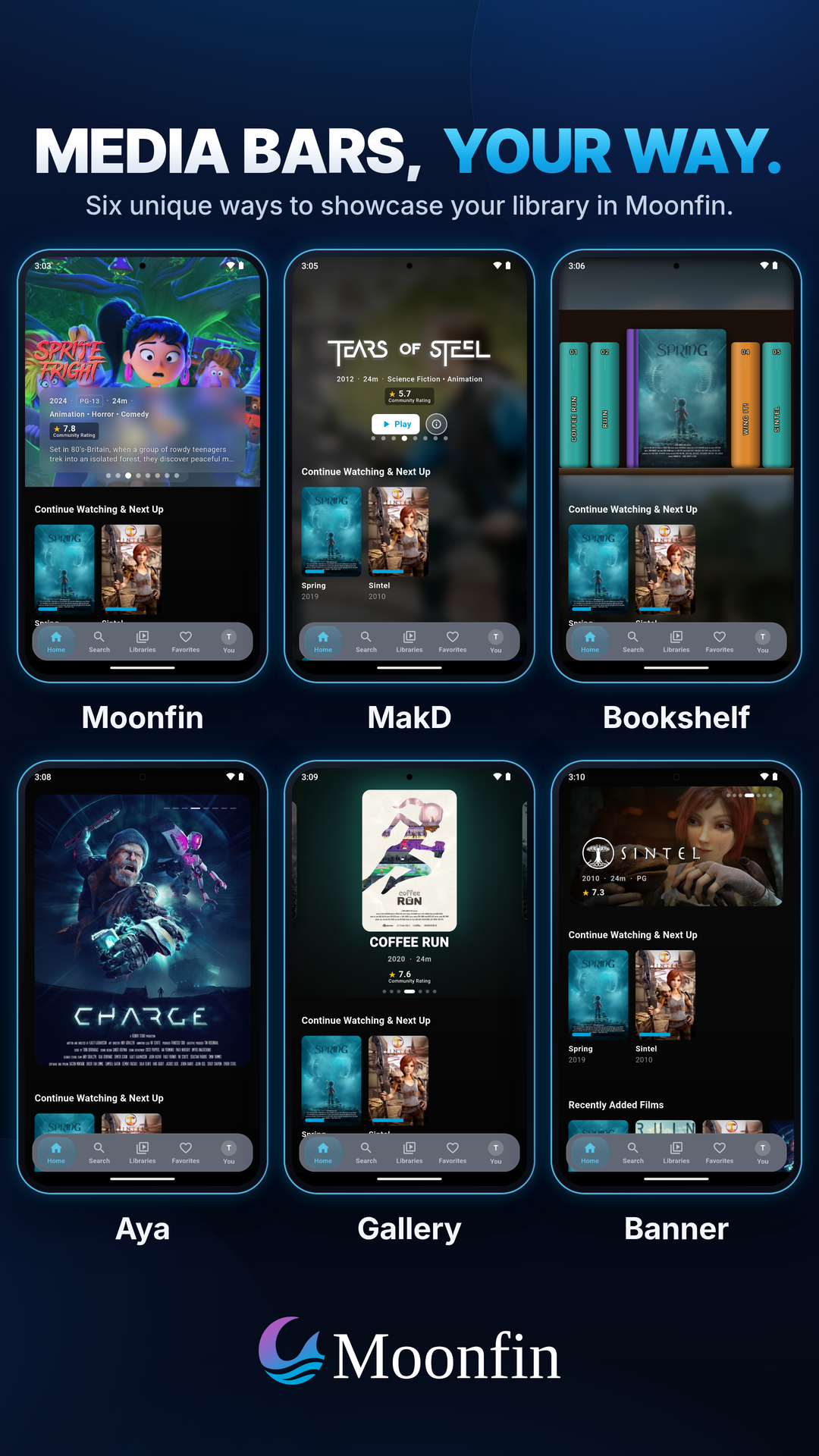
Featured media bar with six layouts, plus optional in-bar trailer previews.
Themes and a Theme Store with a built-in editor, server-side sync, and an OLED mode for true blacks, plus custom loading animations and a screensaver on TV.
An integrated admin panel for settings, users, libraries, logs, devices, and analytics, plus a messages window for notes from your server admin.
Discovery with Seerr built into the details screen, with trending, popular, and upcoming rows and request status overlays.
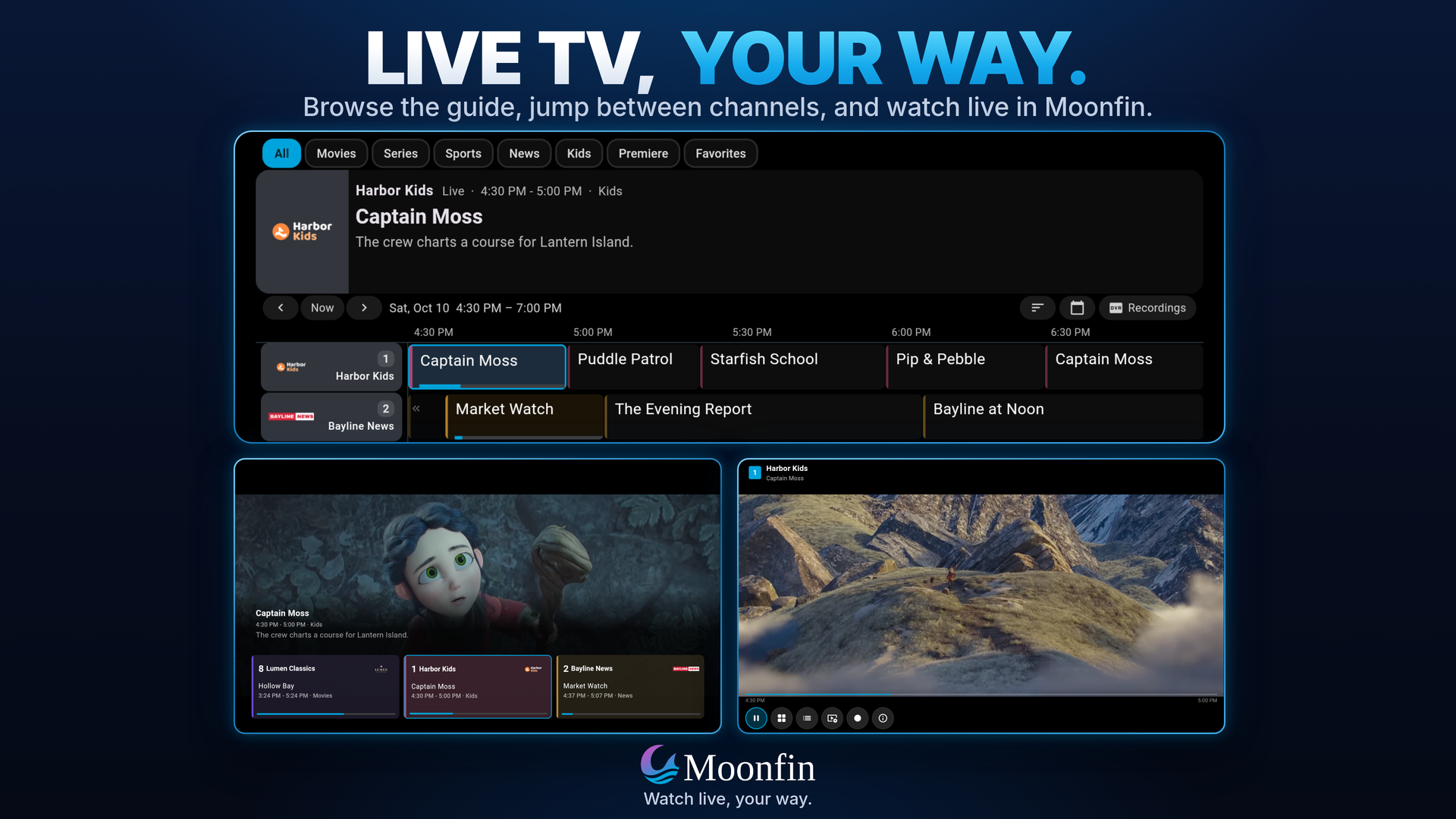
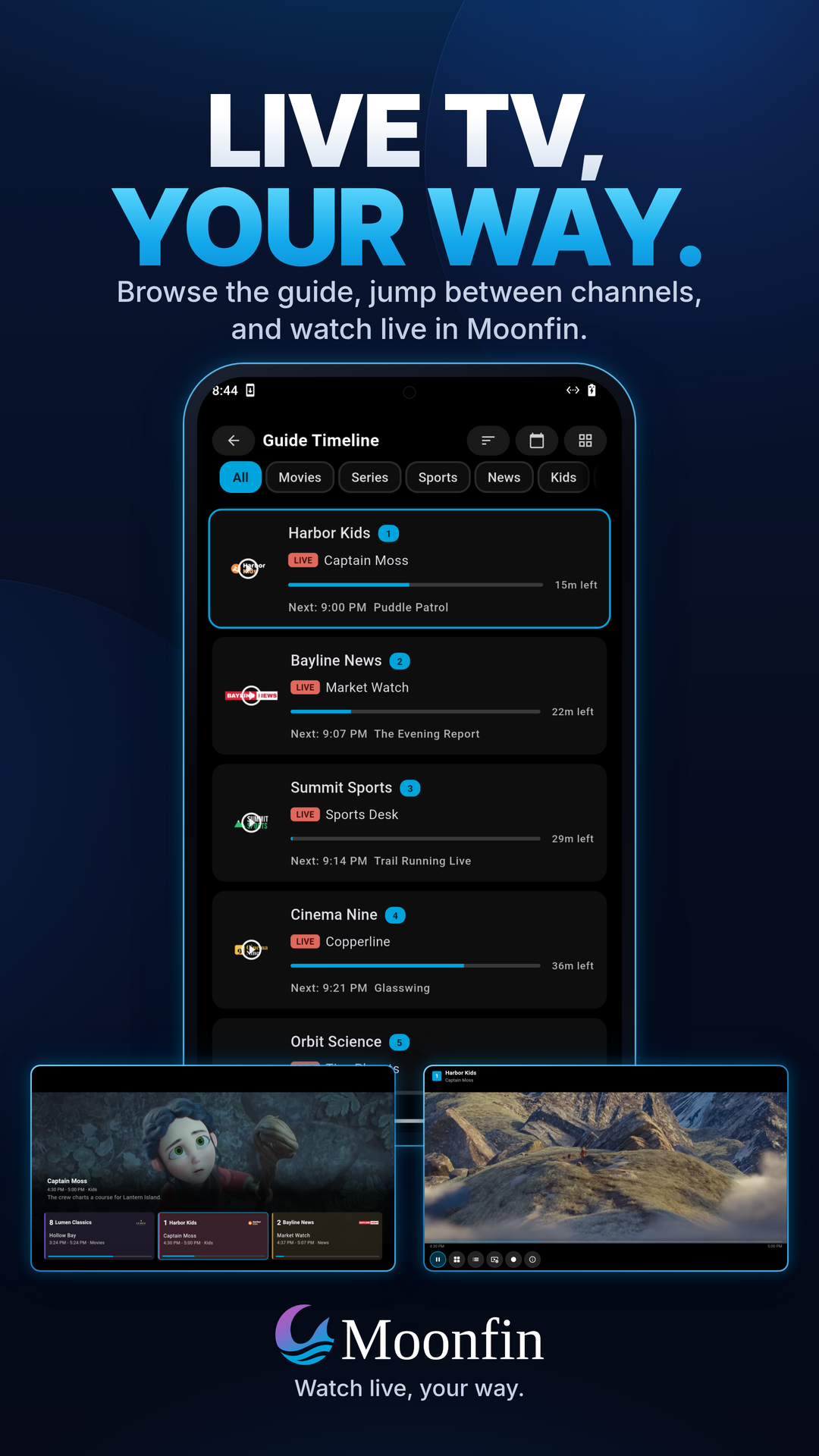
Live TV and DVR with a program guide, a quick channel changer on TV, automatic recovery when a channel stalls, and recording management.
Trickplay scrubbing as a single thumbnail, a filmstrip, or full screen, on both Jellyfin and Emby.
Cinema Mode and segment skipping for pre-rolls, intros, credits, and SponsorBlock.
Casting and remote control over Google Cast, DLNA, and AirPlay, plus control of other Jellyfin devices on your network with a D-pad and search typed from your phone. Other Jellyfin apps can steer Moonfin too.
SyncPlay for synchronized group watching.
Personal ratings as a like, five stars, or a score out of ten, usable to sort or filter a library.
Kids Mode that strips the app back to what a child needs and locks the way out with a PIN, plus blocked ratings that apply everywhere in the app.
Achievement Badges drawn natively when your Jellyfin server runs the Achievement Badges plugin, including its friends list and chat.
Anime markers for filler, recap, canon, and subbed or dubbed episodes, served by the Moonbase plugin.
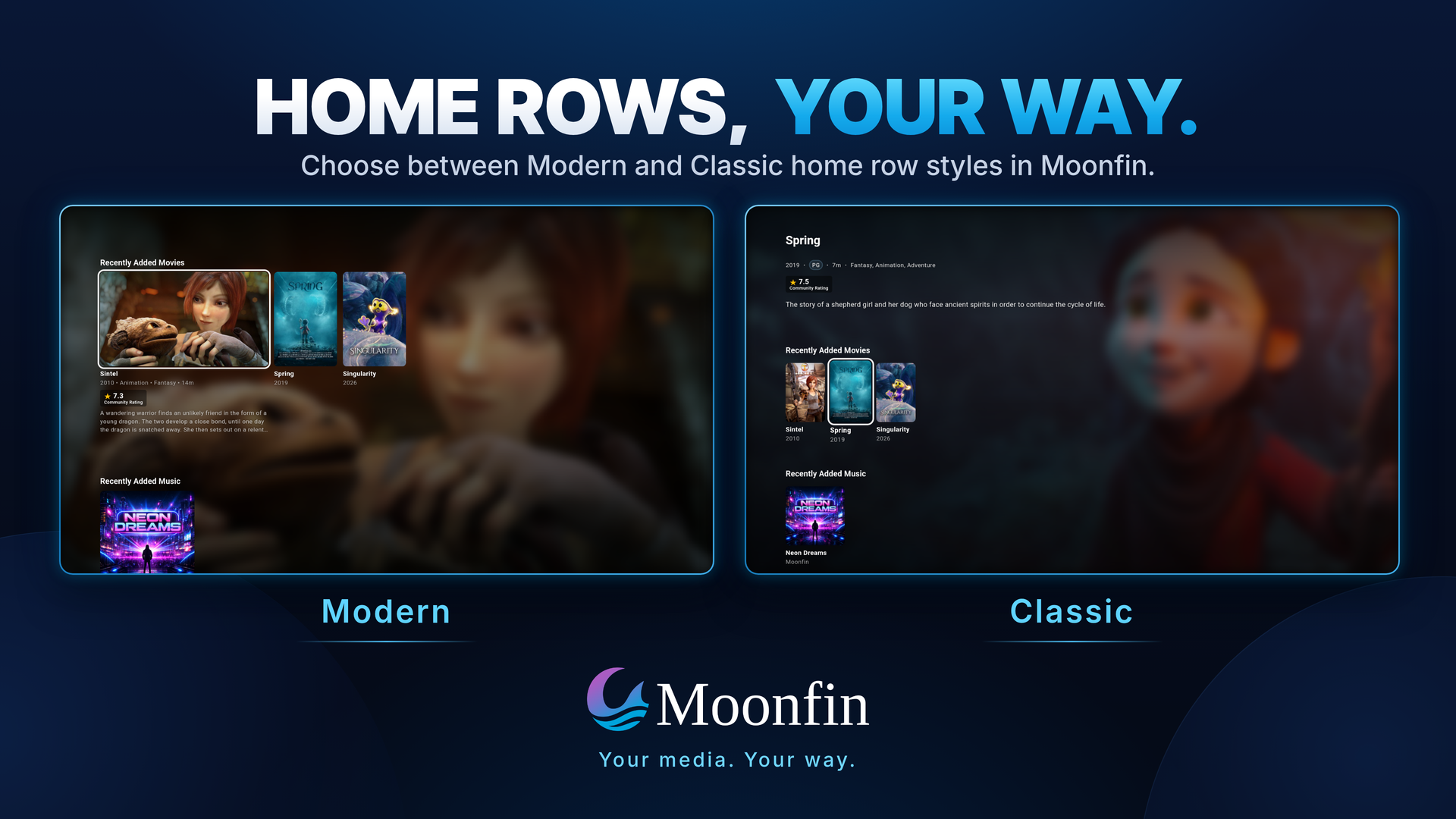
Ratings from MDBList and TMDB, home row customization with a seasonal holiday row, and in-app update checks.
The store links above are the easy route. To install a file yourself, download it from the Releases page and pick the one for your device:
Platform
File
Android (phones and tablets)
Moonfin_Android_v.apk
Android TV / Google TV / Fire TV
Moonfin_AndroidTV_v.apk
iOS
Moonfin_iOS_v_unsigned.ipa (for self-signing)
Apple TV
Moonfin_tvOS_v_unsigned.ipa (for self-signing)
Windows x64
Moonfin_Windows_v.exe
Windows ARM64
Moonfin_WindowsARM64_v.exe
macOS
Moonfin_macOS_v.dmg
Linux x64
Moonfin_Linux_v. (AppImage, deb, rpm, snap, flatpak, tarball)
Linux ARM64
Moonfin_LinuxARM64_v. (same formats)
Web
Served as a PWA by the Moonbase server plugin, no download needed
On Arch Linux, install from the AUR with yay -S moonfin-bin (or paru -S moonfin-bin, pamac build moonfin-bin).
Click-by-click steps for every platform are on Installation, and Getting Started covers connecting to your server for the first time.
Building
Flutter stable 3.47 or newer is the one thing every platform needs (Dart 3.13 comes with it). Each target also needs its own toolchain: Android Studio with the SDK and NDK for Android, Xcode and CocoaPods for iOS and macOS, the flutter-tvos toolchain for Apple TV, Visual Studio and vcpkg for Windows, and a handful of development packages on Linux. Every Android command also takes a --flavor.
git clone https://github.com/Moonfin-Client/Moonfin-Core.git
cd Moonfin-Core
flutter pub get
The player on touch, remote and keyboard, Live TV, casting and remote control, Seerr requests, downloads, subtitle downloads, themes, parental controls, and Kids Mode
Developer notes, contributing guidelines, and the pull request process
Contributing
Contributions are welcome. Check the existing issues first, discuss major feature changes before implementing them, match the existing code style, run flutter analyze, and test on at least one target platform. Keep pull requests focused and include context, screenshots or logs where useful.
See CONTRIBUTING.md for the full guidelines and the pull request process.
MakD - Original Jellyfin-Media-Bar concept that inspired our featured media bar
MediaLyze The Admin analytics UI was inspired by this open-source project
License
Moonfin is free software. You can redistribute it and modify it under the terms
of the GNU General Public License as published by the Free Software Foundation,
either version 2 of the License or, at your option, any later version. See
LICENSE for the version 2 text.
Moonfin is an independent project and is not affiliated with the Jellyfin or Emby projects.
← Back to main Moonfin project