📱 Msgify Lite – Offline Archive Viewer




A powerful offline archive viewer for Telegram exports and database backups.
Access your data anytime, anywhere — no internet, servers, or cloud dependencies required.
🖥️ Desktop App • 🌐 Web Version • ✨ Features • 📖 Docs
🚀 Installation
🖥️ Desktop App (Recommended)
Quick Install (One-Liner)
Linux/Mac:
curl -fsSL https://raw.githubusercontent.com/miangee21/Msgify-Lite/desktop/install.sh | bash
Windows (PowerShell as Administrator):
irm https://raw.githubusercontent.com/miangee21/Msgify-Lite/desktop/install.ps1 | iex
Manual Download
> 💡 Tip: MSI for Windows and DEB/RPM for Linux provide automatic updates and system integration.
🌐 Web Version
Try Msgify Lite directly in your browser — no installation required!
Branches:
main → Web version (Next.js)desktop → Desktop app (Tauri)
⚡ Desktop vs Web Comparison
| Feature | 🖥️ Desktop App | 🌐 Web Version |
|---|
| Speed | ⚡ 10-20x faster | Standard |
| Offline Access | ✅ Full offline | ⚠️ Requires initial load |
| Memory Usage | 🟢 90% less | Standard |
| File Access | ✅ Native system dialogs | ⚠️ Browser limitations |
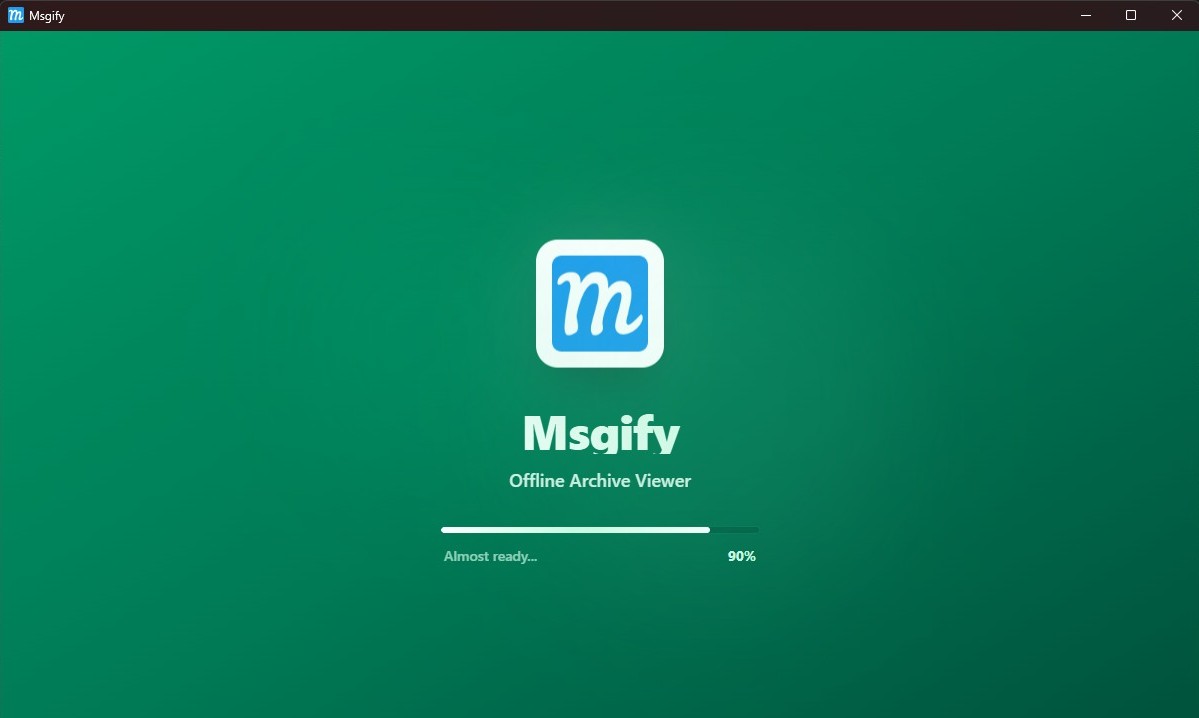
| Startup | ✅ Beautiful splash screen | Instant |
| Installation | Required (~3-10 MB) | None |
| Auto Updates | ✅ Built-in (future) | Always latest |
| System Integration | ✅ Native app icon, tray | Browser tab |
🎯 Recommendation: Use Desktop App for best performance and offline reliability.
✨ Key Features
🛡️ Security & Independence
- Zero Dependencies: Runs completely locally without backend, database, or external APIs
- Privacy First: Your data never leaves your device — all processing happens client-side
- 100% Offline: No internet required after installation
- Disaster Recovery: Access archived data even if the main service is unavailable
📂 Smart Format Detection
Automatically detects and parses multiple data structures:
- Telegram Desktop Export – Standard
result.json format
- Custom JSON Arrays – Simplified, flattened structures
- Database Reconstruction – Parses raw
Posts.json and Button.json exports
⚡ Premium Performance
- Lazy Loading – Images load on-demand (10-20x faster than traditional methods)
- Instant Search – Real-time filtering by text and metadata
- Smart Caching – Loaded images stay in memory for instant re-display
- Intelligent Tagging – Auto-detects and filters by available tags
- Responsive Grid – Beautiful masonry layout adapts to any screen size
- Dark Mode Ready – Fully themeable Telegram-inspired interface
🛠️ Tech Stack
Desktop App (Tauri)
Web Version
📖 Usage Guide
Step 1: Launch the Application
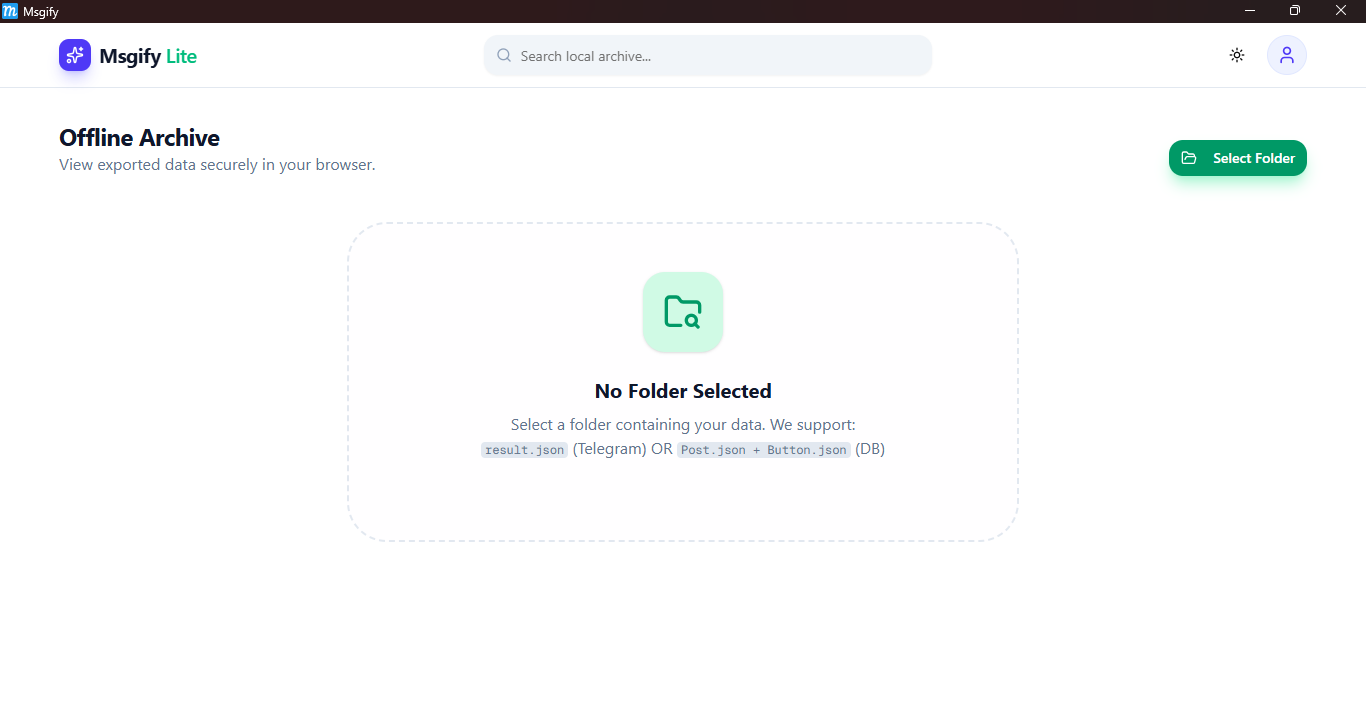
Step 2: Select Your Data Folder
Click the "Select Folder" button and choose your data source:
- For Telegram Exports: Select the folder containing
result.json and the photos directory
- For Database Exports: Select the folder with
Posts.json, Button.json, and photos
Step 3: Browse & Search
Once loaded:
- Use the Search Bar to find specific posts by text
- Apply Tag Filters to sort and categorize content
- Navigate through pages using the pagination controls
- Enjoy a beautiful, responsive grid layout
Step 4: Offline Access
- Desktop App: Works completely offline after installation
- Web Version: Requires initial internet connection to load, then works offline
🚀 Need More Features? Try Msgify Pro
Msgify Pro is the full-featured, production-ready version with cloud storage, database, and advanced features.
Msgify Pro Features
- ☁️ Cloud Storage – Cloudflare R2 integration for high-performance image delivery
- 🗄️ Database – PostgreSQL (Neon) + Prisma ORM for persistent data storage
- 🔐 Authentication – Secure JWT-based login and signup system
- 🏷️ Smart Tagging – Create, edit, and merge tags with automatic post migration
- 🗑️ Safety Features – Soft delete with recycle bin and restore functionality
- ⚡ Bulk Operations – Quick cleanup and batch processing capabilities
- 📊 Dashboard – Beautiful grid-based interface with advanced search and filtering
Quick Links
🏗️ Development Setup
Prerequisites
- Node.js 18.0.0 or higher
- Rust (for desktop app development)
- npm or yarn
Web Version Setup
# Clone repository
git clone https://github.com/miangee21/Msgify-Lite.git
cd msgify-lite

# Install dependencies
npm install

# Run development server
npm run dev
Visit http://localhost:3000
Desktop App Setup
# Switch to desktop branch
git checkout desktop

# Install dependencies
npm install

# Run in development mode
npm run tauri dev

# Build for production
npm run tauri build
Built apps will be in src-tauri/target/release/bundle/
📂 Project Structure
Desktop App
msgify-lite/ (desktop branch)
├── .github/
│   └── assets/               # Screenshots and media
├── src/
│   ├── app/
│   │   ├── layout.tsx        # Root layout with theme provider
│   │   ├── page.tsx          # Main app logic (parsers, state, rendering)
│   │   └── globals.css       # Global styles + animations
│   ├── components/
│   │   ├── ui/               # Reusable UI components (Shadcn)
│   │   ├── SplashScreen.tsx  # Startup splash screen
│   │   ├── lite-navbar.tsx   # Navbar with search functionality
│   │   ├── local-post-card.tsx # Post display component
│   │   └── local-pagination.tsx# Pagination component
│   └── lib/
│       └── utils.ts          # CSS utilities and helpers
├── src-tauri/
│   ├── src/
│   │   └── main.rs           # Rust backend entry point
│   ├── icons/                # App icons (all platforms)
│   ├── capabilities/         # Tauri permissions
│   └── tauri.conf.json       # Tauri configuration
├── install.sh                # Linux/Mac installer
├── install.ps1               # Windows installer
└── README.md                 # This file
Web Version
msgify-lite/ (main branch)
├── src/
│   ├── app/
│   │   ├── layout.tsx
│   │   ├── page.tsx
│   │   └── globals.css
│   ├── components/
│   │   └── [same as desktop]
│   └── lib/
│       └── utils.ts
├── public/                   # Static assets
└── README.md
🤝 Contributing
Contributions are welcome! Help improve Msgify Lite:
- Fork the repository
- Create a feature branch:
git checkout -b feature/YourFeature
- Commit your changes:
git commit -m "Add YourFeature"
- Push to the branch:
git push origin feature/YourFeature
- Open a Pull Request
Branch Guidelines
main → Web version developmentdesktop → Desktop app development- Feature branches → New features or fixes
📝 Changelog
v0.1.1 (Latest) - February 14, 2026
- ✨ Added beautiful splash screen on app startup
- 🚀 Implemented lazy loading (10-20x faster)
- 💾 Reduced memory usage by 90%
- 🐛 Fixed image loading issues
- 🔧 Improved folder selection dialog
v0.1.0 - Initial Release
- 🎉 First public release
- 📂 Support for Telegram & DB exports
- 🔍 Search and tag filtering
- 🎨 Dark mode support
View All Releases
📄 License
This project is licensed under the MIT License. See the LICENSE file for details.
🌟 Credits & Acknowledgments
- Tauri – Lightweight desktop framework
- Shadcn/UI – Beautiful, accessible component library
- Vercel & Next.js – Next-generation React framework
- Telegram Desktop – Data export format reference
- Community Contributors – Your support drives innovation
🔗 Links
Made with ❤️ by the Msgify Team
⭐ Star on GitHub • 📧 Report Issues
Support the Project:
If you find Msgify Lite useful, consider giving it a star ⭐ on GitHub!