VibeDownloader
An open-source video downloader for Windows, macOS, Linux, and Android.
Download videos, audio, subtitles, lyrics, and playlists from YouTube, Instagram, TikTok, Twitch, Facebook, X, SoundCloud, Spotify, and more — locally, ad-free, and privacy-first. Add the free browser extension and download straight from the page.







🌟 Why VibeDownloader?
VibeDownloader is designed for users who value control, speed, and privacy.
Unlike web-based downloaders cluttered with ads and trackers, VibeDownloader runs entirely on your device, powered by the industry-standard yt-dlp engine.
🚫 No Accounts • 🔒 Private by Design • ✨ No Nonsense
🆕 What's New in v2.2.0
- 🎞️ Plays everywhere — downloads are auto-converted to H.264 + AAC when needed, so videos open in QuickTime, VLC, Premiere, CapCut and on phones
- 🔇 No more "audio only" videos — fixes files that opened without picture in QuickTime and editors
- 🍎 macOS yt-dlp fix — resolves the
spawn yt-dlp ENOENT error and the first-launch failure on Mac & Linux
- 🧰 ffprobe on Mac — a missing ffprobe is fetched automatically, so conversion no longer gets skipped
- 📍 Mac & Linux polish — correct menu-bar icon size, Homebrew/Snap tools detected, browser extension setup for more browsers
- 🔄 Safer yt-dlp updates — a failed update never leaves you without a working downloader
- 🎨 New TikTok icon — redrawn with the classic cyan & red glitch style
See the full list on the Releases page.
✨ Key Features
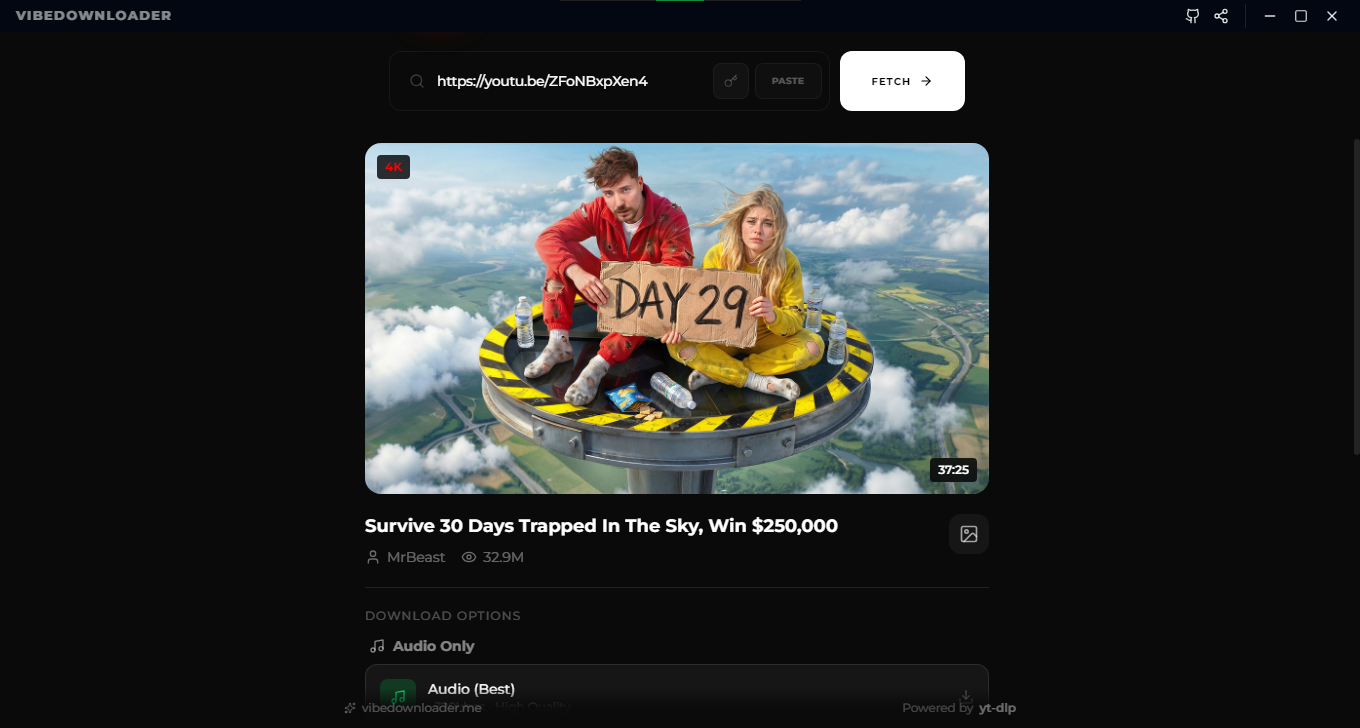
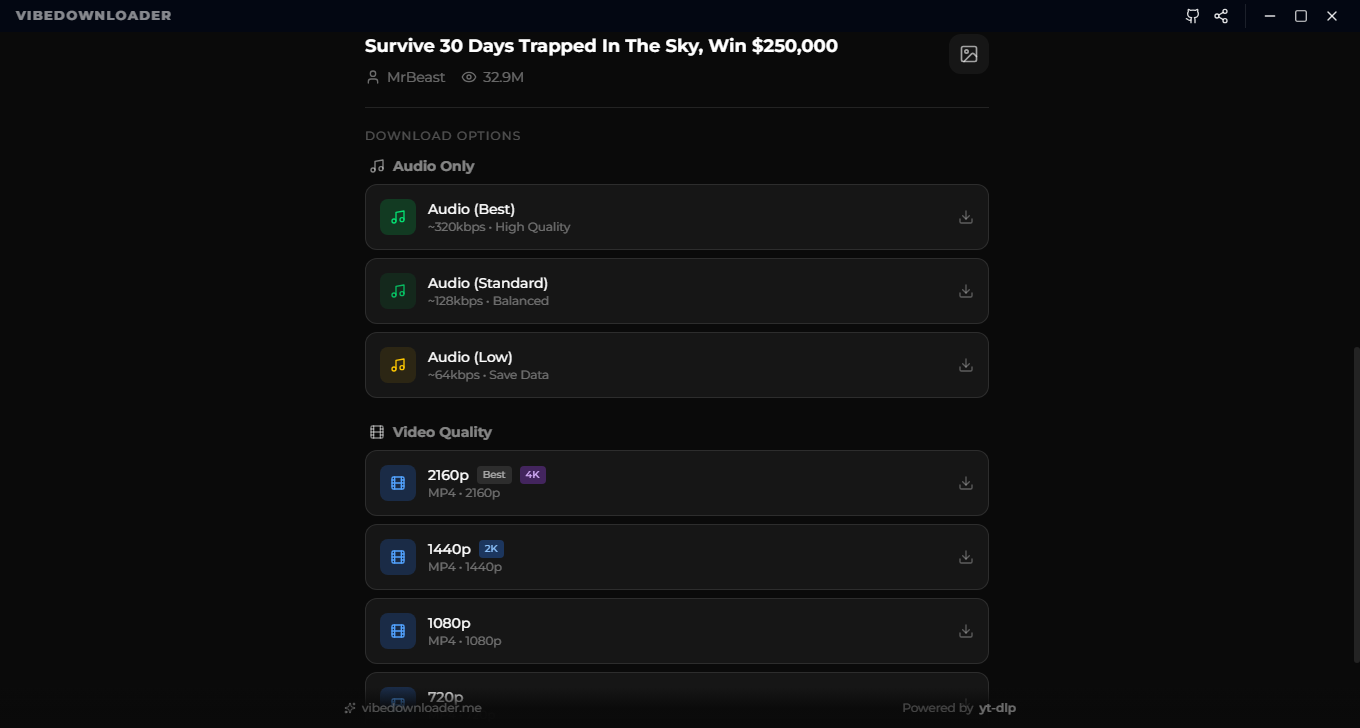
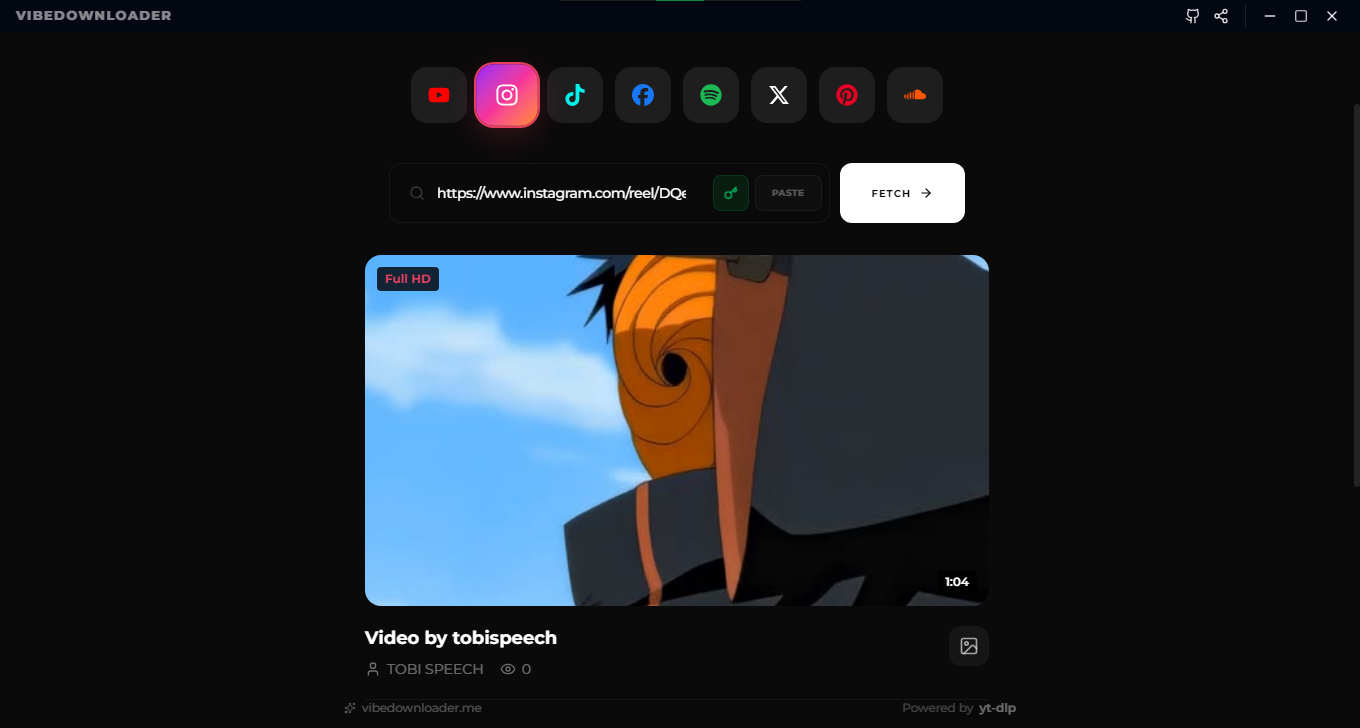
Videos, reels, shorts, stories & playlists from YouTube, Instagram, TikTok, Facebook, X, Pinterest, SoundCloud and Twitch
📖 Stories
Download Instagram and Facebook stories directly
💬 Subtitles & Audio Languages
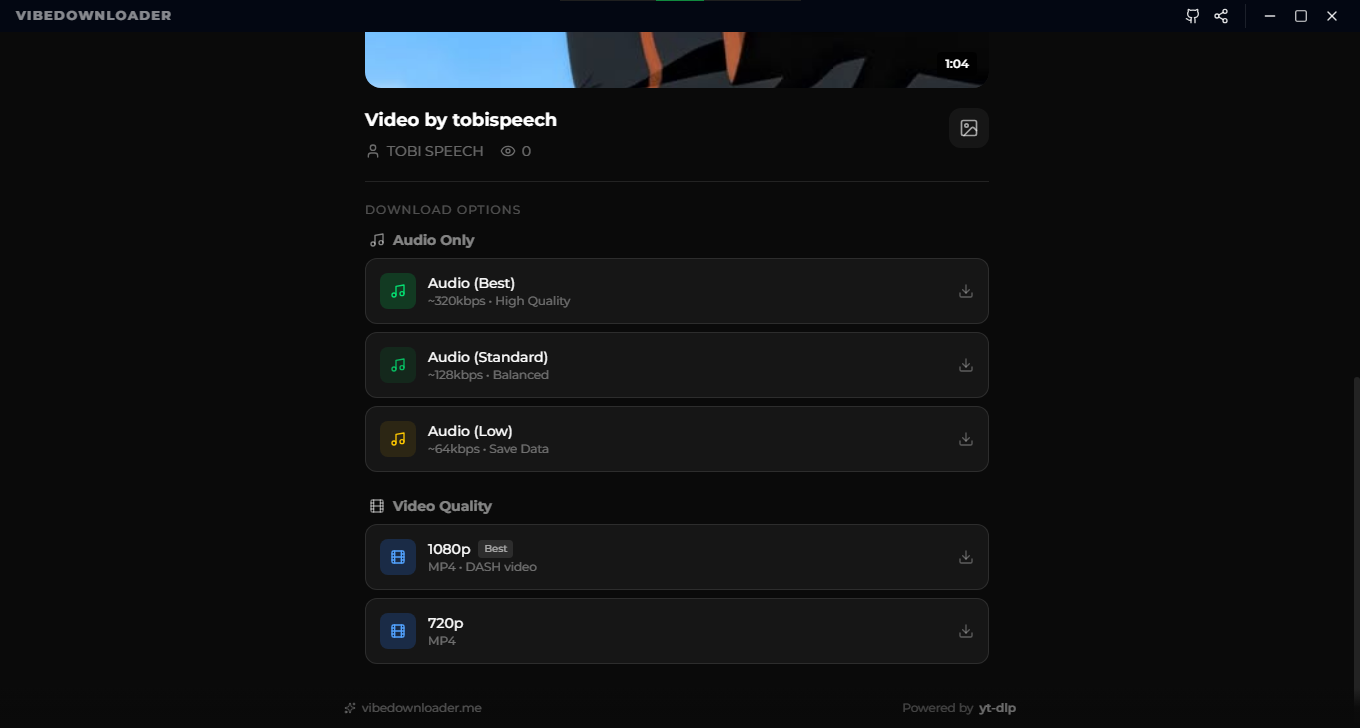
Download subtitles as SRT, and choose the exact audio language when a video has multiple tracks — save it as audio or video
🎤 Lyrics Download
Line by line, word by word, plain text, or translated lyrics for Spotify and YouTube Music tracks
🎵 Spotify Downloads
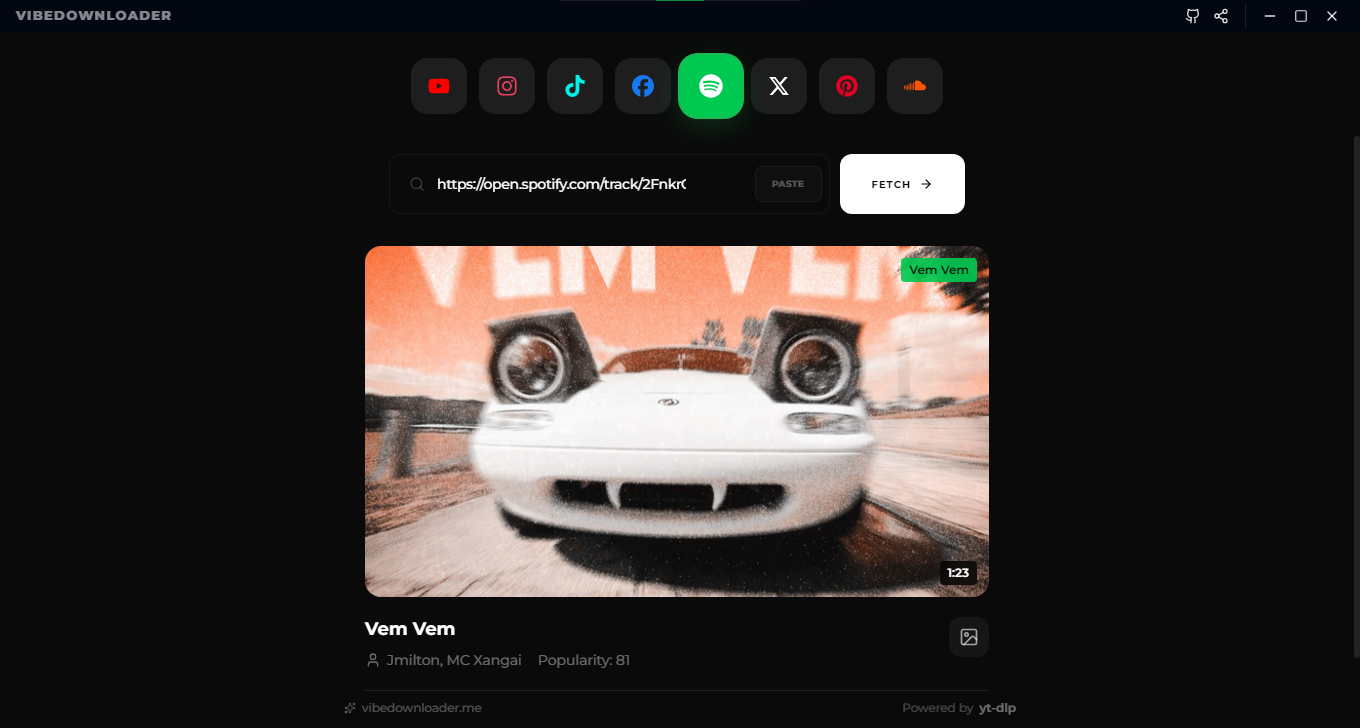
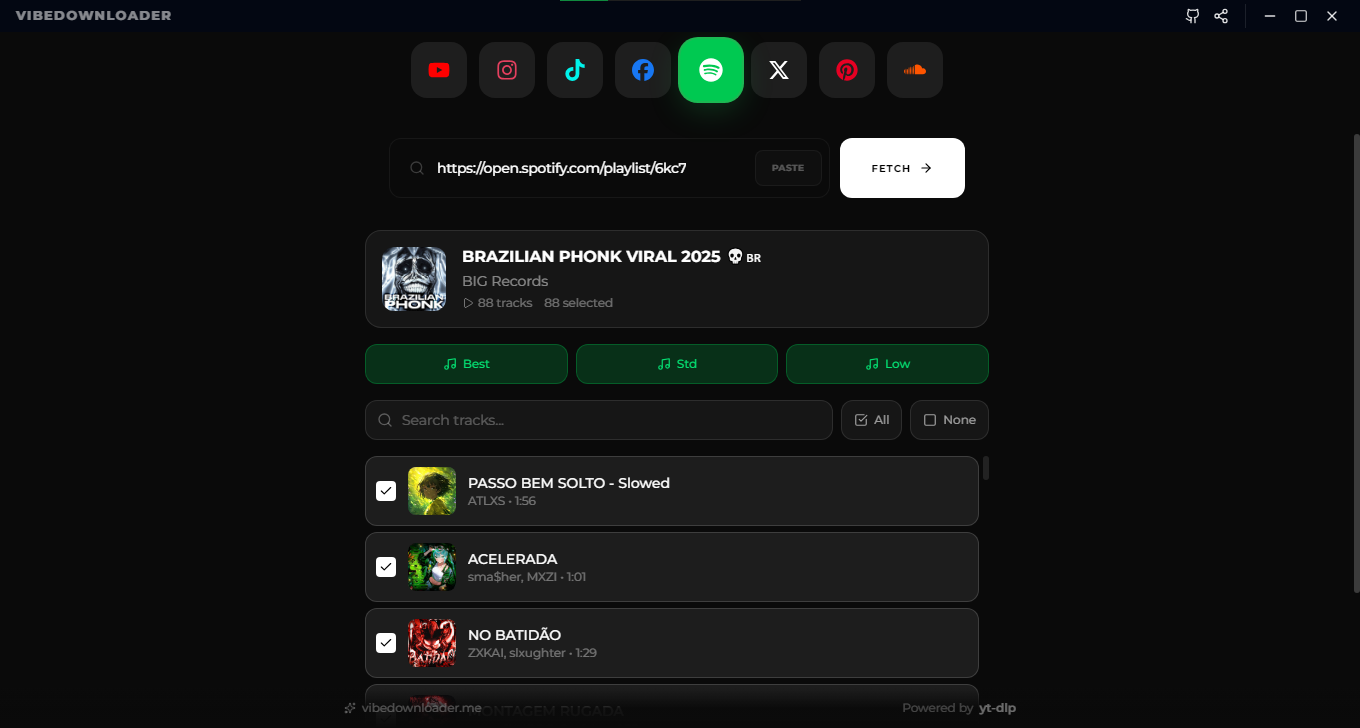
Tracks, albums & playlists with full metadata and cover art — choose from 4 audio formats, up to lossless & hi-res
🎧 Studio-Quality Music
WAV export plus embedded track, album and artist details, so songs look right in any music player
✂️ Cut & Download
Trim any video or song with the waveform editor before saving — clean output, no leftovers
📦 Batch Downloading
Queue videos & audio with per-item quality controls and pause/resume
🔴 Twitch Live Recording
Record any live broadcast until you stop — auto-finalized as a playable MP4
🧩 Browser Extension
One-click download buttons right on the page, sent straight to the desktop engine
📂 Smart Organization
Auto-sorted folders by platform and content type — Live, VODs, Clips, Playlists
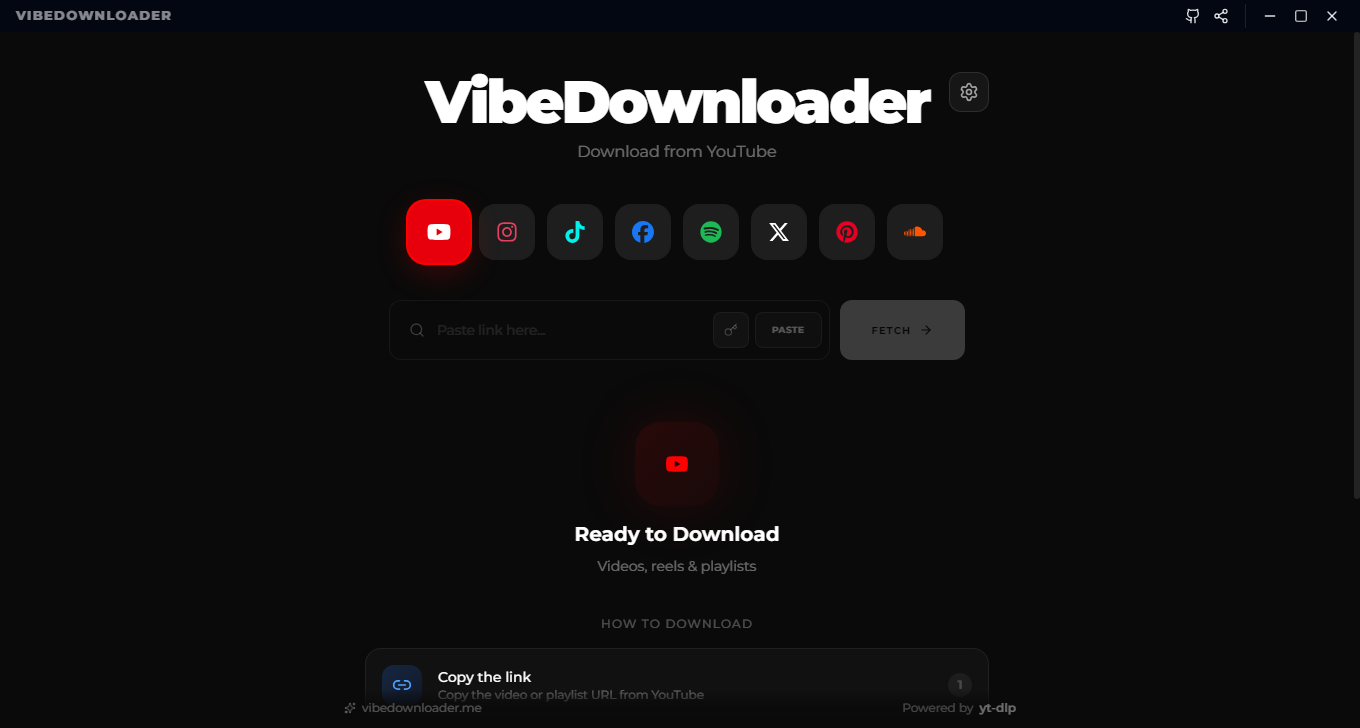
💎 Modern UI
Clean dark interface with smooth animations
🔐 Privacy-First
Local processing — no accounts, no ads, no tracking of your downloads
📥 System Tray
Keep the app running in the background for instant access
🆕 What's New in 2.2.0
🎞️ Plays & Imports Everywhere
- Universal video compatibility — downloads are checked and, when needed, converted to H.264 + AAC in an MP4, so files open in QuickTime, VLC, Premiere, DaVinci Resolve, CapCut and on phones
- No more "audio only" videos in QuickTime or editors
- Smarter conversion — only the stream that needs fixing is re-encoded; most files finish quickly
🍎🐧 macOS & Linux Fixes
- yt-dlp
ENOENT fixed — the downloader is now installed correctly on Mac/Linux (it was never marked executable before its safety check), and a first-launch race that failed early requests is gone
- ffprobe on macOS — a missing ffprobe is fetched on its own, so compatibility conversion no longer gets skipped
- Menu-bar icon scaled correctly on macOS
- Homebrew & Snap tools (FFmpeg, Deno, Node) are detected when the app is launched from Finder or a launcher
- Browser extension setup works across Chrome, Edge, Brave, Vivaldi, Chromium and Opera on macOS/Linux
🛠️ Reliability & Design
- Safer yt-dlp update button — a failed update never leaves you without a working downloader
- Subtitles & Spotify downloads now verify yt-dlp is ready before starting
- New TikTok icon with the classic cyan & red glitch style
See the full history in the changelog.
🖼️ Screenshots
🎬 Demo
📥 Download & Installation
💻 Windows
- Download the
.exe installer from the Releases page
- Run the installer and follow the setup wizard
- Launch VibeDownloader from your Start Menu
🍎 macOS
- Download the
.dmg file from the Releases page
- Open the downloaded
.dmg file
- Drag VibeDownloader to your Applications folder
- Open the app from Applications
⚠️ macOS Security Notice (Important)
macOS may display a warning: "VibeDownloader is damaged and can't be opened".
This occurs because the app is not yet signed with an Apple Developer ID ($99/year requirement).
Quick Fix (one-time command):
xattr -c /Applications/VibeDownloader.app
Then open the app normally from your Applications folder.
> Note: This command only removes macOS quarantine flags. The app is fully open source — you can inspect the entire codebase before running it.
🐧 Linux
Download the .AppImage or .deb package from the Releases page
For AppImage:
# Make it executable
chmod +x VibeDownloader-x.x.x.AppImage

# Run it
./VibeDownloader-x.x.x.AppImage
For Debian/Ubuntu (.deb):
sudo dpkg -i VibeDownloader-x.x.x.deb
📱 Android
- Download the
.apk file from the Android Releases page
- Enable "Install from Unknown Sources" in your device settings
- Open the downloaded APK file and install
- Launch VibeDownloader from your app drawer
Features on Android:
- 📱 Native Android interface optimized for mobile
- 🎯 Share videos directly from other apps
- 💾 Download to internal or SD card storage
- 🔋 Battery-optimized downloads
- 🌙 Dark mode support
> Note: The Android version is available exclusively through GitHub releases. We don't distribute through the Google Play Store to avoid restrictions and maintain full feature compatibility.
View Android Repository →
🧩 Browser Extension
Download directly from the page — no copying links, no switching tabs.
- One-click download buttons overlaid on YouTube (incl. Music), Instagram, Facebook, TikTok, X (Twitter), Spotify, and SoundCloud
- Native messaging bridge — the extension talks to your desktop app over a secure local connection and can even launch the app for you
- Full desktop engine — every download gets best-quality processing, smart organization, and the Cut feature
Install it (bundled with the desktop app)
- Install VibeDownloader for desktop
- In the app, click the Extension button (top-right corner)
- Pick your browser — the app detects supported browsers and shows you the exact steps
- It prepares the ready-to-load folder, then walk through: open
chrome://extensions (or equivalent) → turn on Developer mode → Load unpacked → select the revealed folder
> ✅ Chrome, Edge, Brave, Vivaldi, Opera, and Firefox are supported. The extension ships inside the installer — no separate download needed.
🍪 Cookies (Optional)
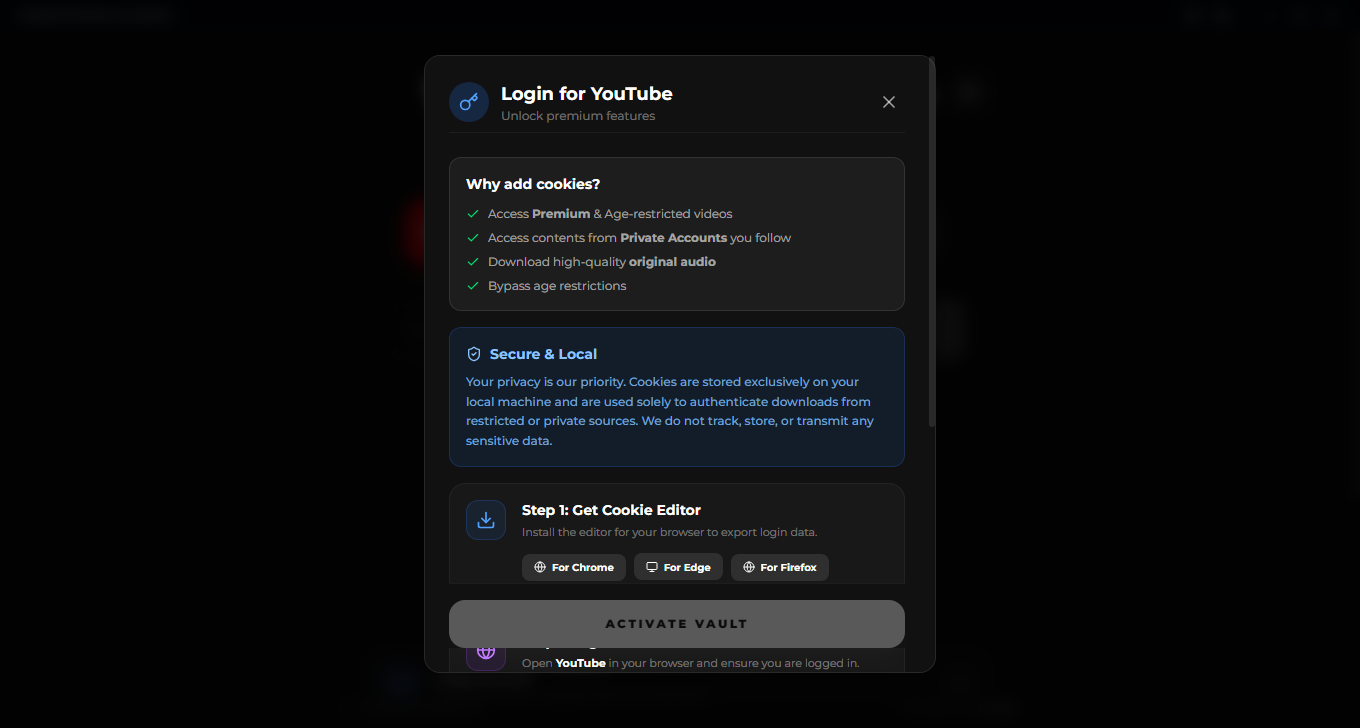
Some content needs a signed-in session, such as age-restricted videos or private accounts. You can add your cookies for a platform in the app.
- Cookies are stored only on your computer and are used only to authenticate your own downloads
- They are never uploaded to any server
- Tip: for the most reliable result, export your cookies from a private/incognito window, then close that window right away. A browser session that stays open can rotate its cookies and make the exported ones stop working.
🧰 Troubleshooting
If a download fails or only shows low quality:
- Open Settings and make sure the downloader (yt-dlp) is up to date
- Try again without cookies, or with freshly exported cookies
- Turn off any VPN. Some VPN and shared IPs are blocked by YouTube
- If it still fails, open a new issue with the video link (a public one), your app version, and your OS
🔐 Privacy
- Downloads, conversions and cookies are processed locally on your device
- No accounts, no ads
- Crash and error reports: VibeDownloader uses Sentry to find and fix bugs. Links and file paths are scrubbed before anything is sent, and cookies are never included
- You can read exactly what is collected in this repository — the app is fully open source
🛠️ For Developers
Built with modern web technologies: Electron, React, Vite, and TypeScript (Desktop) | React Native (Android).
Desktop Development
# Clone the repository
git clone https://github.com/naeem5877/vibedownloader-desktop.git

# Navigate to the project directory
cd vibedownloader-desktop

# Install dependencies
npm install

# Start development server
npm run dev
Build Commands
# Build for Windows
npm run pack:win

# Build for macOS
npm run pack:mac

# Build for Linux
npm run pack:linux
Project Structure
vibedownloader-desktop/
├── src/              # Source code
├── public/           # Static assets
├── electron/         # Electron main process
├── Screenshots/      # App screenshots
└── dist/            # Build output
Android Development
For Android development instructions, visit the Android Repository.
🤝 Contributing
Contributions are welcome and appreciated! Here's how you can help:
- Fork the repository (Desktop or Android)
- Create a feature branch (
git checkout -b feature/amazing-feature)
- Commit your changes (
git commit -m 'Add some amazing feature')
- Push to the branch (
git push origin feature/amazing-feature)
- Open a Pull Request
Please follow our Code of Conduct and coding standards.
Areas We'd Love Help With:
- 🐛 Bug fixes and stability improvements
- 🌐 Translation and internationalization
- 📝 Documentation improvements
- ✨ New feature development
- 🎨 UI/UX enhancements
- 📱 Android-specific optimizations
📄 License & Brand Usage
Code License
This project is licensed under the GNU GPL v3.0.
You are free to:
- ✅ View the source code
- ✅ Modify the code
- ✅ Distribute modified versions
Under the condition that:
- 📋 You disclose the source code
- 📋 State all changes made
- 📋 Use the same GPL v3.0 license
See the LICENSE file for full details.
Brand Notice
⚠️ The VibeDownloader name, logo, and branding are reserved.
If you create a fork or modified version:
- ❌ Must NOT use the "VibeDownloader" name
- ❌ Must NOT use the official logo
- ❌ Must NOT present itself as an official build
Why? This helps users distinguish official releases from community forks and ensures trust in the brand.
🙏 Acknowledgments
- Built with yt-dlp - The powerful video downloader
- Desktop powered by Electron - Cross-platform desktop framework
- Android powered by React Native - Mobile framework
- UI built with React and Vite
Made with ❤️ by Naeem
If you find this project useful, consider giving it a ⭐
© 2026 VibeDownloader. Released under GPL v3.0 License.