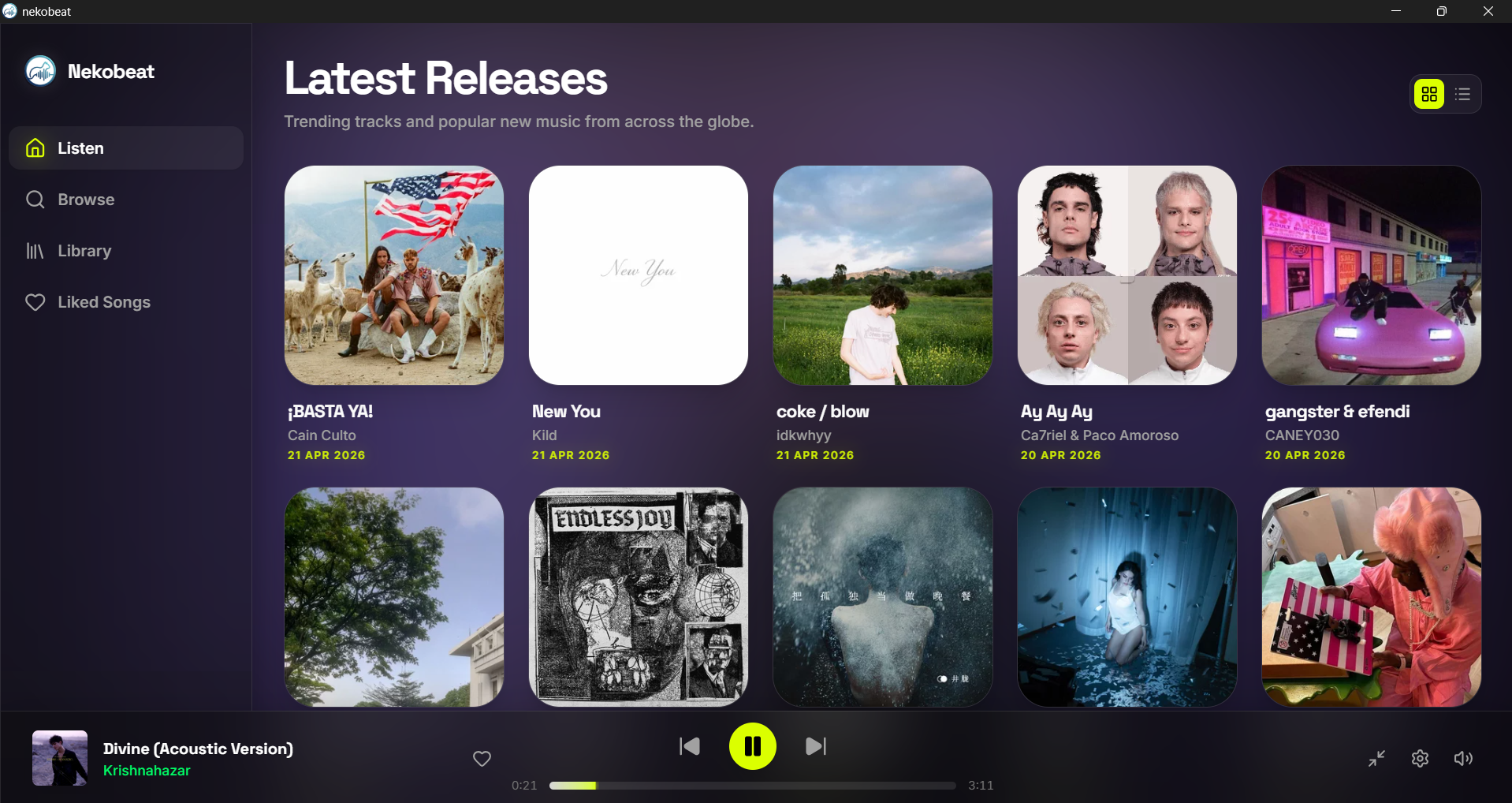
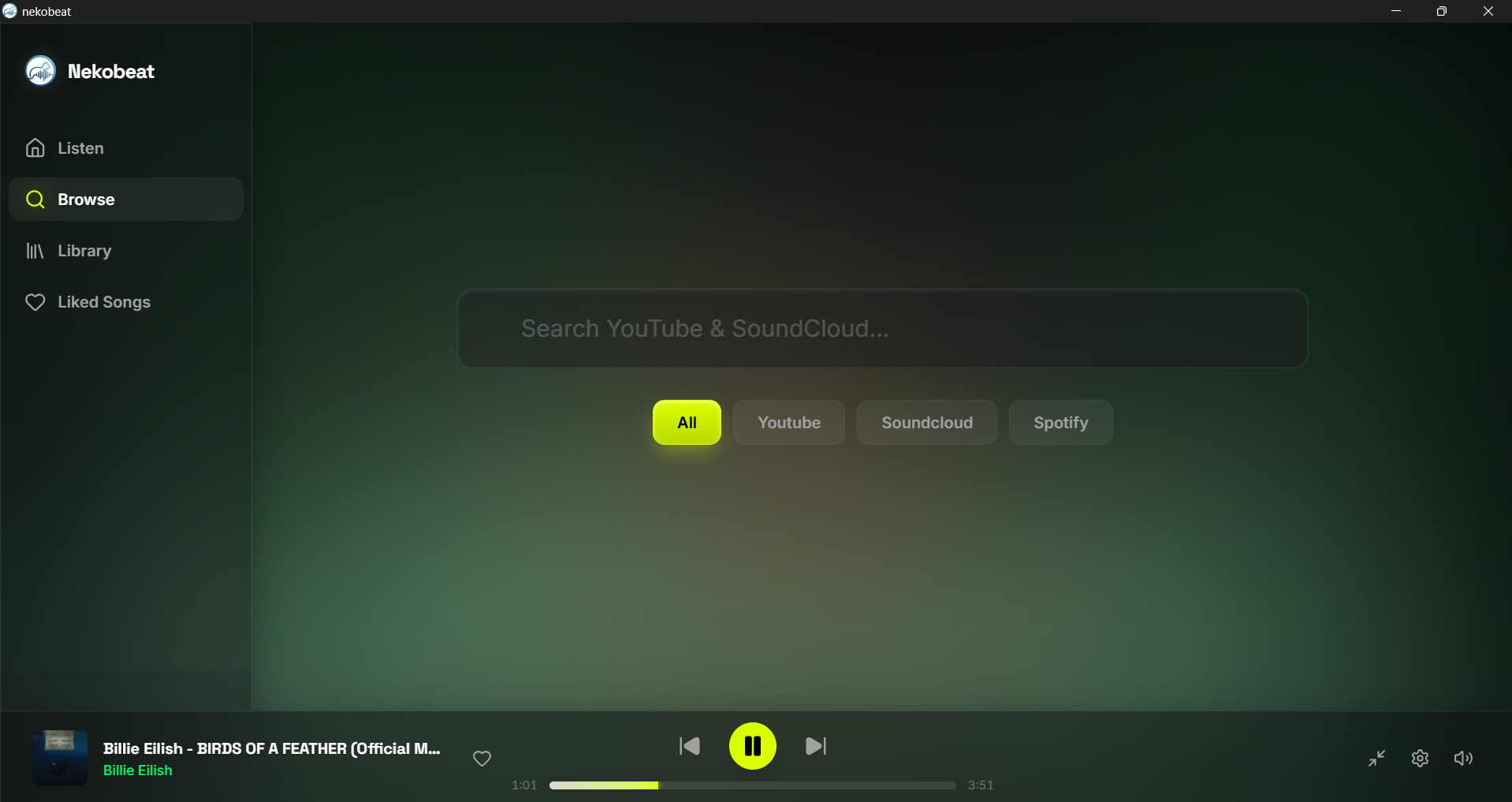
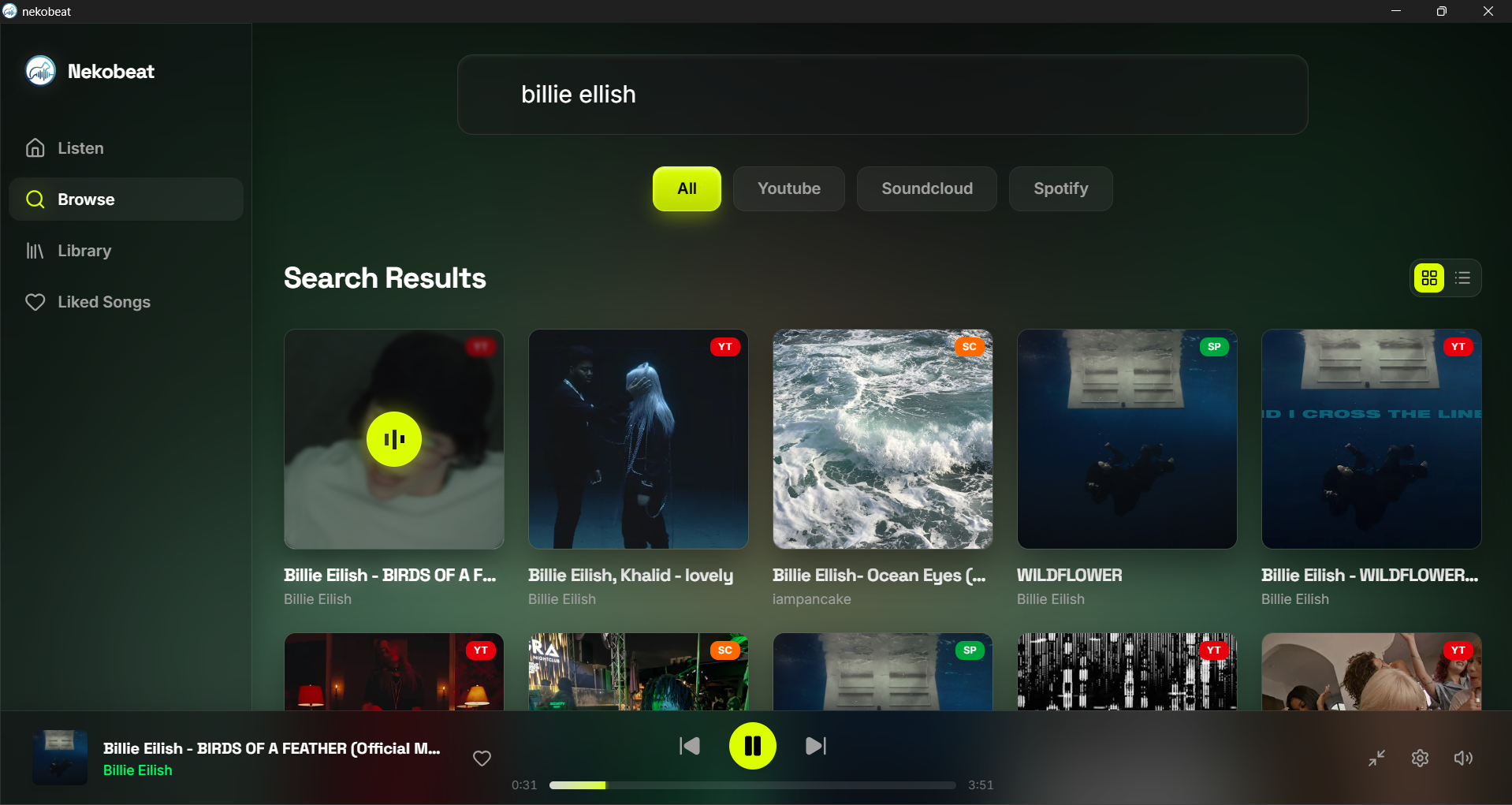
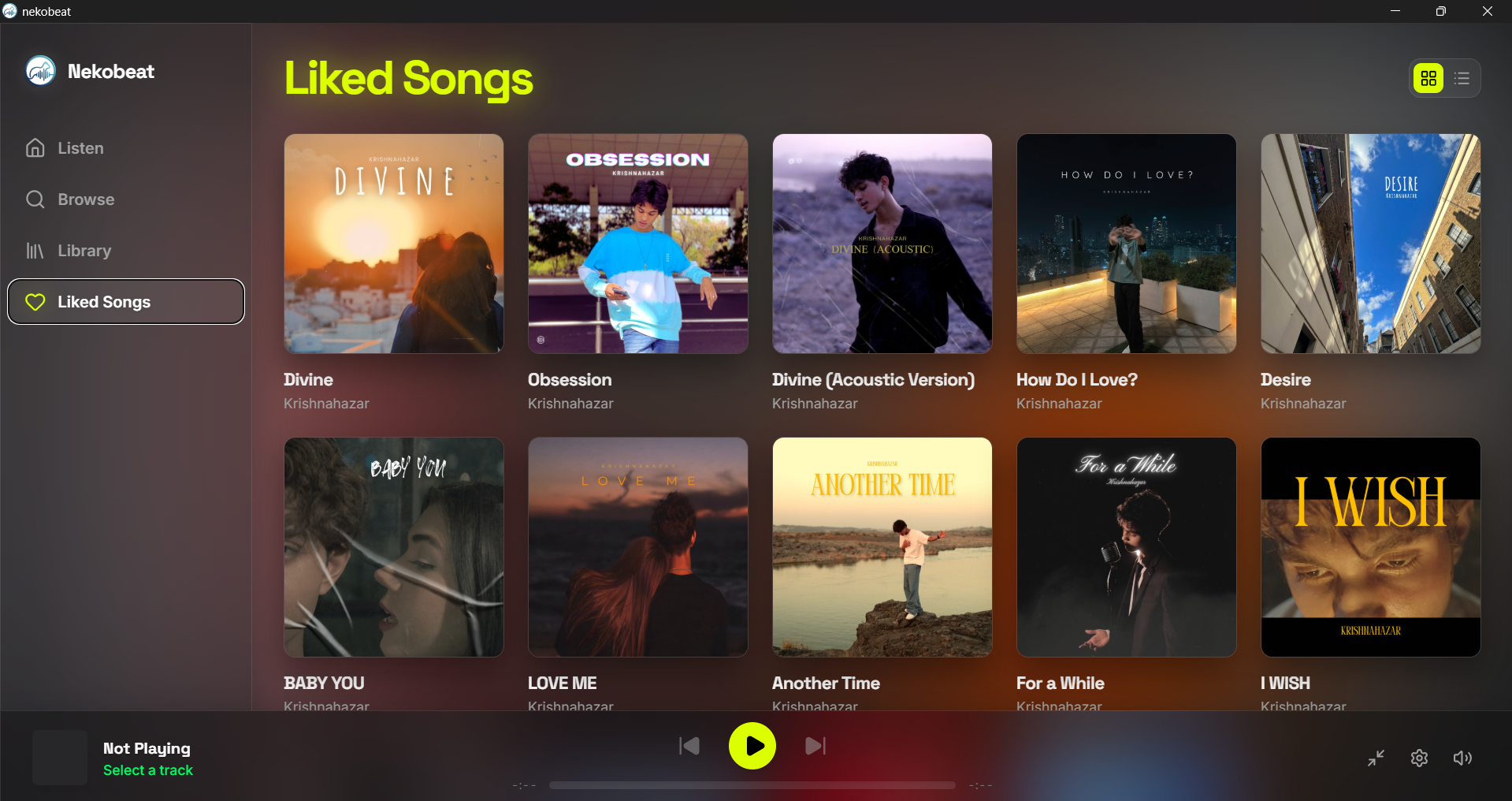
NekoBeat is a premium desktop music player designed to aggregate content from YouTube, SoundCloud, and Spotify into one unified interface. It offers a seamless experience for audiophiles and casual listeners alike, combining high-quality audio playback with advanced features.
Key Features:
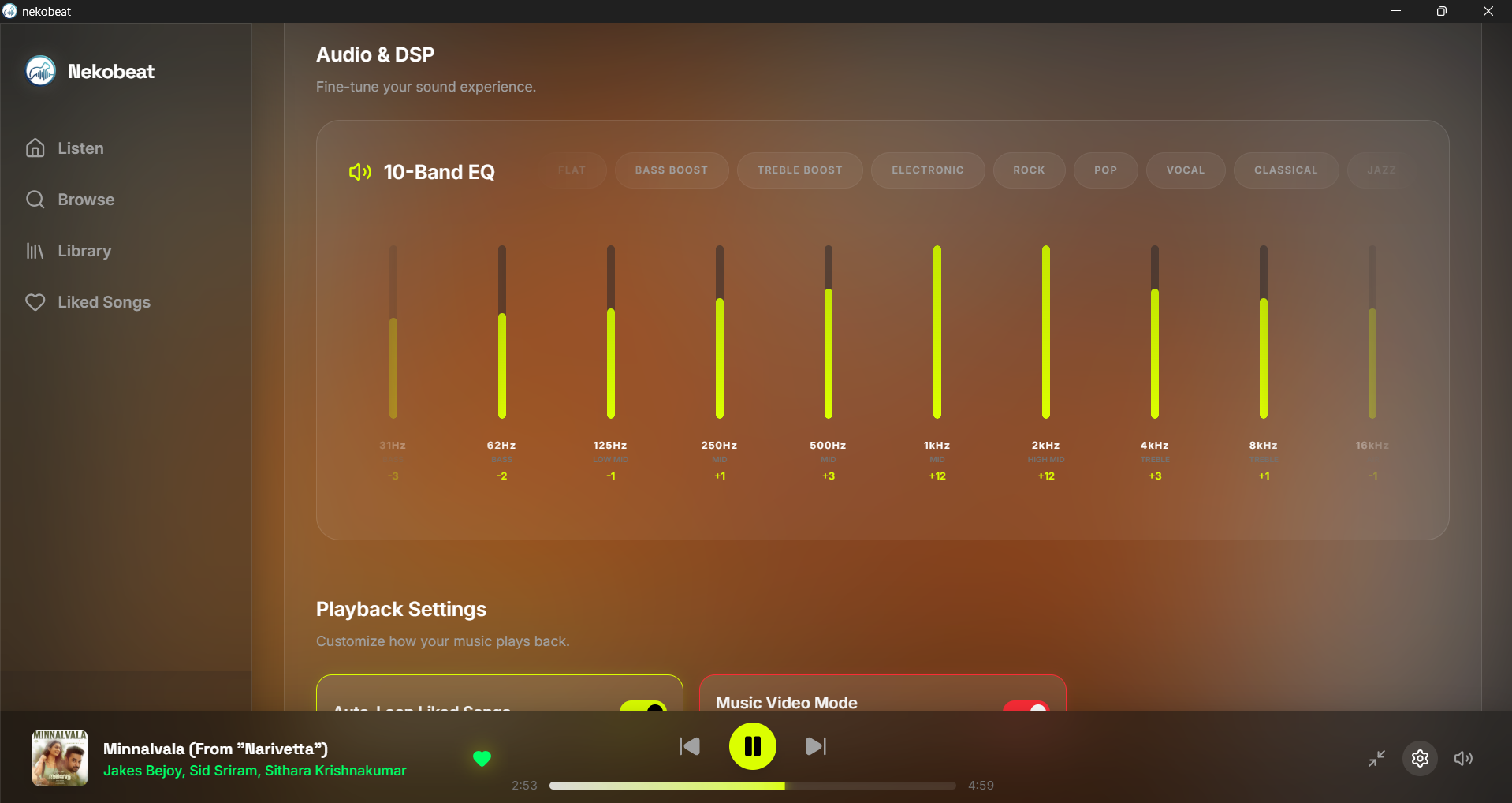
10-Band DSP Equalizer: Fine-tune your listening experience with real-time adjustments across 10 frequency bands.
Offline Caching: Automatically cache liked tracks to enjoy music without internet connectivity.
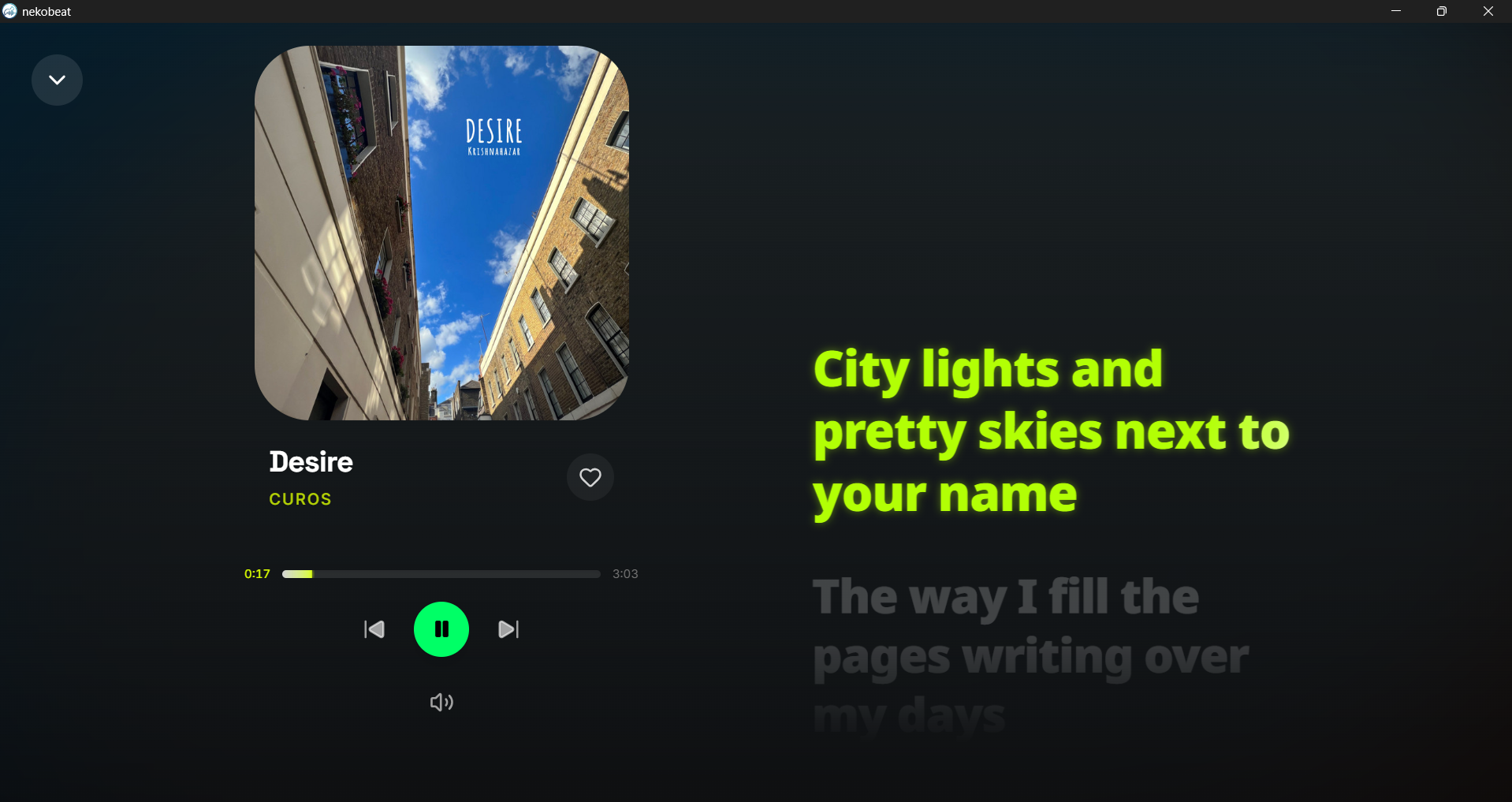
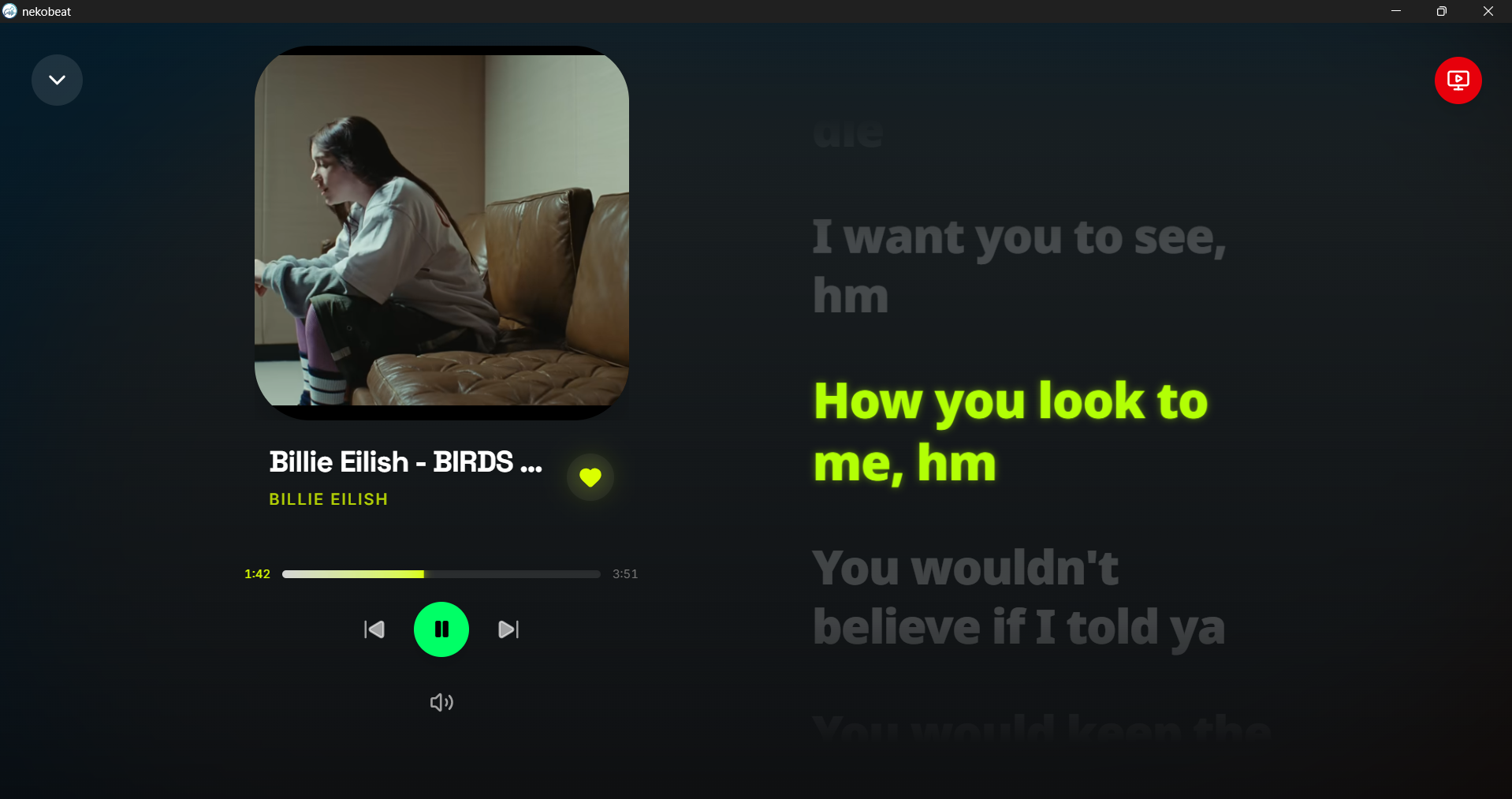
Synchronized Lyrics: Display lyrics in sync with the audio, supporting multiple languages and formats.
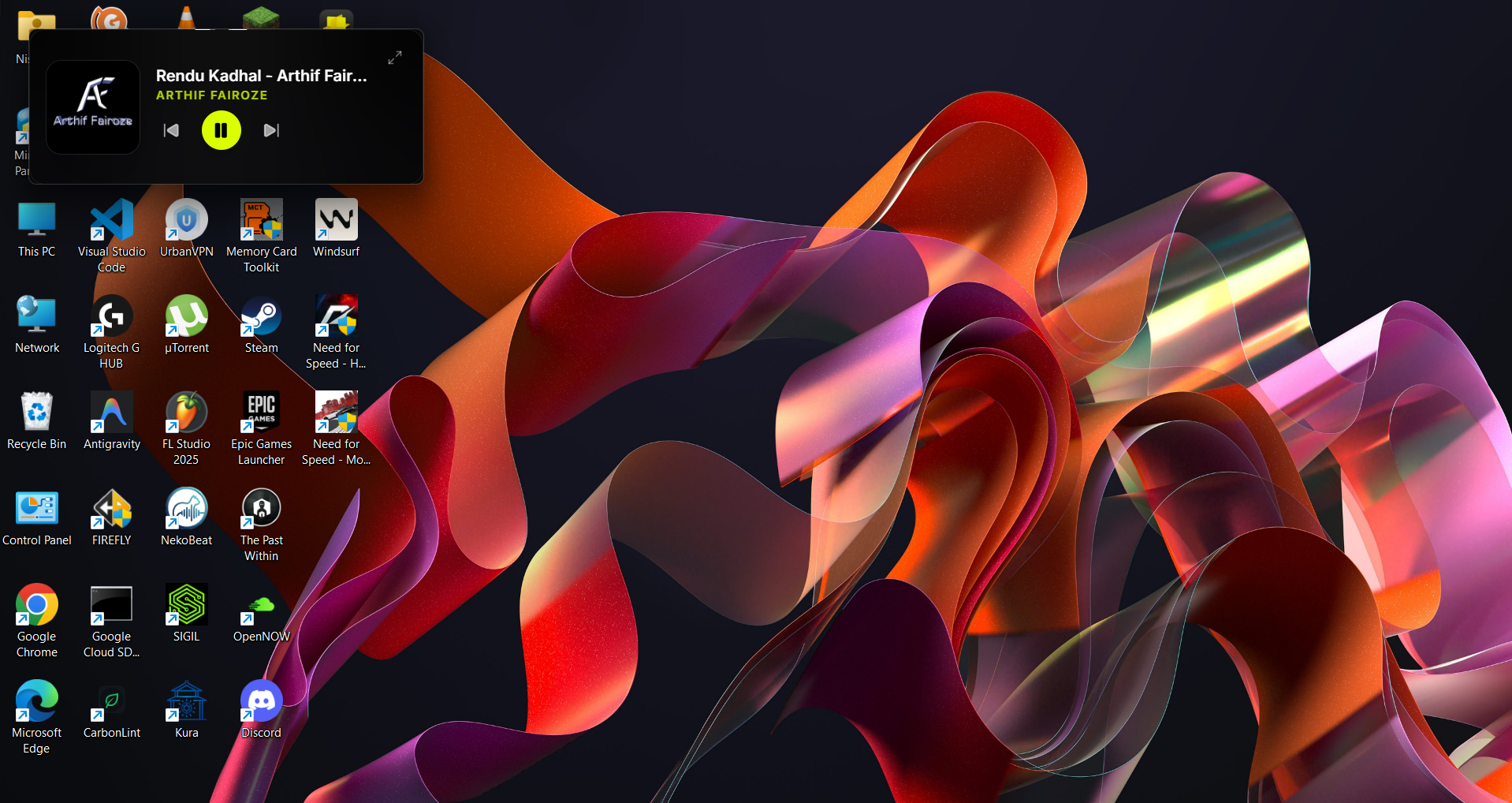
Picture-in-Picture Miniplayer: Enjoy a compact floating player that stays on top of other windows for easy control.
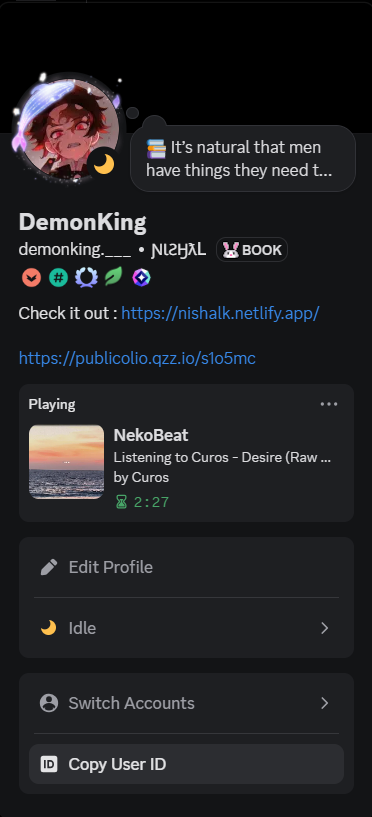
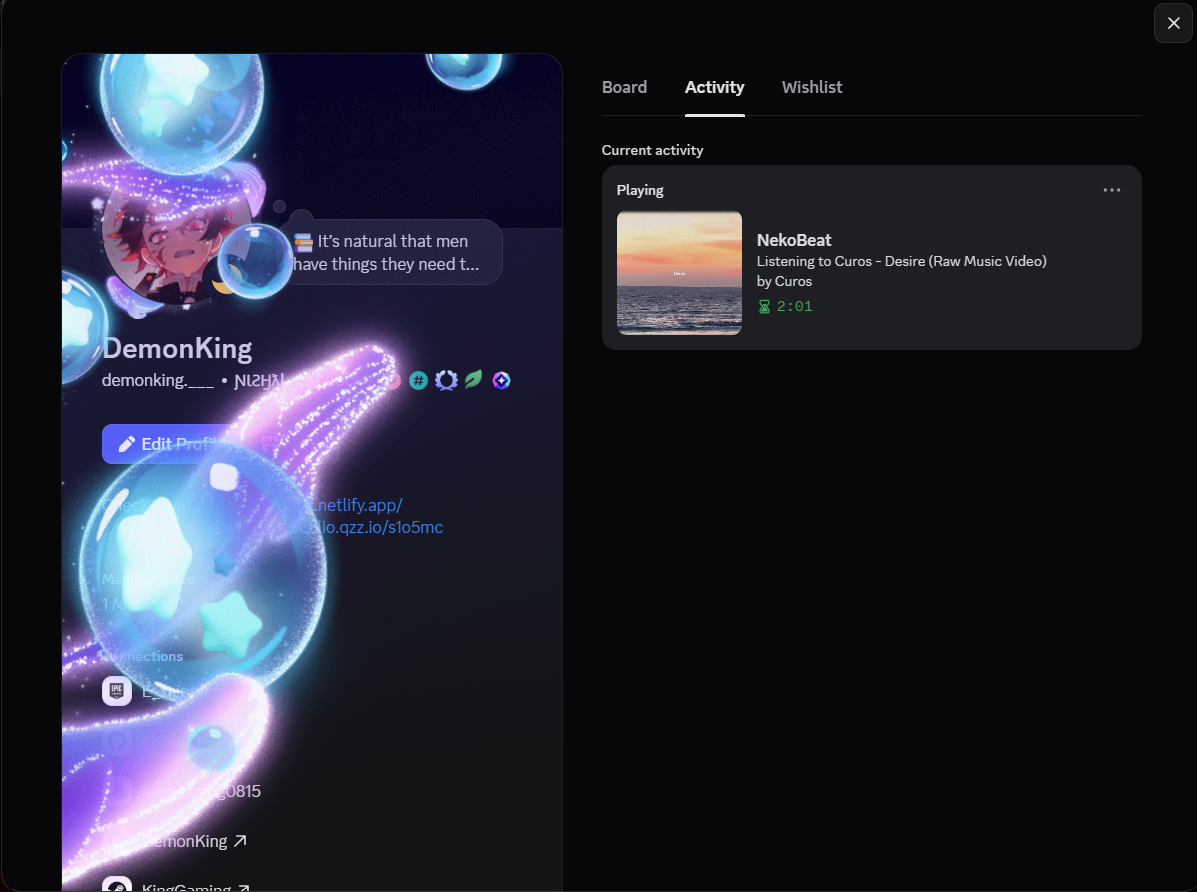
Discord Rich Presence: Broadcast track details and album art directly to your Discord profile.
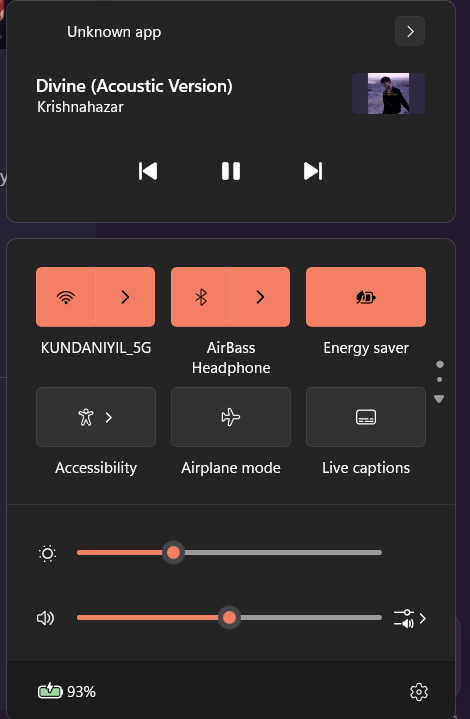
Windows SMTC Integration: Full media session support with play/pause, skip, and seek controls.
Audience & Benefit: Ideal for music enthusiasts who value high-quality audio playback, multi-source aggregation, and a distraction-free listening experience. NekoBeat streamlines content from multiple platforms into one interface, saving time and enhancing convenience.
NekoBeat can be installed via winget for automatic updates, ensuring you always have the latest features and improvements.
README
NekoBeat
A native, cross-platform music aggregator built with Rust, React, and GStreamer.
NekoBeat is a real desktop app, not a website wrapped in Electron. Playback runs through GStreamer in Rust. The UI is React on Tauri v2. Search and stream from YouTube, SoundCloud, and Spotify in one place.
Features
Universal search and streaming
Search and stream from YouTube, SoundCloud, and Spotify in one UI. Streams are resolved with a custom scraping path and yt-dlp as fallback.
Offline library
Liked tracks are cached on disk so they keep playing when you are offline.
10-band equalizer
A GStreamer equalizer in the Rust audio pipeline: 10 bands from 31 Hz to 16 kHz, adjustable while music is playing.
Synchronized lyrics
Lyrics are fetched automatically (Genius and related sources). You can also upload .lrc / .srt / .vtt, tweak per-track timing offset, and keep them stored for later.
YouTube video sync
For YouTube tracks, the video can play in an embedded window in sync with the audio.
Discover (Listen Now)
Last.fm trending tracks show up on Listen. One click sends a title into search.
Discord Rich Presence
Title, artist, remaining time, and art show on your Discord profile. The Rust backend owns that path.
Auto-updater
In-app update check and install via the Tauri updater plugin and signed releases.
Picture-in-picture miniplayer
Small always-on-top player with art, track info, and controls. Drag by clicking anywhere. Shrink or expand with one click.
Media session integration
Windows SMTC and macOS Now Playing: play, pause, next, previous, seek.
Android: local Library, Liked, queue, lyrics, artwork, and MediaStyle controls are available. Online Listen/Browse remains off by default and can be enabled only when the installed APK passes its local streaming capability checks; Settings also provides an optional no-autoplay connectivity smoke test.
Build from source
CI / GitHub Actions
Workflow
When
What
CI
push / PR to main
Frontend build + Linux cargo check
Build all platforms
push to main, or Actions → Run workflow
Windows / Linux / macOS installers + Android APK → Artifacts
Release
tag v* or Run workflow
Signed desktop + APK uploaded to a GitHub Release
Secrets for signed releases: TAURI_SIGNING_PRIVATE_KEY, TAURI_SIGNING_PRIVATE_KEY_PASSWORD, optional ANDROID_KEYSTORE_*.
Do not commit: cookies.txt, .tauri/*.key, src-tauri/gstreamer/ (staged in CI), yt-dlp binaries, *.apk, or libnekobeat_lib.so.
You may use, study, fork, and change NekoBeat for personal and other noncommercial purposes.
You may share forks and builds under the same terms.
You may not use NekoBeat (or a modified version) for commercial purposes without a separate written license from the copyright holder.
Commercial use includes selling the app, bundling it in a paid product, monetizing it with ads or subscriptions, or using it as part of a business offering.