Timeshit (Toggl2Timeshit)
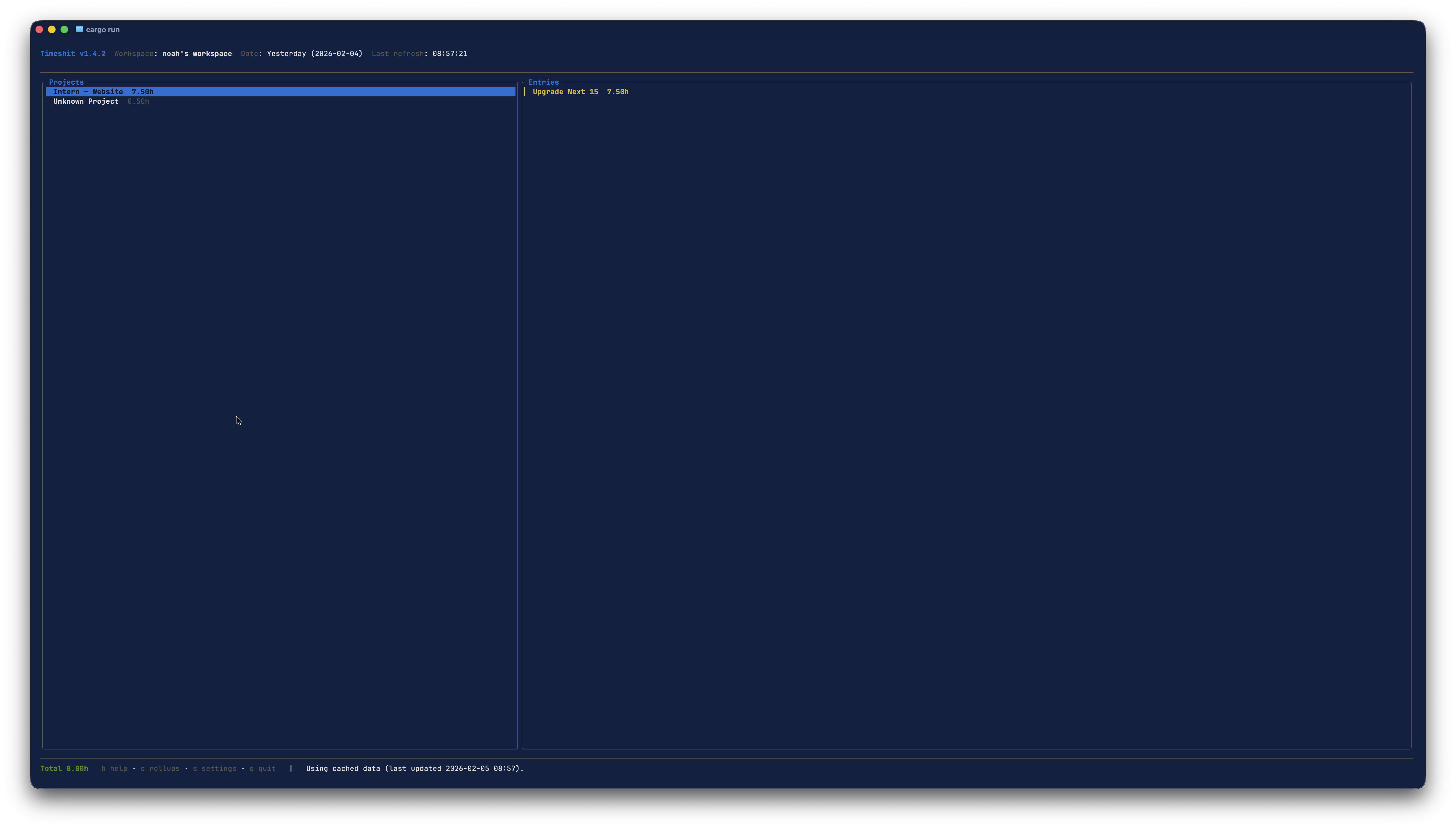
Timeshit is a Rust-based Terminal UI (TUI) that turns Toggl Track time entries into a clean, navigable timesheet dashboard. It is optimized for free-tier API limits with a persistent cache and manual refresh.
Highlights
- Modern TUI dashboard with grouped summaries and entry details
- Workspace selection and fast date range filtering
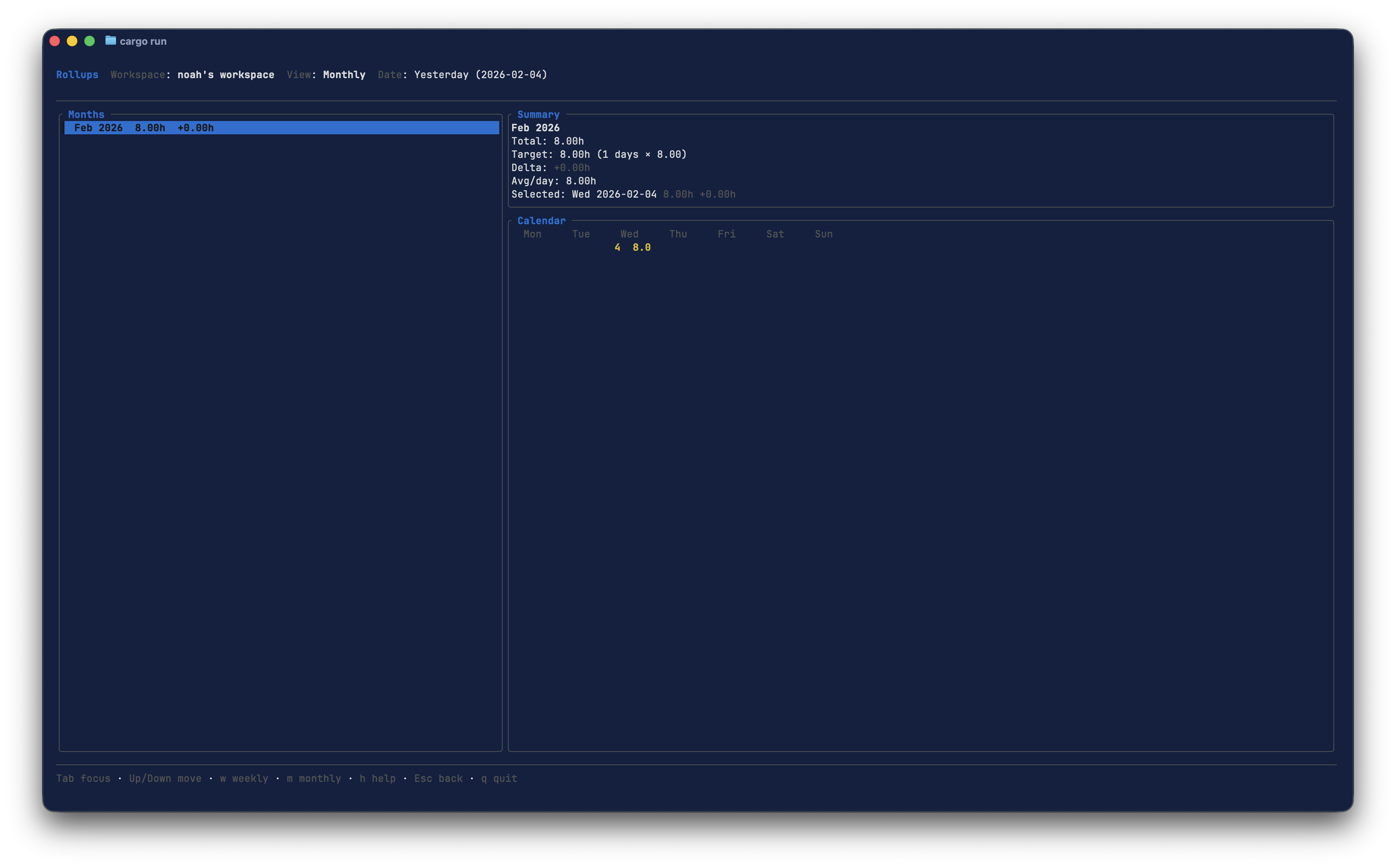
- Rollups with signed overtime balances and special-day target/credit handling
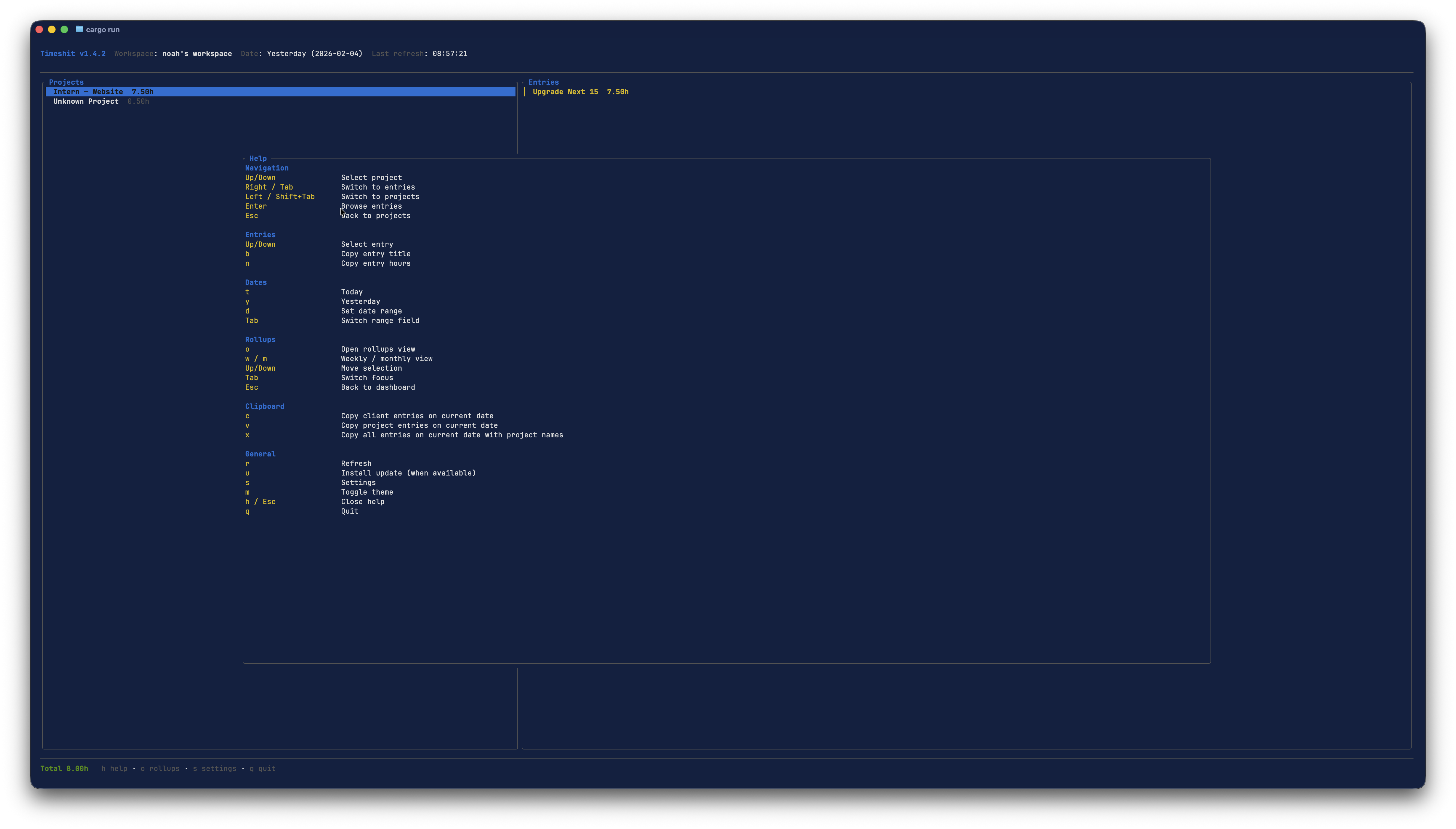
- Clipboard export for timesheet tools
- Cache-first design to reduce Toggl API usage
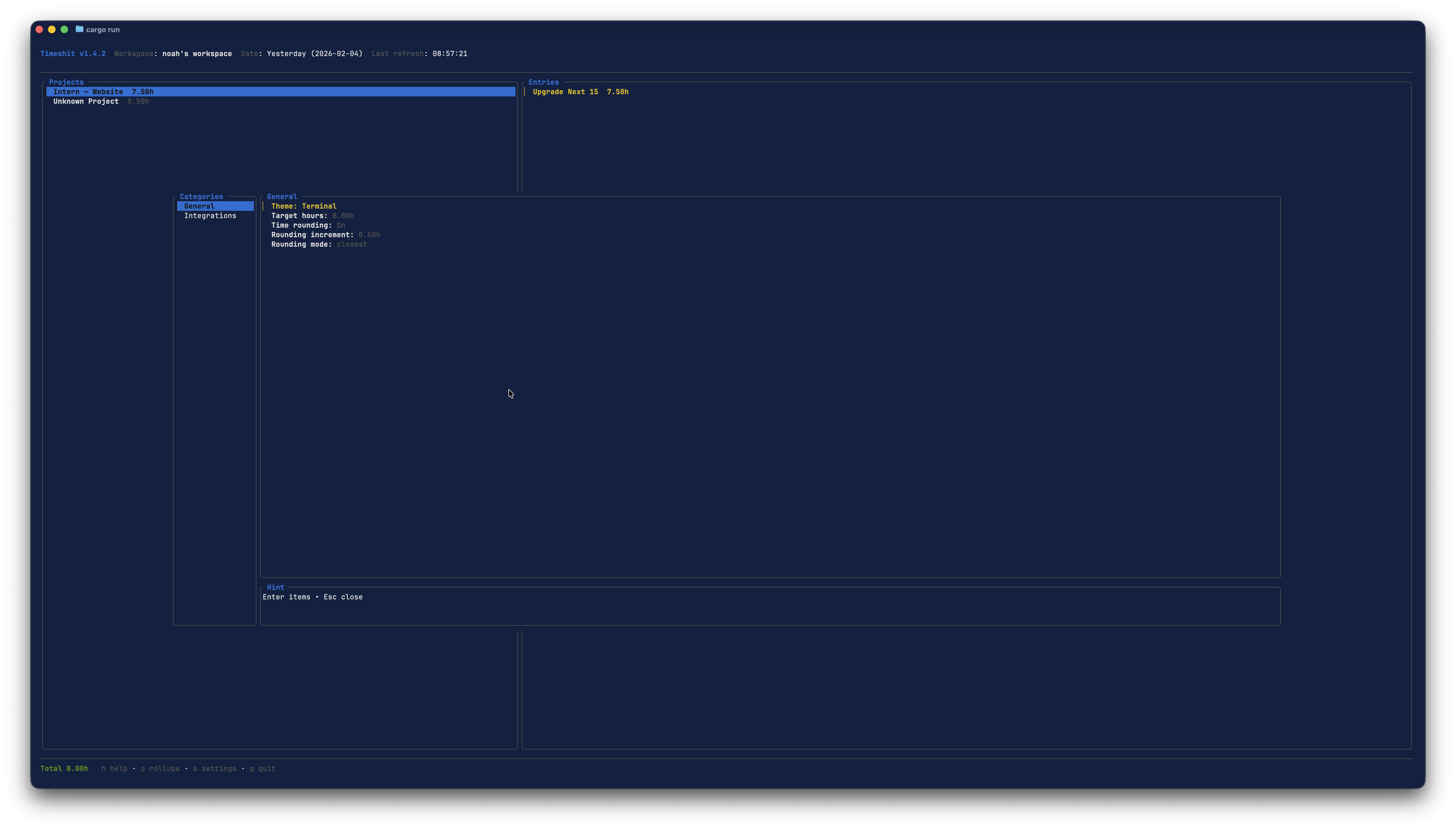
- Built-in settings, seven bundled themes, and a browser-based theme studio for custom themes
Screenshots
Installation
macOS
Homebrew (recommended)
brew tap NxT-Solutions/nxt-solutions-packages
brew install timeshit
Upgrade:
brew upgrade timeshit
If you previously installed the legacy Node package, you may need to unlink it:
rm /opt/homebrew/bin/timeshit
brew link --overwrite timeshit
You can also remove the legacy global npm package:
npm remove -g toggl2timeshit
Windows
Chocolatey
choco install timeshit
choco install timeshit --version=1.10.2
Scoop
scoop bucket add nxt-solutions https://github.com/NoahNxT/scoop-nxt-solutions-packages
scoop install timeshit
Winget
winget install NxTSolutions.Timeshit
Linux
APT (Debian/Ubuntu via Cloudsmith)
curl -1sLf 'https://dl.cloudsmith.io/public/nxt-solutions/timeshit/setup.deb.sh' | sudo -E bash
sudo apt-get update
sudo apt-get install timeshit
If timeshit is not found after setup, verify the package is installed:
dpkg -s timeshit
which timeshit
If timeshit is installed but not in PATH, run it directly:
/usr/bin/timeshit
hash -r
If apt can’t find the package, force the distro/codename that matches your Cloudsmith publish target:
curl -1sLf 'https://dl.cloudsmith.io/public/nxt-solutions/timeshit/setup.deb.sh' \
  | sudo -E distro=ubuntu codename=noble bash
GitHub Releases (any OS)
Download the latest asset from GitHub Releases and place it in your PATH.
Release assets:
- Linux:
timeshit-linux.tar.gz
- macOS:
timeshit-macos.tar.gz
- macOS PKG:
timeshit-macos.pkg
- Windows:
timeshit-windows.zip
Build from Source
cd theme-studio
bun install --frozen-lockfile
bun run build
cd ..
cargo build --release
Binary: target/release/timeshit
Updates
- GitHub Releases installs use the in-app updater.
- Package manager installs should be updated via the package manager (brew/apt/choco/scoop/winget).
Authentication
Use the in-app settings (Settings → Integrations) or set an environment variable:
export TOGGL_API_TOKEN="your-token"
Token file: ~/.toggl2tsc
Usage
timeshit
Open the theme studio directly:
timeshit --theme-studio
Date range selection is done inside the TUI (d).
Rollups treat sick/vacation days with separate target hours and worked-credit hours. The rollup summary shows a single signed Overtime balance for the selected period.
Theme Studio runs on a random local loopback port and opens in your browser at http://timeshit.studio.localhost:/. Custom themes are saved locally in ~/.toggl2tsc.json.
Keybinds (core)
h helpg open theme studioc copy client entriesv copy project entriesx copy entries with client + projectd set date rangem cycle available themesk toggle vacation day for active dayj toggle sick day for active dayy yesterday[ / ] previous / next active date ranger refresh- Arrow keys to navigate projects
Keybinds (rollups)
o open rollupsw weekly viewm monthly viewy yearly view[ / ] previous / next rollup yearShift+R refetch selected day/week/month/yearz toggle weekends in rollupsk toggle vacation day for selected dayj toggle sick day for selected day
Docs
Full documentation lives in docs/ and is published via GitHub Pages.
Project
- Changelog:
CHANGELOG.md
- Contributing:
CONTRIBUTING.md
- Security:
SECURITY.md
License
MIT
Direct download (PKG)
Download timeshit-macos.pkg from GitHub Releases and run the installer.