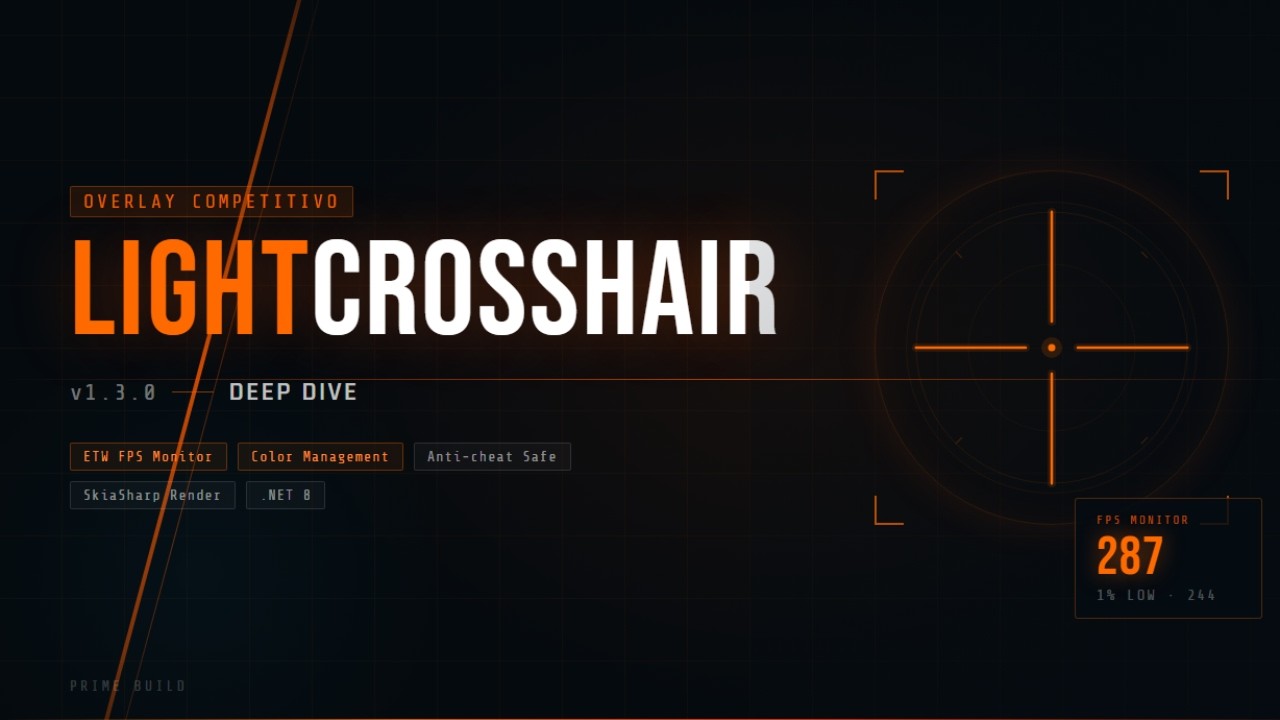
Use this command to install LightCrosshair with WinGet:
winget install --id=PrimeBuild.LightCrosshair -e
LightCrosshair is a lightweight crosshair overlay tool designed for competitive gaming on Windows. It provides customizable crosshairs with options for shape, size, thickness, gap, color, opacity, and outline, making it ideal for precise targeting in games.
Key Features:
Customizable crosshair builder with extensive controls.
Performance overlay modes (Off, Minimal, Detailed) for FPS monitoring and frame timing insights.
Frame Cap Assistant for target-FPS guidance.
NVIDIA per-app profile integration, including Low Latency and VSync controls.
AMD-related display/color path optimizations.
Multi-monitor and DPI-aware support.
Audience & Benefit:
Ideal for gamers seeking a customizable crosshair solution that integrates seamlessly with their competitive gameplay. LightCrosshair enhances precision and performance monitoring without injecting into games or affecting game hooks, ensuring a clean gaming experience. It supports NVIDIA and AMD GPUs, allowing users to optimize GPU settings on a per-app basis while maintaining system stability.
Installable via winget, LightCrosshair is designed for borderless or windowed play and does not interfere with exclusive fullscreen modes.
README
A lightweight, customizable crosshair overlay for competitive gaming on Windows.
LightCrosshair adds a customizable crosshair overlay to Windows 10/11 games and desktop apps, with quick hotkeys, profiles, optional performance information, and supported per-app GPU driver settings. It is designed for borderless or windowed play and does not inject into games or use game hooks.
Chocolatey and WinGet updates may remain pending while their community repositories validate the latest release.
Quick Start
Launch LightCrosshair from the Start Menu or run LightCrosshair.exe from the portable folder.
Open Settings with Alt + L or the tray icon.
Customize the crosshair shape, size, gap, color, opacity, and outline.
Save profiles for different games or visibility needs.
Enable the performance overlay only when you need it.
Default Hotkeys
Hotkey
Action
Alt + X
Toggle crosshair visibility
Alt + C
Next profile
Alt + V
Previous profile
Alt + L
Toggle Settings window
Features
Custom crosshair builder with shape, size, thickness, gap, color, opacity, and outline controls.
Profile workflow for switching quickly between games or setups.
Visibility presets for high-contrast crosshairs.
Optional performance overlay with Off, Minimal, and Detailed modes.
Frame Cap Assistant for target-FPS guidance.
Supported NVIDIA per-app profile controls and AMD-related display/color paths.
Independent monitor selection for the crosshair and FPS overlay, with DPI-aware positioning.
Non-injected design with no game hooks.
What's New in v1.8.0
Added independent monitor selection for the crosshair and FPS overlay.
Added automatic fallback to the primary display when a configured monitor is unavailable.
Preserved previous monitor settings through a backward-compatible configuration migration.
Reduced the FPS overlay window to the selected display instead of spanning the full virtual desktop.
Kept monitor changes event-driven, with no extra polling or render-loop work.
Requirements
Windows 10 or Windows 11.
.NET 8 Windows Desktop Runtime for framework-dependent builds.
Borderless windowed or windowed game mode is recommended for overlay visibility.
Limitations & Safety
LightCrosshair does not inject into games and does not use game hooks.
Exclusive fullscreen can hide normal overlays; use borderless windowed or windowed mode when possible.
Frame Cap Assistant provides guidance only and does not enforce a real FPS cap.
Frame pacing diagnostics use conservative heuristics, ETW-style present telemetry analysis, and optional RTSS fallback paths; PresentMon integration remains a future target and is not implemented as a live runtime backend.
Frame-generation and DLSS runtime control are not implemented.
NVIDIA profile writes are per-app only where supported; LightCrosshair does not write global NVIDIA profiles.
Some games or anti-cheat systems may block overlays or behave differently.