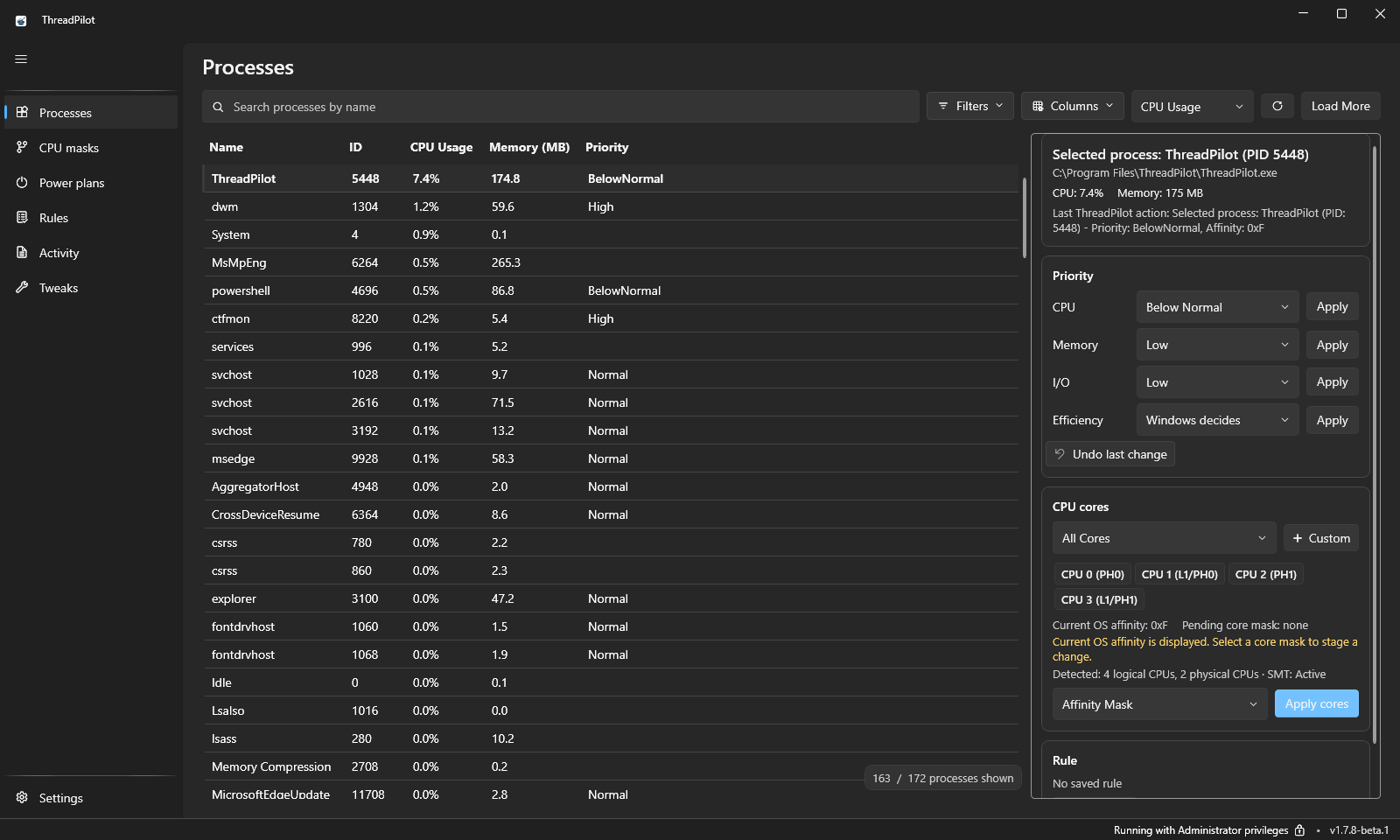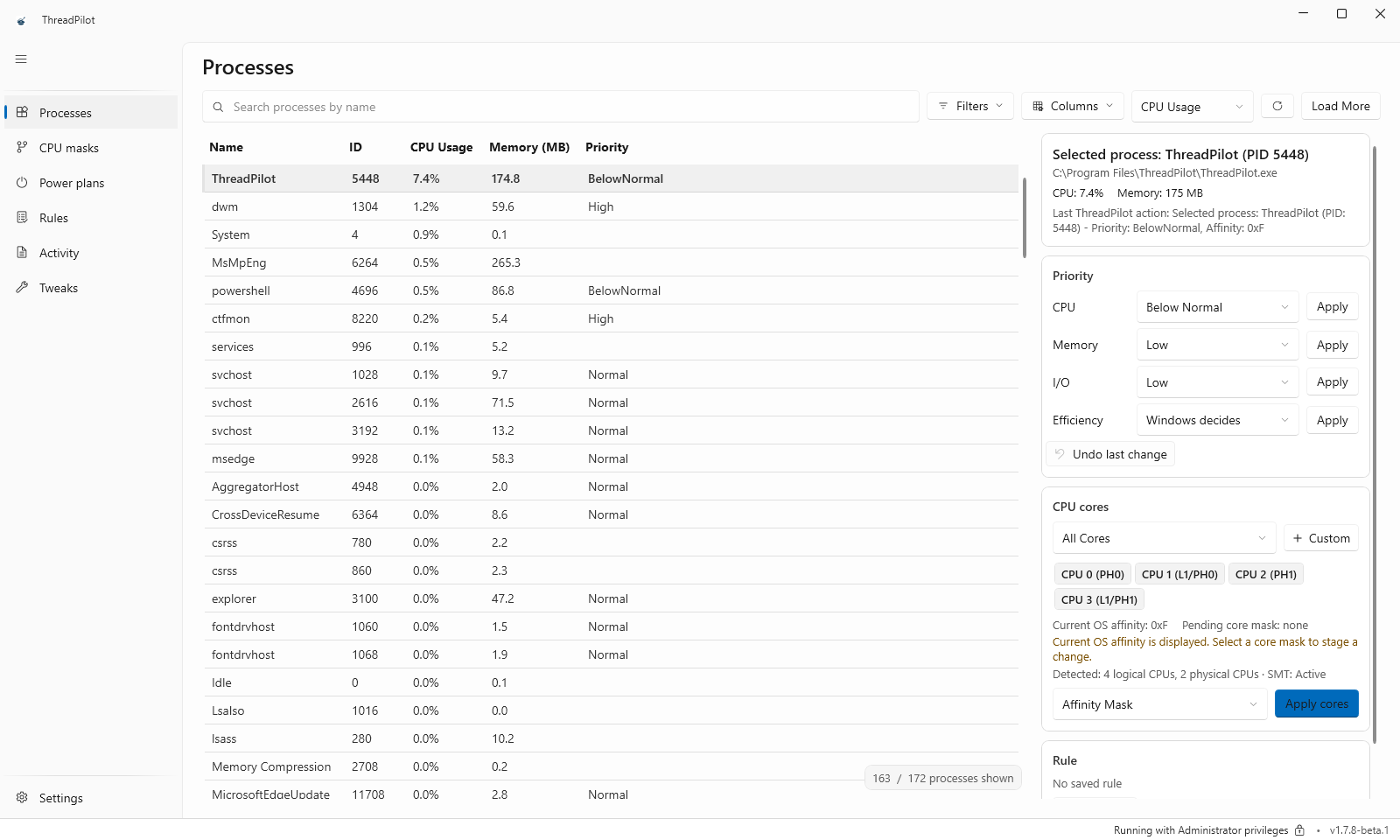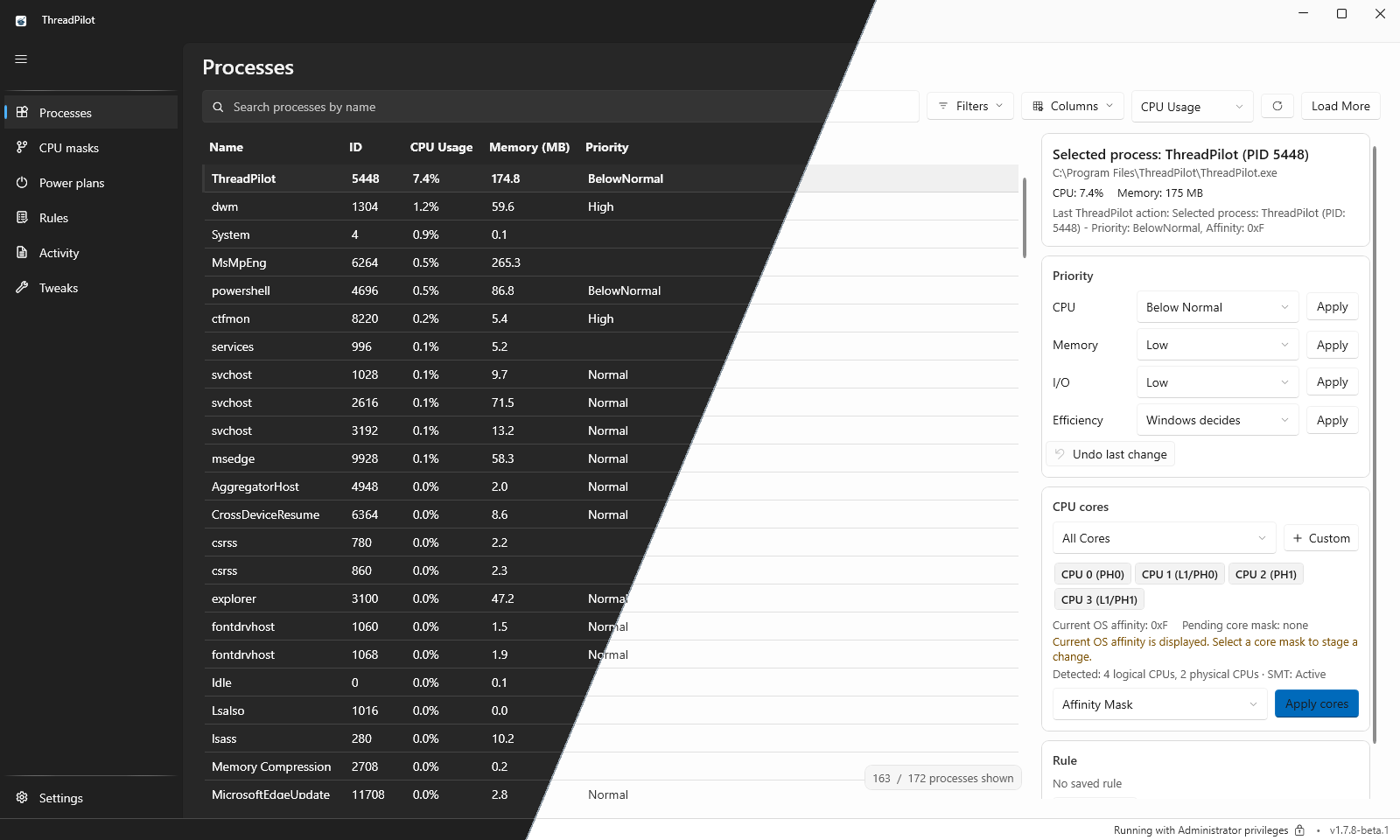
Real dark/light screenshots of the preview interface. View dark · View light
What is ThreadPilot?
ThreadPilot is a modern Windows process control center for users who want predictable control over process behavior, CPU affinity, CPU Sets, priority, memory priority, power plans, and saved process rules.
It is designed as an open-source alternative for power users who need Process Lasso-style capabilities, automation support, system tray controls, and a Windows 11-first experience. ThreadPilot is not a performance overlay: its primary job is applying explicit process controls safely and making the result visible.
✨ Features
- Live process management with refresh, filtering, context-menu actions, and a selected-process summary.
- Topology-aware CPU affinity through
CpuSelection, including CPU Sets support, processor groups, and safe handling for systems with more than 64 logical processors.
- Safer CPU indexing in new affinity paths: CPU64 no longer aliases CPU0.
- Intel hybrid CPU handling through Windows topology and
EfficiencyClass, not hardcoded SKU lists.
- Reusable CPU mask presets and custom core selections for process and rule workflows.
- Three-state efficiency mode / EcoQoS for running processes and persistent rules, independently of CPU priority.
- Pre-release only: opt-in Game Boost with topology-aware game/background CPU Sets, optional priority and restoration. Real dual-CCD Ryzen/X3D and supported Intel hybrid validation is still pending.
- CPU priority controls with guardrails: High priority warning and Realtime priority blocked.
- Process memory priority support.
- Persistent process rules with explicit Apply now and Save as rule flows.
- Apply saved rules automatically when matching processes start while ThreadPilot is running.
- Rule-based automation for power plan switching when selected processes start or stop.
- Optional Diagnostics view, hidden by default, plus tray controls and dashboard views.
- Administrator-aware Windows desktop workflow.
- CI-backed build validation and package-manager distribution.
- Windows 11 native visual refresh with neutral Fluent surfaces and refined card-based layouts.
📦 Install
Install with WinGet
ThreadPilot is available on WinGet as PrimeBuild.ThreadPilot.
From Command Prompt or PowerShell:
winget install --id PrimeBuild.ThreadPilot -e
To refresh your local WinGet source first:
winget source update
winget search ThreadPilot
Install with Chocolatey
Install ThreadPilot from Chocolatey Community:
choco install threadpilot
Upgrade an existing installation:
choco upgrade threadpilot
Download from GitHub Releases


Stable v1.7.7 does not include Game Boost. The v1.7.8-beta.1 pre-release includes it for volunteers and early adopters; see its test steps and issue-reporting checklist. Preview downloads are manual and do not replace the stable update channel.
Both channels use the same application/settings location. Export a configuration backup before switching; they are not separate side-by-side installations.
| Package | Recommended use |
|---|
ThreadPilot_v_Setup.exe | Standard Windows installer for most users |
ThreadPilot_v_Portable.zip | Portable/no-install deployment |
Optional checksum verification:
Get-FileHash .\ThreadPilot_v_Setup.exe -Algorithm SHA256
Get-FileHash .\ThreadPilot_v_Portable.zip -Algorithm SHA256
Compare the result with SHA256SUMS.txt from the same release.
🖼️ Screenshots
Captured from the official v1.7.8-beta.1 installer in a Windows 11 test VM, using real UI and a sample Notepad rule. Game Boost is preview-only, not part of stable v1.7.7. These are interface examples, not performance benchmarks. Click any image for full resolution.
<a href="assets/screenshots/processes-dark.png"><img src="assets/screenshots/processes-dark.png" alt="Processes in dark theme: selected process, CPU/memory/I/O priority, efficiency mode and core selection" width="800" /></a><strong>Processes · Dark</strong>Live processes, priorities, EcoQoS and CPU cores.
<a href="assets/screenshots/cpu-masks-light.png"><img src="assets/screenshots/cpu-masks-light.png" alt="CPU masks in light theme: reusable masks and the per-core editor" width="800" /></a><strong>CPU masks · Light</strong>Reusable core selections for processes and rules.


<a href="assets/screenshots/power-plans-light.png"><img src="assets/screenshots/power-plans-light.png" alt="Power plans in light theme: installed Windows plans and custom power plan import" width="800" /></a><strong>Power plans · Light</strong>Windows plans and custom .pow imports.
<a href="assets/screenshots/rules-dark.png"><img src="assets/screenshots/rules-dark.png" alt="Process rules in dark theme: a saved Notepad rule selected in the editor" width="800" /></a><strong>Process rules · Dark</strong>Saved settings and the rule editor.


<a href="assets/screenshots/game-boost-dark.png"><img src="assets/screenshots/game-boost-dark.png" alt="Tweaks in dark theme with the preview-only Game Boost card, shown off by default" width="800" /></a><strong>Game Boost overview · Dark · Preview only</strong>Opt-in controls alongside Windows tweaks.
<a href="assets/screenshots/game-boost-light.png"><img src="assets/screenshots/game-boost-light.png" alt="Game Boost in light theme, enabled in the test VM with game/background app lists expanded and unsupported CPU fallback shown" width="800" /></a><strong>Game Boost configuration · Light · Preview only</strong>Game lists, exclusions and selected background apps.


<a href="assets/screenshots/activity-light.png"><img src="assets/screenshots/activity-light.png" alt="Activity in light theme: real settings and saved-rule events with filters and export" width="800" /></a><strong>Activity · Light</strong>Changes, results, filters and export.
<a href="assets/screenshots/settings-dark.png"><img src="assets/screenshots/settings-dark.png" alt="Settings in dark theme: startup, language, theme, automation and CPU assignment preferences" width="800" /></a><strong>Settings · Dark</strong>Startup, language, theme and automation preferences.
⚙️ Requirements
- Windows 11, build 22000 or newer.
- Administrator privileges to launch and manage system-level process settings.
- .NET 8 SDK only if you want to build from source.
🚀 Usage Notes
ThreadPilot uses an administrator-required manifest and requests elevation at startup. If UAC elevation is declined, the application exits instead of continuing in a limited mode.
Persistent process rules are runtime-based. Apply at process start works only while ThreadPilot is running; it does not install a Windows Service, write registry or IFEO persistence, or use installer privilege tricks.
ThreadPilot does not bypass anti-cheat or protected-process restrictions. Running as administrator may help with normal access-denied cases, but it does not override protected-process or anti-cheat enforcement.
Useful startup arguments:
--start-minimized
--autostart
--test
--smoke-test
In Power Plans > Custom Power Plans, use Add .pow File to import custom power plans directly from the app.
ThreadPilot does not bundle third-party .pow files. The Power Plans page can open the community Discord catalog on request; Settings also links to Discord support and GitHub Issues. Existing plans already imported into Windows are not removed by updates.
🧱 Build from Source
git clone https://github.com/PrimeBuild-pc/ThreadPilot.git
cd ThreadPilot
dotnet restore ThreadPilot_1.sln
dotnet build ThreadPilot_1.sln --configuration Release
dotnet run --project ThreadPilot.csproj --configuration Release
Run integrated runtime tests:
dotnet run --project ThreadPilot.csproj --configuration Release -- --test
Publish a self-contained Windows build:
dotnet publish ThreadPilot.csproj --configuration Release --runtime win-x64 --self-contained true
Build release artifacts with the project script:
./build/build-release.ps1
🔐 Quality and Security
- CI validates build, formatting, analyzers, vulnerability checks, and secret scanning.
- Security disclosures are handled through private GitHub advisories. See
docs/SECURITY.md.
- ThreadPilot has no analytics or telemetry. See
docs/PRIVACY.md.
- Release signing scope and controls are documented in
docs/CODE_SIGNING_POLICY.md.
- Free code signing provided by SignPath.io, certificate by SignPath Foundation, once the pending application is approved; current artifacts are unsigned.
- Change history is tracked in
docs/CHANGELOG.md.
- Coverage focuses on business/application code and excludes generated build artifacts.
🧭 Project Documentation
🗺️ Roadmap
- Expand unit and integration coverage for core services.
- Continue async reliability refactoring for long-running monitoring paths.
- Improve accessibility and localization readiness across major views.
- Formalize release signing and distribution hardening.
🤝 Contributing
Contributions are welcome. Before opening a pull request, please read docs/CONTRIBUTING.md and docs/CODE_OF_CONDUCT.md.
For bugs, feature requests, or packaging issues, open a GitHub issue with reproduction steps and your Windows version.
📄 License
ThreadPilot is licensed under the GNU Affero General Public License v3.0. See LICENSE.
💬 Support the Project
Built with care for Windows power users.



If ThreadPilot is useful to you, consider starring the repository, opening thoughtful issues, sharing feedback, or supporting development with a small donation.