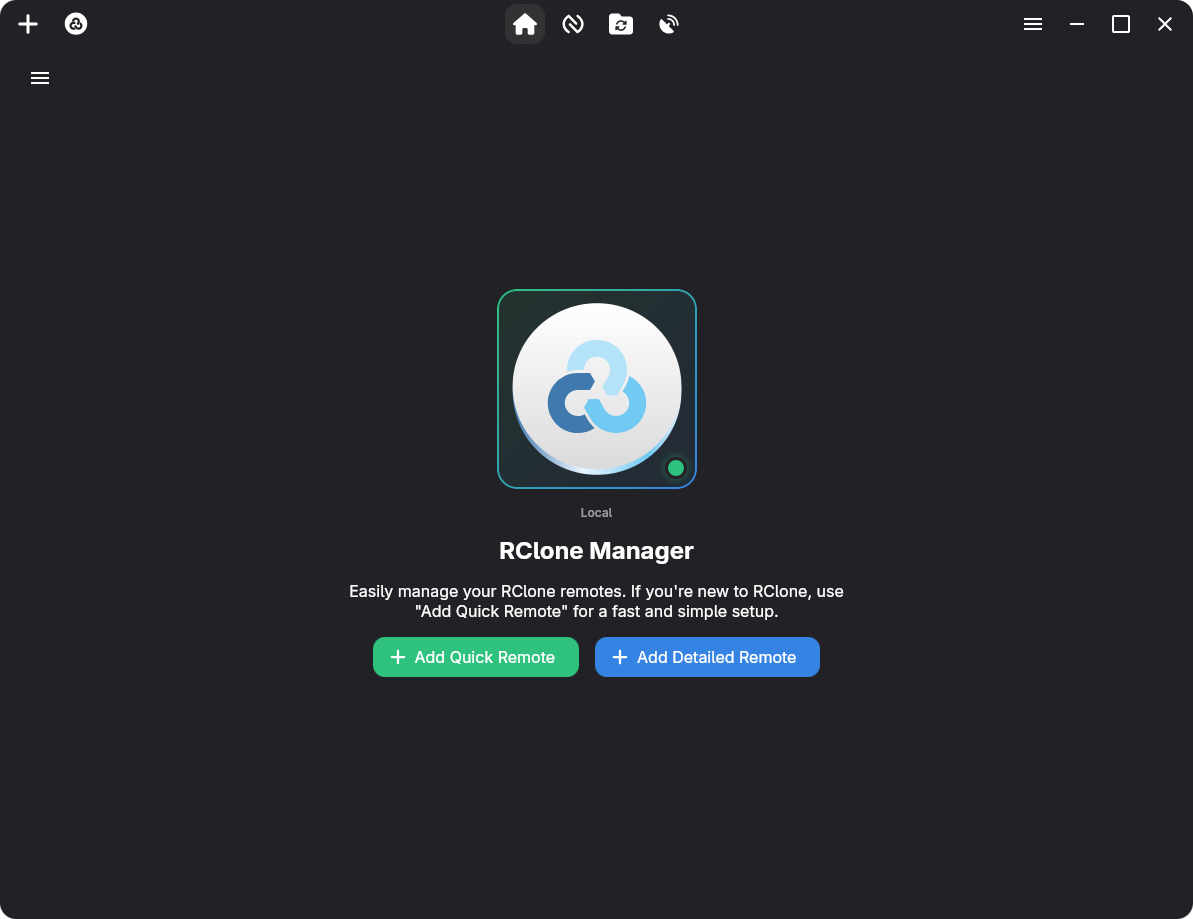
RClone Manager is a cross-platform GUI application designed to simplify and enhance the management of Rclone remotes. Built using Angular and Tauri, it provides an intuitive interface for configuring, monitoring, and performing advanced operations with cloud storage providers.
Key Features:
Complete Remote Management: Add, edit, or delete remotes with a user-friendly wizard, including support for OAuth authentication and encrypted configuration storage.
Advanced File Operations: Mount remote drives, sync files between locations, or use bidirectional sync (bisync) to keep two folders in perfect harmony.
Real-time Monitoring: Track job progress, transfer speeds, and mount statuses directly within the application.
Adaptive Themes: Seamlessly switch between light and dark modes with a GTK-inspired design for a polished experience on any platform.
System Tray Integration: Access mounts and operations quickly from your taskbar for efficient workflow management.
Audience & Benefit:
Ideal for developers, system administrators, and power users who rely on Rclone for cloud storage management. RClone Manager streamlines complex tasks, saving time while ensuring secure and efficient file operations across platforms like Linux, Windows, and macOS. Its responsive design and advanced features make it a versatile tool for managing cloud resources with ease.
Installable via winget, RClone Manager combines modern UI elements with robust functionality to enhance your workflow without unnecessary complexity.
A powerful, cross-platform GUI for managing Rclone remotes with style and ease.Built with Angular 22 + Tauri · Linux • Windows • macOS • Android (Beta) • ARM Support
Overview
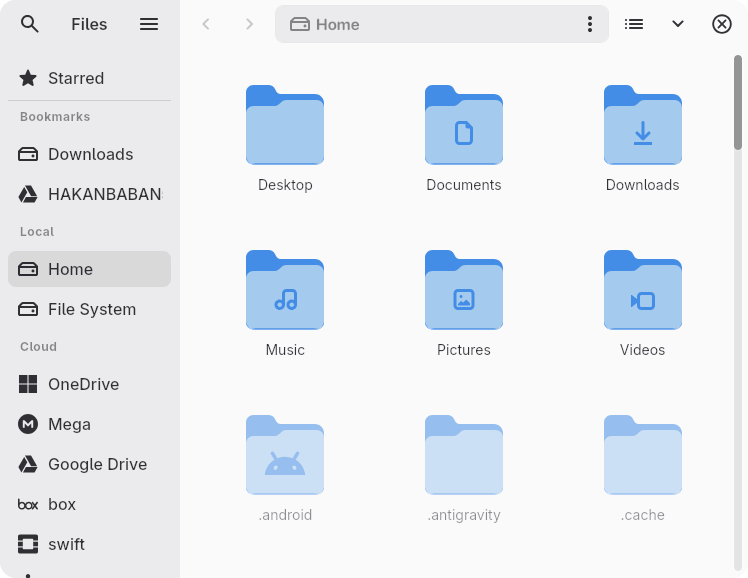
RClone Manager simplifies remote file management and synchronization. Using Rclone as its backbone, it offers a desktop environment with a built-in file manager (Nautilus) to transfer, mount, and serve remote files effortlessly.
👁️ File Viewer: Inline previews for videos, images, PDFs, audio, and text.
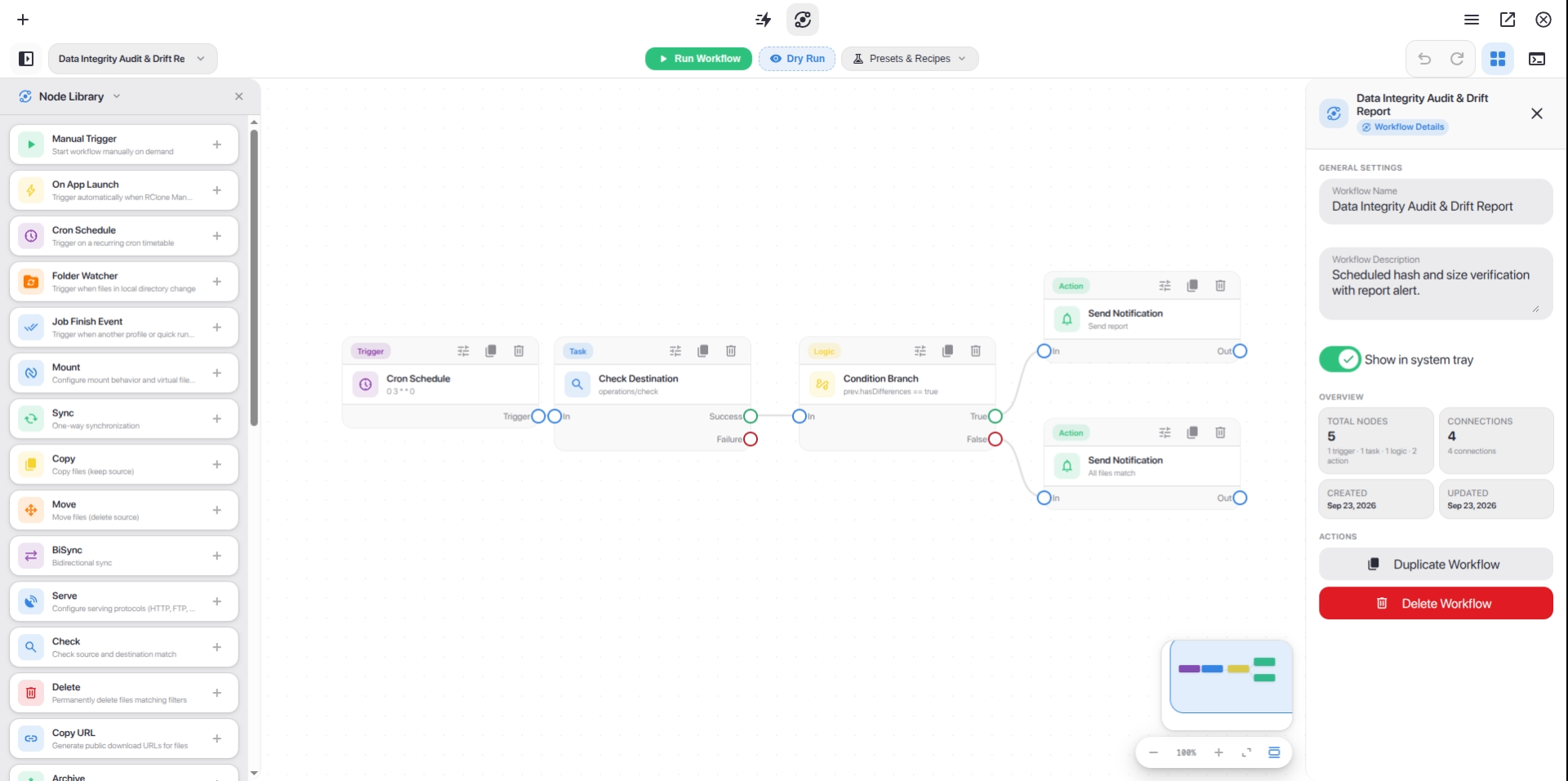
⚡ Visual Workflows: Design and automate multi-step cloud pipelines with an interactive node-based canvas, cron triggers, folder watchers, and instant alert notifications.
🚀 Quick Runs: Trigger one-click cloud operations and custom CLI flag presets directly from a status-aware card grid.
⚙️ Mount & Serve: Easy mount controls and serve management (WebDAV, SFTP, HTTP, FTP).
🔄 Job Watcher: Real-time transfer monitoring and bandwidth control.
📱 Android SAF & DocumentsProvider: Access cloud remotes natively in system file pickers via Storage Access Framework and in-process VFS mount bridge without root.
> 📱 Storage Access Framework (SAF): Features native DocumentsProvider (RcloneDocumentsProvider) integration and an in-process VFS mount bridge, exposing mounted cloud remotes directly to Android system file pickers and external apps without requiring root or /dev/fuse.
>
> 📚 Guide:Wiki: Android Support (Beta) (Go engine / librclone details, SAF provider & setup)
> 🛠️ System Requirements: Mounting drives requires WinFsp (Windows), macFUSE (macOS), or FUSE3 (Linux). Rclone itself is downloaded automatically if missing. See Wiki: System Requirements.