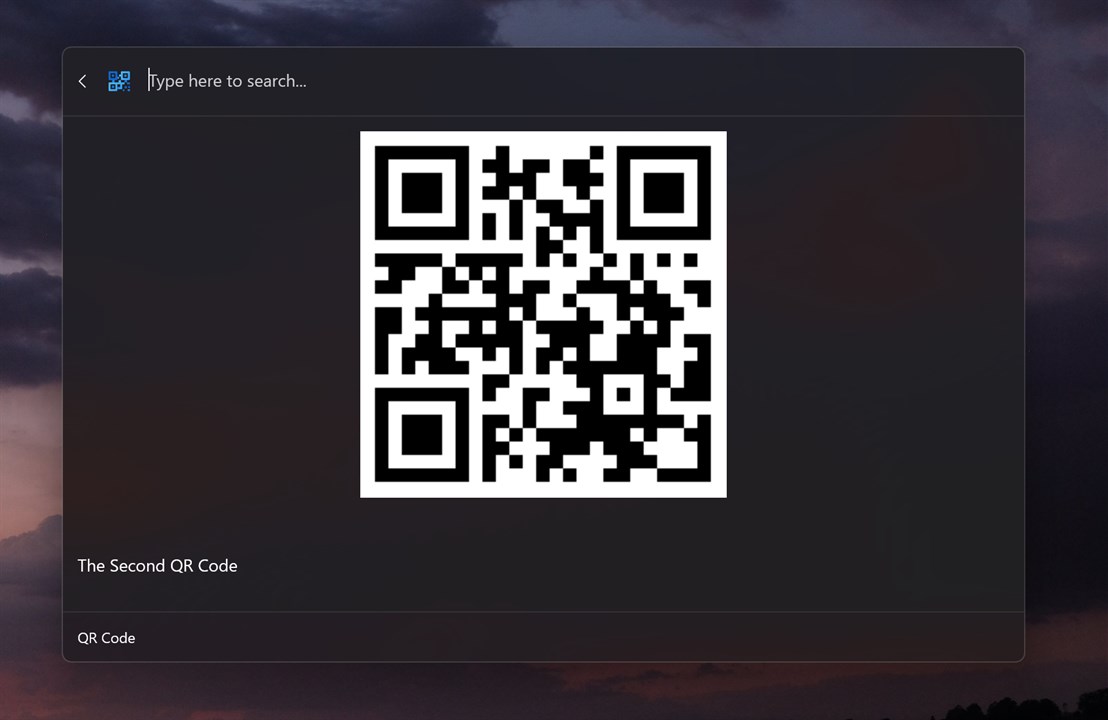
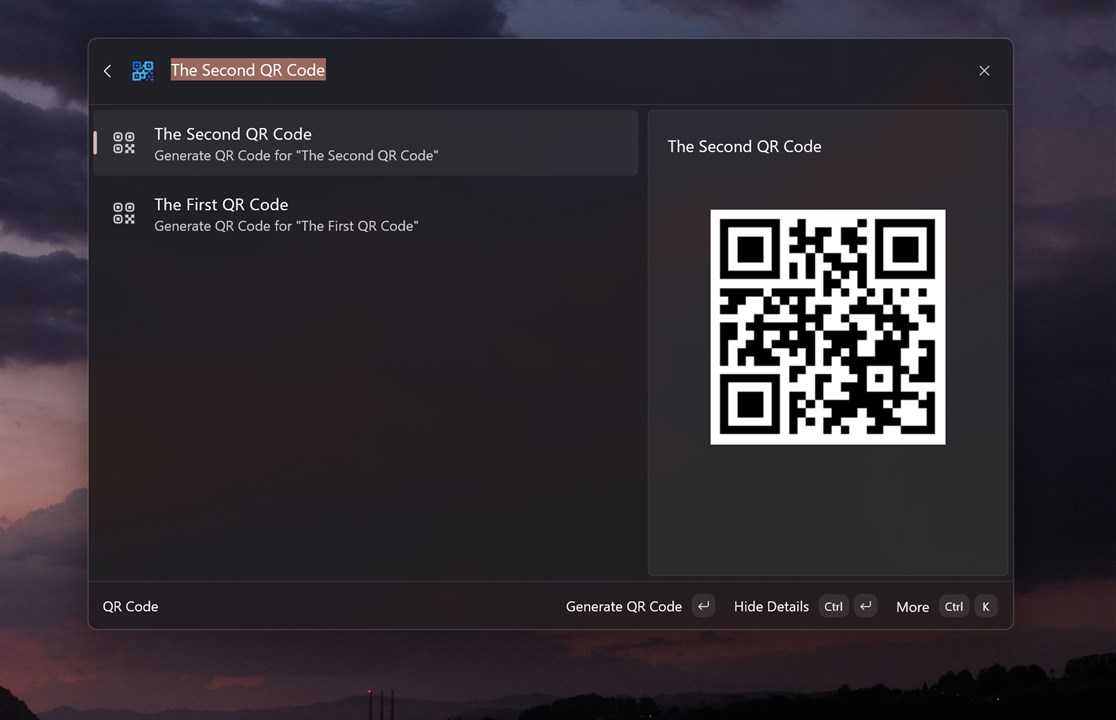
QR Code for CmdPal Riri
cmdpal cmdpal-extension microsoft-powertoys powertoys powertoys-command-palette qr-code qrcode windows-commandpalette-extension
Use this command to install QR Code for CmdPal with WinGet:
winget install --id=Riri.QRCodeforCmdPal -e QRCode-CmdPal: Streamlining QR Code Generation
QRCode-CmdPal is a Powertoys CmdPal extension designed to generate QR codes quickly and efficiently. It allows users to create QR codes directly within their workflow with minimal effort.
Key Features:
- Seamless Integration: Instant access via the Powertoys command palette.
- Versatile Support: Generates QR codes from text, URLs, contact information, and more.
- Customization Options: Adjust size and style to meet specific needs.
- Easy Installation: Installable via winget for straightforward integration.
Audience & Benefits: Ideal for productivity enthusiasts, developers, educators, and professionals requiring frequent QR code creation. Users benefit from time-saving integration directly into their workflow, enabling quick and efficient QR code generation without task disruption.