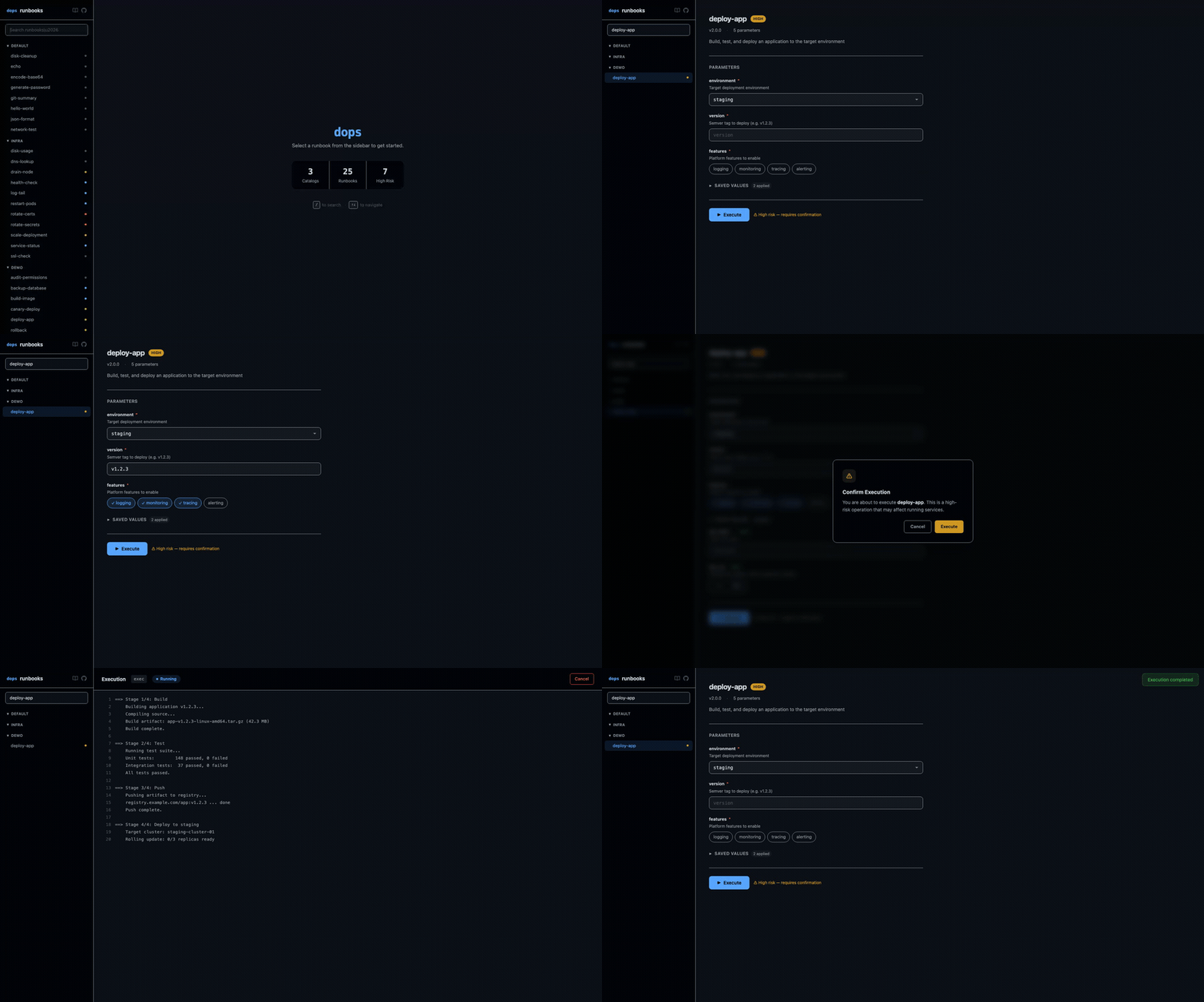
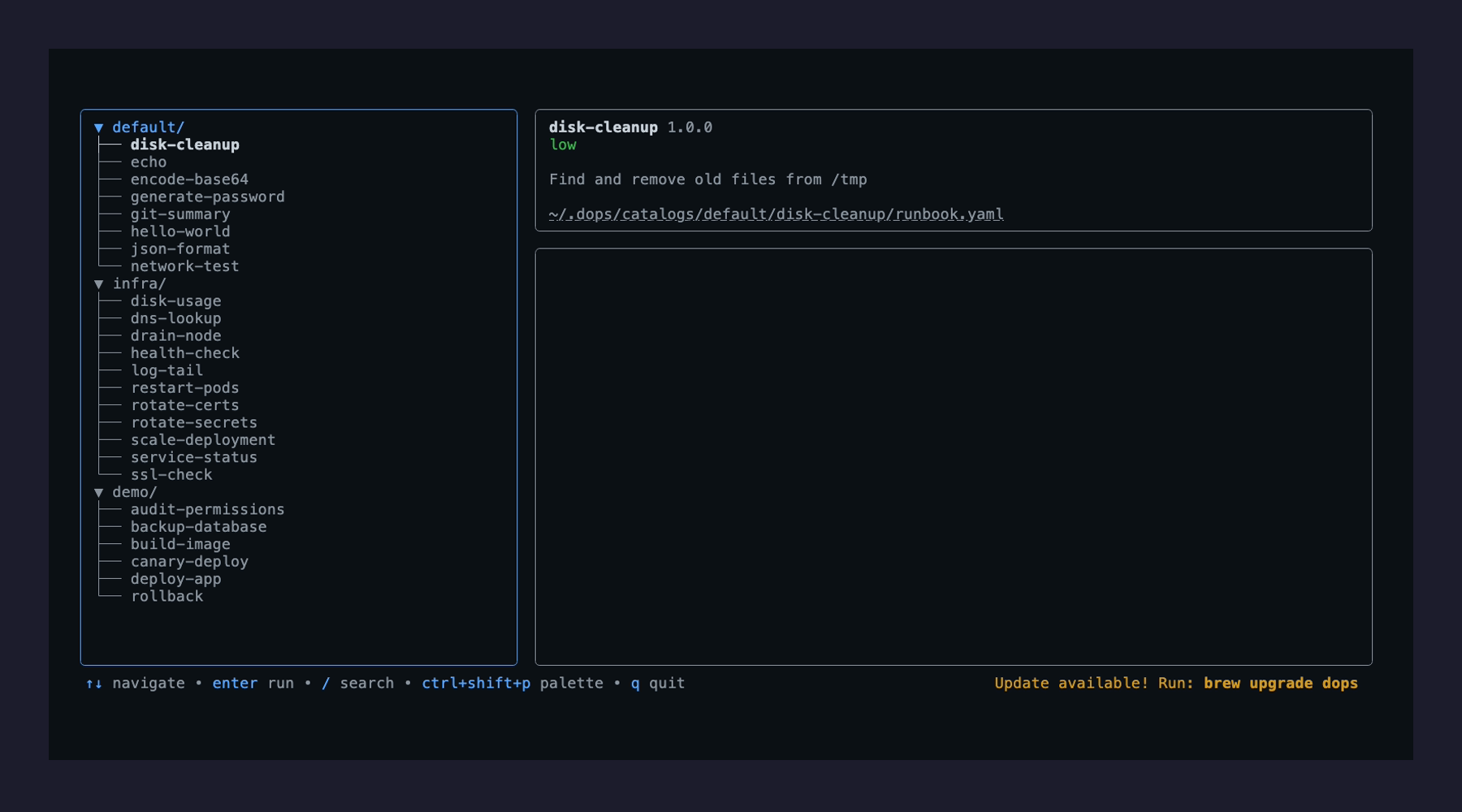
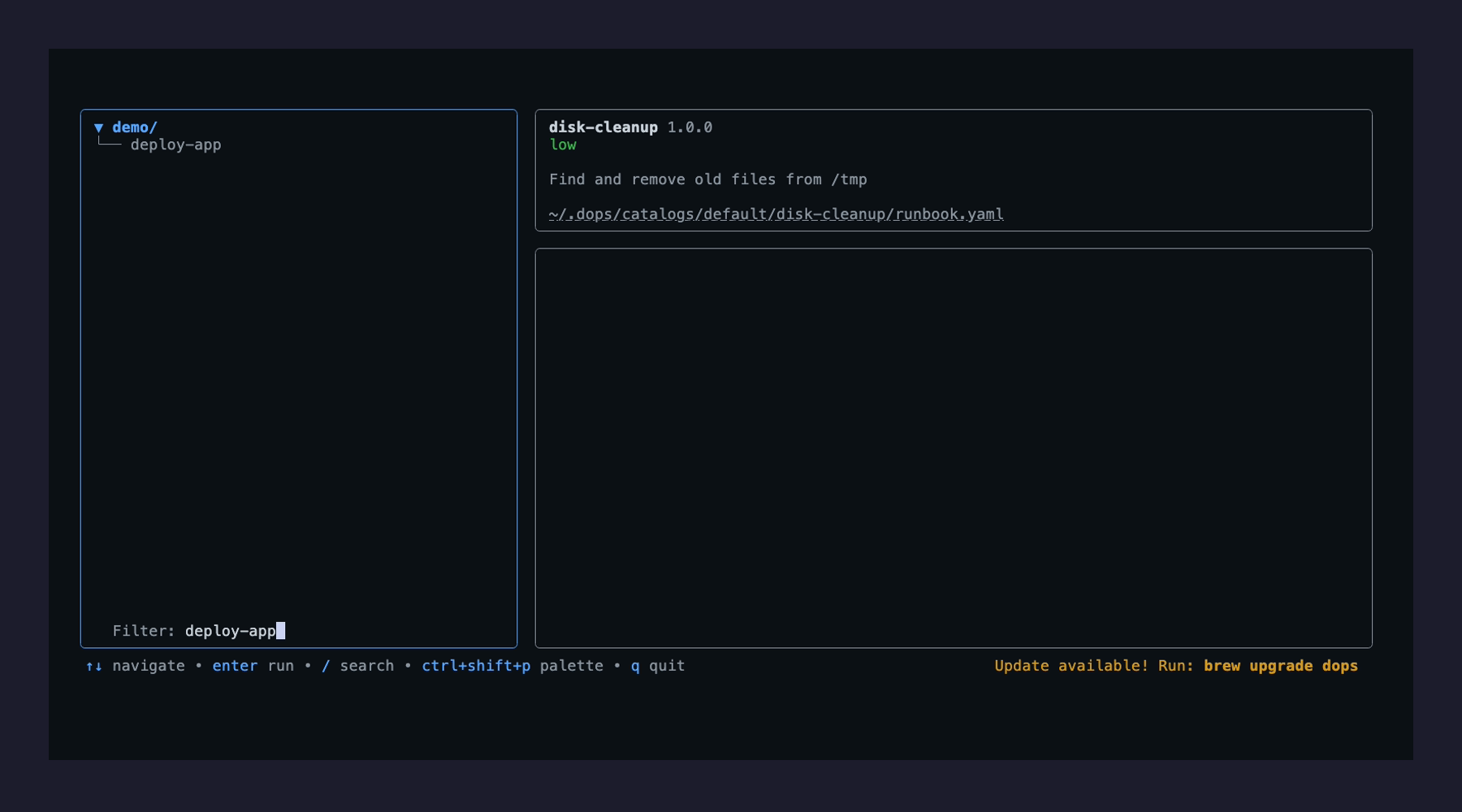
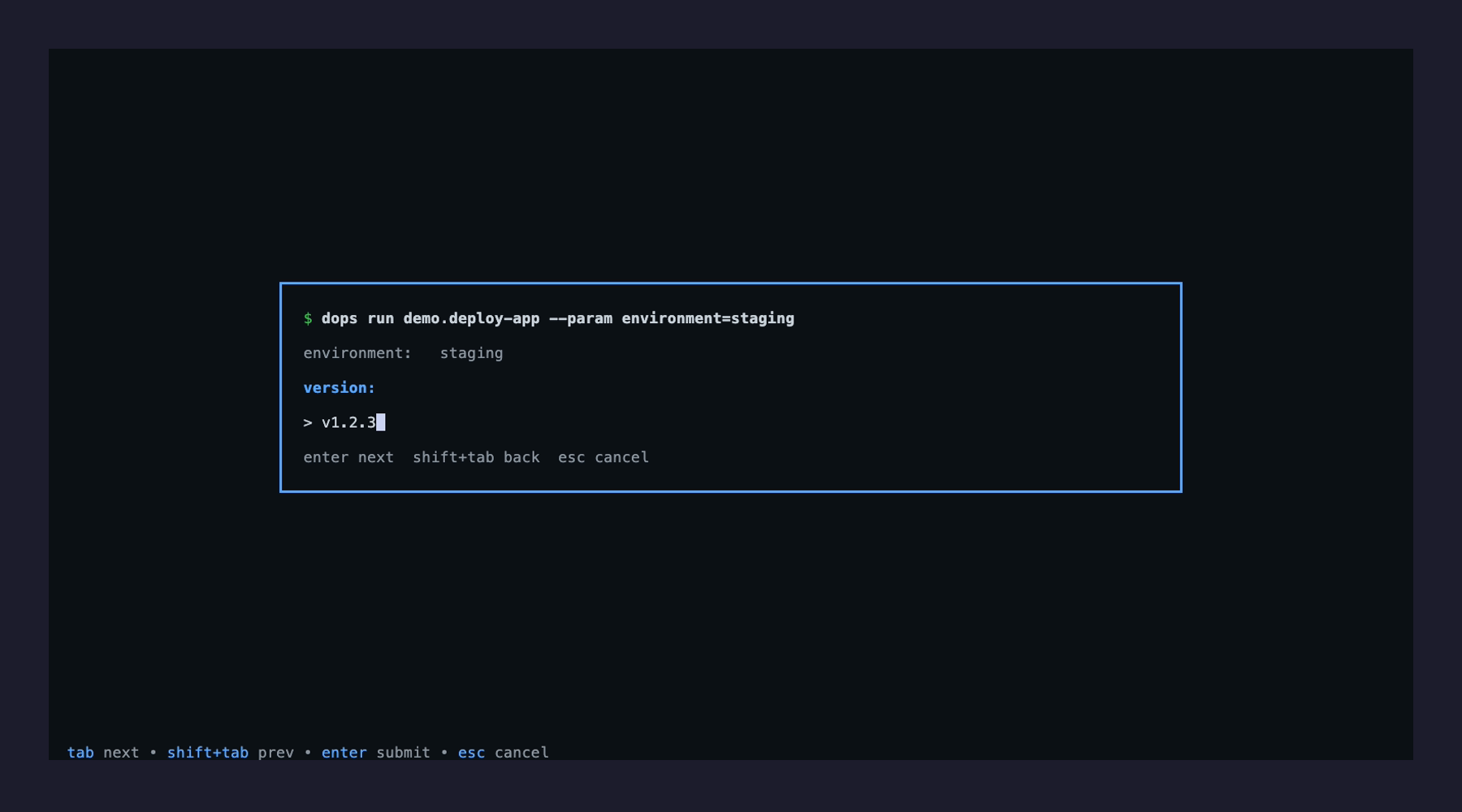
dops is a terminal UI (TUI) and web-based tool designed for browsing, parameterizing, and executing operational runbooks. It streamlines script execution by organizing runbooks into catalogs with typed parameters, risk controls, and encrypted storage.
Key Features:
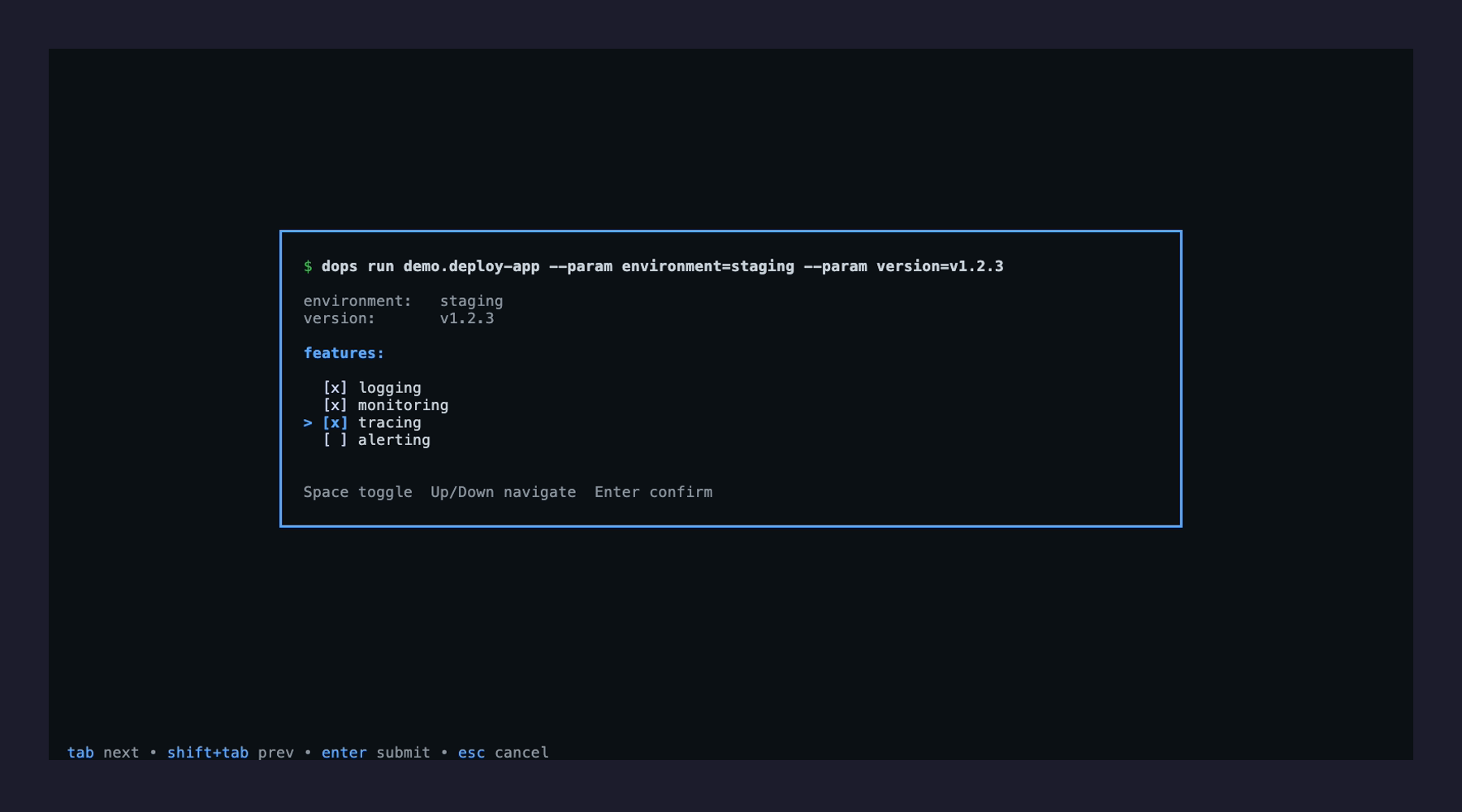
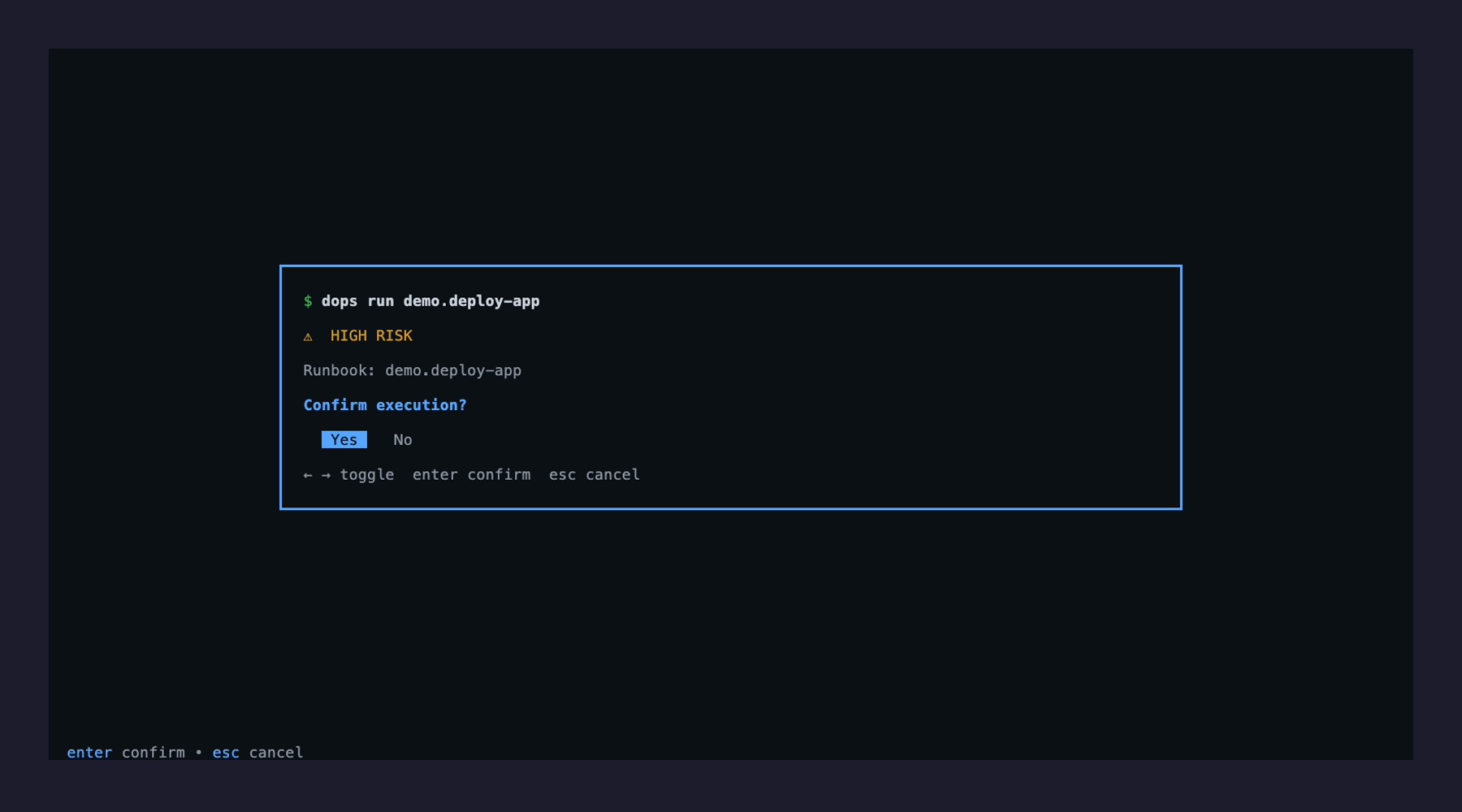
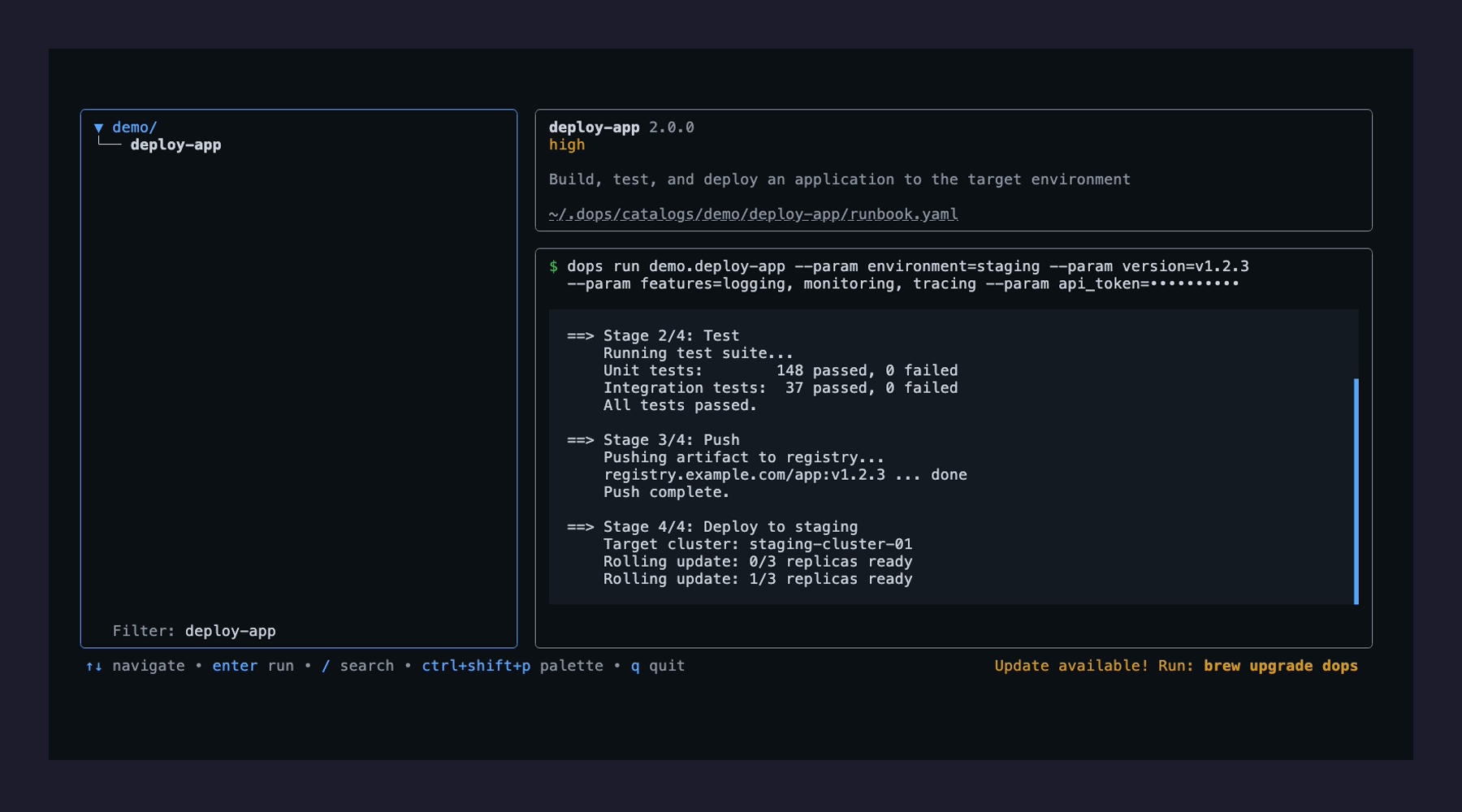
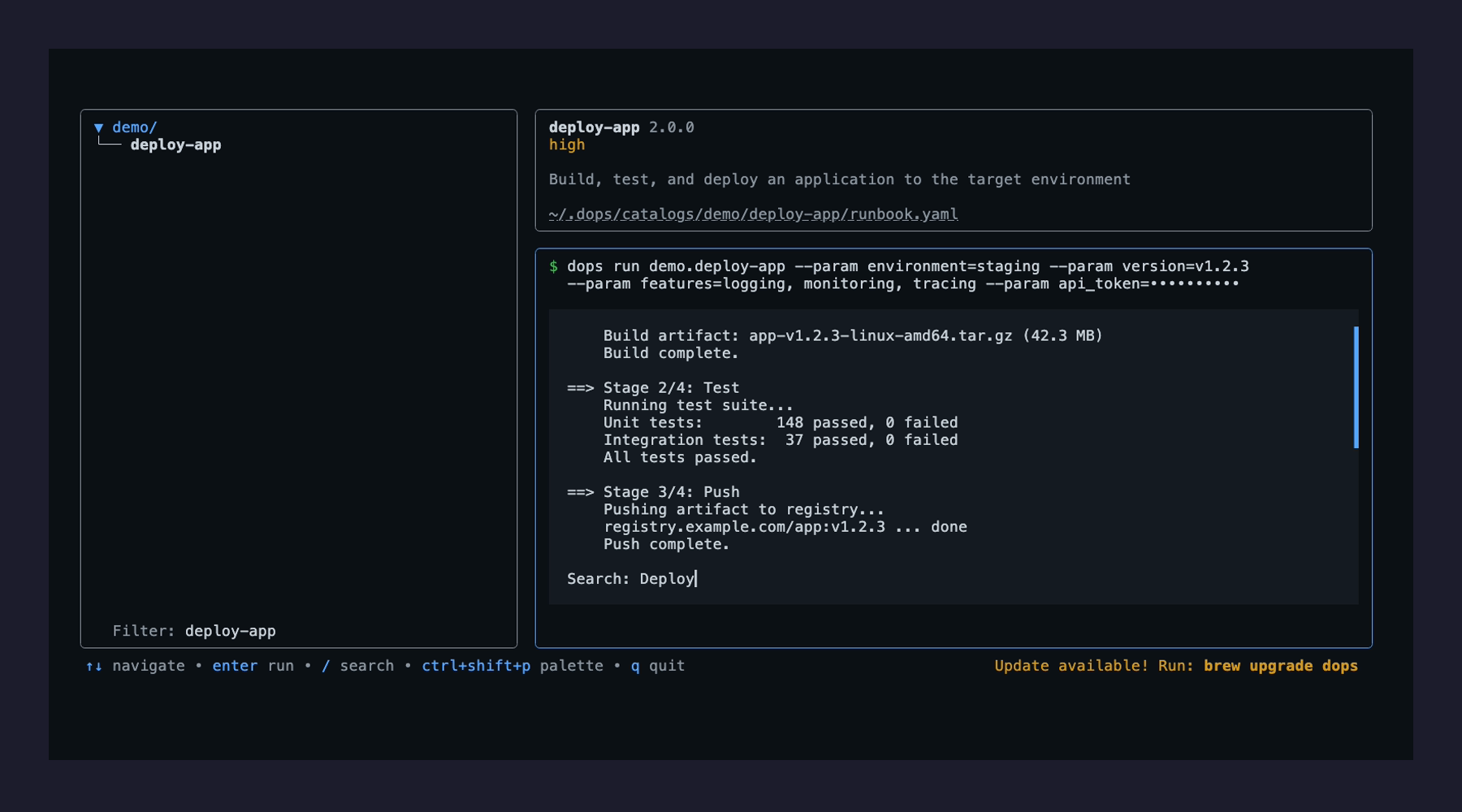
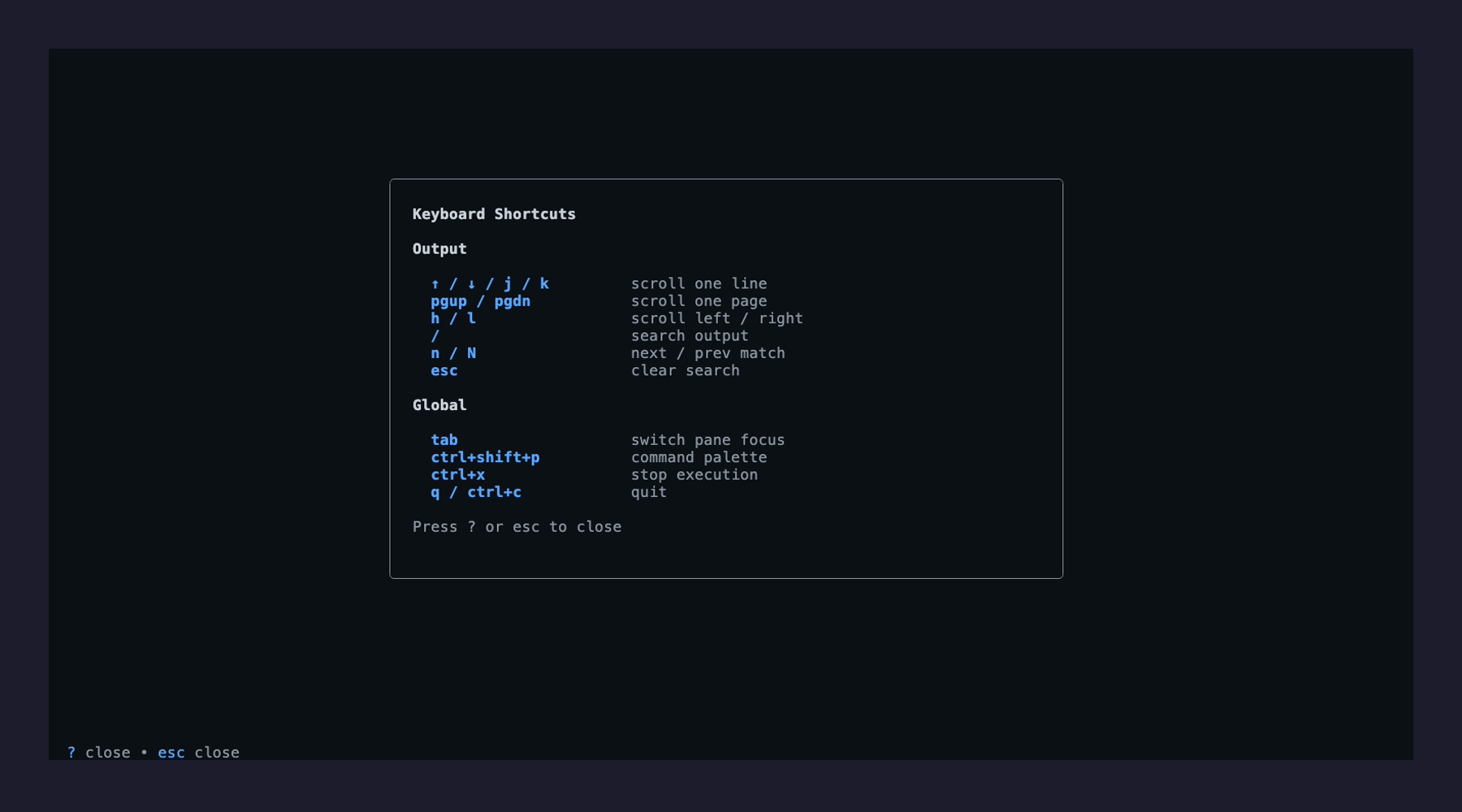
Interactive TUI with catalog navigation, metadata panels, live output, and wizard-driven parameter input.
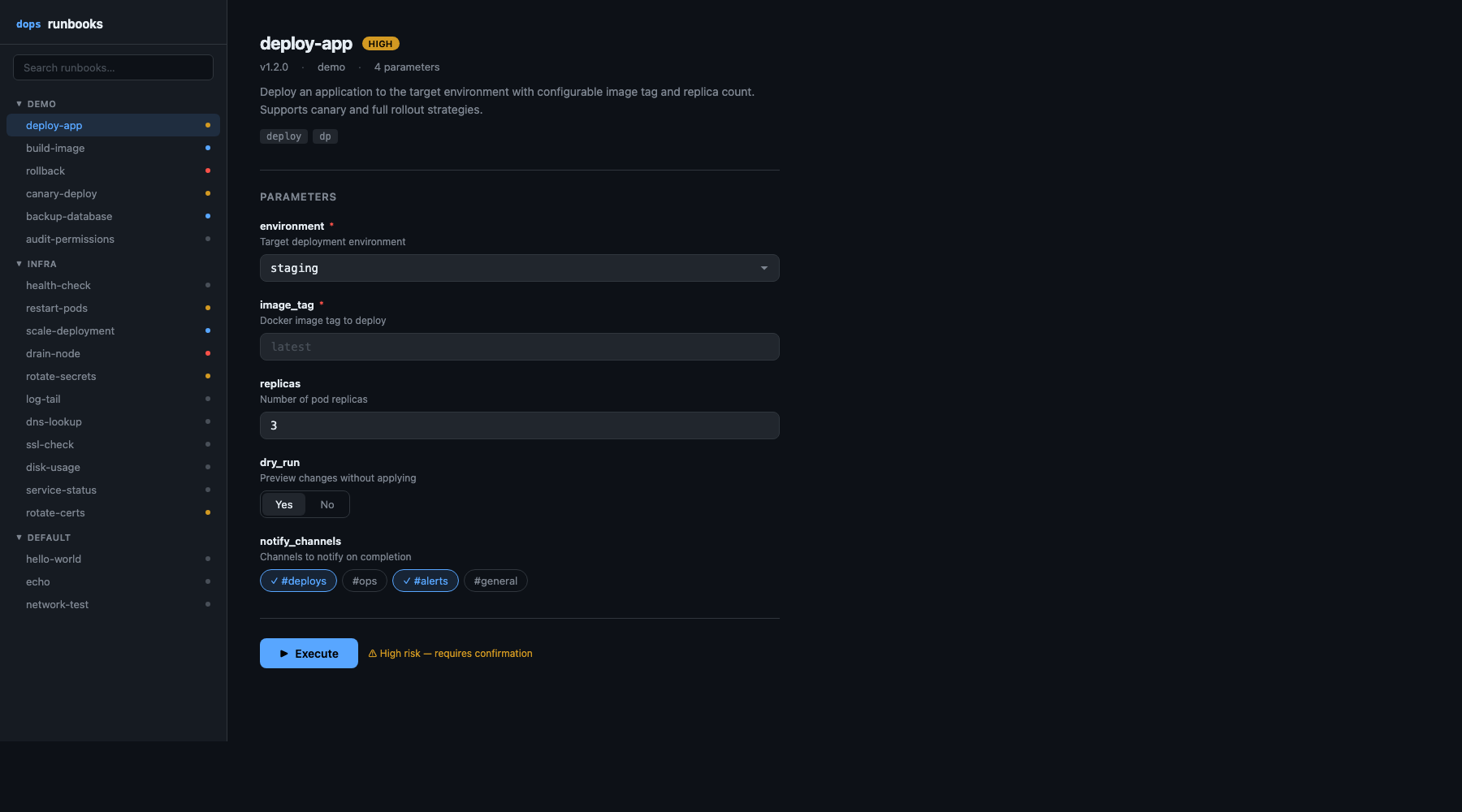
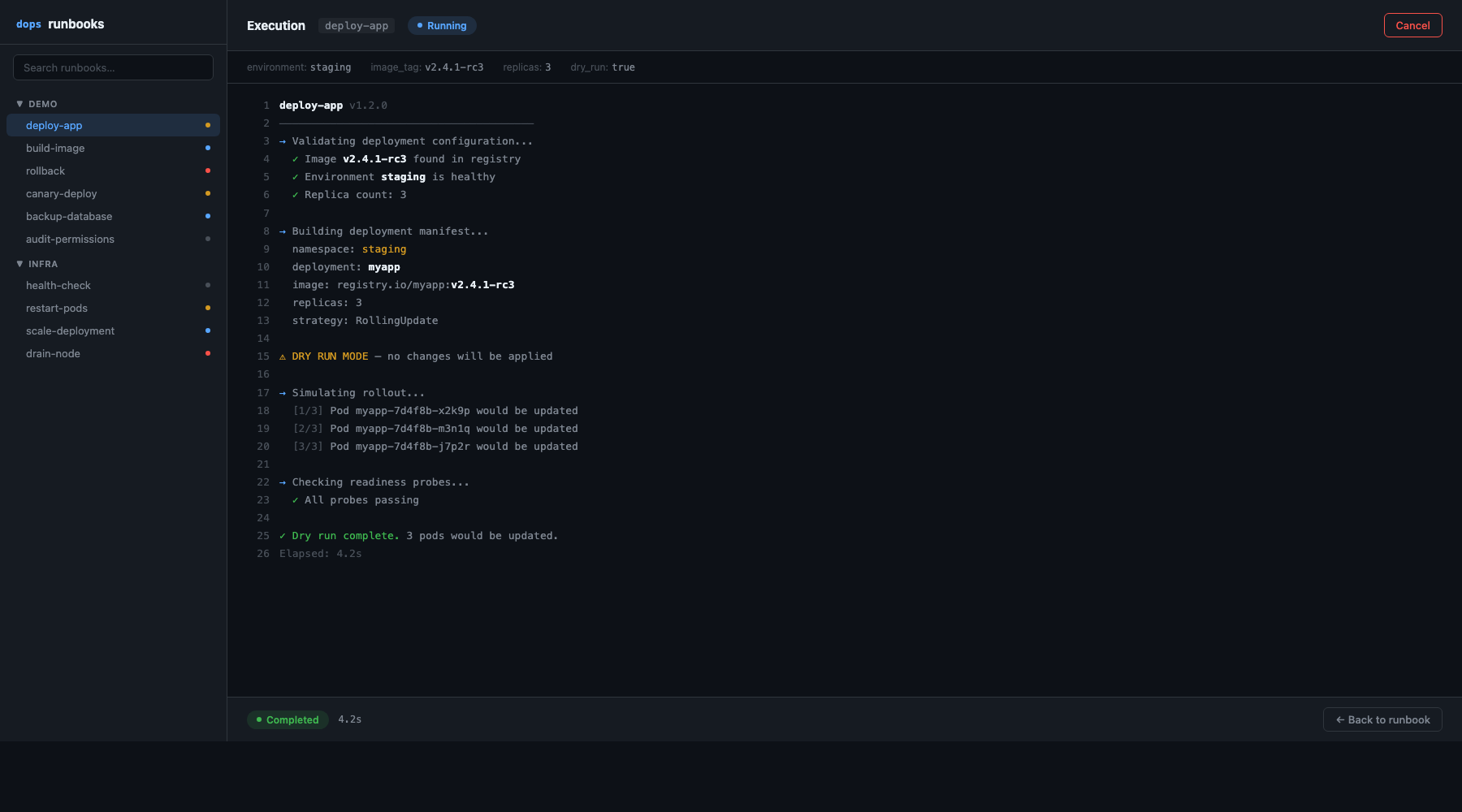
Web UI accessible via dops open, offering browser-based execution with real-time log streaming.
Catalog support for organizing runbooks locally or importing from Git repositories.
Encrypted vault storage for secure parameter management using age encryption.
MCP server integration to expose runbooks as tools for AI agents.
Audience & Benefit:
Ideal for DevOps and platform engineering teams seeking a consistent, safe method for running operational scripts. dops provides a unified interface for script execution, reducing tribal knowledge dependency and enhancing security with risk controls and encrypted credentials.
Installation can be done via winget for Windows users, ensuring easy setup across different environments.
README
the do(ops) cli
A browsable catalog of automation scripts that operators can select, parameterize, and execute directly from the terminal.
dops is built for DevOps and platform engineering teams who need a consistent, safe way to run operational scripts. Instead of scattered shell scripts with tribal knowledge, dops organizes them into browsable catalogs with built-in parameter management, risk controls, and encrypted credential storage.
name: check-health
version: 1.0.0
description: Runs health checks against a service endpoint
risk_level: medium
script: script.sh
parameters:
  - name: endpoint
    type: string
    required: true
    description: The endpoint to check
    scope: global
See the runbook guide for the full YAML schema, parameter types, and shell scripting conventions.
make build        # Build binary
make test         # Run tests
make vet          # Go vet
make lint         # golangci-lint
make web          # Build web UI (requires Node.js)
make screenshots  # Regenerate README hero screenshots and demo GIF (requires VHS)
make web-demo     # Record web UI demo GIF (requires Playwright + ffmpeg)
make docker       # Build Docker image
make ci           # Run CI checks (vet + test + build)