Use this command to install OpenCodex with WinGet:
winget install --id=RyensX.OpenCodex -e Copy WinGet command to clipboard OpenCodex is a middleware layer designed to enhance Codex/ChatGPT Desktop functionality. It enables users to access and operate Codex on a target machine via a browser using a phone, tablet, or another computer, making it ideal for continuous AI coding in LAN or remote LAN environments.
Key Features:
Browser-based access to Codex on the target machine without additional proxies or accounts.
Support for local, LAN, and remote LAN access with tools like Tailscale, ZeroTier, or VPN.
Native Codex experience with full functionality, including file tree, terminal, and review features.
Password protection to prevent unauthorized access.
Mobile device optimization for seamless AI coding on the go.
Automatic updates to ensure compatibility with the latest Codex/ChatGPT Desktop features.
Target Audience and Benefits:
Ideal for developers, IT professionals, and teams requiring remote or continuous AI coding. OpenCodex provides secure, efficient, and flexible access to Codex across devices, enhancing productivity in both local and distributed environments. Available via Winget, it simplifies deployment with commands like "install OpenCodex via winget" or "deploy using the winget command line."
OpenCodex
中文 | English
OpenCodex 是一个 Codex 桌面运行时中间层,同时兼容旧版 Codex Desktop 和新版 ChatGPT Desktop。它可以让你直接使用手机、平板或另一台电脑通过浏览器访问并操作目标机器上的 Codex,让你可以随时随地 AI Coding。
天塌了😭刚准备开源,谁知道一觉醒来 ChatGPT App 就对 Codex 做了支持。
但对比官方还是有一些使用场景上的优势:
无需魔法上网。
无需外区Google Play/苹果账号,且支持三方API登录的远程使用
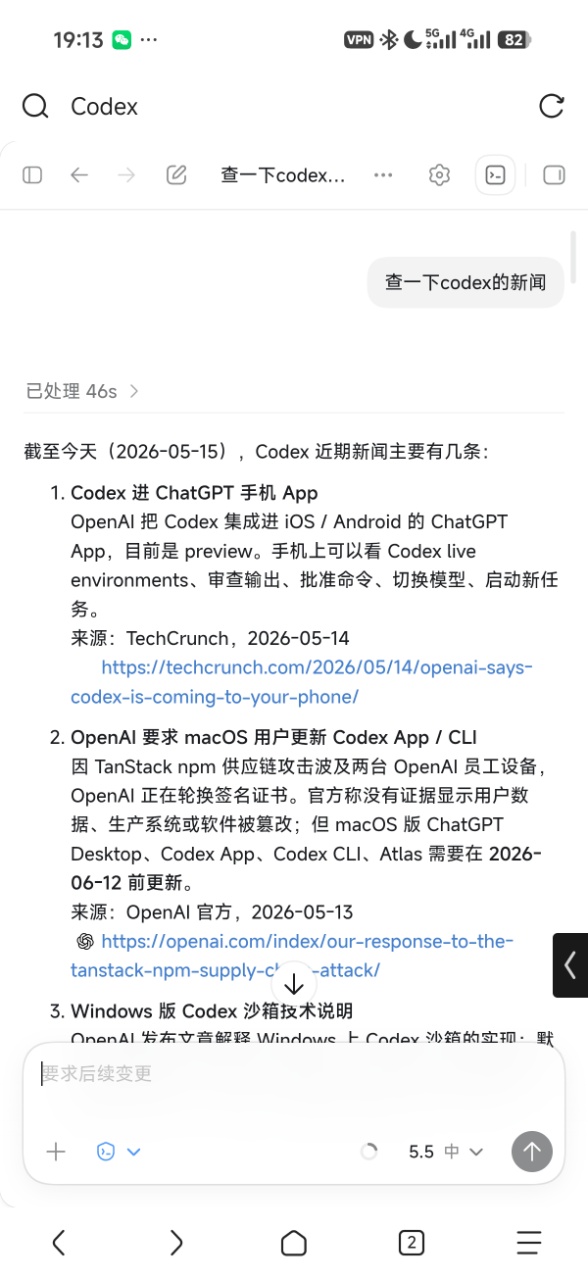
支持 Codex 的完整功能,例如文件树、终端、审查等,便于随时随地 AI Coding。
自由搭配内网穿透/公网,无需经过官方中继服务器,速度快且数据易于保护隐私数据。
特性
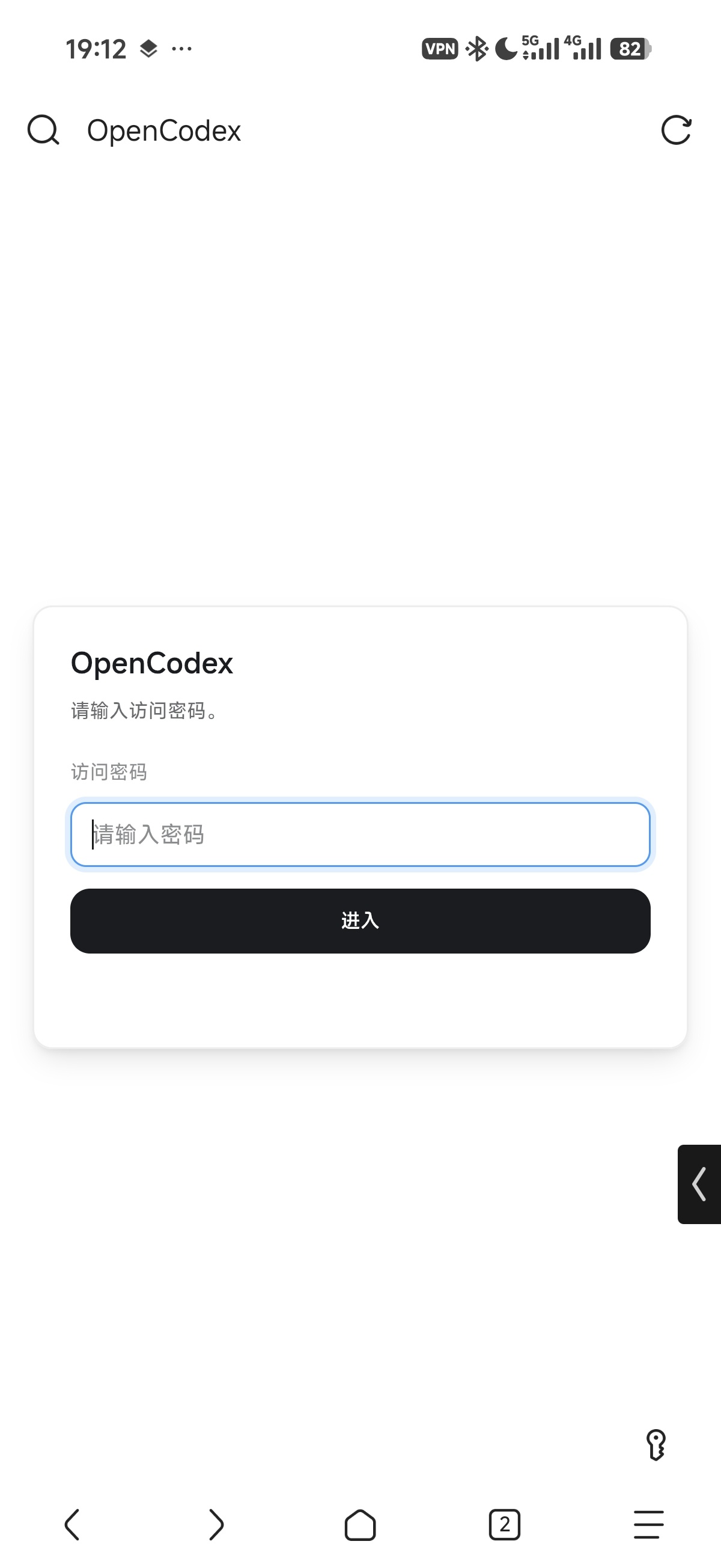
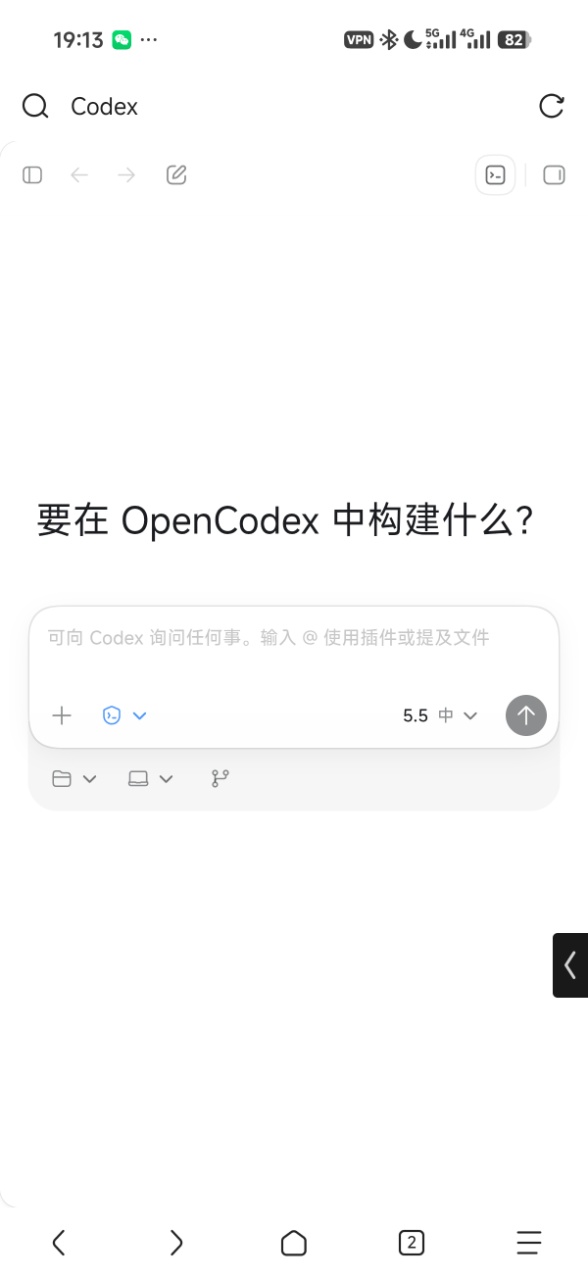
通过浏览器访问目标机器上的 Codex,无需魔法网络和账号,支持手机、平板、电脑等多种设备。
原汁原味Codex使用体验。
支持本机访问、局域网访问和配合 Tailscale / ZeroTier / VPN 的远程局域网访问。
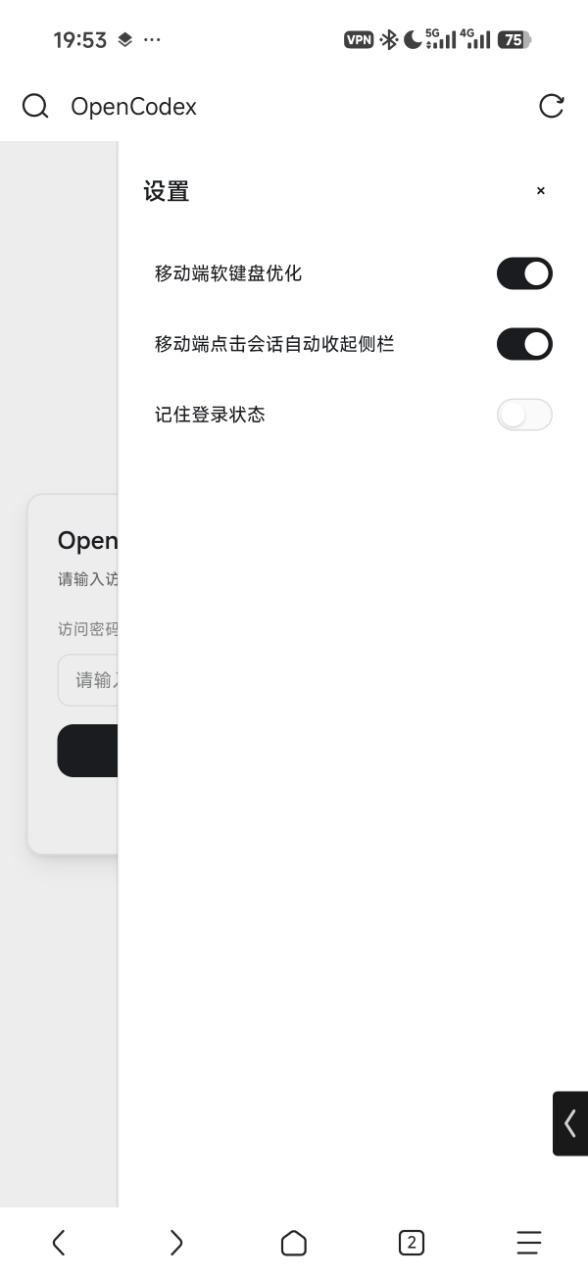
支持设置访问密码,避免无认证暴露。
提供桌面启动器,可可视化配置监听地址、端口和访问密码等。
支持显示真实token消耗情况、项目和会话根据最近更新排序等
支持智能调度 ,模型选择Auto时自动根据任务选择模型和推理强度以节省token,并且支持根据使用场景自定义档位。
启动时会自动跟随本地 Codex/ChatGPT Desktop 运行时版本,自动兼容新版本功能。
提供针对移动端提供的优化。
环境要求
Node环境
pnpm
本机已安装旧版 Codex Desktop 或包含 Codex 的新版 ChatGPT Desktop(无需启动,但也支持同时使用)。
macOS/Windows/Linux(需要命令行启动,具体见下方文档)
如何使用
桌面启动器
下载安装:
提供2种下载渠道:
Release : 正式版本,较为稳定,推荐使用Artifacts : 测试版本,push 时 CI 自动打包,可用于尝鲜新功能。注意下载Artifacts需要登录Github
macOS 首次启动遇到安全提示时,请参考:
本地调试:
pnpm install
pnpm run launcher:dev
生成 macOS 安装包:
pnpm run launcher:dist:mac
生成 Windows 安装包:
pnpm run launcher:dist:win
产物会输出到 release/。首次启动会随机选择一个可用端口,修改监听地址、端口或访问密码后会自动重启服务让配置生效。
> 使用前需要本机已安装旧版 Codex Desktop 或新版 ChatGPT Desktop。
命令行启动
如果只是临时调试,也可以通过命令行启动:
局域网:
pnpm install
PORT=3737 pnpm run web:dev
支持远程访问:
pnpm install
HOST=0.0.0.0 PORT=3737 pnpm run web:dev
强烈建议设置访问密码和修改端口。可以复制示例配置后编辑其中的密码:
cp config.example.yaml config.yaml
配置示例:
auth:
  password: "你的密码"
启动后访问:
http://127.0.0.1:3737
Linux使用
无预打包好的启动器,建议命令行使用,具体见 配置步骤
远程访问
OpenCodex本身不提供远程访问服务,如果需要在其他设备中远程访问,请使用Tailscale、ZeroTier、Cloudflare Tunnel、企业自建 VPN 等方式搭建网络,然后在启动器中打开局域网模式进行访问。
> 也可以使用公网,但不建议把 OpenCodex 直接暴露到公网,还是推荐上述工具,更加安全可控
常用环境变量
变量 默认值 说明 HOST0.0.0.0命令行 gateway 监听地址。 PORT3737命令行 gateway 监听端口。 OPENCODEX_HOST127.0.0.1Launcher 首次启动 gateway 时使用的默认监听地址。 OPENCODEX_PORT随机可用端口 Launcher 首次启动 gateway 时使用的默认端口。 OPENCODEX_PREFERRED_LANGUAGESzh-CNOpenCodex 自有界面语言首选列表,支持 JSON 数组或逗号分隔,例如 ["zh-Hans-CN","en-CN"]。Launcher 会自动传入系统首选语言。 OPENCODEX_PLUGIN_DIRS空 外部插件根目录,结构需与 web-shell/plugins 一致;多个目录可用系统路径分隔符或 JSON 数组传入。 OPENCODEX_LOG_MAX_MB10Launcher 写入的 gateway.log 单文件大小上限,单位 MB;最多额外保留一个 gateway.log.old。 CODEX_WEB_CONFIG_PATHconfig.yamlgateway 认证配置文件路径。 CODEX_WEB_AUTH_TOKEN_TTL_MS43200000gateway 访问 token 有效期,默认 12 小时。 CODEX_WEB_DEBUG空 设为 1 或 true 后输出更多调试日志。 CODEX_WEB_SLOW_LOG_MS750IPC 慢调用日志阈值,单位毫秒。 CODEX_WEB_LOCAL_FILE_TOKEN_TTL_MS300000本地文件预览 URL token 有效期,单位毫秒。 CODEX_DESKTOP_APP_PATH自动扫描 指定 Codex/ChatGPT Desktop 安装路径或 app.asar 所在路径。 CODEX_DESKTOP_EXECUTABLE_PATH自动扫描 Windows/Linux 下指定 Codex/ChatGPT Desktop Electron 可执行文件路径。 CODEX_APP_SERVER_BINARY_PATH自动扫描 Windows 下指定 Codex app-server/CLI 可执行文件路径。 CODEX_CLI_PATH自动扫描 Windows 下指定 Codex CLI 可执行文件路径。 CODEX_WEB_RUNTIME_DIR.data/runtime命令行 gateway 运行目录;打包态由 Launcher 指向用户数据目录。 CODEX_WEB_OFFICIAL_BUNDLE_DIR.data/cache/codex-official-bundle指定官方 bundle 解包缓存目录。 CODEX_WEB_OFFICIAL_AUTO_SCAN_UPGRADE1控制是否在启动时自动扫描官方 Codex 运行时更新;设为 0 后优先复用现有缓存,仅在缓存缺失或不可用时扫描。 CODEX_WEB_OFFICIAL_USER_DATA_DIR.data/official-user-data指定官方 Electron profile 隔离目录。 CODEX_WEB_OFFICIAL_TMPDIR / CODEX_WEB_OFFICIAL_TMP_DIR自动生成 指定官方 hidden runtime 的临时目录,用于隔离官方 IPC socket。 CODEX_WEB_REPORTS_DIR.data/reportsgateway 诊断报告输出目录。 CODEX_WEB_WORKSPACE_ROOTS空 初始 workspace roots,多个路径用逗号分隔。 CODEX_HOME~/.codexCodex CLI / app-server 的配置和运行数据目录。
高级调试环境变量
变量 默认值 说明 CODEX_WEB_PICKED_FILES_MAX_COUNT20Web 端临时 picked file 请求目录数量上限。 CODEX_WEB_PICKED_FILE_MAX_BYTES52428800单个 picked file 大小上限,单位字节。 CODEX_WEB_PICKED_FILES_MAX_TOTAL_BYTES104857600picked file 临时目录总大小上限,单位字节。 CODEX_WEB_PICKED_FILE_TTL_MS86400000picked file 临时目录保留时间,单位毫秒。 CODEX_WEB_DISABLE_ASSET_CACHE空 设为 1 后禁用 gateway 静态资源缓存。 CODEX_WEB_DISABLE_GZIP空 设为 1 后禁用 gateway gzip 响应压缩。 OPENCODEX_DEBUG_WS空 设为 1 后启用 WebSocket/app-host 链路诊断。 OPENCODEX_WS_LARGE_LOG_BYTES262144WebSocket 大消息日志阈值,单位字节。 OPENCODEX_WS_SEND_SLOW_MS80WebSocket 发送慢日志阈值,单位毫秒。 OPENCODEX_WS_STRINGIFY_SLOW_MS20WebSocket JSON 序列化慢日志阈值,单位毫秒。 OPENCODEX_WS_BUFFERED_LOG_BYTES524288WebSocket bufferedAmount 日志阈值,单位字节。 OPENCODEX_APP_HOST_TRAFFIC_FLUSH_MS2000app-host 流量统计 flush 间隔,单位毫秒。 OPENCODEX_APP_HOST_LARGE_FRAME_BYTES65536app-host 大帧日志阈值,单位字节。 OPENCODEX_WS_DISABLE_DEFLATE空 设为 1 后关闭 WebSocket permessage-deflate。 OPENCODEX_WS_DEFLATE_THRESHOLD65536WebSocket 压缩启用阈值,单位字节。 OPENCODEX_WS_DEFLATE_CONCURRENCY4WebSocket 压缩并发限制。 OPENCODEX_WS_DEFLATE_LEVEL3WebSocket zlib 压缩等级。
常见问题
第一次打开会话历史为空
第一次加载可能较慢,也会受到远程局域网网速影响。稍等一会后再刷新或重新进入即可。
会话同步不及时
如果你把OpenCodex和官方Desktop同时使用,因为两者都各自维护一个会话状态,虽然是同一个数据但是可能并不会完全实时同步。
推荐无论是本地还是远程都直接只使用OpenCodex,可以配合PWA,体验和官方Desktop相差无几。
启动后打不开页面
可以先确认服务是否正常:
curl http://127.0.0.1:3737/api/health
如果端口被占用,可以换一个端口:
PORT=3738 pnpm run web:dev
插件系统
OpenCodex自带插件系统,可以通过插件对Codex做一些功能增强,欢迎广大开发者基于本系统开发插件
友链
LinuxDo