Use this command to install OpenReader with WinGet:
winget install --id=SparshSam.OpenReader -e
OpenReader is a PDF reader and manipulation tool designed for local operations, ensuring your documents remain private and secure on your device. It allows you to read, search, annotate, merge, split, and compress PDF files without uploading them to the cloud.
Key Features:
Local PDF Operations: Perform all tasks offline without internet access or third-party storage.
Advanced Annotations: Highlight, underline, strikethrough, and add sticky notes directly in PDFs.
Powerful Search: Use full-text search with match count and cross-document indexing for quick results.
PDF Tools: Merge, split, extract pages, and compress PDF files effortlessly.
AI Integration: Connect AI agents to automate workflows locally via a built-in MCP server.
Target Audience and Benefits:
Ideal for students, professionals, researchers, and privacy-conscious users who need secure, offline PDF management. OpenReader offers tangible benefits such as enhanced productivity, document security, and seamless integration with AI tools, making it a versatile choice for various needs.
README
OpenReader
Private PDF tools for your computer. No uploads. No accounts. No cloud.
Built for Windows 10 & 11 · 100% Offline · Open Source · AI-ready
⭐ Get OpenReader
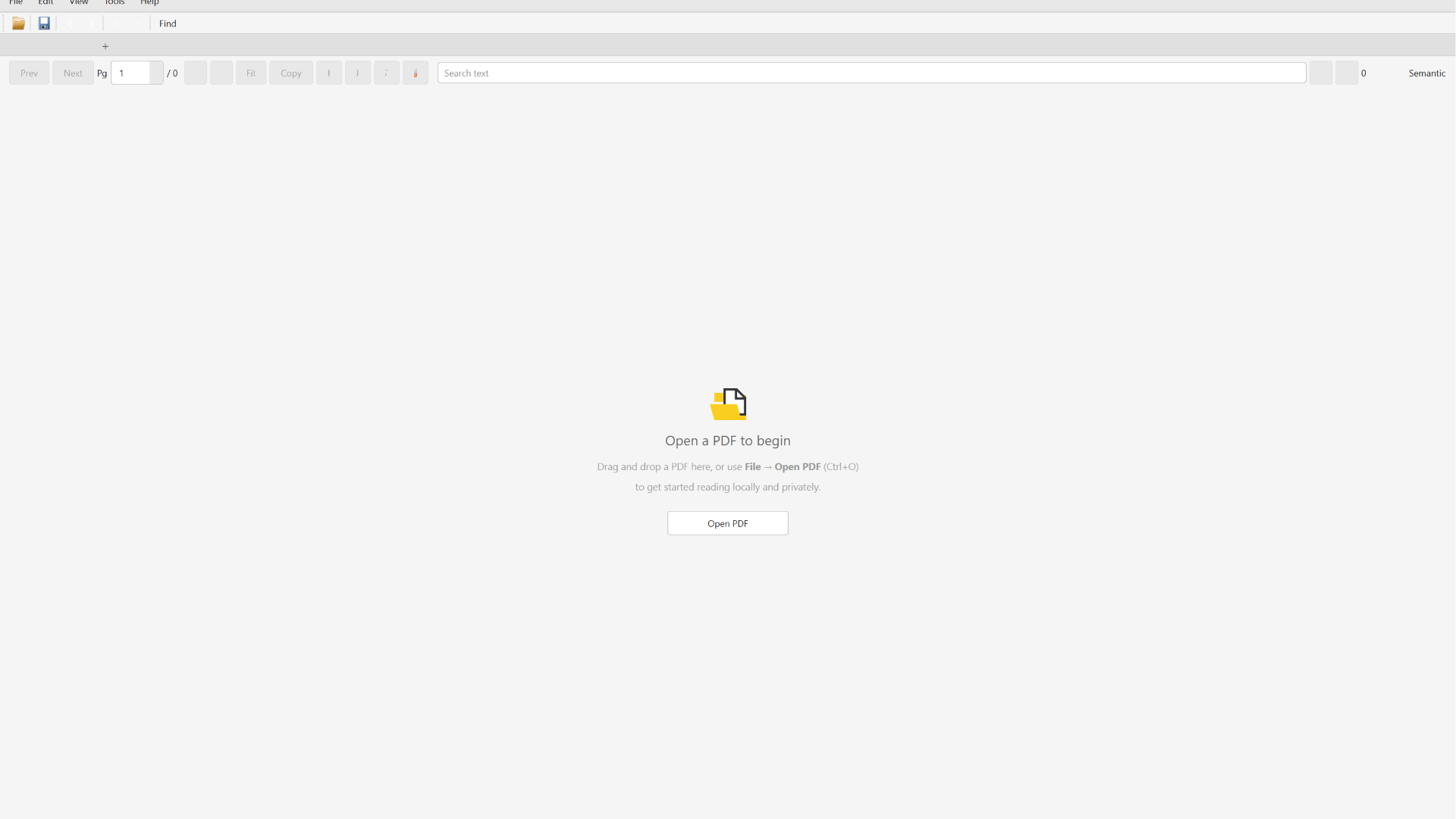
Gallery
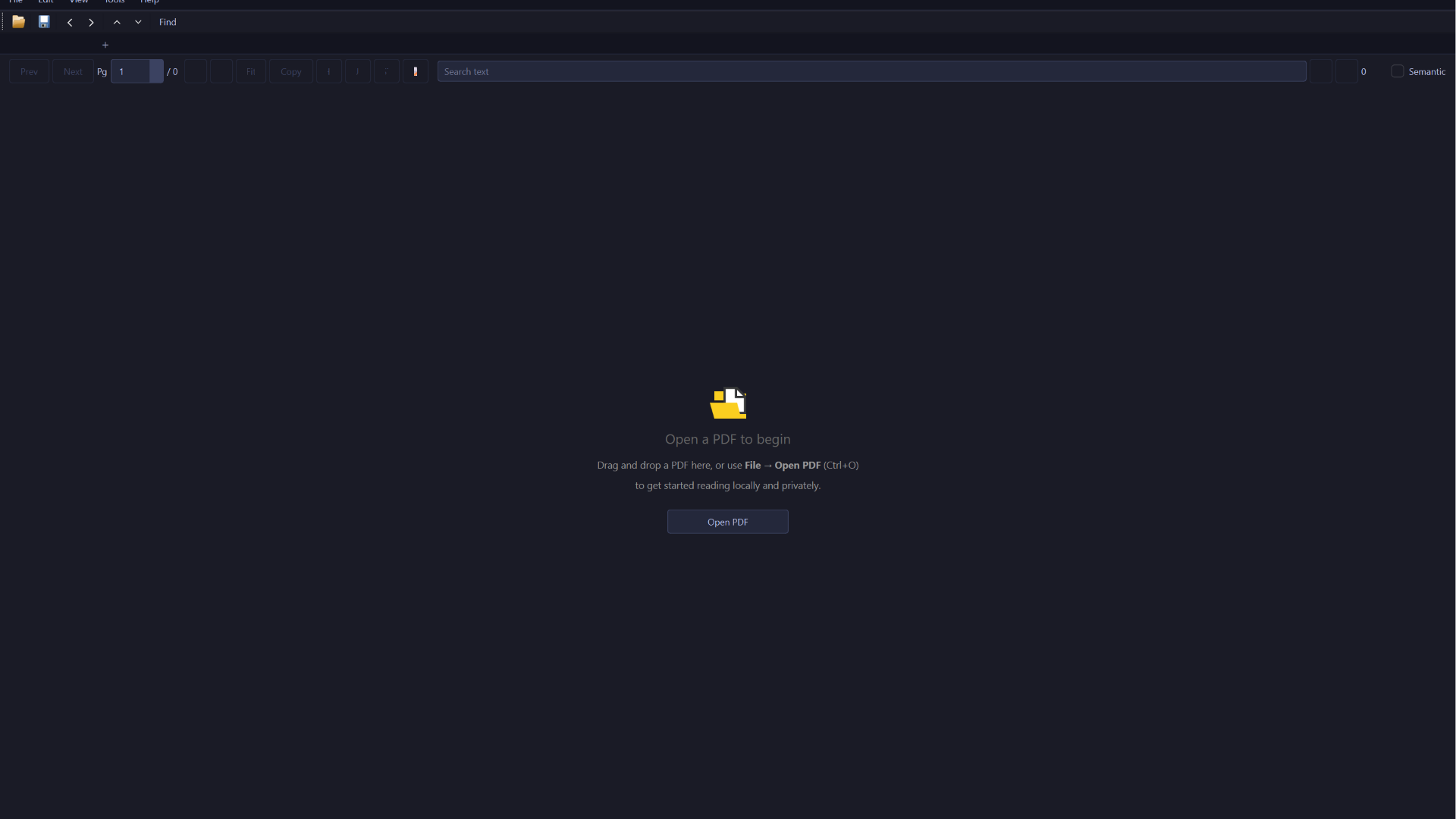
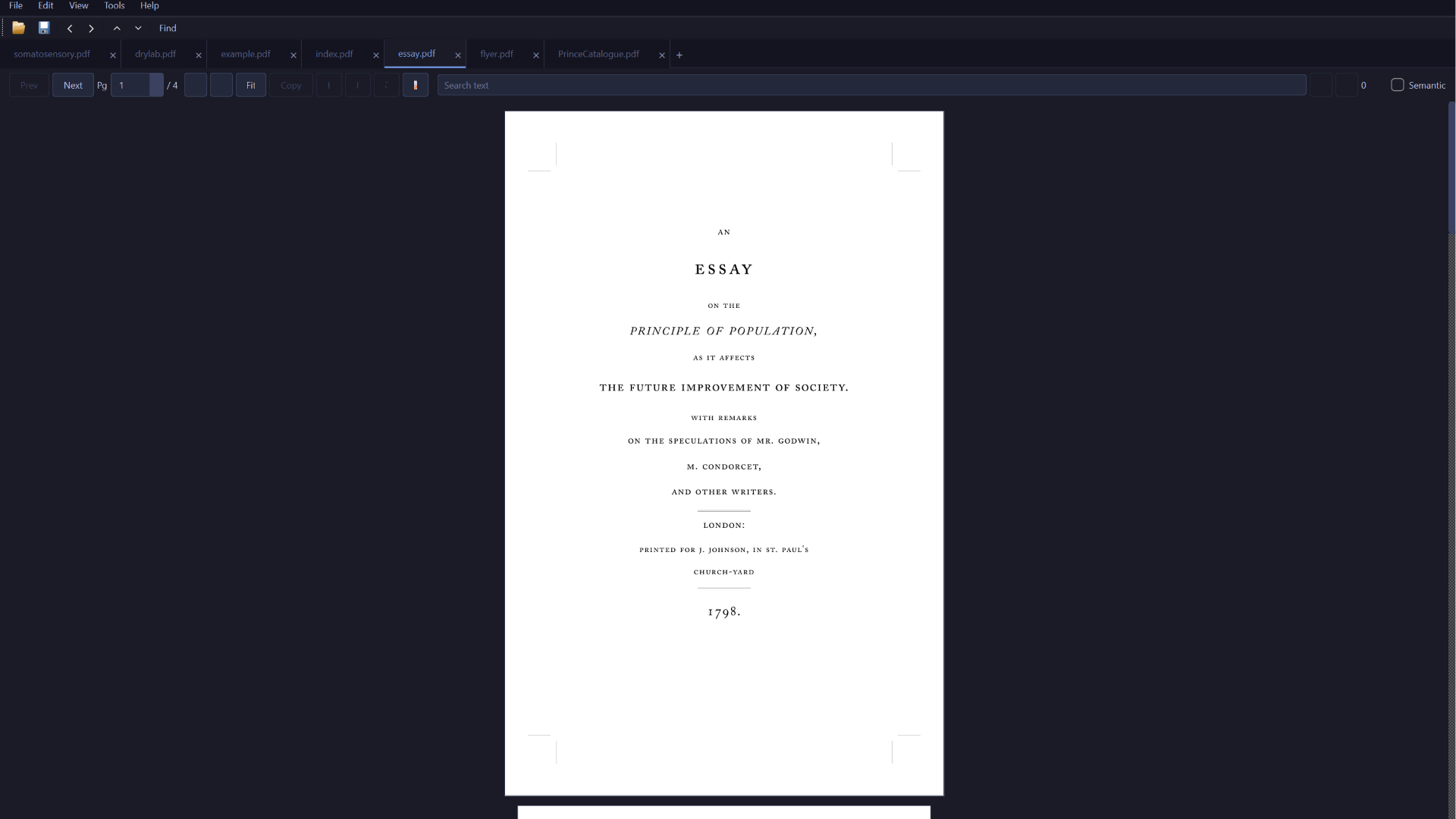
Dark Mode
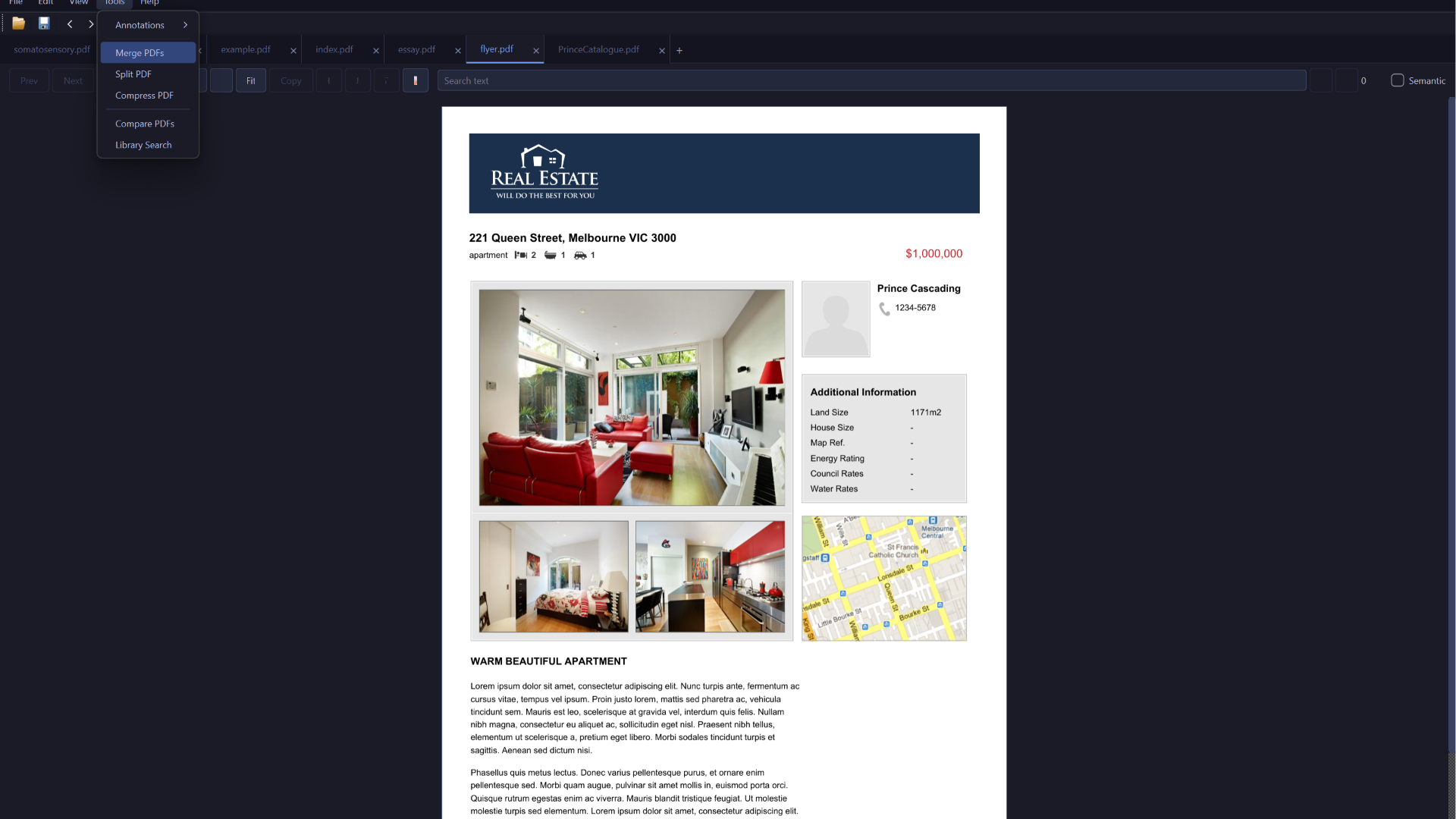
PDF Tools
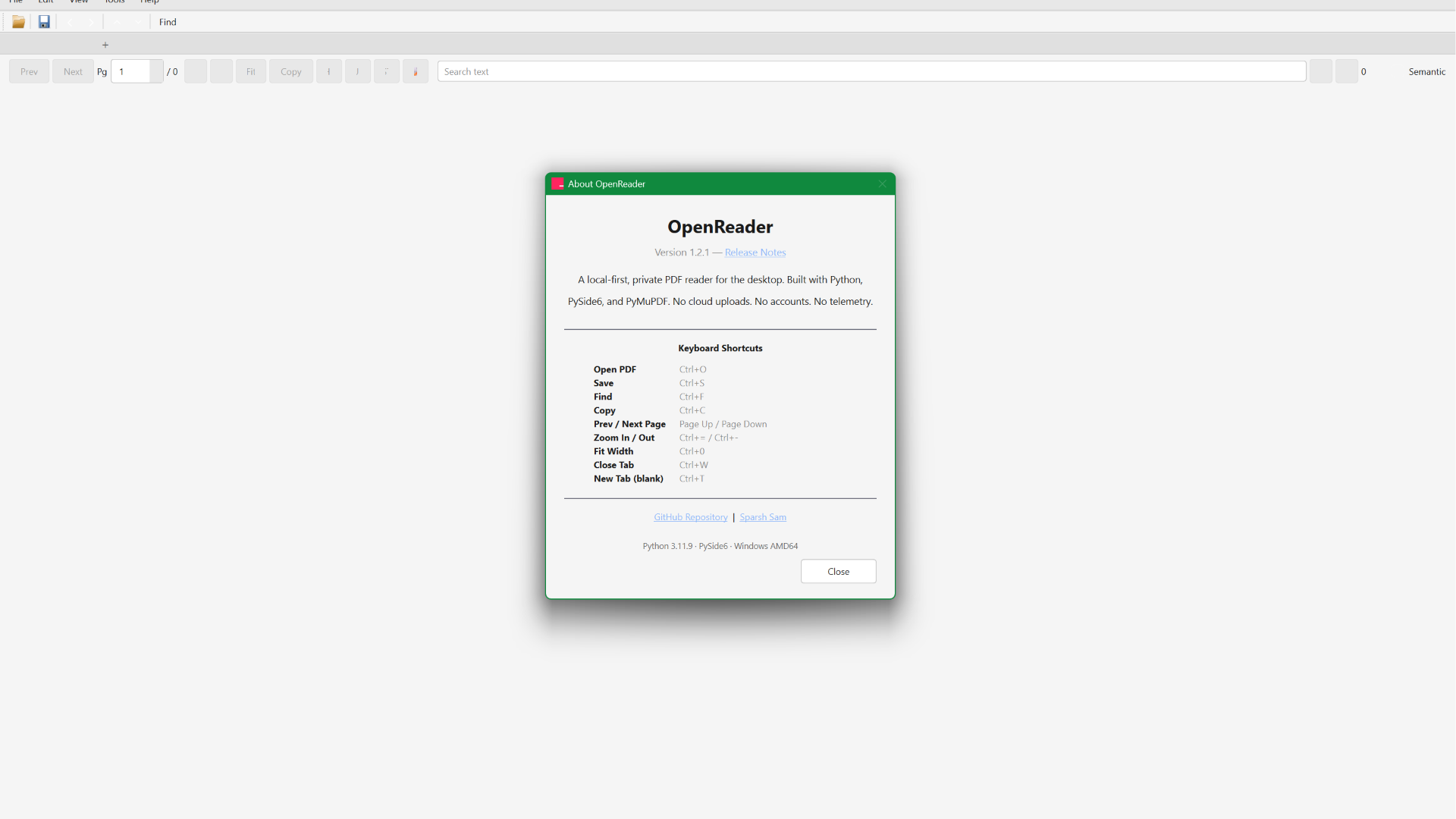
About & Keyboard Shortcuts
Sample Document
Why OpenReader
Truly private
Every operation runs on your machine. No accounts, no telemetry, no cloud uploads.
Works offline
No internet required. Open, read, and annotate PDFs anywhere.
Built for Windows
A native reading experience with proper Windows 10/11 integration.
AI-ready
Built-in MCP server lets AI agents interact with your PDFs — entirely local.
Features
Read — Open PDFs, one-page or continuous scroll, fit-width zoom, page jump.
Annotate — Highlight, underline, strikethrough, and sticky notes. Saved as native PDF annotations.
Search — Full-document keyword search with match count and navigation.
Library search — Index entire folders with SQLite FTS5 for cross-document BM25-ranked search.
Compare — Side-by-side diff with color-coded changes and structured summary.
Multi-tab — Open several documents in one window with movable tabs.
Dark mode — System-aware theme with Auto/Light/Dark toggle.
PDF tools — Merge, split, extract page ranges, compress.
OCR fallback — Automatic OCR on scanned/image-based pages when Tesseract is available.
Session restore — Remembers open documents and page positions across restarts.
AI agent integration — Built-in MCP server with 14 tools for automated PDF workflows.
Designed for
Audience
Why OpenReader
Students
Read textbooks, annotate lecture notes, search across research papers — all offline.
Professionals
Review contracts, compare document versions, merge reports without uploading to any service.
Researchers
Index and search across PDF libraries, extract text, build automated PDF pipelines.
Privacy-conscious users
Full-featured PDF tool that never sends your documents anywhere.
AI adopters
Connect AI agents to your local documents for automated reading, searching, and processing.
Design Philosophy
> "Software should respect your documents. They stay on your computer, under your control."
OpenReader is built around a single idea: a PDF reader should feel like a well‑made tool, not a web page. The interface follows native Windows conventions — real menus, keyboard shortcuts, proper window management — with a refined dark theme (Tokyo Night‑inspired) and a clean light option. Every interaction is immediate, every feature discoverable without tutorials.
The focus is on reading and working with documents, not fighting the interface. Toolbar buttons have clear vector‑drawn icons, tabs are movable, zoom is instant, and the reading view puts your document first.
Built With
Version Journey
Release
Date
Milestone
v1.2.4
Jun 2026
Toolbar icon redesign — all buttons use QPainter vector icons
v1.2.3
Jun 2026
Reader UX polish — Fit Page on open, Ctrl+Mouse Wheel zoom
v1.2.2
Jun 2026
Store submission fix — XML DOM patching, CI validation

-ff255f?style=for-the-badge&logo=microsoft&logoColor=white)



 Read — Open PDFs, one-page or continuous scroll, fit-width zoom, page jump.
 Annotate — Highlight, underline, strikethrough, and sticky notes. Saved as native PDF annotations.
 Search — Full-document keyword search with match count and navigation.
 Library search — Index entire folders with SQLite FTS5 for cross-document BM25-ranked search.
 Semantic search — TF-IDF cosine similarity — meaning-based matching, no external ML.
 Compare — Side-by-side diff with color-coded changes and structured summary.
 Multi-tab — Open several documents in one window with movable tabs.
 Dark mode — System-aware theme with Auto/Light/Dark toggle.
 PDF tools — Merge, split, extract page ranges, compress.
 OCR fallback — Automatic OCR on scanned/image-based pages when Tesseract is available.
 Session restore — Remembers open documents and page positions across restarts.
 AI agent integration — Built-in MCP server with 14 tools for automated PDF workflows.



