KillerPDF is a free, open-source PDF editor for Windows. View, annotate, OCR, merge, split, edit text, draw, sign, fill forms, print, flatten, and open password-protected PDFs without an Adobe subscription. Choose the compact Windows installer or the self-contained portable edition. Document processing stays on your computer, with no telemetry.
Full how-tos live on the help page; internals, formats, and limits on the technical page.
The KillerPDF.Engine
KillerPDF 1.8 introduces The KillerPDF.Engine, an independent and reusable .NET library for PDF 2.0, PDF/A, and PDF/UA document processing. It is a first-class area of this monorepo with its own public API, tests, corpus tooling, architecture documentation, README, and release history.
Features
- High-quality PDFium rendering with four view modes (Single, Continuous, Two-Page with a book layout option, Grid), tabbed documents, and a split pane for two documents side by side
- Annotate with inline text editing and font matching, word-wrapping text boxes, drawing, lines, highlights, images, and page-number or watermark stamps. Highlights use the Multiply blend so the text underneath stays readable, and every tab has its own undo and redo history.
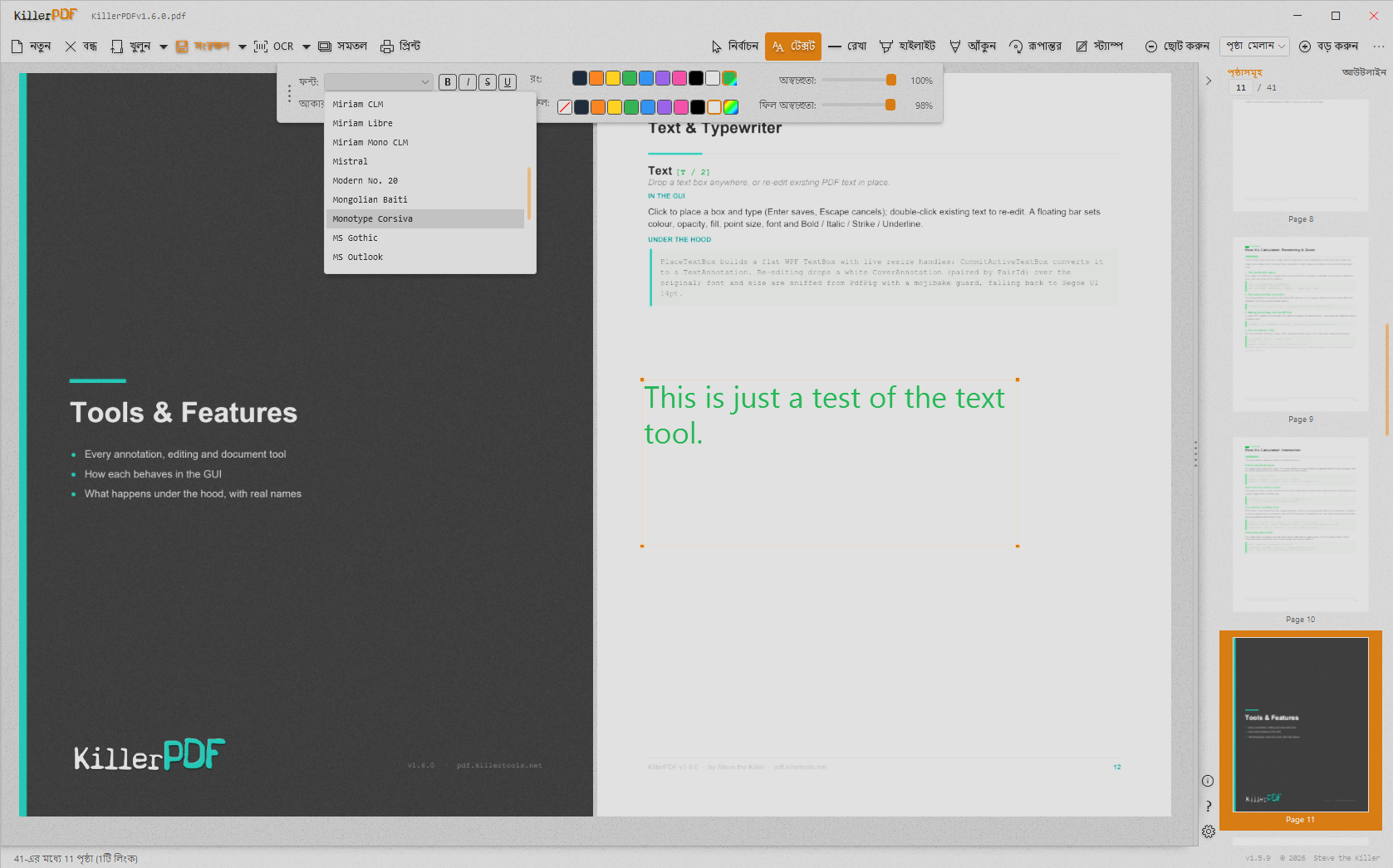
- Built-in OCR (Tesseract bundled, no cloud): make searchable PDFs, OCR a page or region to the clipboard, extract all text; extra languages download on demand
- Organize pages: merge, split, insert, rotate, crop, extract, delete, drag-and-drop reordering; drop a folder or
.zip onto the window to merge its contents
- Export one page or a multi-page selection as PNG or JPEG directly from the Pages panel
- Transform: rotate, scale, flip, deskew by drawing a level line, perspective correction for photographed pages, and a LEVELS section (black point, white point, midtones) for pale scans
- Forms: fill text, checkbox, radio, and comb fields as live controls and save back; digital signatures with a certificate from Windows or a .pfx file, plus drawn or imported signatures and initials
- Print with a real in-app preview, paper size and source selection, scale / position / margins / pages-per-sheet options at 300 DPI; Save Flattened rasterizes to a fully uneditable PDF
- Full-text search with highlighting, and column-aware text selection that copies multi-column pages in reading order
- Night-mode inversion works independently in each split pane. Thirteen themes, live accent colors, and toolbar styles provide 41 looks, while the resizable sidebar can dock on either side.
- Localized UI in 19 languages, including Vietnamese, Kazakh, and Russian (contribute via
TRANSLATING.md); full keyboard shortcut overlay on F1 with list and visual keyboard views, a shortcut toggle, and an always-available Ctrl+Shift+K recovery chord
- Opens password-protected PDFs (prompts instead of erroring) and repairs damaged ones
- Separate standard and portable downloads: the compact installer supports per-user or machine-wide deployment, while the larger portable edition includes its own runtime
- Standards-safe saves: every release is tested against a 2,900-file veraPDF conformance corpus with a zero-regressions requirement. See validation/RESULTS.md.
- No account or telemetry. Optional startup update checks contact GitHub and are enabled by default; downloading and installing an update requires confirmation. Turn checks off in About or the update dialog. Extra OCR languages download on demand.
Command line
Every core operation also runs headless from a terminal, with meaningful exit codes, even while the app is open:
KillerPDF.exe --merge out.pdf a.pdf b.pdf scan.jpg
KillerPDF.exe --extract-pages in.pdf 1-3,5 out.pdf
KillerPDF.exe --split in.pdf pages\
KillerPDF.exe --decrypt locked.pdf open.pdf [--password p]
KillerPDF.exe --to-image in.pdf imgs\ --dpi 300 --format jpg
KillerPDF.exe --flatten in.pdf flat.pdf
KillerPDF.exe --print in.pdf --printer "HP LaserJet" --pages 1-4 --copies 2
KillerPDF.exe --ocr scan.pdf searchable.pdf --lang eng
KillerPDF.exe --batch-resave inDir\ outDir\ --log report.csv
KillerPDF.exe --help
Full reference on the help page.
Screenshots
| |
|---|
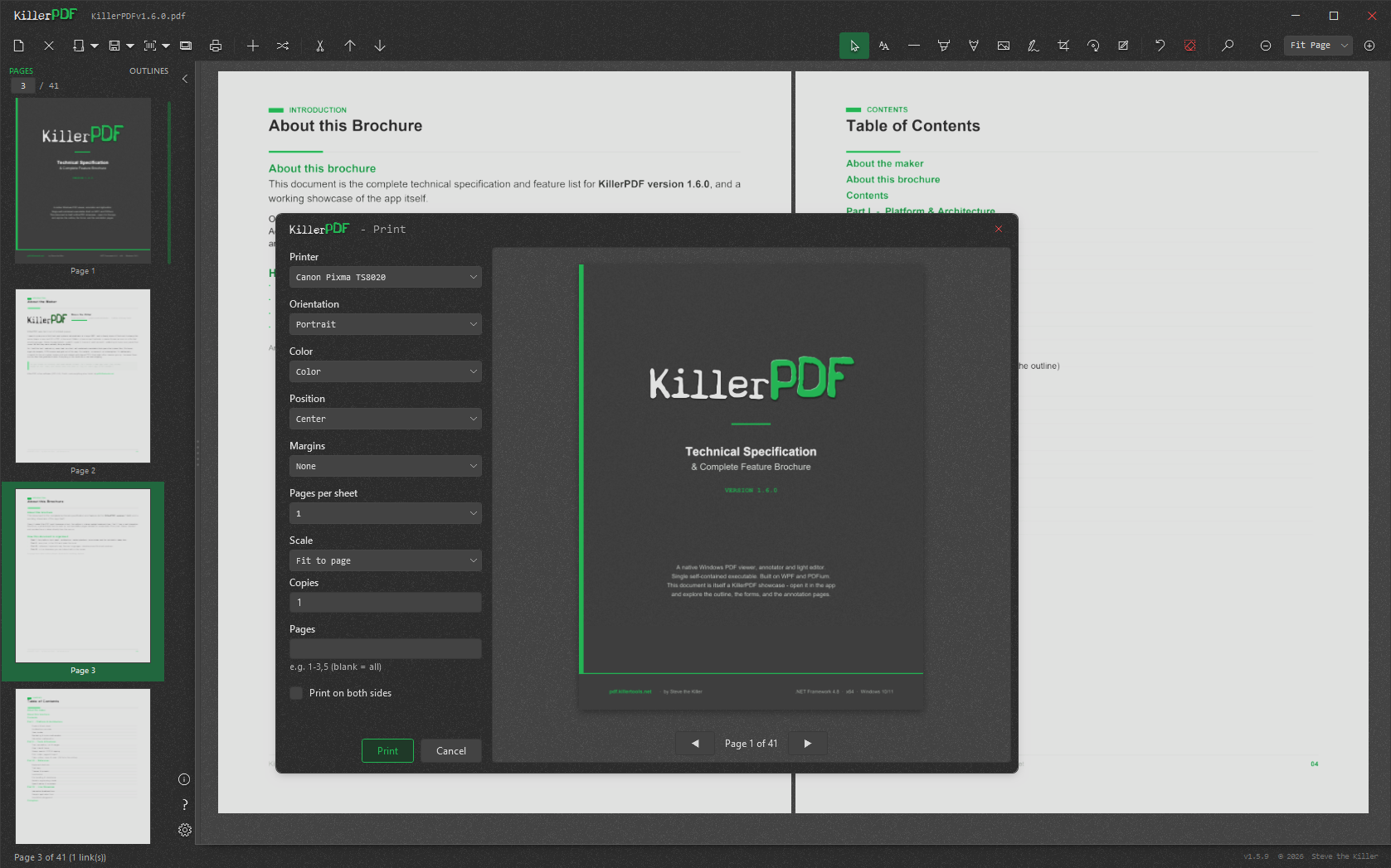 Annotations. Highlight text, draw with the pen, and add text boxes. Annotations. Highlight text, draw with the pen, and add text boxes. | 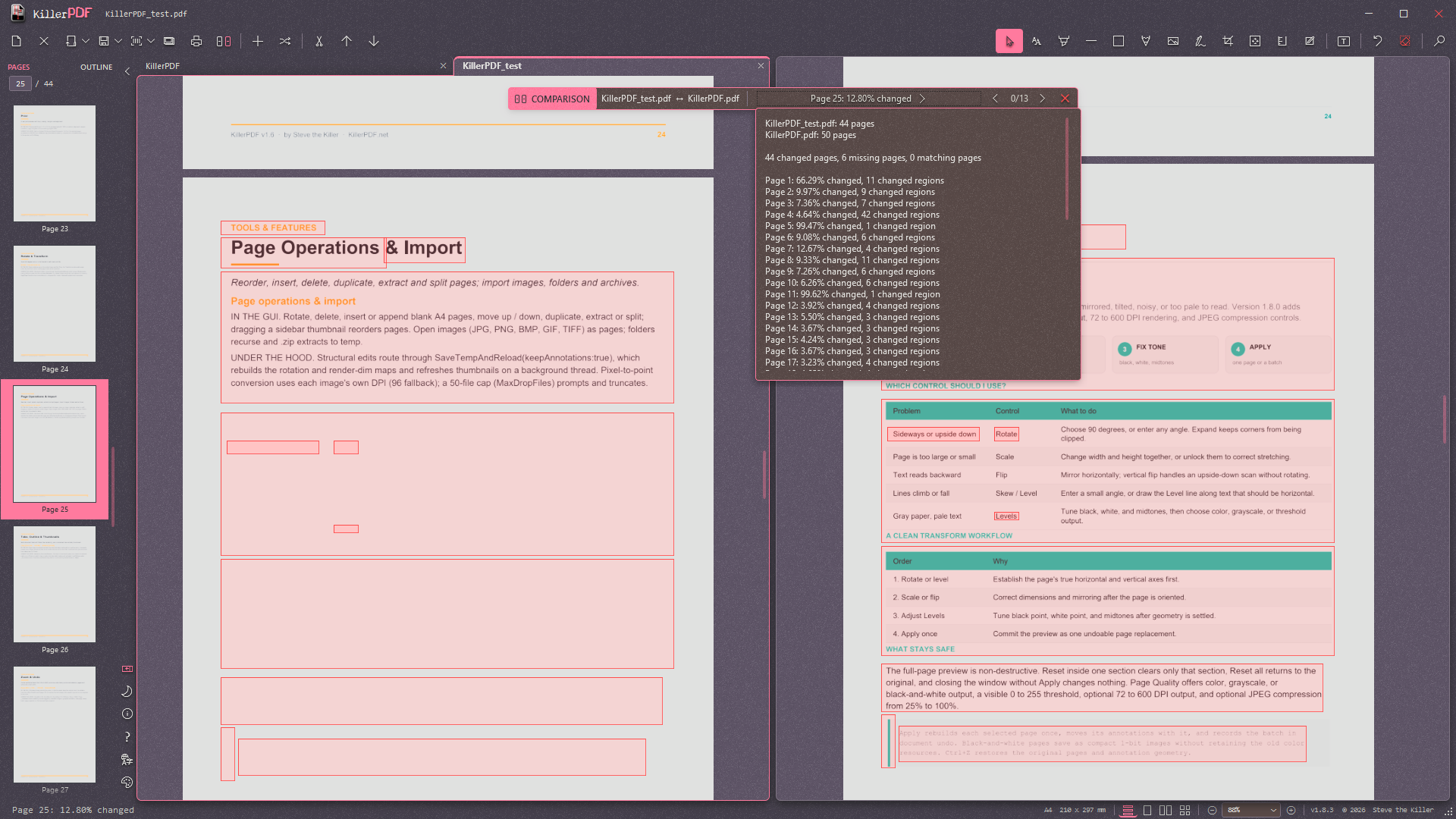 PDF comparison. Review highlighted differences and a summary of changed pages. PDF comparison. Review highlighted differences and a summary of changed pages. |
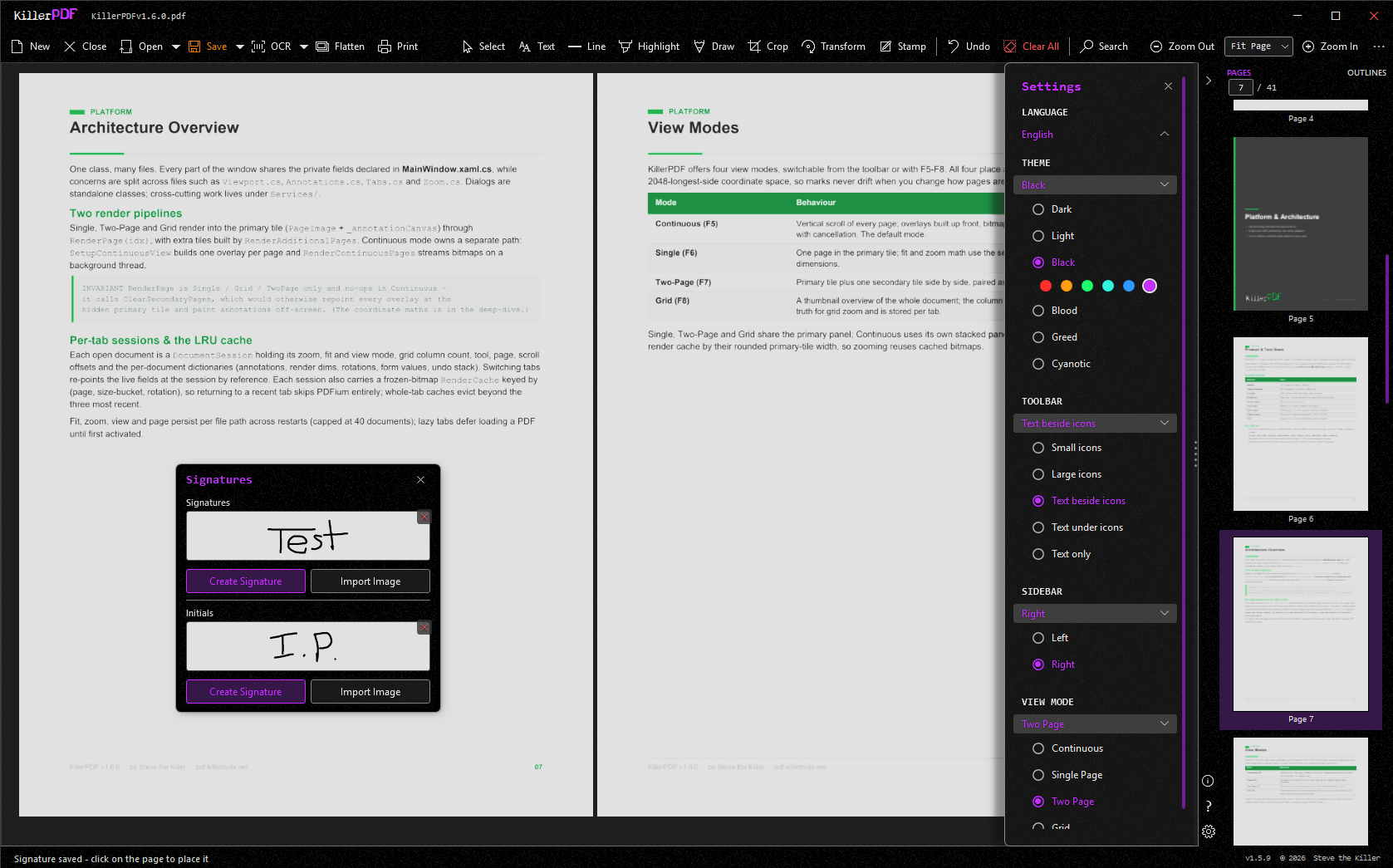 Dual pane. Work in two documents at once, each with its own tabs. Dual pane. Work in two documents at once, each with its own tabs. | 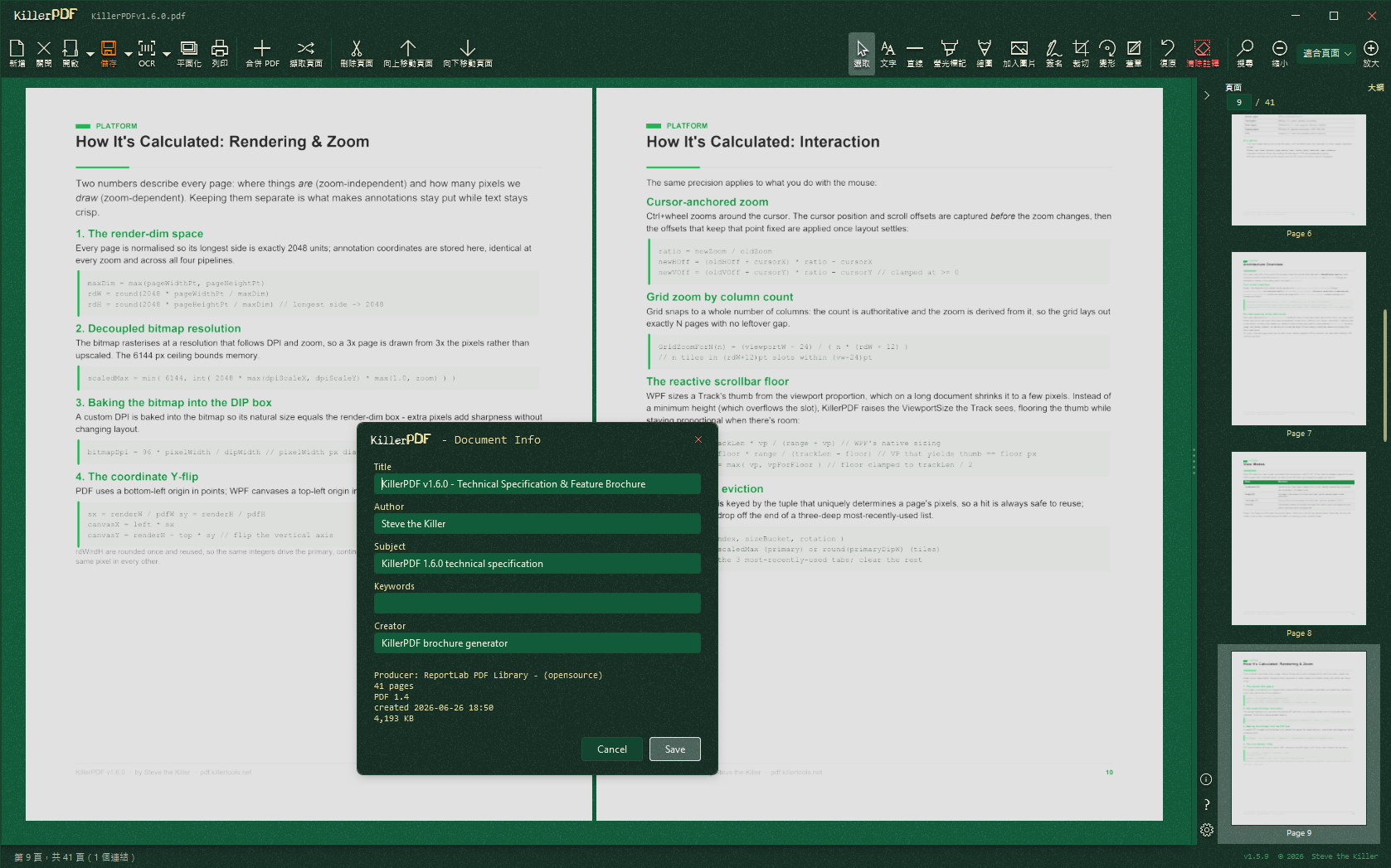 OCR languages. Pick a recognition language, with more available to download. OCR languages. Pick a recognition language, with more available to download. |
 Watermarks and page numbers. Preview a watermark and set page numbers before applying. Watermarks and page numbers. Preview a watermark and set page numbers before applying. | 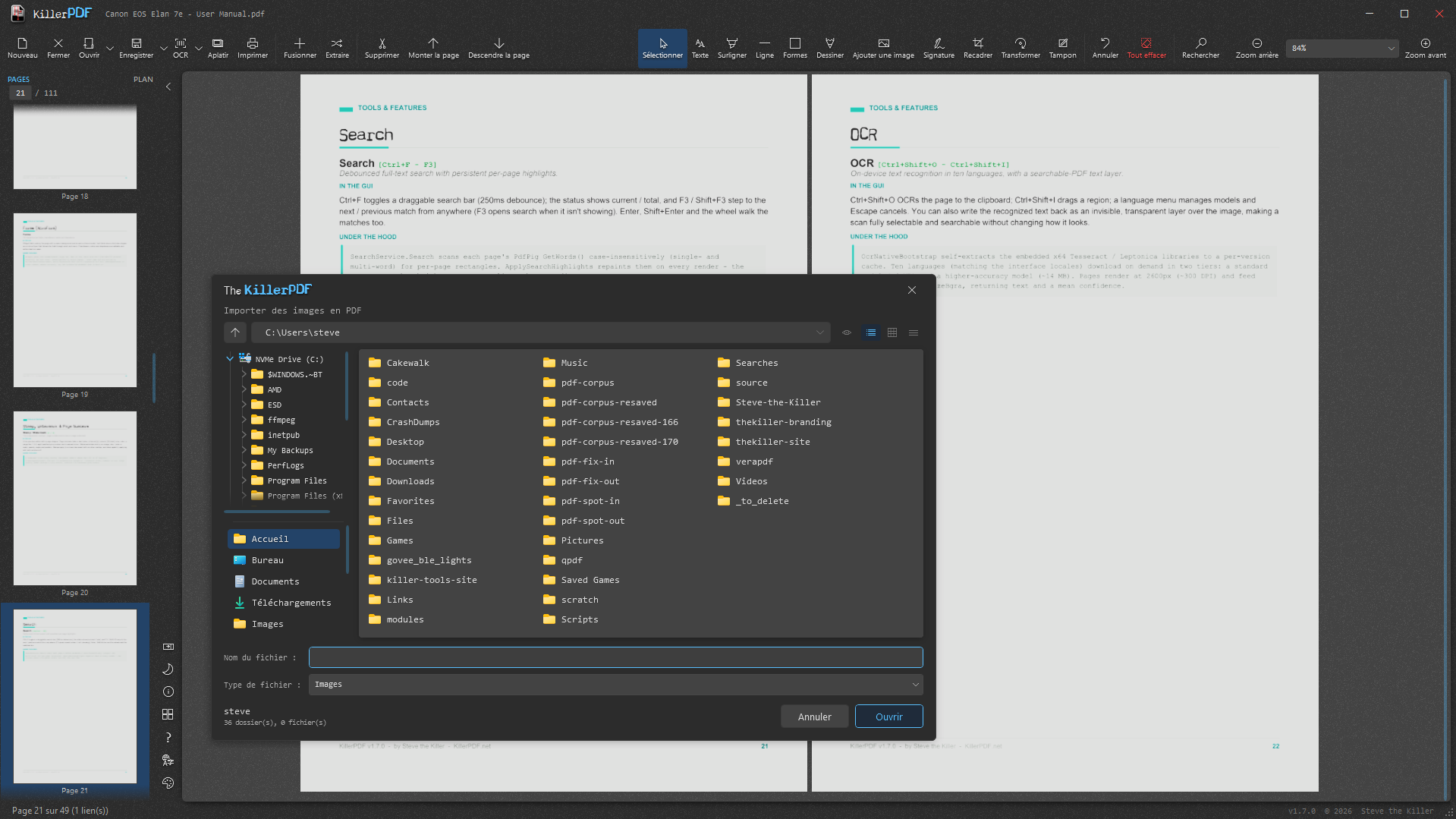 Transform. Rotate, scale, flip, and skew pages with a live preview. Transform. Rotate, scale, flip, and skew pages with a live preview. |
Requirements
- Windows 10 or 11 (x64)
- The standard installer uses the .NET 10 Desktop Runtime and offers to install it when needed.
- The portable package includes the runtime and works offline without installation.
Download
WinGet:
winget install killerpdf
Chocolatey:
choco install killerpdf
- Standard installer:
- Portable edition:
- Source (GPL3 corresponding source for this release):
Build from source
git clone https://github.com/SteveTheKiller/KillerPDF.git
cd KillerPDF
dotnet publish -c Release
Output lands in bin/Release/net10.0-windows/publish/. Normal publishing produces the development build plus a versioned KillerPDF--src.zip. The release pipeline builds KillerPDF.exe, a compact framework-dependent installer, and KillerPDF-Portable.exe, a self-contained offline edition. Installed shortcuts launch the inner app directly for faster startup.
KillerPDF 1.8 requires the .NET 10 SDK. Both the reusable engine and the Windows application target .NET 10, with the application using net10.0-windows.
The desktop document pipeline now uses The KillerPDF.Engine for document parsing, writing, editing, repair, forms, annotations, signatures, and preservation-sensitive page operations. PDFium remains the rendering backend, while PdfPig handles text extraction.
Translations
UI strings live in Strings/ (one XAML ResourceDictionary per locale). To add or improve a language, see TRANSLATING.md. Missing keys fall back to English, so a partial translation is fine.
Changelog
See the KillerPDF application changelog and The KillerPDF.Engine changelog.
License
GPLv3. See LICENSE. If you fork, modify, or redistribute KillerPDF, your version must also be released under GPLv3 with source available. No exceptions for commercial rebrands.