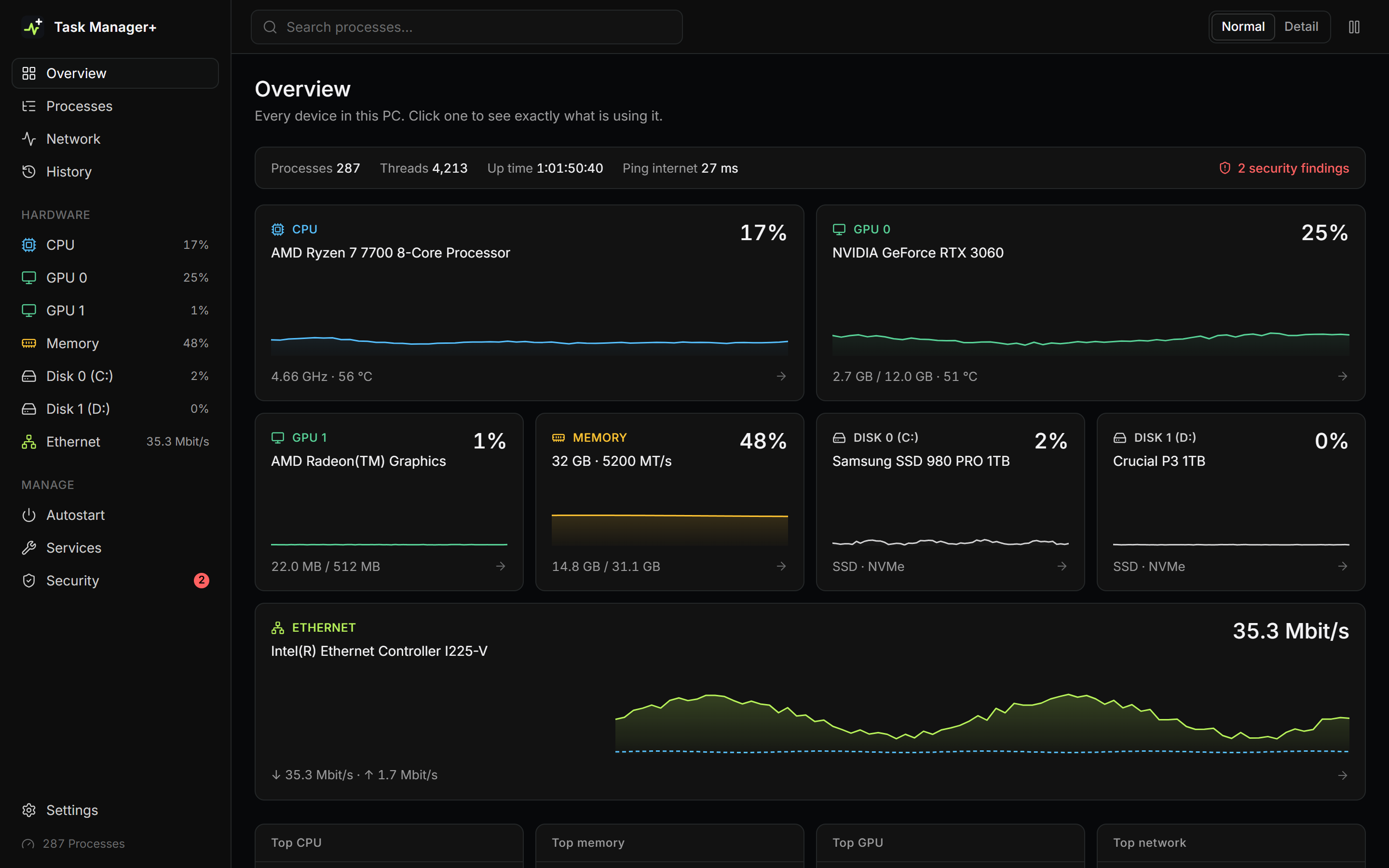
Task Manager+ is a system monitoring tool designed to show every CPU, GPU, memory module, disk, and network adapter in your PC and which programs are using each of them. It provides detailed insights into resource usage, helping users optimize performance and identify potential issues.
Key Features:
Shows real-time data for every CPU core, GPU engine, memory module, disk, and network adapter.
Groups processes into apps, background programs, and Windows components for easier management.
Manages autostart entries and services without requiring deletion of existing files.
Records a minute-by-minute history of resource usage for historical analysis.
Target Audience and Benefits:
Ideal for system administrators, gamers, developers, and general users seeking advanced monitoring capabilities. Task Manager+ helps identify resource-intensive programs, manage startup programs effectively, and ensure system security by checking digital signatures of running processes.
Available via WinGet, making deployment straightforward using the winget command line. This tool is open-source, compatible with Windows 10/11 (64-bit), and offers a detailed view of temperatures, power usage, and fan speeds for enhanced hardware monitoring.
README
Task Manager+
A free, open-source replacement for the Windows Task Manager. It shows every part of your PC and which programs are using it right now.
Live pages for every CPU, GPU, memory, disk and network adapter
For each device, the programs using it, down to GPU engines and per-process disk and network traffic
Processes grouped into apps, background programs and Windows components, with protected system processes
Signature check that flags unsigned, broken or suspicious programs
Autostart entries and services, switchable without deleting anything
History of every resource, recorded each minute even while the window is closed
Temperatures, clocks, power and fans in detail mode
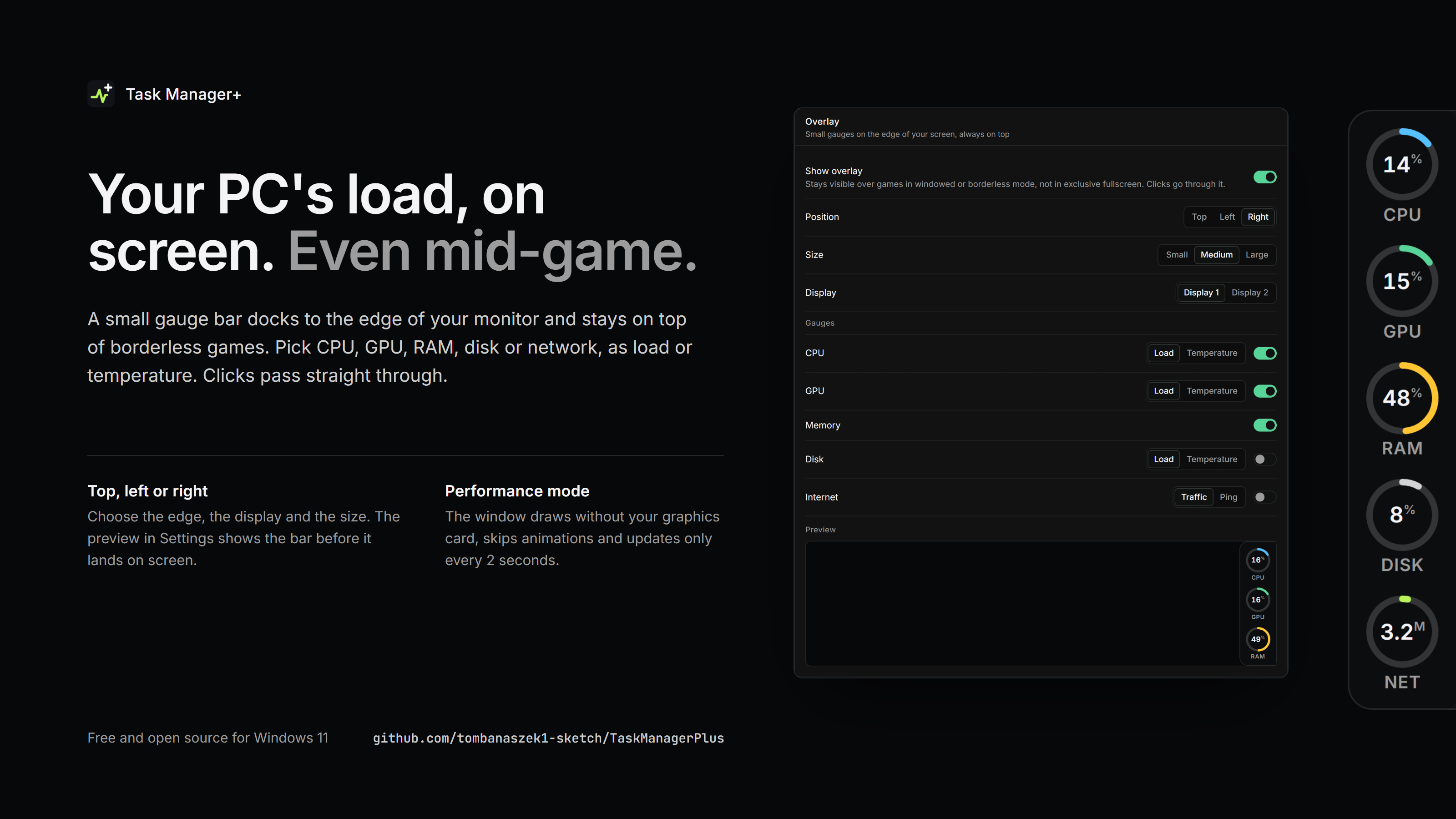
Always-on-top overlay with CPU, GPU, RAM, disk and network gauges for gaming
Performance mode that renders the window without the graphics card
Install
Download
.msi
Installer with Start menu shortcut, updates older versions
.exe
Portable, run it from anywhere
.zip
The portable exe, for networks that block .exe downloads
Windows 10 or 11 (64-bit). The app asks for administrator rights, which it needs for per-process network and disk data, services and ending elevated processes. The builds are not code-signed, so SmartScreen may ask once: More info > Run anyway.
CPU temperatures need the open-source PawnIO driver. The MSI installs it, and the portable exe offers a one-click button.
Settings and history stay in %LOCALAPPDATA%\TaskManagerPlus. The only network traffic is a ping to your router and to 1.1.1.1.