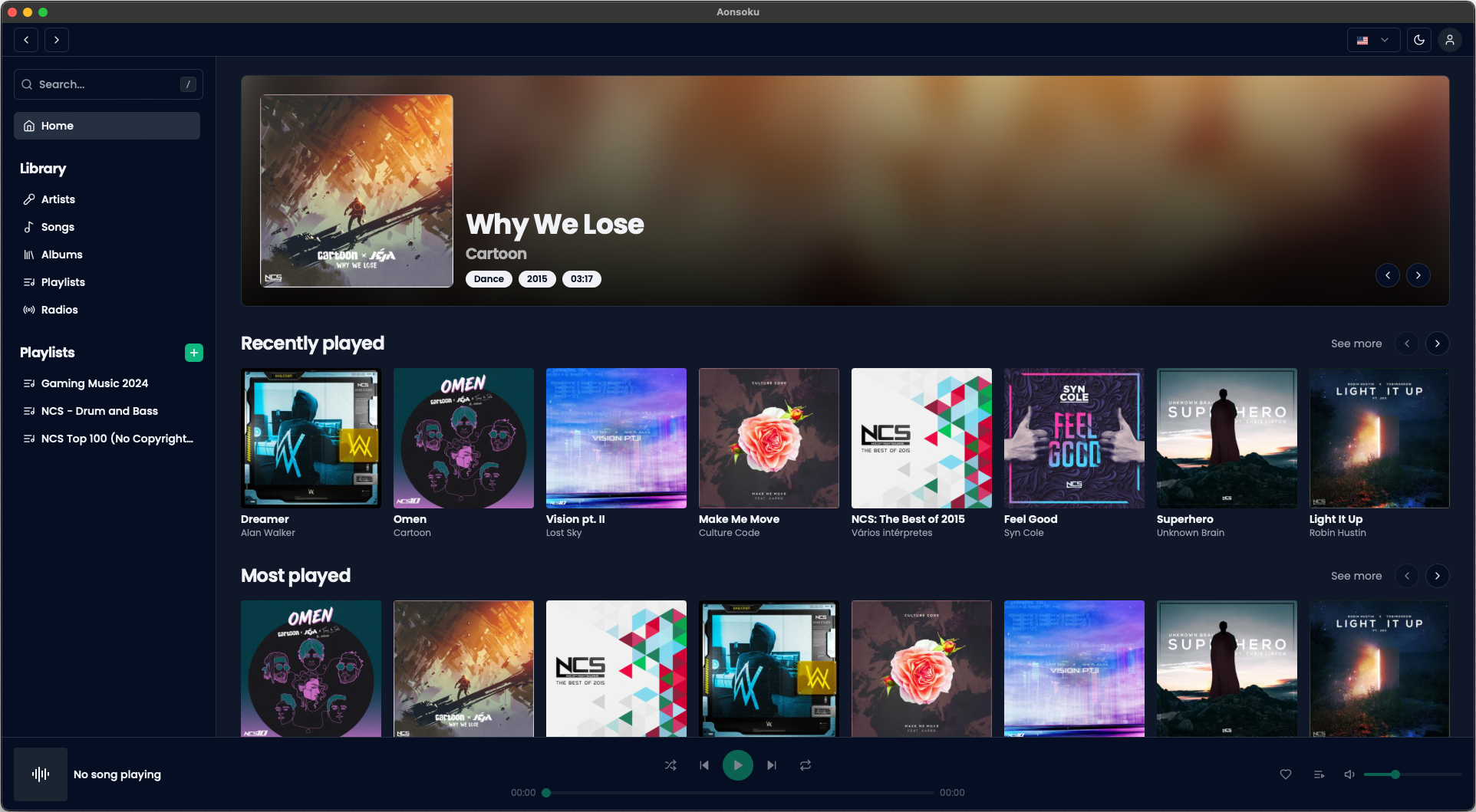
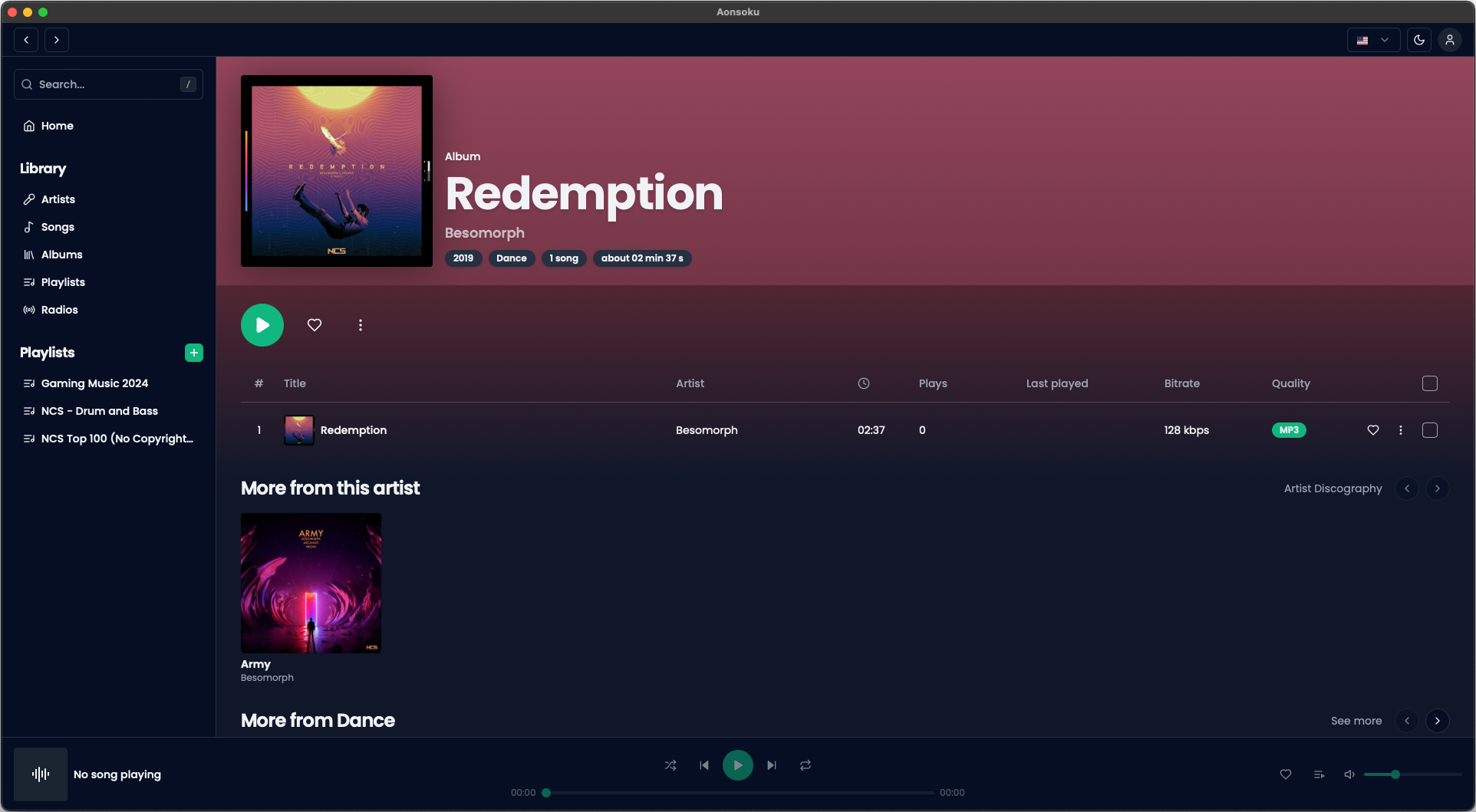
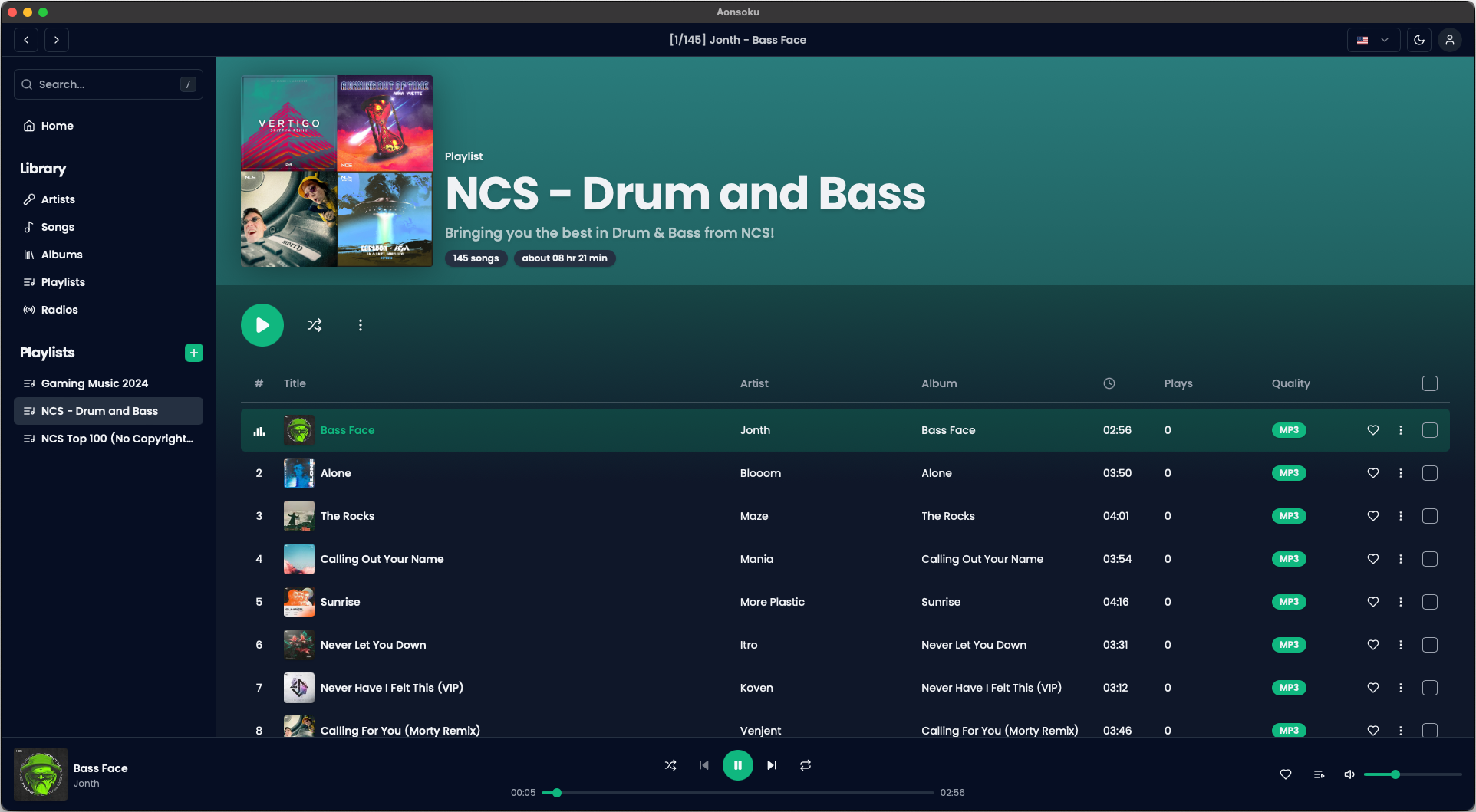
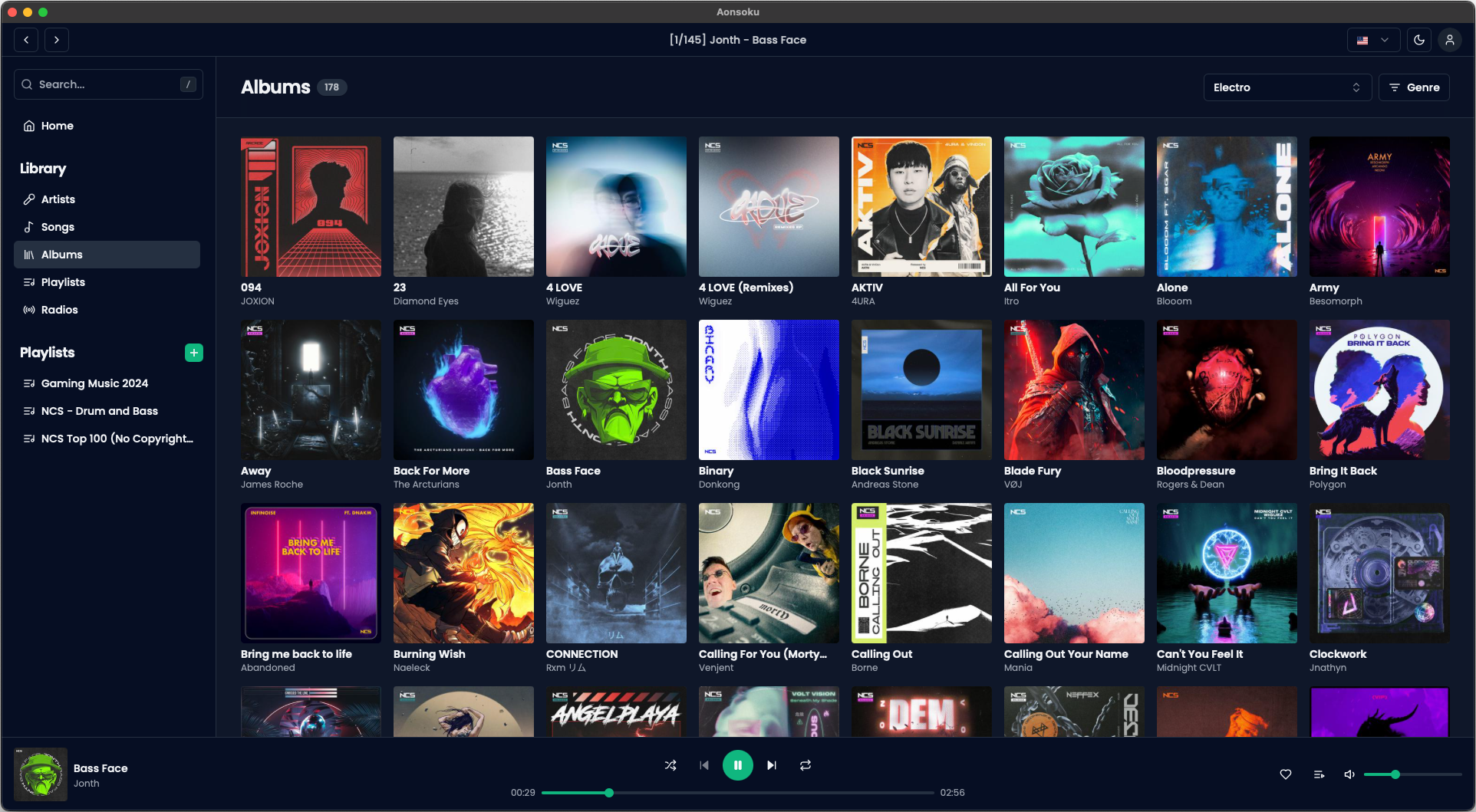
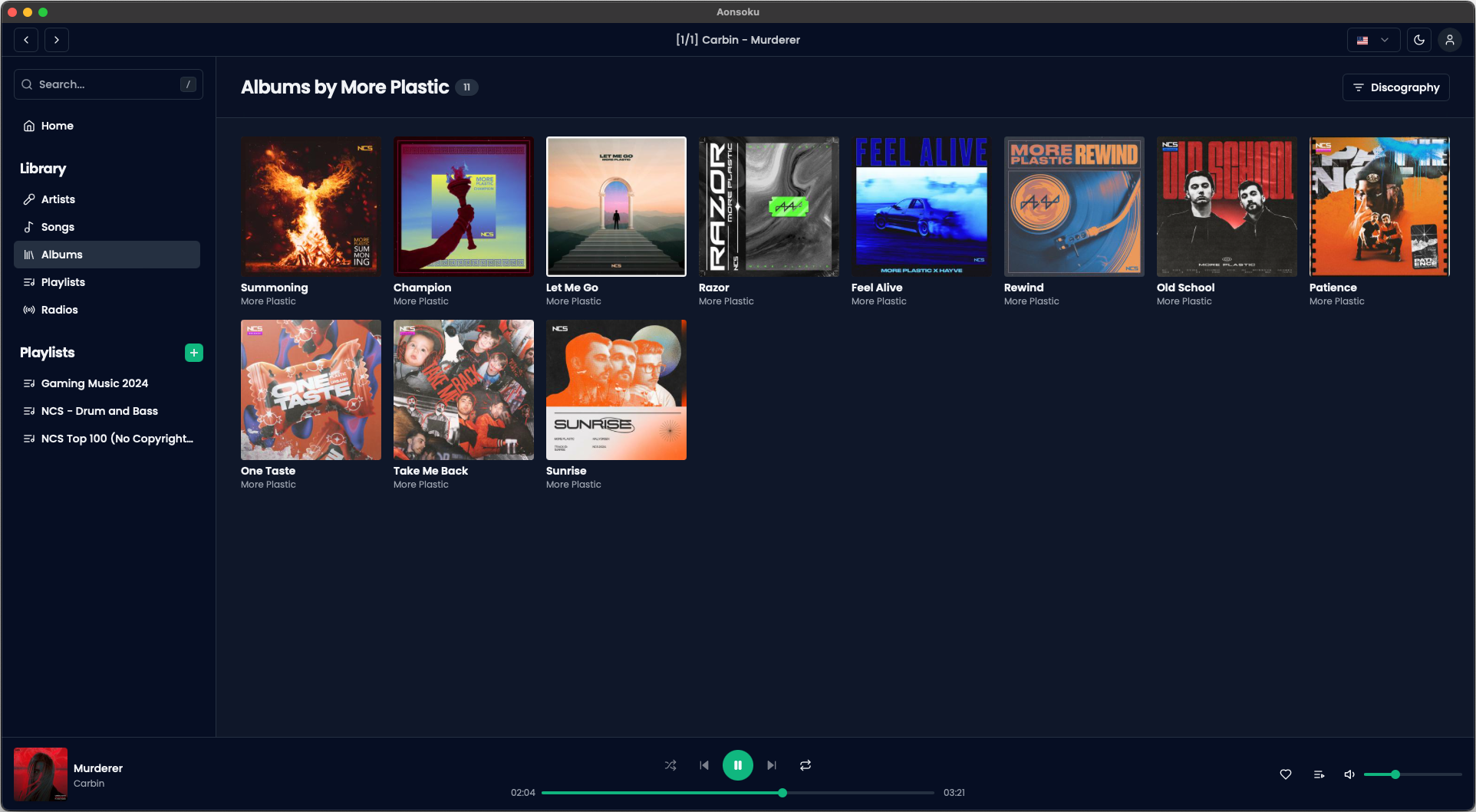
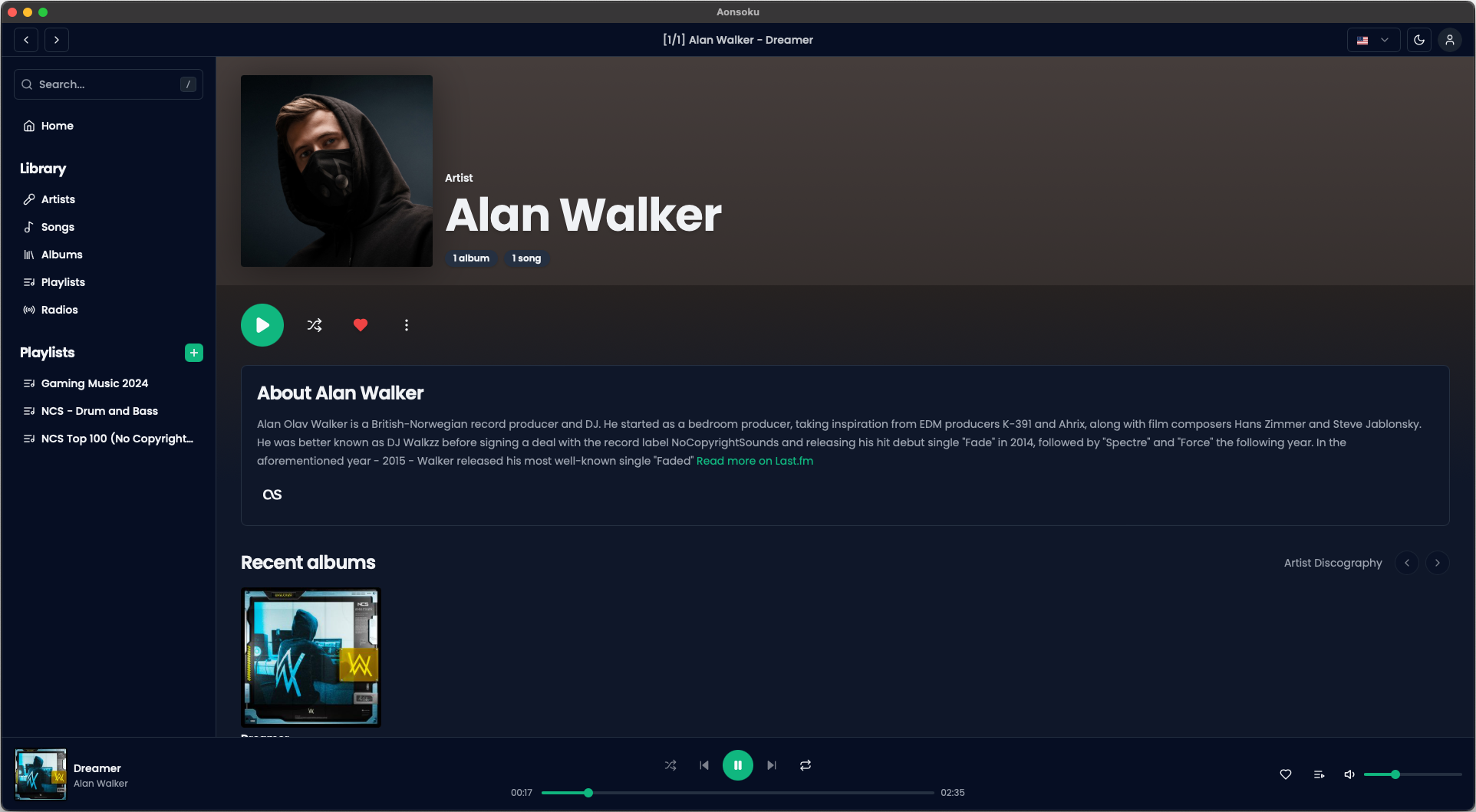
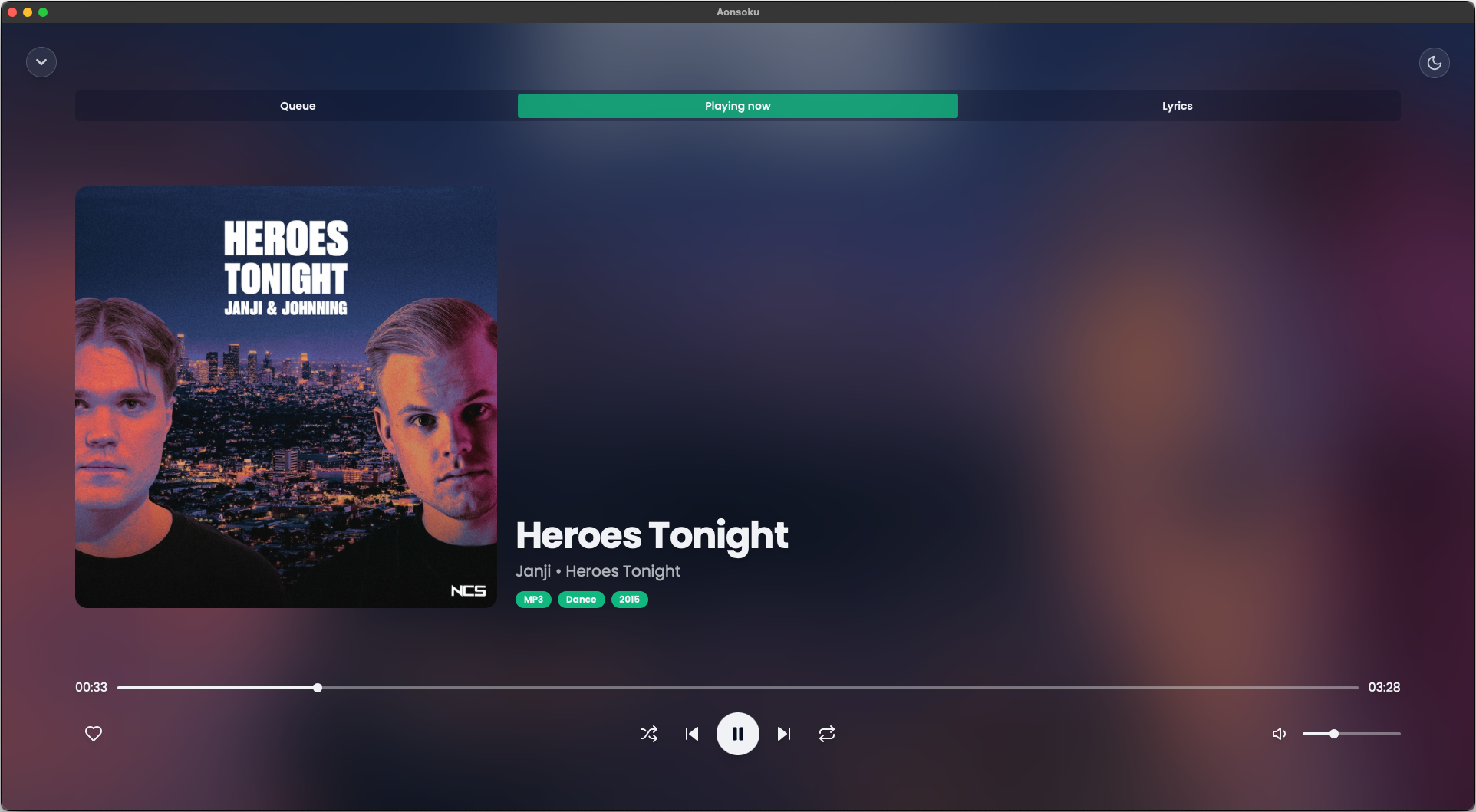
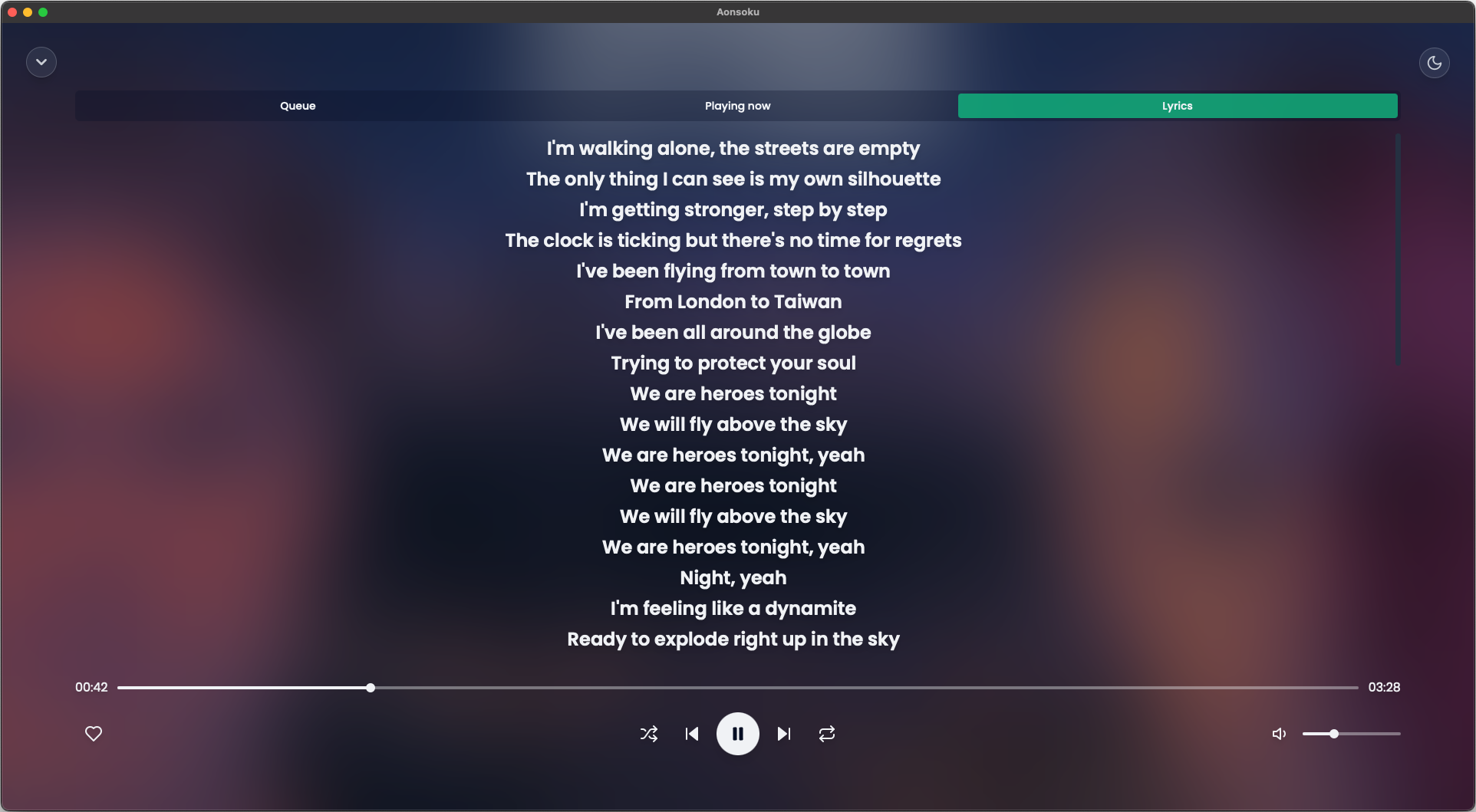
Aonsoku is a modern desktop client designed to provide seamless access to music collections hosted on Navidrome or Subsonic servers. Built with React and Electron, it offers a polished experience for users seeking a feature-rich application to manage and enjoy their audio content.
Key Features:
Subsonic Integration: Connects effortlessly with Navidrome or Subsonic servers to stream music directly from your collection.
Intuitive UI: A clean, modern interface designed to enhance navigation and playback controls for an optimal listening experience.
Podcast Support: Manages and plays podcasts within the app, featuring advanced search and filter options for easy organization.
Synchronized Lyrics: Automatically fetches synchronized lyrics from LRCLIB if not provided by the server, enhancing the listening experience.
Radio Access: Supports live radio streams directly within the app, offering a comprehensive audio entertainment solution.
Audience & Benefit:
Ideal for users with Navidrome or Subsonic servers who desire a feature-rich desktop client to manage and enjoy their music collections. Aonsoku provides an intuitive platform for seamless playback, podcast management, and server integration, making it a valuable tool for music enthusiasts.
The application can be installed via winget, ensuring quick and straightforward setup on Windows systems.
README
Aonsoku
A modern desktop client for Navidrome/Subsonic servers built with React and Electron.
  <a href="#features">Features</a>


  <a href="#screenshots">Screenshots</a>


  <a href="#getting-started">Getting Started</a>

    <a href="#prerequisites">Prerequisites</a>
    <a href="#installation">Installation</a>
    <a href="#running">Running</a>
    <a href="#recommended-ide-setup">Recommended IDE Setup</a>


<a href="#apple-users">macOS Users: "App cannot be opened" or Crash on Launch</a>
<a href="#roadmap">Roadmap</a>
<a href="#contributing">Contributing</a>
<a href="#translation">Translation</a>
<a href="#license">License</a>
Features
Subsonic Integration: Aonsoku integrates with your Navidrome or Subsonic server, providing you with easy access to your music collection.
Intuitive UI: Modern, clean and user-friendly interface designed to enhance your music listening experience.
Podcast Support: With Aonsoku Podcasts you can easily access, manage, and listen to your favorites podcasts directly within the app. Enjoy advanced search options, customizable filters and seamless listening synchronization to enhance your podcast experience.
Synchronized lyrics: Aonsoku will automatically find a synced lyric from LRCLIB if none is provided by the server.
Unsynchronized lyrics: If your songs have embedded unsynchronized lyrics, Aonsoku is able to show them.
Radio: If your server supports it, listen to radio shows directly within Aonsoku.
Contributions are what make the open source community such an amazing place to learn, inspire, and create. Any contributions you make are greatly appreciated.
If you have a suggestion that would make this better, please fork the repo and create a pull request. You can also simply open an issue with the tag "enhancement".
Don't forget to give the project a star! Thanks again!
Fork the Project
Create your Feature Branch (git checkout -b feature/AmazingFeature)
Commit your Changes (git commit -m 'Add some AmazingFeature')
Push to the Branch (git push origin feature/AmazingFeature)