Vinkius Desktop
MCPs are the music of AI Agents. We built the player.



> Using Vinkius Desktop? Come talk to us — Join the Discord →
> Config questions, client requests, and what AI tools you're running. The founder is in there.
The first native desktop application that provides unified MCP server management across all AI clients installed on a single machine.
Today, every AI client stores MCP server configuration in its own file, in its own format, at its own path. Vinkius Desktop eliminates this fragmentation entirely.
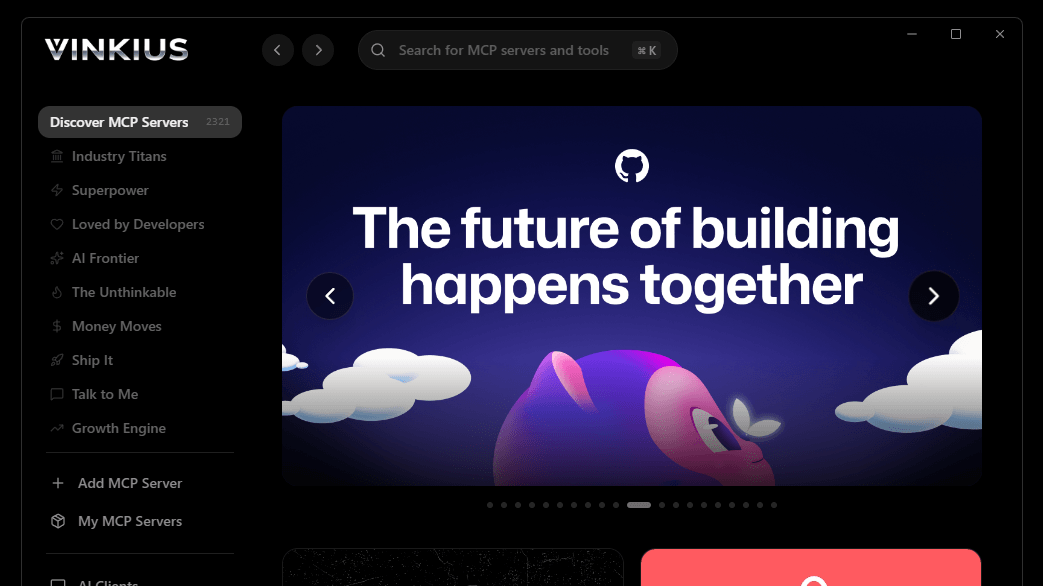
Overview
Vinkius Desktop detects every MCP-compatible AI client on your system, reads their configuration files, and presents a single control surface to manage all of them. Servers are written once and propagated to every client in the correct format — JSON, YAML, or TOML — with the correct transport keys and paths. No manual editing. No duplication. No drift.
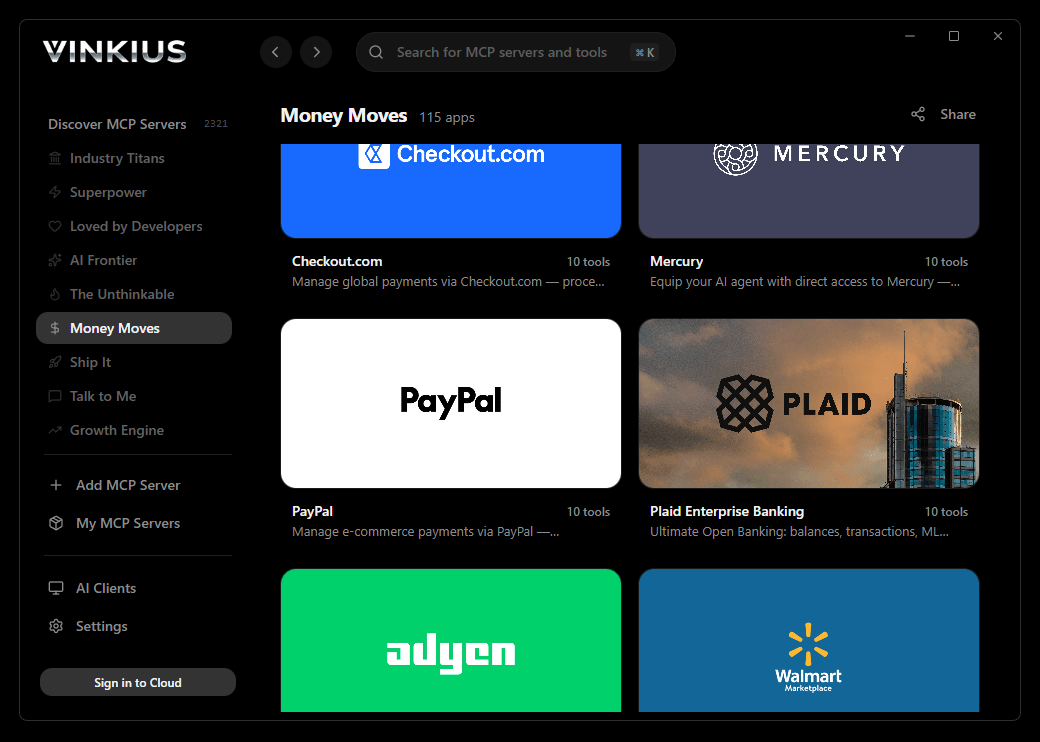
The application also provides direct access to the Vinkius — a curated registry of hundreds of production-ready MCP servers — with full-text search, category filtering, capability introspection, and one-action setup across all detected clients simultaneously.
Capabilities
| Capability | Description |
|---|
| Unified config writes | Add, edit, or remove a server once — it propagates to every detected client simultaneously in the correct format |
| 15+ client support | Claude Desktop, Cursor, VS Code, Windsurf, Cline, Roo Code, Copilot, Gemini, Codex, JetBrains, Goose, and more |
| Multi-format output | JSON, YAML, and TOML — each client receives its config in the exact format and key structure it expects |
| Server matrix | Visual overview of which servers are active in which clients across your entire machine |
| Marketplace search | ⌘K / Ctrl+K instant search across hundreds of MCP servers with infinite scroll |
| Capability introspection | Inspect tools, prompts, and resources exposed by each server before installation |
| Transport handling | Automatic resolution of remote (Streamable HTTP) and local (stdio) transport configurations |
| Prompt examples | Browse real prompt examples for each server to understand usage patterns |
| System tray | Background operation with launch-at-login and instant access from the notification area |
| Deep links | Open servers directly via protocol handler |
| Themes | Light, dark, and system-adaptive appearance modes |
Ecosystem Ubiquity
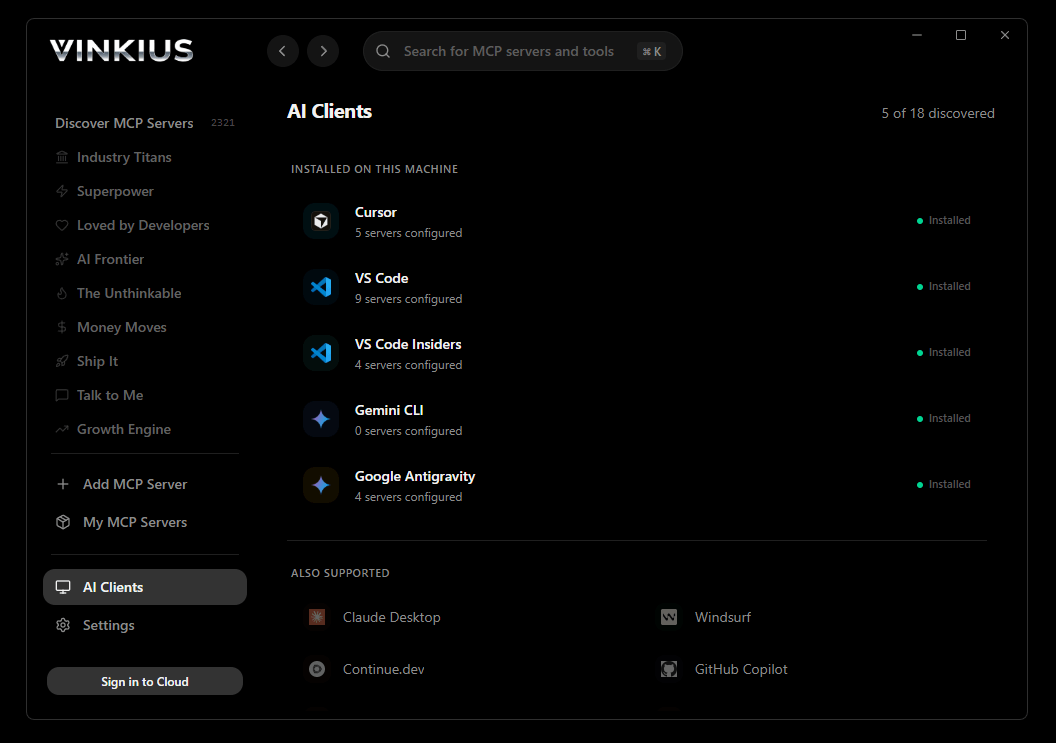
Vinkius Desktop executes configurations across the entire landscape of modern artificial intelligence tooling. It strictly adheres to each platform's proprietary file structure, deployment paths, and serialization formats without requiring user intervention.
The platform automatically detects and binds to:
- Integrated Development Environments: Visual Studio Code, VS Code Insiders, JetBrains, Cursor, Windsurf
- Autonomous Engineering Agents: Cline, Cline Insiders, Roo Code, Roo Code Insiders, Continue.dev, Codex
- Native Desktop & CLI Interfaces: Claude Desktop, Claude Code, GitHub Copilot, Gemini CLI, Google Antigravity, Goose by Block, OpenClaw
All environments are continuously monitored. Installation footprints are resolved automatically across Windows, macOS, and Linux architectures. To request integration for an unlisted environment, open an issue.

Install
→ Download the latest release
| Platform | Format |
|---|
| Windows | .msi |
| macOS (Apple Silicon) | .dmg |
| macOS (Intel) | .dmg |
| Linux | .AppImage, .deb |
Build from Source
git clone https://github.com/vinkius-labs/mcp-explorer.git
cd mcp-explorer
npm install
npm run tauri build
Requirements: Node.js 18+, Rust stable, Tauri 2 prerequisites.