Forecast Center
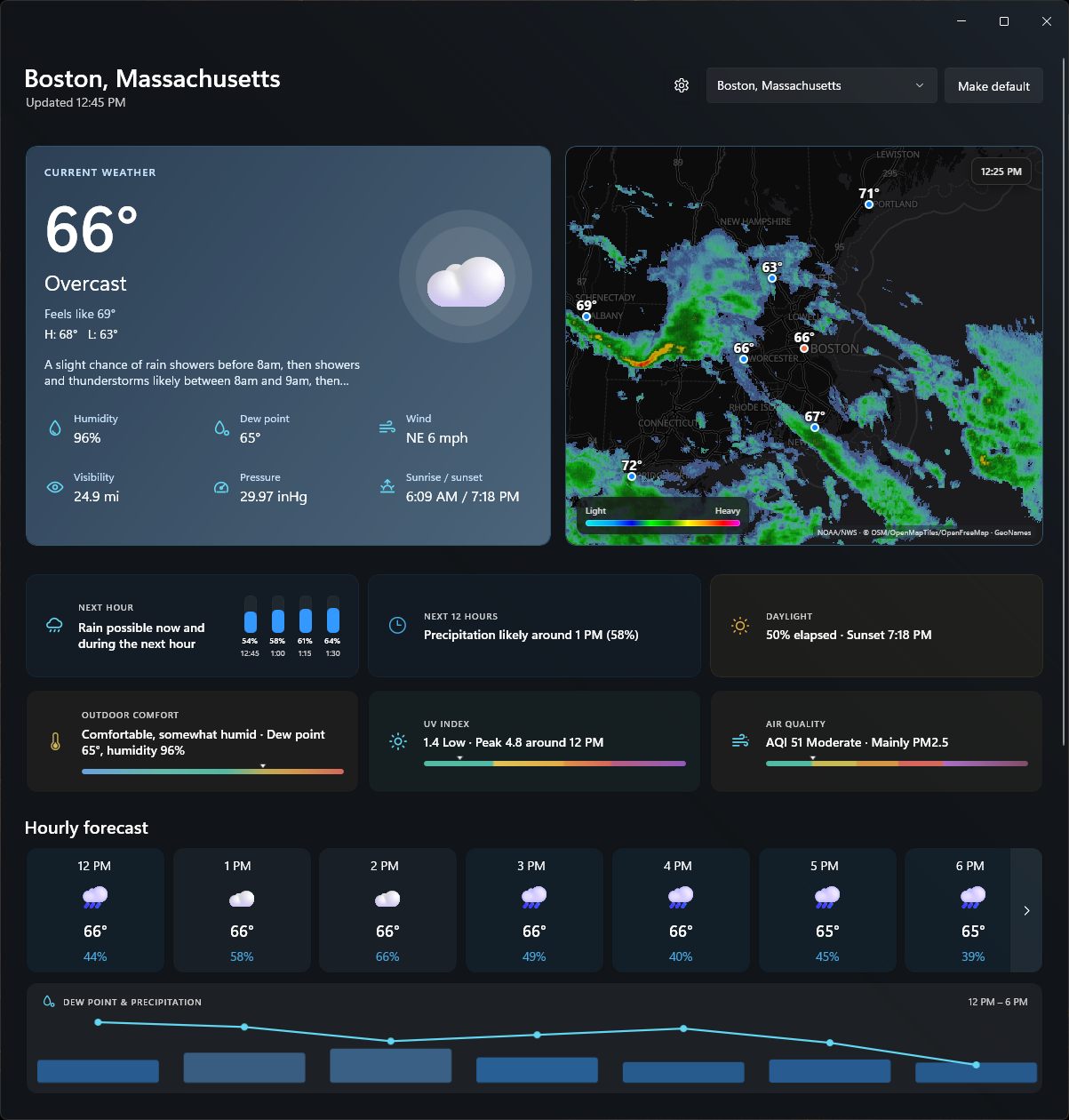
Forecast Center is an open-source, ad-free weather app for Windows 11. It offers a clean desktop forecast and useful radar without news, accounts, or subscription prompts.
It is written in C# with WinUI 3. The radar uses Leaflet inside WebView2.
Features
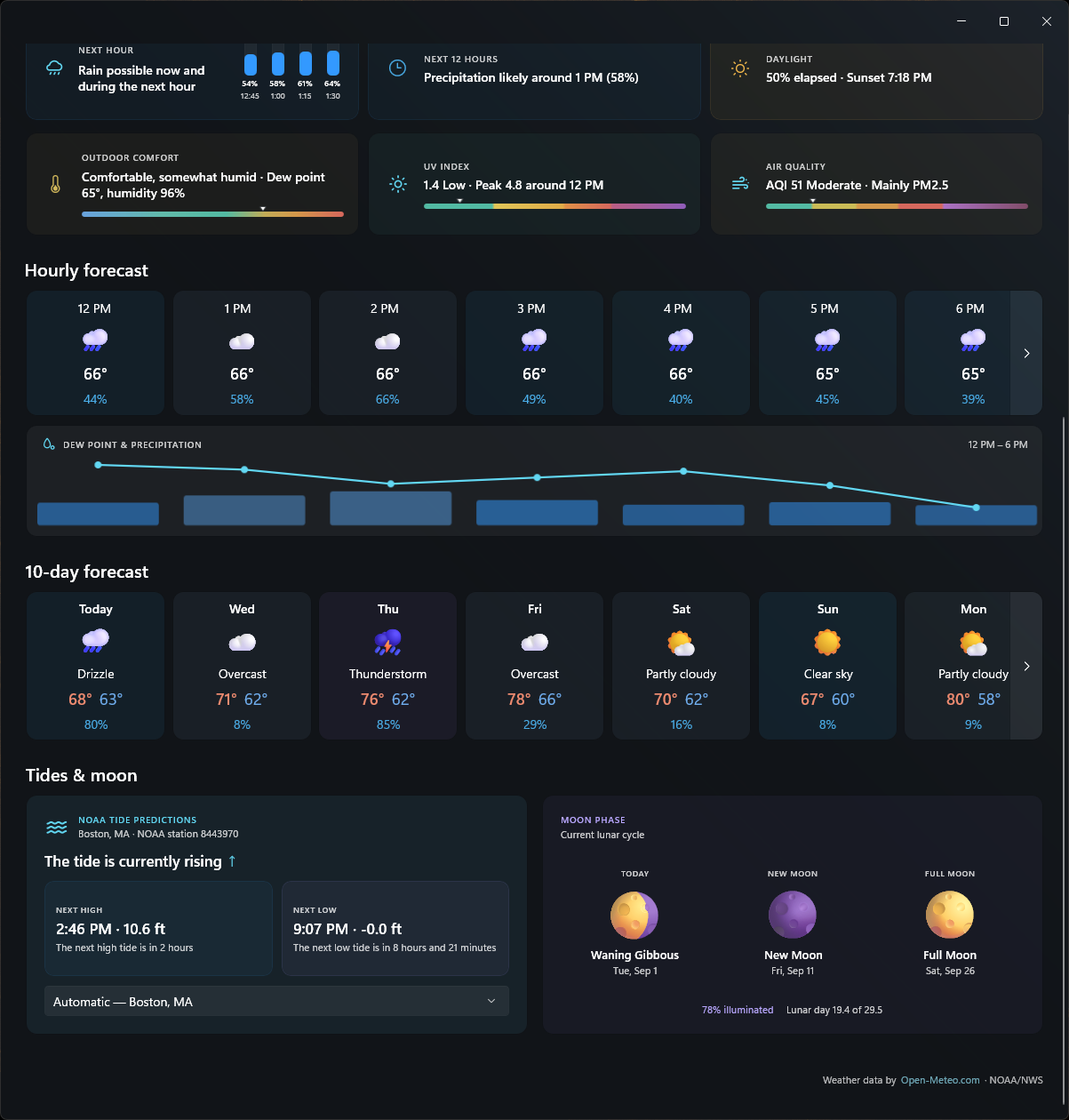
- Current conditions, hourly forecast, and 10-day forecast with illustrated condition artwork
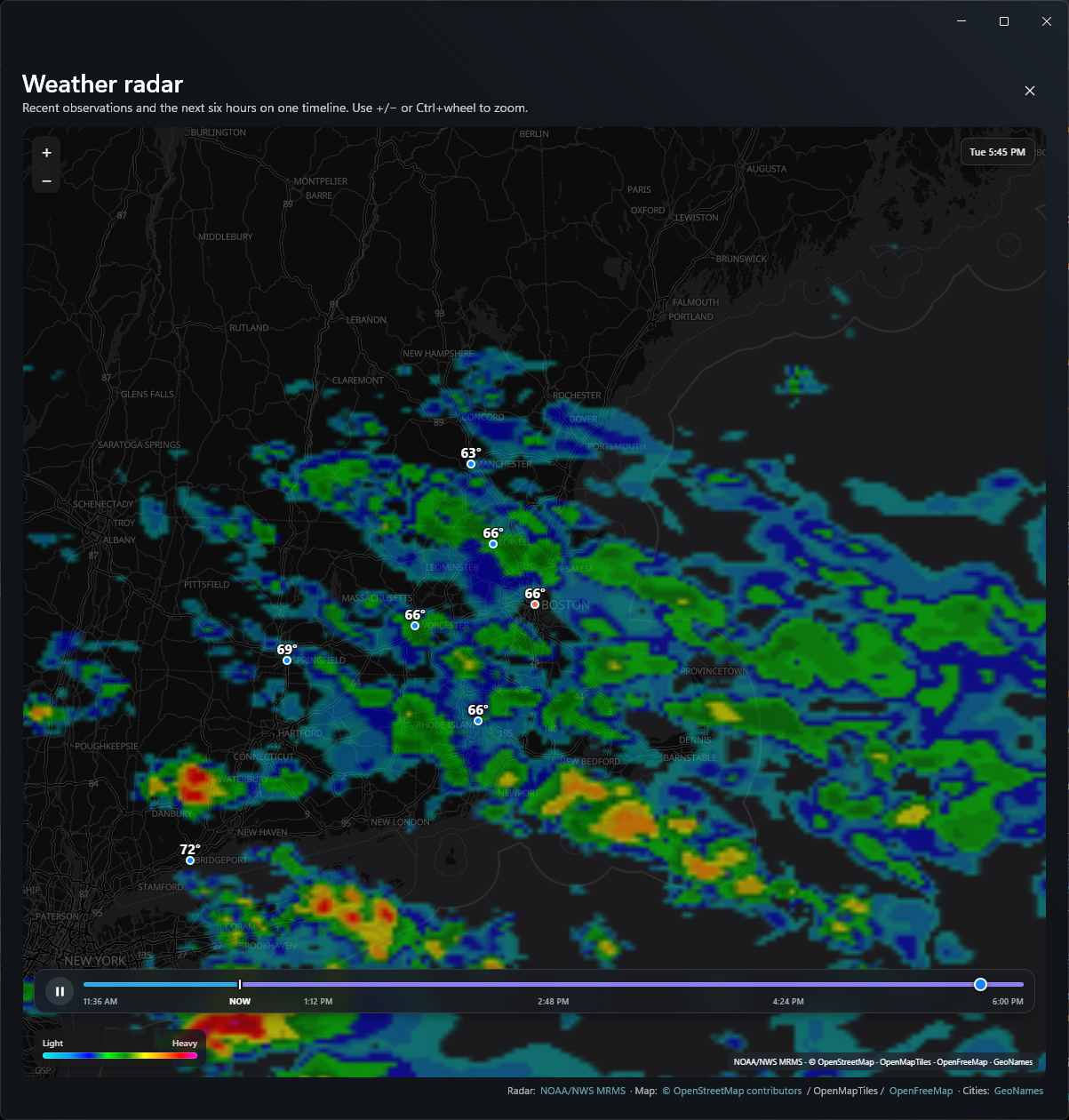
- Animated current radar and NOAA HRRR future radar through roughly six hours
- Severe-weather alerts from the National Weather Service
- Saved locations and per-location tide settings
- Air quality, UV, outdoor comfort, and NOAA tide information
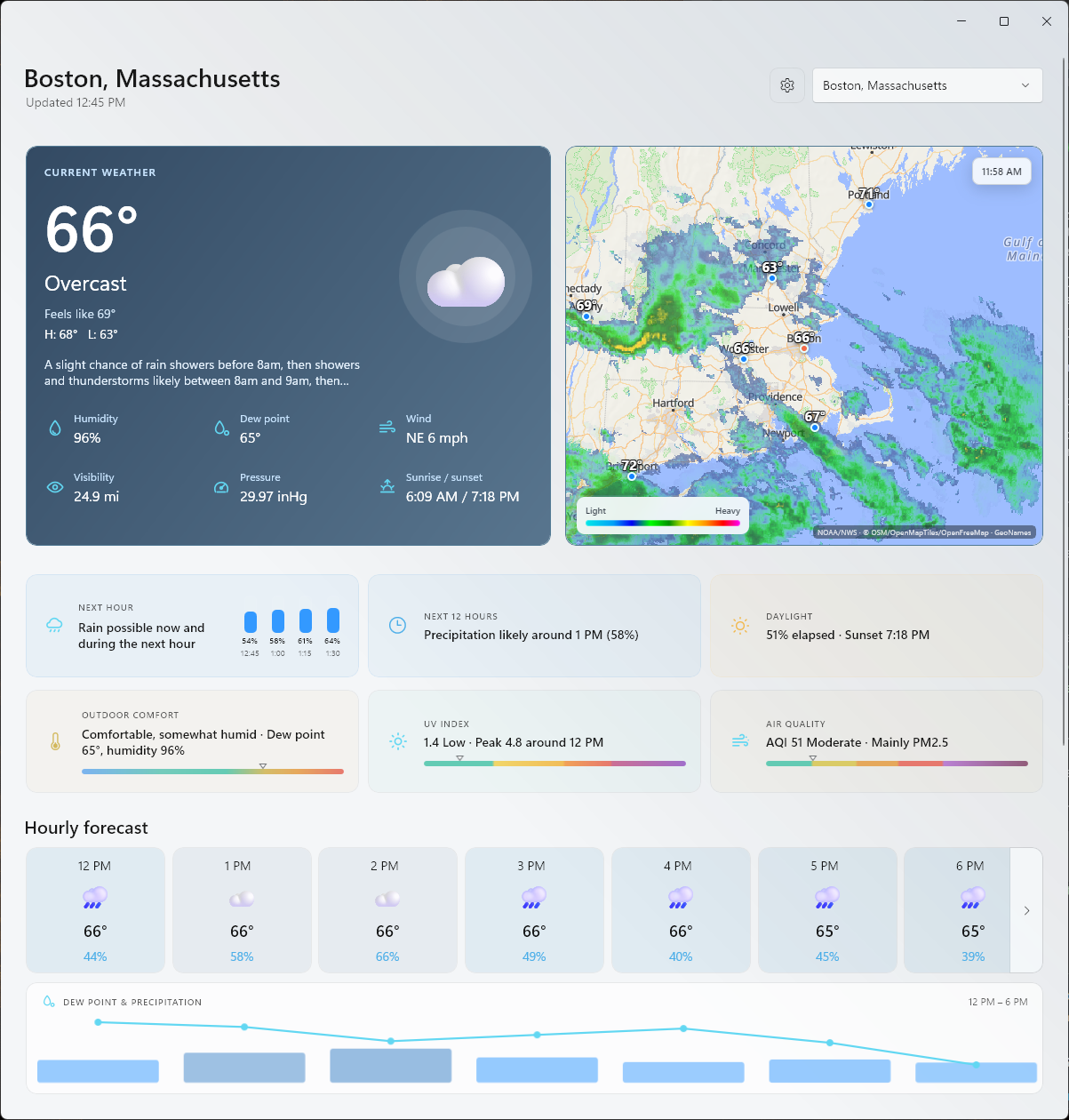
- Light, dark, and system themes
- Optional minimize-to-tray with the current temperature in the tooltip
- Local settings and last-known weather cache
There are no accounts, ads, analytics, tracking SDKs, or backend services.
Screenshots
Animated weather radar
| Forecast details | Light theme |
|---|
 |  |
Install
The easiest installation method is WinGet:
winget install --id Wrenchware.ForecastCenter --exact
To upgrade later:
winget upgrade --id Wrenchware.ForecastCenter --exact
The same installer can be downloaded manually from GitHub Releases. Installing a newer version preserves settings and saved locations.
Forecast Center checks once a day for a newer stable release. Update checks can also be run manually from Settings > About; downloads open the corresponding GitHub release page.
A copy of the accepted WinGet community manifest is maintained under winget/. Current unsigned installers may still trigger a Windows SmartScreen confirmation.
This is currently an x64, per-user installer. Windows may show a SmartScreen warning because the installer is not code-signed.
Weather data
Forecast Center does not require API keys.
The hosted Open-Meteo free API is intended for non-commercial use and requires
attribution. See Privacy and
Third-party notices before distributing a build.
Provider attribution is also shown inside the app. Network services remain best-effort and their current terms should be reviewed before any commercial distribution.
How future radar works
Forecast Center does not download the nationwide HRRR model. It asks NOAA NOMADS for seven small composite-reflectivity extracts surrounding the selected location. Each extract contains four 15-minute frames. The app decodes and colorizes the GRIB2 data locally, normally producing about 22 usable frames for the next five to six hours.
Current radar uses exact recent frame times from NOAA's MRMS image catalog and loads time-specific WMS tiles on demand. NOAA retains a rolling multi-hour window and updates the service approximately every five minutes; Forecast Center displays the latest ten frames from roughly the past 90 minutes. A typical seven-file HRRR batch is roughly 2.5–4.5 MB, depending on the selected region and weather complexity. Rendered future frames stay in memory rather than accumulating on disk. Results are cached per location for 45 minutes, up to the eight most recently used locations; the first downloaded forecast file also serves as the model-availability check to avoid a duplicate request. If HRRR is temporarily unavailable, the app retains the last successful frames and can fall back to NOAA's forecast-weather layer.
Building from source
You will need Windows, the .NET 8 SDK or newer, and the WebView2 Runtime. Windows 11 normally includes WebView2.
dotnet restore .\ForecastCenter.slnx
dotnet build .\src\ForecastCenter\ForecastCenter.csproj -c Debug
dotnet run --project .\src\ForecastCenter\ForecastCenter.csproj -c Debug -p:Platform=x64
Visual Studio 2022 with the Windows application development workload can also open the project.
The code is organized around models, view models, and replaceable provider services. Network and cache logic live outside the UI layer. The radar page is the main exception to the otherwise native UI and is kept in Assets/radar.html.
Building the installer
Inno Setup 6 is used for the installer.
The installer includes Microsoft's Evergreen WebView2 bootstrapper and invokes
it only when the required runtime is missing.
$releasePath = Join-Path $PWD 'release\Forecast Center Public'
dotnet publish .\src\ForecastCenter\ForecastCenter.csproj -c Release -r win-x64 --self-contained -p:Platform=x64 -o $releasePath
powershell.exe -NoProfile -ExecutionPolicy Bypass -File .\tools\CollectThirdPartyLicenses.ps1 -AssetsFile .\src\ForecastCenter\obj\project.assets.json -OutputDirectory "$releasePath\ThirdPartyLicenses"
& "$env:LOCALAPPDATA\Programs\Inno Setup 6\ISCC.exe" .\installer\ForecastCenter.iss
Release publishes are ReadyToRun-compiled for faster launch. The project copies the compiled XAML (.xbf) and resource index (.pri) into the publish folder, which a plain unpackaged WinUI publish would otherwise leave out.
Current limitations
- Radar and live weather providers need an internet connection.
- The current installer is not code-signed and there is no MSIX package yet.
See CHANGELOG.md for release history.