Use this command to install Codex Account Switch with WinGet:
winget install --id=XiaoLan.CodexAccountSwitch -e
Codex Account Switch is a local-first, multi-account manager designed to streamline the backup, switch, delete, and rename operations for Codex accounts. Built with C++/Win32/WebView2 for stability and performance, it offers a seamless experience for managing multiple AI coding accounts.
Key Features:
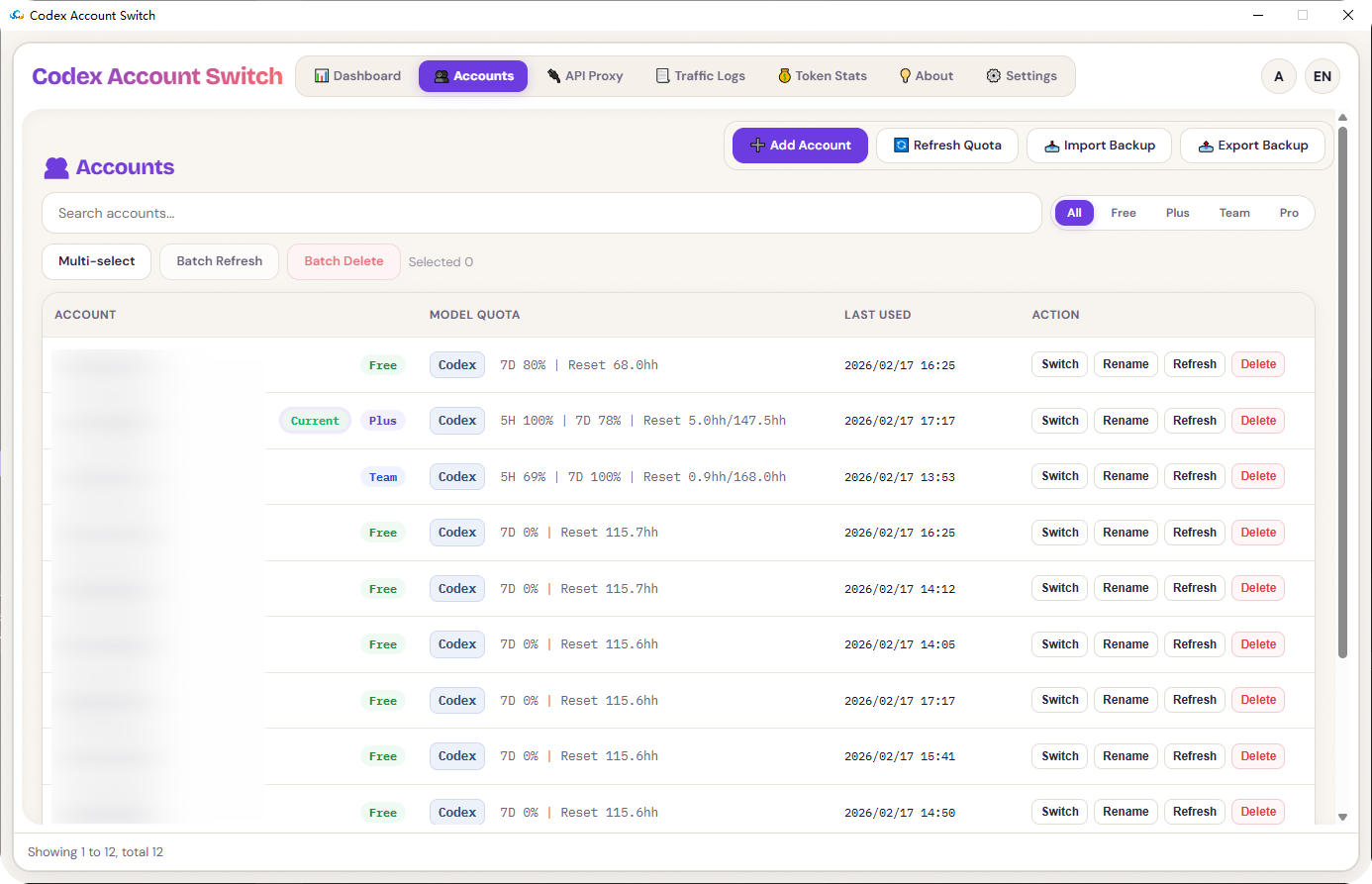
Unified workflow for account management: backup, switch, delete, and rename.
Batch actions to refresh or delete multiple accounts at once.
Import/export backup bundles in ZIP format.
Easy import of current login sessions, manual token pasting, and quick OAuth file imports.
Built-in OAuth login flow with callback listener support for secure authentication.
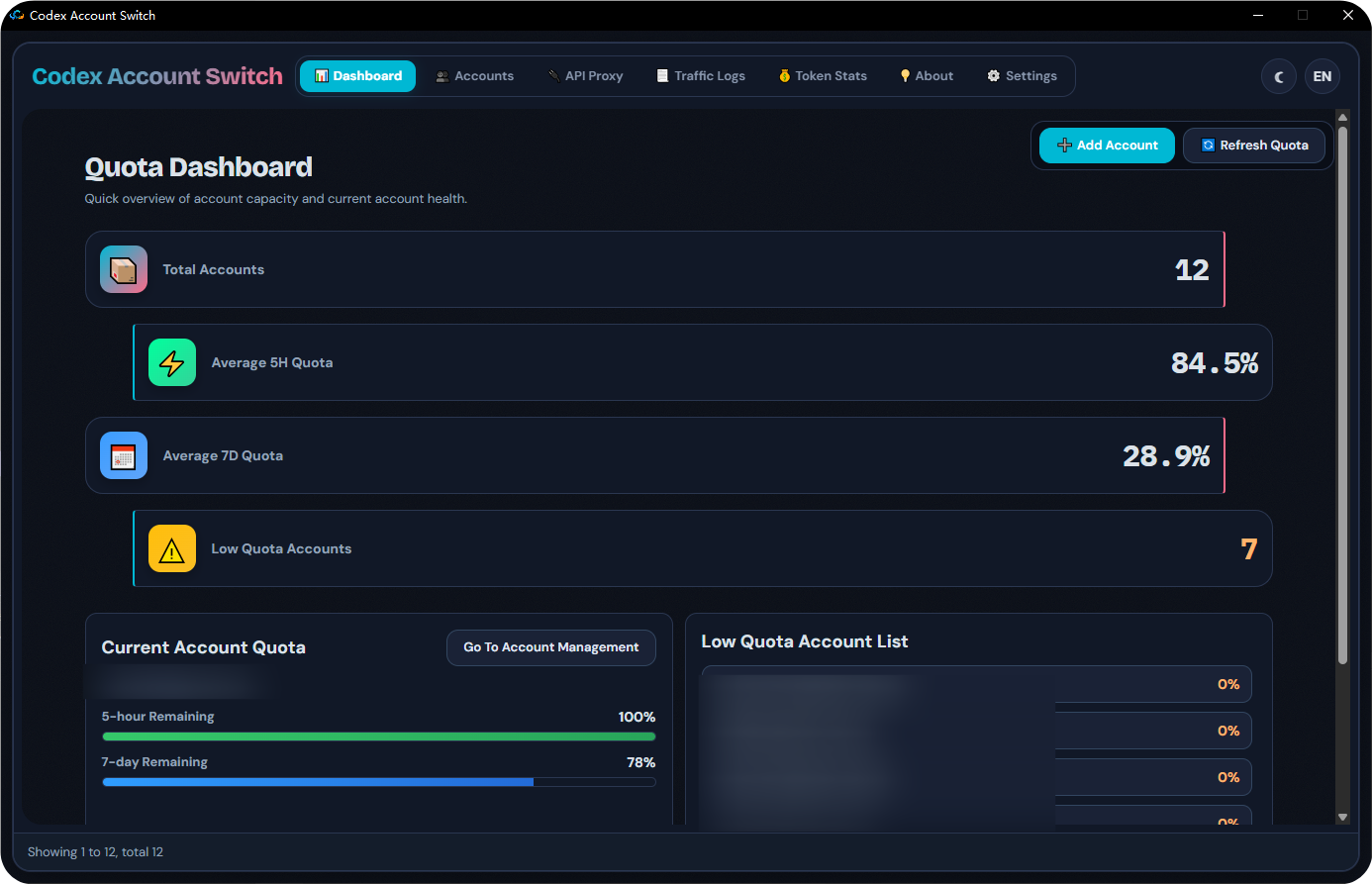
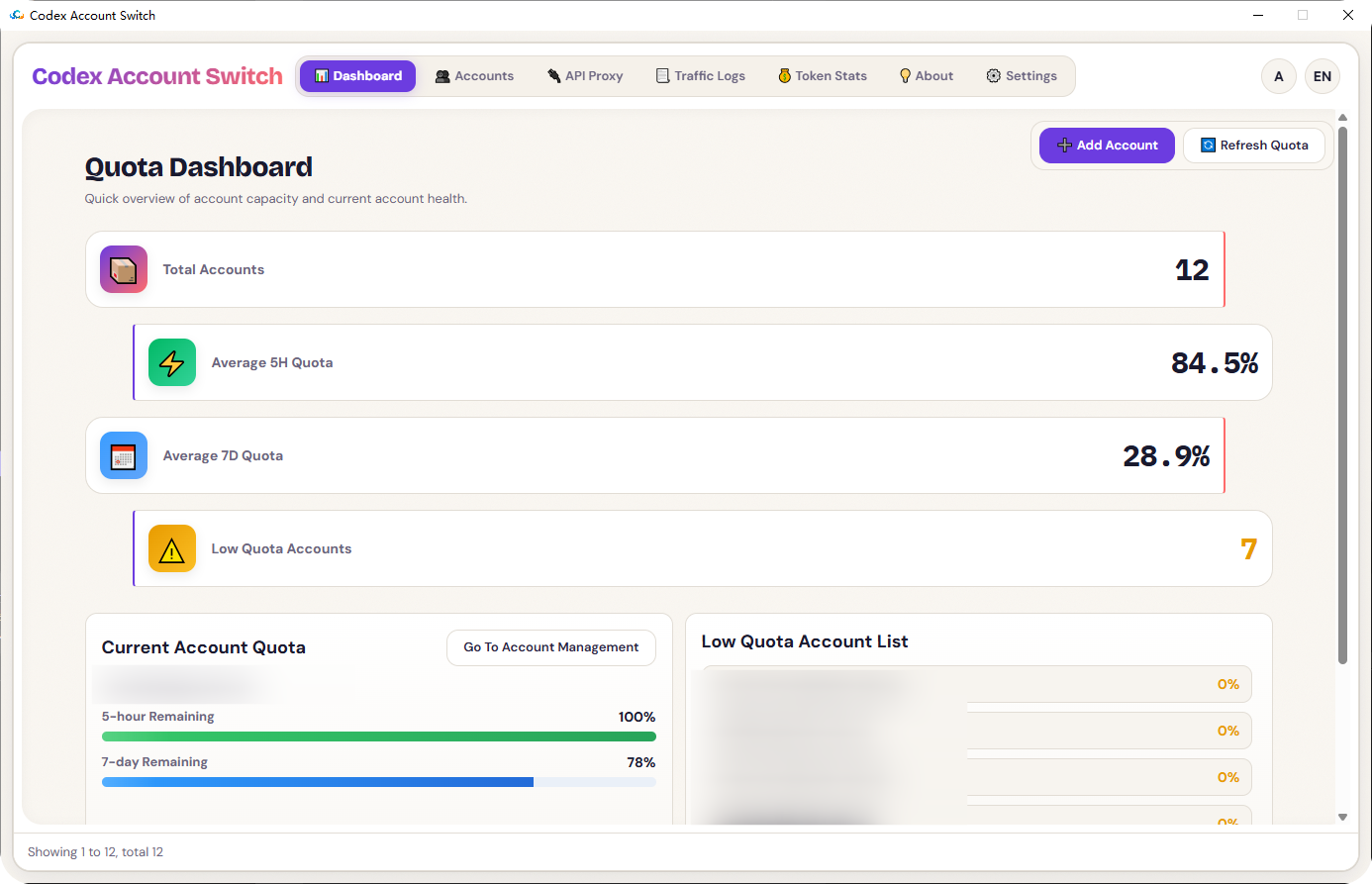
Quota dashboard with auto-refresh (every 5 hours or weekly) to track usage and receive low-quota alerts.
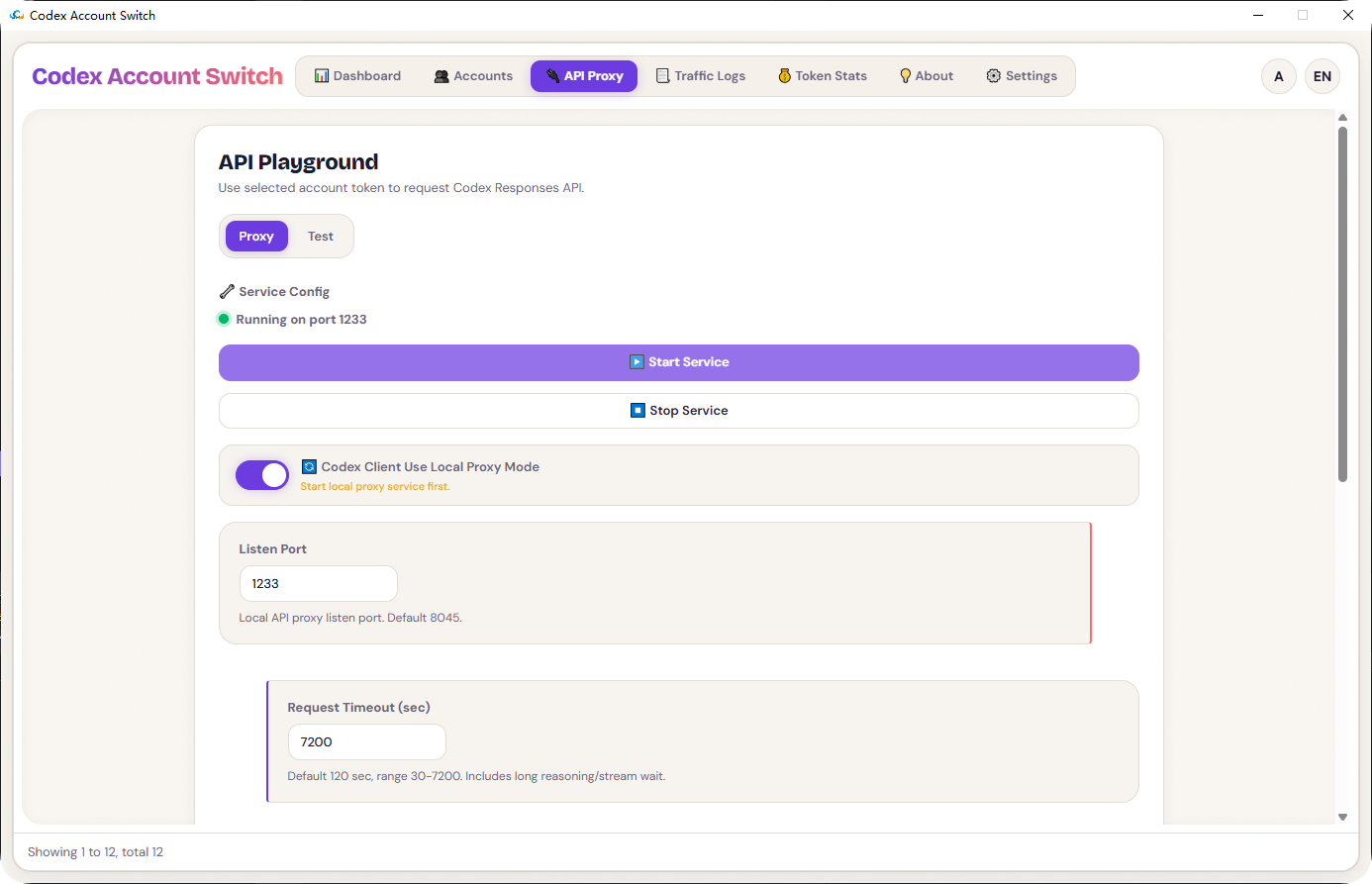
API proxy service with configurable settings like port, timeout, LAN access, and dispatch strategy.
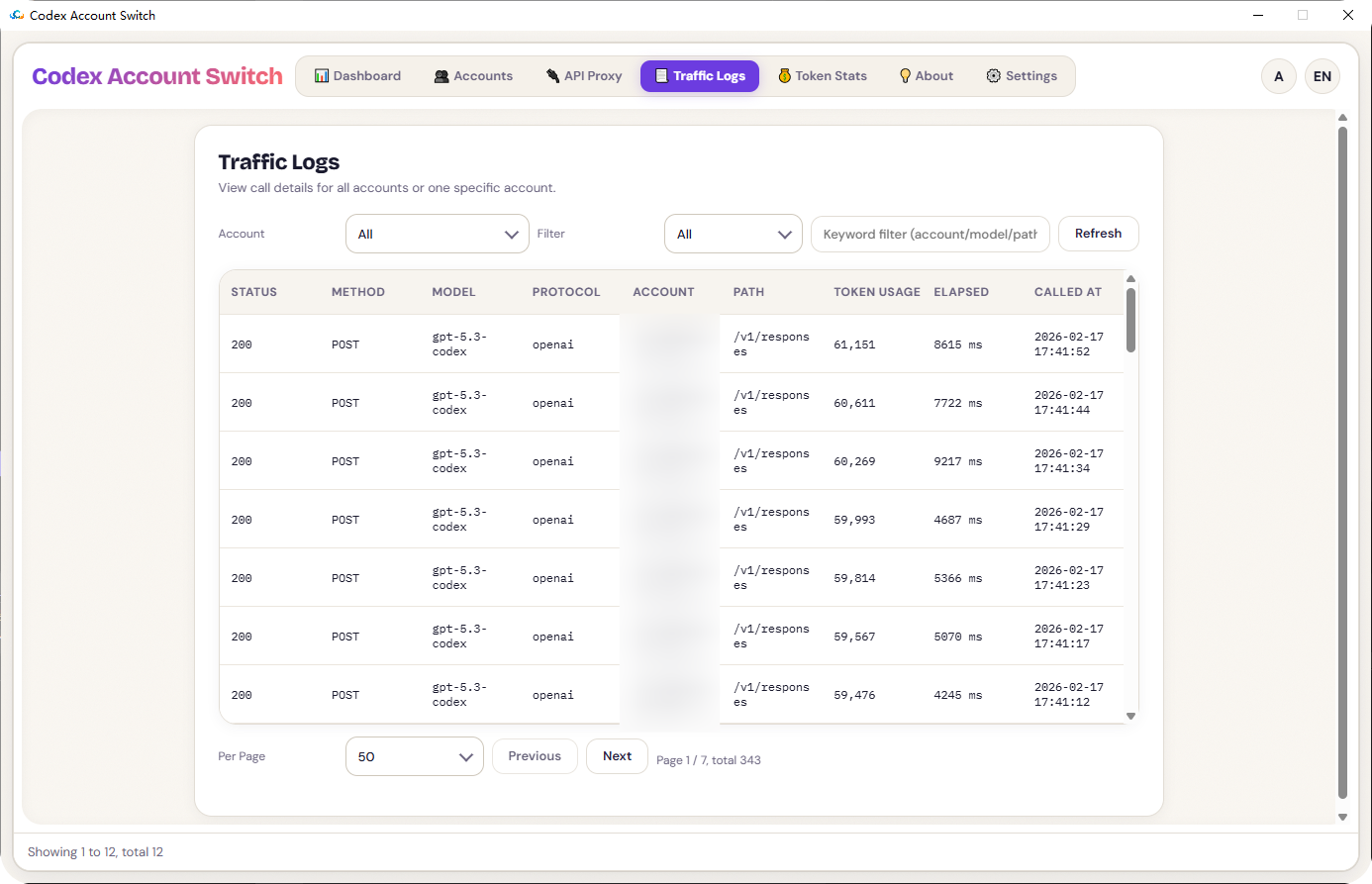
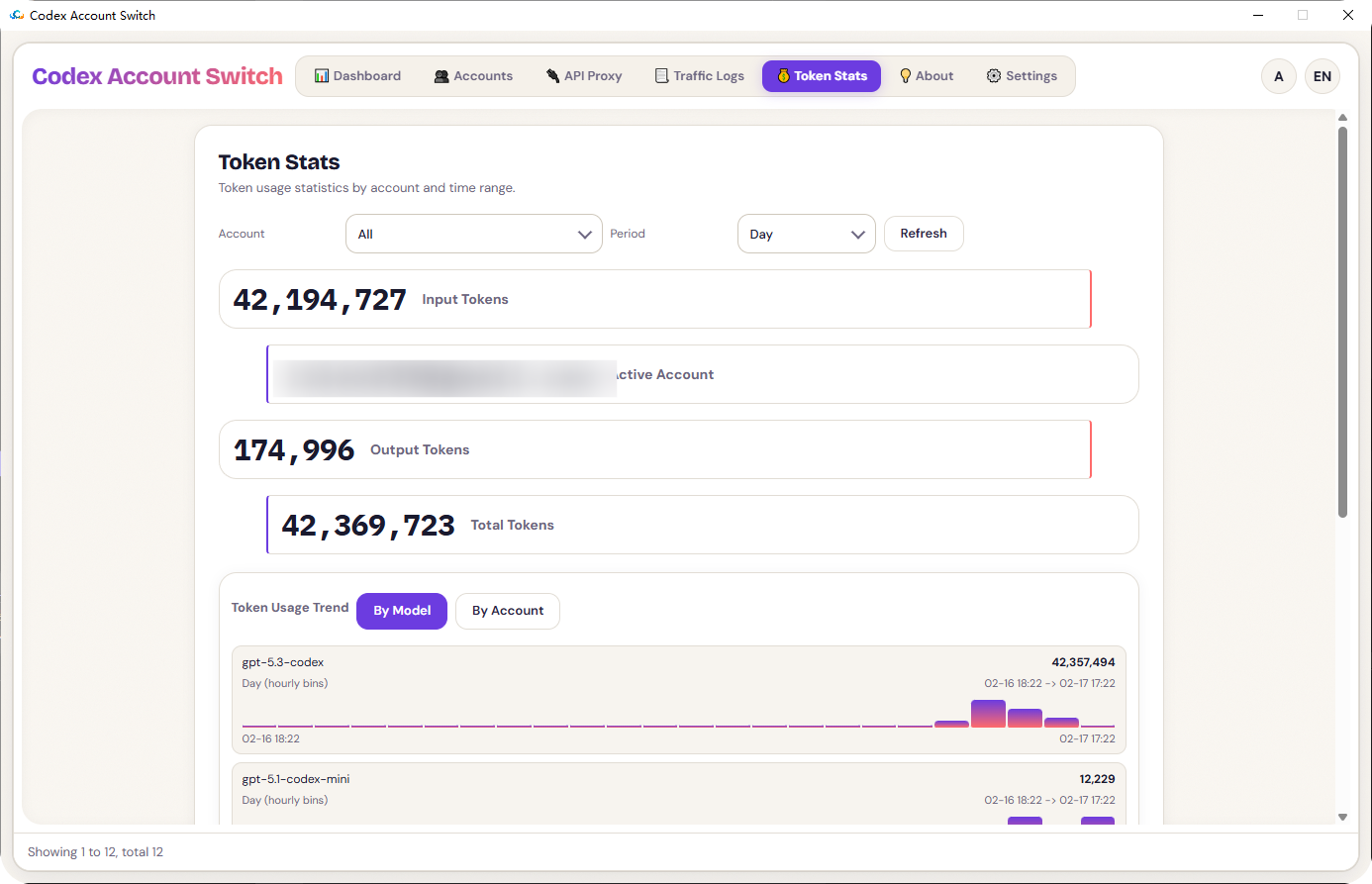
Traffic logs and token statistics for detailed insights into account activity.
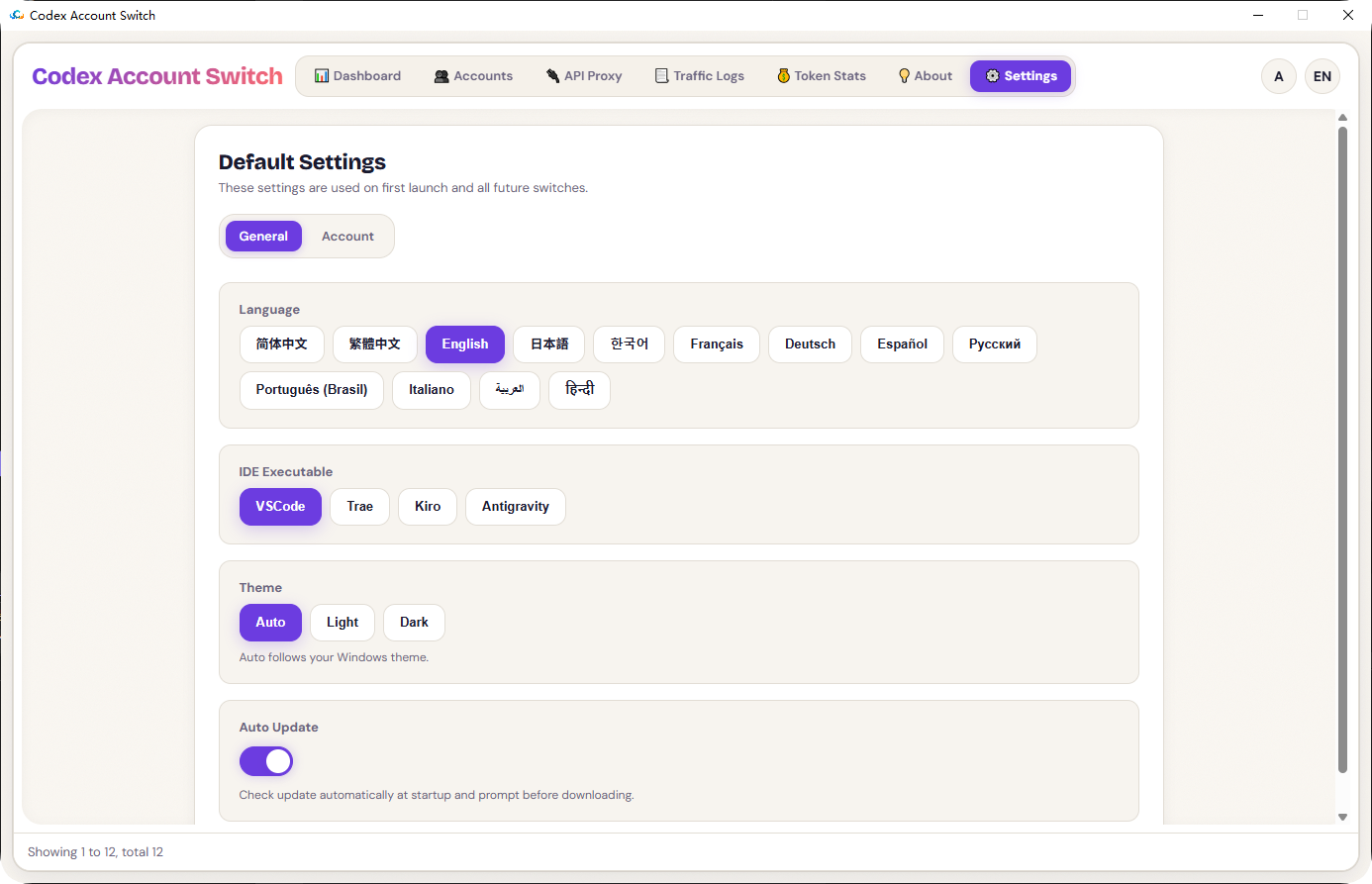
Multi-language UI and themes (Auto/Light/Dark) for personalized user experience.
Seamless number switching without restarting Codex Client via a local API reverse proxy.
Audience & Benefit:
Ideal for developers, teams, and organizations using Codex for AI coding, this tool allows users to efficiently manage multiple accounts under one dashboard. It prevents workflow disruptions by alerting low credit limits and enabling automatic account switches to continue development work uninterrupted. With its stable architecture and comprehensive features, Codex Account Switch ensures smooth and efficient management of Codex accounts.
Install via winget for a quick setup and start managing your Codex accounts with ease.
README
Codex Account Switch
Local-first, multi-account, visual manager for Codex accounts
Built with C++ / Win32 / WebView2 for stability and speed.
API proxy service (port, timeout, LAN access, API key, dispatch strategy)
Traffic logs and token statistics pages
Multi-language UI and themes (Auto / Light / Dark)
Codex Client Local API Proxy for Seamless Number Switching
API Reverse Proxy - Start Service
API Reverse Proxy - Codex Client Uses Local Reverse Proxy Mode
Enables seamless account switching without restarting
Settings - Account - Automatic Account Switching Prompt for Low Credit Limit. Enabling this feature allows for automatic number switching to continue development work when credit limits are insufficient.