AutoLogout Yiays

winget install --id=Yiays.AutoLogout -e AutoLogout is a time management utility designed to create simple, time-limited sessions on Windows profiles. It helps users manage screen time by setting daily limits and automatically logging out or shutting down after the specified time has elapsed. The software includes a desktop timer with sound alerts, parental controls for managing usage, and remote monitoring capabilities via the AutoLogout Manager app while also supporting offline operation.
Key Features:
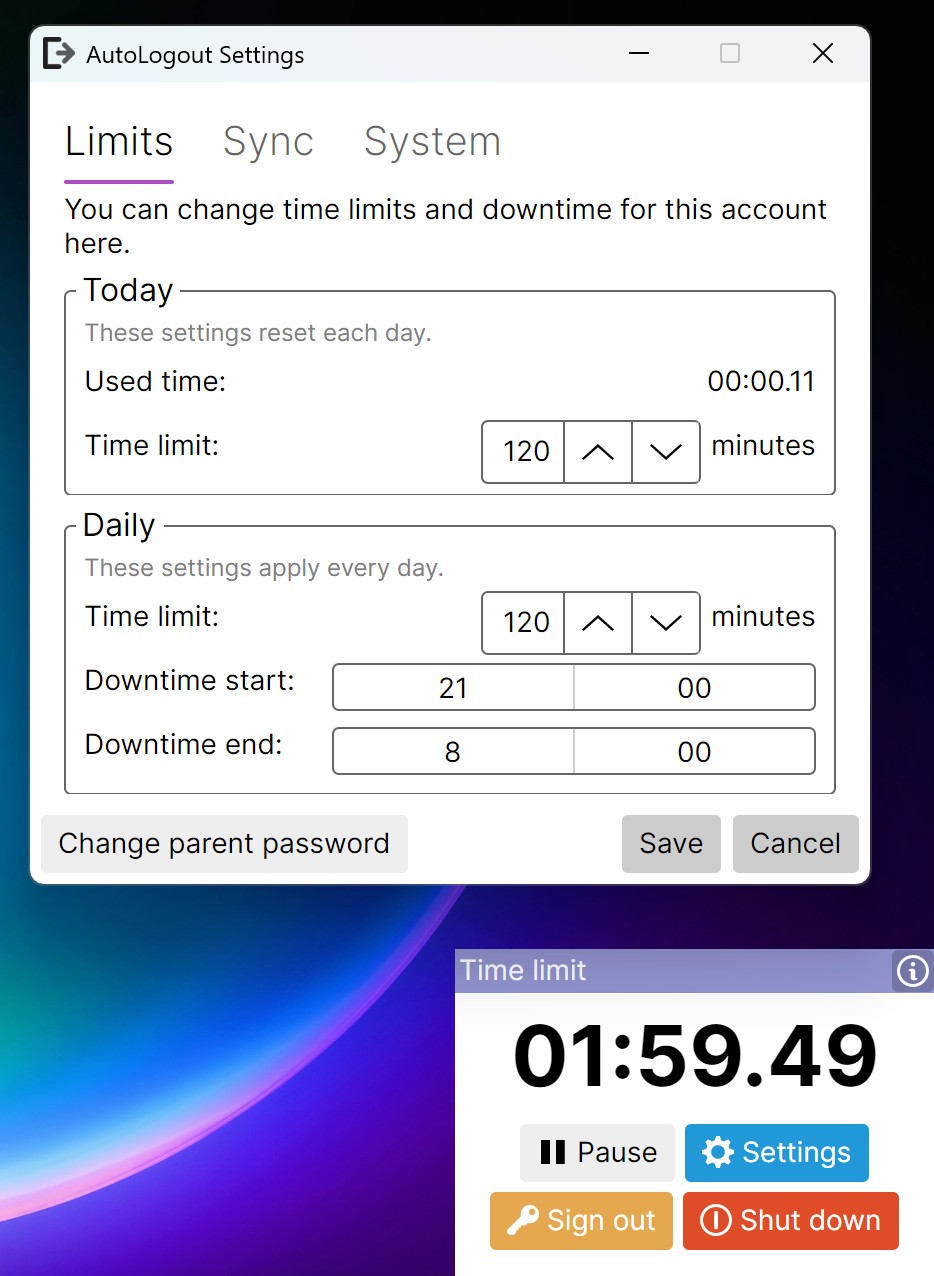
- Desktop Timer: A visible countdown timer on the bottom right of the desktop with sound alerts when 10 minutes remain.
- Parental Controls: A password-protected dashboard to adjust daily time limits or tweak settings remotely.
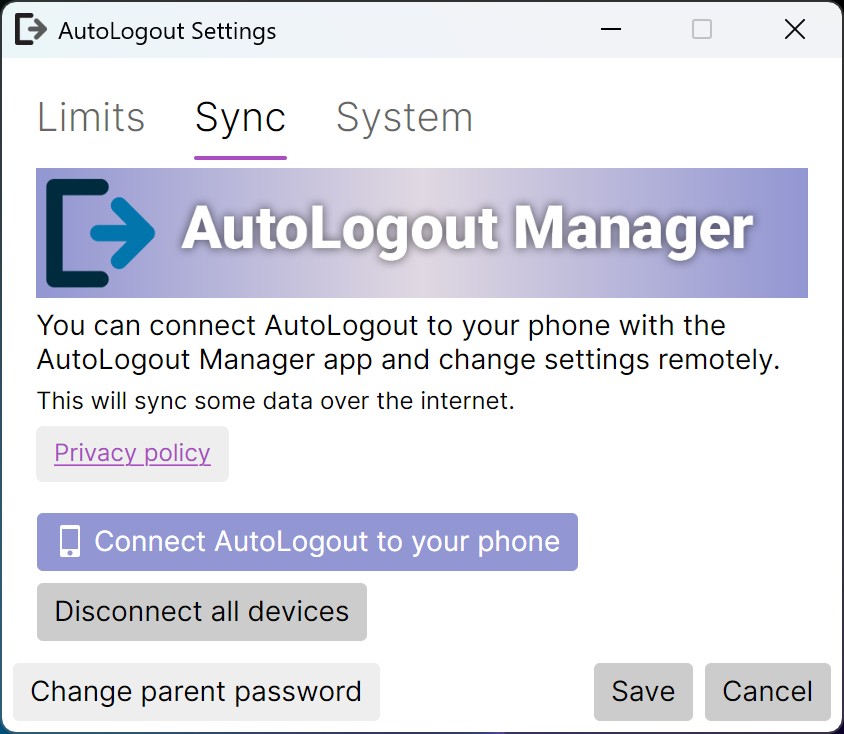
- Remote Monitoring: Use the AutoLogout Manager app to monitor usage and set restrictions, though all data remains offline if preferred.
- Offline Functionality: Operates completely without internet access for enhanced privacy.
- Daily Time Reset: The timer resets each day, resuming after logout.
- Windows Compatibility: Available via winget, install using the command
winget install Yiays.AutoLogout.
Target Audience and Benefits: Ideal for parents seeking to manage children's screen time, educators in classroom settings, or organizations enforcing device usage policies. AutoLogout promotes healthy digital habits with an easy-to-use tool that enhances productivity and accountability.