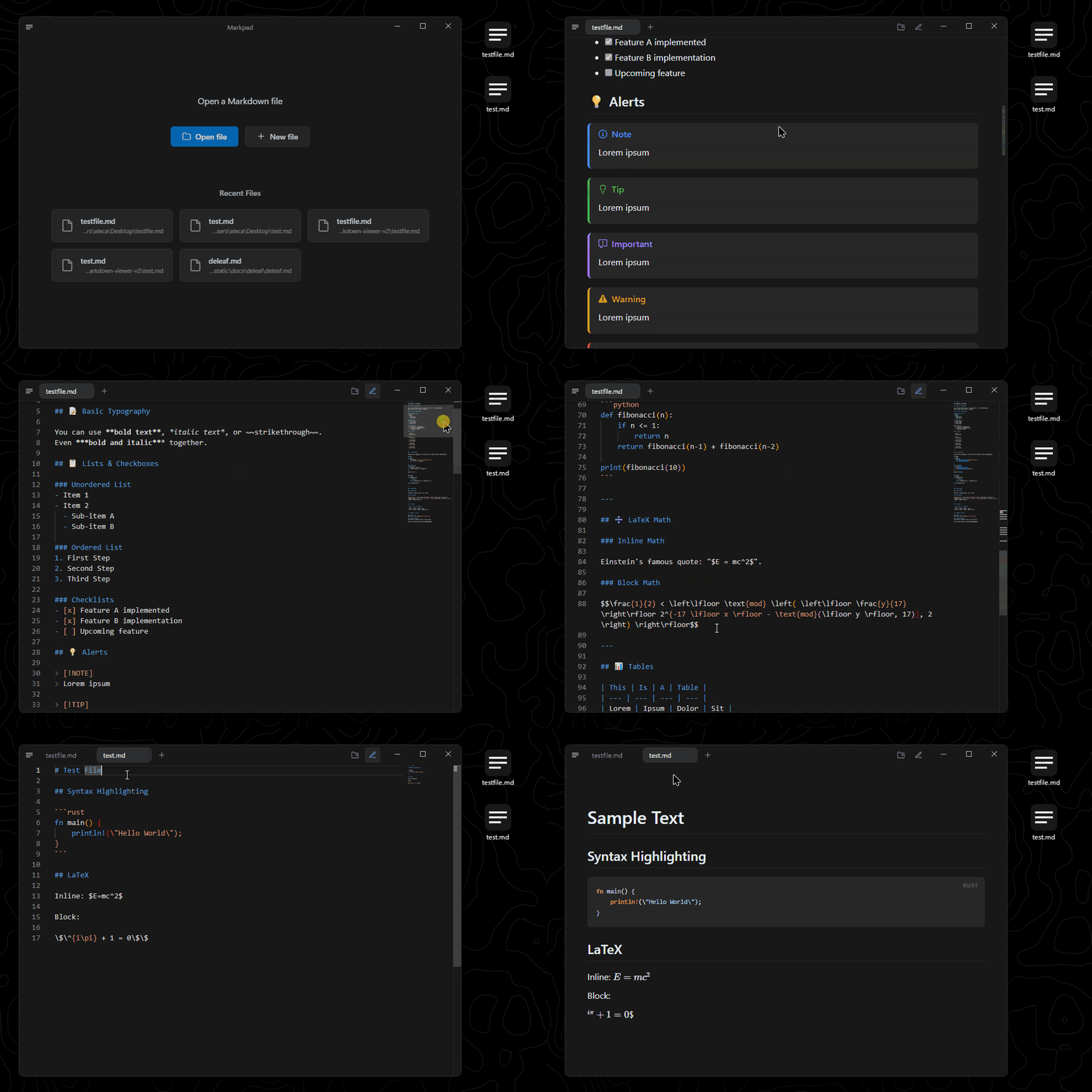
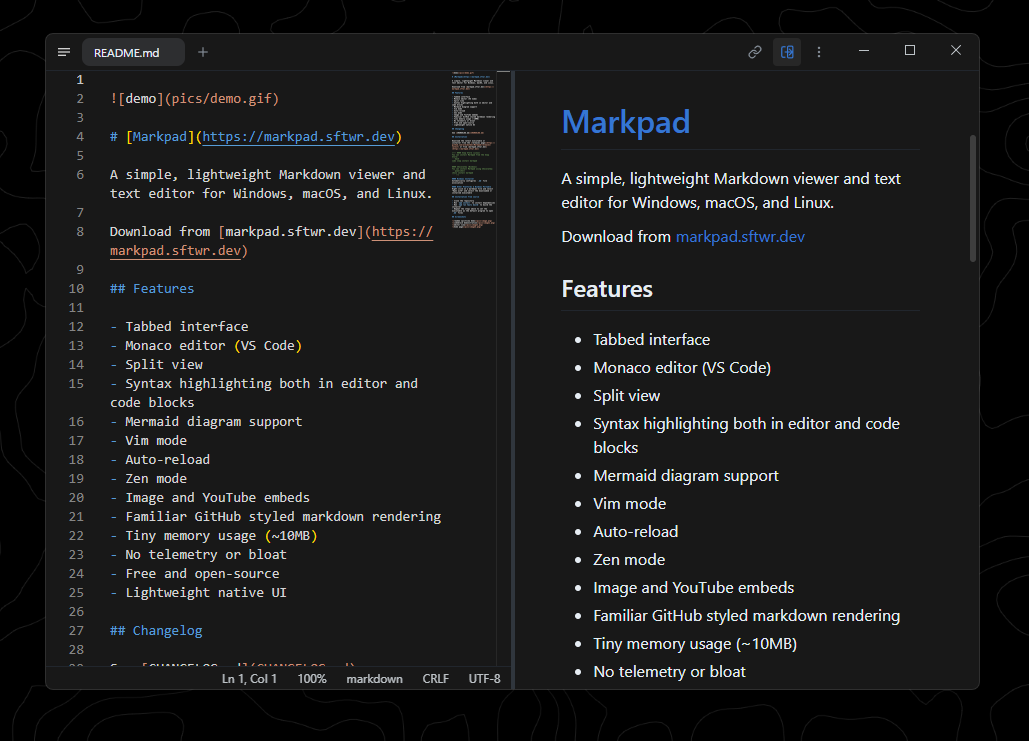
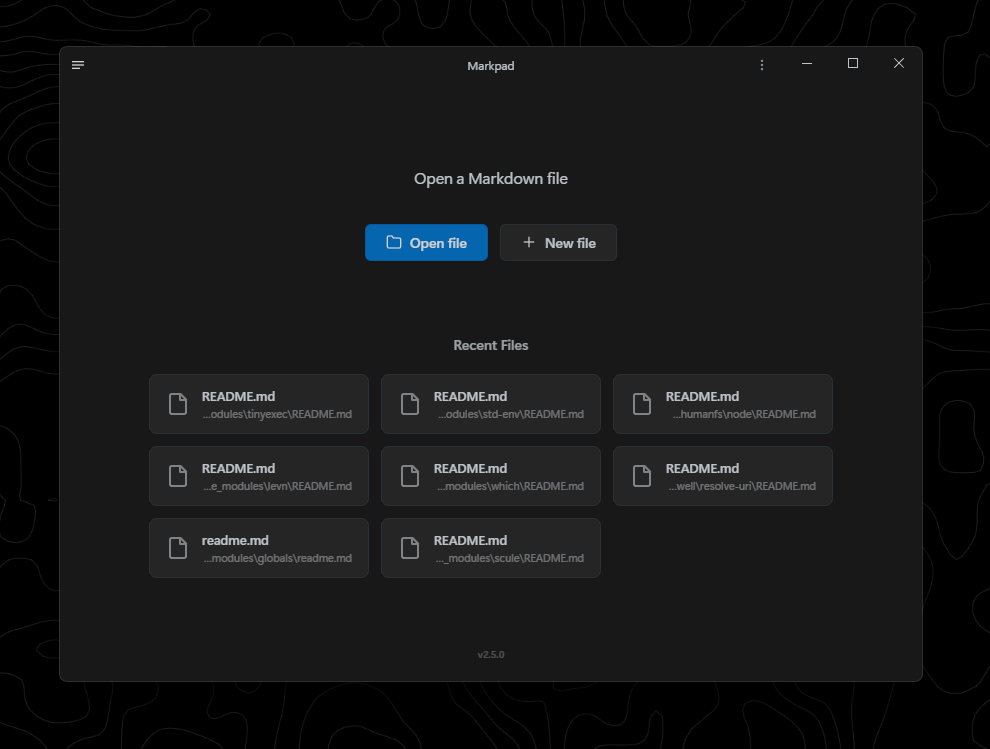
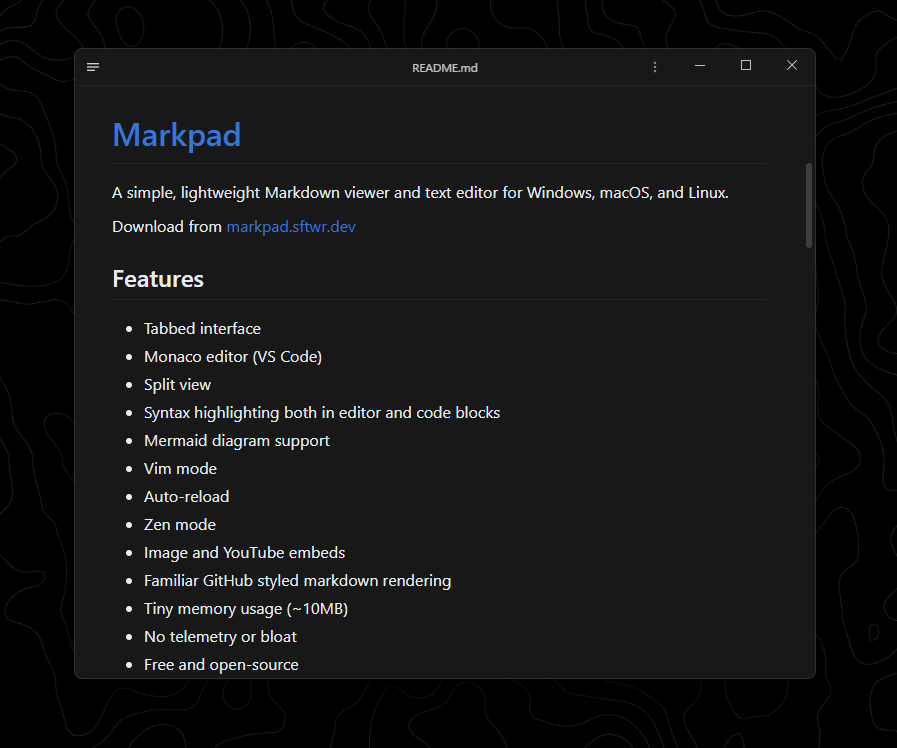
Markpad is a lightweight Markdown viewer and text editor designed for productivity. Built to simplify writing and content creation, Markpad offers a clean, distraction-free interface with robust tools for developers and writers alike.
Key Features:
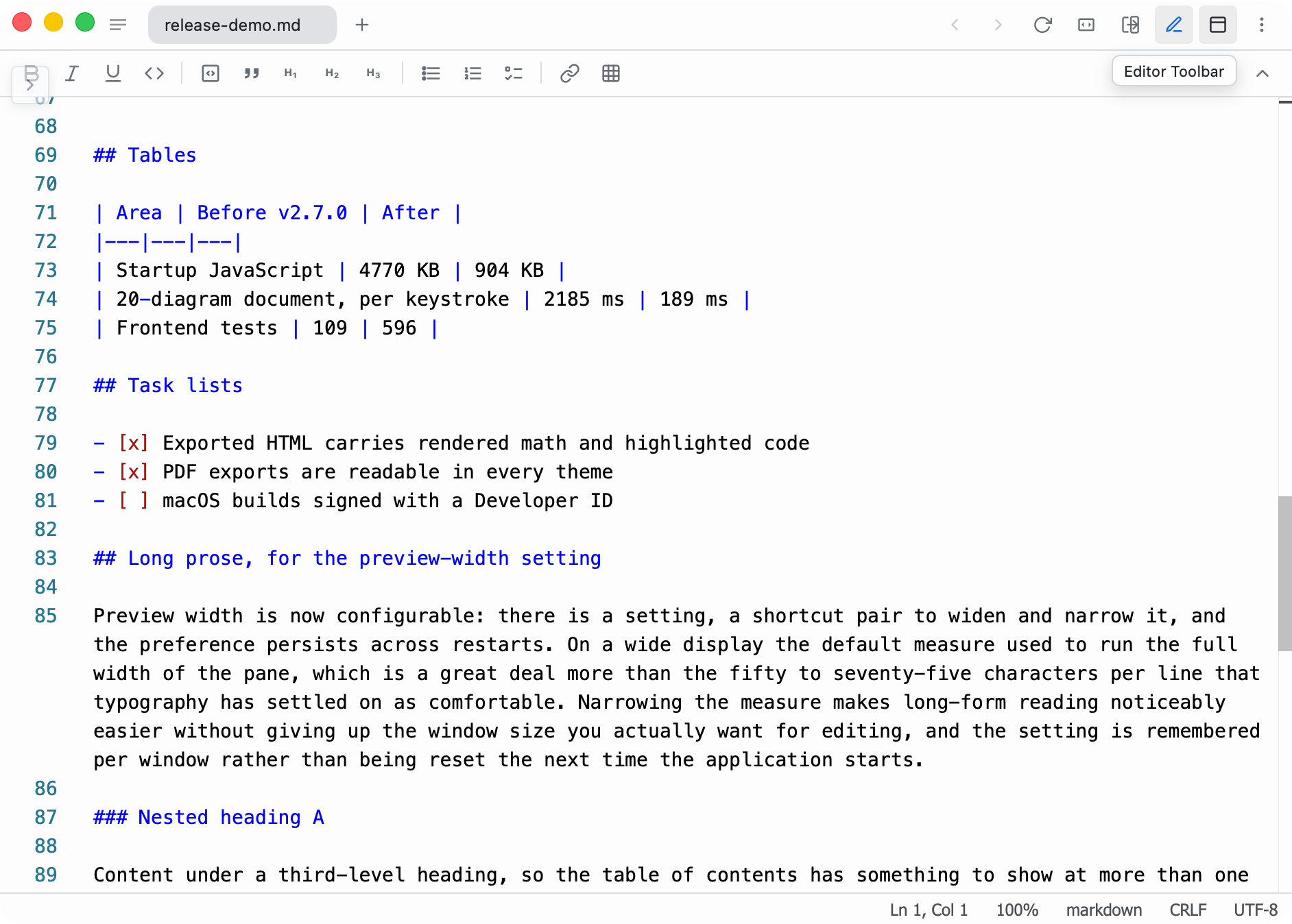
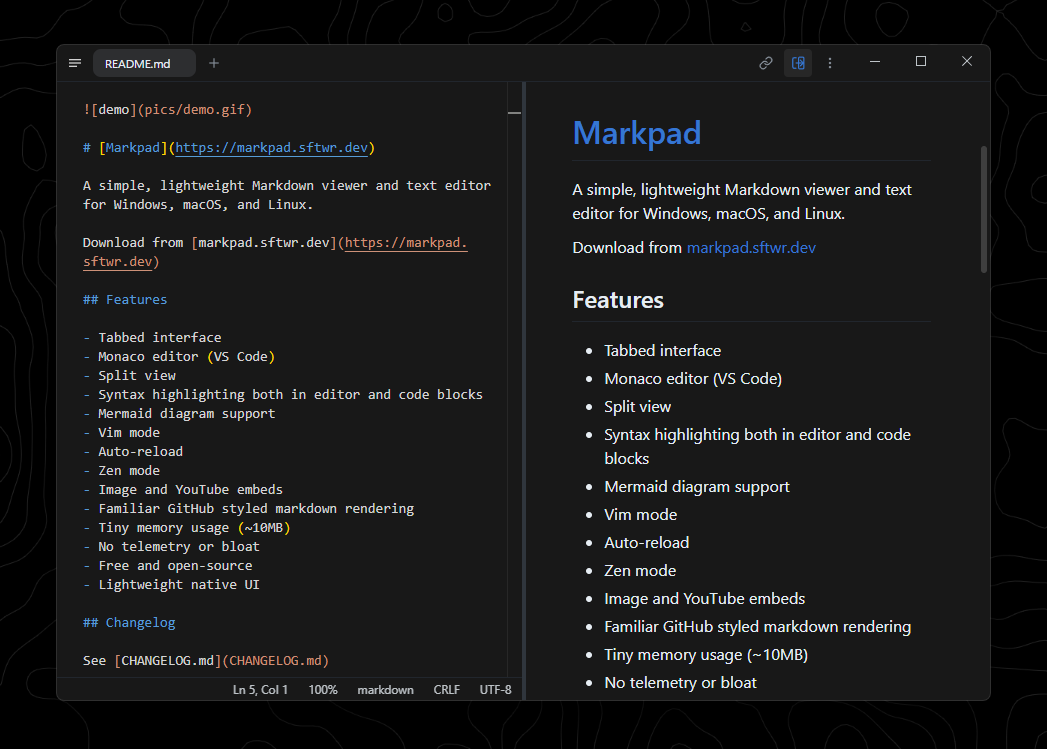
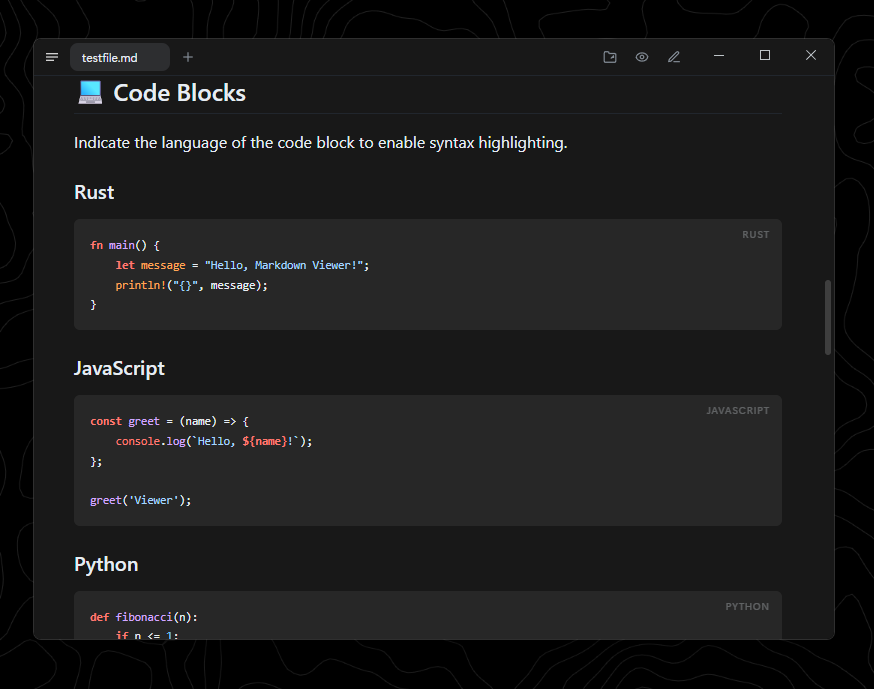
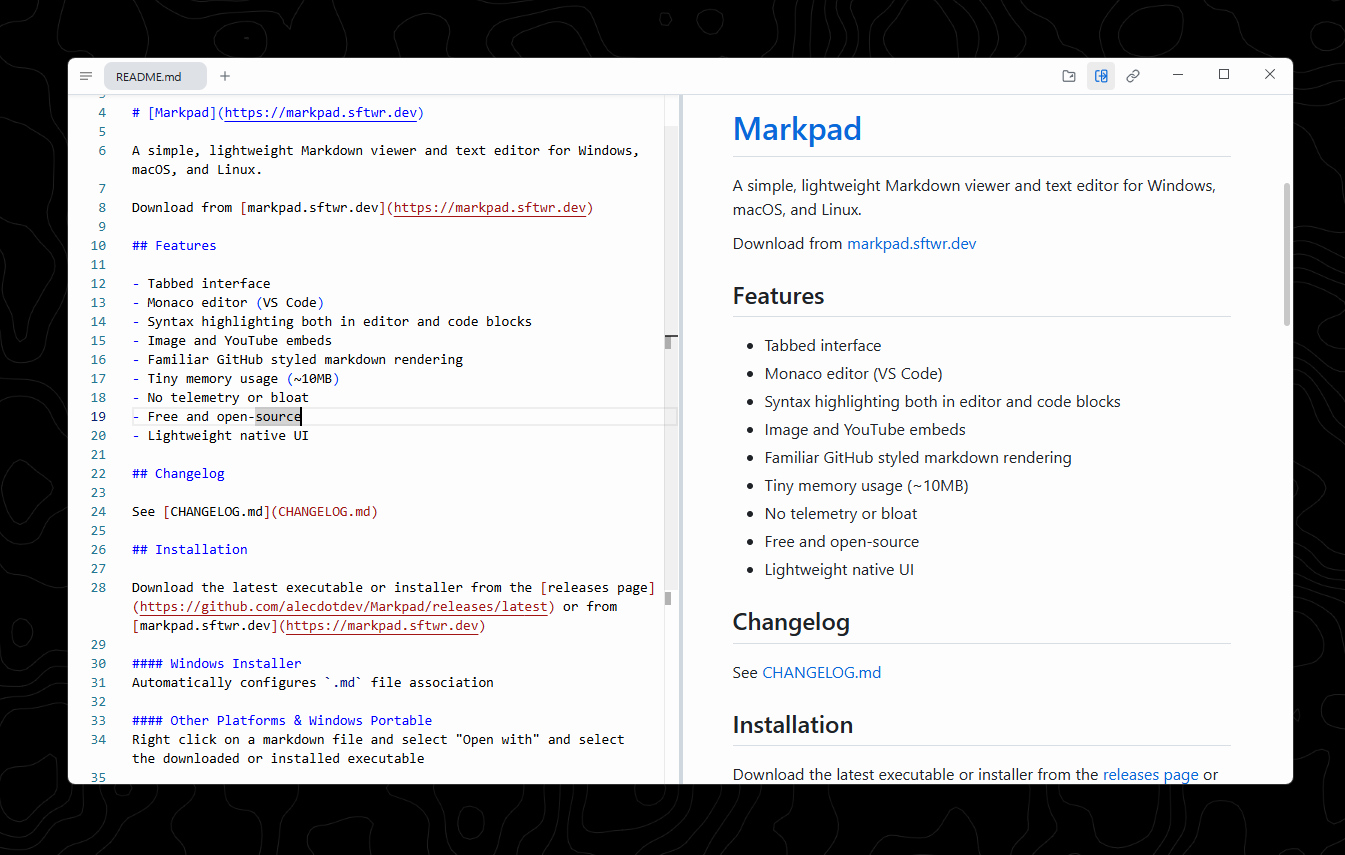
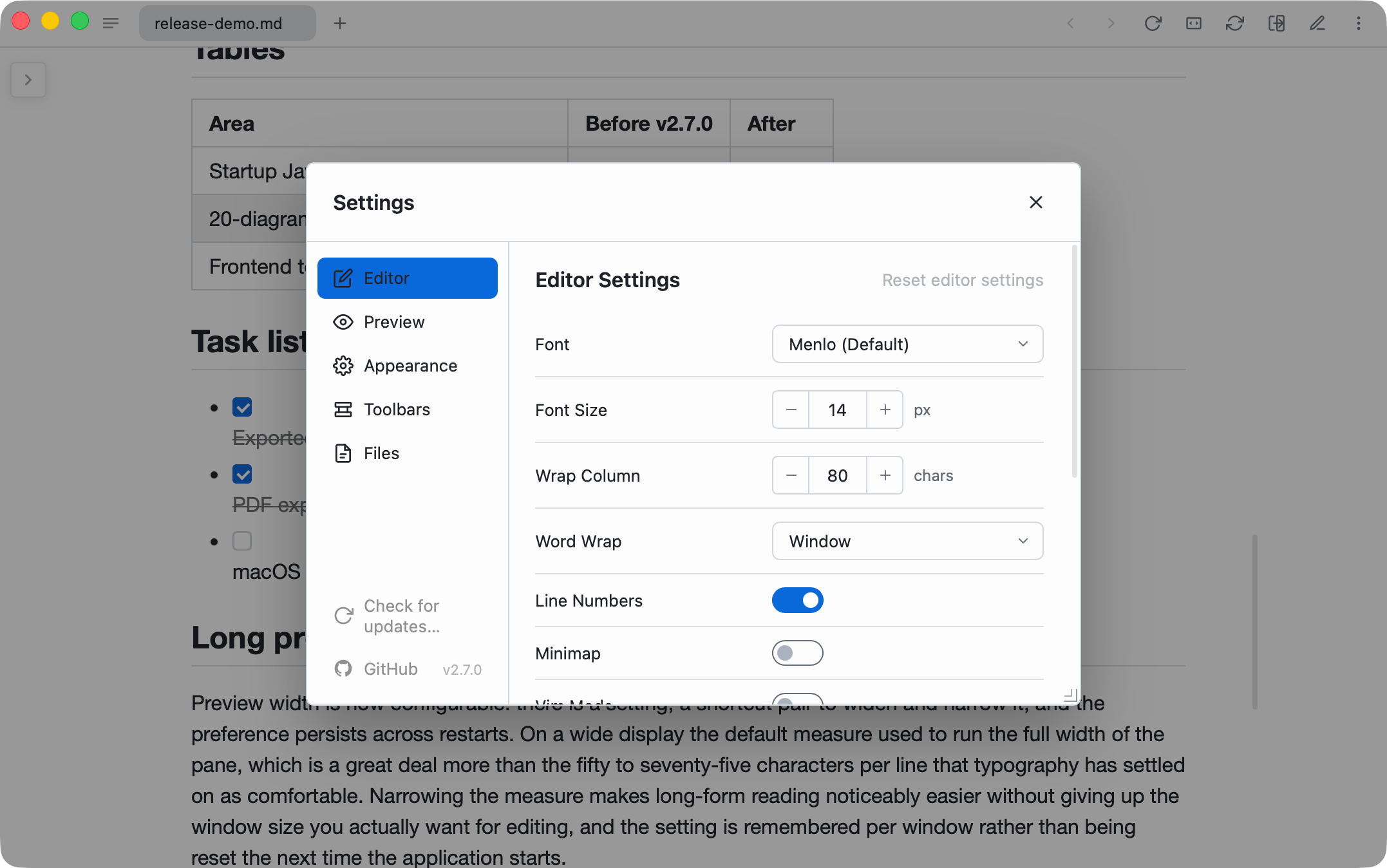
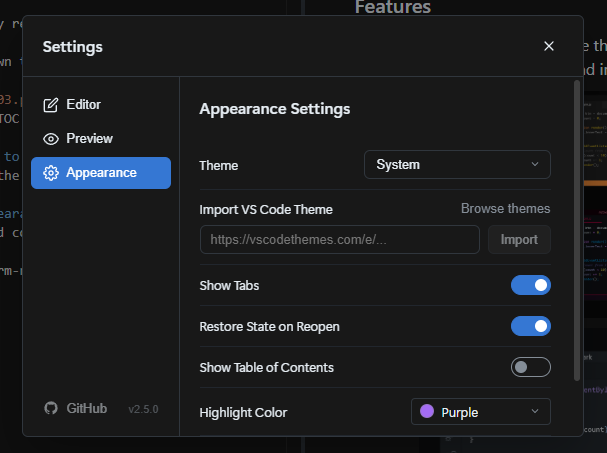
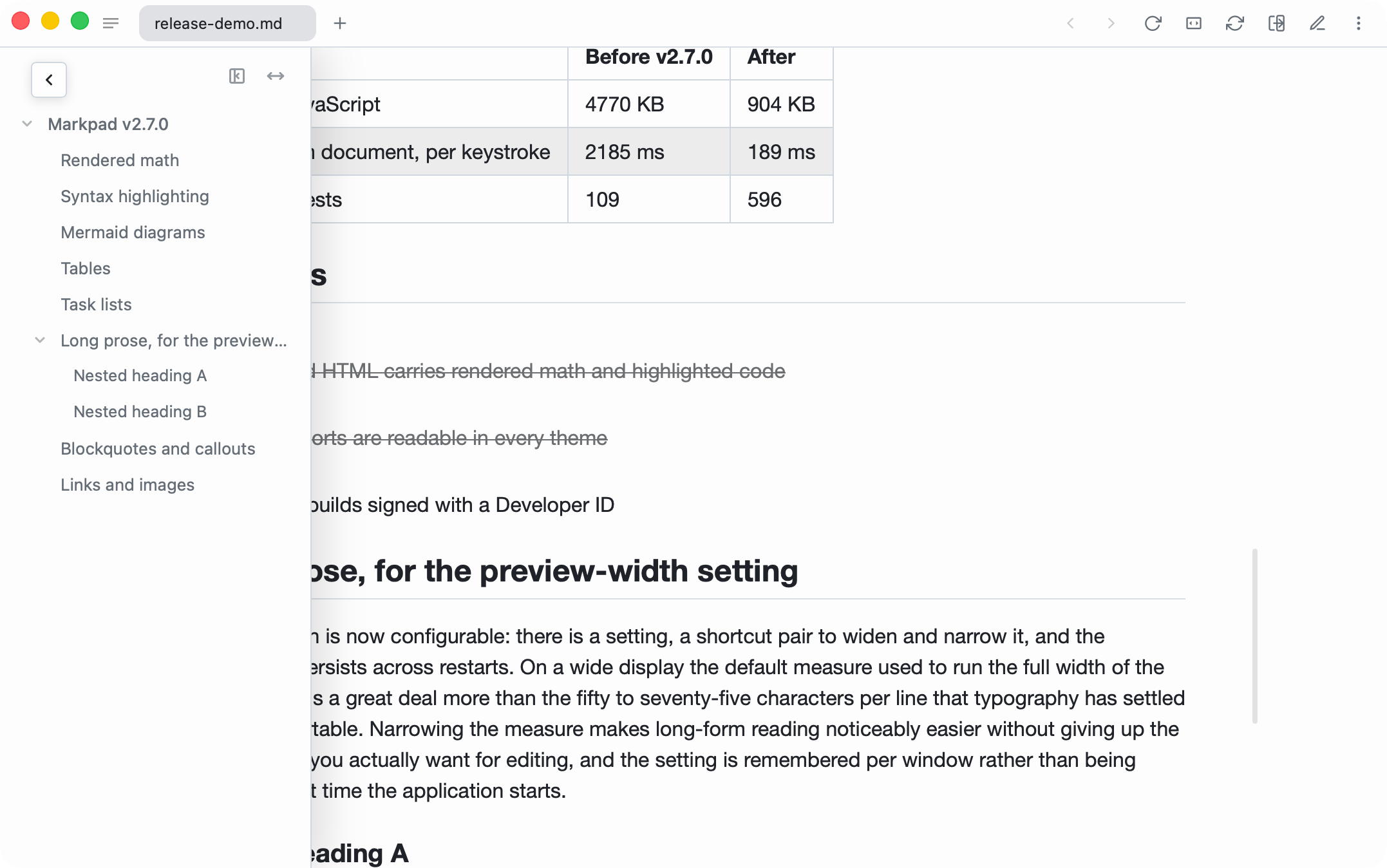
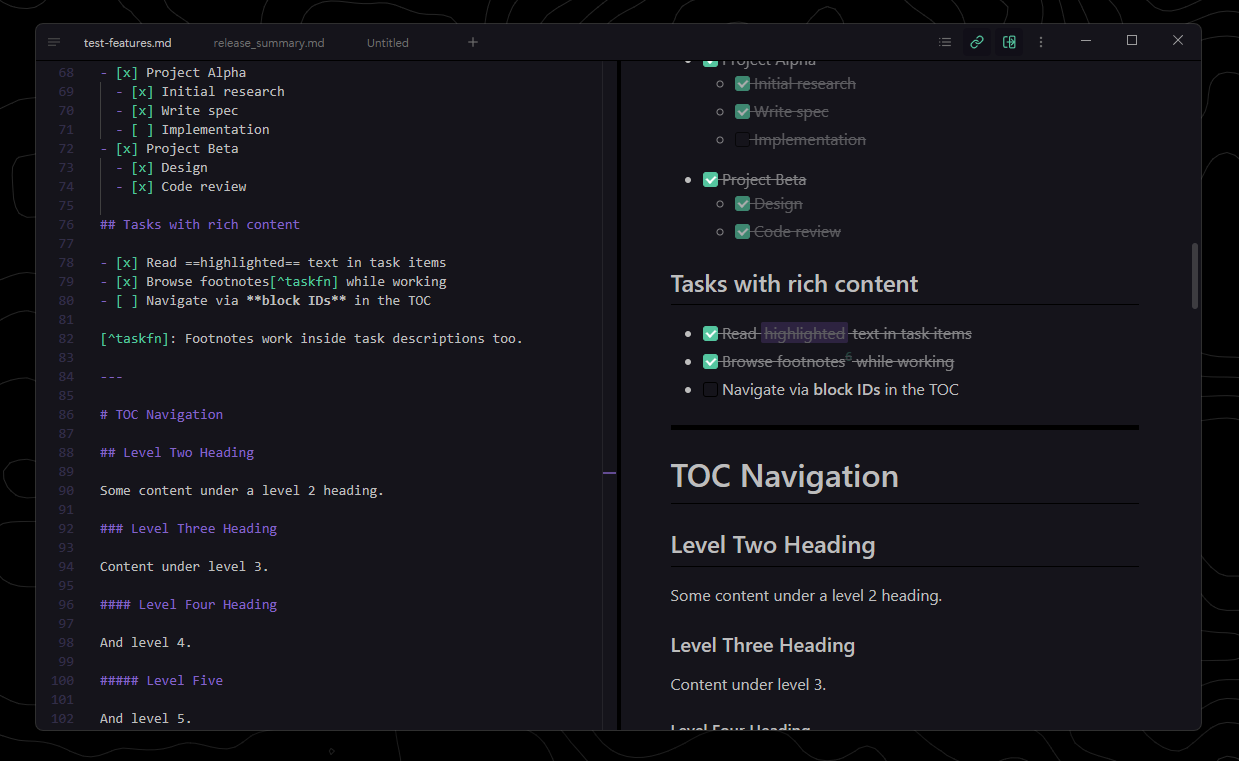
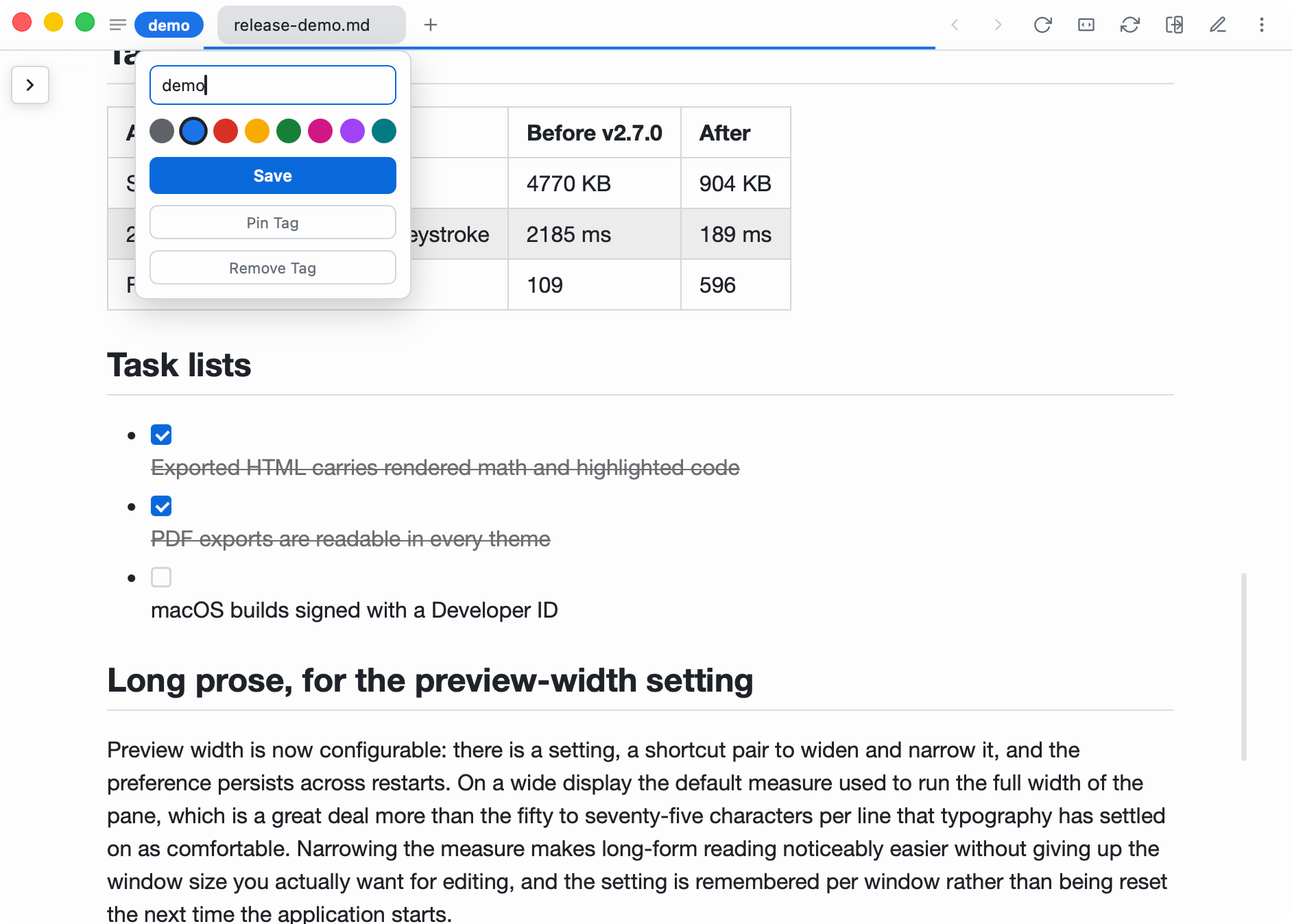
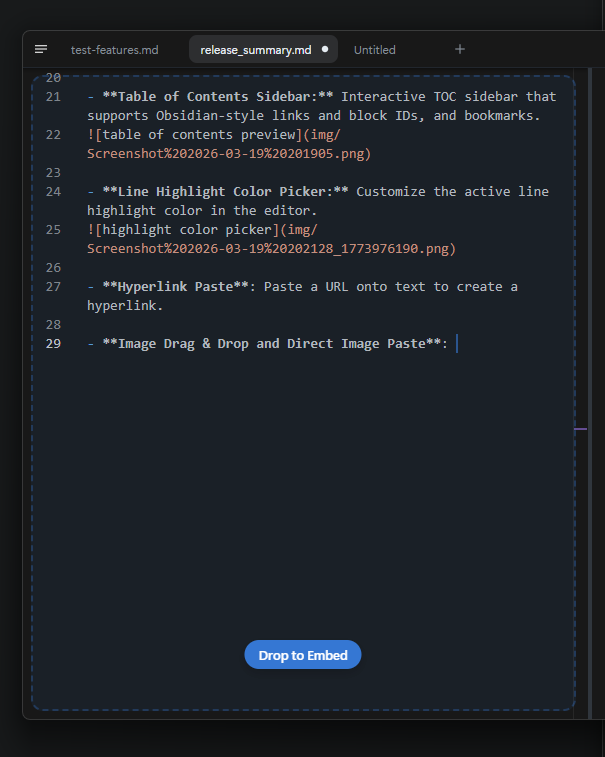
Markpad features a tabbed interface, Monaco editor (the same editor used in VS Code), split view functionality, and syntax highlighting in both the editor and code blocks. It supports math equations via KaTeX, Mermaid diagrams, Vim mode for keyboard enthusiasts, auto-reload of documents, Zen mode for focused writing, and custom themes. Users can paste images directly into the editor, adjust typography settings, and zoom content for better readability.
Audience & Benefit:
Ideal for writers, developers, and anyone seeking a streamlined Markdown experience, Markpad provides a seamless way to create and edit content across Windows, macOS, and Linux. Its minimal design ensures users stay focused while leveraging advanced Markdown features for enhanced productivity.
Markpad can be installed via winget, making it easy to integrate into your workflow.
README
Markpad
Light as Notepad, elegant as Markdown.
A lightweight, minimalist Markdown viewer and text editor built for productivity across Windows, macOS, and Linux.
The two Windows files differ only in that one installs and one does not — -setup.exe puts Markpad in Program Files and the Start menu; the plain .exe runs from wherever you put it.
> After a direct .dmg or Homebrew (macOS), *-setup.exe (Windows NSIS) or .AppImage (Linux) install, Markpad self-updates from GitHub releases via the in-app Check for Updates… entry (macOS app menu, or Settings elsewhere). Chocolatey and Snap keep Markpad current through those package managers instead.
>
> .deb and .rpm are one-time installs.tauri-plugin-updater cannot replace a package-managed install, and there is no apt or dnf repository to update from — upgrading means downloading a newer package from the releases page. Check for Updates… recognises a package-managed install and tells you so.
What Markpad renders
Every syntax Markpad renders is in one document — download markdown-syntax.md and open it in Markpad: the preview shows each feature working, the editor beside it shows how each one is written (read it on GitHub first if you like). Give the same file to an AI and it knows exactly what Markpad can render: ask it to reformat a document you already have, or to write a new one that uses the whole range — callouts, tables, footnotes, maths, diagrams — and open the result here.
Installation from source
Clone the repository
Run npm install to install dependencies
Run npm run tauri build to build the executable
Isolated macOS test bundle
For local verification without opening or replacing /Applications/Markpad.app, build an unsigned test-only app with an independent identifier:
MARKPAD_TEST_BUNDLE_ID=dev.example.markpad.test npm run build:test-bundle
The result is placed in dist/test-bundle/. It is not a distributable release: it has no Developer ID notarization or Windows Authenticode signature.
Issues & Feedback
If you find a bug, have a feature request, or just want to leave some feedback, please open an issue. I'm actively developing Markpad and love hearing from users!
Contributing
Contributions are always welcome! Markpad is built with SvelteKit and Tauri.
Fork & Clone the repository
Install dependencies: npm install
Run the dev server: npm run tauri dev (to run the Tauri app locally)
Make your changes and ensure type checking passes: npm run check
Open a Pull Request!
Please ensure your code follows the existing style and that you add descriptions for any new features.