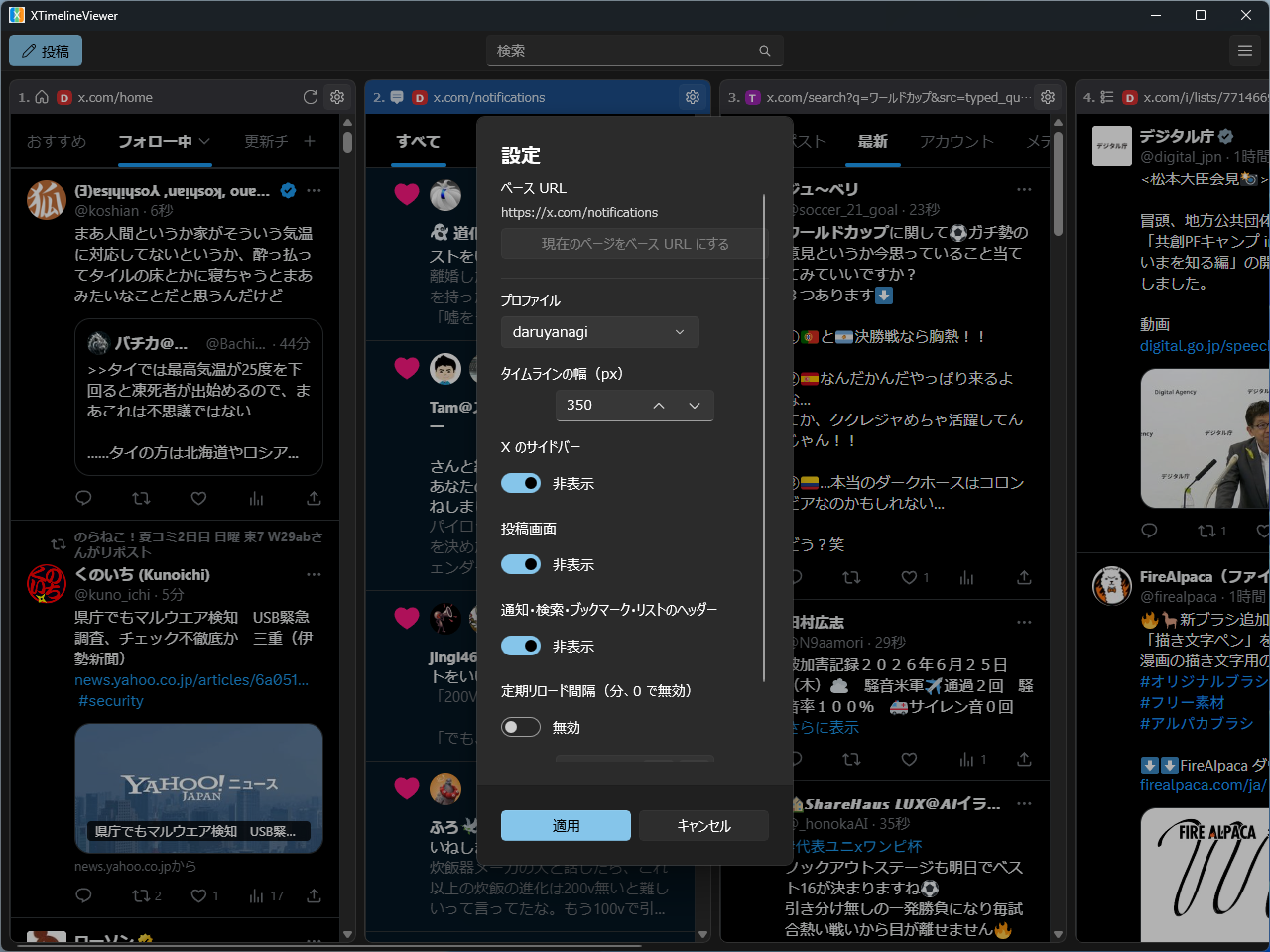
XTimelineViewer daruyanagi
Install XTimelineViewer with WinGet
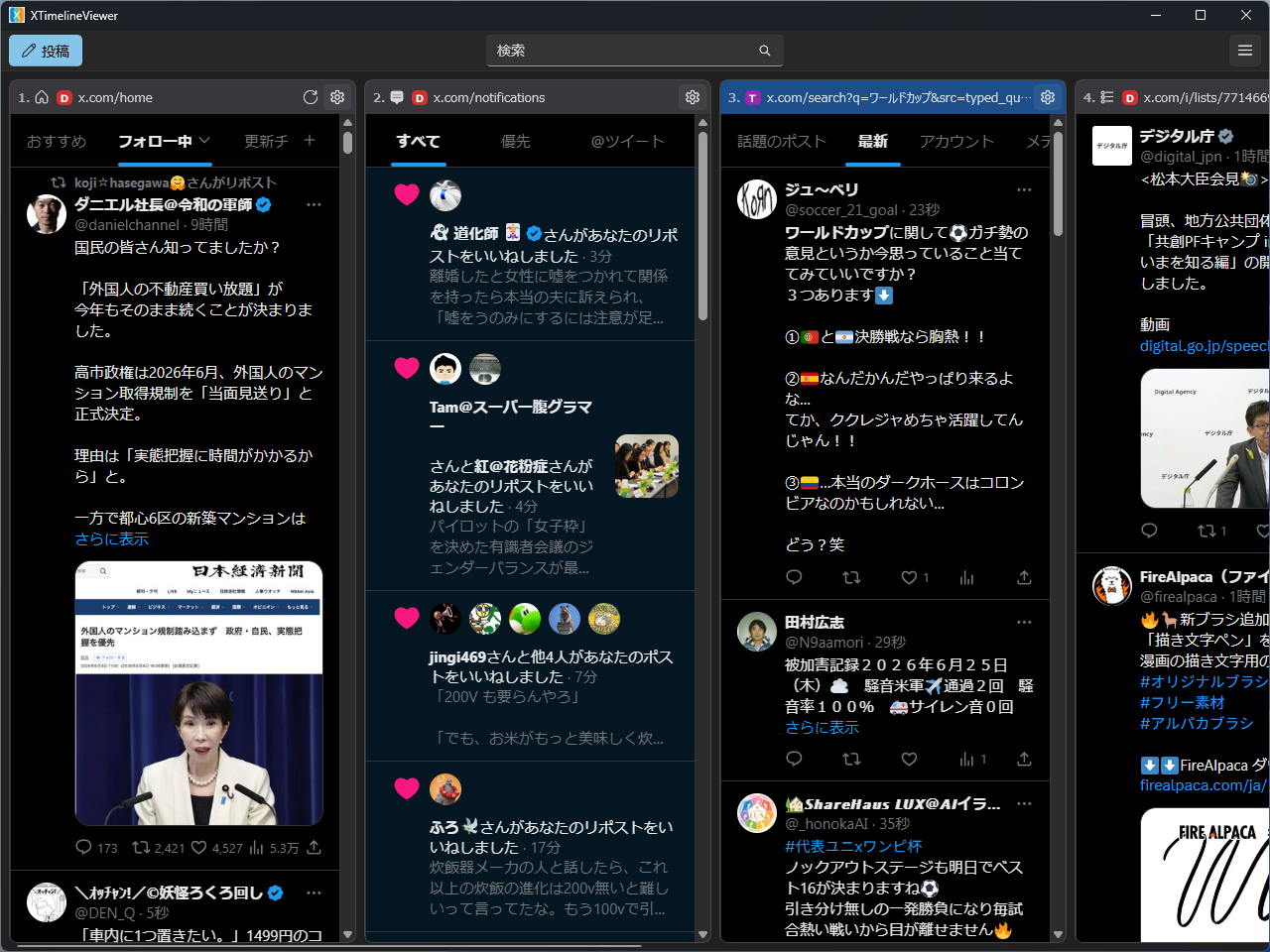
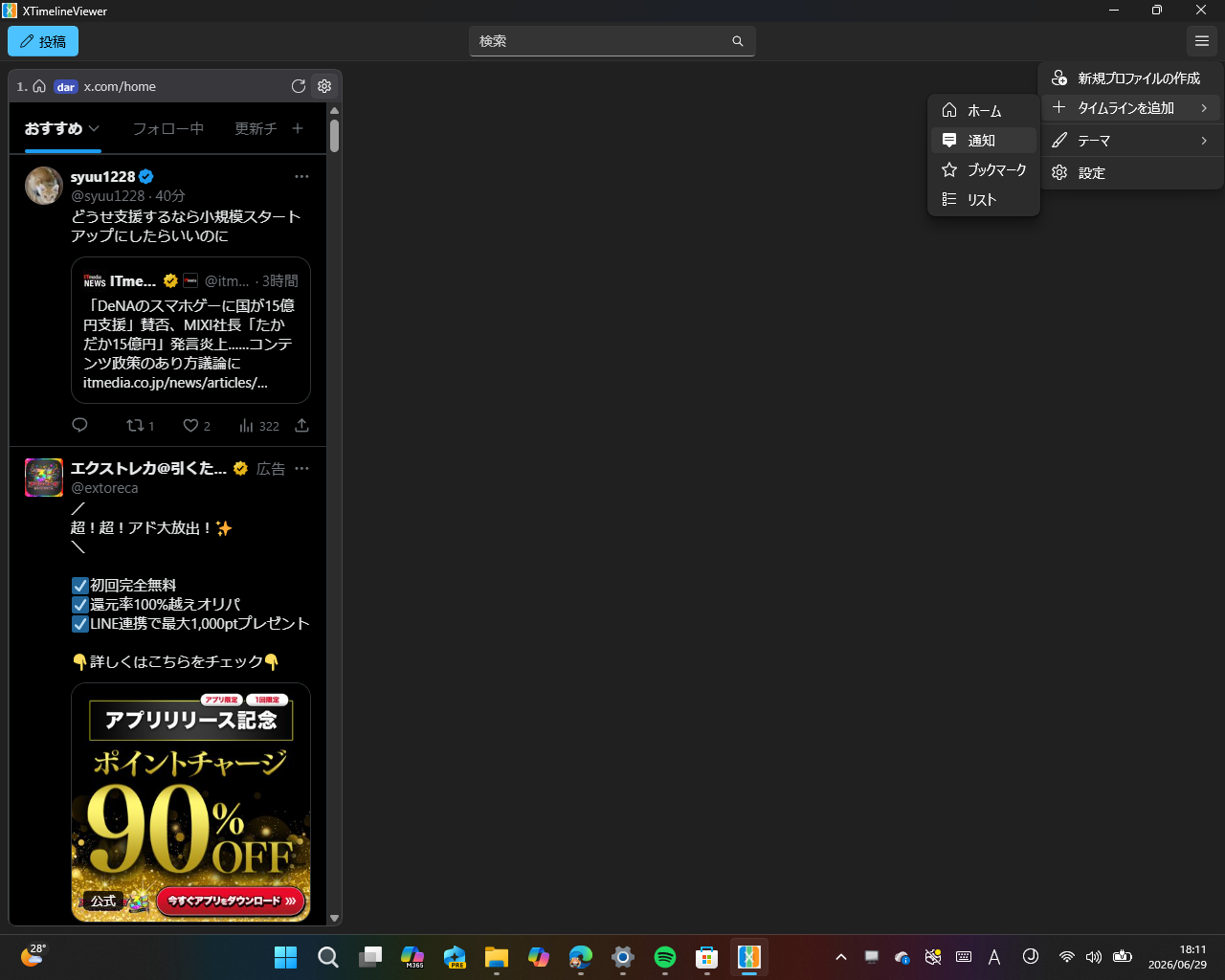
winget install --id=daruyanagi.XTimelineViewer -e XTimelineViewer is a Windows desktop application designed to display multiple X (Twitter) timelines side by side, offering a functionality similar to TweetDeck or X Pro. This tool allows users to manage and view various timelines simultaneously, enhancing content creation, monitoring, and social media management workflows.
Key Features:
- Multiple Timelines: View several X timelines concurrently in a single window.
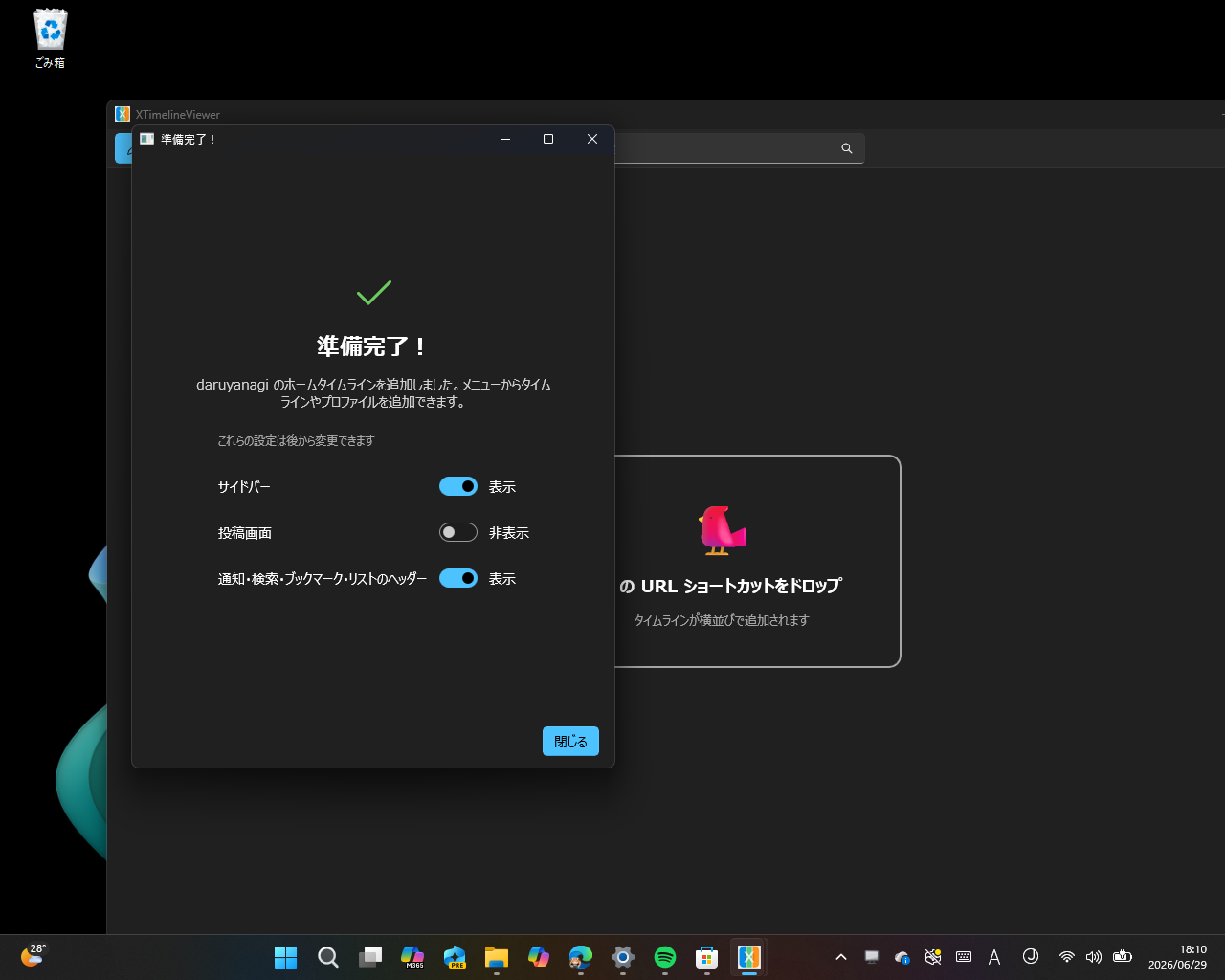
- Drag-and-Drop Functionality: Add timelines by dragging and dropping X URL shortcuts or rearrange them with ease.
- Theme Customization: Choose between light, dark, or system-themed modes to suit your preferences.
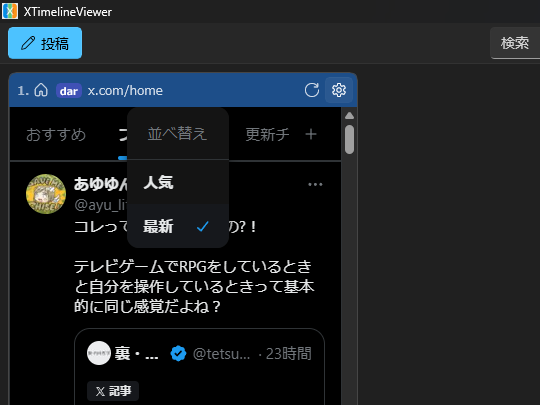
- Individual Display Settings: Customize each timeline's appearance, such as hiding headers or post boxes.
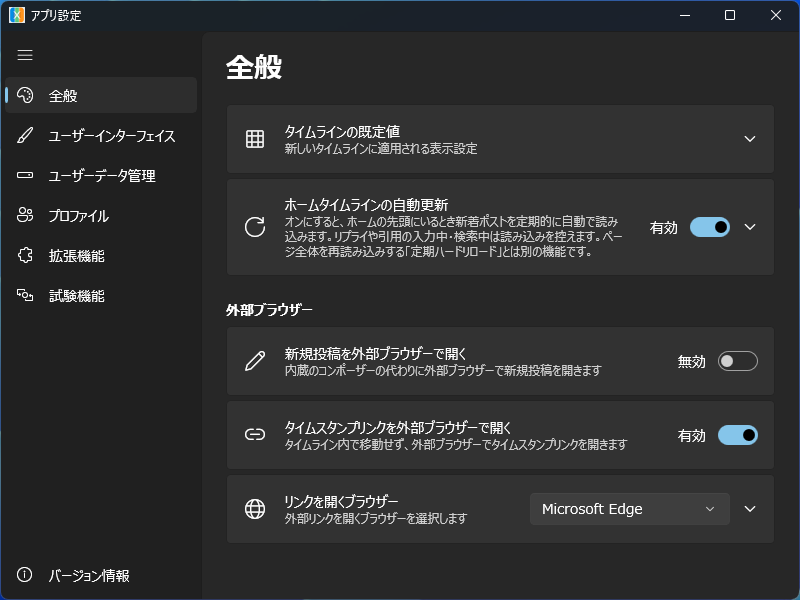
- Chromium Extensions Support: Enhance functionality with extensions like TwitterTimelineLoader for automated home timeline updates.
- Keyboard Shortcuts: Navigate and interact with timelines efficiently using keyboard commands.
Audience & Benefit: Ideal for users who need to monitor multiple X accounts or engage in content creation, XTimelineViewer provides a flexible and efficient solution without the need for premium subscriptions. It is particularly beneficial for those seeking an alternative to TweetDeck's paid plans, offering a self-contained application built with WinUI 3 and WebView2 that can be installed via winget.
XTimelineViewer empowers users to streamline their social media management while maintaining control over their experience, all within a lightweight and responsive desktop environment.