Use this command to install Hermes Agent with WinGet:
winget install --id=fathah.HermesDesktop -e
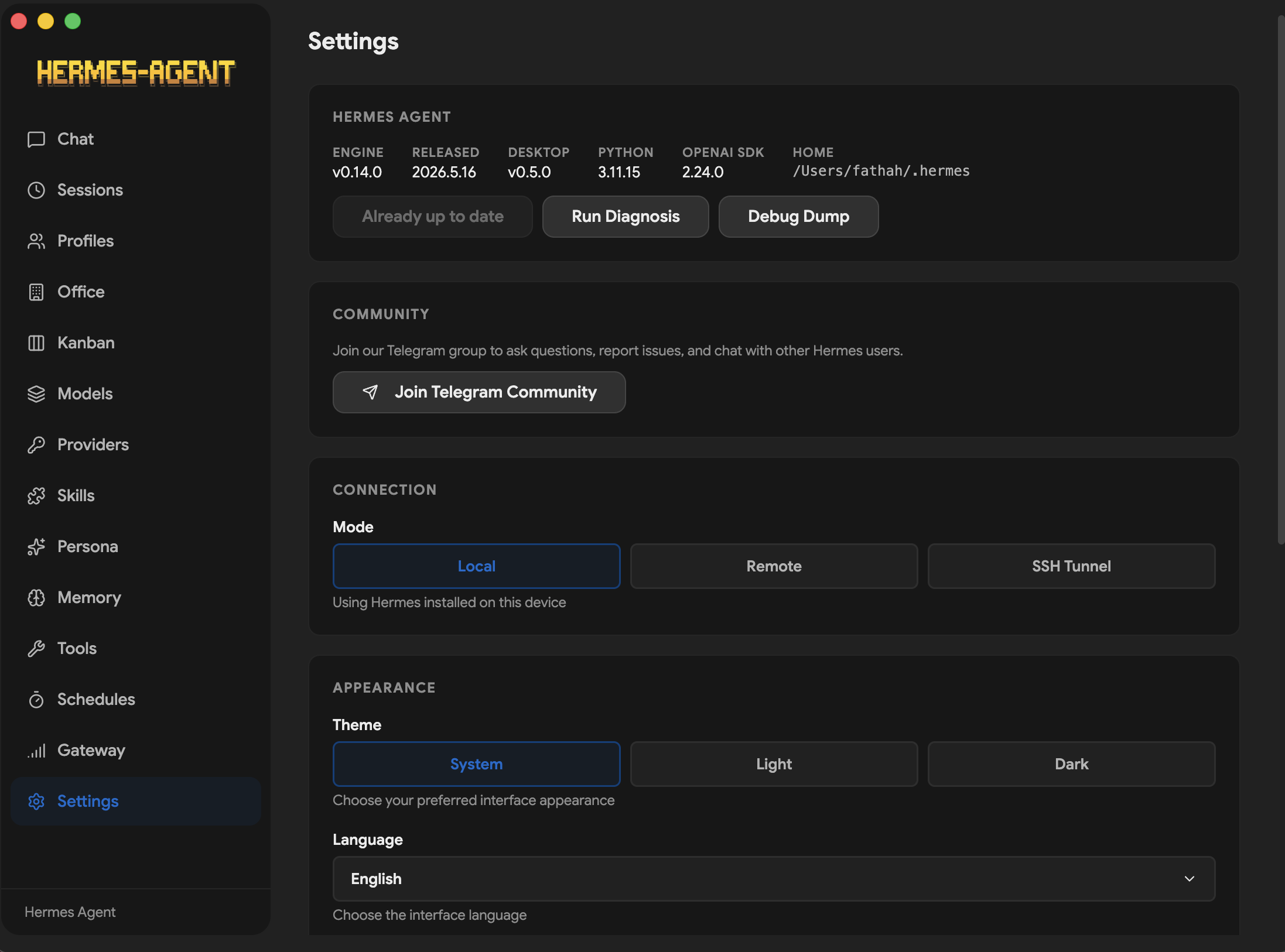
Hermes Desktop is a native desktop app for installing, configuring, and chatting with Hermes Agent — a self-improving AI assistant with tool use, multi-platform messaging, and a closed learning loop.
Instead of managing the CLI by hand, the app walks through install, provider setup, and day-to-day usage in one place. It uses the official Hermes install script, stores Hermes in ~/.hermes, and gives you a GUI for chat, sessions, profiles, memory, skills, tools, scheduling, messaging gateways, and more.
> This project is in active development. Features may change, and some things might break. If you run into a problem or have an idea, open an issue. Contributions are welcome!
Hermes One is a community maintained native desktop app for installing, configuring, and chatting with Hermes Agent — a self-improving AI assistant with tool use, multi-platform messaging, and a closed learning loop.
Instead of managing the CLI by hand, the app walks through install, provider setup, and day-to-day usage in one place. It uses the official Hermes install script, stores Hermes in ~/.hermes, and gives you a GUI for chat, sessions, profiles, memory, skills, tools, scheduling, messaging gateways, and more.
Atlas Cloud is a full-modal, OpenAI-compatible AI inference platform. Use it in Hermes One by selecting Atlas Cloud as your provider. The base URL is pre-configured automatically.
Greptile is an AI code reviewer. It reviews and tests pull requests with full context of the codebase. It catches bugs, flags regressions, and leaves inline review comments on every PR automatically.
Install
Windows
> Windows users: The installer is not code-signed. Windows SmartScreen will warn on first launch — click "More info" → "Run anyway".
> WSL users: If the installer stalls at Switching to root user to install dependencies..., Playwright is waiting for a sudo password that has no TTY to read from. Grant passwordless sudo for the install, then revert when finished:
>
> bash > echo "$USER ALL=(ALL) NOPASSWD: ALL" | sudo tee /etc/sudoers.d/hermes-install > # …re-run the installer; once it finishes: > sudo rm /etc/sudoers.d/hermes-install >
>
> Tracked in #109.
Fedora (RPM)
sudo dnf install ./hermes-desktop-.rpm
> Fedora users: The .rpm is not GPG-signed. If your system enforces signature checking, append --nogpgcheck to the install command. Auto-update is not supported for .rpm builds (limitation of electron-updater); reinstall the new .rpm to update.
Preview
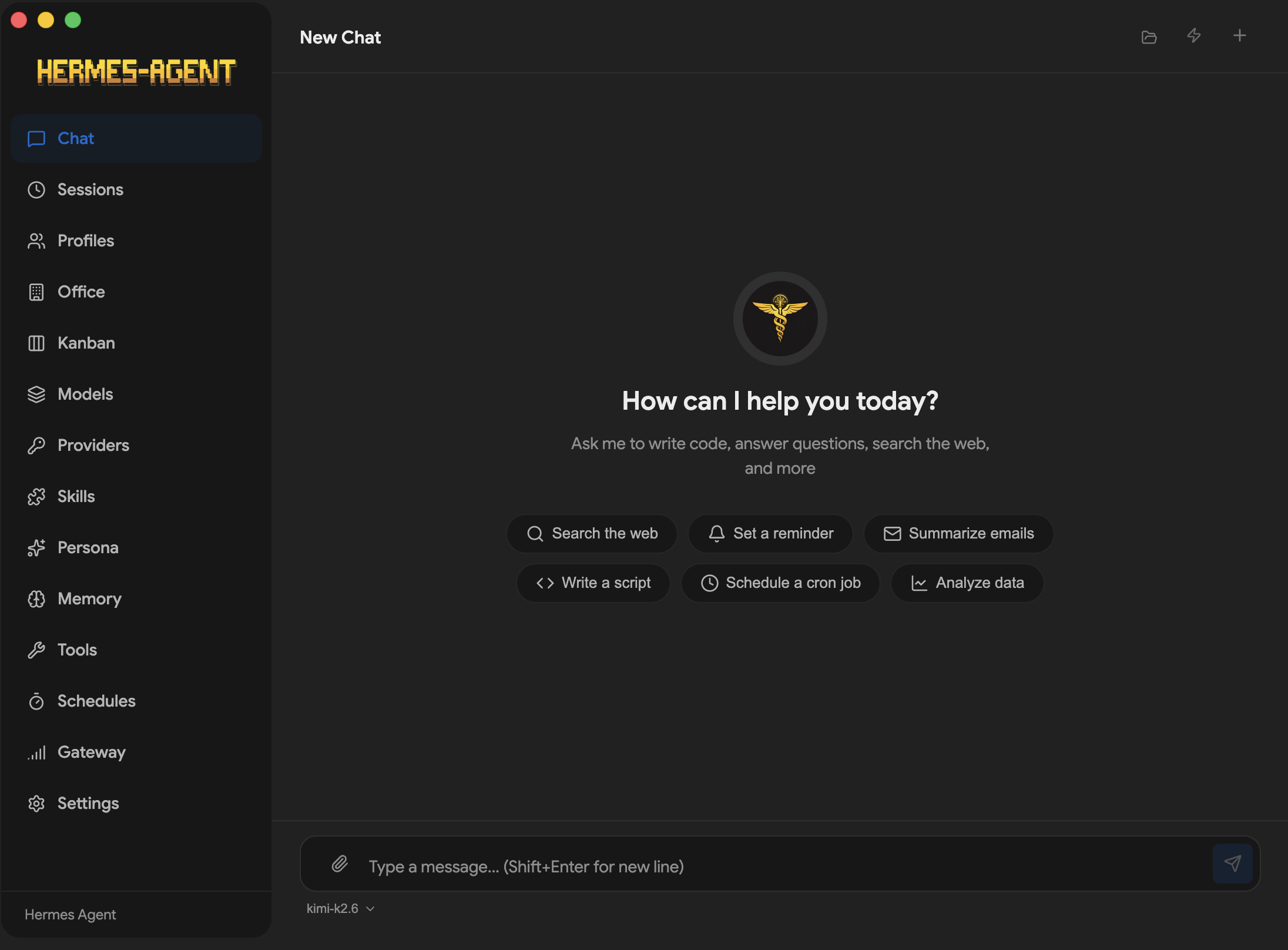
ChatProfiles
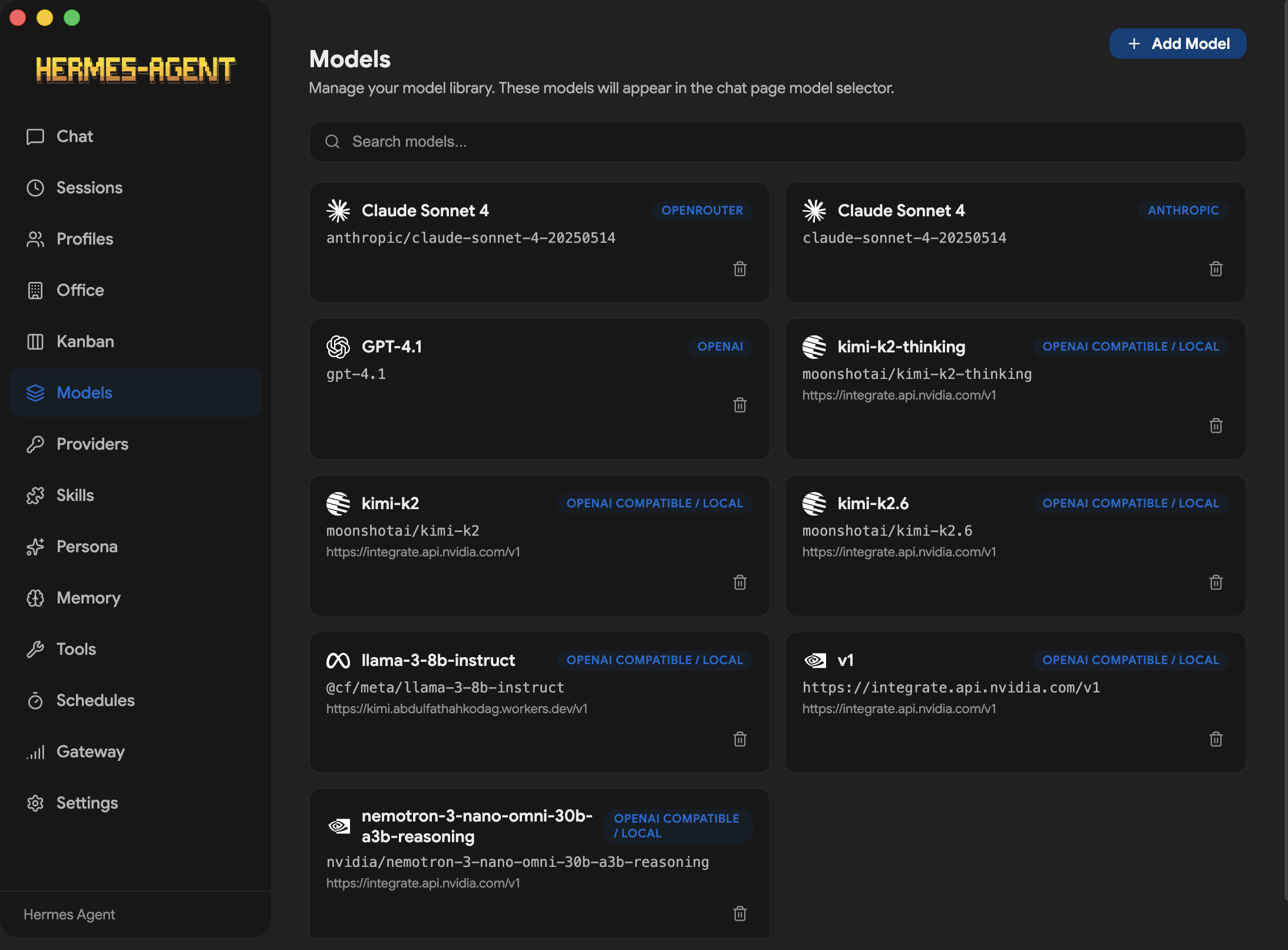
ModelsProviders
ToolsDiscover
SchedulesGateway
PersonaKanban
OfficeSettings
Features
Guided first-run install for Hermes Agent with progress tracking and dependency resolution
Local or remote backend — run Hermes locally on 127.0.0.1:8642, or connect the desktop app to a remote Hermes API server with URL + API key
Multi-provider support — OpenRouter, Anthropic, OpenAI, Google (Gemini), xAI (Grok), Nous Portal, Qwen, MiniMax, Hugging Face, Groq, and local OpenAI-compatible endpoints (LM Studio, Atomic Chat, Ollama, vLLM, llama.cpp)
Streaming chat UI with SSE streaming, tool progress indicators, markdown rendering, and syntax highlighting
Token usage tracking — live prompt/completion token counts and cost display in the chat footer, plus a /usage slash command
Hermes Office (Claw3d) — visual 3D interface with dev server and adapter management
Backup, import & debug dump — full data backup/restore and system diagnostics from Settings
Log viewer — view gateway and agent logs directly from the Settings screen
Auto-updater — check for and install updates via electron-updater
i18n ready — internationalization framework with English locale covering all screens, ready for community translations
Test suite — SSE parser, IPC handlers, preload API surface, installer utilities, and constants validation with Vitest
How It Works
On first launch, the app:
Asks whether you want to run Hermes locally or connect to a remote Hermes API server.
Local mode: checks whether Hermes is already installed in ~/.hermes; if not, runs the official Hermes installer with dependency resolution (Git, uv, Python 3.11+).
Remote mode: prompts for the remote API URL and API key, validates the connection, and skips local install.
Prompts for an API provider or local model endpoint.
Saves provider config and API keys through Hermes config files.
Launches the main workspace once setup is complete.
In local mode, chat requests go through http://127.0.0.1:8642 with SSE streaming. In remote mode, the app talks to your configured remote URL with the same streaming protocol. The desktop app parses the stream in real time, rendering tool progress, markdown content, and token usage as it arrives.
Screens
Screen
Description
Chat
Streaming conversation UI with slash commands, tool progress, and token tracking
Sessions
Browse, search, and resume past conversations
Agents
Create, delete, and switch between Hermes profiles
Skills
Browse, install, and manage bundled and installed skills
Models
Manage saved model configurations per provider
Memory
View/edit memory entries, user profile, and configure memory providers
Soul
Edit the active profile's persona (SOUL.md)
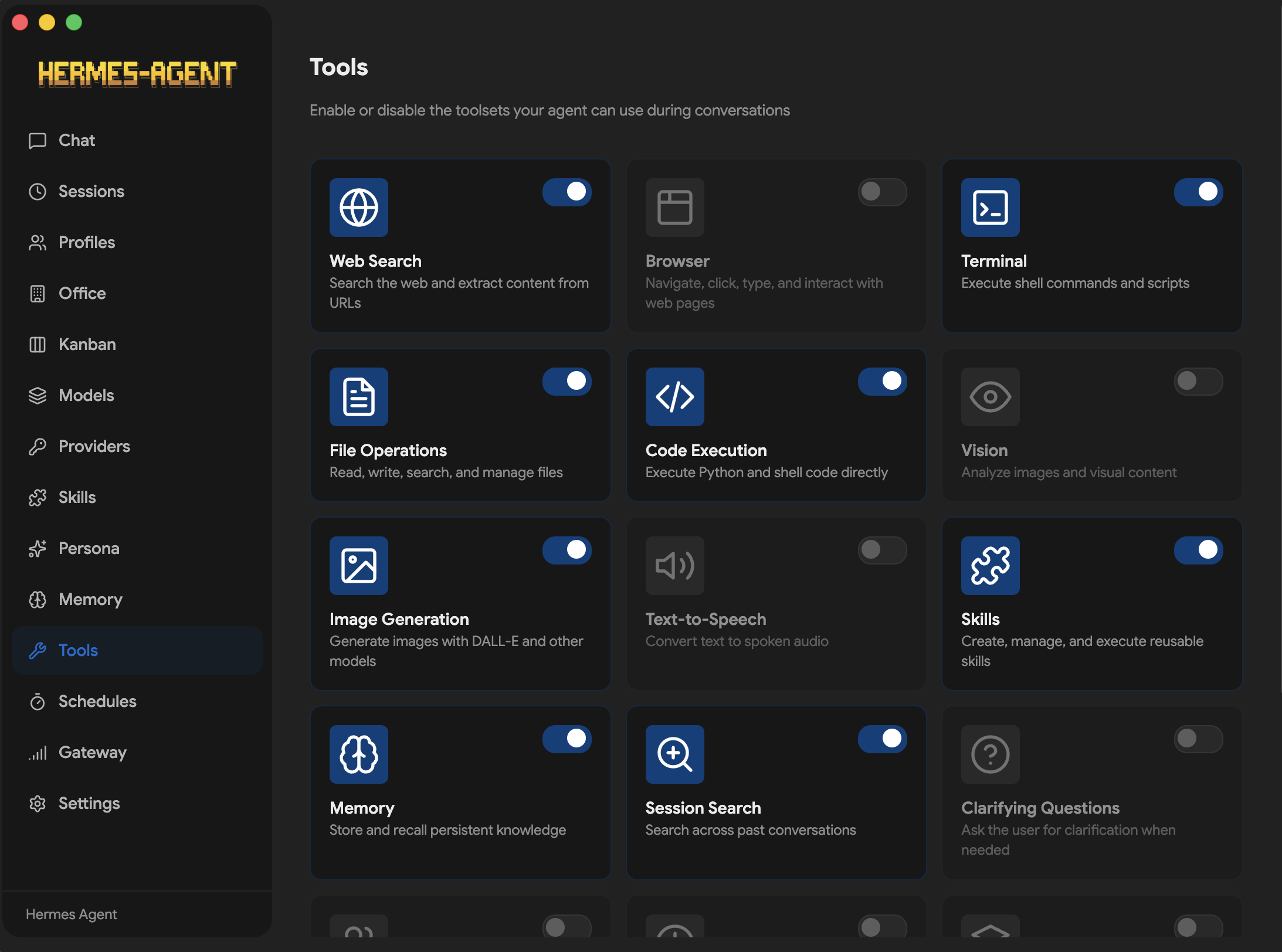
Tools
Enable or disable individual toolsets
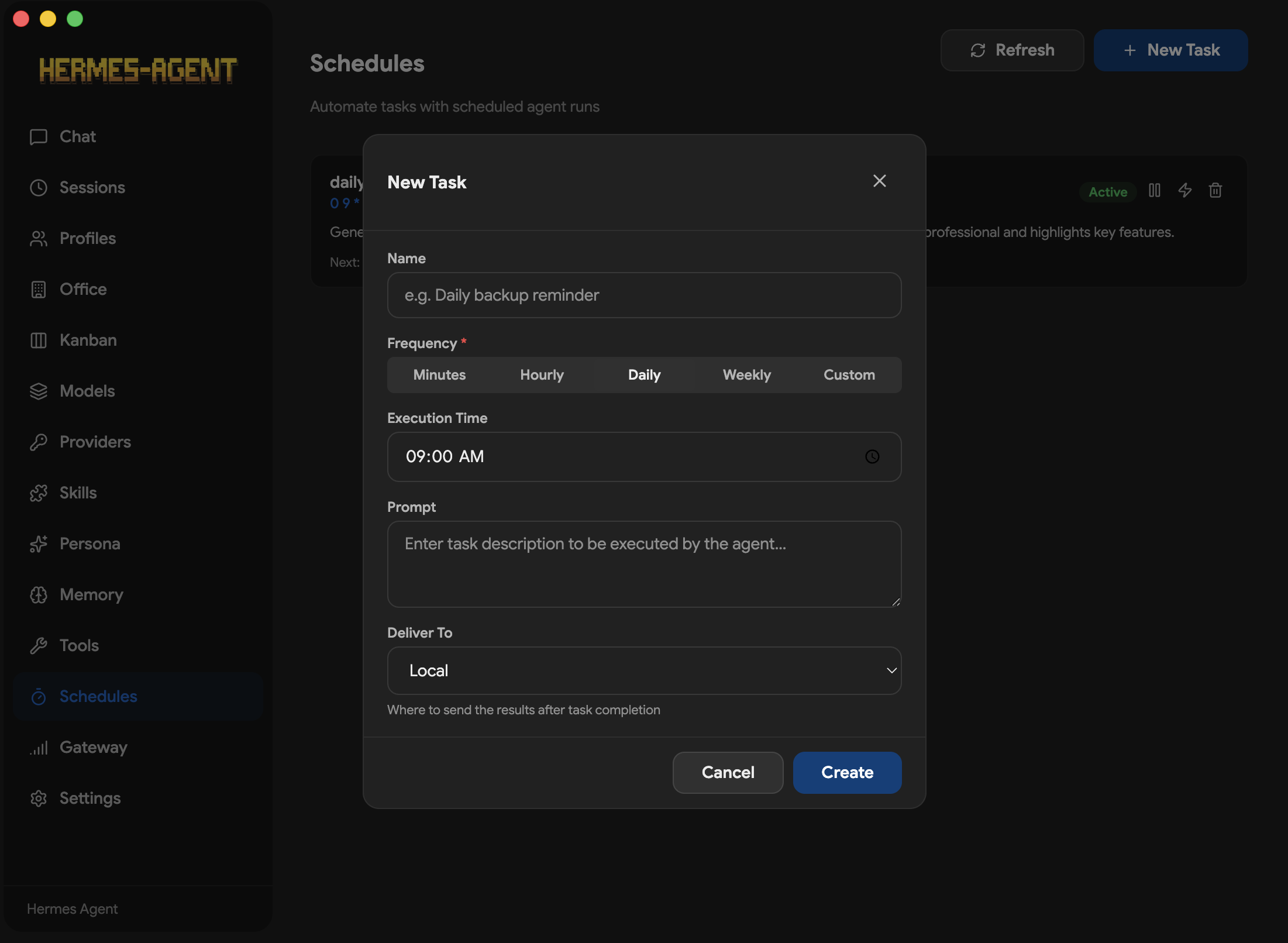
Schedules
Create and manage cron jobs with delivery targets
Gateway
Configure and control messaging platform integrations
When the app opens for the first time, it will either detect an existing Hermes installation or offer to install it for you.
Supported setup paths in the UI:
OpenRouter
Anthropic
OpenAI
Local LLM via an OpenAI-compatible base URL
Local presets are included for:
LM Studio
Atomic Chat
Ollama
vLLM
llama.cpp
Hermes files are managed in:
~/.hermes
~/.hermes/.env
~/.hermes/config.yaml
~/.hermes/hermes-agent
~/.hermes/profiles/ — named profile directories
~/.hermes/state.db — session history database
~/.hermes/cron/jobs.json — scheduled tasks
Secrets provider
By default, API keys live in ~/.hermes/.env (the env provider). No
configuration is needed — this is byte-for-byte the historical behavior, and
nothing changes for you.
If you'd rather not keep keys in a plaintext .env, the opt-in command
provider resolves them by running a helper command you configure. Resolution
order everywhere is: process.env → .env → provider → unset.
Per-key helper (the requested key name arrives as $HERMES_SECRET_KEY):
The helper's stdout may be either a single bare value (per-key helpers) or
KEY=VALUE lines (dotenv dumps); both shapes are auto-detected.
Vault / secret manager integration (no TPM required)
The command provider is vault-agnostic — it runs whatever helper you
configure and reads its stdout. The helper is the only thing that needs to
talk to your secret store. If you don't have a TPM-sealed keyfile, any of
these work without code changes to Hermes:
KeePassXC (password-only DB, no keyfile): point secrets.command at a
small kpxc-export.sh script that does
keepassxc-cli ls ~/secrets/hermes.kdbx <<<"$KPXC_PASSWORD" and dumps
the relevant group as dotenv. Prompt the user for the master password
once per session.
GnuPG with a passphrase-only key:gpg --batch --passphrase-fd 0 --decrypt ~/.keys/api-keys.gpg works directly as the command value.
Pass the passphrase via a file descriptor or env var, never argv.
pass (the standard unix password manager):command: "pass show hermes/$HERMES_SECRET_KEY" for a per-key helper,
or a small wrapper script for a dotenv dump.
secret-tool (libsecret/Gnome Keyring):command: "secret-tool lookup hermes $HERMES_SECRET_KEY" (already
shown above as the canonical per-key example).
Bitwarden CLI:bw get item "$HERMES_SECRET_KEY" | jq -r .notes
(after bw unlock in the session).
Plain env file with user-managed permissions:command: "cat ~/.config/hermes/secrets.env" with chmod 600 and
the file owned by your user. Not as secure as a vault, but better than
a world-readable .env.
The point: any helper that prints a value (per-key) or a dotenv blob
(list-mode) on stdout will work, and Hermes imposes a 3-second timeout
and 1 MiB output cap on the helper so a misbehaving one can't wedge the
app. The provider makes no assumptions about TPM, FIDO2, smart cards,
or platform keychains.
Security model:
The command string is your own configuration — same trust level as .env.
It runs via /bin/sh -c, so the command provider is POSIX-only
(Linux/macOS); Windows stays on the env provider.
The helper inherits the process environment plus HERMES_SECRET_KEY; the
key name is passed as data, never interpolated into the shell string.
Hard 3-second timeout (resolution is synchronous on the main process — keep
helpers fast and non-interactive), 1 MiB output cap, and stderr is discarded.
Resolved values are never logged or written to disk; failures degrade to
"key unset", logging only exit code/signal.
The gateway-spawn broadcast uses a single list() call, never a per-key
helper loop.
The desktop app depends on the upstream Hermes Agent project for agent behavior and tool execution.
The built-in installer runs the official Hermes install script with --skip-setup, then completes provider configuration in the GUI.
Local model providers do not require an API key, but the compatible server must already be running.
Alternative npm registry routes are supported for environments with restricted network access.
Contributing
Contributions are welcome! Check out the Contributing Guide to get started. If you're not sure where to begin, take a look at the open issues. Found a bug or have a feature request? File an issue.
Related Project
This repo is not affiliated to Nous Research. This is a community maintained project.
For the core agent, docs, and CLI workflows, see the main Hermes Agent repository:










 Profiles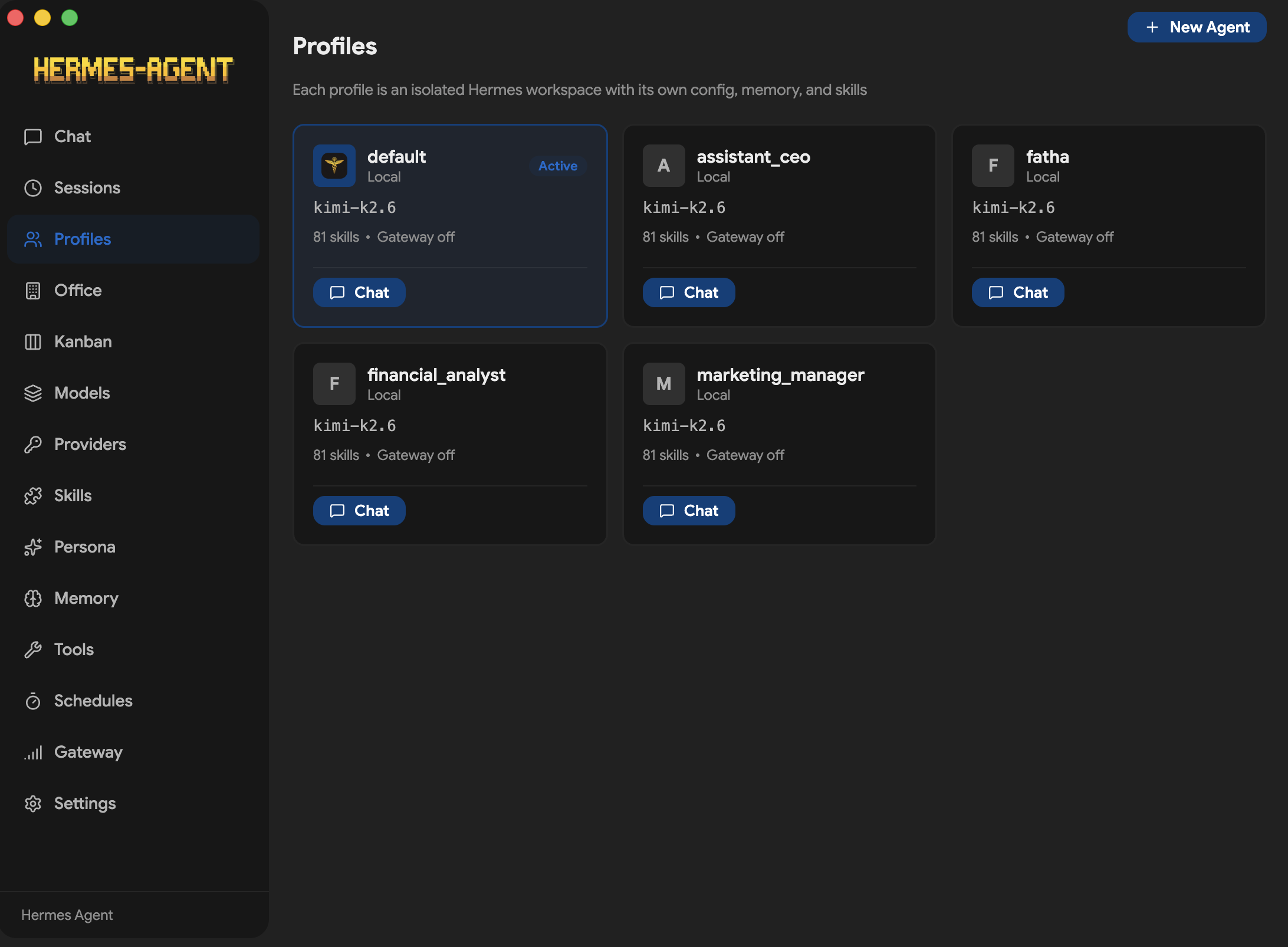
 Providers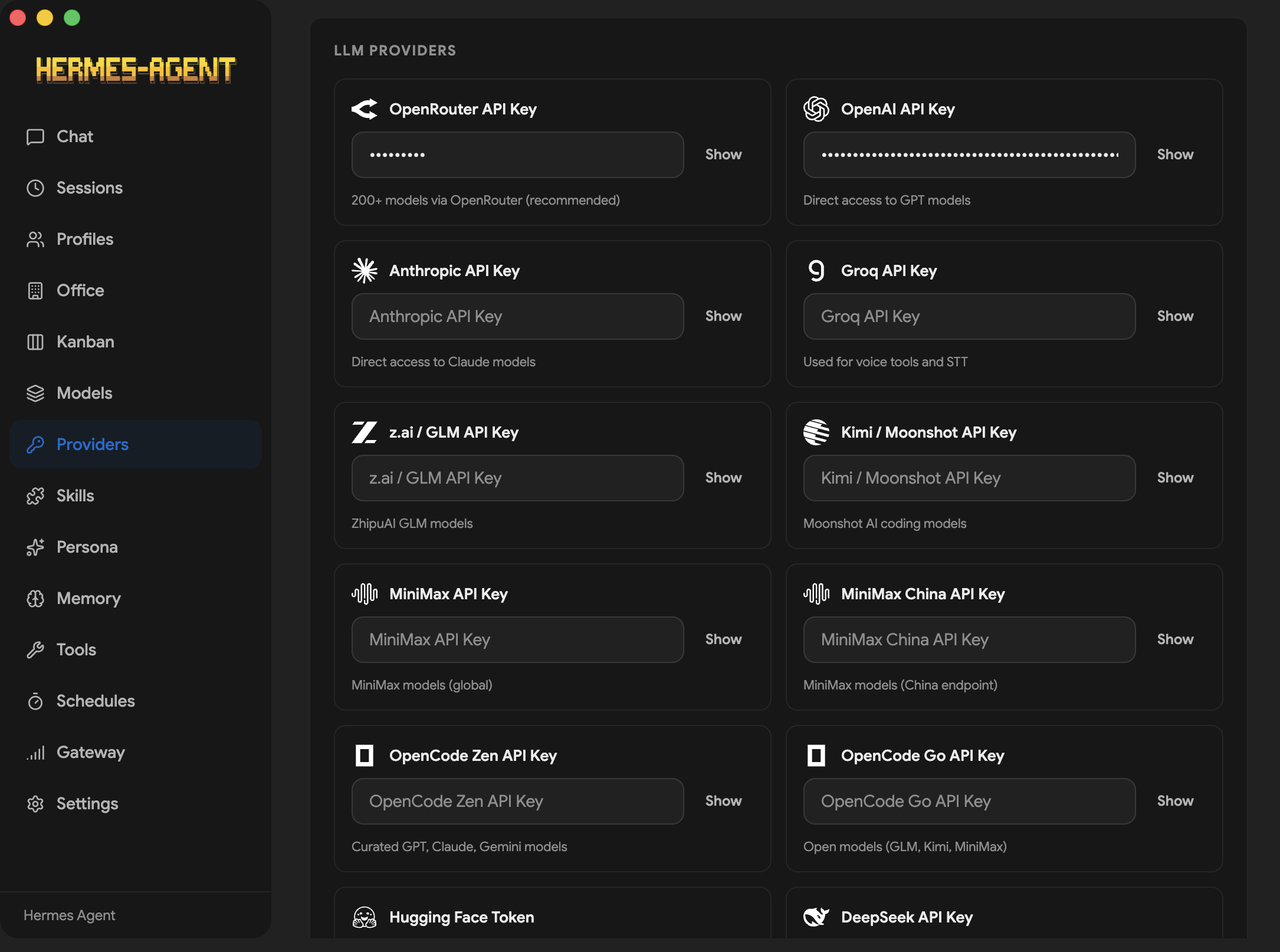
 Discover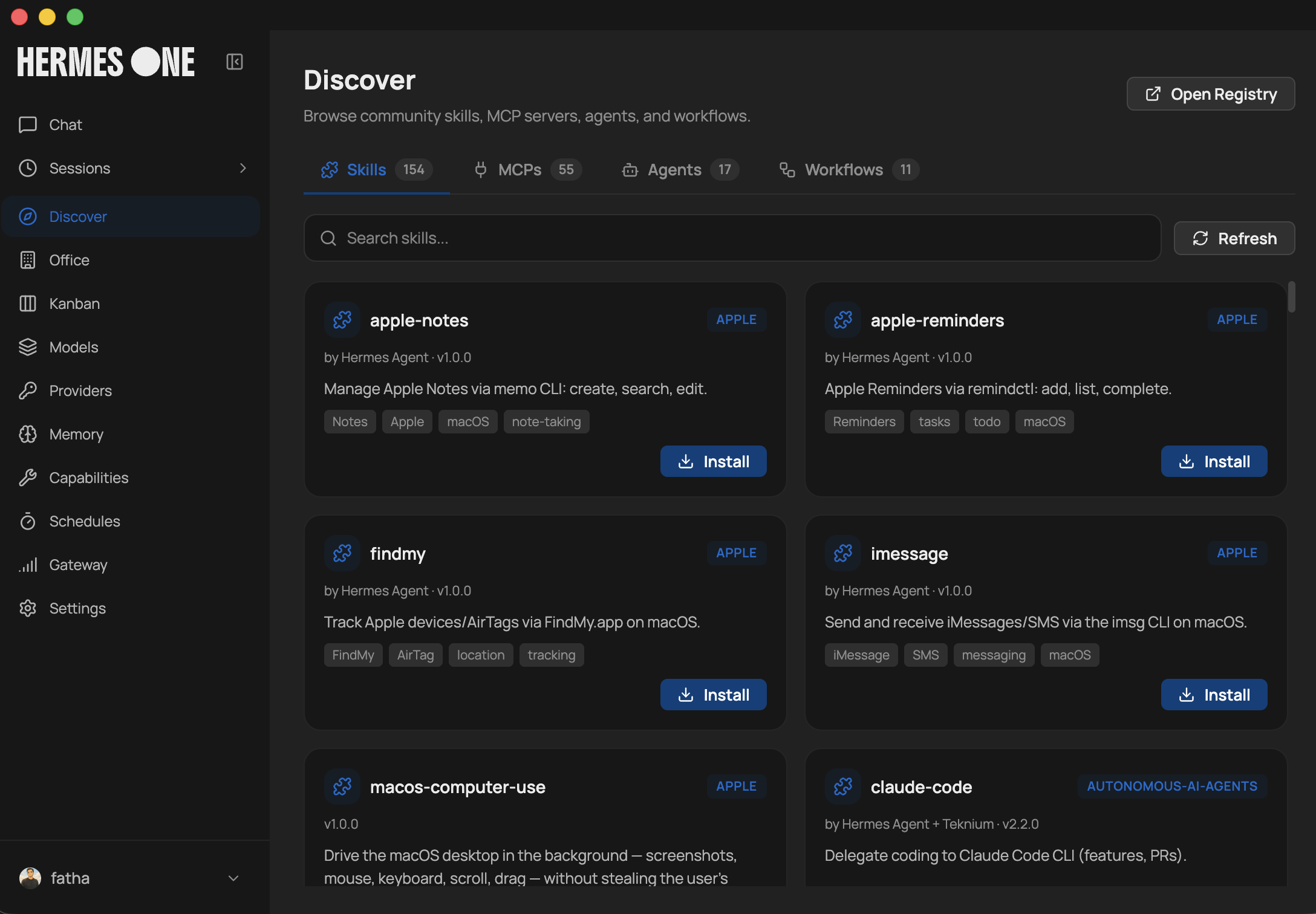
 Gateway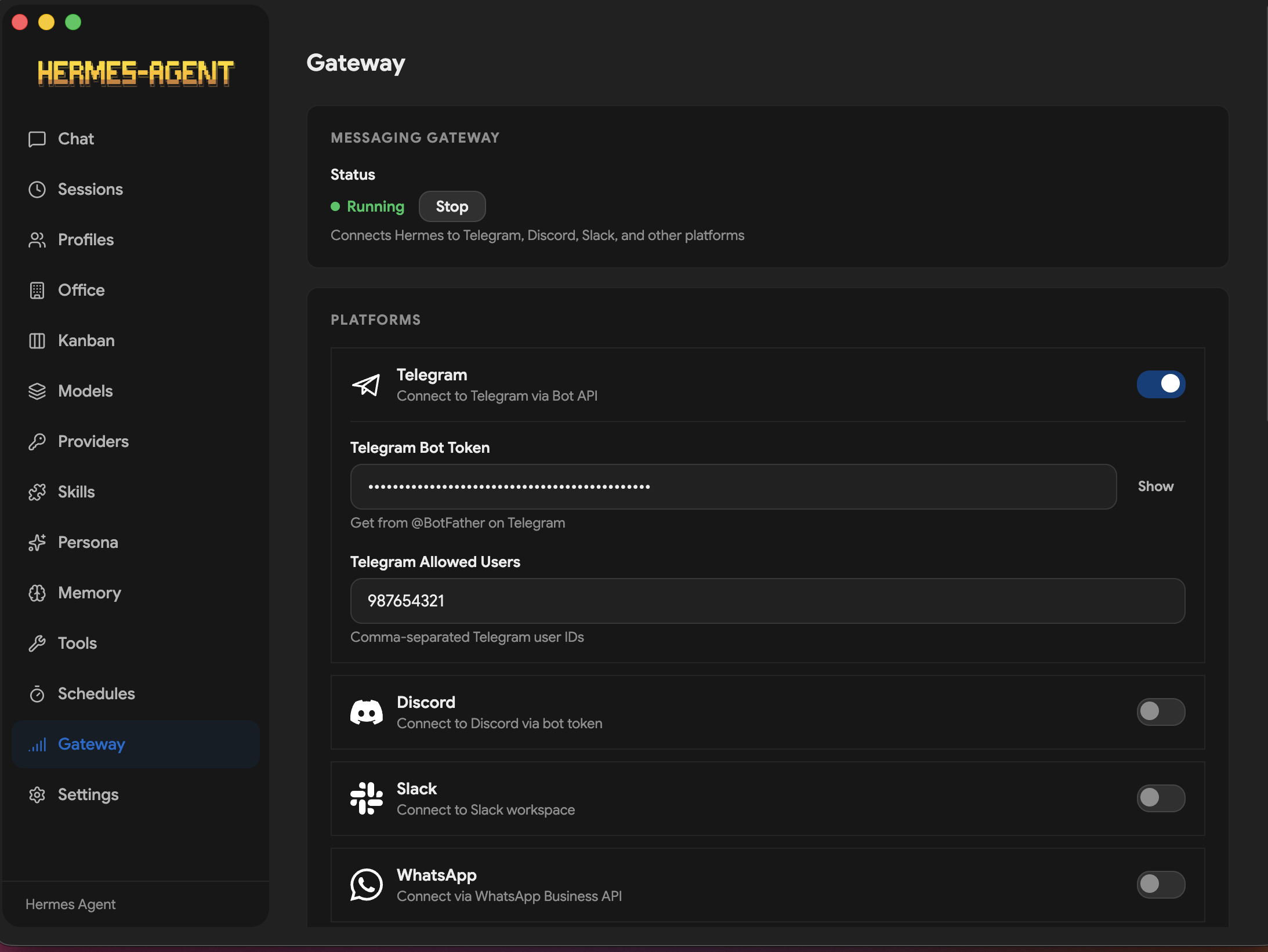
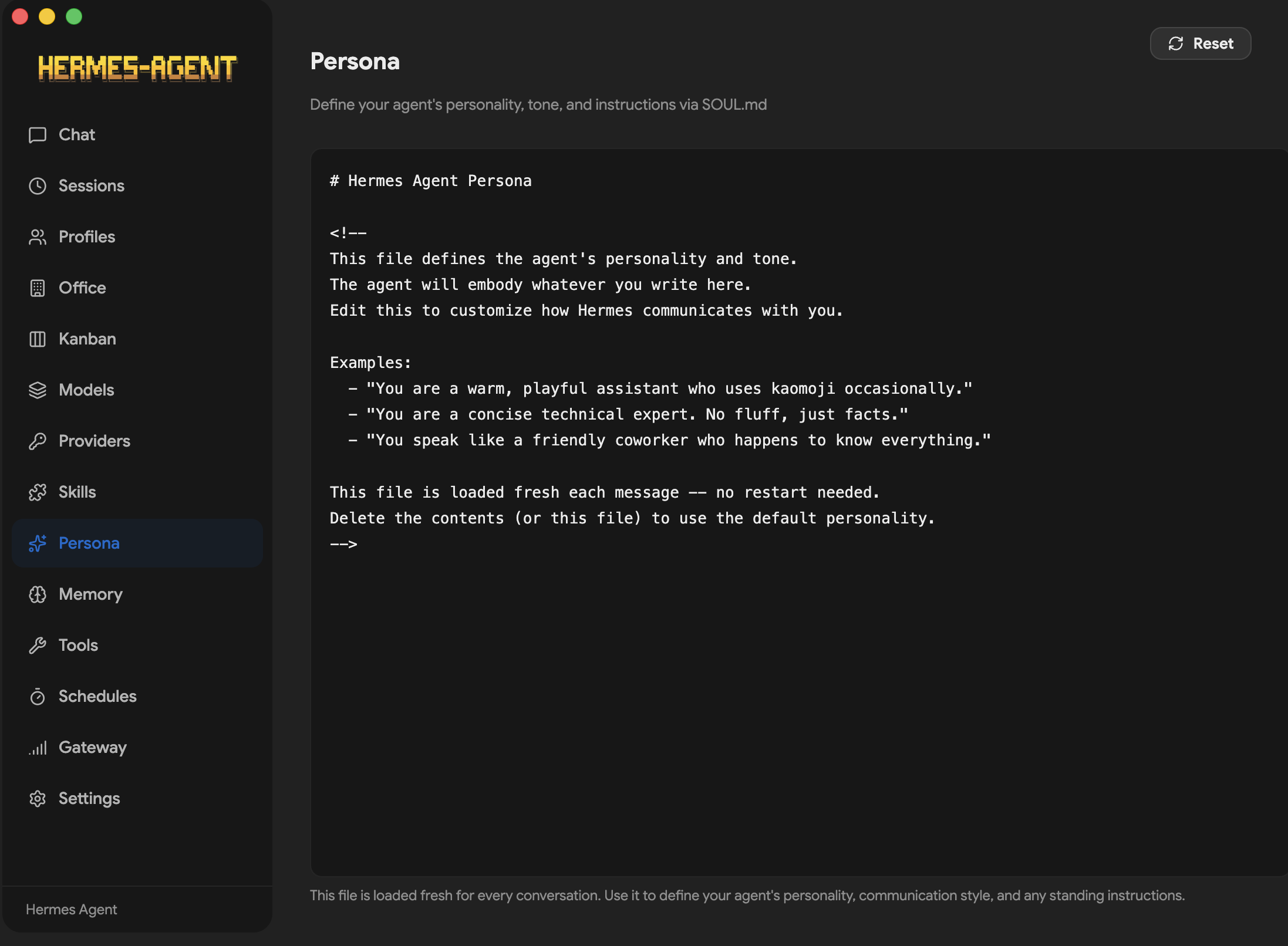 Kanban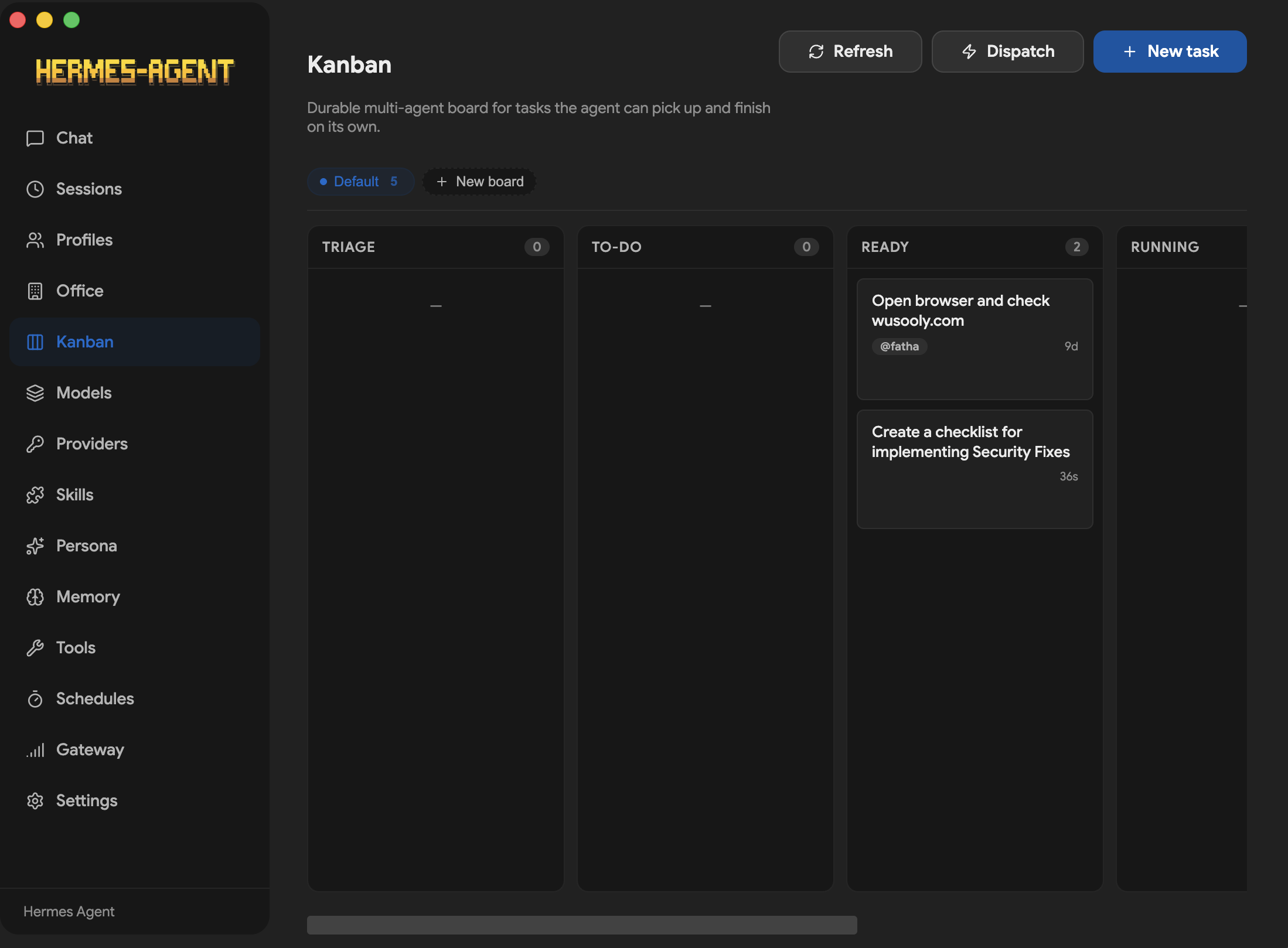
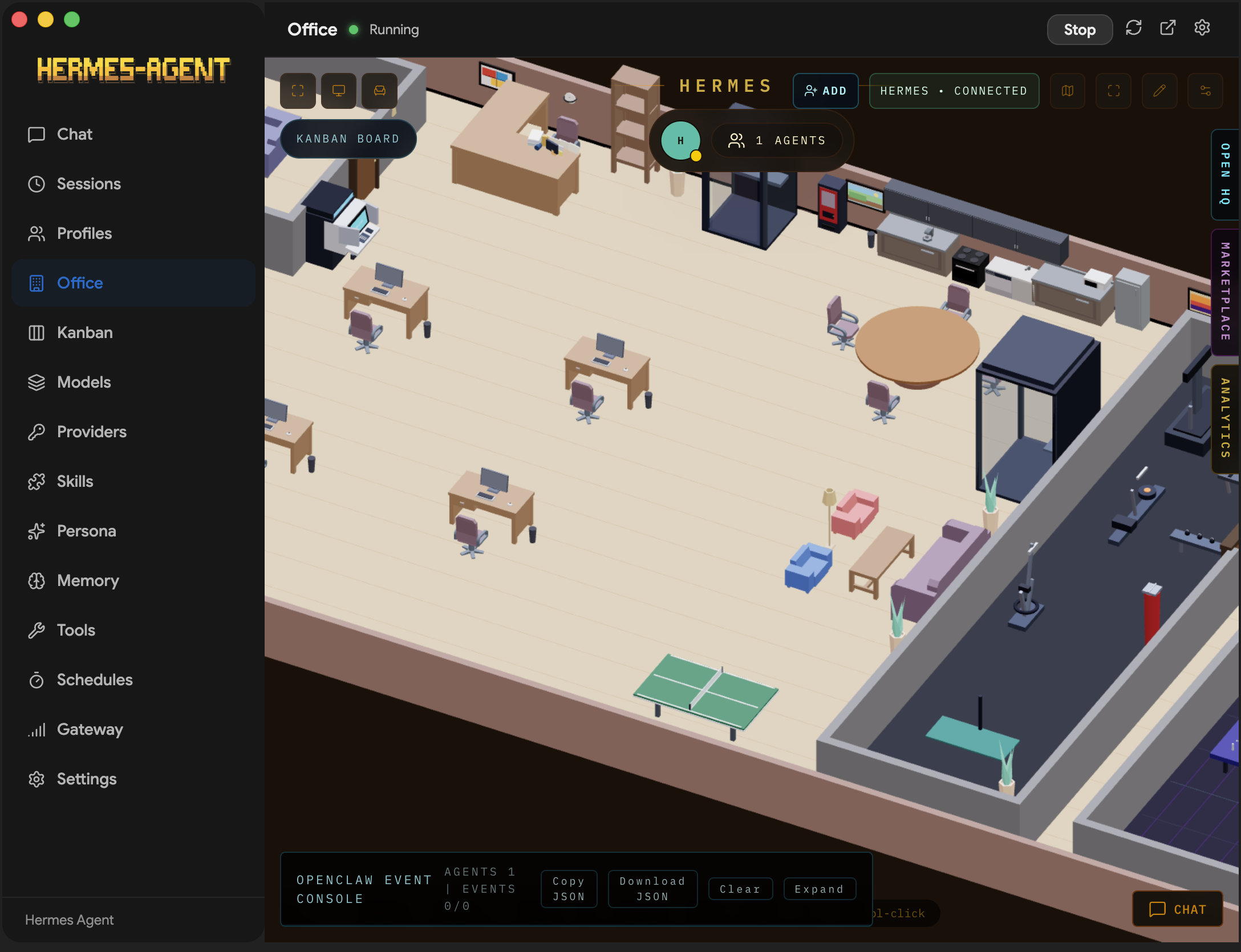 Settings