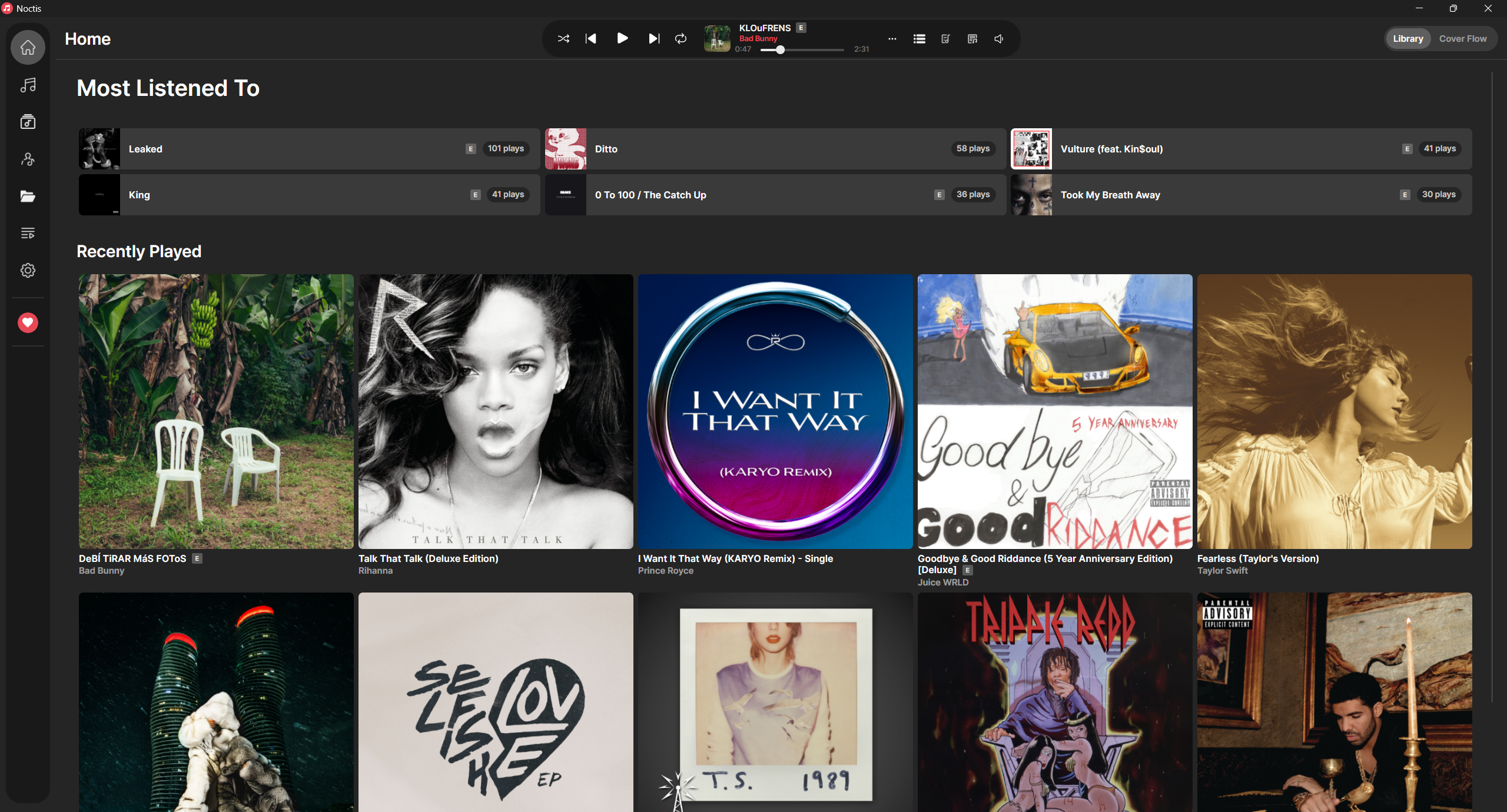
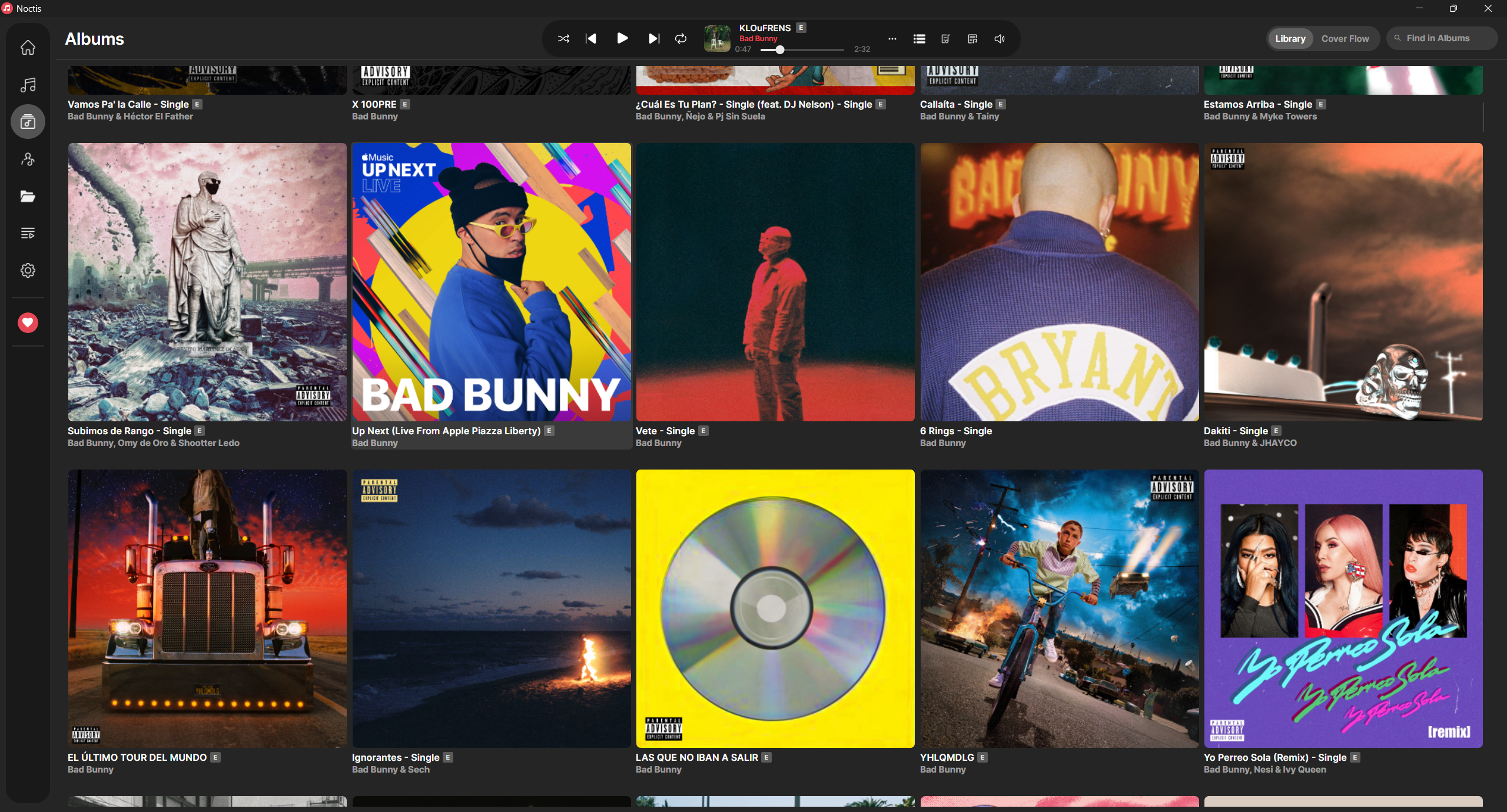
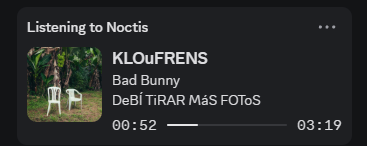
Noctis is a desktop music player designed for audiophiles and serious music enthusiasts who value control over their local audio libraries. It offers a modern interface with rich features tailored for managing and enjoying high-quality music.
Key Features:
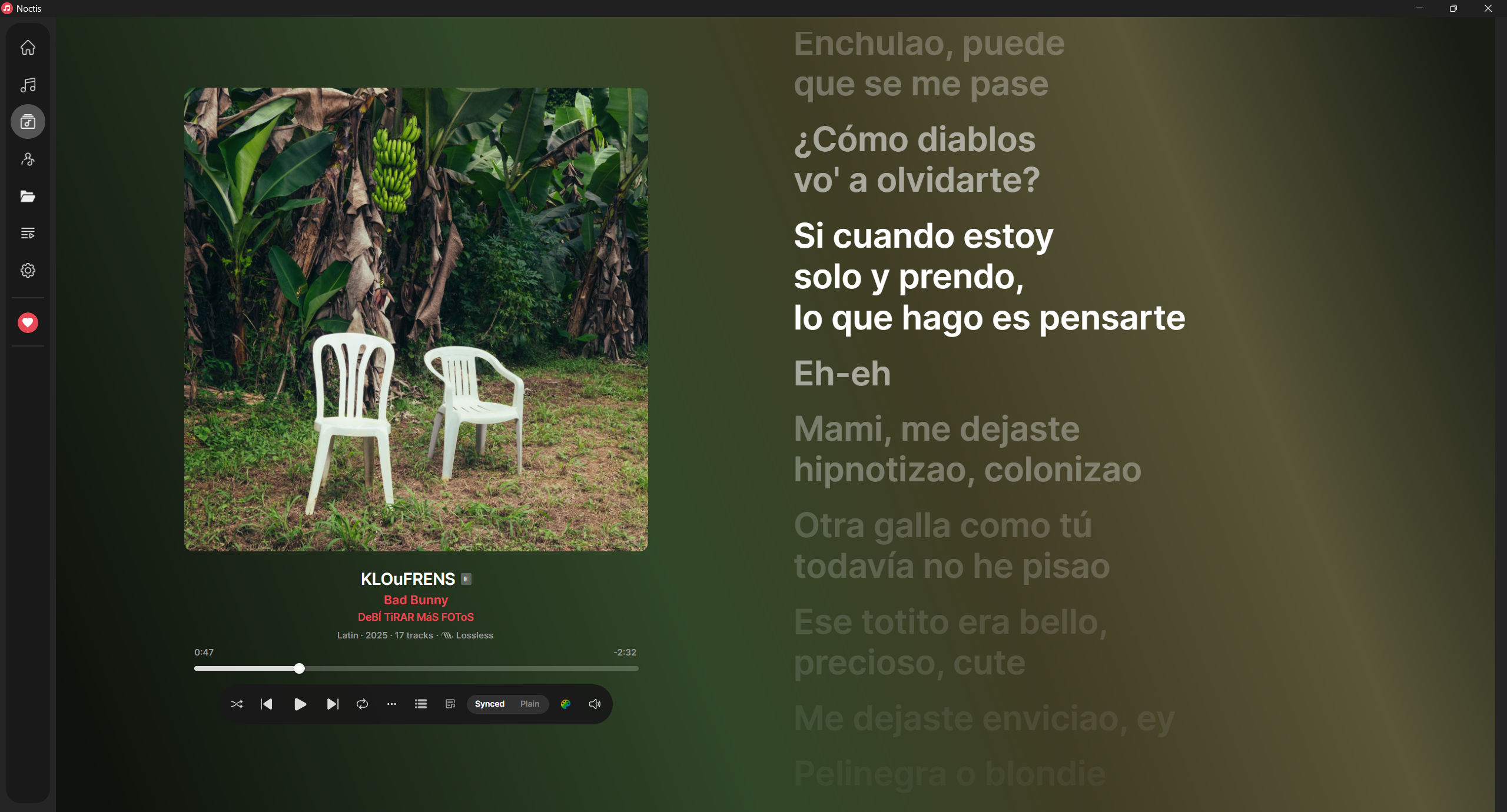
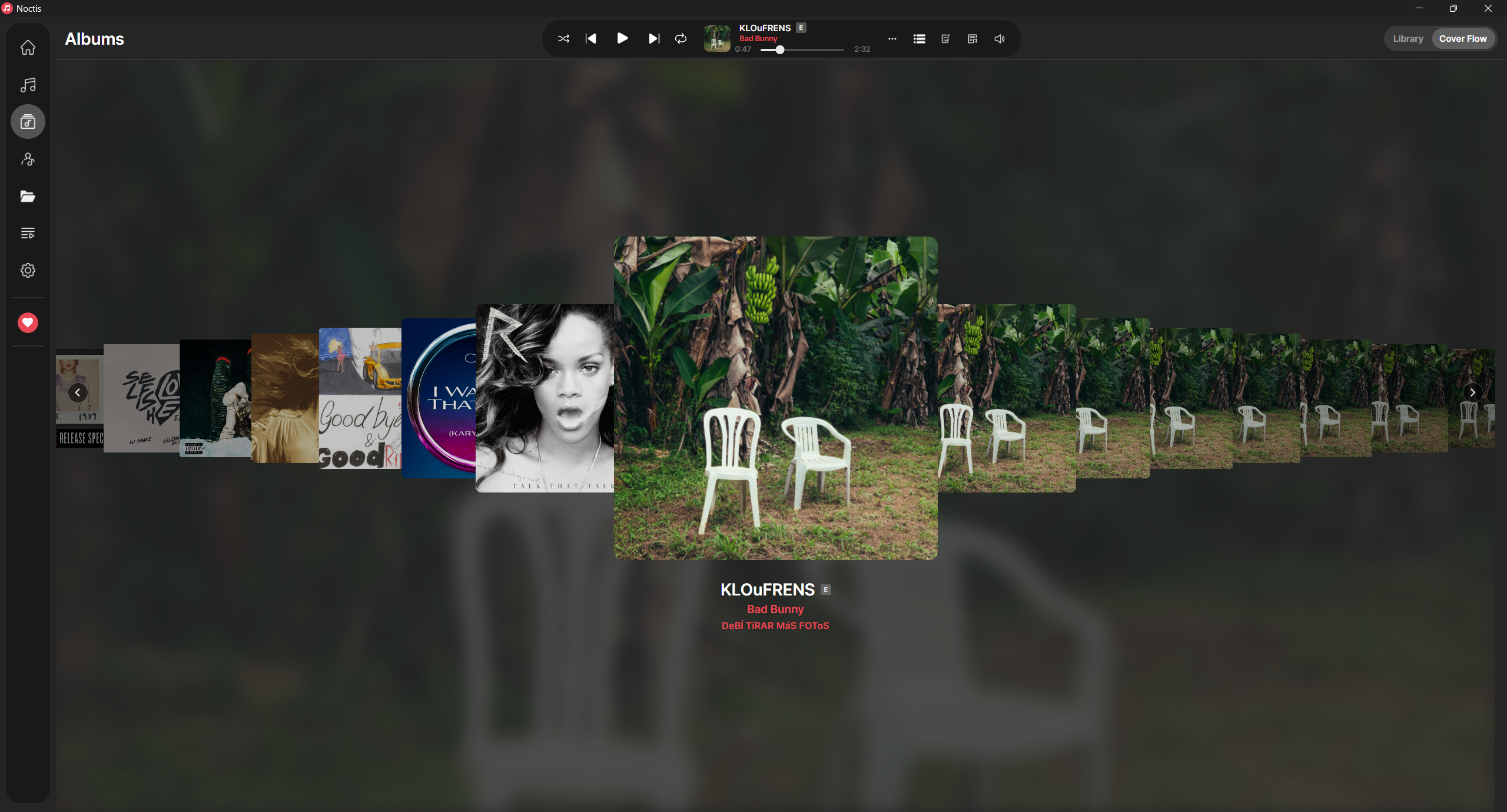
Offering lossless audio support (including FLAC, ALAC, WAV, AIFF, APE, WavPack, and more), gapless playback with crossfade, and a 10-band equalizer with presets. Synced lyrics via LRCLIB and NetEase are displayed alongside dynamic ambient backgrounds, while the cover art flows elegantly during playback. Users can edit metadata, manage playlists, and enjoy smart library statistics, all within a customizable theme system.
Audience & Benefit:
Ideal for users who demand precision in audio quality and organization. Noctis provides tangible benefits such as efficient library management, enhanced listening experiences, and full control over music files with zero tracking or external dependencies. Cross-platform support ensures it is accessible to Windows, macOS, and Linux users.
README
Noctis
A music player that respects what's yours. Zero tracking, total control.

Or download the installer or portable zip from the
latest release.
macOS and Linux: download the .dmg or AppImage from the
latest release.
Both ship with everything they need, so there is nothing else to install.
Self-hosting: noctis-server is the same library scanner and OpenSubsonic API
without a window, for a NAS, a VPS or Docker. Grab noctis-server-linux-x64.tar.gz
or noctis-server-linux-arm64.tar.gz from the
latest release, or build the image:
docker build -t noctis-server .
docker run -d --name noctis -p 4747:4747 -v /path/to/music:/music:ro -v noctis-data:/data noctis-server
docker exec -it noctis /app/noctis-server user add alice
Web remote so you can control playback from your phone
Media keys on every platform, plus Windows taskbar controls
Artist images from Deezer
Sleep timer, tray icon and launch at login
Updates itself from GitHub releases
Song progress on the Windows taskbar
Languages
English, Arabic, French, Japanese, Korean, Spanish, Simplified Chinese and Traditional Chinese
Switch language from Settings without a restart
Plugins
Noctis can be extended three ways, from safest to most powerful:
Content packs: themes, lyrics presets and languages as plain JSON, with no code. They keep working in restricted mode. See Content packs.
Local API: HTTP + JSON on 127.0.0.1 for Stream Deck buttons, OBS overlays and scripts in any language. Nothing runs inside Noctis. See the Local API reference.
Plugins: .NET libraries built on the Noctis.Plugins.Abstractions SDK, with a plugin.json manifest and permissions, installed from a .zip. See the plugin guide.
Community plugins start off (restricted mode) and ask for approval before they run. Sample plugins, a sample content pack and Local API examples are in samples/.
Build
git clone https://github.com/heartached/Noctis
cd Noctis
dotnet run --project src/Noctis/Noctis.csproj
Requirements: .NET 10 SDK
Supported platforms: Windows 10/11 (x64), macOS 12+ (Intel and Apple Silicon), Linux (x64 and ARM64).
Native dependency: libvlc
The released downloads already carry everything they need. This only matters if
you are building from source.
Windows: bundled automatically via NuGet, nothing to install.
macOS: install VLC, which Noctis loads from
/Applications/VLC.app. Packaged release builds bundle their own copy of VLC
inside the app, so a downloaded Noctis needs no VLC install.
brew install --cask vlc
Linux: install via your package manager. The -dev package provides the
unversioned libvlc.so symlink that the .NET loader looks for. The released
AppImage bundles libvlc and its plugins, so it runs without this.