WinLauncher hidecode365
Install WinLauncher with WinGet
winget install --id=hidecode365.WinLauncher -e A fast, keyboard-driven launcher for Windows 11
winget install --id=hidecode365.WinLauncher -e A fast, keyboard-driven launcher for Windows 11
A fast, keyboard-driven launcher for Windows 11 — built with Tauri v2, React, and Rust.
For a detailed introduction and screenshots, visit the introduction site.
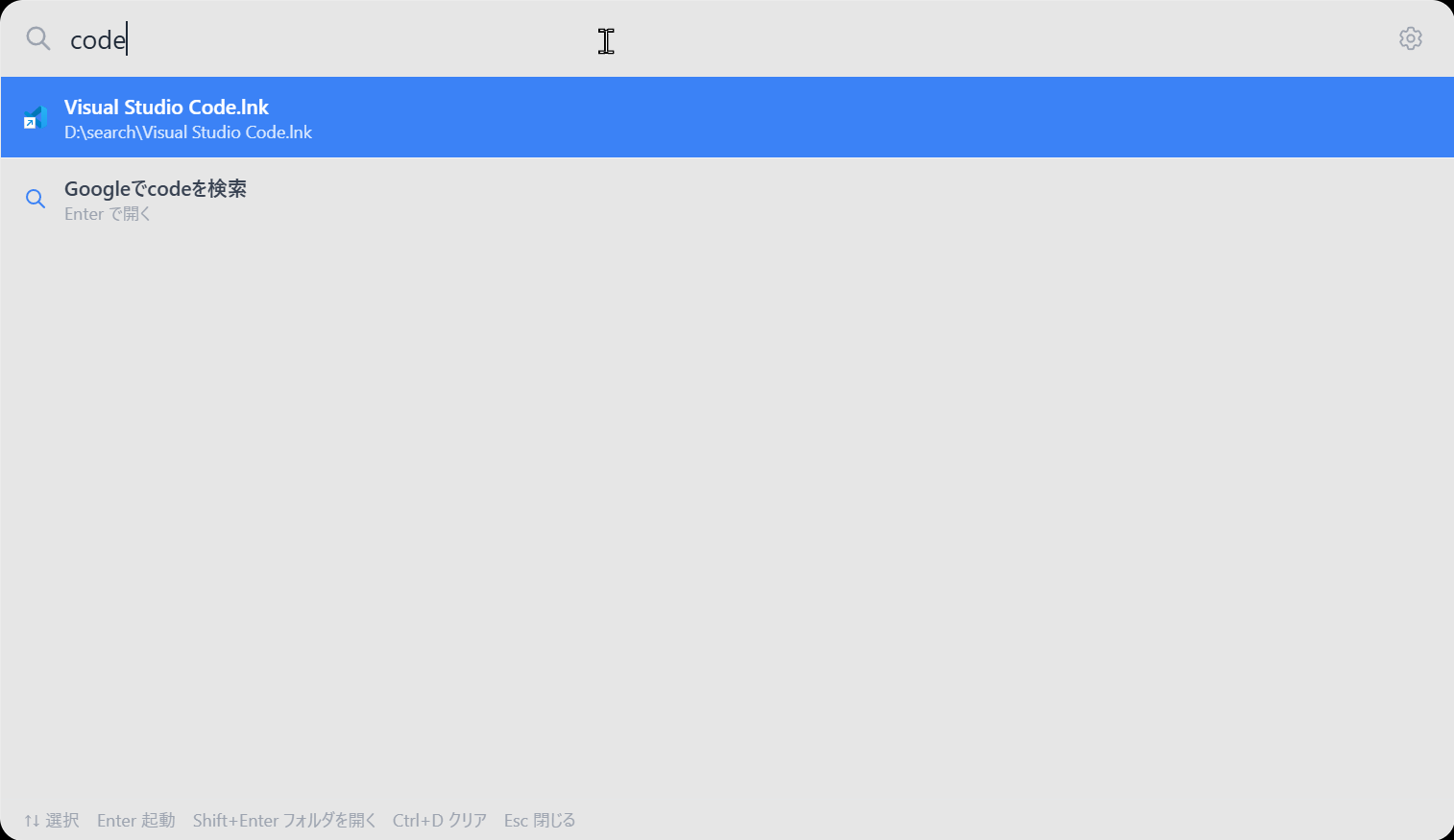
| File Search | Settings | Clipboard History | OCR |
|---|---|---|---|
| 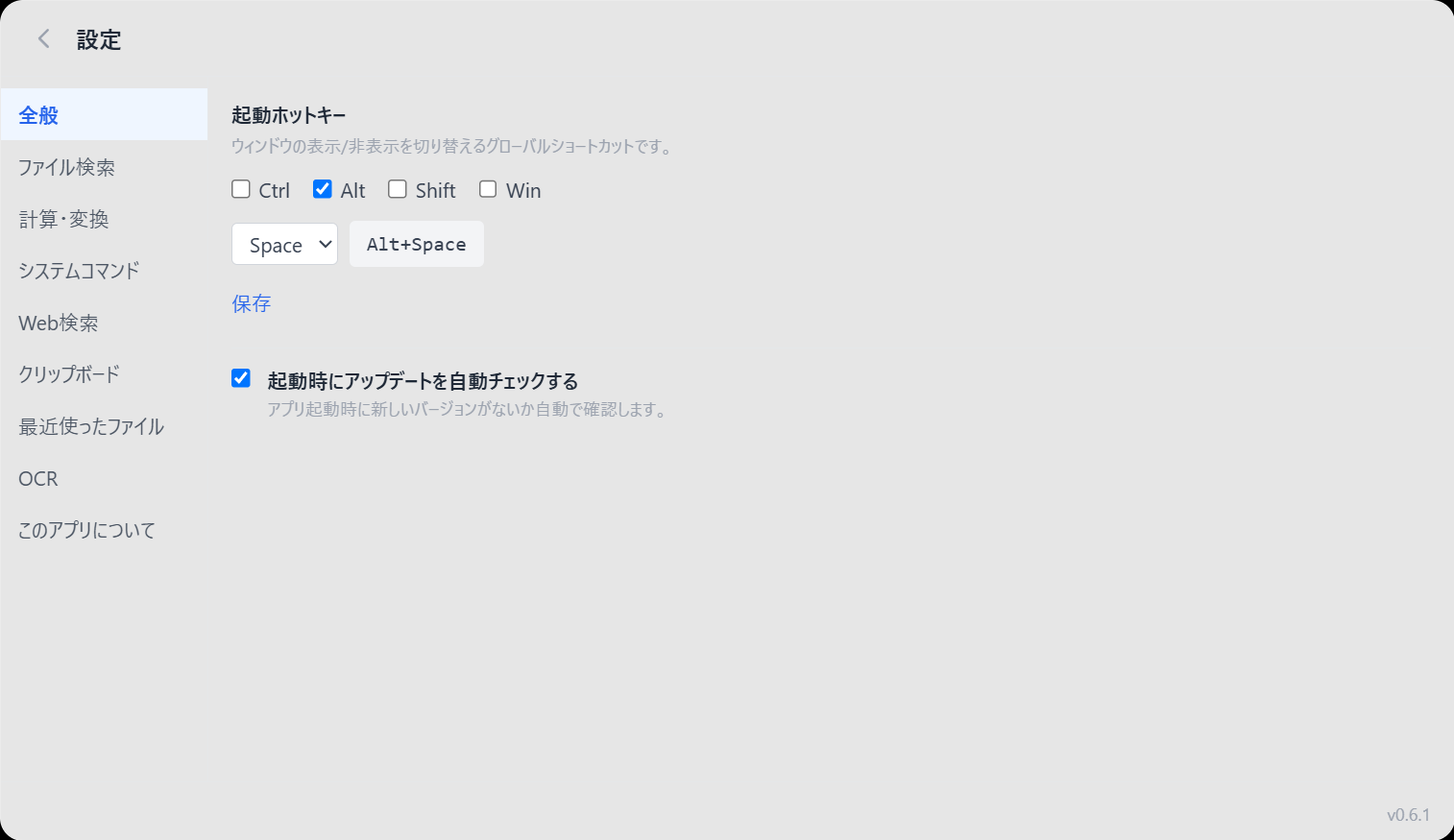 | 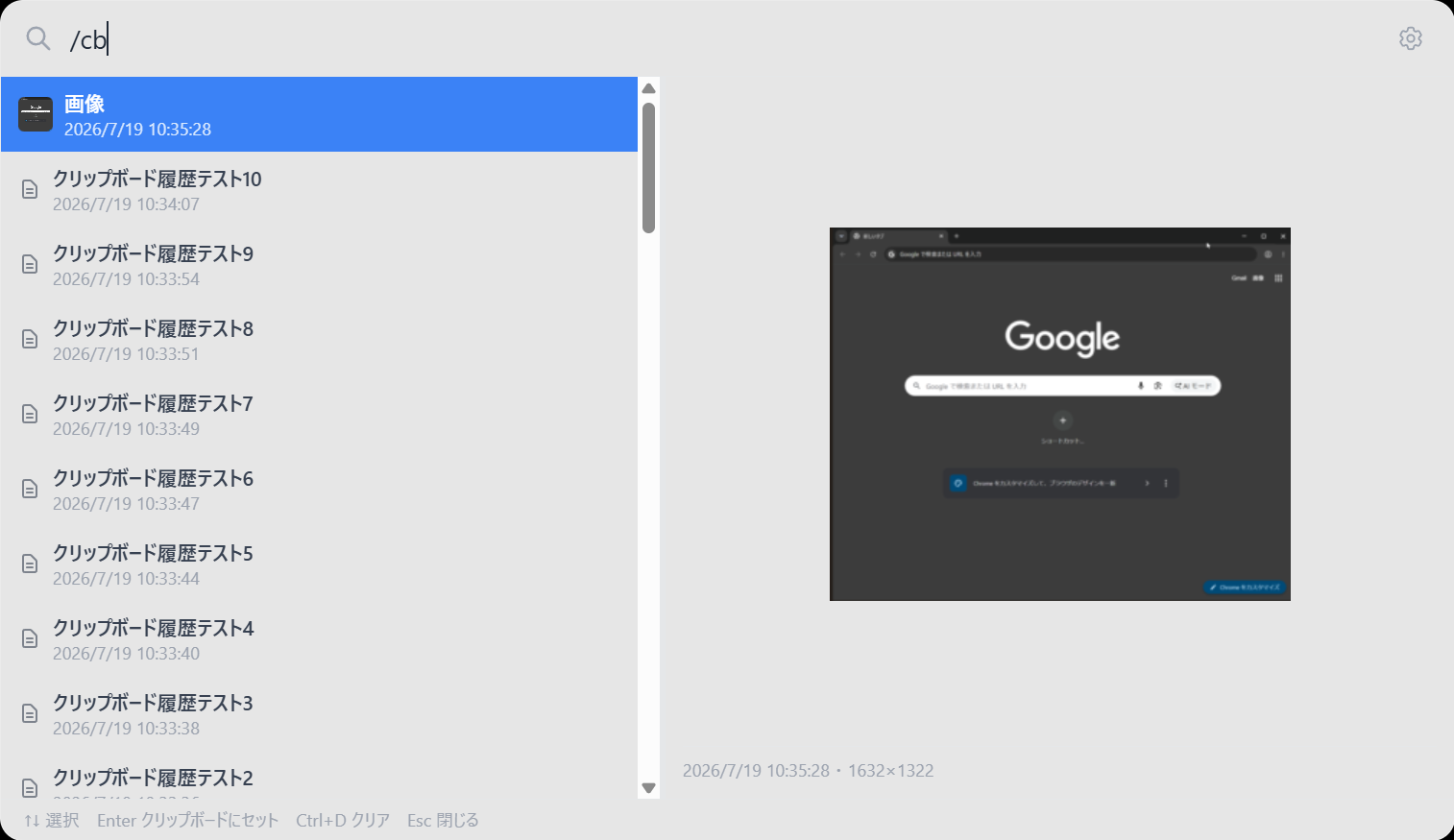 | 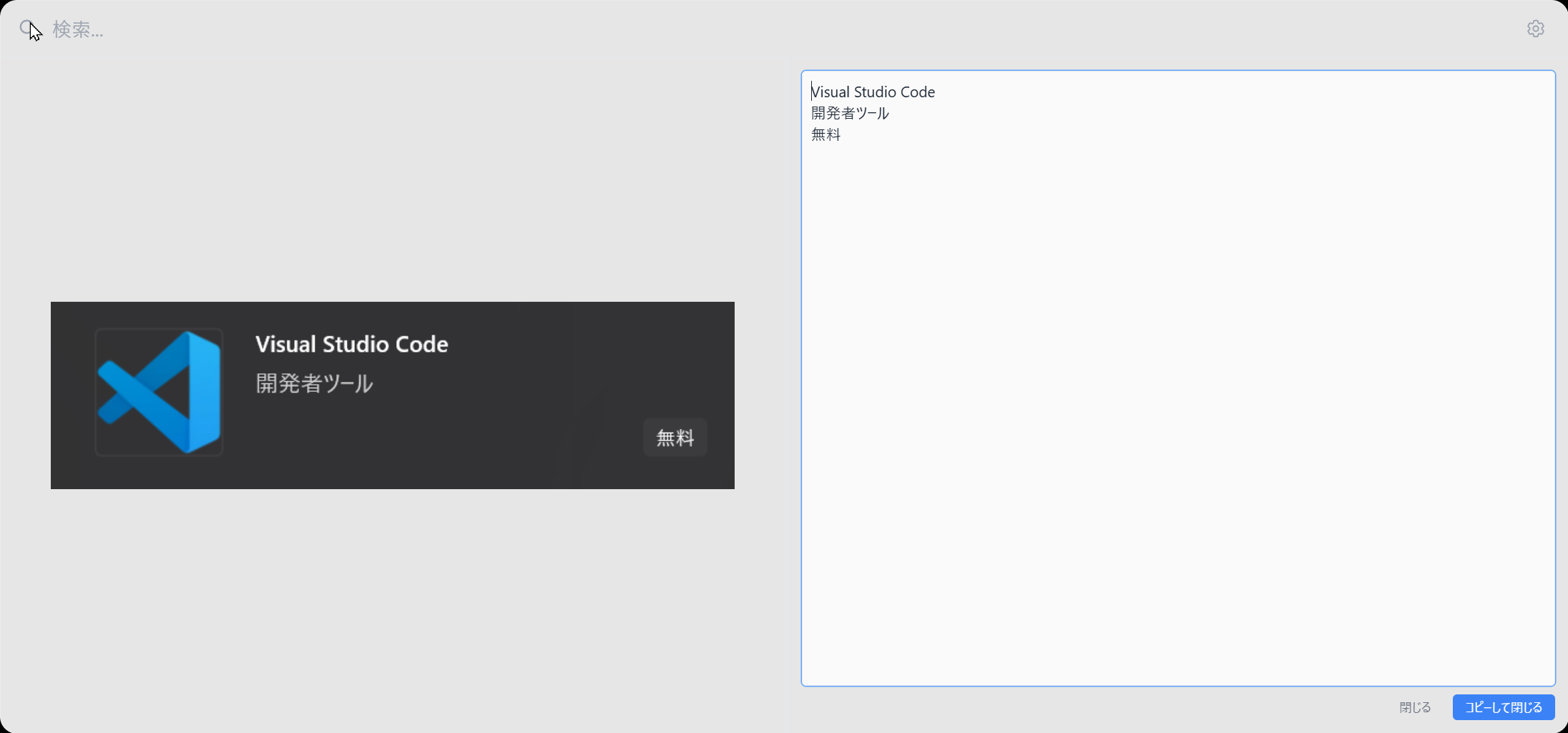 |
/favorite/memo/recent1000 + 200 for instant results/cbCtrl+V) into the search box to extract text via Windows OCR, with mixed Japanese/English supportAlt+Space, configurable from settingsDownload the installer from Releases.
winget install hidecode365.WinLauncher
| Key | Action |
|---|---|
Alt+Space | Open / close launcher |
↑↓ | Navigate results |
Enter | Launch / execute |
Esc | Close |
Ctrl+, | Open settings |
/cb | Open clipboard history |
/recent | Browse recently opened files |
/favorite | Browse favorites |
/memo | Browse and edit memos |
Ctrl+V (with image) | Extract text from clipboard image via OCR |
Clipboard text history is stored unencrypted in plain text on disk. Avoid copying sensitive information (passwords, tokens, etc.) while clipboard history is enabled, or disable the feature from settings if this is a concern.
Please report bugs and feature requests via GitHub Issues.
MIT