FontWizard karnyadavdev
Use this command to install FontWizard:
winget install --id=karnyadavdev.FontWizard -e Safely change the Windows 11 system font and restore it with one click.
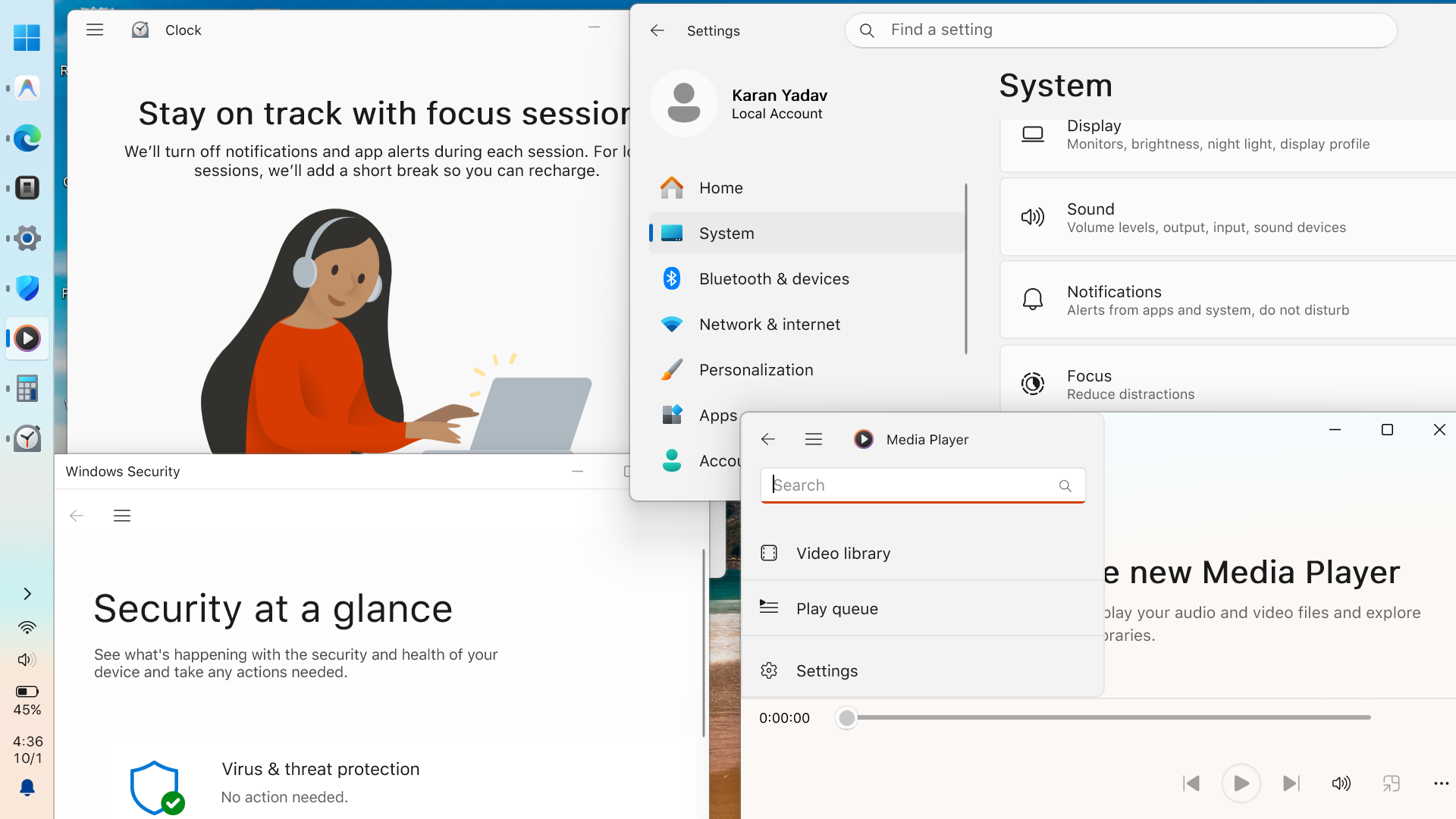
Font applied across Windows
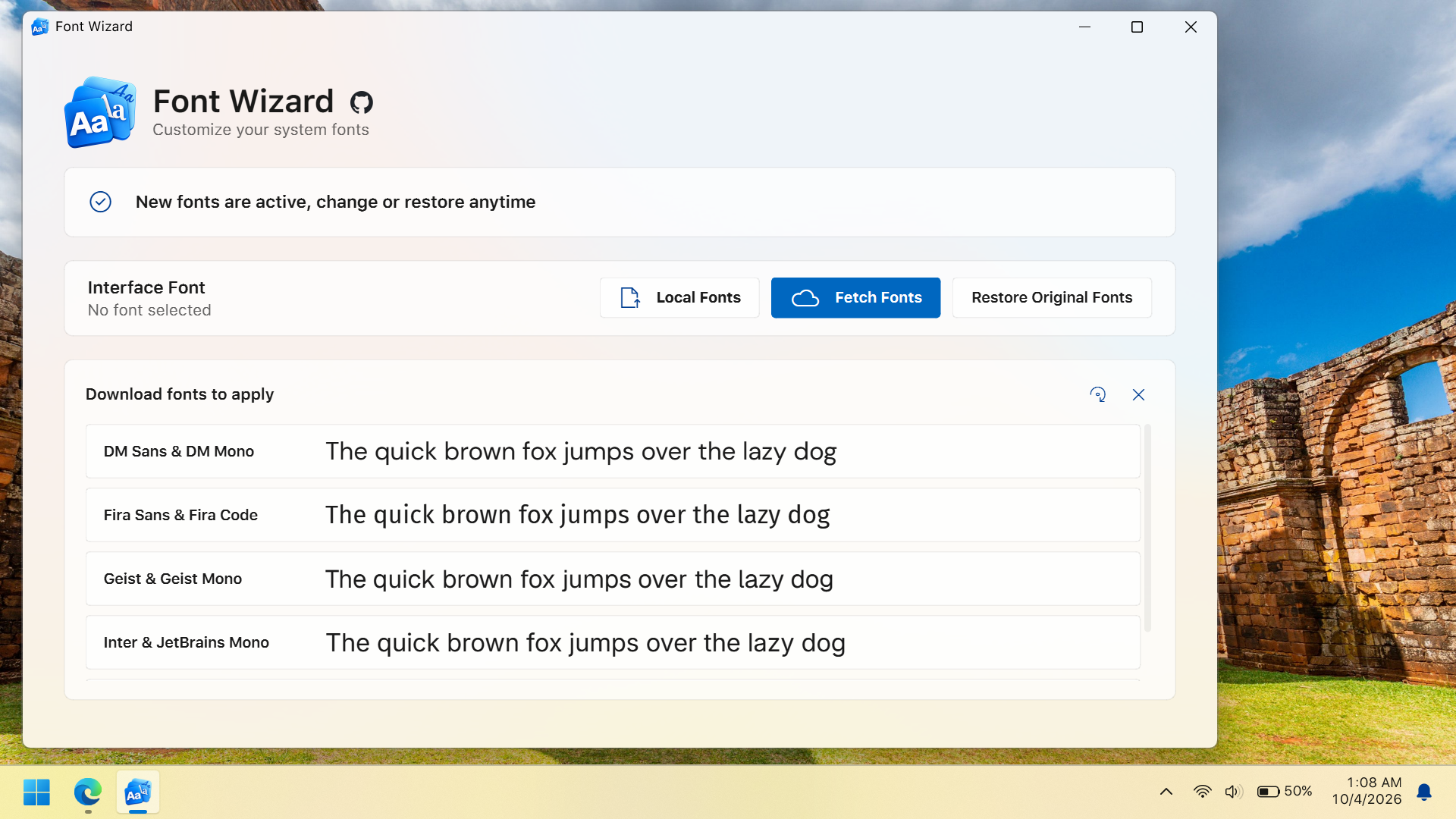
<img src="App/src/assets/screenshots/app-ready.png" />
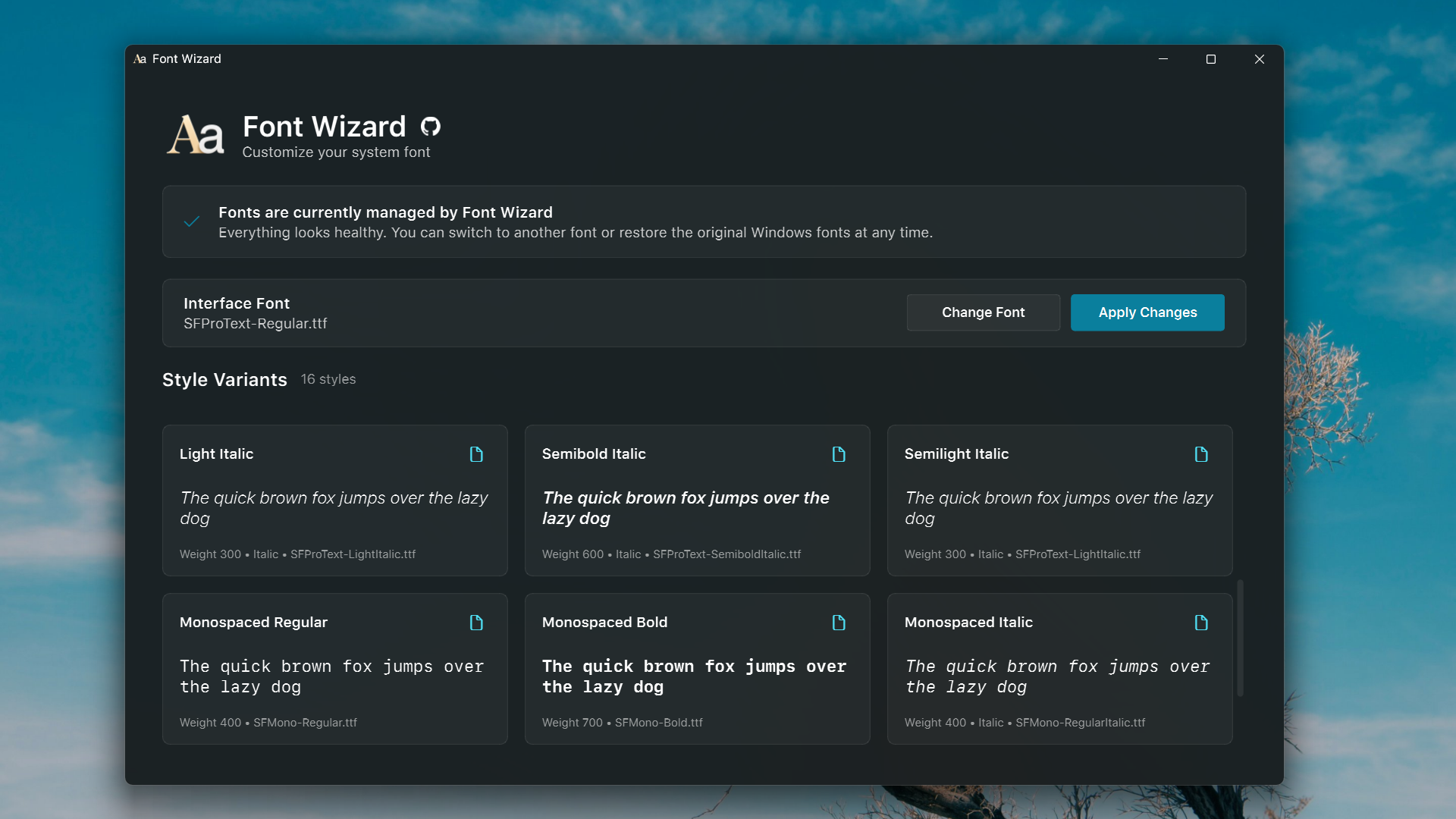
<img src="App/src/assets/screenshots/app-variants.png" />
Launch screen
Font selected
<img src="App/src/assets/screenshots/app-applying.png" />
<img src="App/src/assets/screenshots/app-restart.png" />
Applying process
Waiting for restart
Download latest release and run FontWizard.exe.
Only .ttf fonts are supported. Variable fonts and .otf files are not supported currently.
.\App\build.bat
Build output goes to App\dist\.
I originally built it to be a commercial product, but decided to open-source it. Future updates will focus strictly on bug fixes, if any. Note: Use Brave browser instead of edge/chrome, in chrome/edge thin texts defaults to segoe ui i have already fixed this issue but haven't updated it here cause i dont think people notice it anyway raise an issue if u want the next version with this fix and maybe it will support variable and otf files if i had time