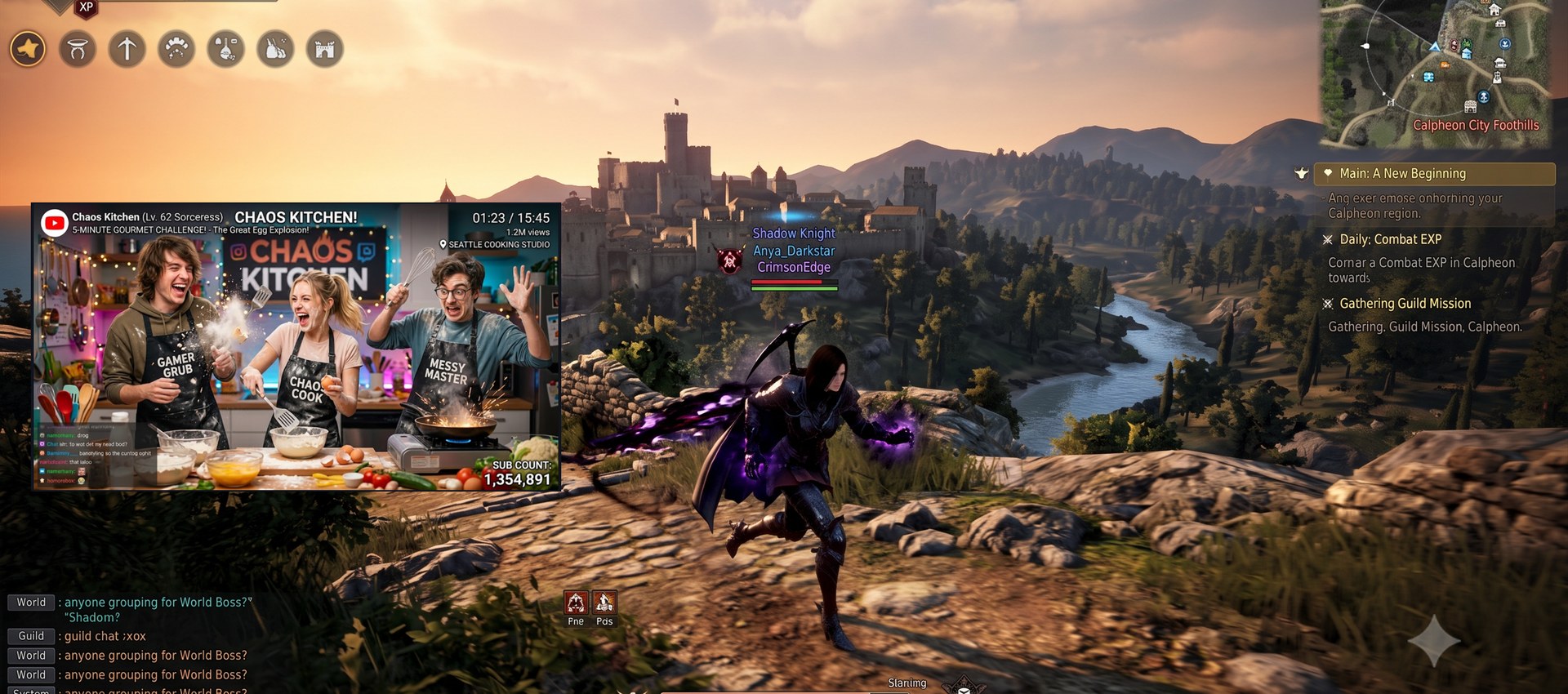
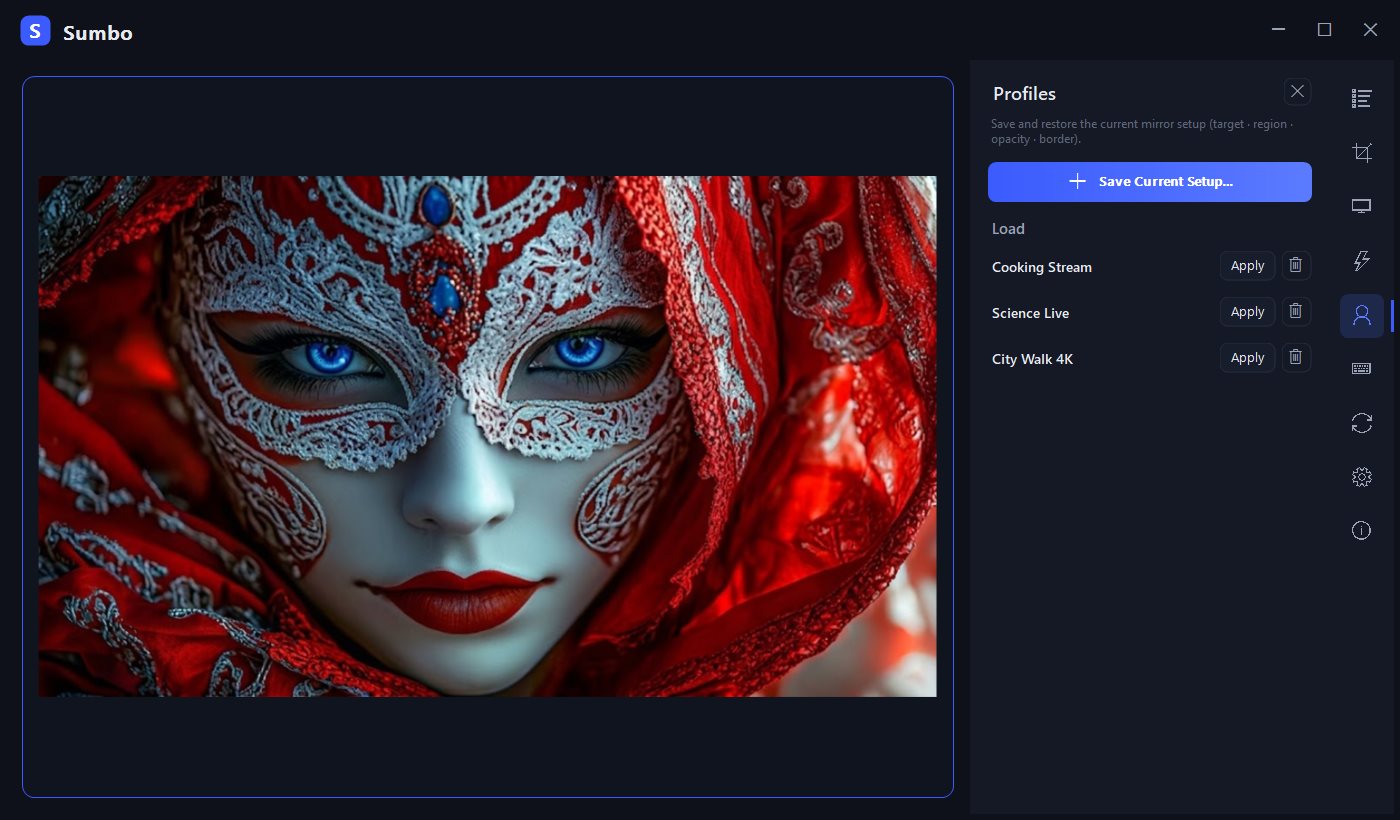
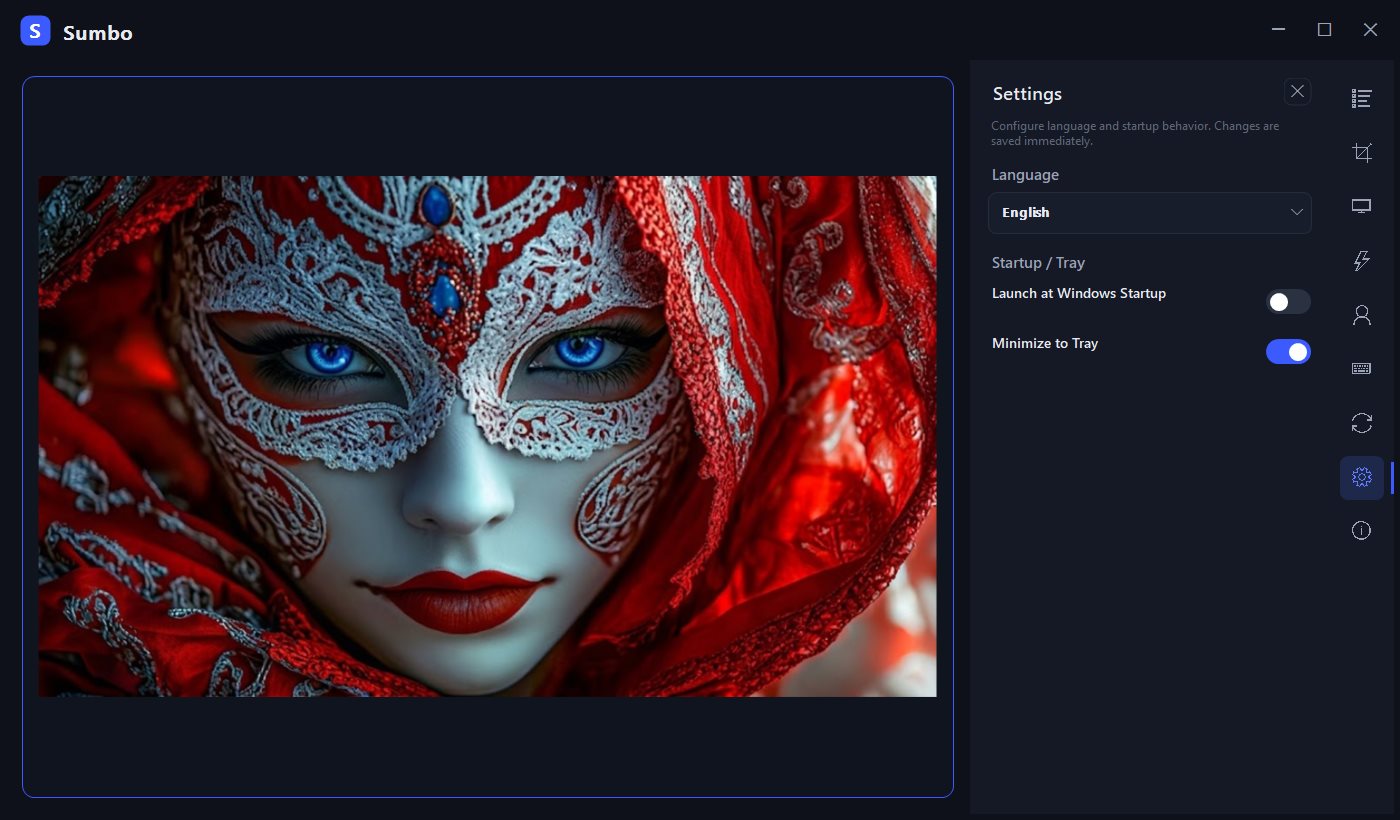
Sumbo is a free, open-source Windows utility that live-mirrors any window using
native DWM thumbnails. Keep a chat, a video, a dashboard, or a game map floating
above your work — with zero impact on the source window (no capture, no injection,
no performance cost to the mirrored app).
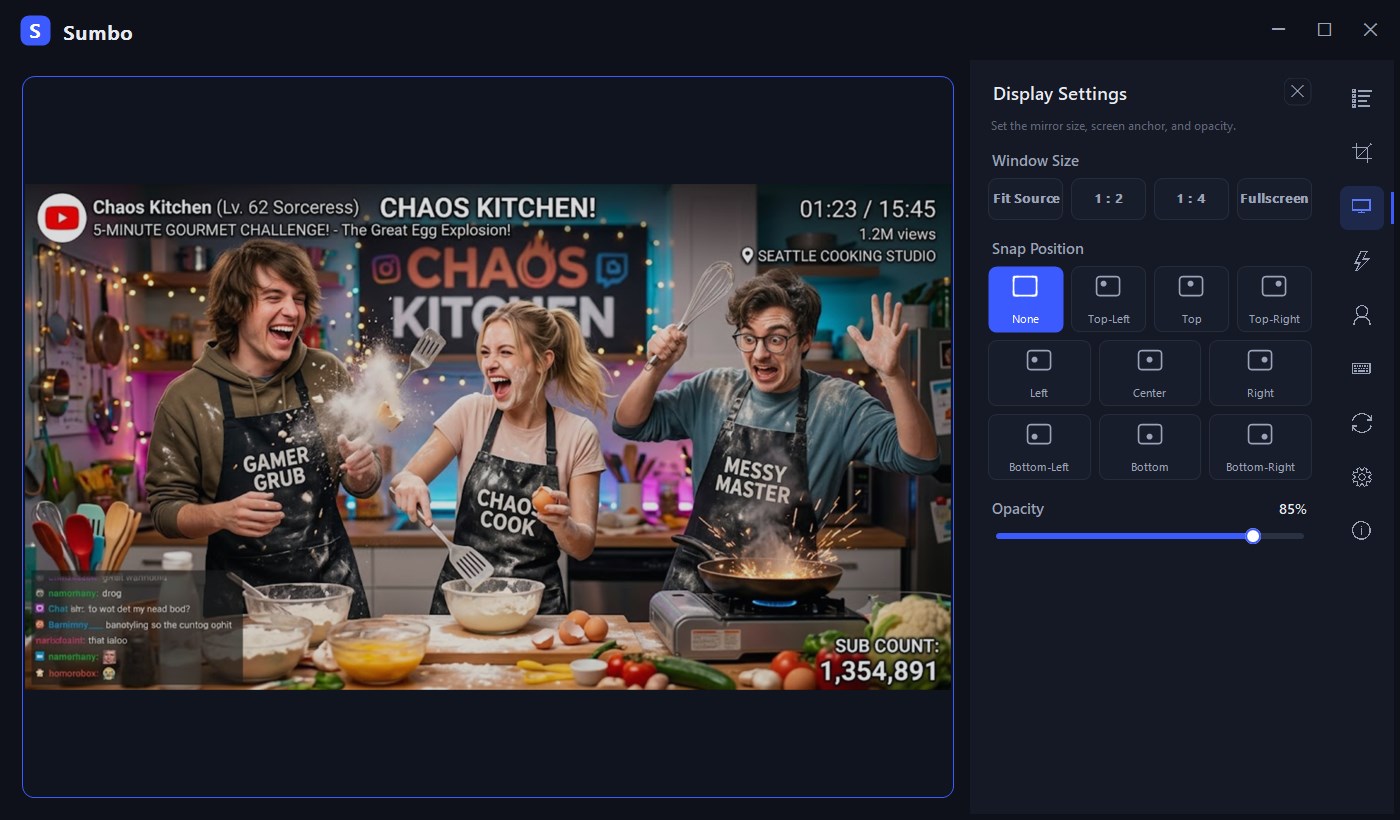
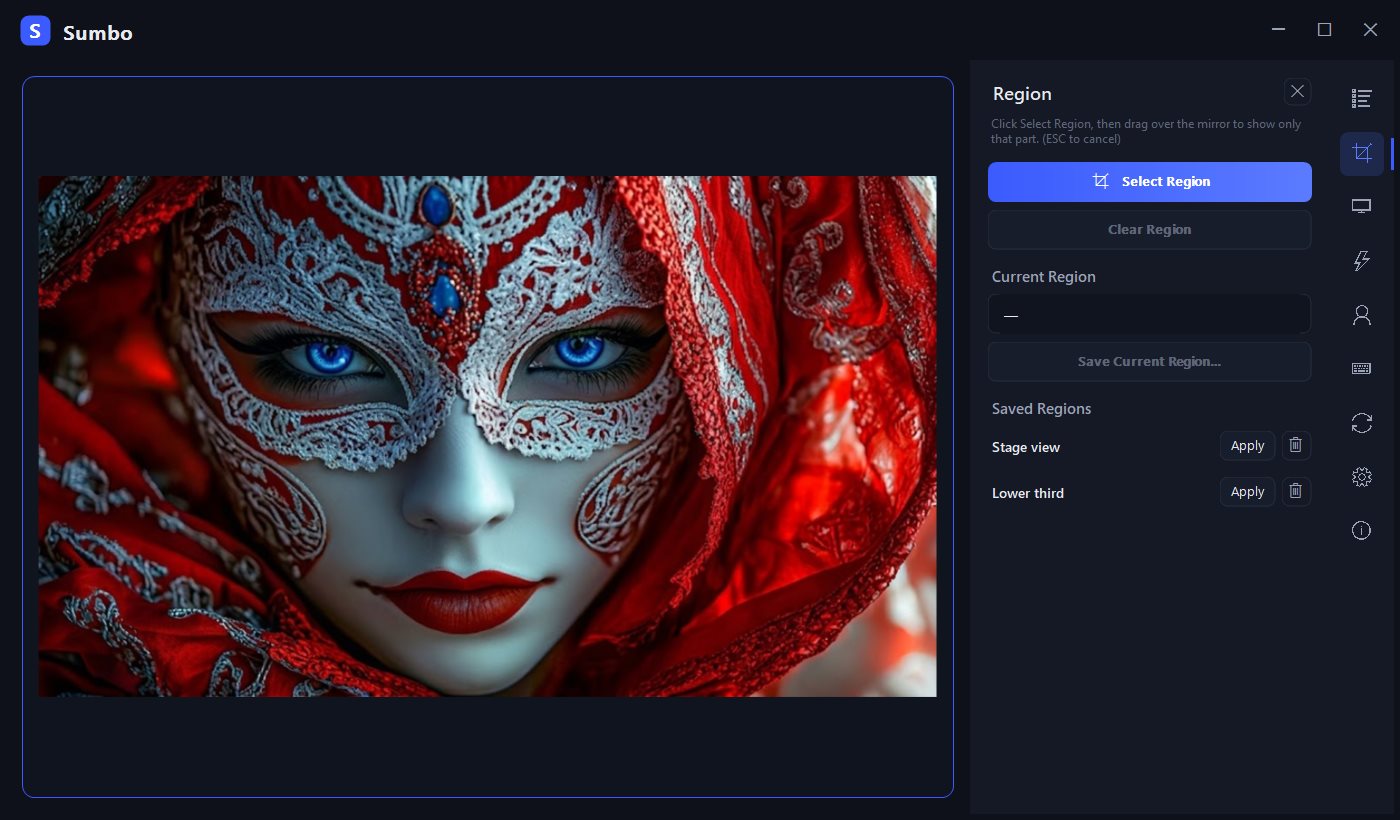
Features: region crop, opacity 10-100%, click forwarding, click-through,
size presets and 9-point screen anchoring, profiles, group switching,
overlay (UI-hidden) mode, tray residency, startup update check, and a UI in 18 languages.
README
Sumbo
> Mirror any window into a single always-on-top view — crop it, fade it, click through it.
Sumbo (숨보, from Korean "숨겨서 보자" — "keep it hidden, keep an eye on it") is a
free, open-source Windows utility that live-mirrors any window using native DWM
thumbnails. Keep a chat, a video, a dashboard, or a game map floating above your work —
with zero impact on the source window (no capture, no injection, no performance cost
to the mirrored app).
Group switching — register several windows and cycle through them (Ctrl+Alt+G).
Overlay mode (UI hide) — chrome disappears, only the mirrored content stays.
The overlay window follows the crop's shape (no letterbox), and re-entering
overlay restores the size and position you left it at.
Tray resident — closing (X) hides to the tray (turn it off in Settings to make
X exit for real); exit from the tray menu. Optional start-with-Windows.
UI in 18 languages, switchable at runtime — English·한국어·日本語·简体中文·
Español·Deutsch·Français·Português·Русский·Italiano·Bahasa Indonesia·Tiếng Việt·
Türkçe·Polski·Nederlands·Українська·Ελληνικά·Filipino.
Installer — per-user (no admin/UAC), Start-menu shortcut, uninstall from Apps & Features. Runtime bundled.
Sumbo--win-x64.zip
~45 MB
Portable — unzip anywhere and run Sumbo.exe. Runtime bundled, nothing to install.
Sumbo--win-x64-lite.zip
~0.2 MB
Lite portable — same app without the bundled runtime. Requires the .NET 10 Desktop Runtime (Windows prompts with a download link on first run if missing).
Or via winget — no SmartScreen prompt on this route: winget install koprodev.Sumbo(catalog listing in review — available once approved)
(Optional) Verify a download: compare Get-FileHash (PowerShell) against
SHA256SUMS.txt attached to the release.
> SmartScreen note: release binaries are not code-signed. On first run Windows
> may show "Windows protected your PC" — choose More info → Run anyway. If you
> prefer, build from source instead (below).
System requirements
Windows 10 / 11, 64-bit (x64), with desktop composition (DWM) enabled — it is by
default on all supported Windows versions.
Default hotkeys
Hotkey
Action
Ctrl+Alt+S
Show / hide the mirror window
Ctrl+Alt+W
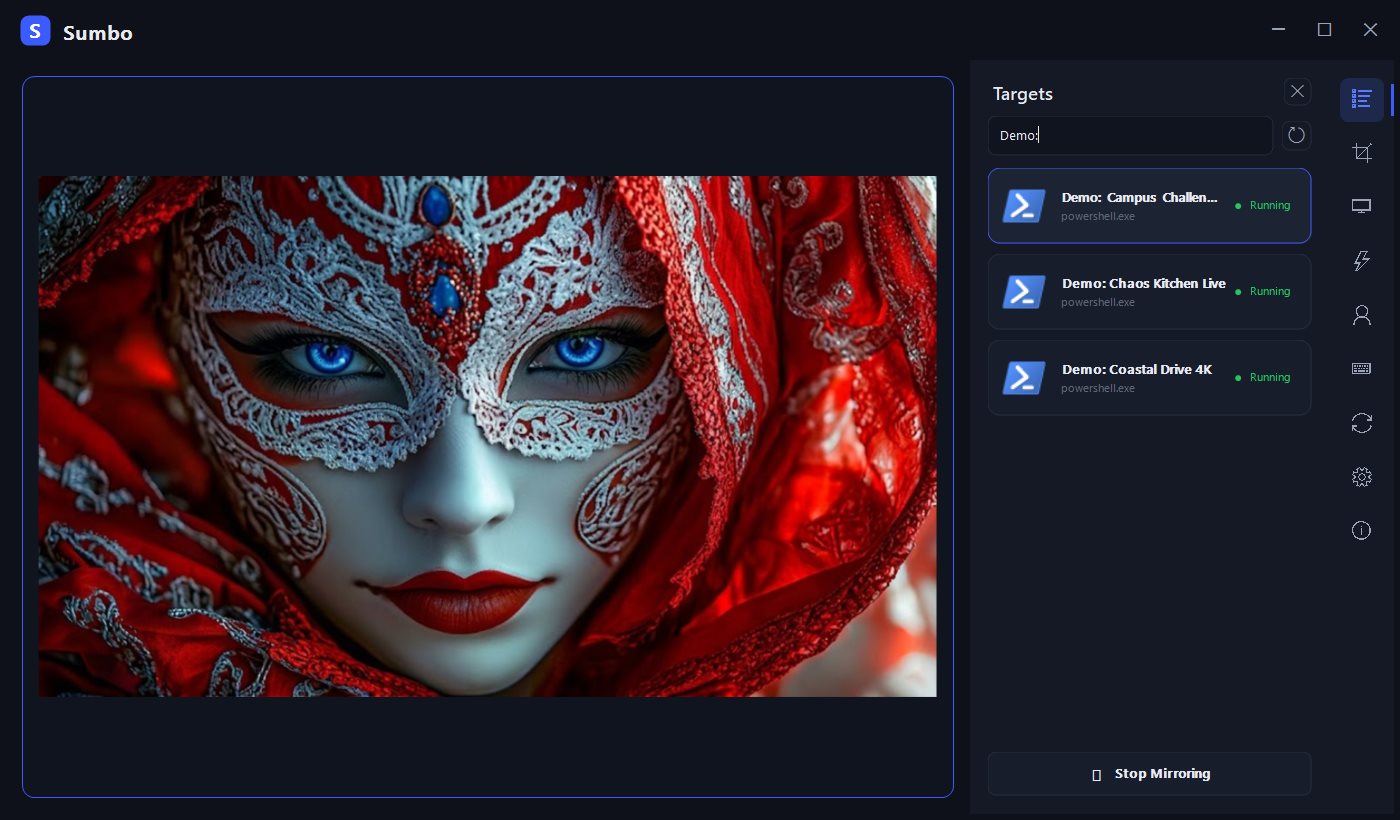
Pick a target window
Ctrl+Alt+C
Toggle click-through
Ctrl+Alt+↑ / ↓
Opacity up / down
Ctrl+Alt+R
Select a region
Ctrl+Alt+G
Switch to the next window in the group
Privacy
No telemetry, no accounts, no network access. Sumbo never phones home.
Updates are manual — check the
Releases page for new versions.
Known limitations
Click forwarding cannot reach elevated (administrator) windows — Windows blocks
input from a non-elevated process; Sumbo shows a one-time notice instead.
Multi-monitor per-monitor-DPI transitions have had limited real-hardware
verification. Reports are welcome via
Issues.
FAQ · Tips
Q. I mirror a browser video (Chrome / Edge / Whale…), and it freezes whenever the
browser is covered by another window.
That is the browser's power-saving occlusion detection, not Sumbo. Chromium-based
browsers stop rendering when their window is completely covered by other opaque
windows — and since Sumbo only re-composites what the source window draws (it never
touches the source), the mirror freezes with it. This is also why the symptom seems
to depend on which app is in front: transparent/layered windows don't count as
occluders.
Fix: in the browser shortcut's properties, append the flag below to the Target
field (after a space), then fully quit and restart the browser.
--disable-features=CalculateNativeWinOcclusion
Building from source
winget install Microsoft.DotNet.SDK.10   # then reopen the terminal
dotnet build -c Debug                    # build
dotnet test                              # unit tests
dotnet run --project src/Sumbo.App       # run

# Release single-file publish (what the release zip contains)
dotnet publish src/Sumbo.App -c Release -r win-x64 --self-contained `
  /p:PublishSingleFile=true /p:IncludeNativeLibrariesForSelfExtract=true `
  /p:DebugType=embedded -o artifacts/publish/win-x64-single

# Per-user MSI (what the release .msi contains) — WiX 5: dotnet tool install --global wix --version 5.0.2
wix build installer/Package.wxs -arch x64 -d Version= `
  -d PublishDir=artifacts/publish/win-x64-single -d RepoDir=. `
  -o artifacts/publish/Sumbo--win-x64.msi
Sumbo is free and always will be — no ads, no feature gating. If it saves you some
screen space and a few Alt+Tabs a day, consider supporting development: