JustRay luynrs
Install JustRay with WinGet
winget install --id=luynrs.justray -e A modern VPN client that lives in your terminal
winget install --id=luynrs.justray -e A modern VPN client that lives in your terminal



A modern VPN client that lives in your terminal

Using package manager:
# Linux / MacOS
brew install luynrs/tap/justray
# Arch Linux (AUR)
yay -S justray-bin
# Windows
winget install luynrs.justray
Alternatively, with x-cmd:
x eget use luynrs/justray
Or via script:
# Linux / MacOS
curl -fsSL https://raw.githubusercontent.com/luynrs/justray/main/install.sh | sh
# Windows
irm https://raw.githubusercontent.com/luynrs/justray/main/install.ps1 | iex
And my dear! Nix:
nix run github:luynrs/justray
# Home Manager
{
  imports = [ justray.homeManagerModules.default ];
  services.justray.enable = true;
}
Package manager (except WinGet) and script installations also provide jray as a short alias for justray
justray: open the TUIjustray up [--tun | --proxy]: start the daemon and connectjustray down: disconnectjustray stop: stop the daemonjustray probe [sub | id | name]: probe node latenciesjustray status [--json]: show connection statusjustray logs [daemon | engine] [-f]: view logsjustray subscription or justray sub
add: add a subscription or raw protocol linkremove: remove a subscription by ID or namerefresh: refresh subscriptionslist [--json]: list subscriptions and nodes-h, --help: show help-v, --version: show the current version| Key | Action | Key | Action |
|---|---|---|---|
↑/↓, k/j | Navigate | Shift+↑/↓ | Reorder subscriptions |
←/→, h/l | Fold / expand | Enter | Toggle / connect |
t / T | Ping selected / all | r / R | Refresh selected / all |
m | Switch mode (PROXY / TUN) | / | Filter nodes |
a | Add subscription / node | d | Delete subscription |
o | Open settings | Esc | Save settings / cancel edit |
Tab | Switch settings tabs | q, Ctrl+C | Exit TUI |
| Main UI | Wow... with add modal |
|---|---|
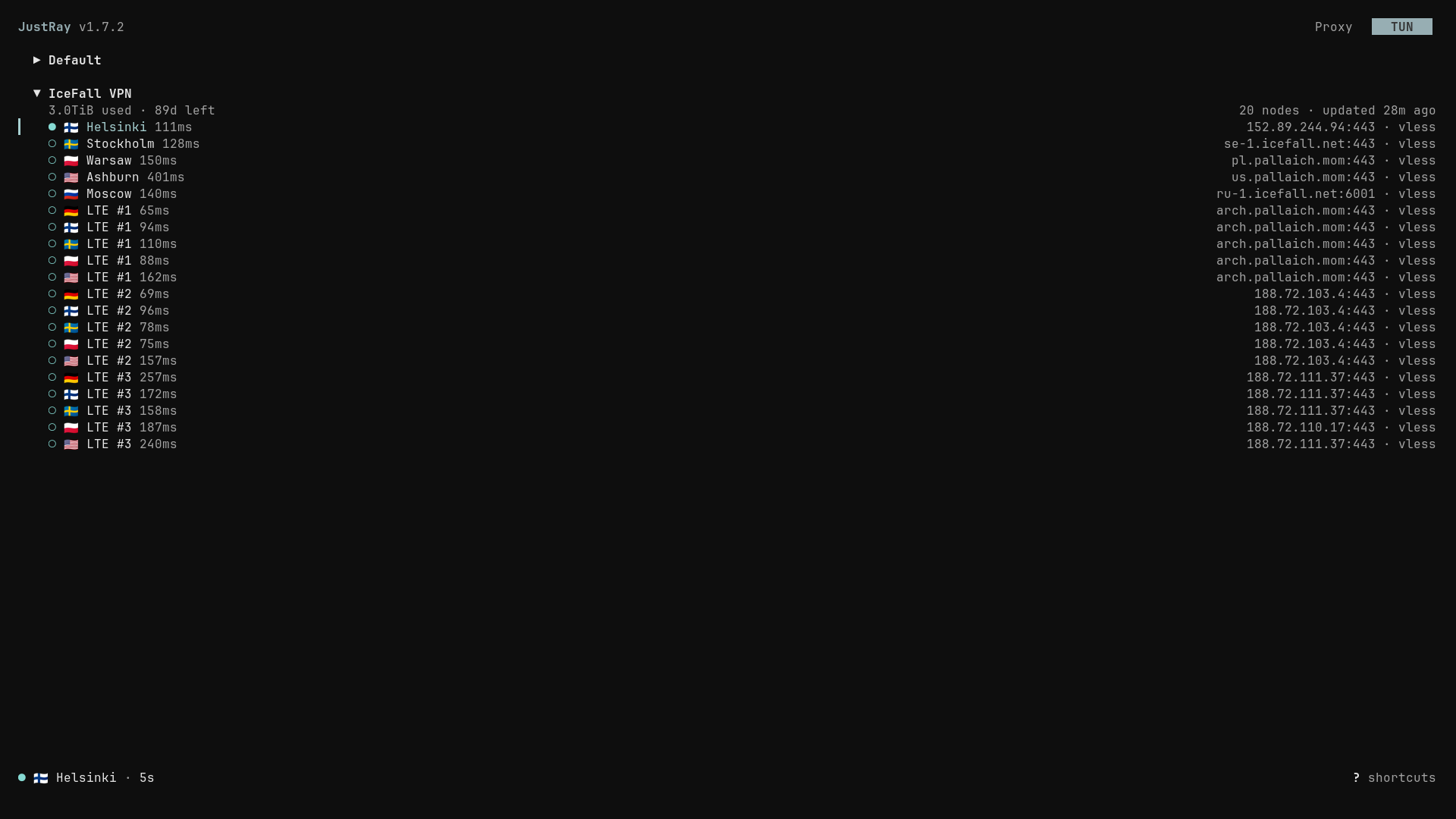 | 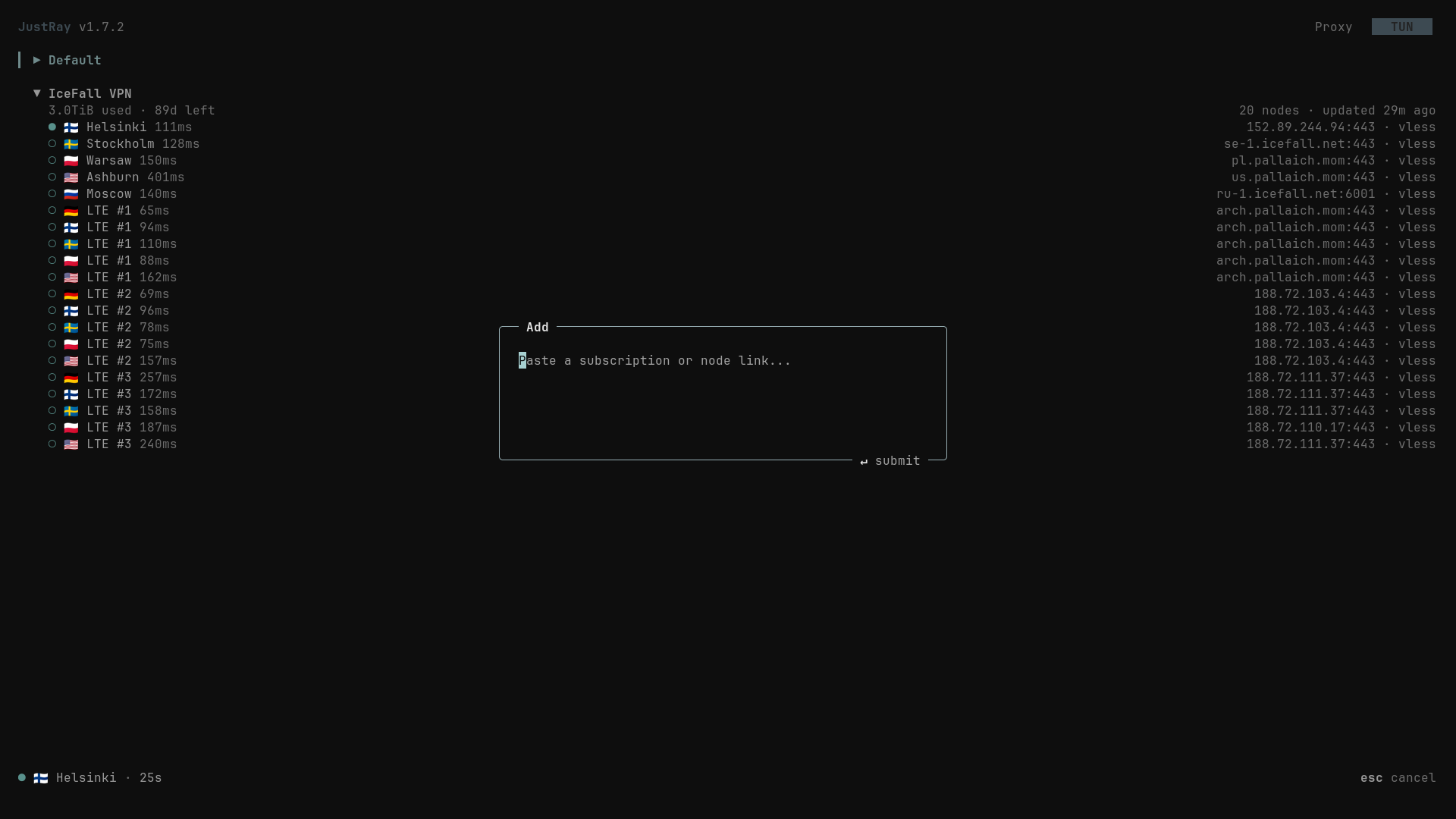 |
| Main UI in TTY mode | Settings |
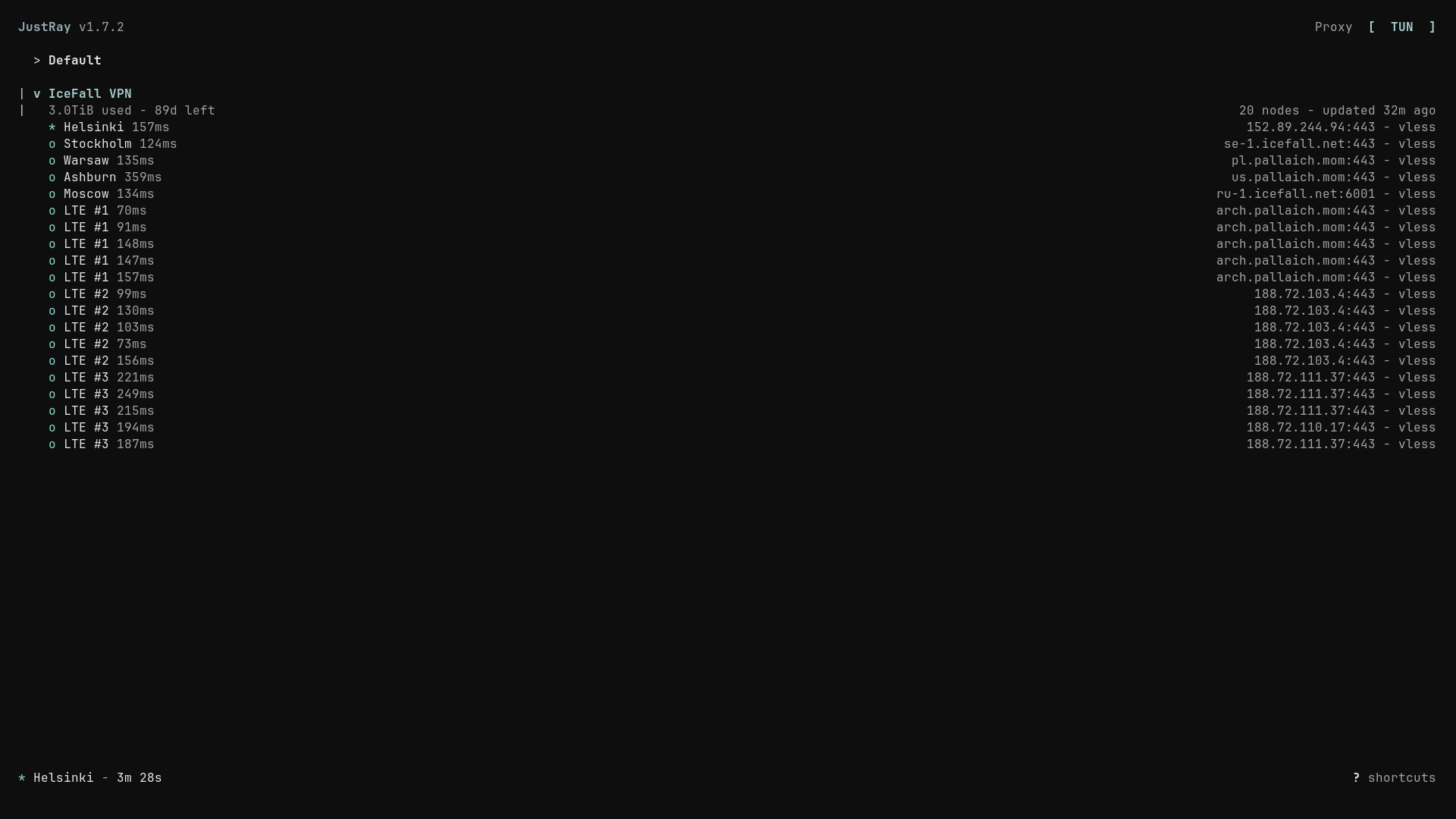 |  |