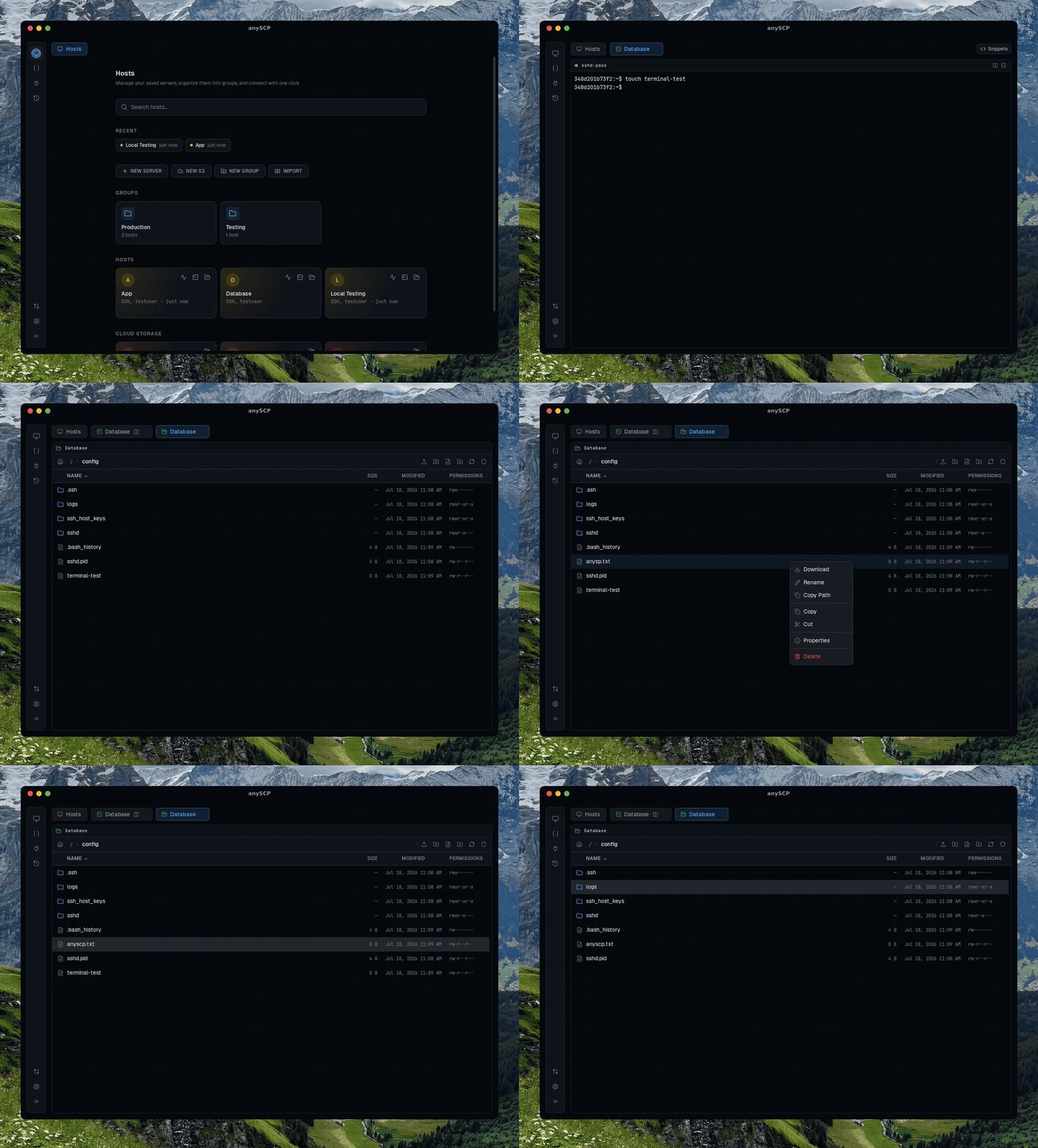
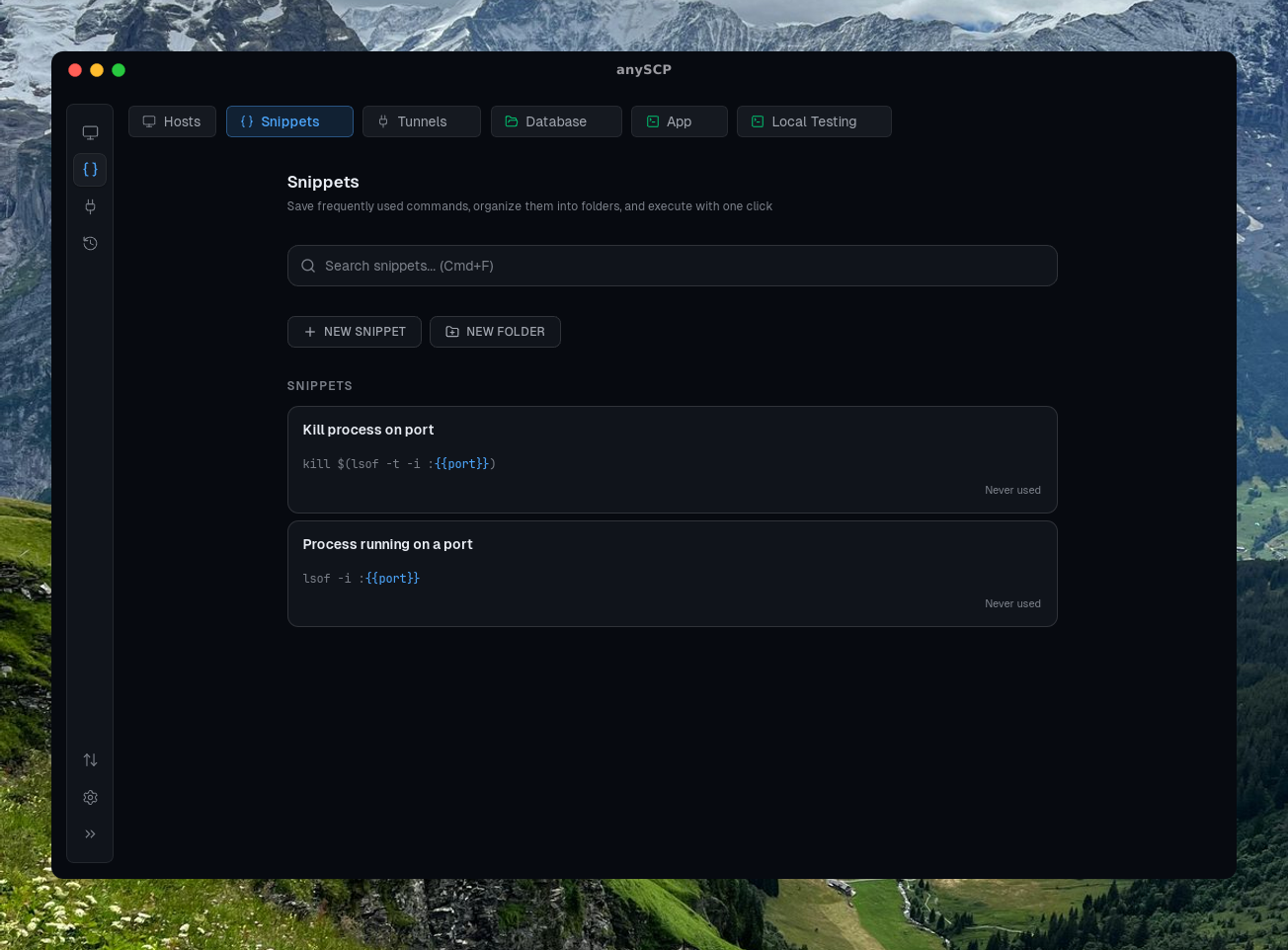
AnySCP is a free, open-source desktop application that combines an SSH terminal, SFTP file explorer, and S3-compatible cloud storage browser into a single, fast, privacy-first tool. Built with Tauri v2 (Rust backend + React frontend), it runs natively on macOS, Windows, and Linux. No cloud accounts, no subscriptions -- your credentials stay on your machine.
README
A modern desktop client for SSH, SFTP, and S3 with a clean, powerful interface
Free and open-source alternative to Termius, PuTTY, and WinSCP.
A cross-platform SSH client, SFTP file manager, and S3 desktop browser with split panes, drag-and-drop uploads, and command snippets.
SSH terminals, SFTP file management, and S3 cloud storage -- all in one app.
🚀 Overview
AnySCP is a free, open-source desktop application that combines an SSH terminal, SFTP file explorer, and S3-compatible cloud storage browser into a single, fast, privacy-first tool. Built with Tauri v2 (Rust backend + React frontend), it runs natively on macOS, Windows, and Linux. No cloud accounts, no subscriptions -- your credentials stay on your machine.
Edit S3 objects in VS Code with automatic re-upload on save
Transfer progress tracking with speed and ETA
Switch between multiple buckets within a single connection
🔗 Server & Connection Management
Save SSH hosts and S3 connections with labels, colors, environment tags, and notes
Organize connections into color-coded groups
Import SSH hosts from ~/.ssh/config with one click
One-click connect using credentials stored in your OS keychain
Recent connections list for quick access
Full connection history with audit log
📋 Command Snippets Library
Save frequently used shell commands with labels and descriptions
Create parameterized command templates with {{variable}} placeholders
Organize snippets into folders
Quick-insert panel accessible from any terminal session
Full-text search across all saved snippets
🔀 SSH Port Forwarding
Set up local and remote SSH tunnels
Create, start, and stop port forwarding rules per host
Tunnels create their own SSH connections automatically -- no terminal session needed
Monitor active tunnel status in real time
Presets for common services (PostgreSQL, MySQL, Redis, MongoDB, HTTP, Kubernetes)
🔐 Security & Privacy
Credentials stored in your OS keychain (macOS Keychain, Windows Credential Manager, Linux libsecret/KWallet)
SSH private keys and passwords never leave the Rust backend process
Fully offline -- no internet connection required after installation
Open source -- audit the code yourself
📸 Screenshots
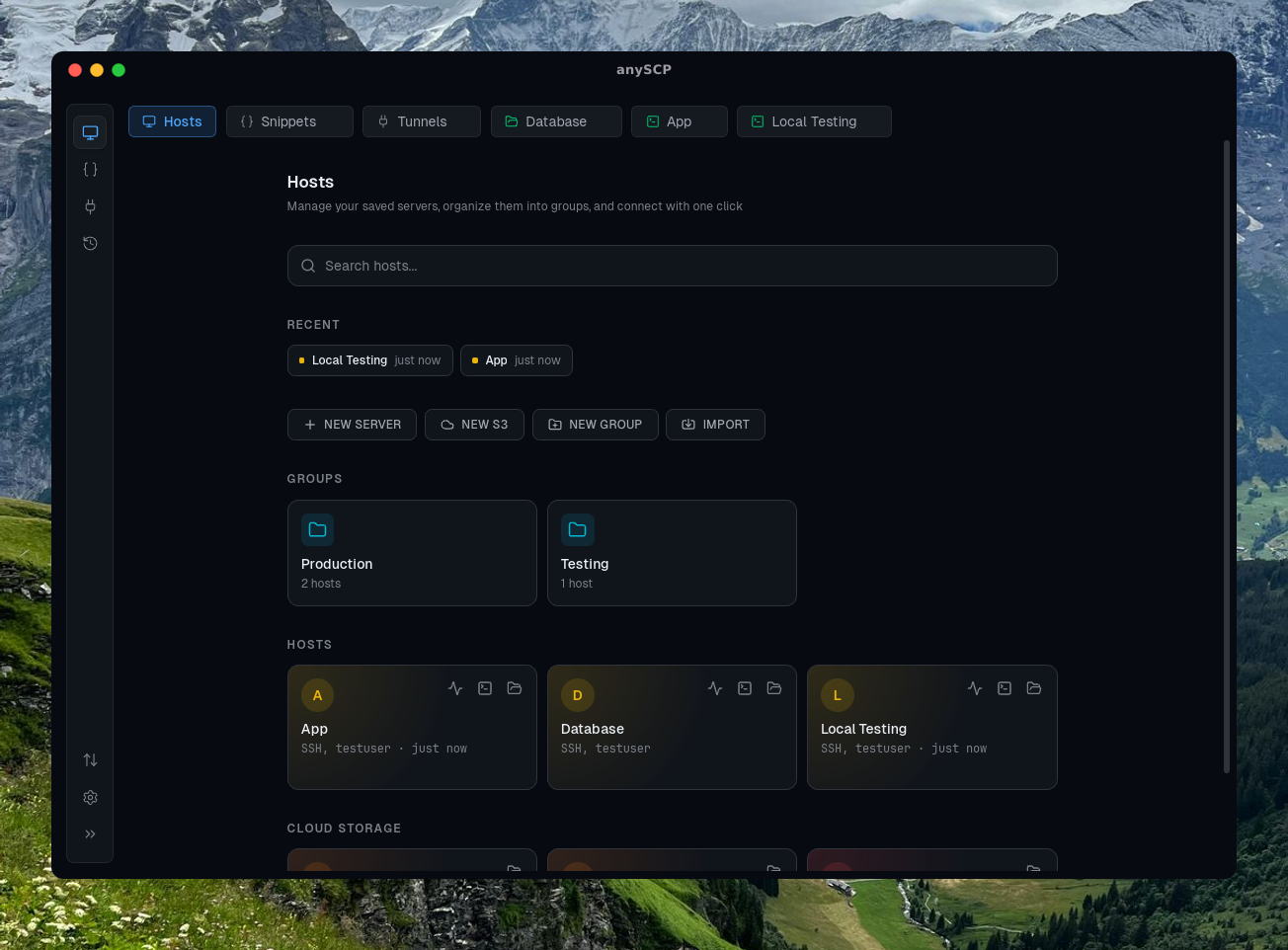
Connection Manager
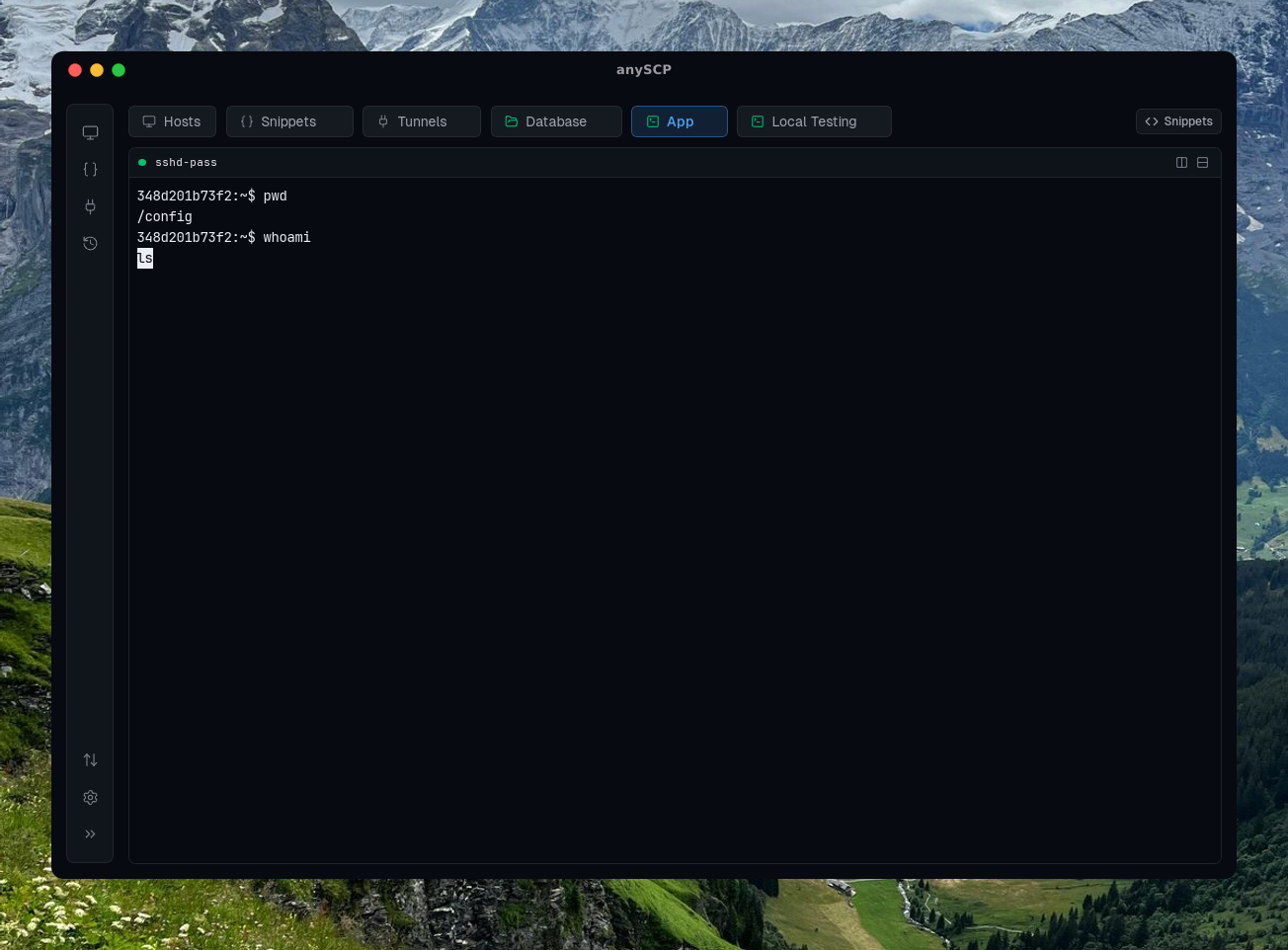
SSH Terminal
Organize servers with groups, colors, and tags
Split panes, search, and tabbed sessions
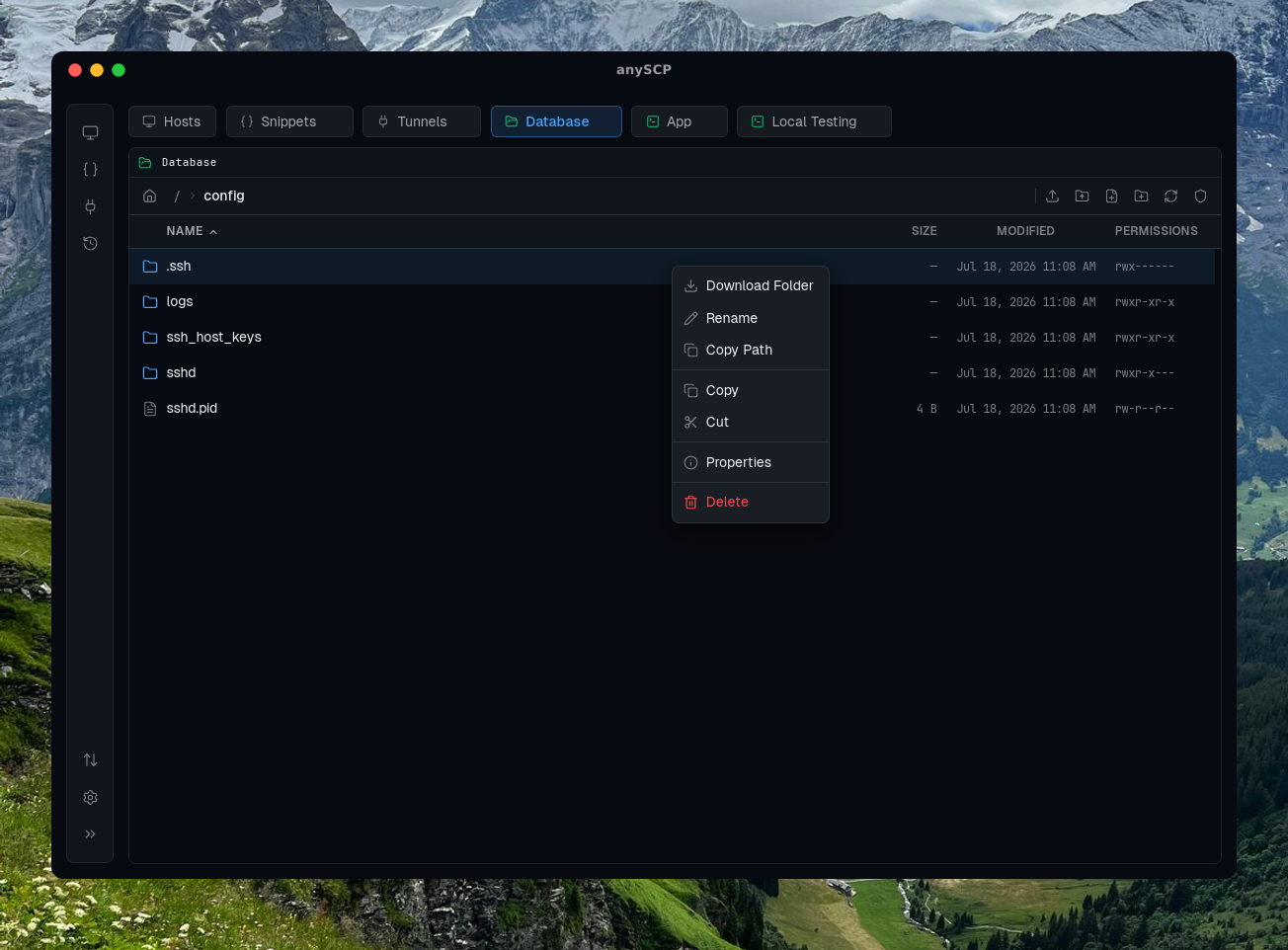
File Explorer
Command Snippets
SFTP & S3 with drag-drop, context menus
Parameterized templates with quick-insert
📥 Installation
Download
Download the latest release from the Releases page
Choose the right file for your platform:
macOS (Apple Silicon): .dmg (aarch64)
macOS (Intel): .dmg (x64)
Windows: .msi or .exe
Linux: .deb or .AppImage
Install and launch
> macOS note: If you see "app is damaged", run: xattr -cr /Applications/anyscp.app
Updating
Already have anySCP installed? Go to Settings → About & Updates and click Check to update in-app — or turn on Automatic Updates to install new releases automatically.
Requirements
macOS 11+, Windows 10+, or Linux (Ubuntu 22.04+)
For SFTP: SSH access to remote servers
For S3: Access key and secret key (or S3-compatible credentials)
# Clone the repository
git clone https://github.com/macnev2013/anyscp.git
cd anyscp

# Install frontend dependencies
pnpm install

# Run in development mode (hot-reload)
pnpm tauri dev

# Build for production (generates platform-specific installer)
pnpm tauri build