dstimer madLinux
Use this command to install dstimer with WinGet:
winget install --id=madLinux.dstimer -e The Timer for CLI people
winget install --id=madLinux.dstimer -e The Timer for CLI people


A dead-simple, cross-platform CLI countdown timer featuring:
You can also install a non-audio features version with cargo no-audio-release
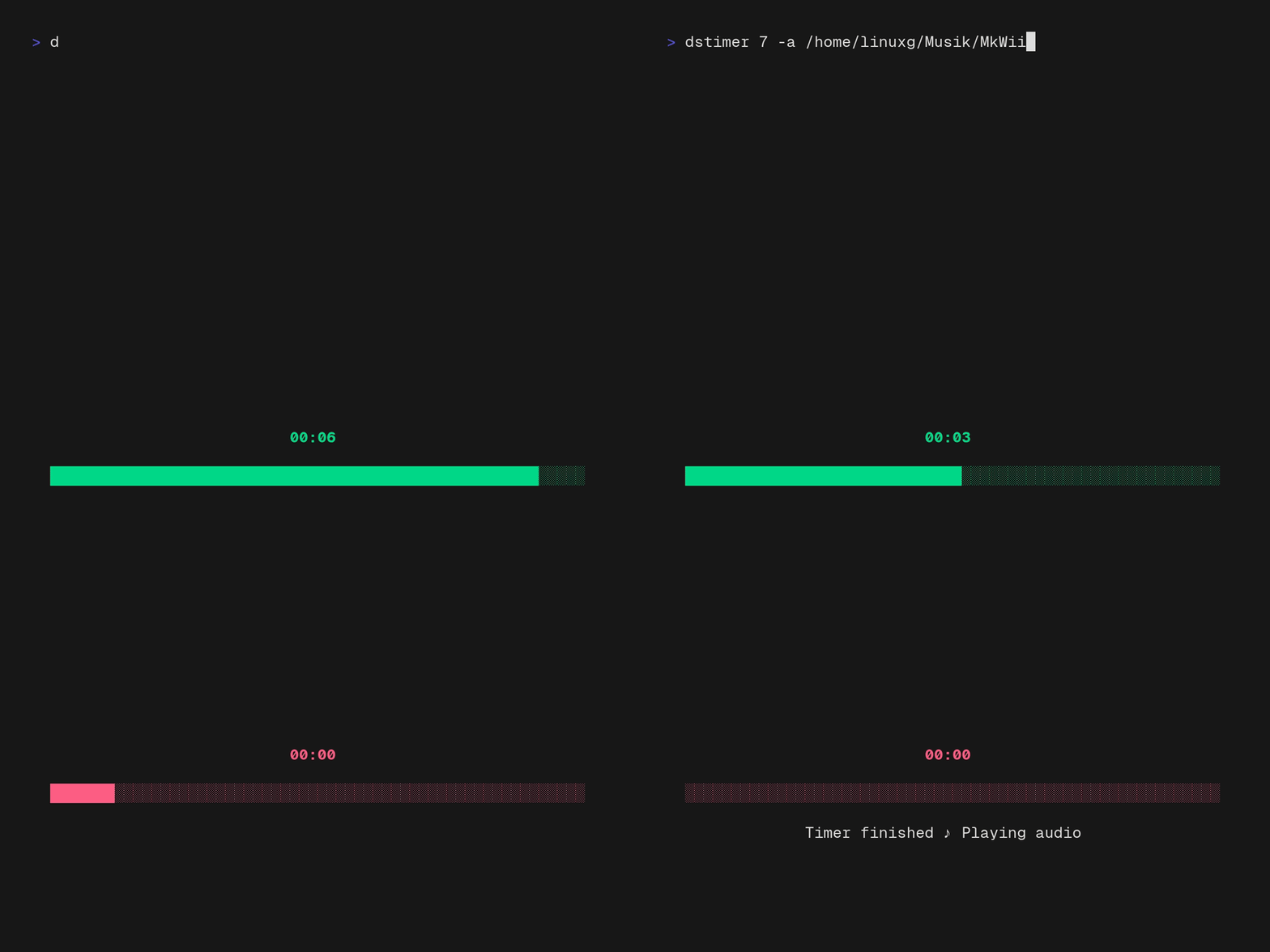
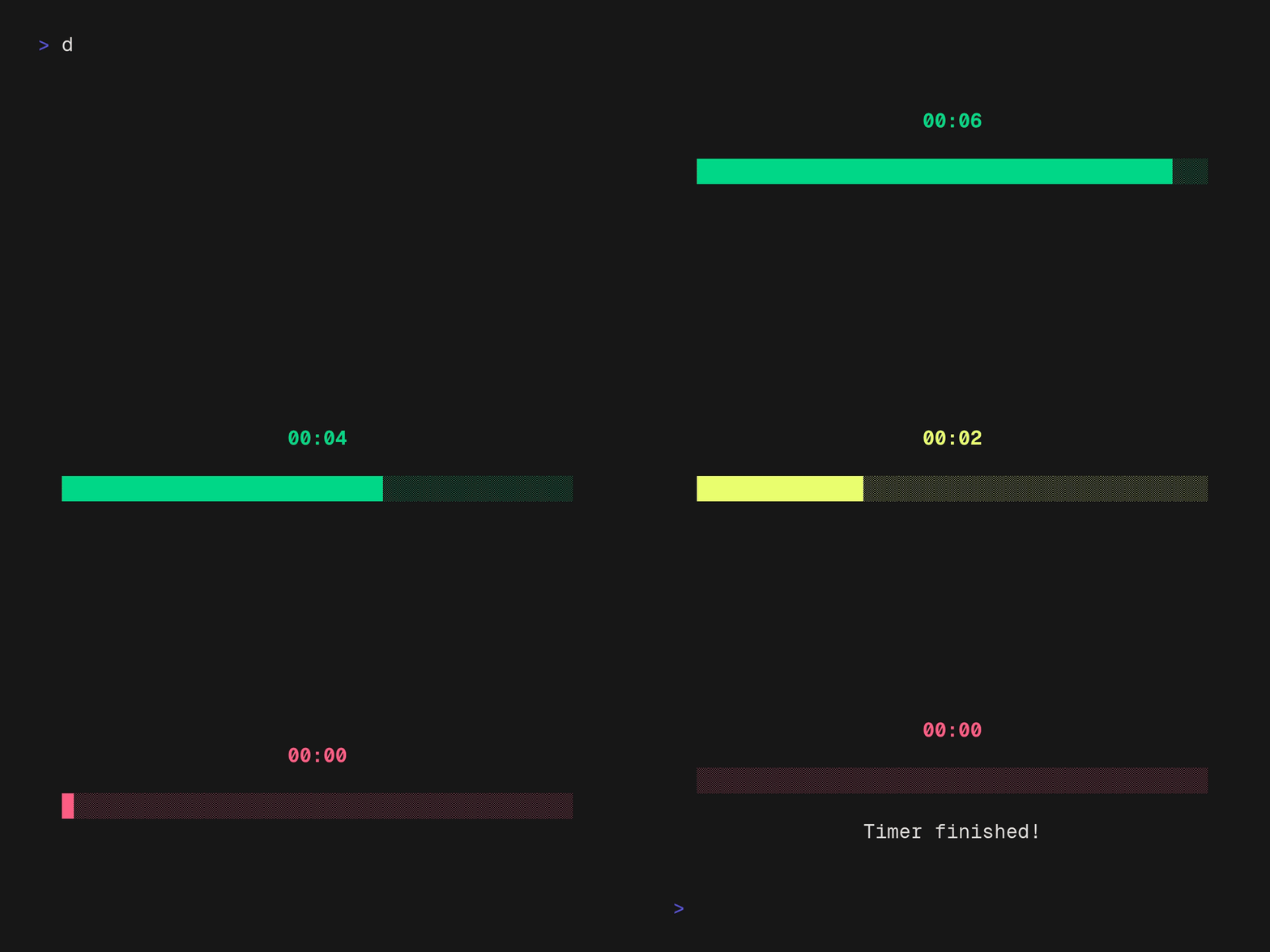 Demo with 7 seconds as argument (Fullscreen)
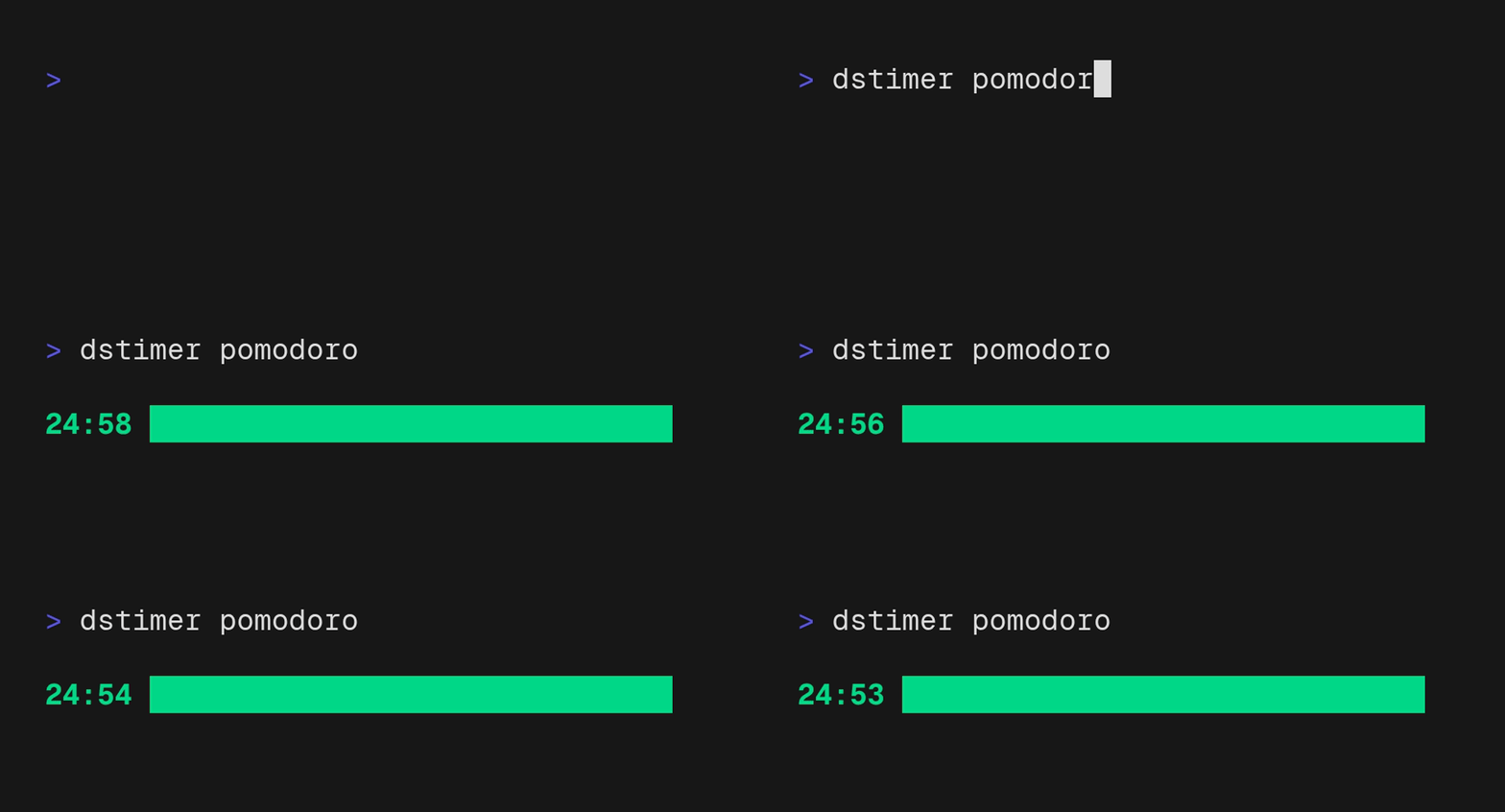 Demo with pomodoro preset (Inline)
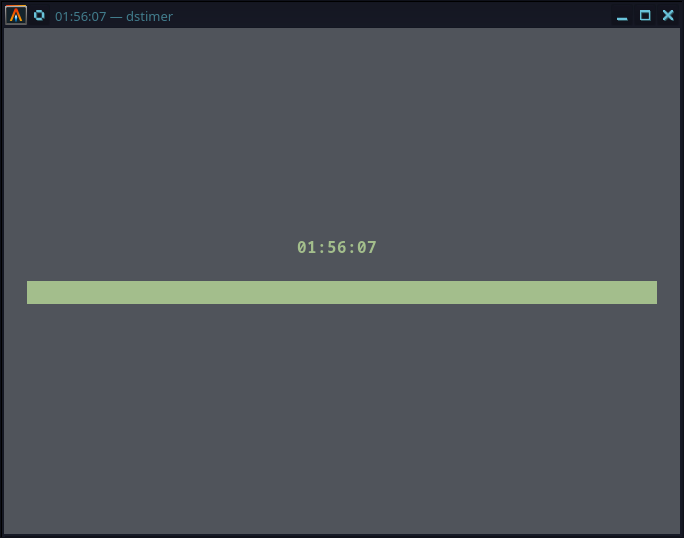
--url) — fires a GET request on finish and shows the responsedstimer pomodoro) in ~/.dstimer/presets.yaml~/.dstimer/defaults.yaml| Flag | Short | Description |
|---|---|---|
--time | -t | Duration in HH:MM:SS, MM:SS, or SS format |
--audio | -a | Path to audio file to play on finish |
--url | -u | URL to call (HTTP GET) when timer finishes |
--inline | -i | Inline mode (see below) |
--silent | Suppress desktop notifications | |
--no-title | Do not show the remaining time in the terminal tab/window title |
The positional argument can be a time value (dstimer 25:00) or a preset name (dstimer pomodoro). See Configuration below.
dstimer
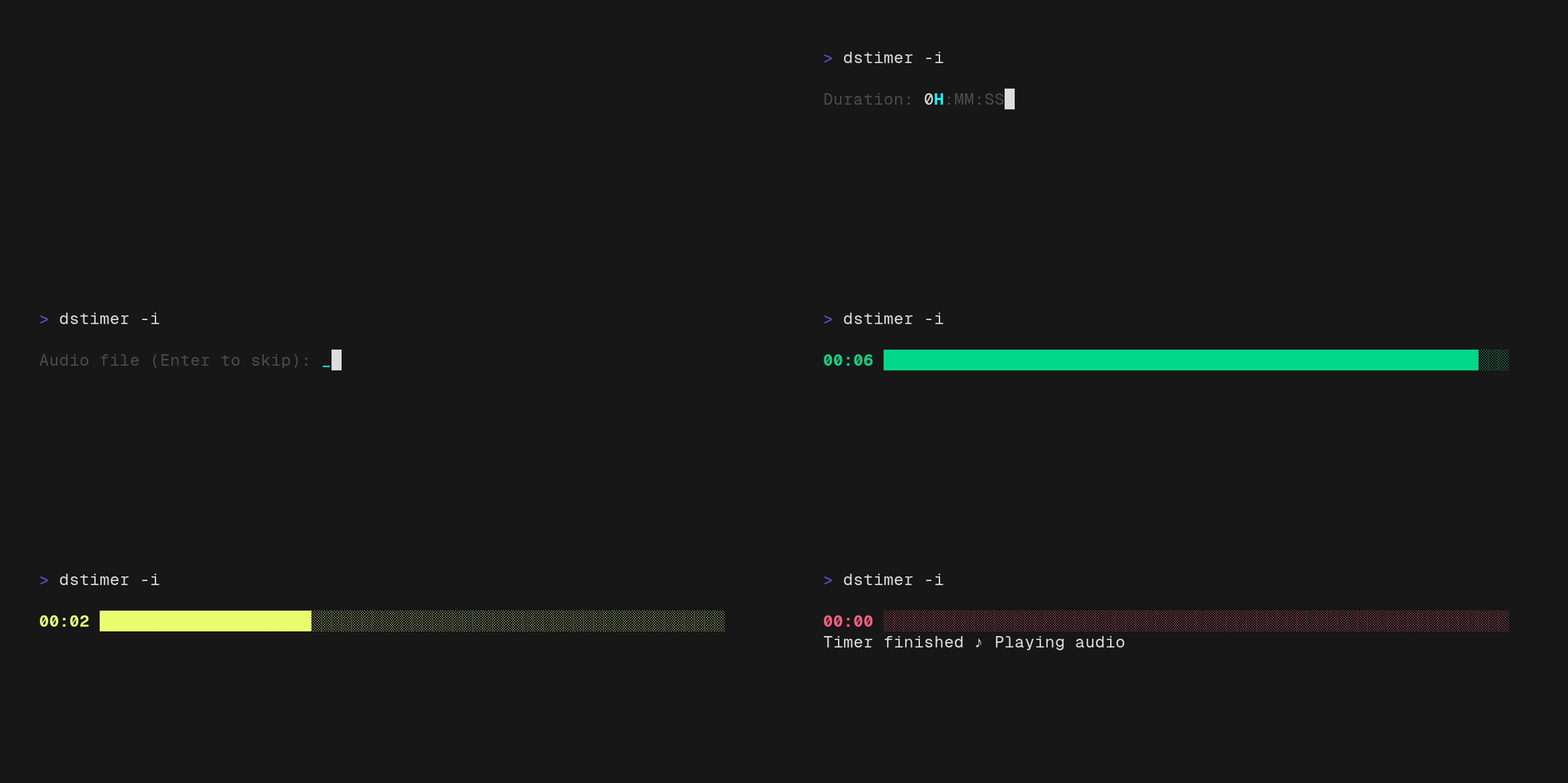
You'll be prompted to enter a duration, an optional audio file path, and an optional URL.
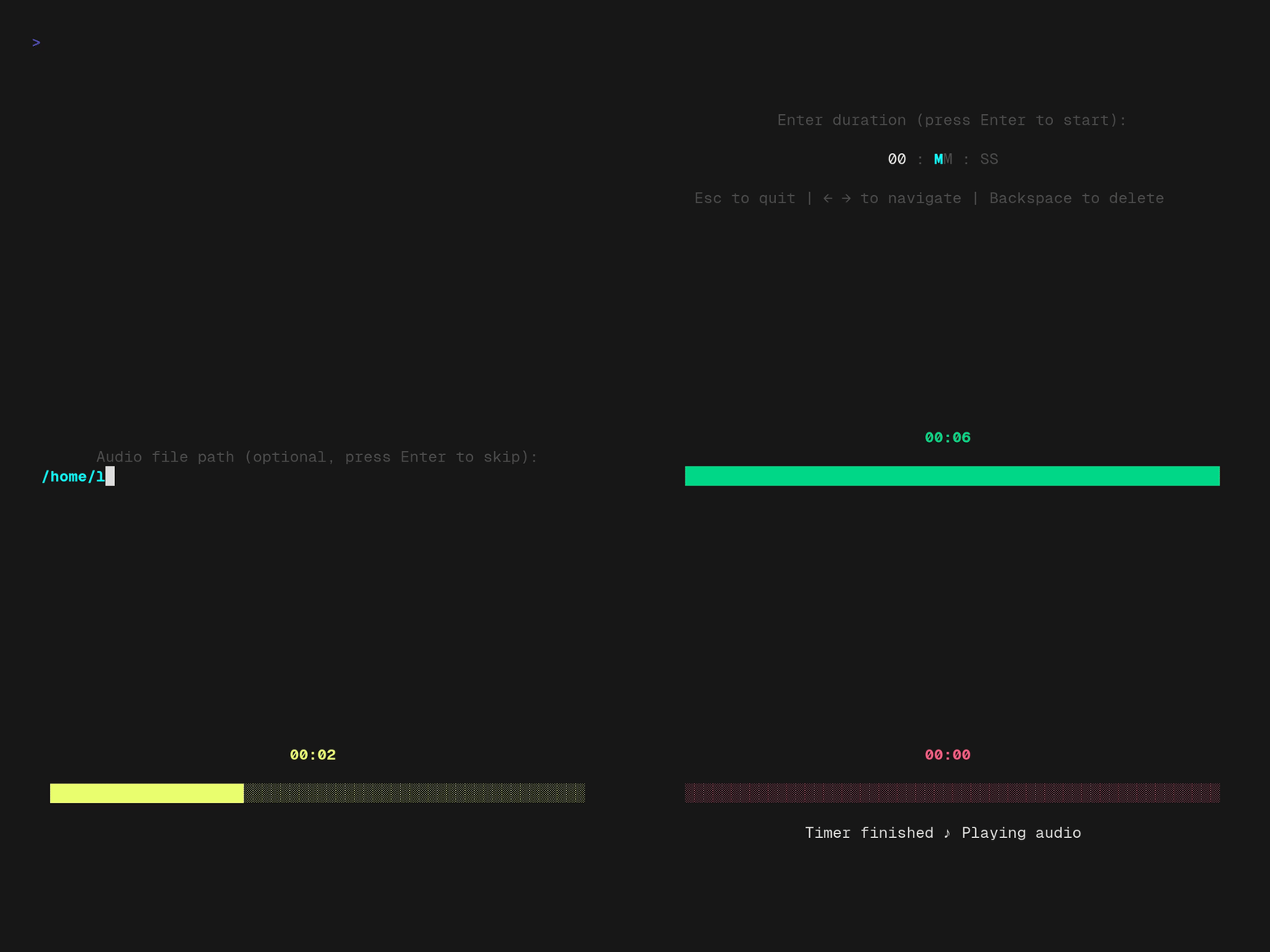
> Fullscreen mode uses the terminal's alternate screen, so the timer redraw does not add frames to your normal scrollback. Your original terminal contents are restored when the timer exits.
dstimer # starts interactive mode
dstimer 25:00 # 25 minutes
dstimer 7 # 7 seconds
dstimer --time 1:30:17 # 1 hour 30 minutes 17 seconds
dstimer 90 --audio /path/to/audio.wav # plays audio.wav after 90 seconds
dstimer 5:00 --url https://example.com/hook # fires HTTP GET after 5 minutes
dstimer pomodoro # loads named preset
dstimer pomodoro -t 30:00 # preset with CLI time override
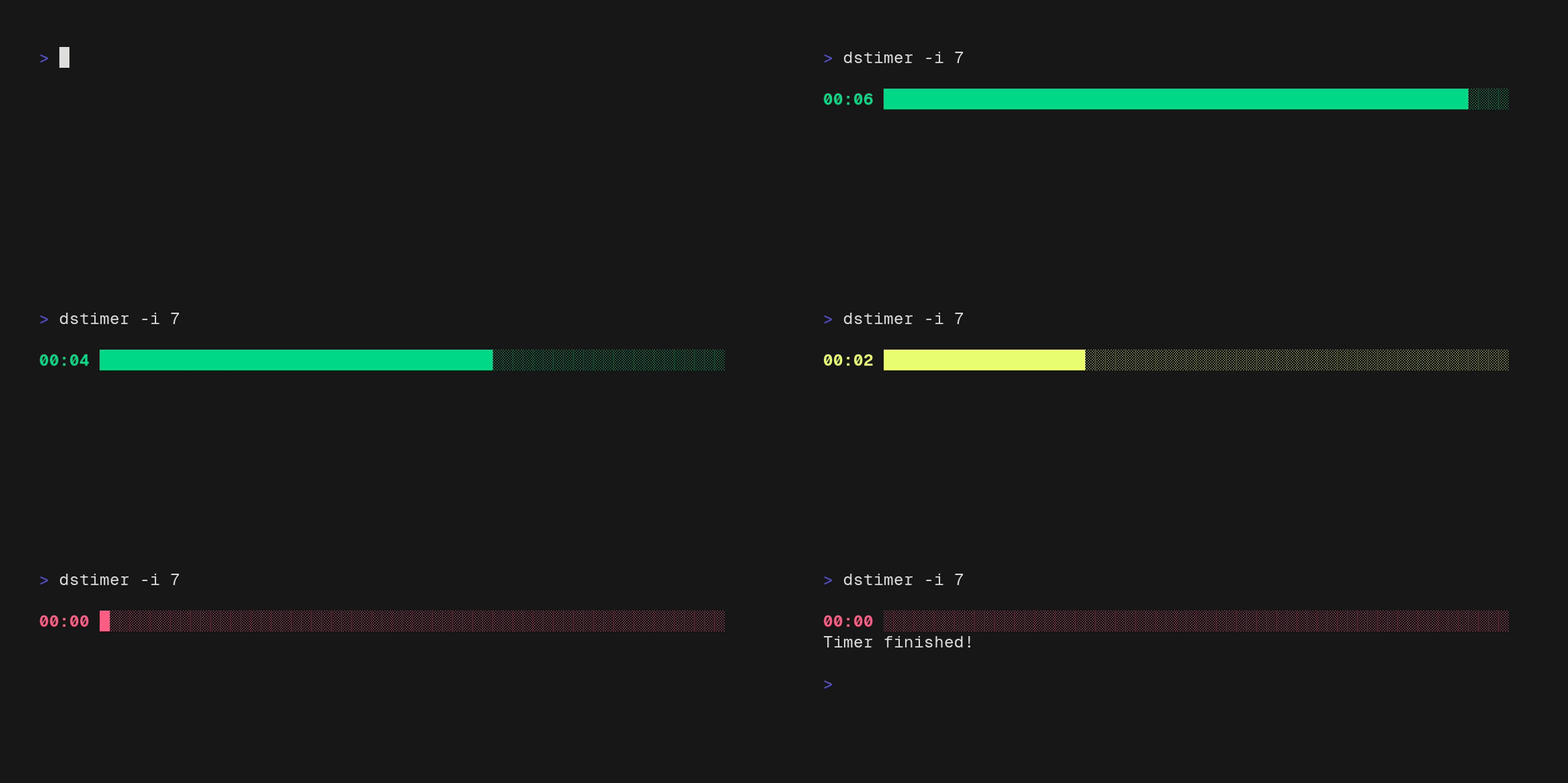
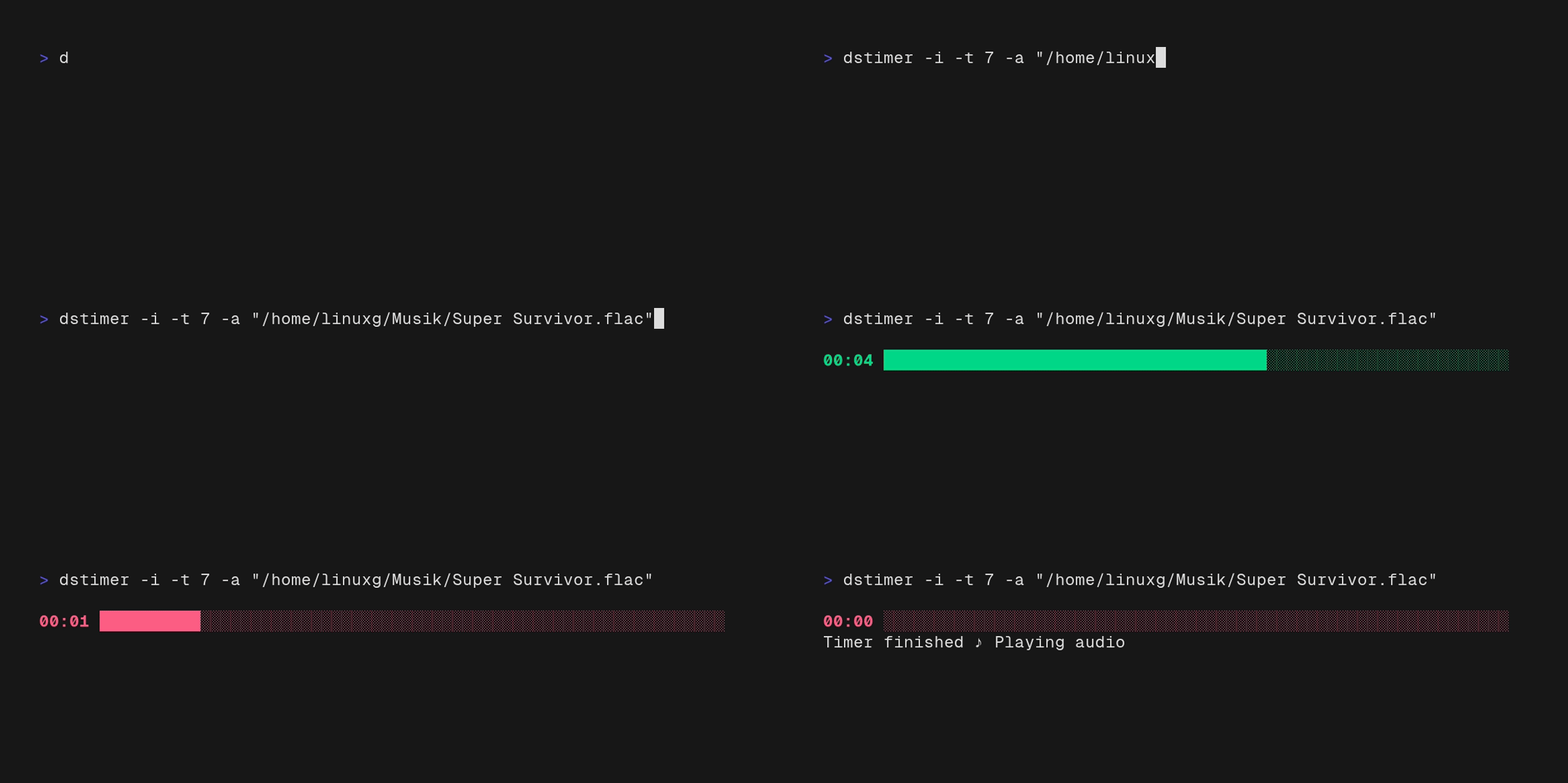
--inline / -i):dstimer --inline # interactive prompt stays inline too
dstimer 60 -i
Renders the timer on the current terminal line instead of taking over the full screen. Useful for scripts, split panes, or when you want the rest of your terminal history visible.
dstimer automatically creates ~/.dstimer/ with two YAML files on first run.
defaults.yaml — Global defaultsThese values apply to every run unless overridden by a preset or CLI flags.
inline: false
silent: false
audio: ""
url: ""
When audio or url are set here, the interactive TUI skips those prompts automatically.
presets.yaml — Named presetsDefine reusable timer presets and call them by name:
pomodoro:
  time: "25:00"
  inline: true
  silent: false
  audio: "/home/user/music/bell.flac"
  url: "https://example.com/pomodoro-done"

break:
  time: "5:00"
  silent: true
Then just run:
dstimer pomodoro           # uses all preset values, starts immediately
dstimer break              # 5-minute silent break timer
dstimer pomodoro -t 30:00  # override just the time
All fields in a preset entry are optional. Missing fields fall back to defaults.yaml.
Priority order: CLI flags > preset > defaults.yaml
curl -fsSL https://raw.githubusercontent.com/madLinux7/dstimer/main/install.sh | sh
homebrew
brew install madLinux7/tap/dstimer
Winget:
winget install madLinux.dstimer
PowerShell Install Script:
irm https://raw.githubusercontent.com/madLinux7/dstimer/main/install.ps1 | iex
cargo install dstimer
For headless or minimal Linux systems, install without audio playback and its system audio build dependencies:
cargo install dstimer --no-default-features
> --no-default-features is a Cargo built-in flag (learned this recently, can't be renamed); in this
> project audio is the only default feature, so it is exactly equivalent to
> building without audio. For local builds you can use the shorter
> cargo no-audio / cargo no-audio-release aliases defined in
> .cargo/config.toml.
This build retains timers, presets, webhooks, and desktop notifications, but
does not provide the --audio flag or an audio prompt. Existing audio:
values in defaults.yaml and presets.yaml are ignored.
MP3, FLAC, WAV, OGG, and anything else supported by Symphonia.
git clone https://github.com/madLinux7/dstimer
cd dstimer
cargo build --release
./target/release/dstimer
Requires Rust 1.70+.
To build an audio-free binary, use cargo no-audio-release (alias for
cargo build --release --no-default-features).
Contributions are always welcome! If you want to help, here's the workflow:
cargo clippy and cargo fmt before opening a PRfeat:, fix:, chore:, refactor:No formal issue template — just open one if you want to discuss an idea first.
dstimer couldn't be dead simple without the efforts of some great open-source projects:
And a special shoutout to VHS by Charm for making it dead simple to record sick custom terminal GIFs!
