mdreader Recherche Solutions LLC
Install mdreader with WinGet
winget install --id=mdreadercontributors.mdreader -e mdreader Setup
winget install --id=mdreadercontributors.mdreader -e mdreader Setup
A fast, beautiful markdown reader for Windows — that happens to edit.
Double-click a .md file, see a well-typeset document in under a second, press
Ctrl+E to edit the raw markdown, Ctrl+S, back to reading. Nothing else. No
vault, no notebook, no sync, no account.
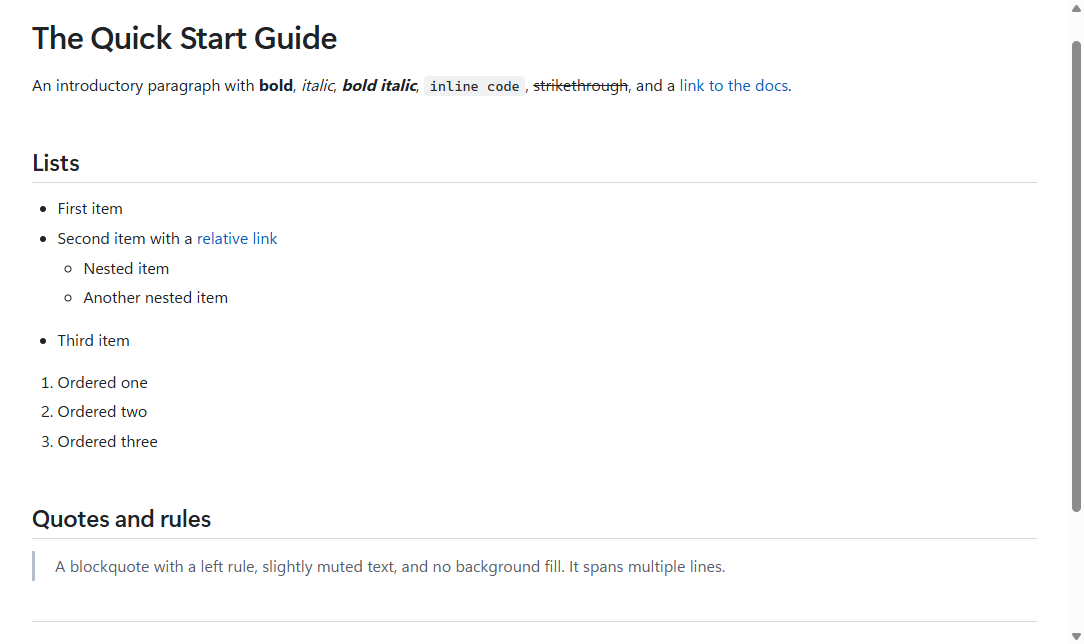
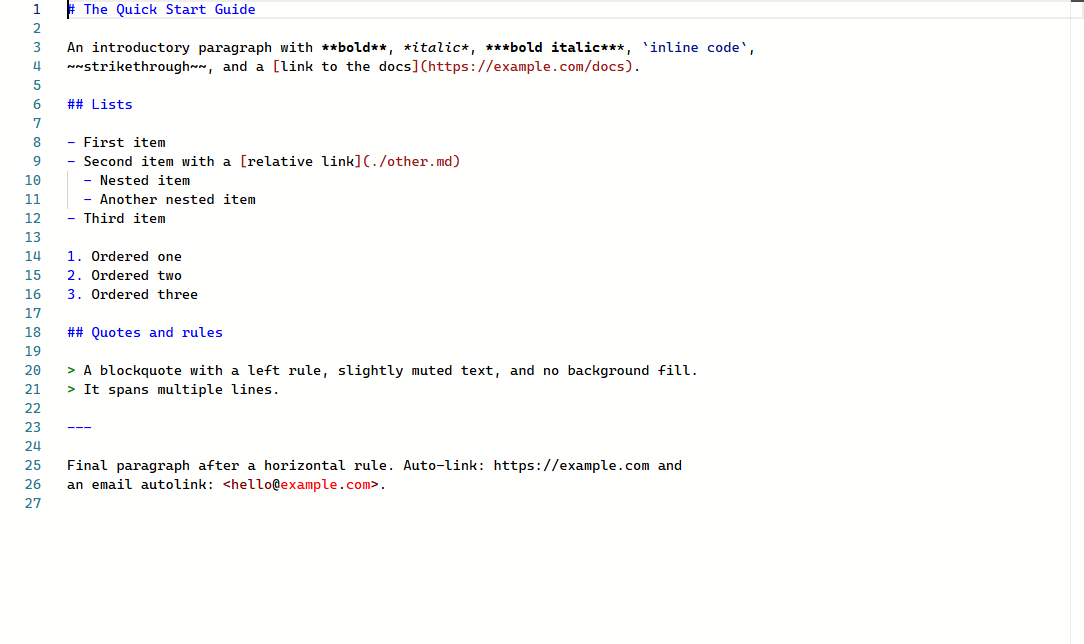
Ctrl+E toggles to a Monaco editor with markdown
highlighting; scroll position is preserved in both directions. Ctrl+Shift+E
for split view with synchronized scrolling.Ctrl+G go-to-line-or-heading, back/forward through jumps
(Alt+Left/Alt+Right), and every file reopens at the spot you left it.mdreader file.md --export-html out.html and
--export-pdf out.pdf work headlessly for CI.mdreader makes no network requests of any kind, with two explicit, visible
exceptions you control: loading remote images (off by default — they are a
tracking vector) and an opt-in update check against the GitHub releases API
(also off by default). There are no analytics, no crash reporting phone-home,
no usage beacons. This is enforced in code, not just promised here: the reader
runs under a Content Security Policy with connect-src 'none'.
winget (recommended):
winget install recherchesolutions.mdreader
Installer: download mdreader-setup-.exe from
Releases. Per-user, no admin required. Silent install for
Intune/SCCM: mdreader-setup.exe /VERYSILENT /NORESTART.
Portable: download mdreader--portable-win-x64.zip, extract, run
mdreader.exe. No installer, no registry writes until first launch (the app
registers itself per-user as an available handler — never the default
without your say-so).
Build from source:
git clone https://github.com/recherchesolutions/mdreader
cd mdreader
dotnet build -c Release
dotnet run --project src/MdReader.App -c Release -- path\to\file.md
Requires the .NET 10 SDK and the WebView2 Evergreen Runtime (preinstalled on Windows 11 and any machine with Edge).
| Key | Action |
|---|---|
Ctrl+E | Toggle Reader ⇄ Source |
Ctrl+Shift+E | Toggle split view |
Ctrl+Shift+O | Table of contents |
Ctrl+F | Find |
Ctrl+G | Go to line or heading |
Alt+Left / Alt+Right | Back / forward (jump history) |
Ctrl+S | Save |
Ctrl+P | |
Ctrl + / - / 0 | Zoom |
Ctrl+O / Ctrl+W / Ctrl+Tab | Open / close tab / next tab (tabs also close via their ✕ or middle-click) |
Ctrl+Shift+T | Reopen the most recently closed tab |
mdreader-convert supports ordinary files, standard streams, watch mode,
deterministic HTML, and local-only validation. Diagnostics are written to
stderr so stdout remains safe for pipelines.
Get-Content README.md -Raw | mdreader-convert --stdin --stdout --deterministic > README.html
mdreader-convert README.md README.html --watch
mdreader-convert --check-links docs --diagnostics json
For stdin content, use --base-dir to resolve relative assets. A
versioned .mdreader.json may set theme and deterministic; its schema is in
docs/mdreader-config.schema.json. Project
configuration cannot silently enable raw HTML or remote content.
Exit codes are 0 for success, 1 for conversion/internal failure, 2 for
invalid input, and 4 when validation finds local problems.
A factual comparison with the usual ways people read markdown on Windows:
| mdreader | Browser extension | VS Code preview | Note-taking apps | |
|---|---|---|---|---|
| Double-click a .md file, get a document | ✅ | manual setup, per-browser | opens an editor first | imports into a library |
| Works fully offline | ✅ | varies | ✅ | varies |
| Edit the raw markdown | ✅ one keystroke | ❌ | ✅ | often WYSIWYG-only |
| Diagrams + math built in | ✅ | varies | via extensions | varies |
| Byte-faithful saves (Git-friendly) | ✅ | n/a | ✅ | often reformats |
| No account, no sync, no telemetry | ✅ | varies | telemetry opt-out | often account-based |
If you live in a vault of linked notes, a note app serves you better — that is deliberately not what mdreader is.
Drop a CSS file into %APPDATA%\mdreader\themes\ and select it in Settings.
The entire palette is CSS custom properties — a theme is usually a dozen lines
overriding the variables at the top of
reader.css.
Not a note app. No wiki links, backlinks, graph view, tags, or vaults. No cloud sync, no accounts, no collaboration. No WYSIWYG editing — Source mode shows raw markdown, by design. No plugin system (custom CSS themes are the extensibility story). No telemetry. No AI features.
Every document is treated as untrusted input. Rendered HTML is sanitized through an allowlist, remote content is blocked by default, scripts cannot run in documents, and the app never requests elevation. Details and the disclosure process are in SECURITY.md.
MIT. Bundled third-party components are listed in THIRD-PARTY-NOTICES.md.