PrismCat is a self-hosted, transparent proxy and debugging console for LLM APIs. Change one line — your base_url — and instantly see every request and response between your app and OpenAI / Claude / Gemini / Ollama / any LLM API, including streaming (SSE).
> You never know how much junk your SDK silently injects into your prompts — until you use PrismCat.
PrismCat is a self-hosted, transparent proxy and debugging console for LLM APIs.
Change one line — your base_url — and instantly see every request and response between your app and OpenAI / Claude / Gemini / Ollama / any LLM API, including streaming (SSE).
Sound familiar?
PrismCat
"Why is my token usage so high? My prompt is short!"
See the hidden system prompts and few-shot examples your SDK silently injects
"My Agent went rogue and I have no idea what it did"
Every call is already recorded — review the full behavior chain days later
"Streaming output freezes or gets truncated"
Every SSE chunk is captured — tell whether it's the model, the gateway, or your client
"Function Calling keeps returning broken JSON"
Capture the raw output, tweak the prompt in the Playground, resend
"Multiple people share one API key — whose request failed?"
Tag requests with X-PrismCat-Tag and filter by user or project
"I run local models with Ollama and want to see the traffic"
Point an upstream at http://localhost:11434 — it's a generic HTTP proxy
Why subdomains? Because they make the proxy truly transparent — your request paths (like /v1/chat/completions) stay exactly the same. No path rewriting, no SDK quirks. Any language, any SDK, any LLM — as long as it lets you set a base_url, it just works. You can even chain proxies (App → PrismCat → relay → OpenAI) with zero friction.
> 💡 About *.localhost: Modern browsers and most operating systems automatically resolve *.localhost to 127.0.0.1 — no hosts file editing required. If your environment doesn't support this, see Path Routing Mode or add a hosts entry manually.
Key Features
Full Traffic Observability
Complete request/response headers and bodies with keyword search and highlighting
SSE streaming captured in full — view raw chunks or the merged result
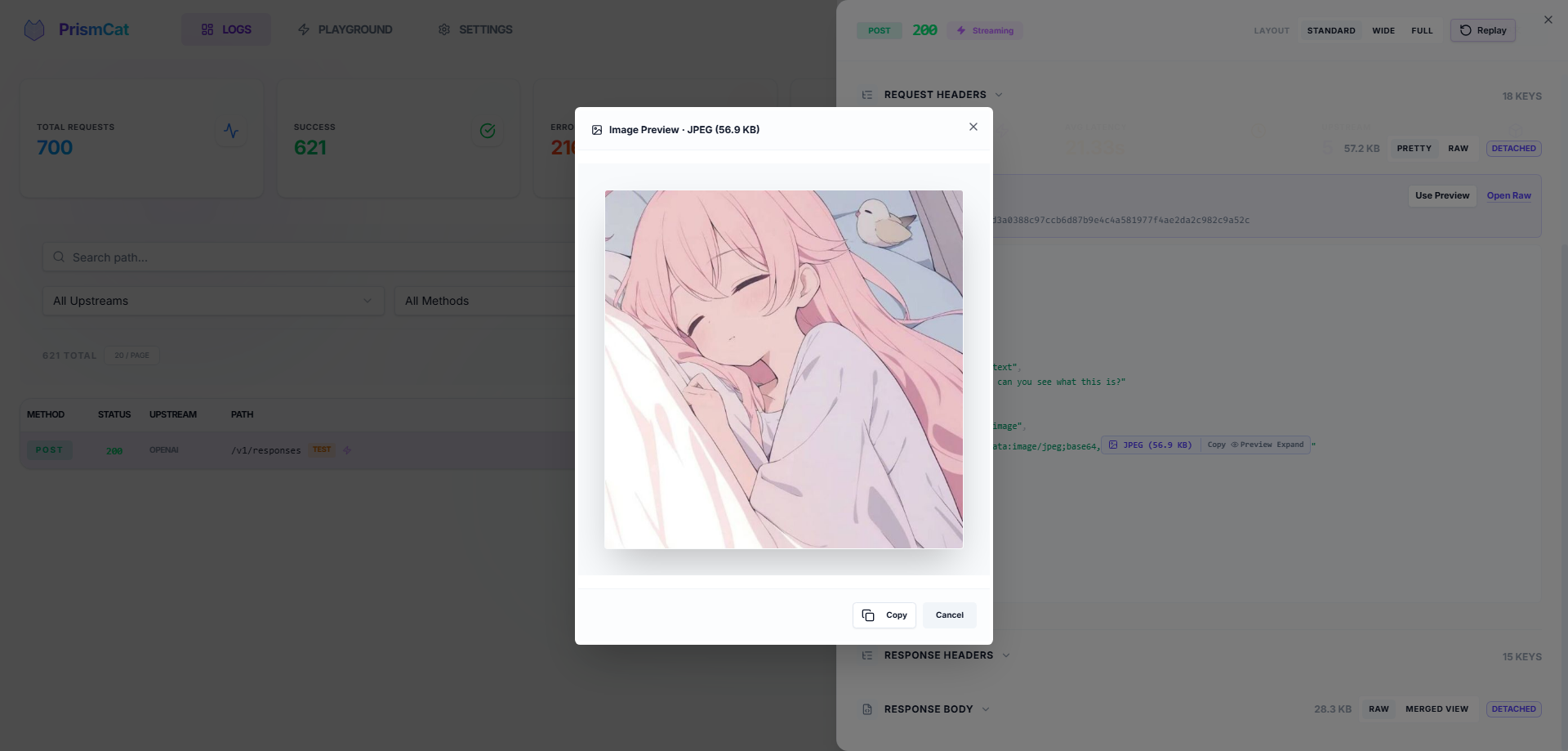
Auto-formatted JSON, smart Base64 folding (no more drowning in image data) with one-click image preview
Copy any request as a ready-to-run cURL command
One-Click Replay (Playground)
See a failed request? Hit Replay, tweak the prompt or parameters right in your browser, and resend instantly. No need to re-run your Python/Node script.
Trace & Usage Tracking
Automatically correlate related requests into traces, and extract token usage from responses. Built-in extraction rules for OpenAI, Anthropic, and Gemini — or define your own.
Target Presets
One stable proxy endpoint, several complete targets behind it — switch between them from Settings without touching the client.
Each preset bundles target URL, timeouts, outbound proxy, and rule bindings, so you can't end up with a new URL and an old key
Useful for production/staging, direct/proxied routes, regional endpoints, tenant credentials, and live-vs-mock servers
A switch affects new requests only; in-flight streams finish against the target they started with
Request Override (Opt-In)
Rewrite outbound requests without touching your code — set, remove, or conditionally default JSON body fields, append/prepend to arrays, and set or strip HTTP headers. Each rule is matched by method / path / JSON content; the log detail page shows a side-by-side diff of the original vs. final request.
> 🔒 Strictly opt-in. PrismCat is a transparent proxy by default and never touches your requests unless you (1) flip the master switch, (2) define rules, and (3) bind them to specific upstreams. Skip any of those steps and every byte is forwarded untouched.
Privacy & Security
Fully local — data stays in local SQLite + filesystem, no third-party servers
Automatic masking of sensitive headers (Authorization, api-key)
Log Tagging
Add X-PrismCat-Tag: my-tag to any request header to categorize logs in the UI. Perfect for shared proxies with multiple users or projects.
Dead-Simple Deployment
Single binary, zero dependencies. Windows system tray support. Native Docker image available.
Always-On, Always Reviewable
Built to run as a silent, 24/7 black box — you never have to "remember to start capturing."
Automatic retention cleanup and large-body offloading keep storage healthy over months
Review what an autonomous Agent actually sent and received, days after the fact
PrismCat vs. Alternatives
PrismCat
mitmproxy
Langfuse / Helicone
Deployment
Single binary / Docker
Local install + certs
SaaS or complex self-host
LLM-Optimized
✅ JSON formatting, Base64 folding, SSE merge
❌ Generic HTTP inspector
✅ But geared toward production monitoring
One-Click Replay
✅ Built-in Playground
❌
Partial
Integration
Change base_url
System-wide proxy / certs
Instrument SDK code
Data Ownership
Fully local
Fully local
Third-party dependent
Stream Playback
✅ Raw + merged view
Poor UX
Partial
Long-Term Running
✅ Auto-cleanup, silent background
Ad-hoc debugging tool
✅ But requires external infra
Docker Deployment
Docker Compose
Create a docker-compose.yml:
services:
  prismcat:
    image: ghcr.io/paopaoandlingyia/prismcat:latest
    container_name: prismcat
    ports:
      - "8711:8711"
    environment:
      # Dashboard hosts. Use localhost locally; use your domain or IP on a server.
      - PRISMCAT_UI_HOSTS=localhost,127.0.0.1
      # Base domain for subdomain routing. For bare-IP deployments, enable path routing instead.
      - PRISMCAT_PROXY_DOMAINS=localhost
      # For bare IP / no wildcard domain deployments: set PRISMCAT_UI_HOSTS to your IP and enable path routing.
      # - PRISMCAT_UI_HOSTS=YOUR_IP
      # - PRISMCAT_ENABLE_PATH_ROUTING=true
      # Recommended for public-facing deployments; leave empty to set it on first UI access
      - PRISMCAT_UI_PASSWORD=your_strong_password
      - PRISMCAT_RETENTION_DAYS=30
    volumes:
      - ./data:/app/data
    restart: always
If your environment can't resolve *.localhost, or you're deploying to a bare IP without a wildcard domain, enable path routing mode in Settings to route by URL path instead of subdomain:
# Path routing mode — no subdomain resolution needed
client = OpenAI(
    base_url="http://localhost:8711/_proxy/openai/v1",  # On a server: http://YOUR_IP:8711/_proxy/openai/v1
    api_key="sk-..."
)
# or via environment variable
PRISMCAT_ENABLE_PATH_ROUTING=true
> Note: Path routing adds a prefix to your request URL (e.g., /_proxy/openai/...), which may require extra care with how some SDKs construct paths. Subdomain mode doesn't have this caveat.
Production Deployment (Nginx + Wildcard Domain)
For public-facing deployments, use a wildcard domain (e.g., *.prismcat.example.com) with Nginx:
server {
    listen 80;
    server_name prismcat.example.com *.prismcat.example.com;

    location / {
        proxy_pass http://127.0.0.1:8711;
        proxy_set_header Host $host;  # Required: pass original Host for subdomain routing

        # Required for SSE / streaming
        proxy_http_version 1.1;
        proxy_set_header Connection "";
        proxy_buffering off;

        client_max_body_size 50M;
    }
}
Then add prismcat.example.com to PrismCat's proxy_domains. The dashboard is available at prismcat.example.com, and your upstream openai is available at openai.prismcat.example.com.
Configuration Reference
The config file lives at data/config.yaml and is created on first launch. Most settings can also be changed from the Settings page in the UI.
Full config example
server:
  port: 8711
  ui_password: ""           # Console password; leave empty to set it on first UI access
  proxy_domains:            # Base domains for subdomain routing
    - localhost

logging:
  max_request_body: 5242880       # Save request content up to 5MB
  max_response_body: 33554432     # Save response content up to 32MB
  sensitive_headers:              # Headers to auto-mask
    - Authorization
    - api-key
    - x-api-key
  detach_body_over_bytes: 2097152 # Load bodies > 2MB on demand
  body_preview_bytes: 524288      # Inline readable preview; lower for high-frequency long-running use
  early_request_body_snapshot: false

logging_rules:
  # Filled once from the embedded ai_models.json catalog, then fully user-managed.
  model_path_templates_initialized: false
  model_path_templates: []

storage:
  retention_days: 30              # Log retention in days; 0 = keep forever

upstreams:
  openai:
    target: "https://api.openai.com"
    timeout: 300 # Total timeout for the entire upstream request and response; new configs default to 5 minutes
    response_header_timeout: 60 # Advanced: wait for HTTP status/headers; 0 disables; always bounded by total timeout
    response_body_first_byte_timeout: 30 # Advanced: wait for the first response body byte after headers; applies to all responses
    response_body_idle_timeout: 15 # Advanced: maximum silence after the body starts; resets whenever data arrives
    sse_keepalive: # Optional; off by default, and heartbeats never extend the total timeout
      mode: off # off, after_headers, or full (including the response-header wait)
      interval: 15 # Upstream silence before PrismCat sends a downstream SSE comment
    outbound_proxy: "env"          # env, direct, or a proxy URL such as http://127.0.0.1:7890
    logging_path_filter:            # all, allowlist, or denylist; Ant and RE2 regex rules can be mixed
      mode: allowlist
      rules:
        - matcher: ant
          pattern: "/v1/responses"
        - matcher: regex
          pattern: "^/v1/chat/completions$"
  gemini:
    target: "https://generativelanguage.googleapis.com"
    timeout: 300
    response_header_timeout: 0
    response_body_first_byte_timeout: 0
    response_body_idle_timeout: 0 # 0 disables the corresponding stage timeout
    outbound_proxy: "http://127.0.0.1:7890"
  # Optional: multiple complete target presets behind one stable endpoint.
  # target and targets are mutually exclusive; the legacy single-target form remains supported.
  codex:
    active_target: primary
    targets:
      primary:
        url: "https://api.openai.com"
        timeout: 300
        outbound_proxy: "env"
        request_overrides:
          enabled: false
          rule_names: []
      backup:
        url: "https://api.example.com"
        timeout: 300
        outbound_proxy: "direct"
        request_overrides:
          enabled: false
          rule_names: []

`after_headers` injects `: ping` comments only after a successful, uncompressed `text/event-stream` response is confirmed. `full` also covers the response-header wait when PrismCat recognizes `Accept: text/event-stream`, `alt=sse`, or a top-level JSON `stream: true`. Once the first early heartbeat commits HTTP 200, a later upstream 401, 429, or 5xx can only be recorded in PrismCat logs and the downstream observes a terminated stream. Explicit `timeout` values in existing configurations are not migrated when the default changes.

# Request override (opt-in, off by default)
# Supports ops: set, remove, default, append, prepend for JSON body; set, remove for headers.
request_overrides:
  enabled: false
  max_body_bytes: 1048576
  upstreams: {}
  rules: []

# Token usage extraction (off by default)
# Built-in rules for OpenAI, Anthropic, Gemini; define your own via paths.
usage_extraction:
  enabled: false
  upstreams: {}
  rules: []   # see config.example.yaml for built-in rule definitions
FAQ
Q: openai.localhost doesn't work?
Most modern systems resolve *.localhost to 127.0.0.1 automatically. If yours doesn't: