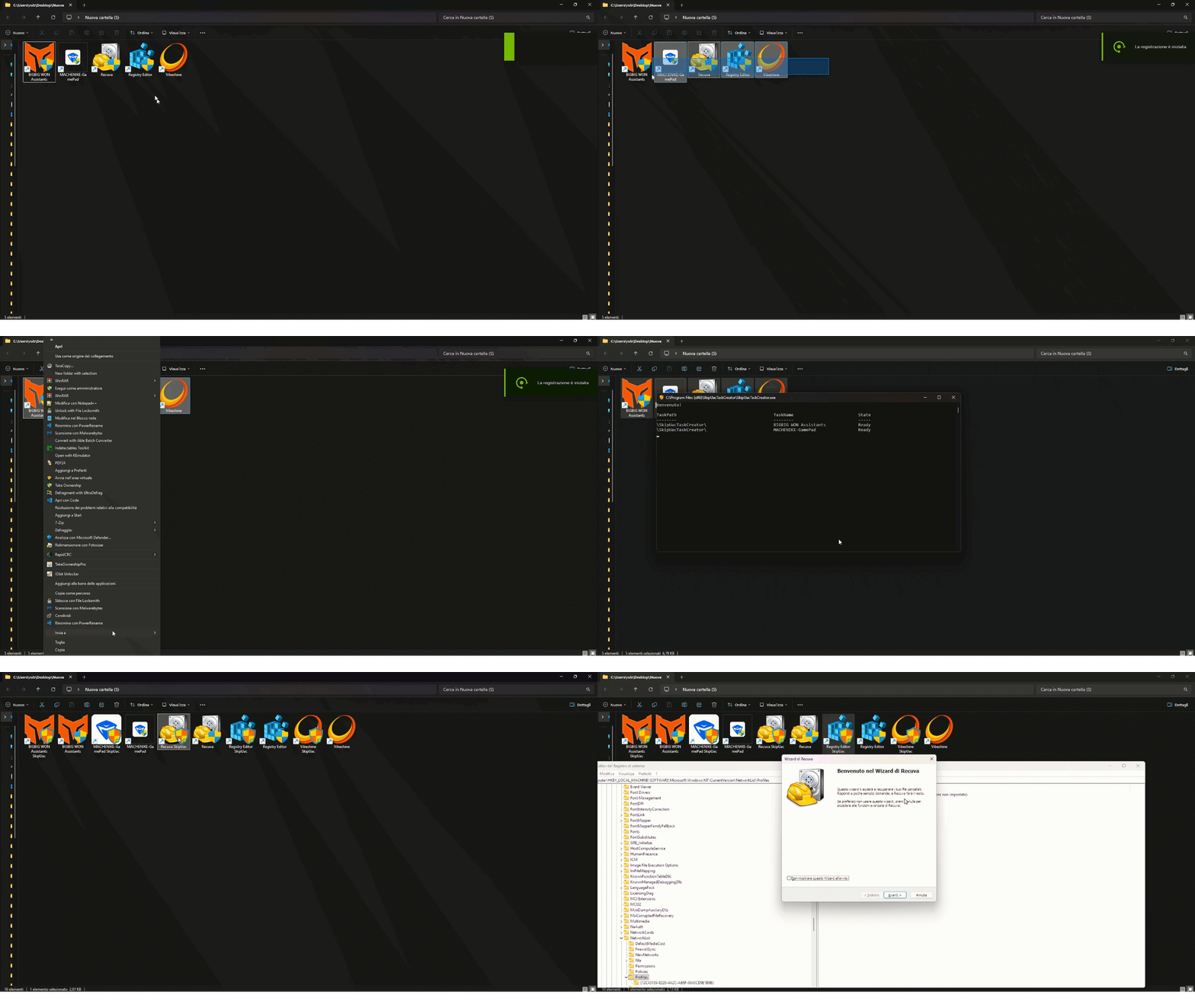
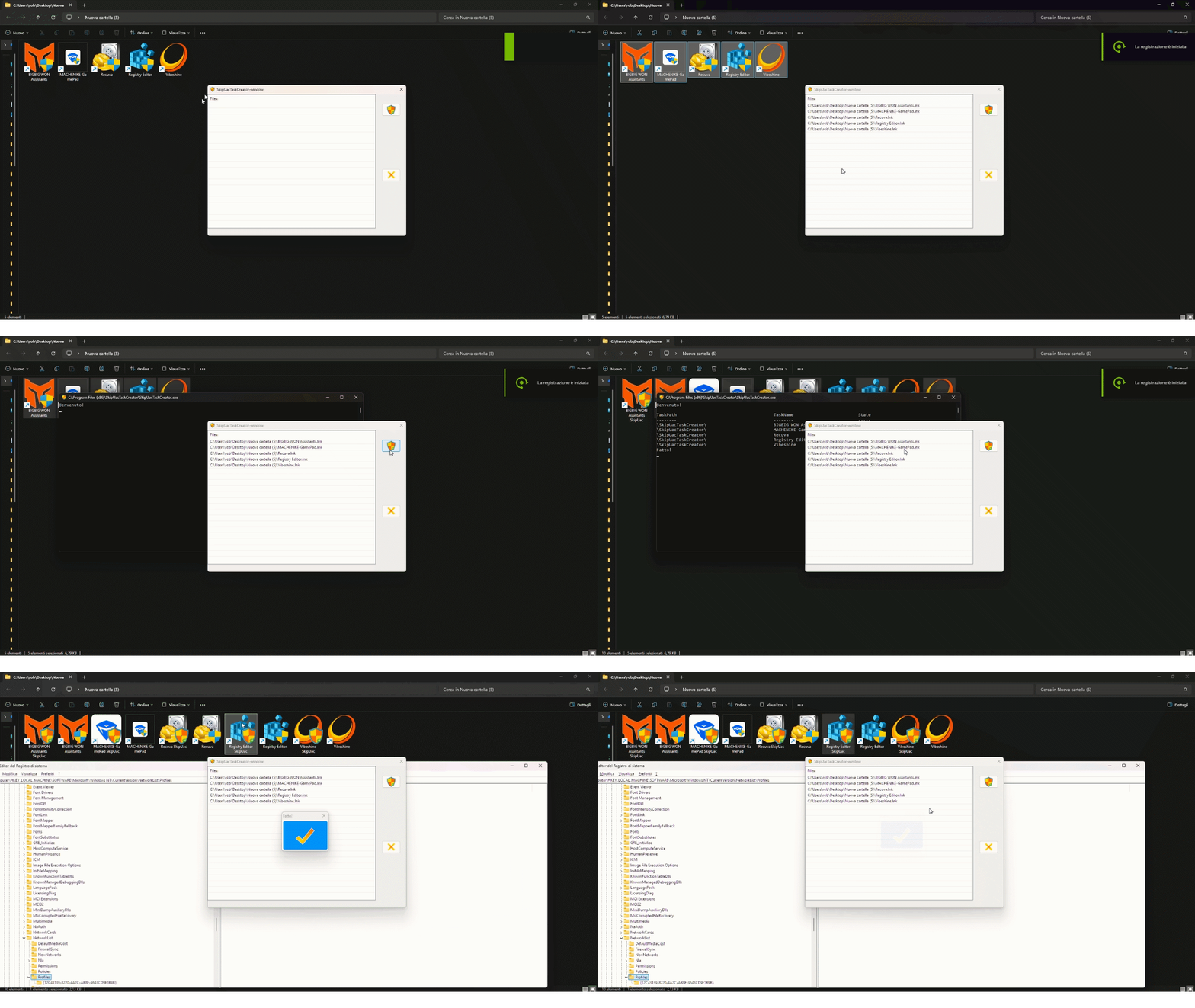
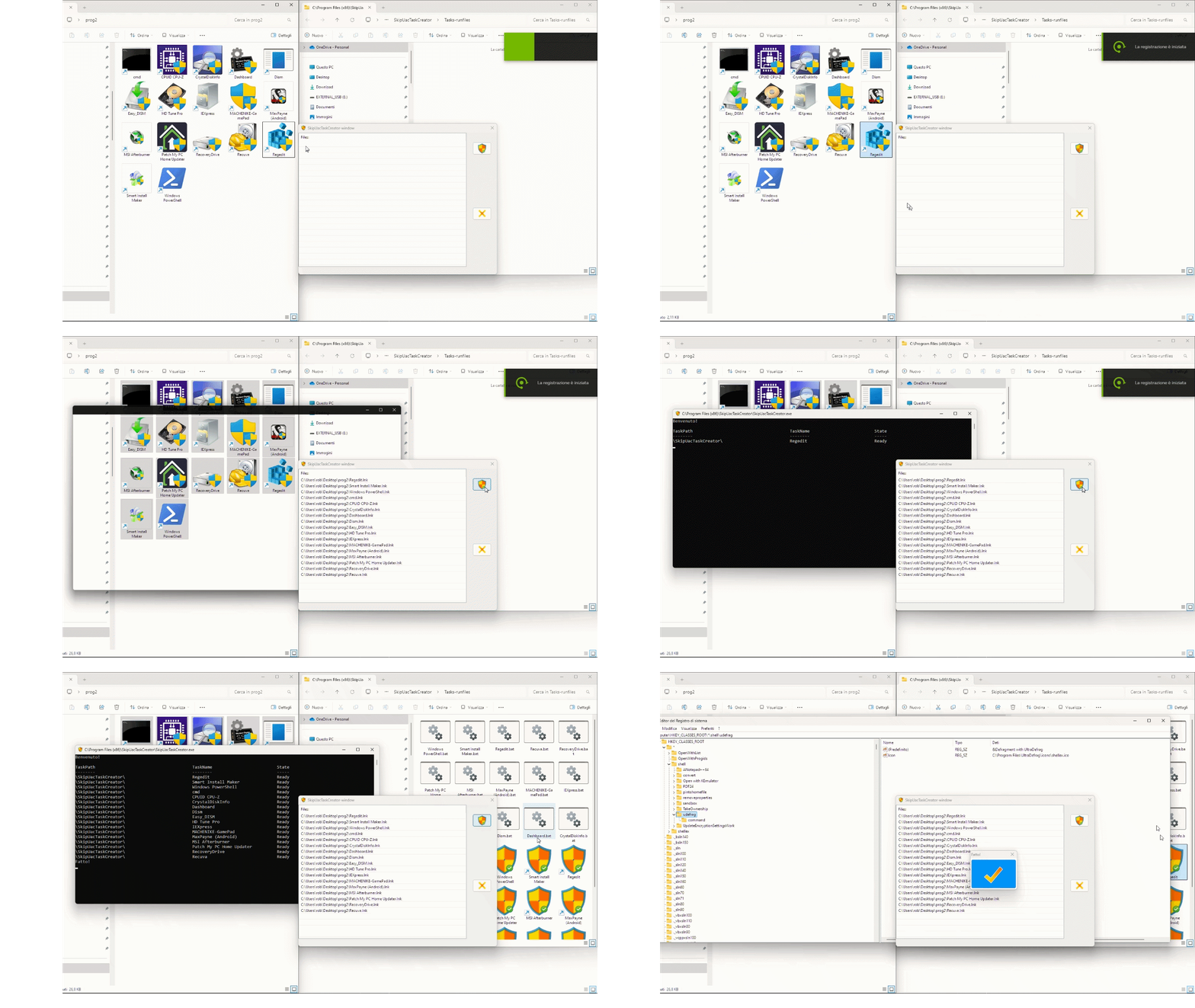
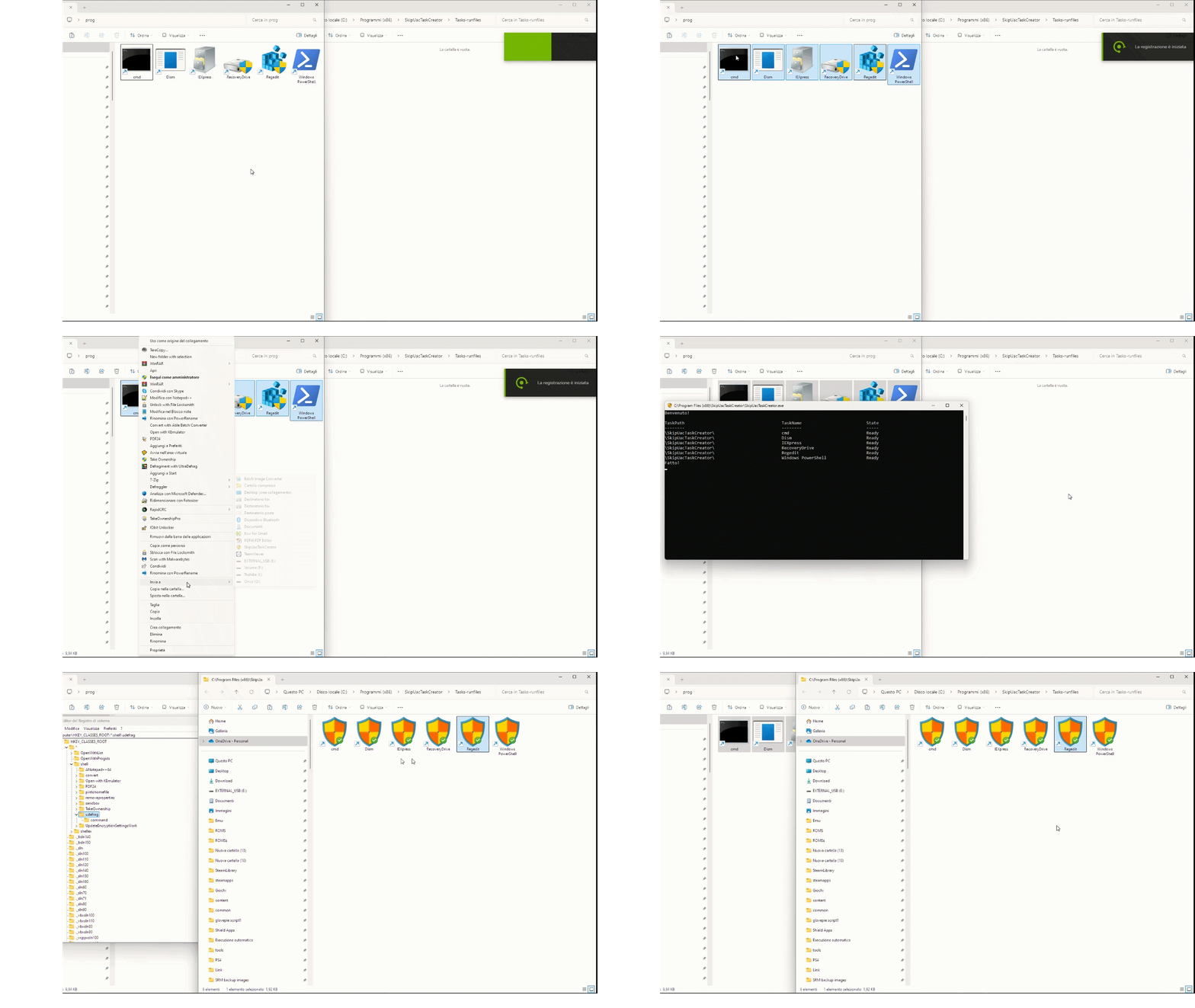
✨ Create elevated tasks with just one click and run your programs without seeing the UAC prompt!
SkipUacTaskCreator, also known as "SUTOCC" (SkipUacTaskOneClickCreator), lets you easily create administrator tasks for Windows Task Scheduler, so you can run programs that require elevated privileges without UAC confirmation.
Simply right-click one or more files and select "Send to" → SkipUacTaskCreator, or drag and drop files into the application window.
README
🚀 SkipUacTaskCreator
✨ Create elevated tasks with just one click and run your programs without seeing the UAC prompt!
"SkipUacTaskCreator", also known as SUTOCC (SkipUacTaskOneClickCreator), lets you easily create administrator tasks for Windows Task Scheduler, so you can run programs that require elevated privileges without the UAC confirmation window.
🌟 Features
⚡ The program doesn't trigger any UAC prompt when creating tasks! 💪
📁 Multi-file support: select and process a large number of programs at once.
🧠 Easy to use and super fast: just a click and you're done.
📂 Flexible shortcut creation: create the LNK in the program's folder, a predefined folder, or both.
🖼️ Icon blending (Badgifying): overlay the SkipUacTaskCreator badge on the original program icon in the bottom-right corner.
✏️ Custom suffix: optionally append a string to the LNK name.
💻 Install with winget:
winget install SkipUacTaskCreator
⚠️ Warning – False Positives
Some AV reports Badgify.exe as malware.
This is a false positive. The software is completely safe and contains no harmful code.
You can review the source code on the repository.
📺 See it in action!
Here's a quick demo of how SkipUacTaskCreator works: